
Crystallized Melancholy Ice Sculptor's Atelier
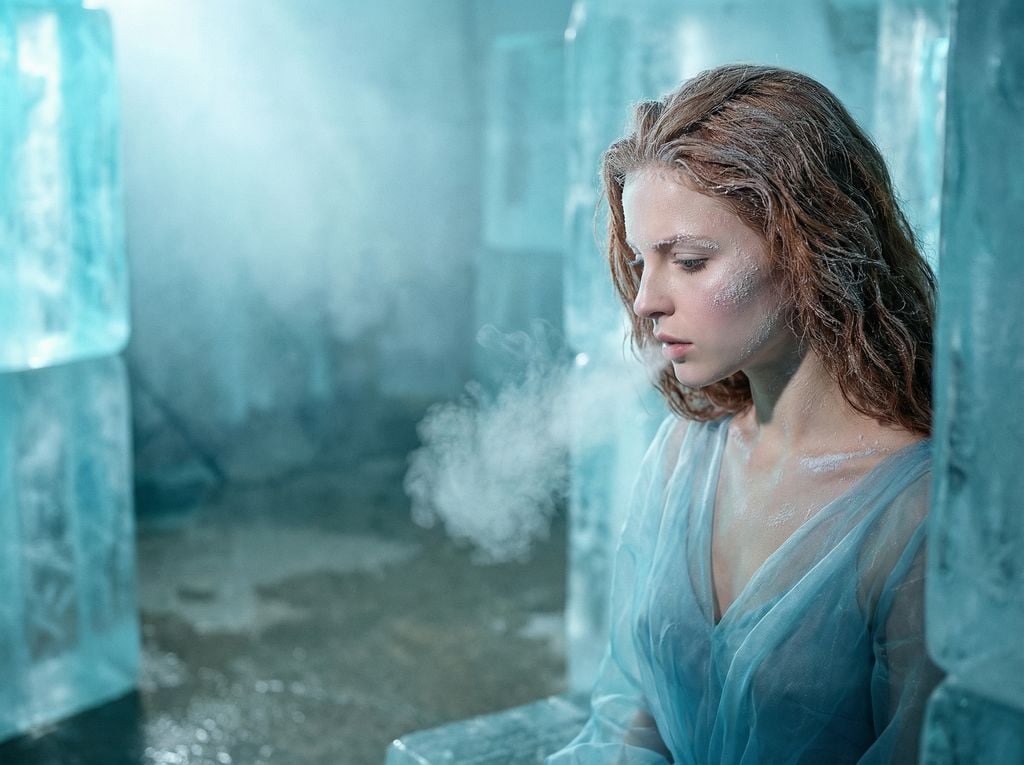
A highly detailed JSON prompt for generating a hyper-realistic, cinematic narrative portrait titled 'Crystallized Melancholy'.
- Prompt included
- Model and format preset
- Free template
The prompt behind this image
Copy the exact prompt behind Crystallized Melancholy Ice Sculptor's Atelier, or open it in the studio and make it yours.
- Vibe Title En
- Crystallized Melancholy
- Master Prompt
- A hyper-realistic, cinematic portrait of The Protagonist captured in a high-concept 'Ice Sculptor's Atelier.' The composition strictly follows the rule of thirds, placing the subject on the far right, leaving vast negative space filled with translucent, suspended blocks of raw ice and freezing mist. The subject is looking down and away with a soft, vulnerable expression, captured in the fragile moment of exhaling, with a visible plume of breath vapor hanging in the air. Practical effect makeup creates the illusion of frost crystallizing on the cheekbones and collarbone; hair is styled with a 'wet-frozen' stiff texture. Lighting involves cool cyan ambient light passing through the ice blocks to create volumetric rays, contrasted with a soft, focused white beam on the face. Shot on a Hasselblad H6D-100c with an 80mm f/1.9 lens for extremely shallow depth of field, focusing sharply on the skin texture while blurring the icy background. The image has the color grading of Fujifilm Pro 400H, emphasizing cool teals and silvers with organic film grain. No CGI fantasy; aesthetic is 'High-End Editorial Surrealism' with tangible, physical textures.
- Meta › Intent
- Editorial Fashion / Narrative Portraiture
- Meta › Priorities
- Tactile Texture, Emotional Vulnerability, Atmospheric Lighting
- Meta › Device Profile
- Medium Format Digital (Hasselblad)
- Frame › Aspect
- 16:9
- Frame › Composition
- Rule of Thirds, High Negative Space
- Frame › Layout
- Off-center subject placement
- Frame › Camera Angle
- Eye level, slightly oblique
- Frame › Tilt Roll Degrees
- 0 degrees
- Subject › Gender
- Female
- Subject › Identity
- The Protagonist (Universal Template)
- Subject › Demographics
- Adult, ethereal presence
- Subject › Face
- Decorated with practical frost makeup (sugar/salt crystals), pale skin tone
- Subject › Hair
- Wet-look styling, stiffened tips to mimic freezing
- Subject › Body
- Shoulders visible, slight shiver posture
- Subject › Expression
- Vulnerable, eyes cast down, soft parted lips, introspective
- Subject › Pose
- Head turned away from camera, exhaling visible breath
- Wardrobe Accessories › Garments › 0 › Item
- Couture Gown
- Wardrobe Accessories › Garments › 0 › Material
- Sheer Organza / Tulle
- Wardrobe Accessories › Garments › 0 › Color
- Icy Blue / Silver White
- Wardrobe Accessories › Garments › 0 › Fit
- Draped, flowing like water
- Wardrobe Accessories › Accessories › 0 › Item
- Earrings
- Wardrobe Accessories › Accessories › 0 › Color
- Transparent / Silver
Raw JSON
{
  "vibe_title_en": "Crystallized Melancholy",
  "master_prompt": "A hyper-realistic, cinematic portrait of The Protagonist captured in a high-concept 'Ice Sculptor's Atelier.' The composition strictly follows the rule of thirds, placing the subject on the far right, leaving vast negative space filled with translucent, suspended blocks of raw ice and freezing mist. The subject is looking down and away with a soft, vulnerable expression, captured in the fragile moment of exhaling, with a visible plume of breath vapor hanging in the air. Practical effect makeup creates the illusion of frost crystallizing on the cheekbones and collarbone; hair is styled with a 'wet-frozen' stiff texture. Lighting involves cool cyan ambient light passing through the ice blocks to create volumetric rays, contrasted with a soft, focused white beam on the face. Shot on a Hasselblad H6D-100c with an 80mm f/1.9 lens for extremely shallow depth of field, focusing sharply on the skin texture while blurring the icy background. The image has the color grading of Fujifilm Pro 400H, emphasizing cool teals and silvers with organic film grain. No CGI fantasy; aesthetic is 'High-End Editorial Surrealism' with tangible, physical textures.",
  "meta": {
    "intent": "Editorial Fashion / Narrative Portraiture",
    "priorities": "Tactile Texture, Emotional Vulnerability, Atmospheric Lighting",
    "device_profile": "Medium Format Digital (Hasselblad)"
  },
  "frame": {
    "aspect": "16:9",
    "composition": "Rule of Thirds, High Negative Space",
    "layout": "Off-center subject placement",
    "camera_angle": "Eye level, slightly oblique",
    "tilt_roll_degrees": "0 degrees"
  },
  "subject": {
    "gender": "Female",
    "identity": "The Protagonist (Universal Template)",
    "demographics": "Adult, ethereal presence",
    "face": "Decorated with practical frost makeup (sugar/salt crystals), pale skin tone",
    "hair": "Wet-look styling, stiffened tips to mimic freezing",
    "body": "Shoulders visible, slight shiver posture",
    "expression": "Vulnerable, eyes cast down, soft parted lips, introspective",
    "pose": "Head turned away from camera, exhaling visible breath"
  },
  "wardrobe_accessories": {
    "garments": [
      {
        "item": "Couture Gown",
        "material": "Sheer Organza / Tulle",
        "color": "Icy Blue / Silver White",
        "fit": "Draped, flowing like water"
      }
    ],
    "accessories": [
      {
        "item": "Earrings",
        "color": "Transparent / Silver",
        "material": "Raw Quartz or Glass",
        "brand_style": "Avant-Garde Artisan"
      }
    ]
  },
  "environment": {
    "setting": "Avant-Garde Ice Sculptor's Atelier",
    "surfaces": "Raw ice blocks, wet concrete floor, frost-covered glass",
    "depth": "High depth due to layering of translucent ice shapes",
    "atmosphere": "Freezing, misty, filled with vapor and dust motes",
    "lens_interaction": "Condensation on the lens edges,"
  }
}How to use Crystallized Melancholy Ice Sculptor's Atelier in 3 steps
- 1
Open
The prompt is already in the box next to the preview, with the template's model and format selected.
- 2…a portrait of your subject in softgolden-hour light, 85mm…
Personalize
Edit the subject and creative details for your destination.
- 3Generate
Generate
Press Generate — your image is created in PicX Studio, so you can compare it with the original and refine one variable at a time.
More like this
Templates with the same subject, style or setup. Open one to see its prompt.

Subway Platform Quiet Introspective Portrait
Subway Platform Quiet Introspective Portrait
Cinematic Surreal Portrait: Crystallized Melancholy
Melancholy Mid-Autumn Burden Poster
Minimalist Nike Atelier Style Portrait
Intellectual Melancholy Portrait
Melancholy Anime Birthday Ferry Scene
Master Sculptor Miniature Studio
Rusted Melancholy Editorial Portrait
Surreal Macro Fashion Atelier
Melancholy Cello Surreal Artwork
Melancholy Night Street Manga Spread
Make it yours
Crystallized Melancholy Ice Sculptor's Atelier works as-is. These are the safest ways to change it without losing the look.
Swap the setting
Keep the rest of the prompt and replace the location block. The current setting is “Avant-Garde Ice Sculptor's Atelier”.
Change one field
Copy a single group, rewrite it, and generate again so you can see what that field is doing.
Keep the frame, change the subject
Hold the composition and light of Crystallized Melancholy Ice Sculptor's Atelier, then swap wardrobe, props or the person for a new take.
| If the result… | Why | Fix |
|---|---|---|
| The result drifts from the preview | Too many fields changed at once. | Reuse Crystallized Melancholy Ice Sculptor's Atelier as-is first, then change one group — subject, light, or setting. |
| Nano Banana 2 ignores part of the JSON | Some models flatten or skip nested keys. | Keep the same values and paste them as a short paragraph instead. |
More Nano Banana 2 templates
Other prompts made for Nano Banana 2.

Photorealistic Leaf Shaped Like a Dragon

K-Pop Idol Portrait Grid for Rapid Selection

Poetic Rain Forest Portrait During Golden Hour

Urban Street Portrait with Cartoon Inner Self Duo

Candid Nighttime Photo with Cat Prompt

High-Concept 3D Diorama Generation Prompt

Cinematic Futuristic Studio Portrait Template

Skincare Editorial Photography Collage Prompt

Hyper-Realistic Commercial Product Photography (Splash Effect)

Hyper-Realistic Nightclub Portrait Prompt
More image prompts
Fresh picks from across the catalog.
Blond Adventurer at Tree Cottage
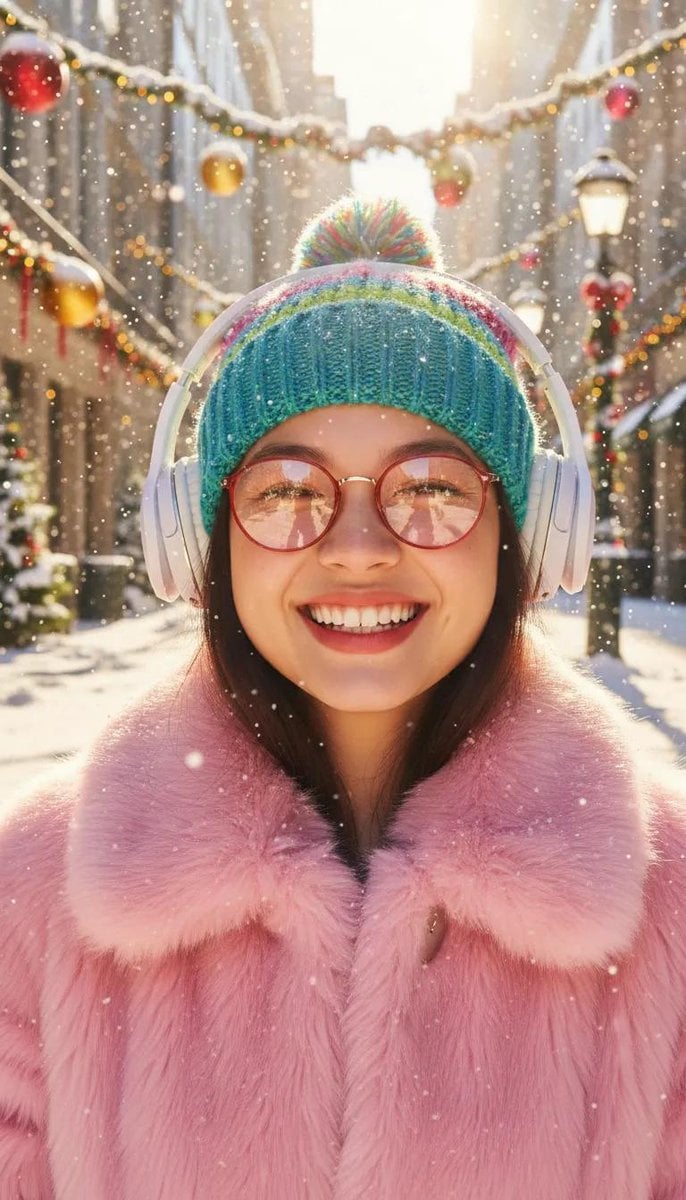
Cinematic Holiday Lifestyle Portrait Prompt
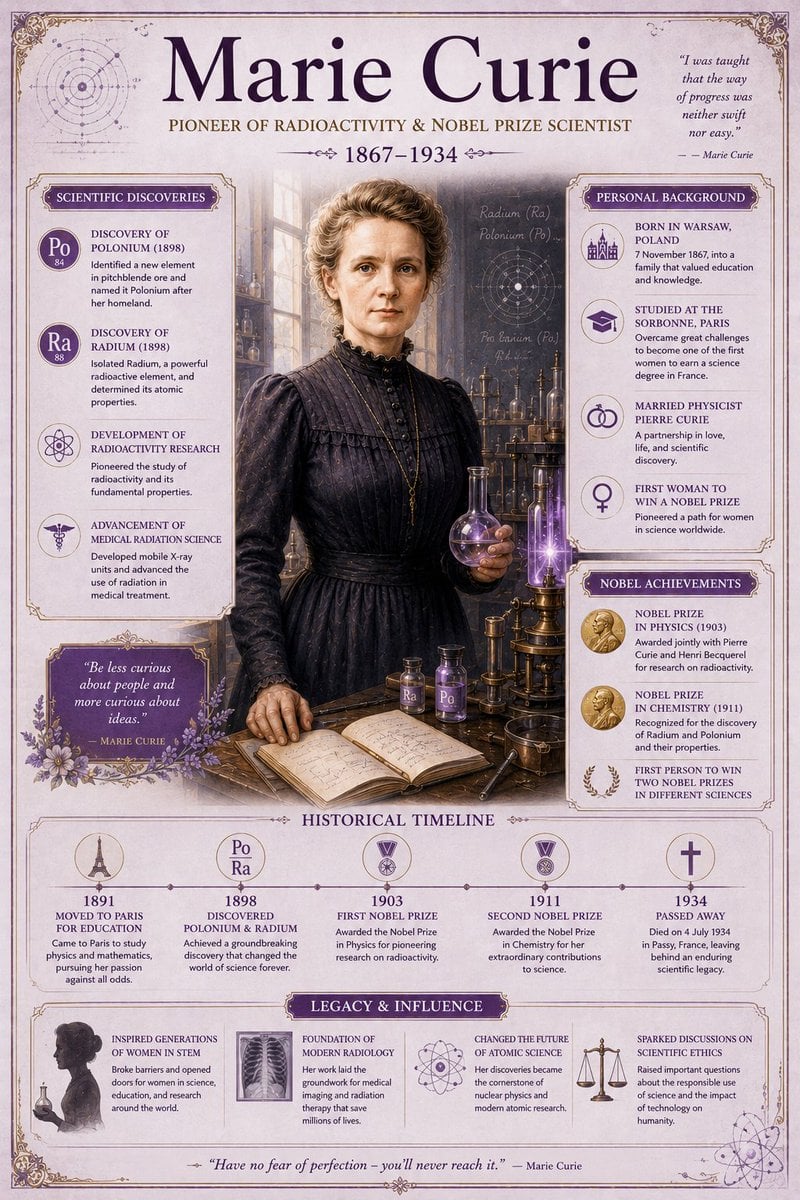
Vintage Encyclopedia Scientific Infographic
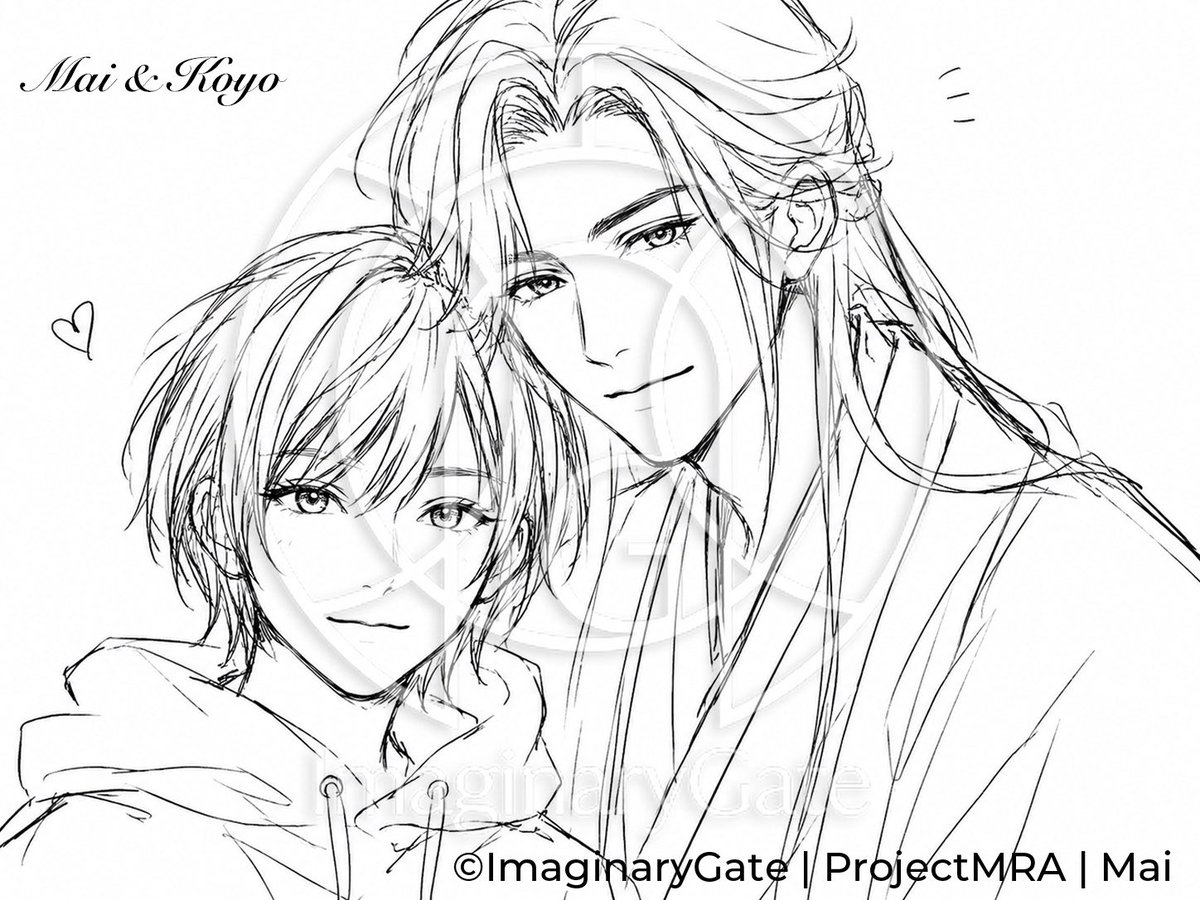
Monochrome Anime Couple Sketch
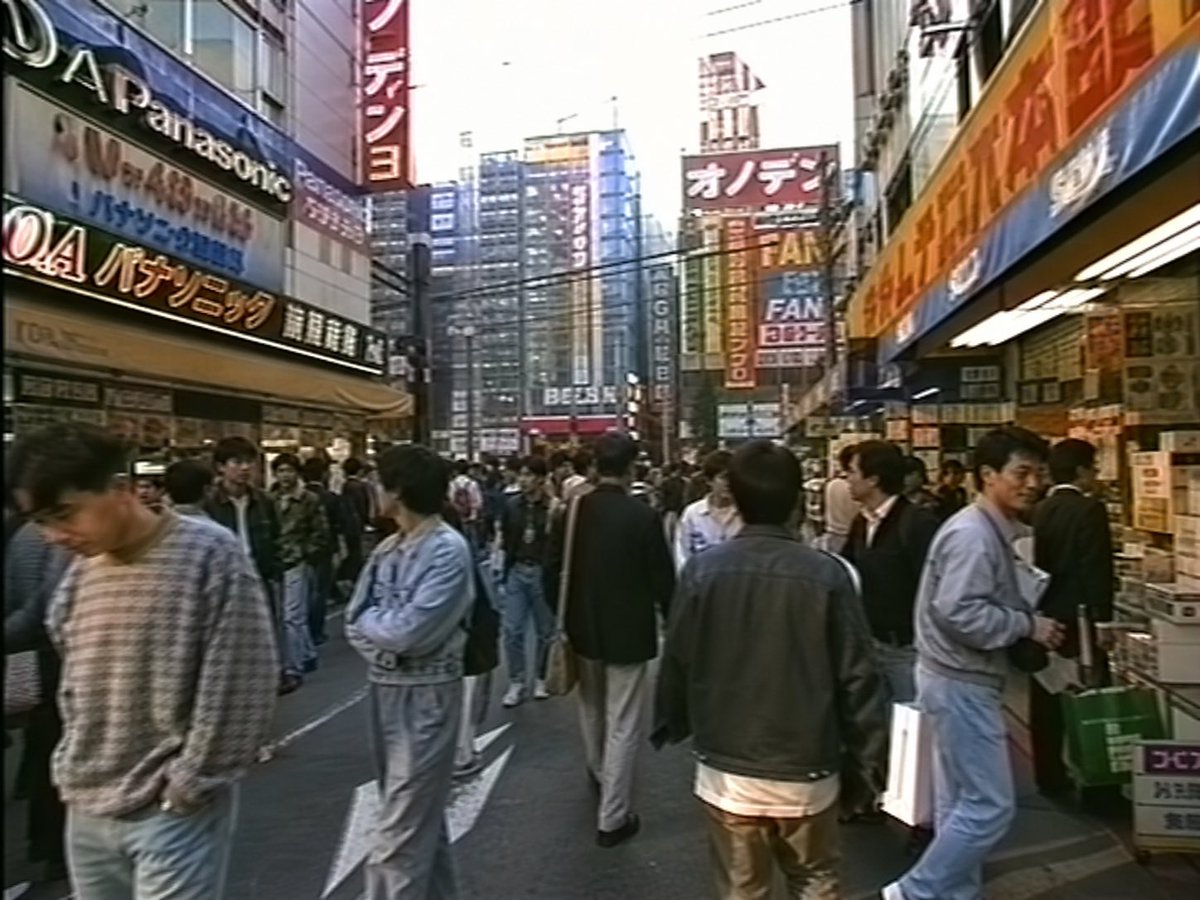
1990s Akihabara Street Photo
Ultra-Realistic Glamour Polaroid Prompt
Japanese Potato Chip Advertisement
3x3 Grid Prompt for Lighting Cheatsheet
Cosmic Opera Stage Fantasy Scene
Epic Midnight Warrior Fantasy Scene
Browse template categories
Crystallized Melancholy Ice Sculptor's Atelier questions
How do I use the Crystallized Melancholy Ice Sculptor's Atelier template?
Add your photo if the template asks for one, edit the prompt if you like — the template's model and format are already selected — and press Generate. Your version opens in PicX Studio.
Can I customize the Crystallized Melancholy Ice Sculptor's Atelier template?
Yes. You can change the subject, setting, lighting, mood, format, and available model controls before creating your image.
Is the Crystallized Melancholy Ice Sculptor's Atelier template free?
Opening and editing this template is free. Generating uses credits, shown on the Generate button when you are signed in.
Which AI model should I use?
Start with Nano Banana 2, which is the model associated with this template. You can compare another compatible model for a different finish.
Looking for something else? Browse all templates.

Your photo, any look
Thousands of ready templates for every top image and video model, from one credit balance.