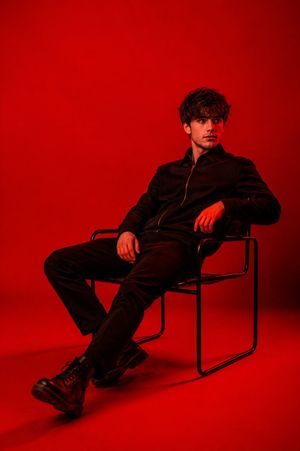
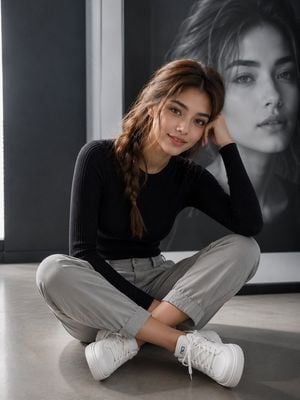
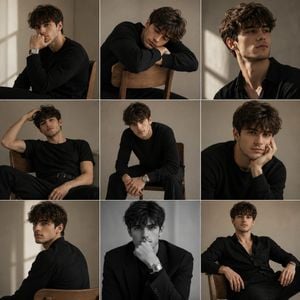
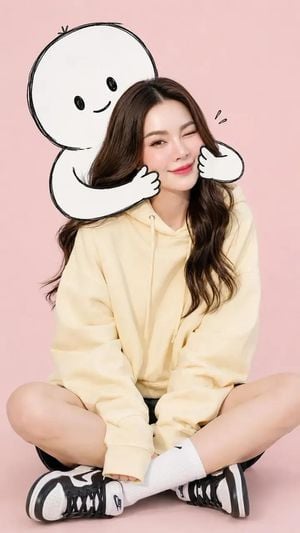
How do I use the Minimalist Nike Atelier Style Portrait template?
Edit the prompt in the box under the preview — the template's model and format are already selected — and press Generate. Your version appears right on this page.
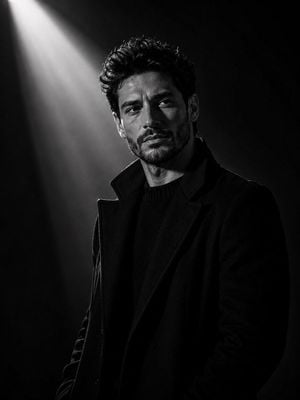
A minimalist black and white fashion prompt that uses a reference photo to maintain facial identity while applying a luxury sportswear aesthetic.

This template uses your photo — add one with the + button.
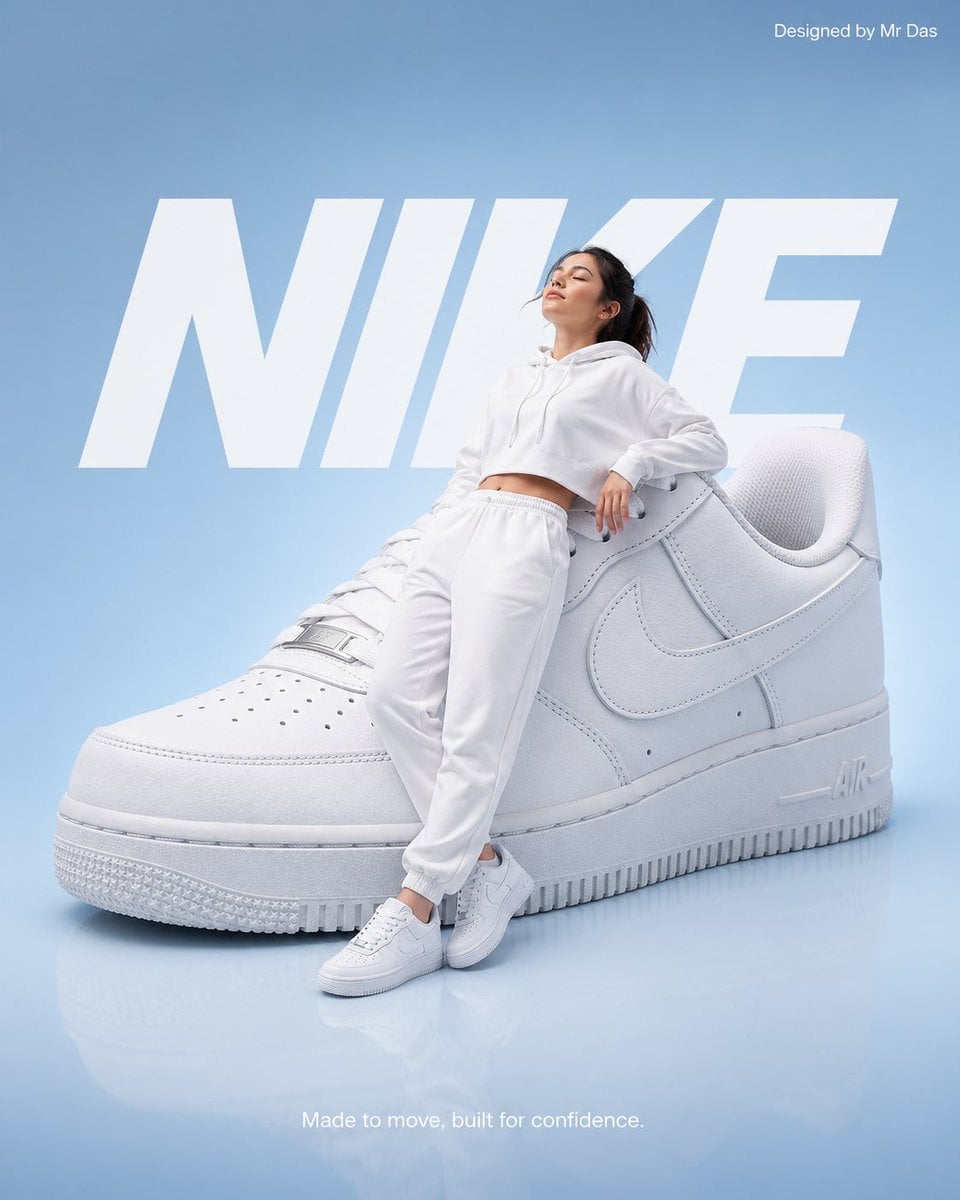
Close-up black and white fashion portraits using the uploaded photo as the facial identity reference, preserve the exact facial structure, hairstyle, skin texture, and overall likeness from the uploaded image. The subject is wearing {argument name="clothing" default="sporty wraparound dark sunglasses with reflective lenses and a high-collared bulky black garment that covers the neck"}. The portrait features a {argument name="expression" default="neutral expression"} and centered composition against a {argument name="background" default="solid white studio background"}. Technical execution involves high-contrast lighting to emphasize sharp facial details, a shallow depth of field, and a subtle vignette to create dramatic monochrome tones. The overall aesthetic is a minimalist avant-garde editorial inspired by an ultra-premium Nike Atelier campaign, utilizing professional studio fashion photography and editorial lighting to convey a luxury sportswear mood with clean monochrome contrast in a 4:5 ratio with no cropping.
Close-up black and white fashion portraits using the uploaded photo as the facial identity reference, preserve the exact facial structure, hairstyle, skin texture, and overall likeness from the uploaded image. The subject is wearing {argument name="clothing" default="sporty wraparound dark sunglasses with reflective lenses and a high-collared bulky black garment that covers the neck"}. The portrait features a {argument name="expression" default="neutral expression"} and centered composition against a {argument name="background" default="solid white studio background"}. Technical execution involves high-contrast lighting to emphasize sharp facial details, a shallow depth of field, and a subtle vignette to create dramatic monochrome tones. The overall aesthetic is a minimalist avant-garde editorial inspired by an ultra-premium Nike Atelier campaign, utilizing professional studio fashion photography and editorial lighting to convey a luxury sportswear mood with clean monochrome contrast in a 4:5 ratio with no cropping.
Edit the prompt in the box under the preview — the template's model and format are already selected — and press Generate. Your version appears right on this page.
Yes. You can change the subject, setting, lighting, mood, format, and available model controls before creating your image.
Opening and editing this template is free. Generating uses credits, shown on the Generate button when you are signed in.
Start with GPT Image 2, which is the model associated with this template. You can compare another compatible model for a different finish.
Follow a topic to a crawlable collection of related PicX Studio templates.