
High-Fashion Penthouse Portrait Prompt
A text prompt for Nano Banana Pro to generate a high-fashion, cinematic portrait of a woman in a sophisticated royal-blue dress.
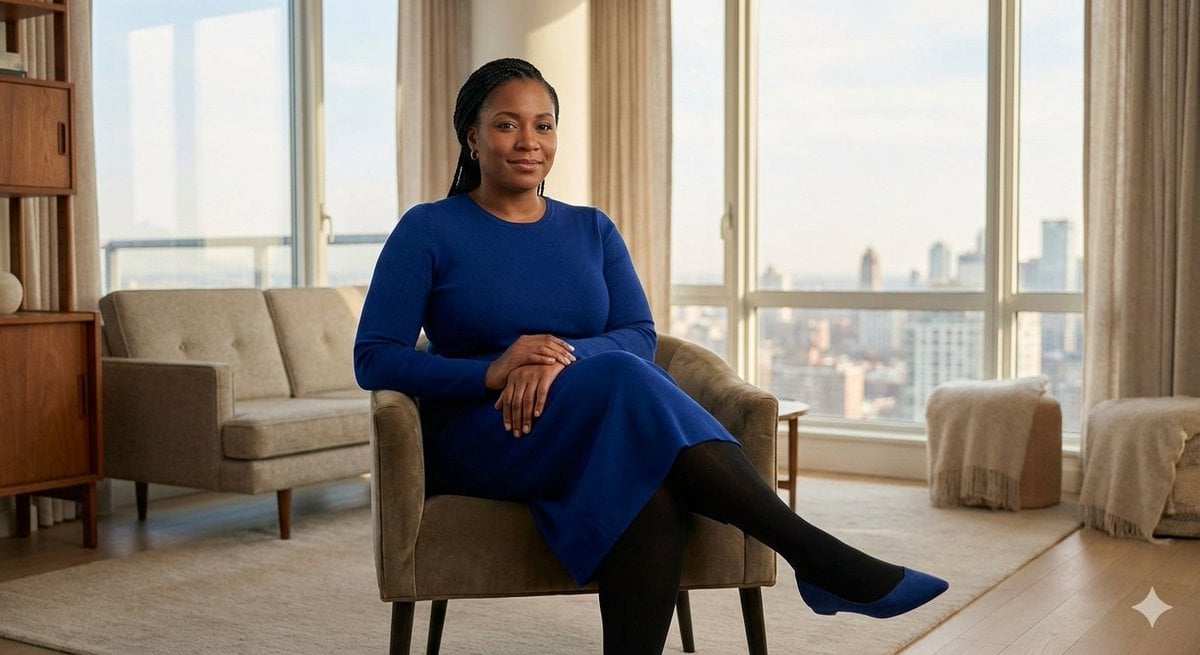
- Prompt included
- Model and format preset
- Premium template
The prompt behind this image
Copy the exact prompt behind High-Fashion Penthouse Portrait Prompt, or open it in the studio and make it yours.
action": "image_generation", "action_input": "A stunningly beautiful woman with intricately styled dark braided hair sitting with effortless confidence and grace. She is posed with her legs elegantly crossed, wearing a sophisticated {argument name="dress color" default="royal-blue"} long-sleeve midi dress that fits perfectly, paired with opaque black tights and matching royal-blue pointed-toe flats. Her expression is calm, serene, and empowered. She is positioned in the center of a luxurious, contemporary penthouse living room featuring high-end minimalist decor, soft oatmeal-colored walls, sleek mid-century modern furniture, and warm polished walnut wood accents. The lighting is cinematic and professional, using a shallow depth of field to create a soft bokeh background. Warm ambient light catches the texture of her braids and the rich pigment of her dress, while a gentle key light highlights her facial features. The overall atmosphere is polished, airy, and high-fashion, with a clean, refined aesthetic and crisp, high-resolution details."
How to use High-Fashion Penthouse Portrait Prompt in 3 steps
- 1
Open
The prompt is already in the box next to the preview, with the template's model and format selected.
- 2…a portrait of your subject in softgolden-hour light, 85mm…
Personalize
Edit the subject and creative details for your destination.
- 3Generate
Generate
Press Generate — your image is created in PicX Studio, so you can compare it with the original and refine one variable at a time.
More like this
Templates with the same subject, style or setup. Open one to see its prompt.

Nano Banana 2 High Fashion Sports Campai

Couture Fashion Editorial Woman and Drag
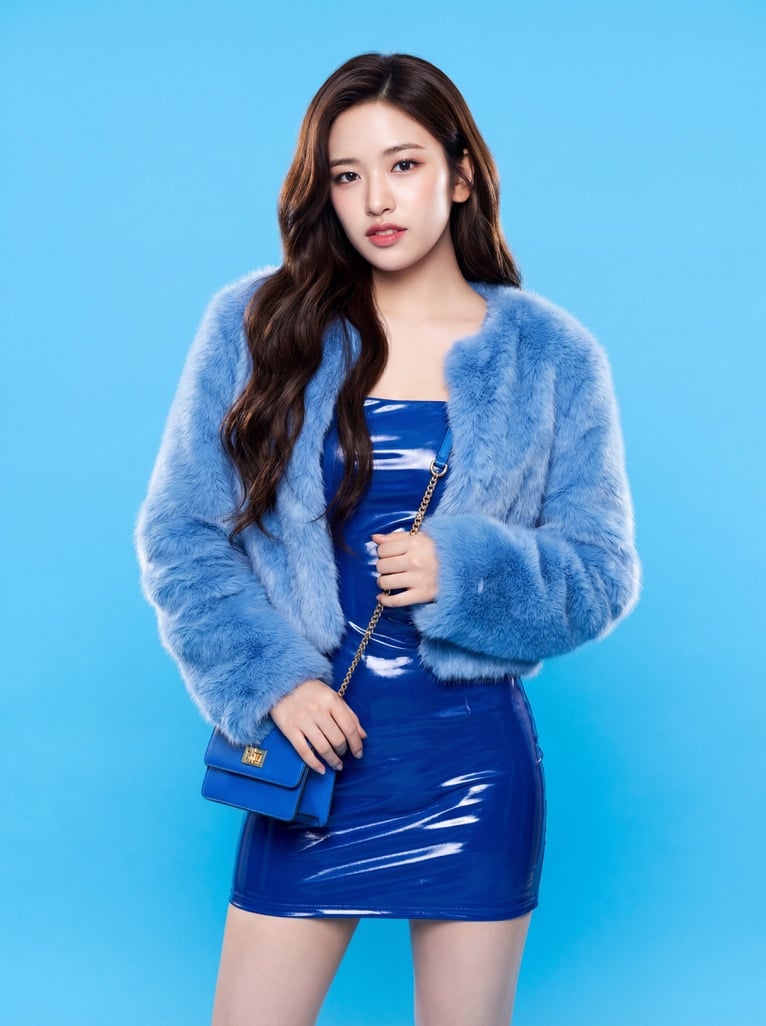
Ive Yujin Fashion Portrait in Blue

Nano Banana 2 Editorial Fashion Portrait

Caution Tape Fashion — Industrial Editorial
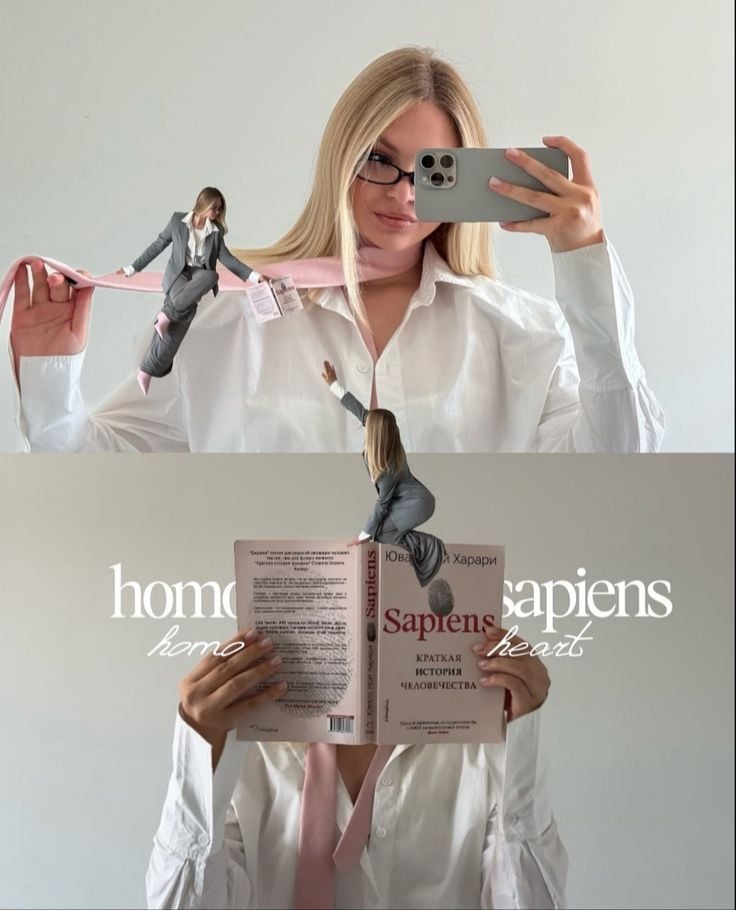
Miniature Self Portrait Collage

Found Photograph: Us, 1970

80s Couple Studio Portrait

80s College Gate

1988 Mall Style

80s Polka Dot Saree

80s Bollywood Star
Make it yours
High-Fashion Penthouse Portrait Prompt works as-is. These are the safest ways to change it without losing the look.
Change one field
Copy a single group, rewrite it, and generate again so you can see what that field is doing.
Keep the frame, change the subject
Hold the composition and light of High-Fashion Penthouse Portrait Prompt, then swap wardrobe, props or the person for a new take.
| If the result… | Why | Fix |
|---|---|---|
| The result drifts from the preview | Too many fields changed at once. | Reuse High-Fashion Penthouse Portrait Prompt as-is first, then change one group — subject, light, or setting. |
| The model over-stylizes the scene | The prose prompt leaves finish and camera underspecified. | Add one camera or lighting sentence and stay on Nano Banana 2. |
More Nano Banana 2 templates
Other prompts made for Nano Banana 2.

Photorealistic Leaf Shaped Like a Dragon

K-Pop Idol Portrait Grid for Rapid Selection

Poetic Rain Forest Portrait During Golden Hour

Urban Street Portrait with Cartoon Inner Self Duo

Candid Nighttime Photo with Cat Prompt

High-Concept 3D Diorama Generation Prompt

Cinematic Futuristic Studio Portrait Template

Skincare Editorial Photography Collage Prompt

Hyper-Realistic Commercial Product Photography (Splash Effect)

Hyper-Realistic Nightclub Portrait Prompt
More image prompts
Fresh picks from across the catalog.
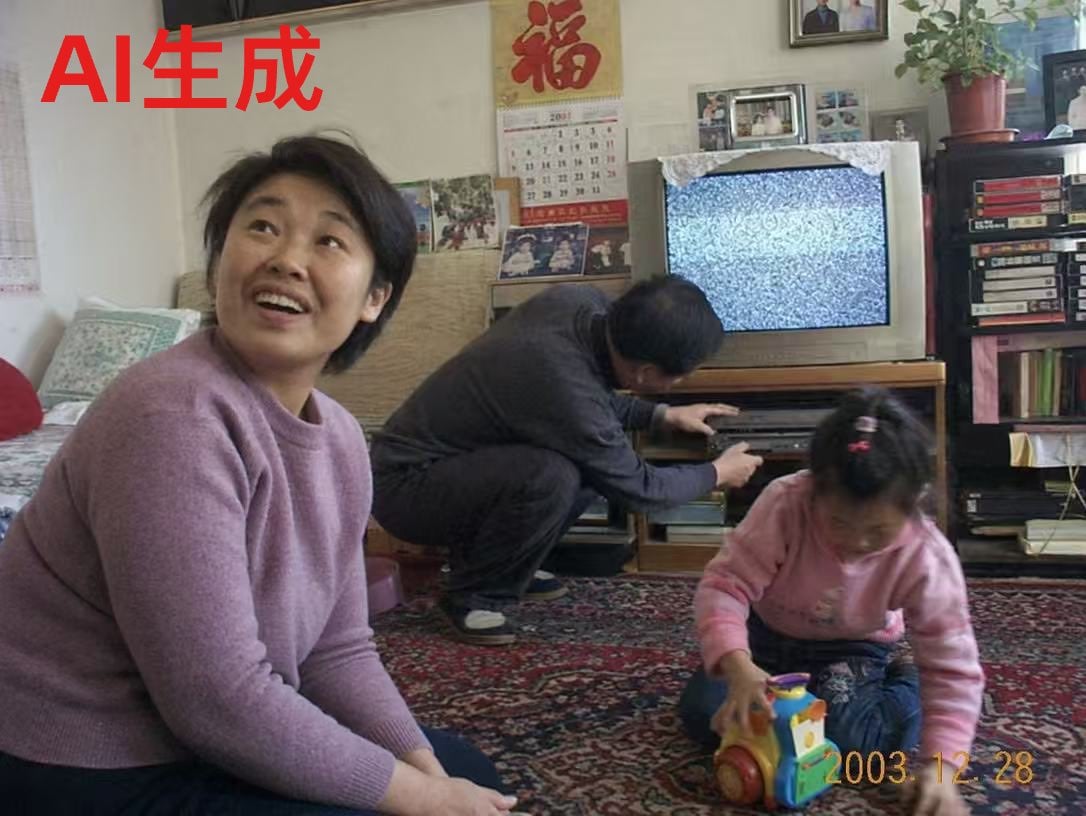
Nostalgic Chinese Family Living Room Photo
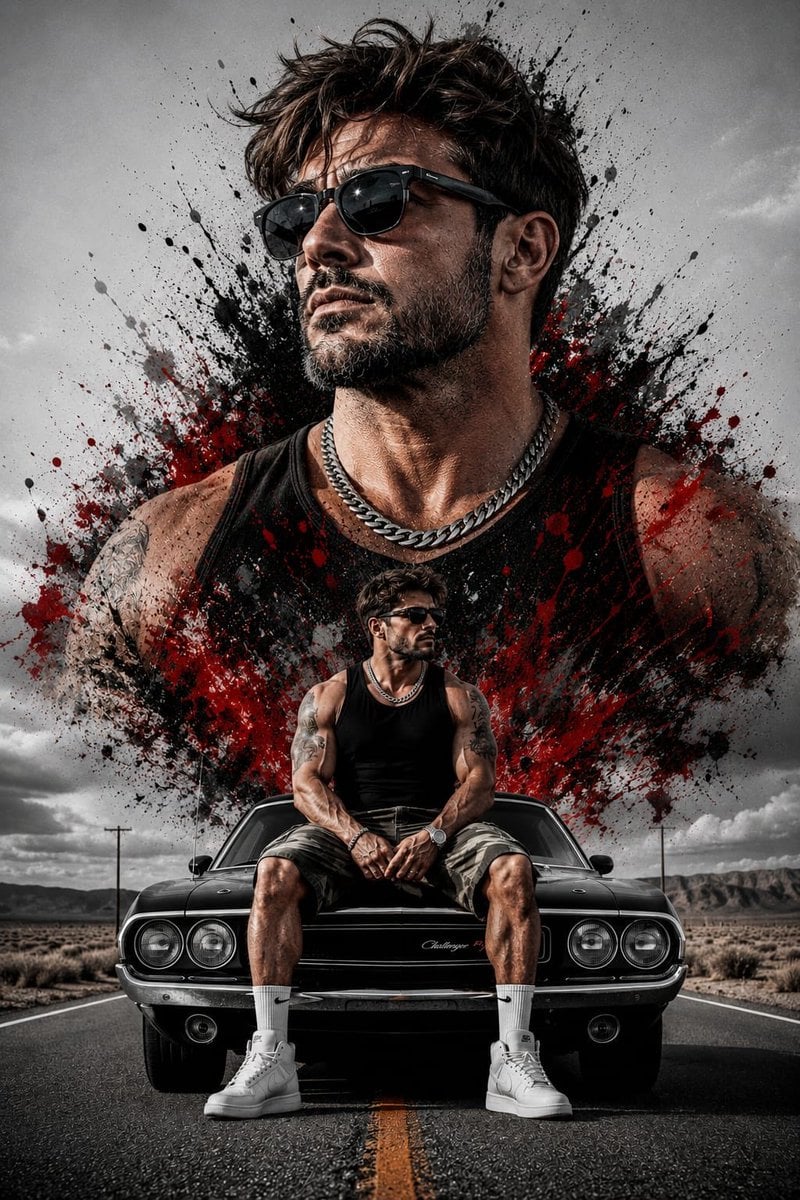
Double Exposure Rugged Portrait
Seedance - Character Transition
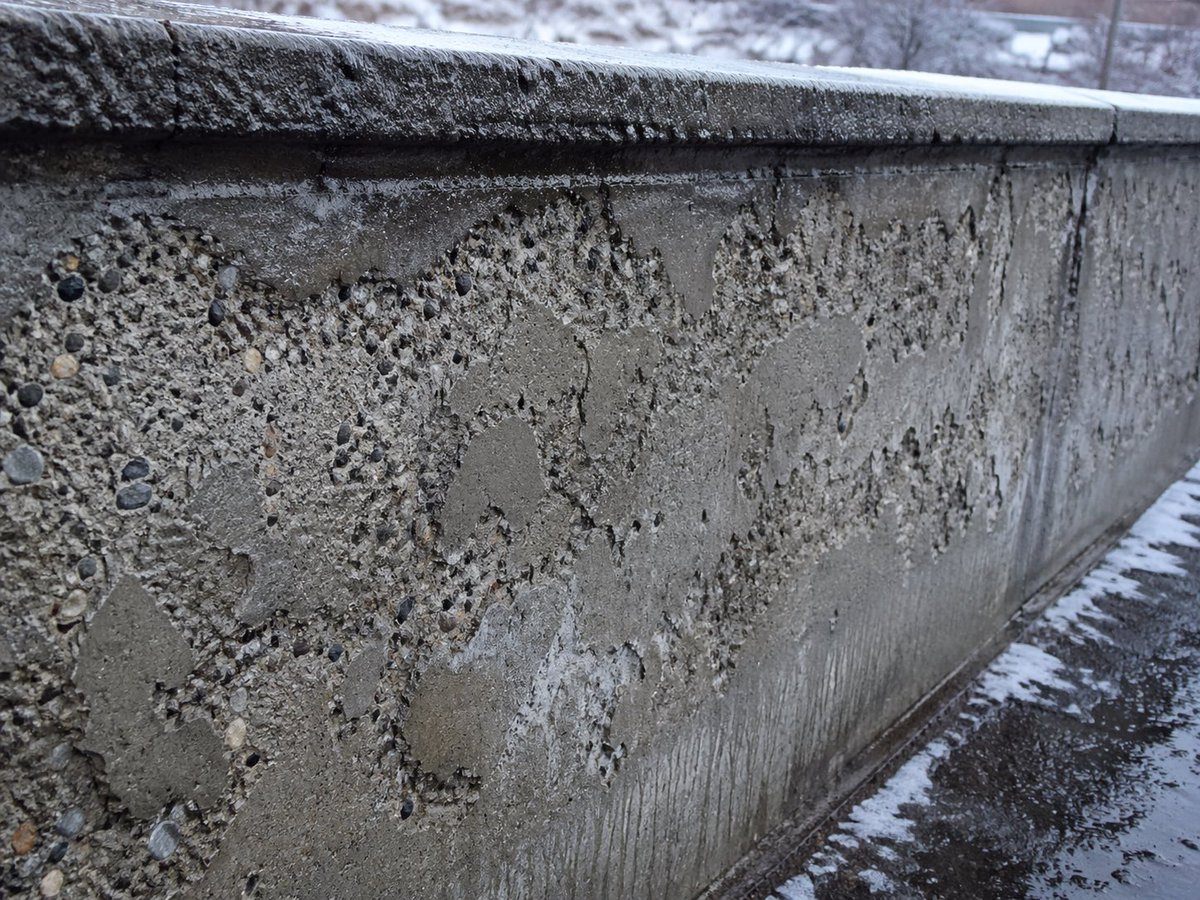
Winter Concrete Salt Damage Close-Up
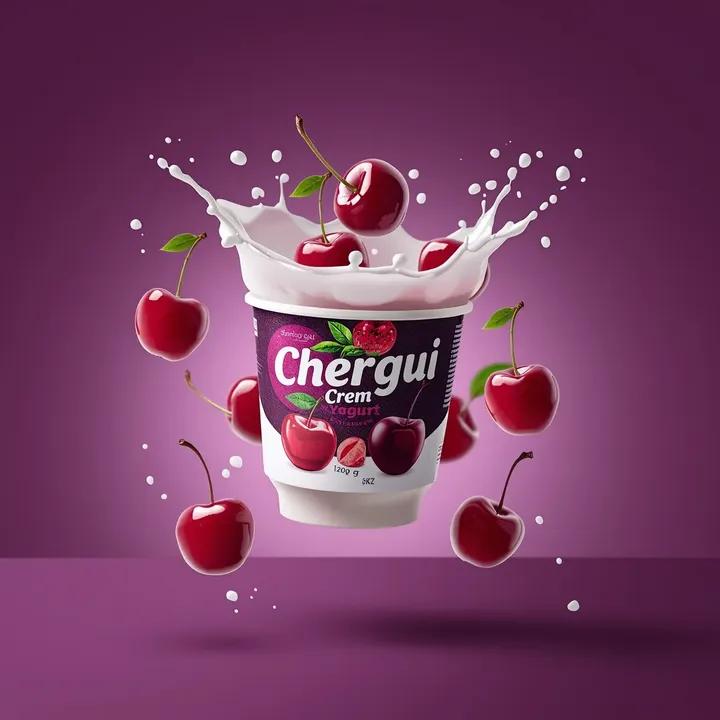
High-End Commercial Yogurt Product Photography
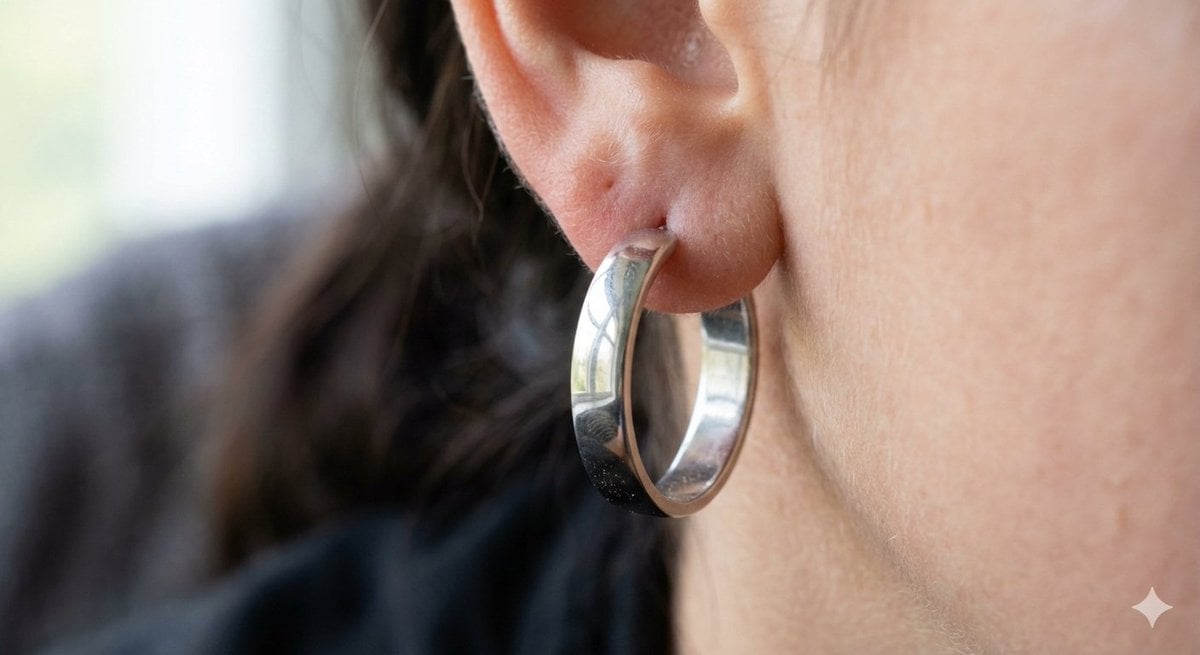
Realistic Macro Photograph of an Ear with Earring
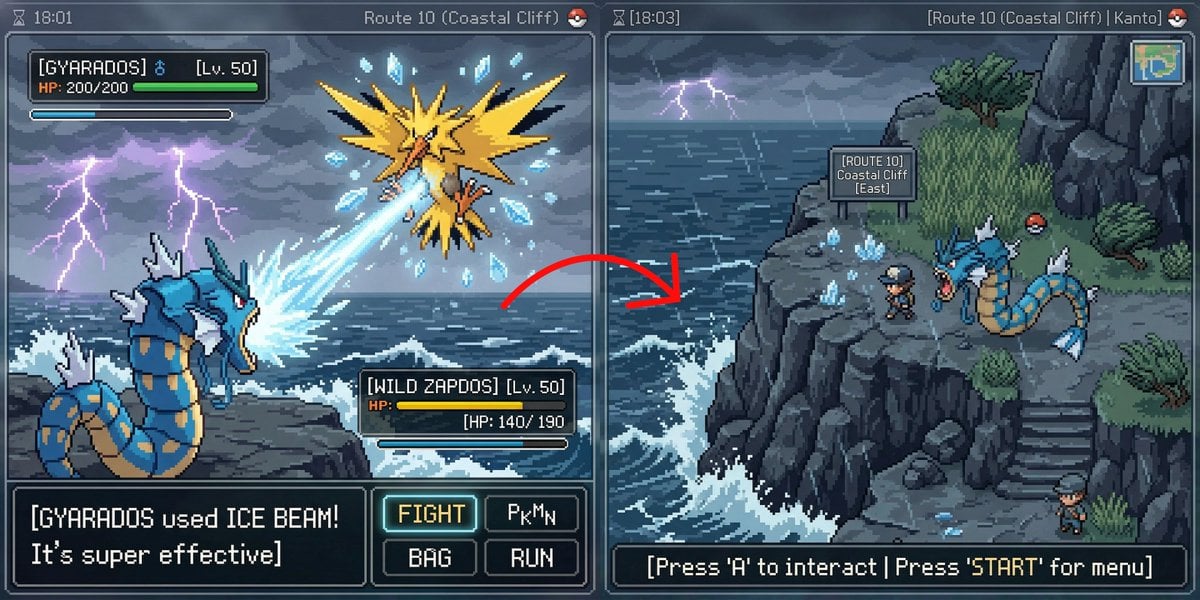
Pokémon Overworld Screenshot Generation

Attempting to Recreate a BeautyPlus Prompt
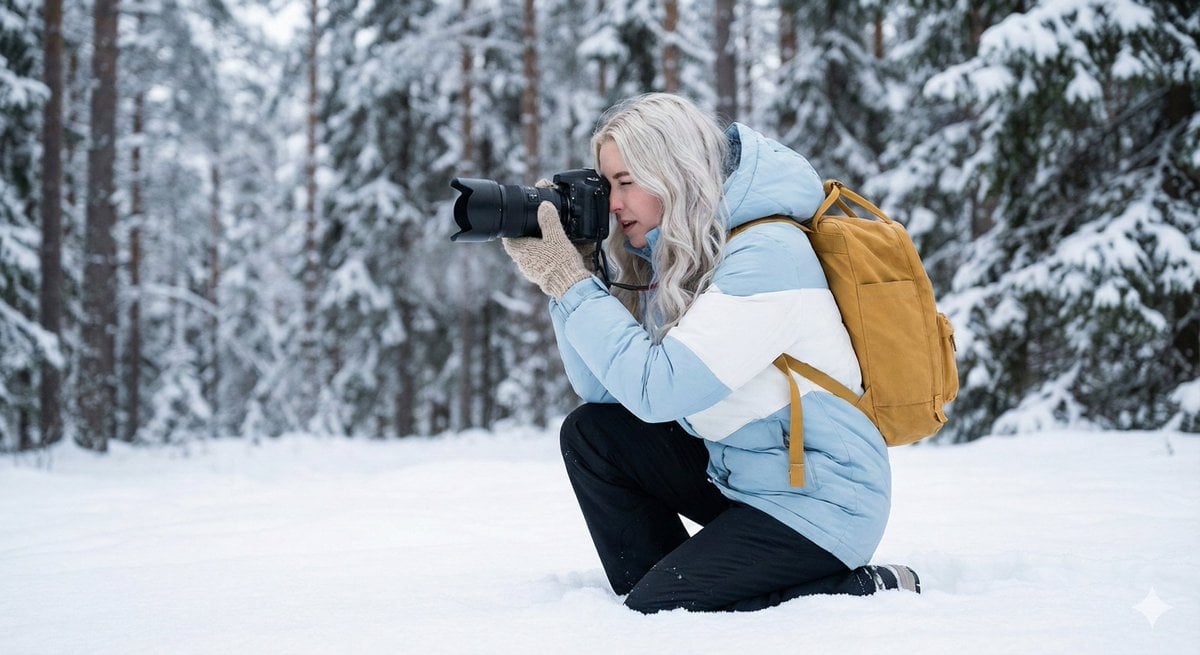
Serene Winter Photography Portrait
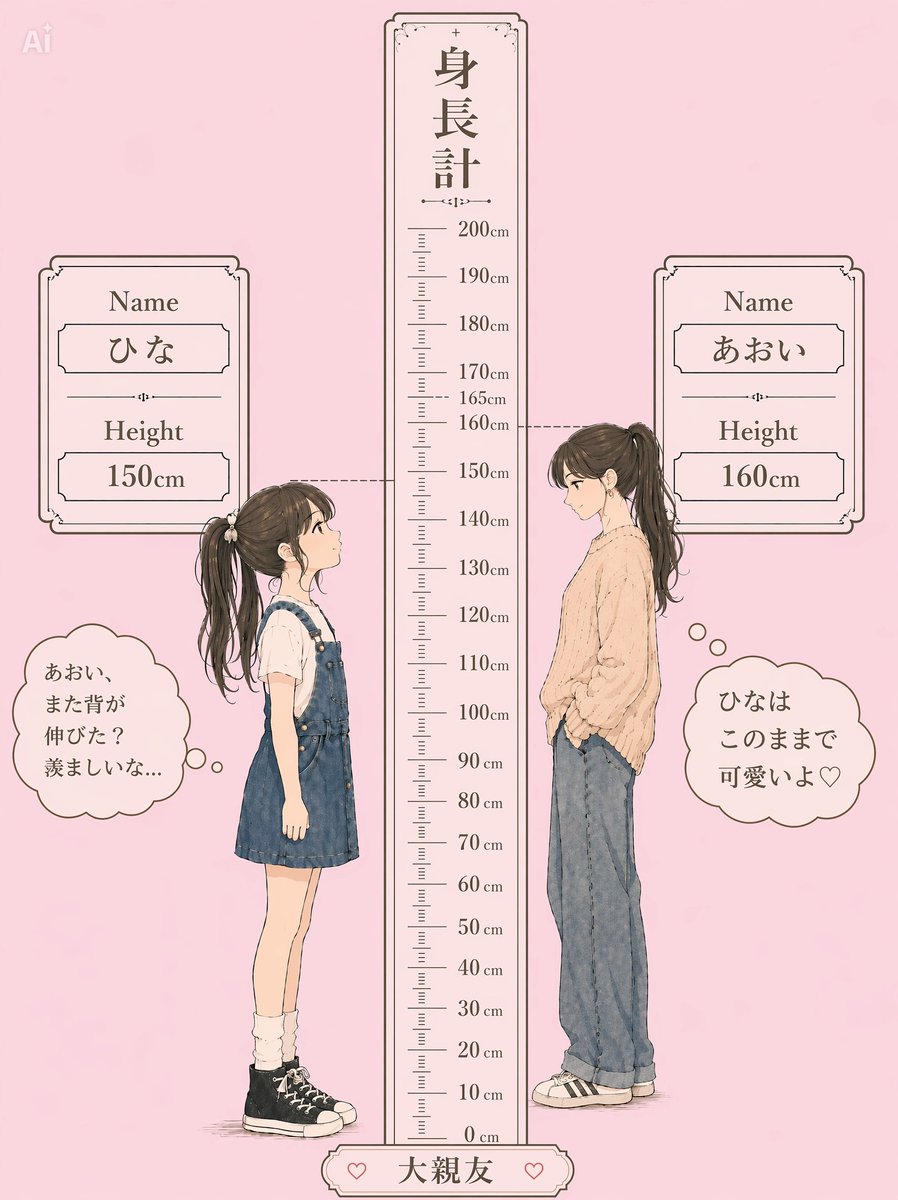
Pastel Height Difference Best Friends
Browse template categories
High-Fashion Penthouse Portrait Prompt questions
How do I use the High-Fashion Penthouse Portrait Prompt template?
Add your photo if the template asks for one, edit the prompt if you like — the template's model and format are already selected — and press Generate. Your version opens in PicX Studio.
Can I customize the High-Fashion Penthouse Portrait Prompt template?
Yes. You can change the subject, setting, lighting, mood, format, and available model controls before creating your image.
Is the High-Fashion Penthouse Portrait Prompt template free?
Opening and editing this template is free. Generating uses credits, shown on the Generate button when you are signed in.
Which AI model should I use?
Start with Nano Banana 2, which is the model associated with this template. You can compare another compatible model for a different finish.
Looking for something else? Browse all templates.

Your photo, any look
Thousands of ready templates for every top image and video model, from one credit balance.