
Melancholy Cello Surreal Artwork
A cinematic surreal scene of a lone figure beneath a giant glowing cello, useful for editorial art about classical music, sadness, and hope.
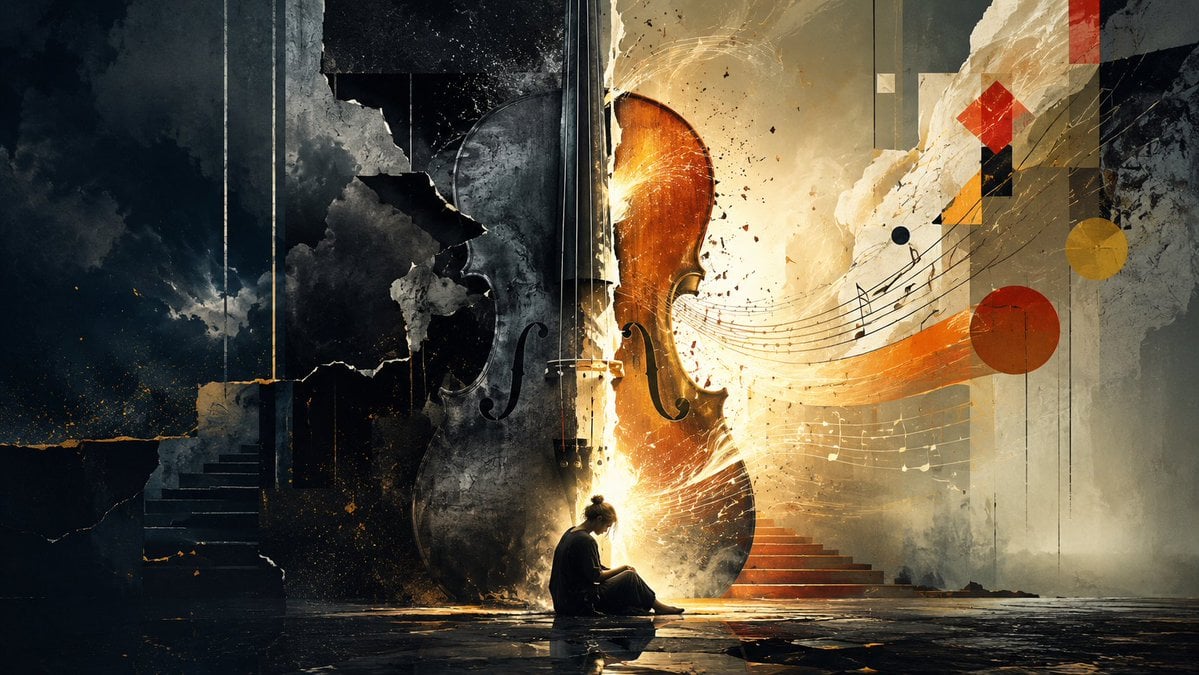
- Prompt included
- Model and format preset
- Free template
The prompt behind this image
Copy the exact prompt behind Melancholy Cello Surreal Artwork, or open it in the studio and make it yours.
Create a cinematic surreal digital artwork in a wide 16:9 canvas, depicting {argument name="mood" default="melancholy giving way to hope"} through classical music. In the center background stands one enormous upright cello, taller than the architecture, split visually into two contrasting halves: the left half is charred black, cracked, smoky, and partially ruined, while the right half glows warm amber-gold as if lit from within, with sparks and radiant dust bursting outward. At the bottom center, show exactly one small seated human figure, {argument name="character description" default="a solitary young person with hair in a bun, wearing dark loose clothing"}, sitting on the reflective wet floor with head bowed beside the glowing cello, creating a strong sense of scale and loneliness. The environment is a ruined monumental interior or stage, with broken plaster walls, tall vertical panels, stormy darkness on the left, warm luminous mist on the right, and a glossy cracked floor reflecting the figure and light. Include exactly two staircases: one dark staircase receding upward on the left and one red-orange staircase rising into the golden haze on the right. From the cello, let flowing musical staff lines sweep dramatically to the right with scattered musical notes, like sound becoming visible. Add exactly six prominent abstract geometric accents on the right side: one red diamond near the upper right, one yellow circle at mid-right, one red circle below it, one small dark blue dot near the music staff, one black-and-gold vertical rectangular block beneath the diamond, and one thin vertical red bar near the top edge. Use a painterly mixed-media style combining photorealistic lighting, distressed collage textures, cracked concrete, smoke, golden particles, and expressive brush marks. Color palette should contrast deep charcoal, slate blue, and black on the left with ivory, ochre, amber, and red-orange on the right. No text, no watermark, no frame; emphasize dramatic chiaroscuro, emotional silence, and the feeling that {argument name="music theme" default="a cello sonata"} is transforming sorrow into light.
How to use Melancholy Cello Surreal Artwork in 3 steps
- 1Upload ImagePNG, JPG or paste
Add your photo
Upload the photo the template builds on. The prompt, model and format are already set.
- 2…a portrait of your subject in softgolden-hour light, 85mm…
Personalize
Edit the subject and creative details for your destination.
- 3Generate
Generate
Press Generate — your image is created in PicX Studio, so you can compare it with the original and refine one variable at a time.
More like this
Templates with the same subject, style or setup. Open one to see its prompt.

Surreal Cat Astronaut — Humanoid Face Freefall

Bold Red Contrast Fashion Editorial Newspaper Room

Stylized Fashion Portrait Bold Color Contrast Editorial

Subway Platform Quiet Introspective Portrait
Subway Platform Quiet Introspective Portrait

Azed Double Exposure

Firefly Pixar Spill — Nano Banana Pro

A highly detailed digital artwork in a surreal, dynamic style inspired
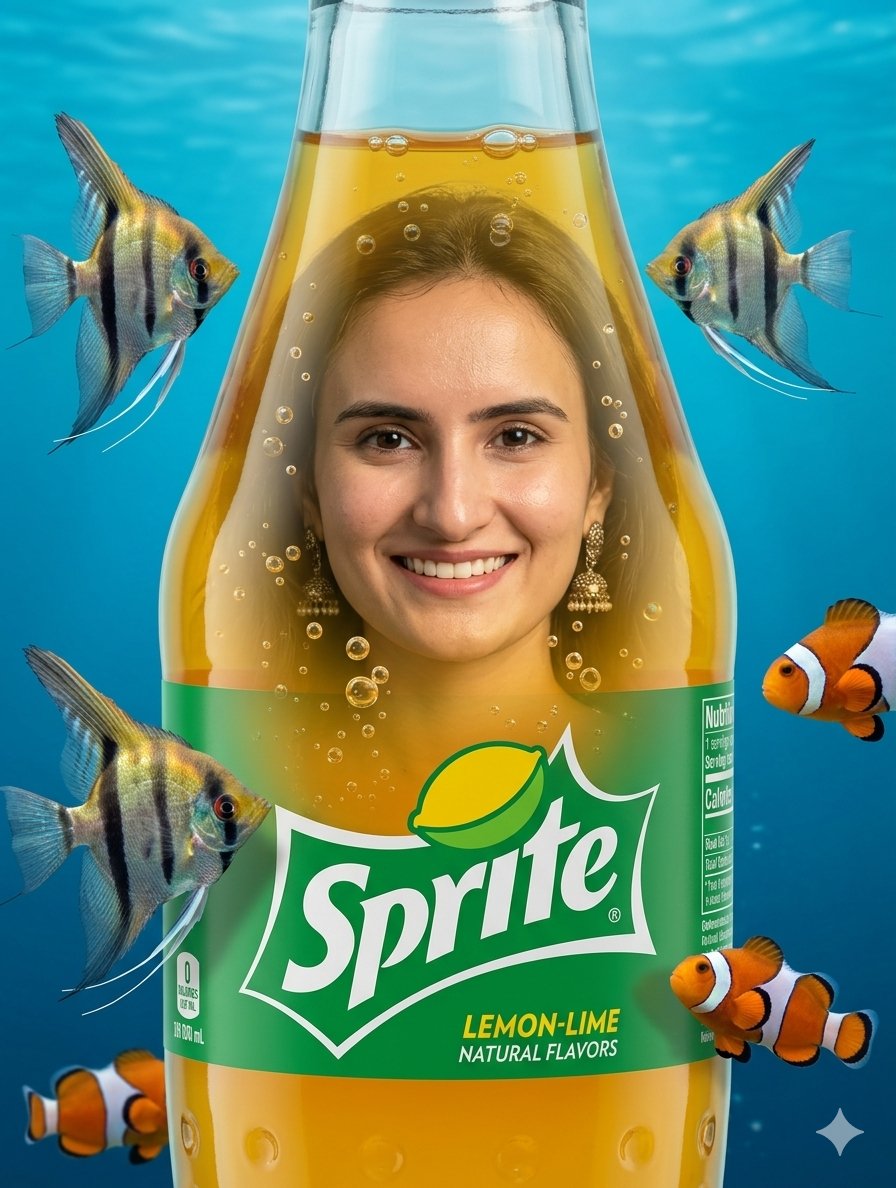
Surreal Sprite Bottle Artwork
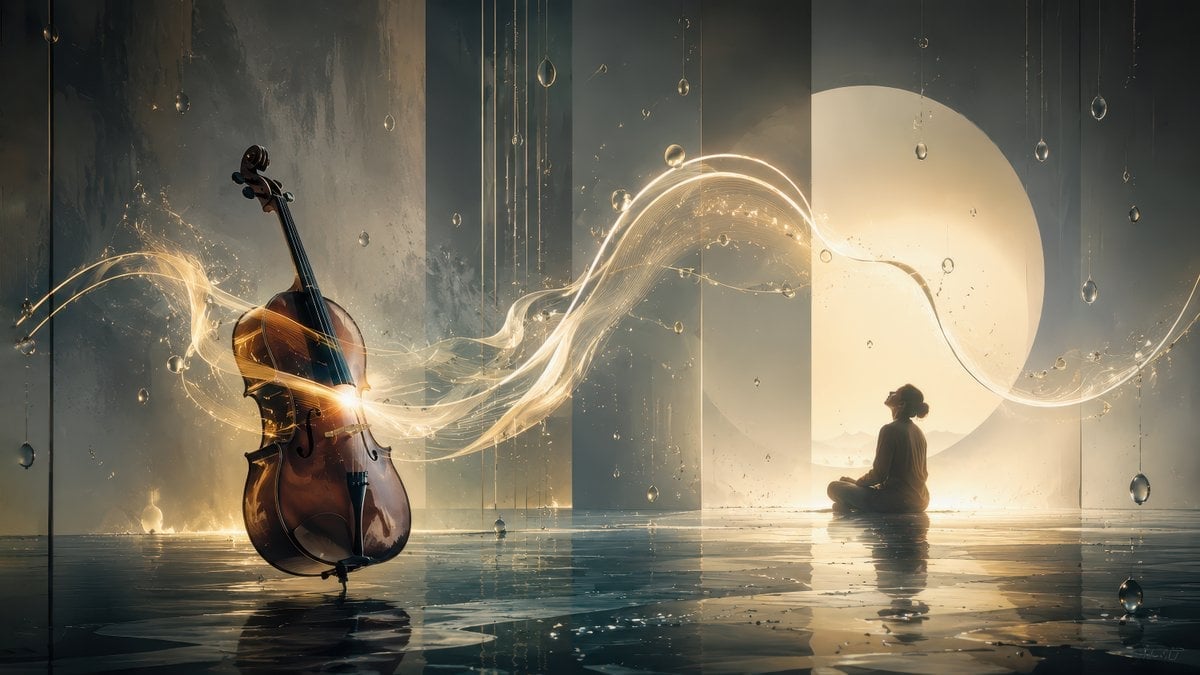
Surreal Cello Sonata Dreamscape
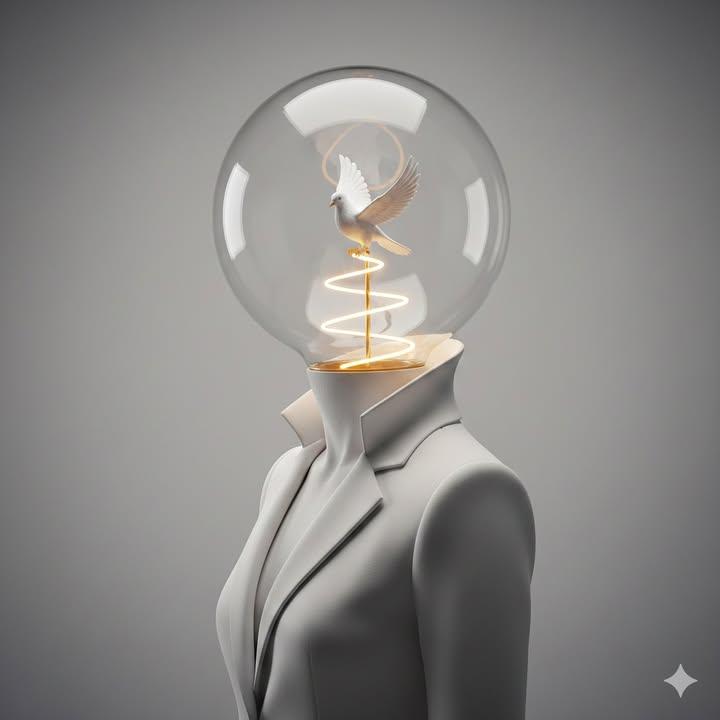
Surreal Minimalist Conceptual Artwork Prompt
Tropical Melancholy Laboratory Surreal Portrait
Make it yours
Melancholy Cello Surreal Artwork works as-is. These are the safest ways to change it without losing the look.
Change one field
Copy a single group, rewrite it, and generate again so you can see what that field is doing.
Keep the frame, change the subject
Hold the composition and light of Melancholy Cello Surreal Artwork, then swap wardrobe, props or the person for a new take.
| If the result… | Why | Fix |
|---|---|---|
| The result drifts from the preview | Too many fields changed at once. | Reuse Melancholy Cello Surreal Artwork as-is first, then change one group — subject, light, or setting. |
| The model over-stylizes the scene | The prose prompt leaves finish and camera underspecified. | Add one camera or lighting sentence and stay on GPT Image 2. |
More GPT Image 2 templates
Other prompts made for GPT Image 2.

Six VTuber Japanese Logo Sheet

Realistic Portrait of Woman and Deer

The Vista Modular Condo Poster

AI Model Routing Comparison Infographic

2.5D Anime Art Board

Isometric Productivity Desk Scene

New York Double Exposure Poster

Four-Panel AI Landscape Comparison

Japanese Tatami Lifestyle Magazine Cover

NESCAFÉ Coffee Map Poster
More image prompts
Fresh picks from across the catalog.
Y2K Retro Glamour Photoshoot
Isometric JRPG Town Plaza Scene
Cyber-Noir Stylized Portrait

Universal Christmas Food Poster Prompt
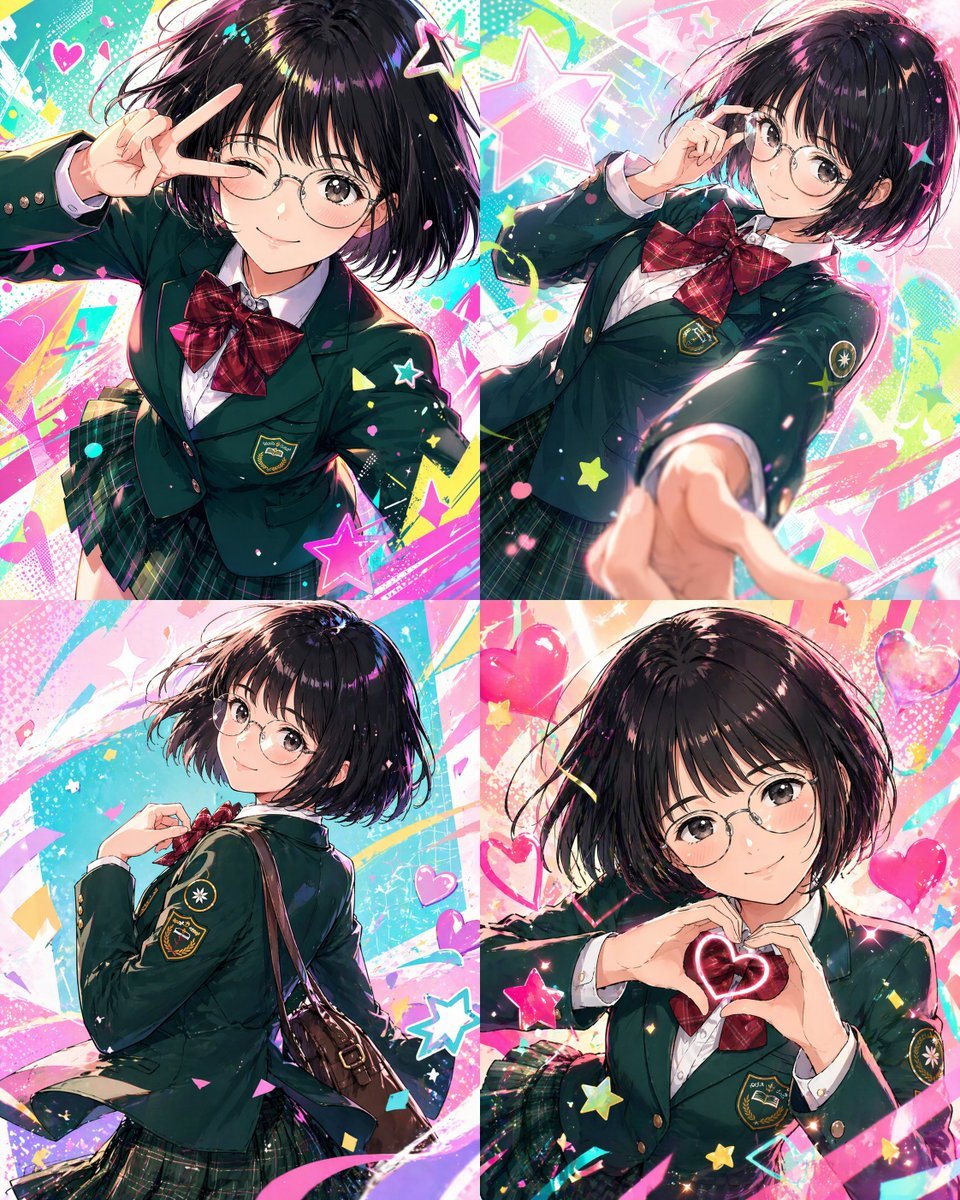
Character color and style adjustment
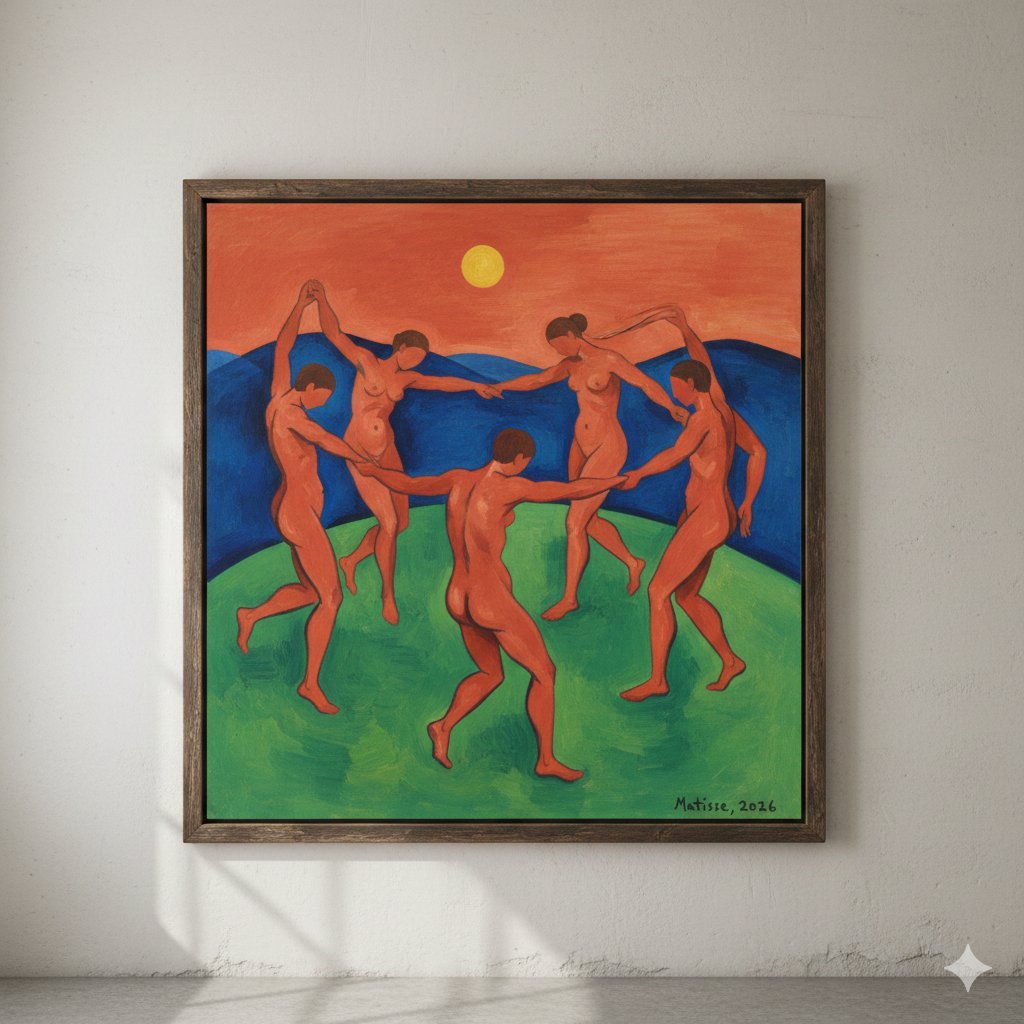
Matisse's Dance Style Image Generation
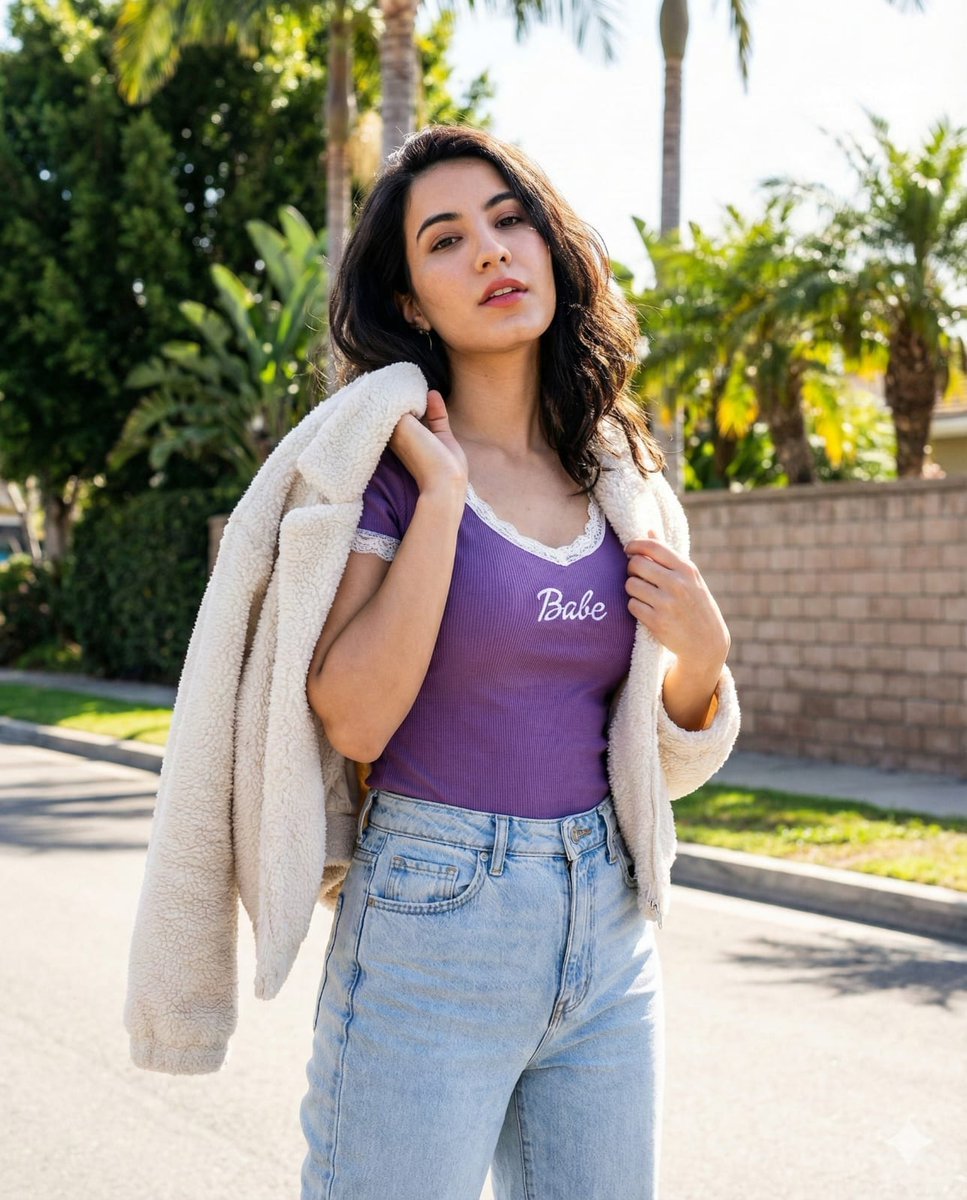
Vertical Street Portrait of a Young Woman
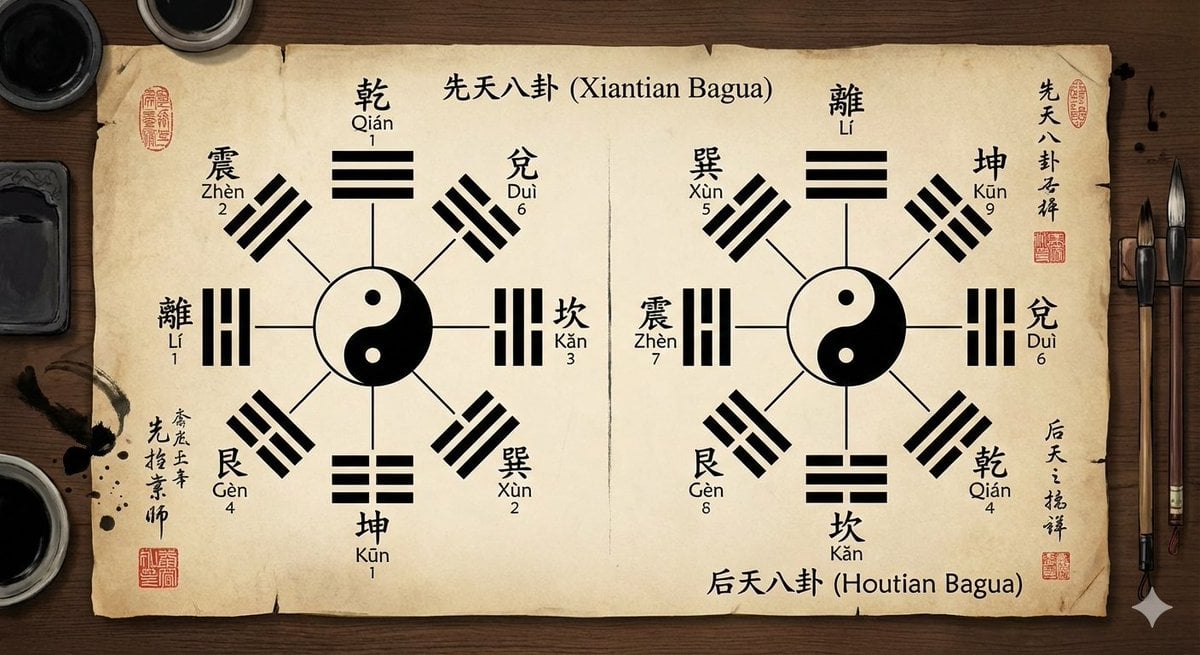
Eight trigrams diagram with reference image
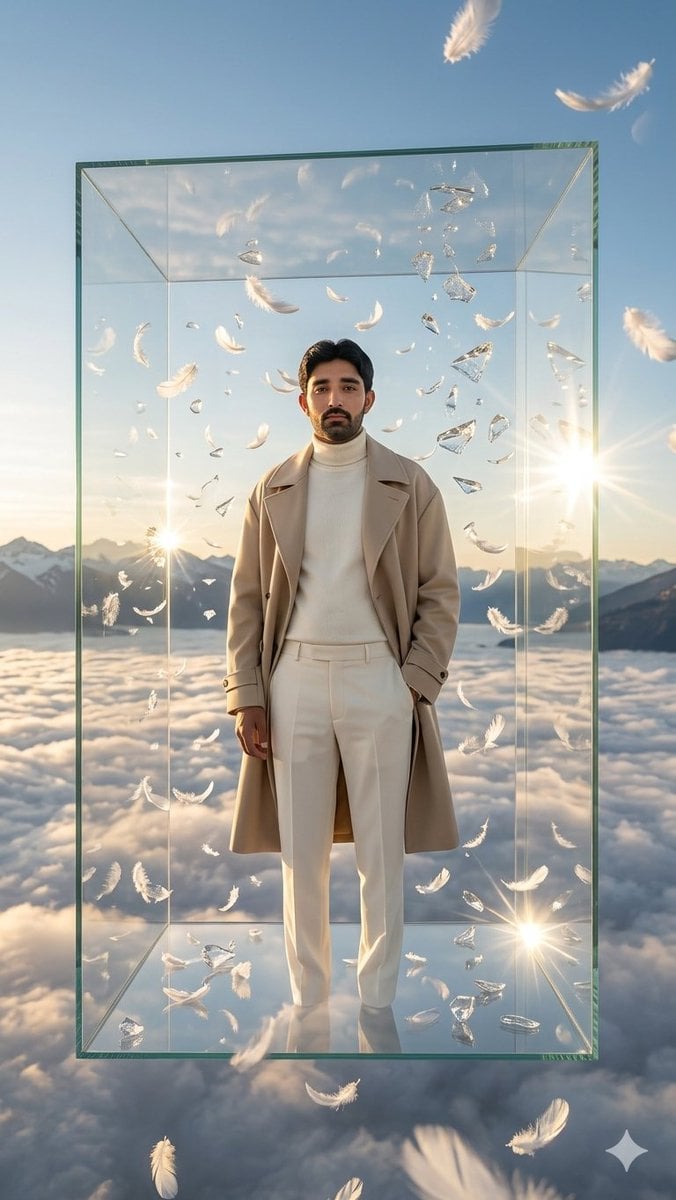
Man in Floating Glass Cube
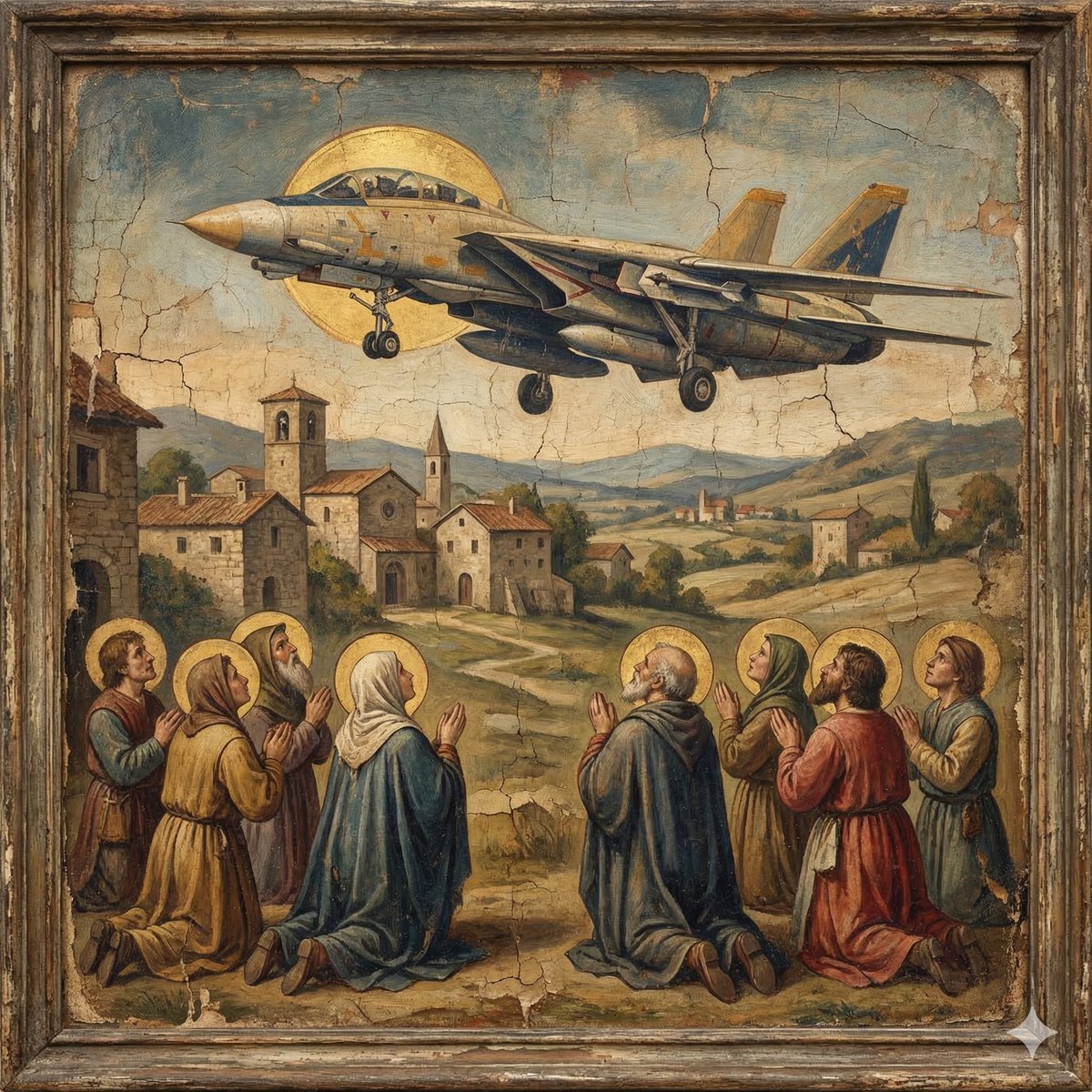
F-14D in the Style of a Western Religious Painting
Browse template categories
Melancholy Cello Surreal Artwork questions
How do I use the Melancholy Cello Surreal Artwork template?
Add your photo if the template asks for one, edit the prompt if you like — the template's model and format are already selected — and press Generate. Your version opens in PicX Studio.
Can I customize the Melancholy Cello Surreal Artwork template?
Yes. You can change the subject, setting, lighting, mood, format, and available model controls before creating your image.
Is the Melancholy Cello Surreal Artwork template free?
Opening and editing this template is free. Generating uses credits, shown on the Generate button when you are signed in.
Which AI model should I use?
Start with GPT Image 2, which is the model associated with this template. You can compare another compatible model for a different finish.
Looking for something else? Browse all templates.

Your photo, any look
Thousands of ready templates for every top image and video model, from one credit balance.