
Surreal Cello Sonata Dreamscape
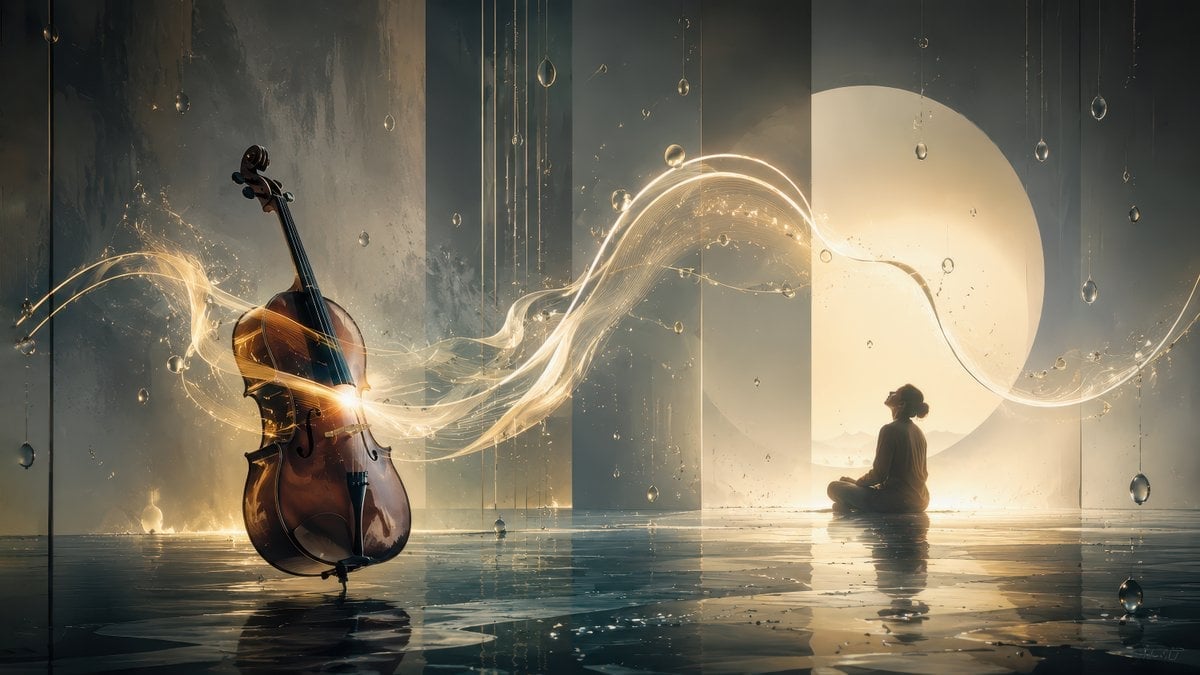
A cinematic magical-realism scene of a glowing cello, music-light ribbons, and a contemplative figure in a reflective moonlit space.
- Prompt included
- Model and format preset
- Free template
The prompt behind this image
Copy the exact prompt behind Surreal Cello Sonata Dreamscape, or open it in the studio and make it yours.
Create a cinematic surreal fine-art scene inspired by a luminous cello sonata, with a {argument name="main instrument" default="cello"} standing upright on the left side of a shallow reflective water floor. The instrument is dark amber varnished wood with realistic curves, strings, bridge, endpin, and glossy highlights, surrounded by glowing golden-white ribbons of music and tiny sparkling particles that stream outward from its body in a graceful wave across the image. On the right side, place a solitary human figure in dark silhouette, sitting cross-legged and contemplative on the wet floor, facing the instrument and the light. Behind the figure is a huge warm circular moon or sun disk glowing through tall translucent architectural panels, creating a peaceful, breathing atmosphere. The setting is an expansive indoor dreamscape with vertical glass walls, misty teal-gray shadows, rainlike hanging droplets suspended from thin threads, and a mirrorlike flooded floor reflecting the cello, figure, moon, and light trails. Use a wide 16:9 composition, low horizon, dramatic contrast between cool blue-gray darkness and warm gold illumination, volumetric light, soft haze, ultra-detailed cinematic realism, poetic magical realism, elegant orchestral mood, no text, no watermark.
How to use Surreal Cello Sonata Dreamscape in 3 steps
- 1Upload ImagePNG, JPG or paste
Add your photo
Upload the photo the template builds on. The prompt, model and format are already set.
- 2…a portrait of your subject in softgolden-hour light, 85mm…
Personalize
Edit the subject and creative details for your destination.
- 3Generate
Generate
Press Generate — your image is created in PicX Studio, so you can compare it with the original and refine one variable at a time.
More like this
Templates with the same subject, style or setup. Open one to see its prompt.

Surreal Cat Astronaut — Humanoid Face Freefall

Bold Red Contrast Fashion Editorial Newspaper Room

Stylized Fashion Portrait Bold Color Contrast Editorial

Dramatic Cello Sonata Poster
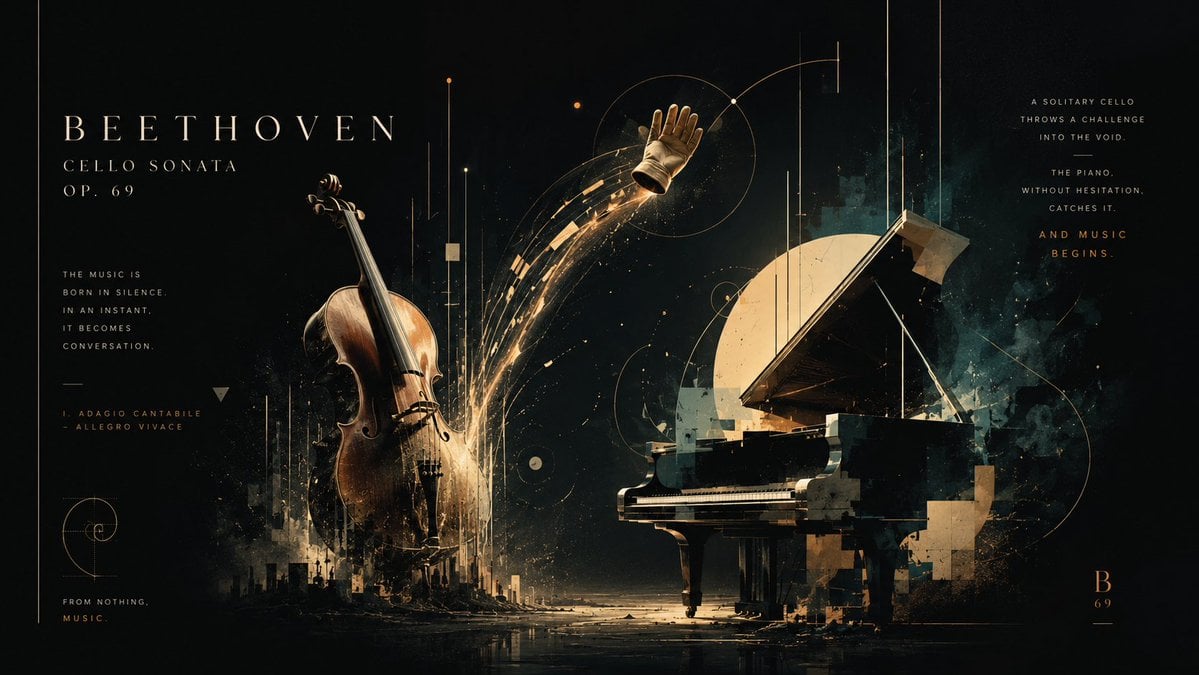
Beethoven Cello Sonata Cosmic Poster

Azed Double Exposure

Firefly Pixar Spill — Nano Banana Pro
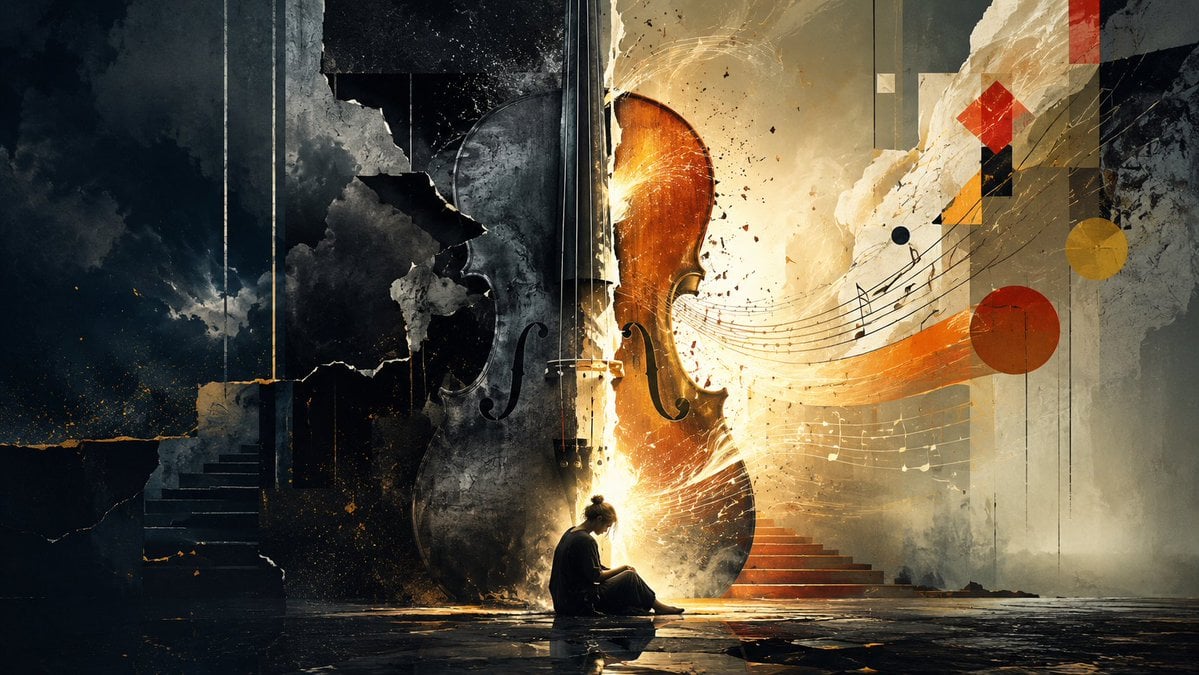
Melancholy Cello Surreal Artwork
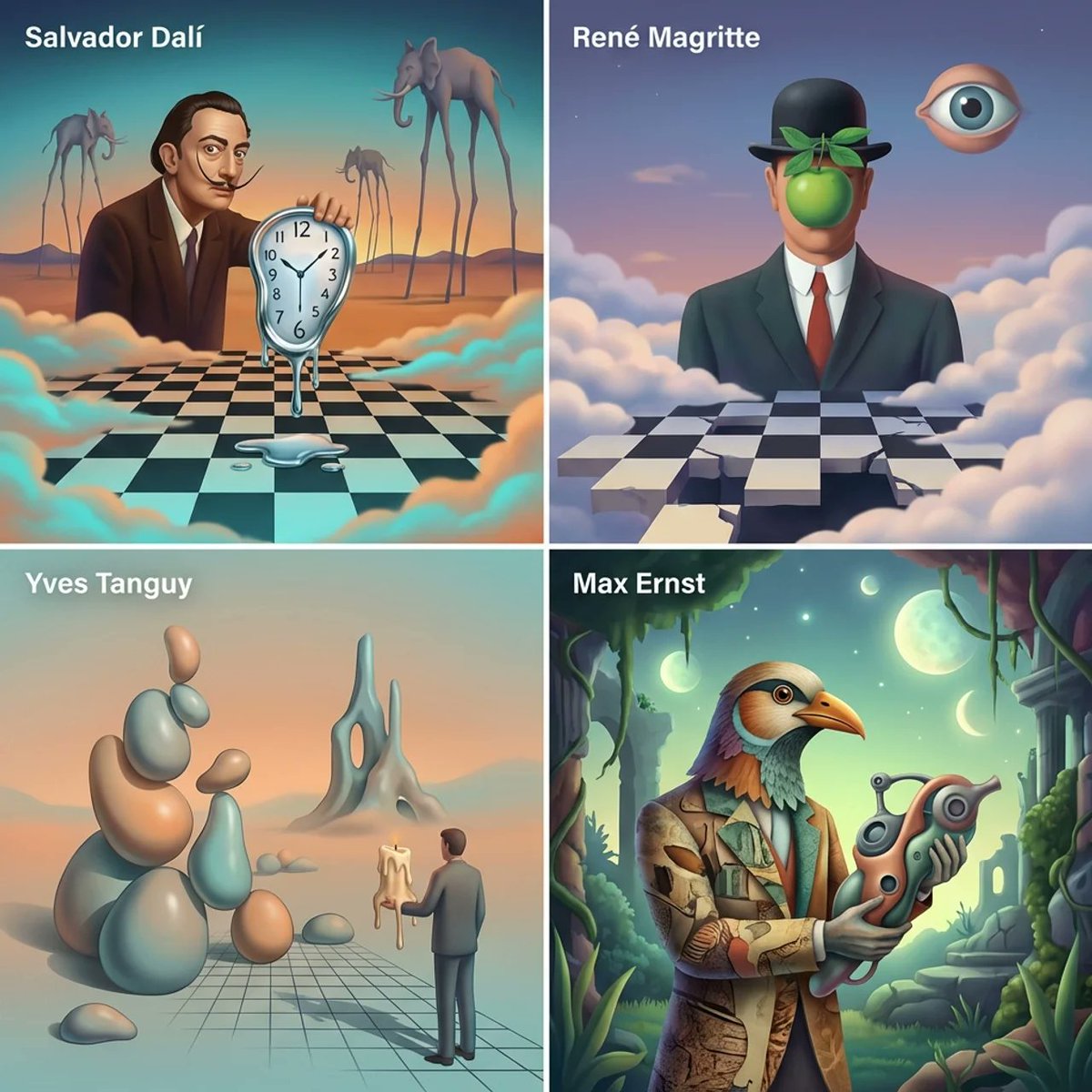
Surrealist Painter Dreamscape Diorama Prompt Template
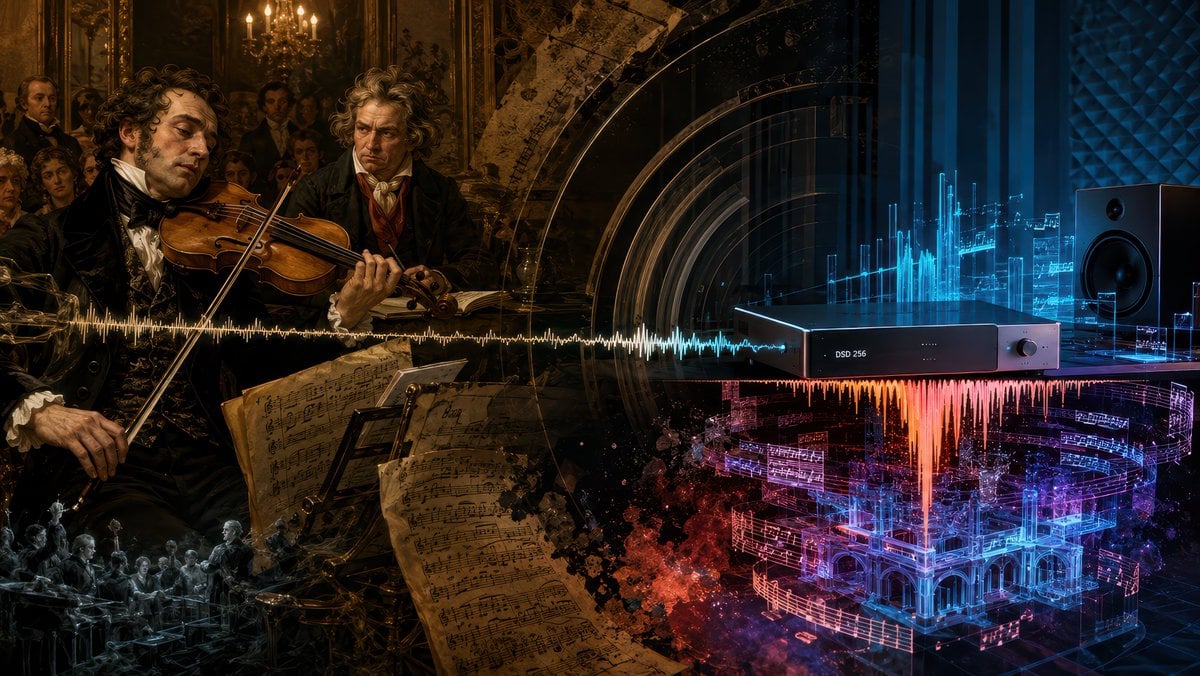
Beethoven Sonata DSD 256 Collage

Dark Beethoven Forest Sonata Poster
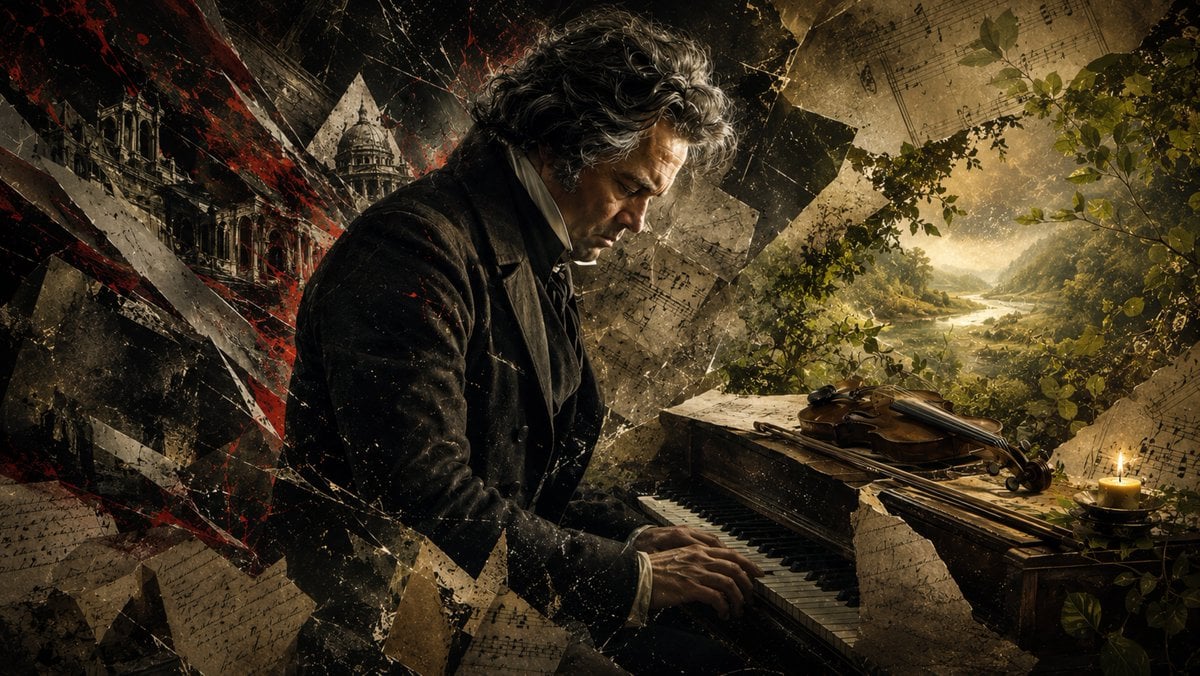
Beethoven Tragic Sonata Collage
Make it yours
Surreal Cello Sonata Dreamscape works as-is. These are the safest ways to change it without losing the look.
Change one field
Copy a single group, rewrite it, and generate again so you can see what that field is doing.
Keep the frame, change the subject
Hold the composition and light of Surreal Cello Sonata Dreamscape, then swap wardrobe, props or the person for a new take.
| If the result… | Why | Fix |
|---|---|---|
| The result drifts from the preview | Too many fields changed at once. | Reuse Surreal Cello Sonata Dreamscape as-is first, then change one group — subject, light, or setting. |
| The model over-stylizes the scene | The prose prompt leaves finish and camera underspecified. | Add one camera or lighting sentence and stay on GPT Image 2. |
More GPT Image 2 templates
Other prompts made for GPT Image 2.

Six VTuber Japanese Logo Sheet

Realistic Portrait of Woman and Deer

The Vista Modular Condo Poster

AI Model Routing Comparison Infographic

2.5D Anime Art Board

Isometric Productivity Desk Scene

New York Double Exposure Poster

Four-Panel AI Landscape Comparison

Japanese Tatami Lifestyle Magazine Cover

NESCAFÉ Coffee Map Poster
More image prompts
Fresh picks from across the catalog.
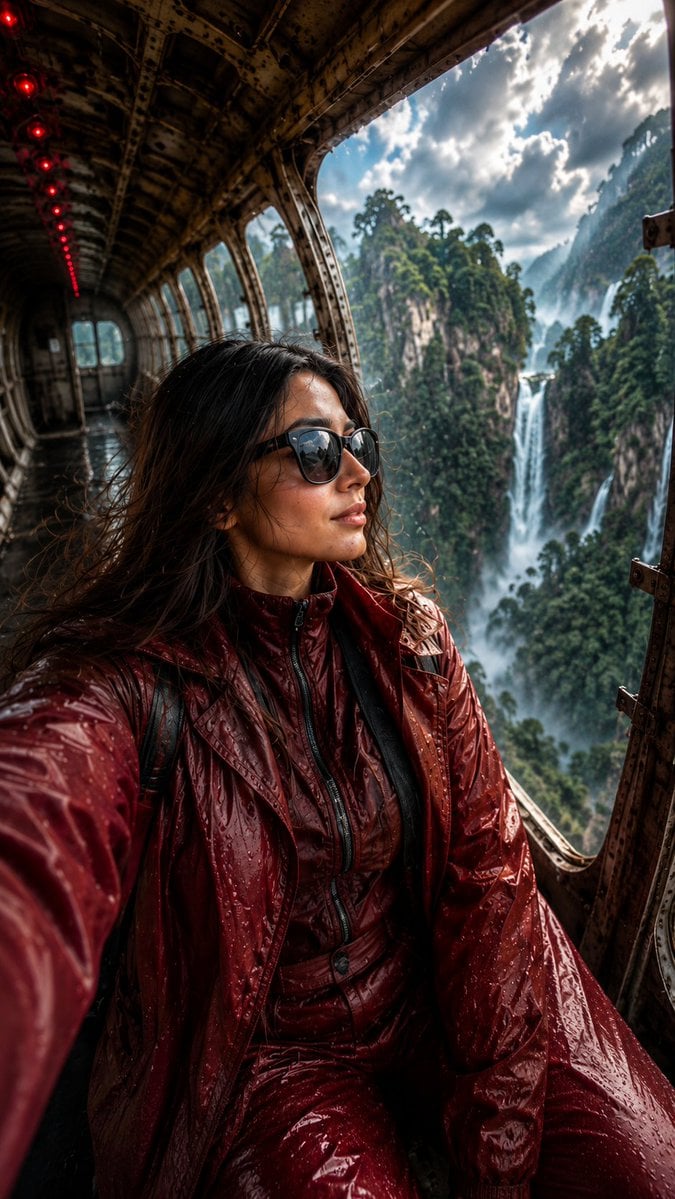
Abandoned Airplane Jungle Selfie

Ultrarrealista Retrato Profesional de Oficina 8K
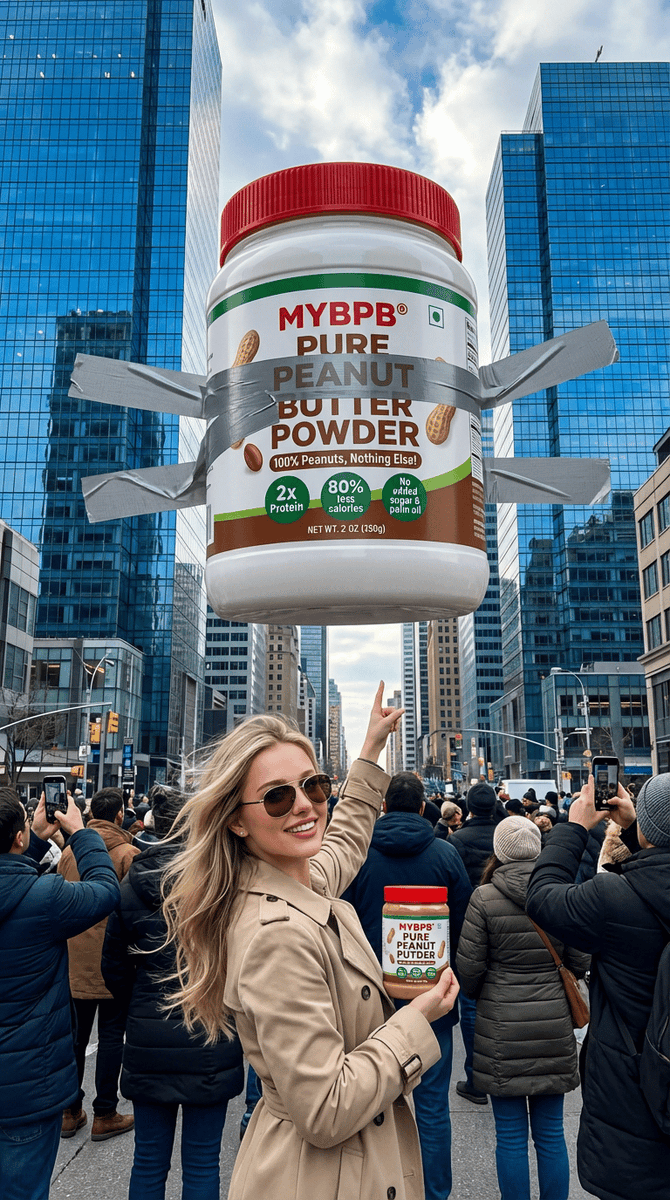
Surreal Giant Product Installation on Skyscraper
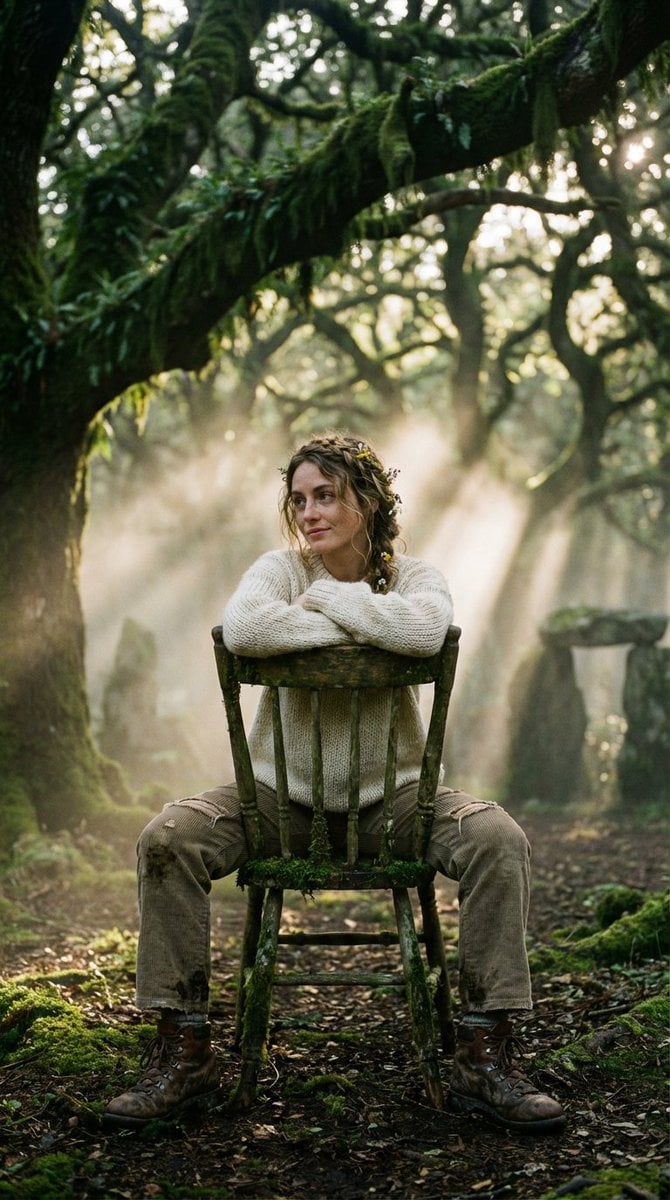
Bohemian Forest Portrait (Analog Film Style)
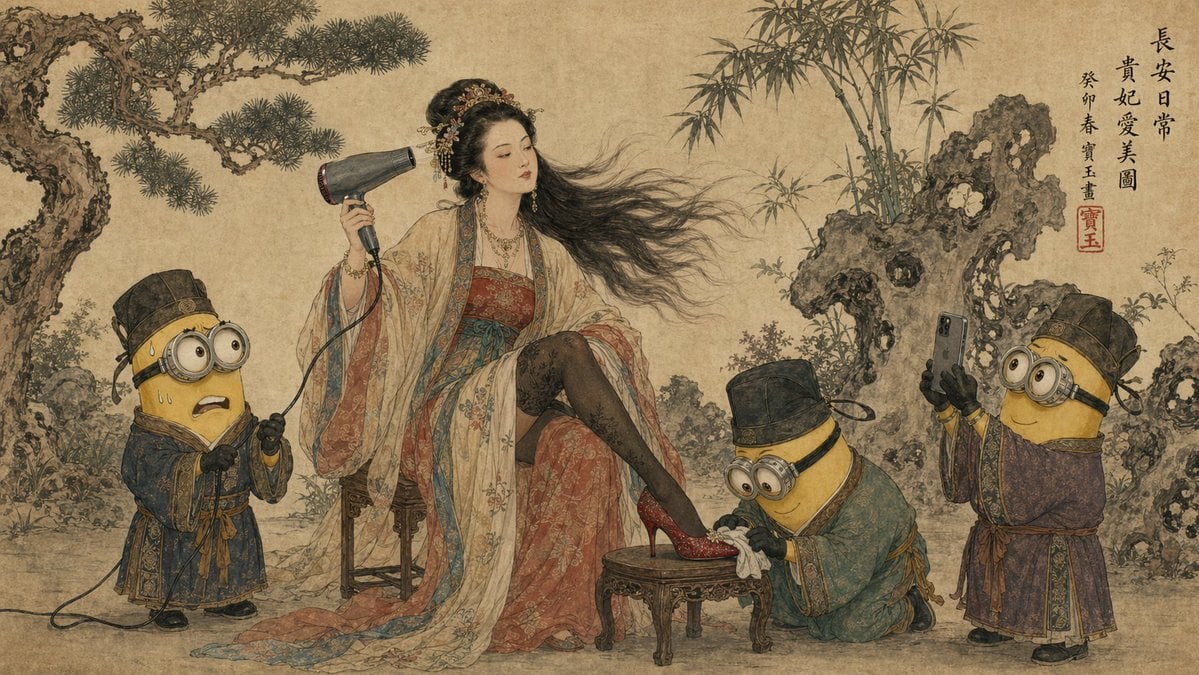
Tang Dynasty Queen & Minions Gongbi Painting

Flame-Grilled Burger Ad Poster
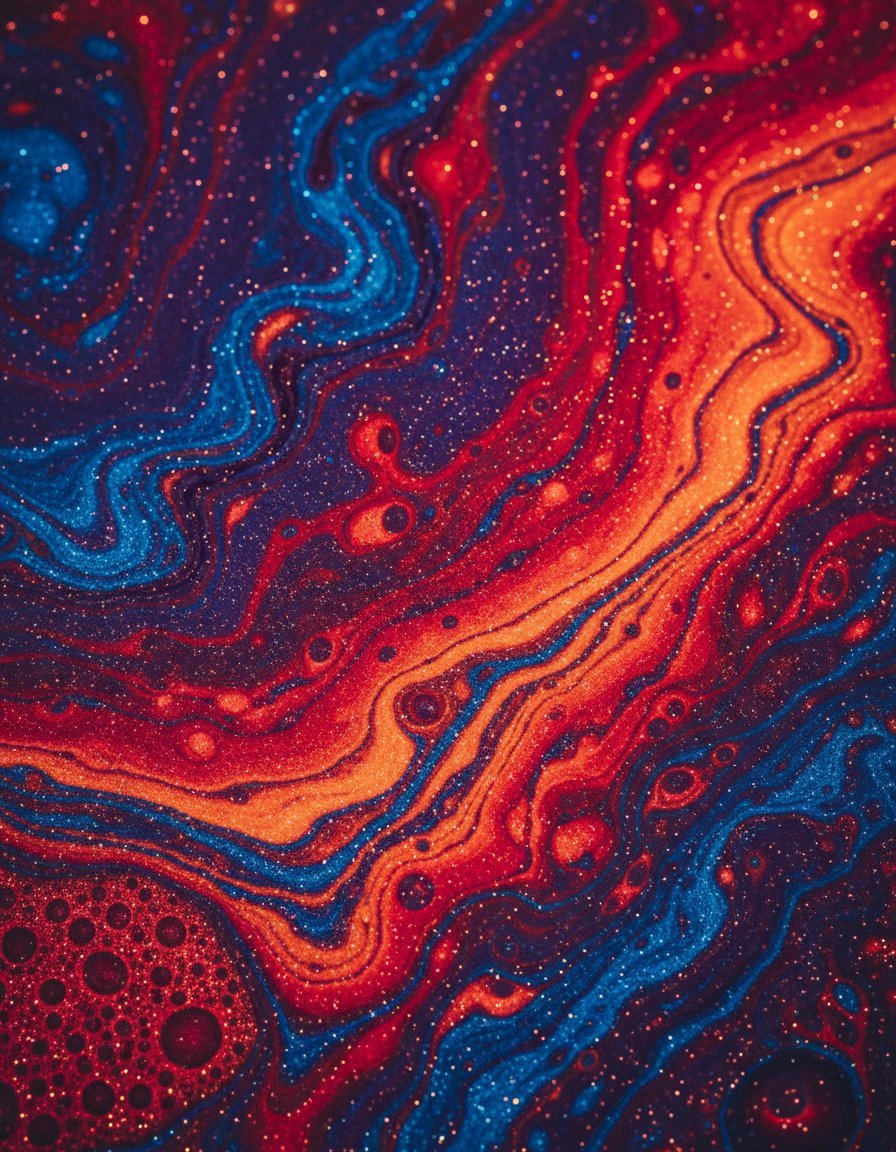
Abstract Iridescent Swirling Color Mixture

Introspective Cinematic Fine-Art Portrait
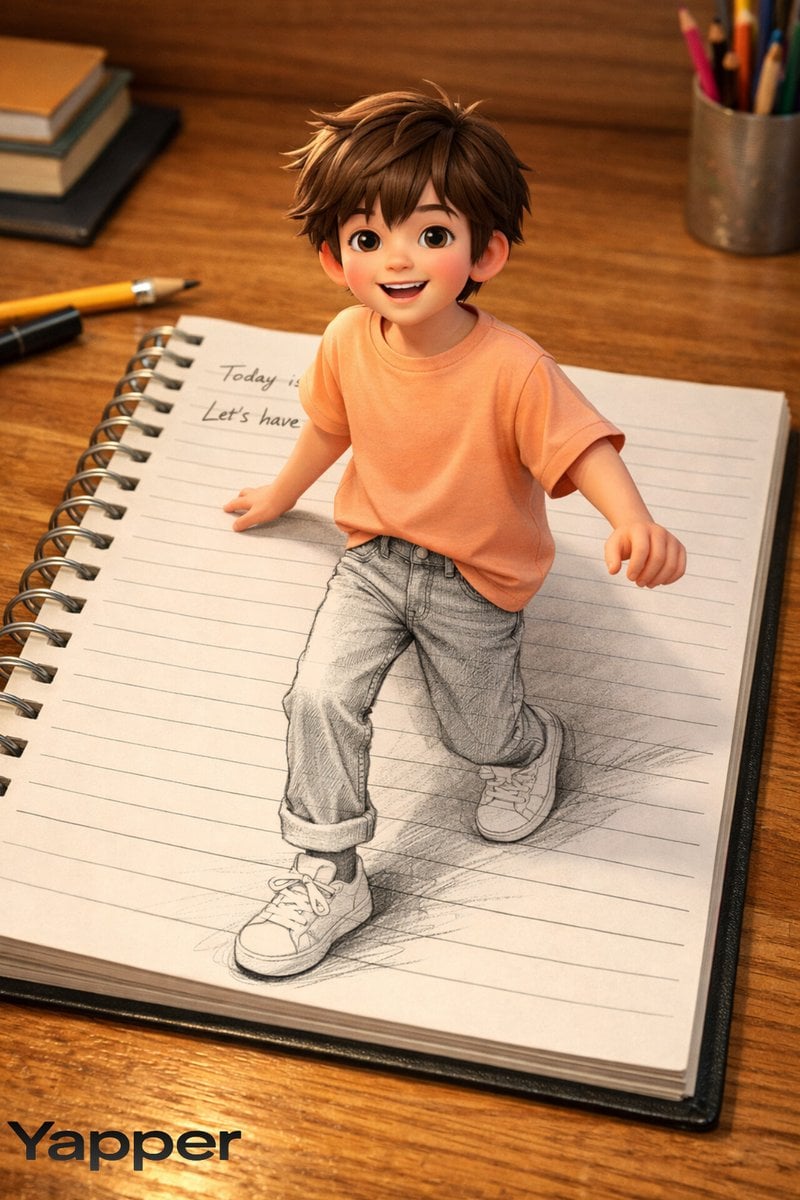
Creative 3D Illusion Artwork of a Boy Stepping Out of a Notebook
GARP biology for Tregs illustration
Browse template categories
Surreal Cello Sonata Dreamscape questions
How do I use the Surreal Cello Sonata Dreamscape template?
Add your photo if the template asks for one, edit the prompt if you like — the template's model and format are already selected — and press Generate. Your version opens in PicX Studio.
Can I customize the Surreal Cello Sonata Dreamscape template?
Yes. You can change the subject, setting, lighting, mood, format, and available model controls before creating your image.
Is the Surreal Cello Sonata Dreamscape template free?
Opening and editing this template is free. Generating uses credits, shown on the Generate button when you are signed in.
Which AI model should I use?
Start with GPT Image 2, which is the model associated with this template. You can compare another compatible model for a different finish.
Looking for something else? Browse all templates.

Your photo, any look
Thousands of ready templates for every top image and video model, from one credit balance.