
Dramatic Cello Sonata Poster
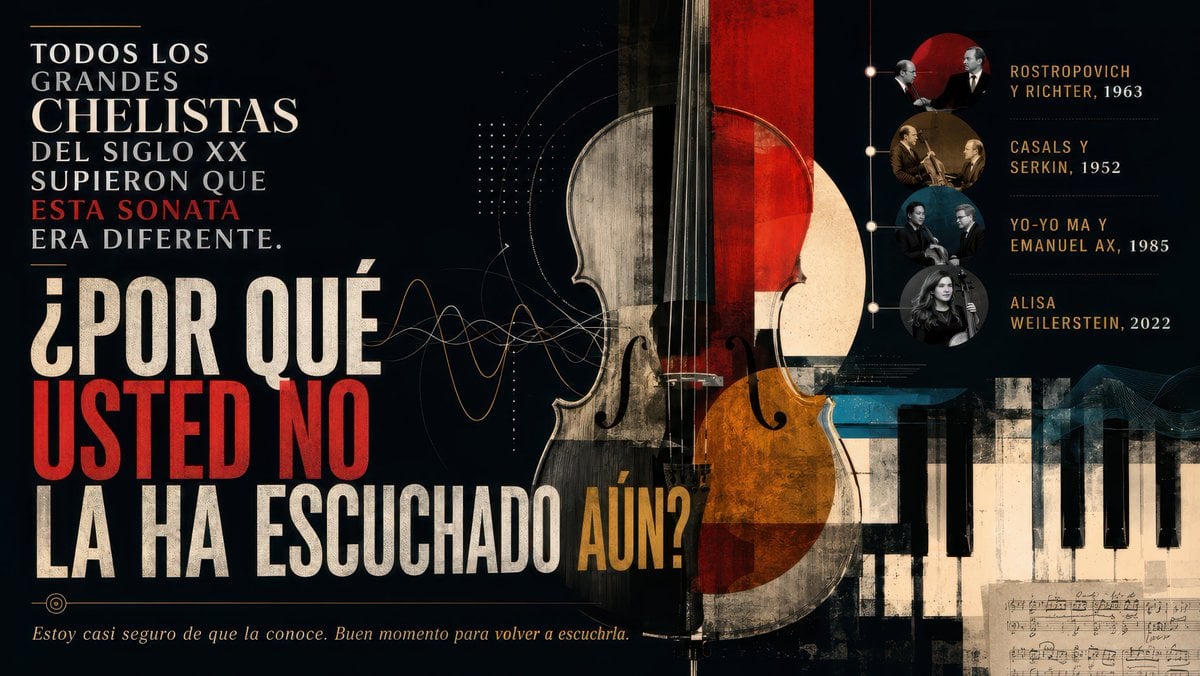
Generates a cinematic Spanish classical-music poster featuring a cello, piano keys, bold typography, and a four-entry timeline of legendary recordings.
- Prompt included
- Model and format preset
- Free template
The prompt behind this image
Copy the exact prompt behind Dramatic Cello Sonata Poster, or open it in the studio and make it yours.
Goal: Create a dramatic widescreen editorial poster about a famous cello sonata and its legendary performers, in Spanish, with a classical-music documentary mood. Canvas: 16:9 horizontal poster, dark charcoal-black background, aged paper texture, high contrast, cinematic lighting, distressed ink and collage grain. Layout: Left third contains the main Spanish typography in stacked uppercase lines. Center features an oversized vertical cello collage, partly transparent and split into worn cream wood, black, deep red, and amber-orange geometric overlays. Bottom right contains a cropped piano keyboard extending horizontally, with a small fragment of handwritten sheet music beneath it. Right third contains a vertical timeline of recordings with exactly 4 circular musician-photo medallions connected by a thin vertical line and small nodes. Add subtle sound-wave curves, dotted grids, fine technical arcs, and faint music-staff textures around the cello. Text content: Use this exact main headline on the left, with mixed white, cream, red, and gold emphasis: “TODOS LOS GRANDES CHELISTAS DEL SIGLO XX SUPIERON QUE ESTA SONATA ERA DIFERENTE.” Then very large: “¿POR QUÉ USTED NO LA HA ESCUCHADO AÚN?” Make “USTED NO” bright red, “AÚN?” gold, and the rest distressed cream-white. Bottom left italic sentence: “Estoy casi seguro de que la conoce. Buen momento para volver a escucharla.” Right-side timeline: Include exactly 4 labeled recording entries, stacked vertically, each aligned to one circular portrait medallion: 1) “ROSTROPOVICH Y RICHTER, 1963”; 2) “CASALS Y SERKIN, 1952”; 3) “YO-YO MA Y EMANUEL AX, 1985”; 4) “ALISA WEILERSTEIN, 2022”. The medallions should look like archival classical-musician photos with muted sepia, black-and-white, and blue-gray tones; the final portrait can be a modern grayscale female cellist image. Visual style: Sophisticated museum-poster design, bold condensed serif and slab-serif typography, grunge print texture, vintage concert-program aesthetic, elegant gold accents, red circular sun shape behind the top timeline portraits, thin lines and dots like a music-analysis diagram. The cello should dominate the composition and overlap the typography slightly without making the text unreadable. Customizable parameters: The subject sentence may be {argument name="main claim" default="TODOS LOS GRANDES CHELISTAS DEL SIGLO XX SUPIERON QUE ESTA SONATA ERA DIFERENTE."}; the large question may be {argument name="headline question" default="¿POR QUÉ USTED NO LA HA ESCUCHADO AÚN?"}; the closing line may be {argument name="footer quote" default="Estoy casi seguro de que la conoce. Buen momento para volver a escucharla."}; the instrument focus may be {argument name="central instrument" default="cello"}; the timeline title names may be {argument name="recording list" default="Rostropovich y Richter, 1963; Casals y Serkin, 1952; Yo-Yo Ma y Emanuel Ax, 1985; Alisa Weilerstein, 2022"}. Constraints: Keep all text legible and spelled exactly as specified, do not add extra recording entries, do not add logos or watermarks, maintain a dark refined classical-music poster atmosphere.
How to use Dramatic Cello Sonata Poster in 3 steps
- 1Upload ImagePNG, JPG or paste
Add your photo
Upload the photo the template builds on. The prompt, model and format are already set.
- 2…a portrait of your subject in softgolden-hour light, 85mm…
Personalize
Edit the subject and creative details for your destination.
- 3Generate
Generate
Press Generate — your image is created in PicX Studio, so you can compare it with the original and refine one variable at a time.
More like this
Templates with the same subject, style or setup. Open one to see its prompt.
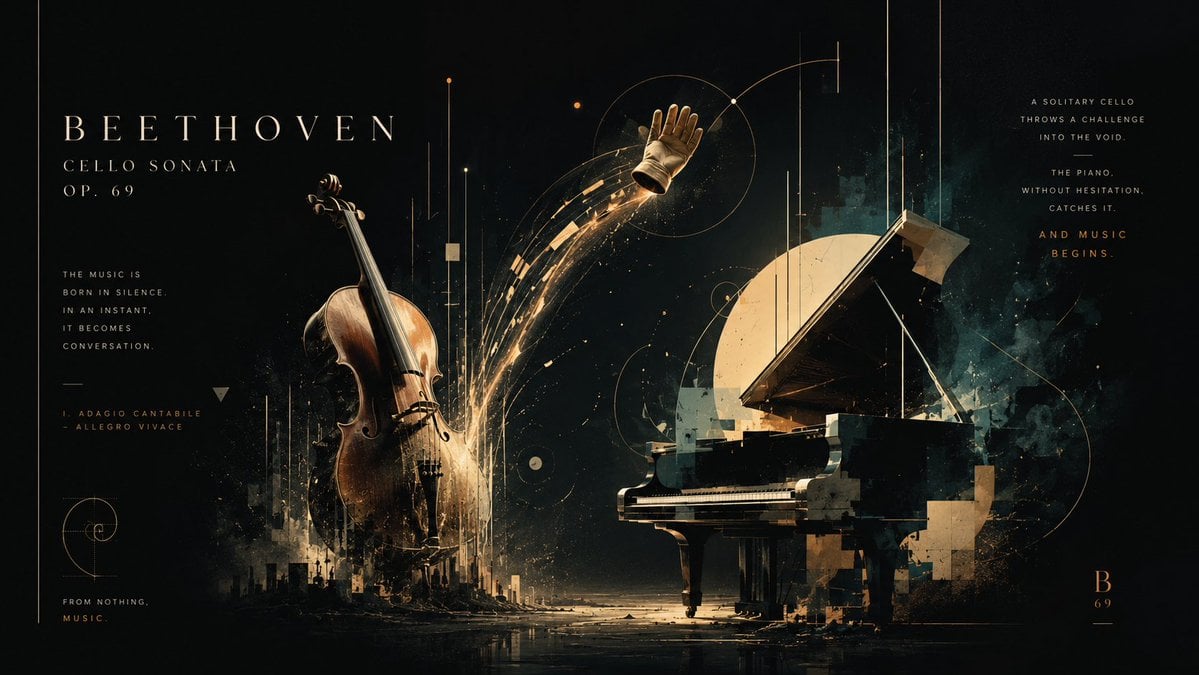
Beethoven Cello Sonata Cosmic Poster

Japan Travel Brochure Poster

Cartoon TV Show Poster Pack

Trendy Cafe Drink Promo Poster

Urban Fashion Editorial Collage Streetwear Poster

Premium Fashion Editorial Cover Layout System

Polo Ralph Lauren Luxury American Heritage Fashion Campaign

Monochrome Halftone Editorial Fashion Poster

Retro Mirror Luxury Fashion Campaign Poster

Luxury Fashion Campaign Typography Poster System

Premium Fashion Editorial Campaign Poster System

Ultra-Stylized High-Fashion Streetwear Poster
Make it yours
Dramatic Cello Sonata Poster works as-is. These are the safest ways to change it without losing the look.
Change one field
Copy a single group, rewrite it, and generate again so you can see what that field is doing.
Keep the frame, change the subject
Hold the composition and light of Dramatic Cello Sonata Poster, then swap wardrobe, props or the person for a new take.
| If the result… | Why | Fix |
|---|---|---|
| The result drifts from the preview | Too many fields changed at once. | Reuse Dramatic Cello Sonata Poster as-is first, then change one group — subject, light, or setting. |
| The model over-stylizes the scene | The prose prompt leaves finish and camera underspecified. | Add one camera or lighting sentence and stay on GPT Image 2. |
More GPT Image 2 templates
Other prompts made for GPT Image 2.

Six VTuber Japanese Logo Sheet

Realistic Portrait of Woman and Deer

The Vista Modular Condo Poster

AI Model Routing Comparison Infographic

2.5D Anime Art Board

Isometric Productivity Desk Scene

New York Double Exposure Poster

Four-Panel AI Landscape Comparison

Japanese Tatami Lifestyle Magazine Cover

NESCAFÉ Coffee Map Poster
More image prompts
Fresh picks from across the catalog.

Loch Ness Monster Visual Description and Generation

Cubist Chinese Membership Promo Poster

Over-the-Shoulder POV Motorbike Shot
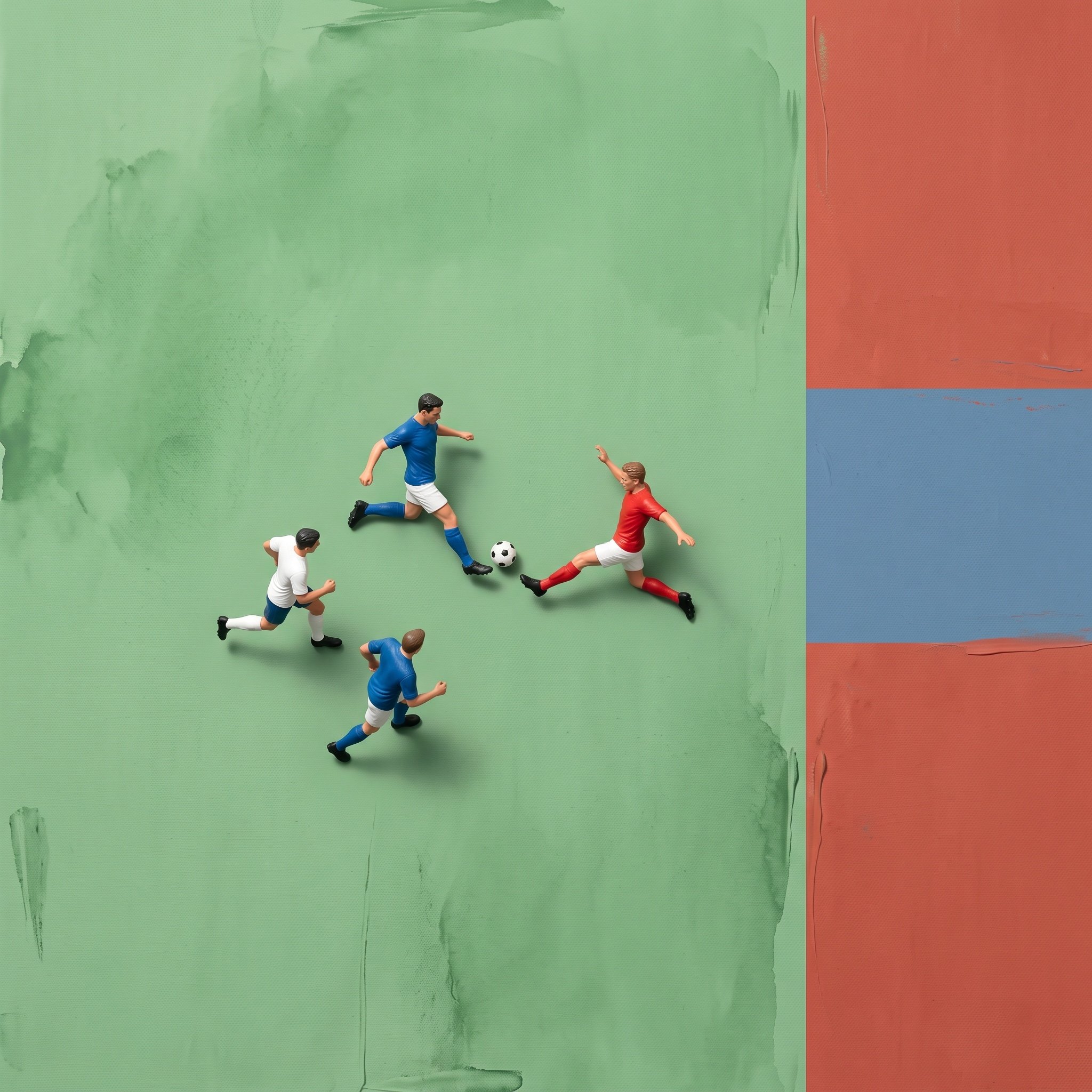
Miniature Ink Movement Image Generation Prompt
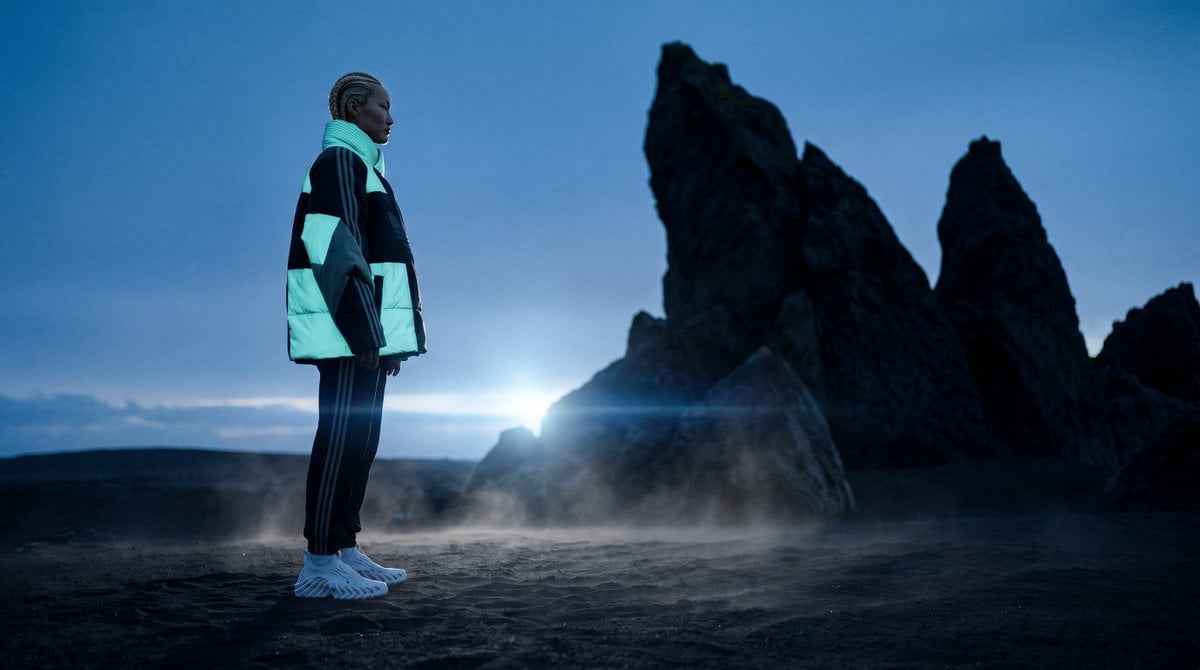
Blue Hour Volcanic Fashion Editorial

Realistic Gaming Couple Portrait Prompt for Nano Banana 2

Pastel Bunny Girl Street Walk

Panel Cinematic Storyboard Generation Prompt

Image Generation with One Prompt and Reference
Renaissance Bathing Portrait
Browse template categories
Dramatic Cello Sonata Poster questions
How do I use the Dramatic Cello Sonata Poster template?
Add your photo if the template asks for one, edit the prompt if you like — the template's model and format are already selected — and press Generate. Your version opens in PicX Studio.
Can I customize the Dramatic Cello Sonata Poster template?
Yes. You can change the subject, setting, lighting, mood, format, and available model controls before creating your image.
Is the Dramatic Cello Sonata Poster template free?
Opening and editing this template is free. Generating uses credits, shown on the Generate button when you are signed in.
Which AI model should I use?
Start with GPT Image 2, which is the model associated with this template. You can compare another compatible model for a different finish.
Looking for something else? Browse all templates.

Your photo, any look
Thousands of ready templates for every top image and video model, from one credit balance.