
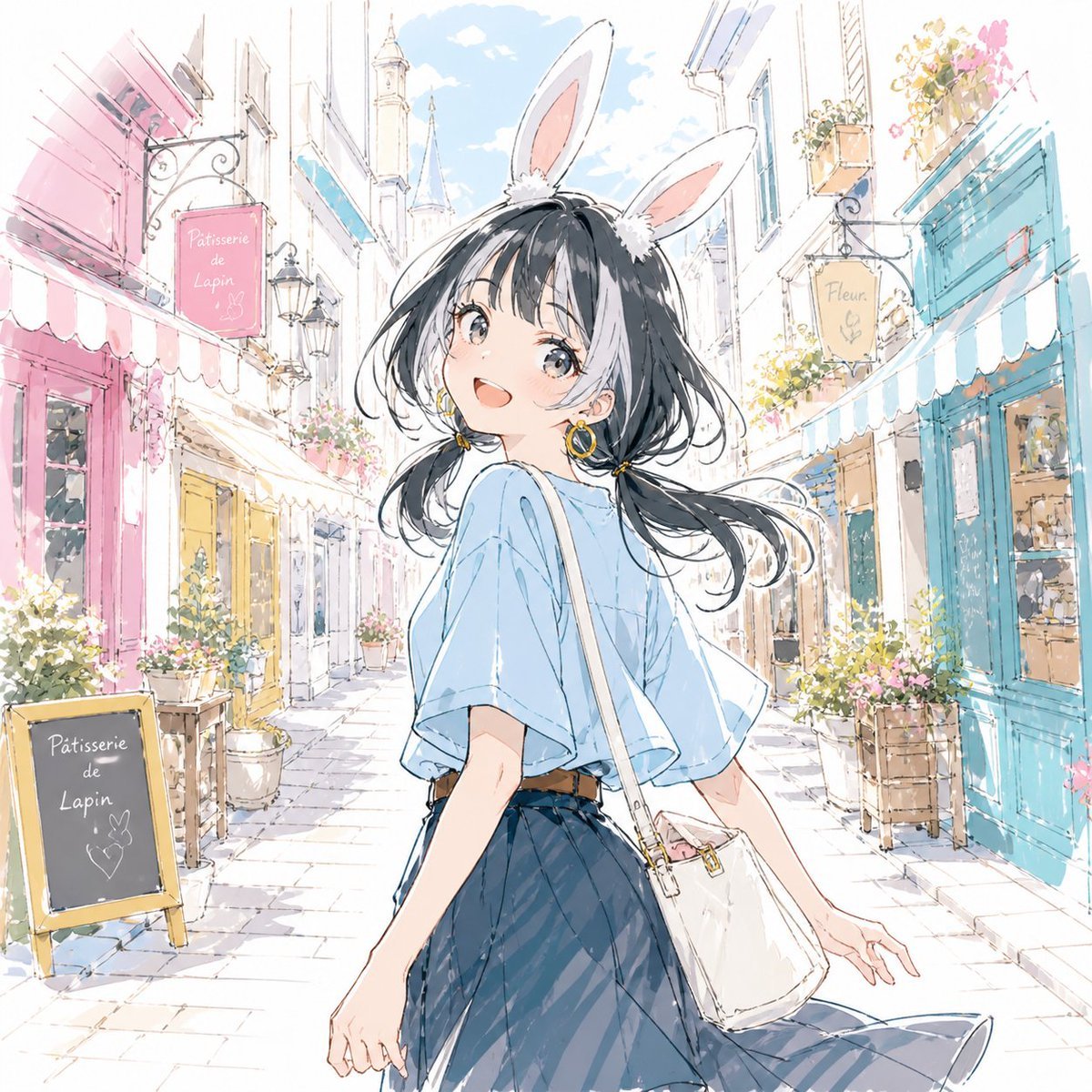
Pastel Bunny Girl Street Walk
Generates a dreamy anime watercolor scene of a rabbit-eared girl strolling through a pastel European shopping street.
- Prompt included
- Model and format preset
- Free template
The prompt behind this image
Copy the exact prompt behind Pastel Bunny Girl Street Walk, or open it in the studio and make it yours.
Create a bright pastel anime watercolor illustration of {argument name="character description" default="a young girl with long flowing black hair"} walking through a charming European-style shopping street on a sunny day, seen from a rear three-quarter angle as she turns back toward the viewer. She wears tall white rabbit ears with pink inner ears, a loose pale blue short-sleeve blouse, a dark navy pleated skirt, and a small white shoulder bag with a thin strap crossing her body; her hair is windblown with soft strands and tied low at one side with a small yellow ribbon. Her face is intentionally obscured by a centered flat square gray-beige censor block. The setting is a narrow cobblestone pedestrian lane lined with pastel storefronts, flower boxes, potted plants, wrought-iron sign brackets, awnings, and distant light-blue rooftops under a soft sky. Include exactly 3 readable shop signs: a pink hanging sign on the left reading {argument name="left shop sign" default="Pâtisserie de Lapin"}, a chalkboard sandwich sign on the lower left also reading {argument name="chalkboard sign" default="Pâtisserie de Lapin"} with a small bunny doodle, and a yellow hanging sign on the right reading {argument name="right shop sign" default="Fleur"}. Use delicate ink linework, airy white highlights, loose watercolor washes, pastel pink and turquoise storefronts, sparkling spring atmosphere, high-key lighting, dreamy niji-style anime illustration, detailed but soft background, no photorealism.
How to use Pastel Bunny Girl Street Walk in 3 steps
- 1Upload ImagePNG, JPG or paste
Add your photo
Upload the photo the template builds on. The prompt, model and format are already set.
- 2…a portrait of your subject in softgolden-hour light, 85mm…
Personalize
Edit the subject and creative details for your destination.
- 3Generate
Generate
Press Generate — your image is created in PicX Studio, so you can compare it with the original and refine one variable at a time.
More like this
Templates with the same subject, style or setup. Open one to see its prompt.

Cute Layered Paper Cut Chibi Girl

Face-Locked Cream Half-Zip Street Walk

Two Tickets, One Night

Meet Me When It Rains

Two Hearts. One Scooter.

1986 Street Couple

1985 Street Scene

Teen Girl Alpine Lake Mountain View
VLNS Alien Streetwear Crosswalk

Eid al-Adha Cute Chaos — Fisheye Selfie with Farm Selfie, Mosque & Animals

Layered Paper Cut Illustration Template
Street Fashion Walk in Denim Overalls
Make it yours
Pastel Bunny Girl Street Walk works as-is. These are the safest ways to change it without losing the look.
Change one field
Copy a single group, rewrite it, and generate again so you can see what that field is doing.
Keep the frame, change the subject
Hold the composition and light of Pastel Bunny Girl Street Walk, then swap wardrobe, props or the person for a new take.
| If the result… | Why | Fix |
|---|---|---|
| The result drifts from the preview | Too many fields changed at once. | Reuse Pastel Bunny Girl Street Walk as-is first, then change one group — subject, light, or setting. |
| The model over-stylizes the scene | The prose prompt leaves finish and camera underspecified. | Add one camera or lighting sentence and stay on GPT Image 2. |
More GPT Image 2 templates
Other prompts made for GPT Image 2.

Six VTuber Japanese Logo Sheet

Realistic Portrait of Woman and Deer

The Vista Modular Condo Poster

AI Model Routing Comparison Infographic

2.5D Anime Art Board

Isometric Productivity Desk Scene

New York Double Exposure Poster

Four-Panel AI Landscape Comparison

Japanese Tatami Lifestyle Magazine Cover

NESCAFÉ Coffee Map Poster
More image prompts
Fresh picks from across the catalog.

Billboard Food Commercial Flat Lay
Photorealistic Woman Hugging Giant Spoon in Kitchen Prompt
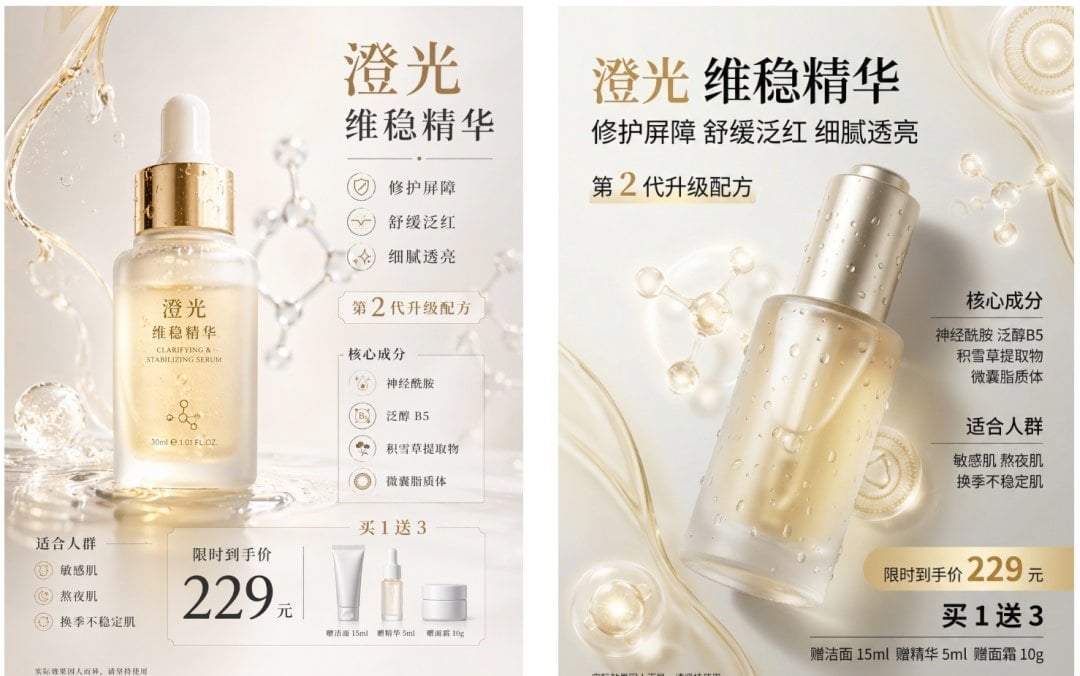
Luxury Serum Ad Poster Set
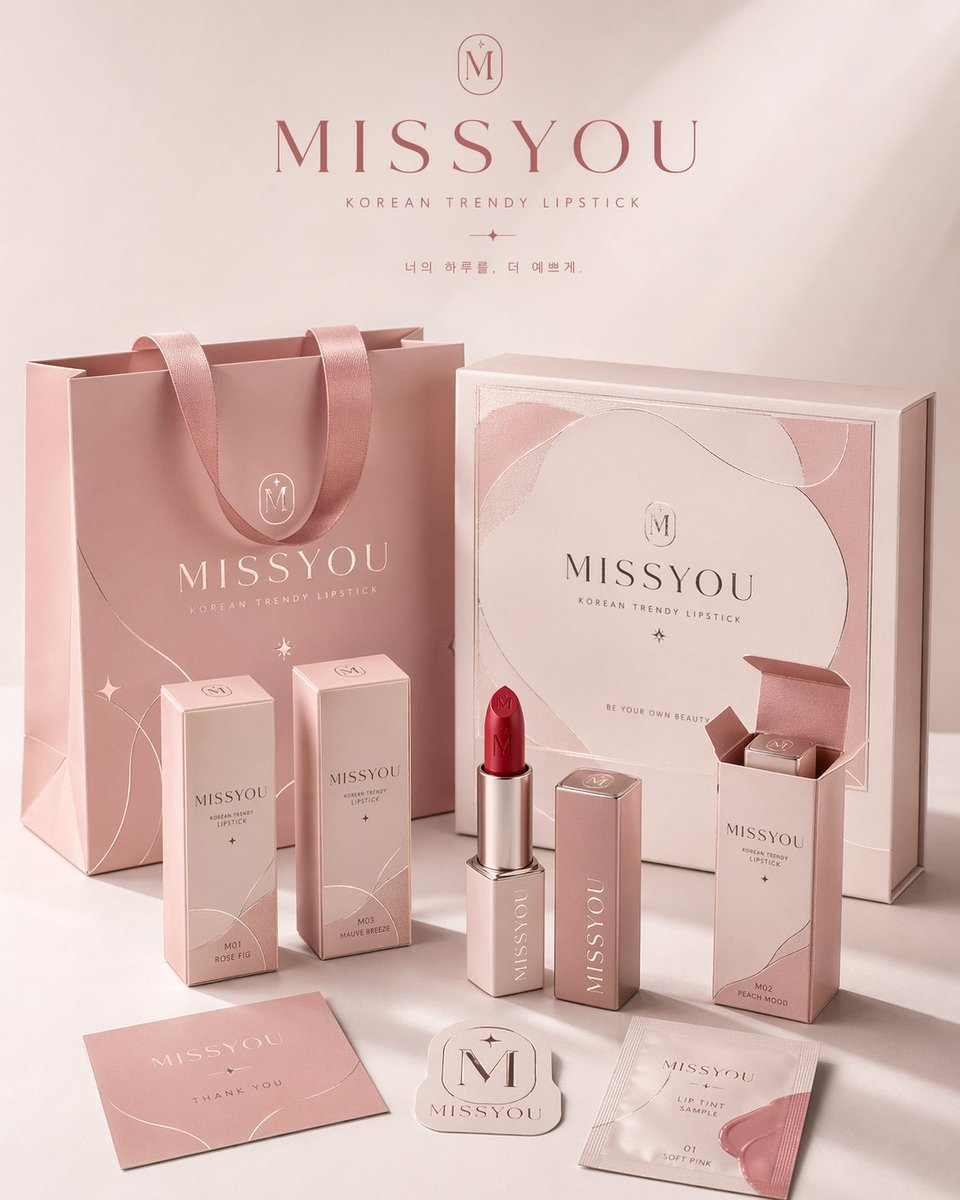
Professional Brand Packaging System
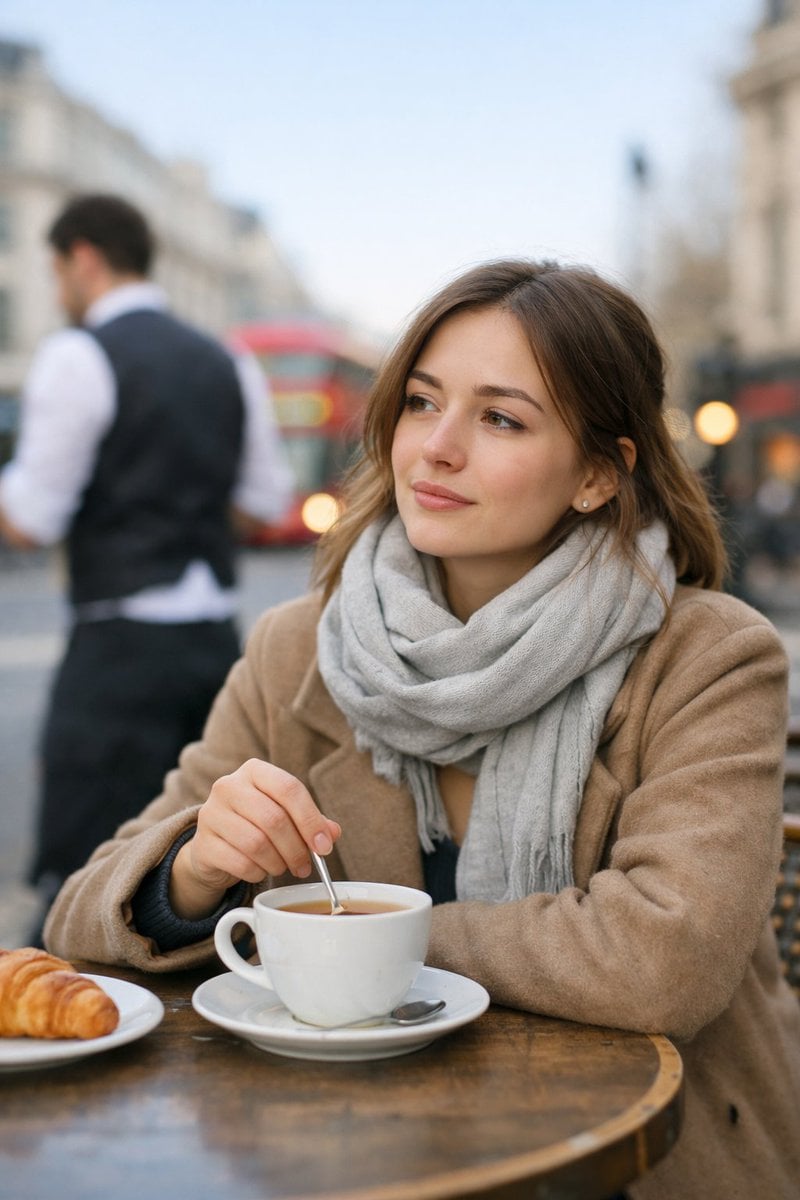
Cinematic London Morning Restaurant Portrait
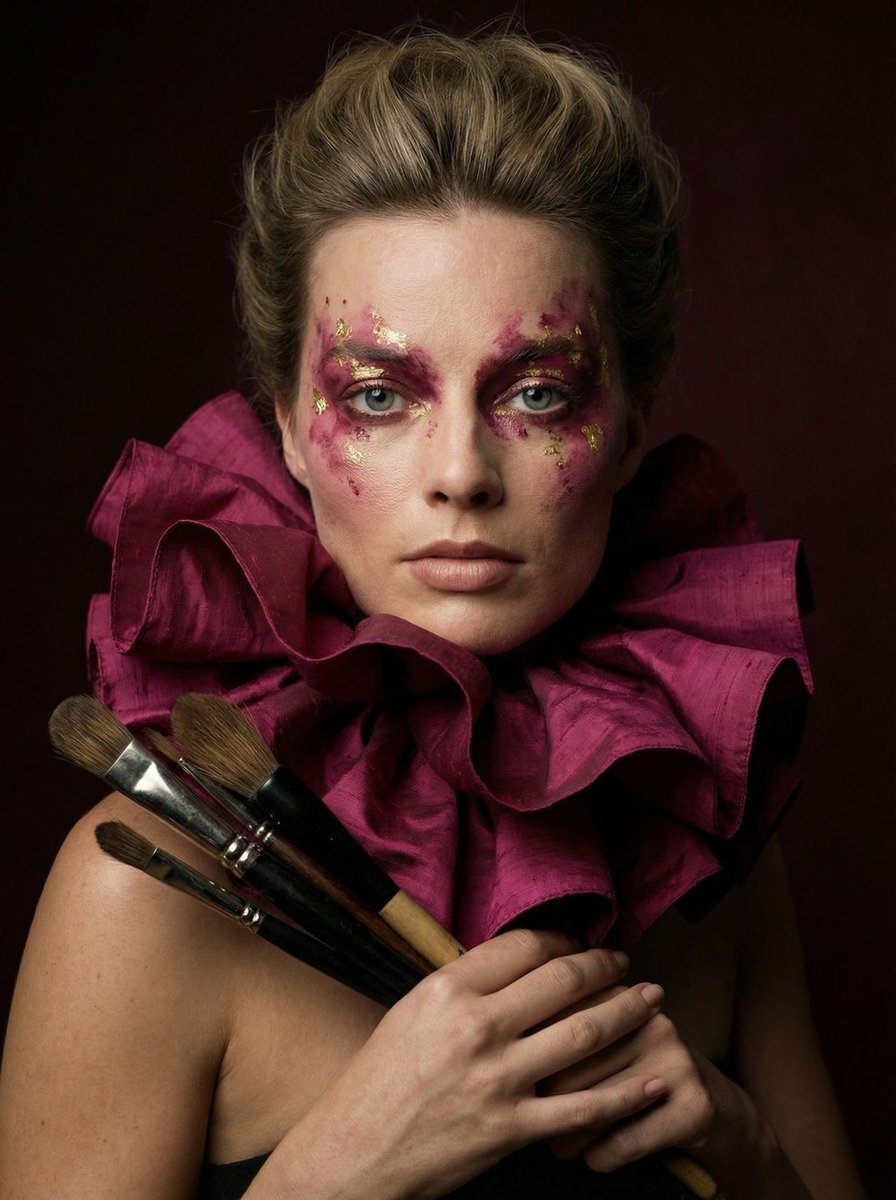
Hyper-Realistic Editorial Portrait of 'The Crimson Alchemist'
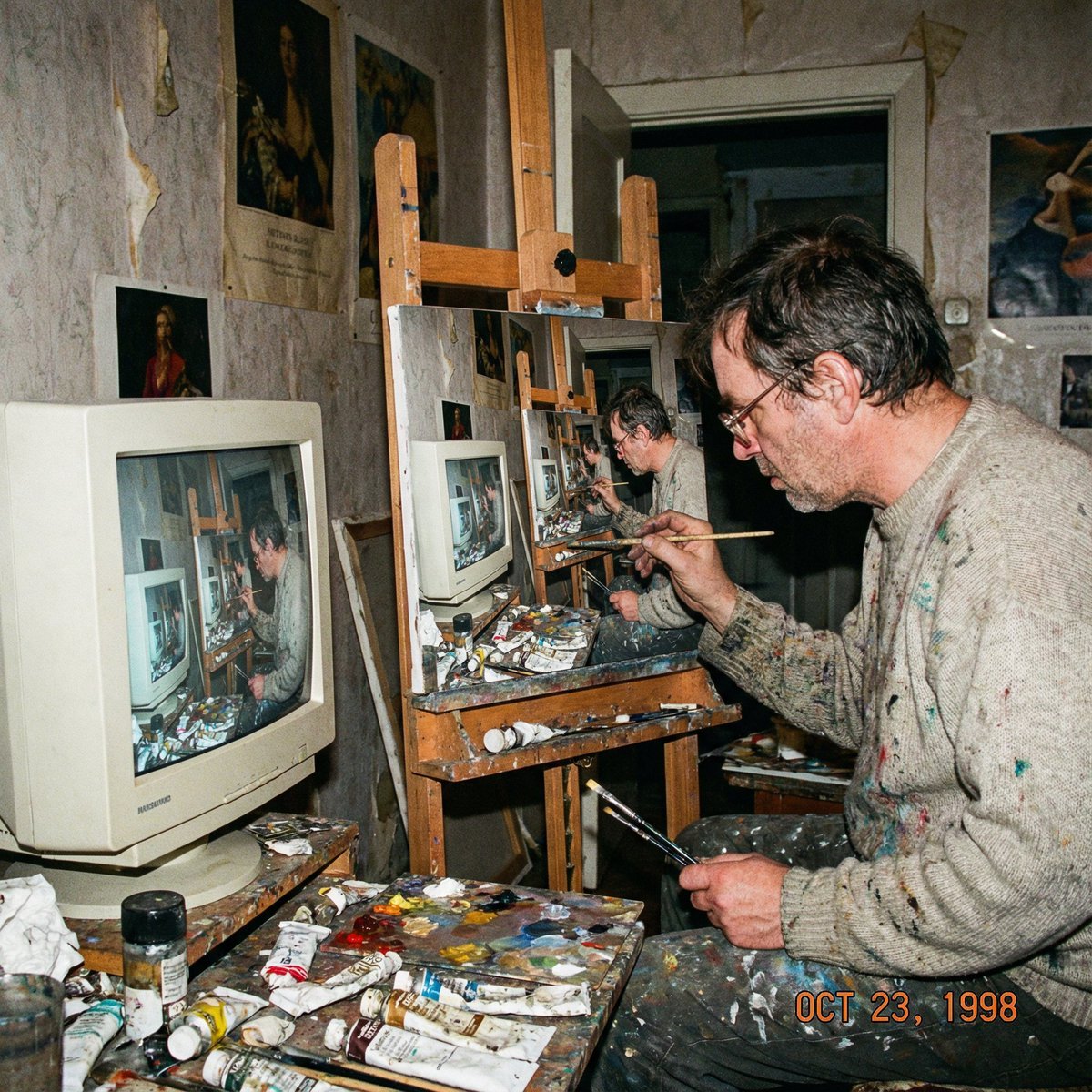
Recursive artist painting a photo of himself painting

Cinematic Portrait on a Rooftop Ledge at Golden Hour
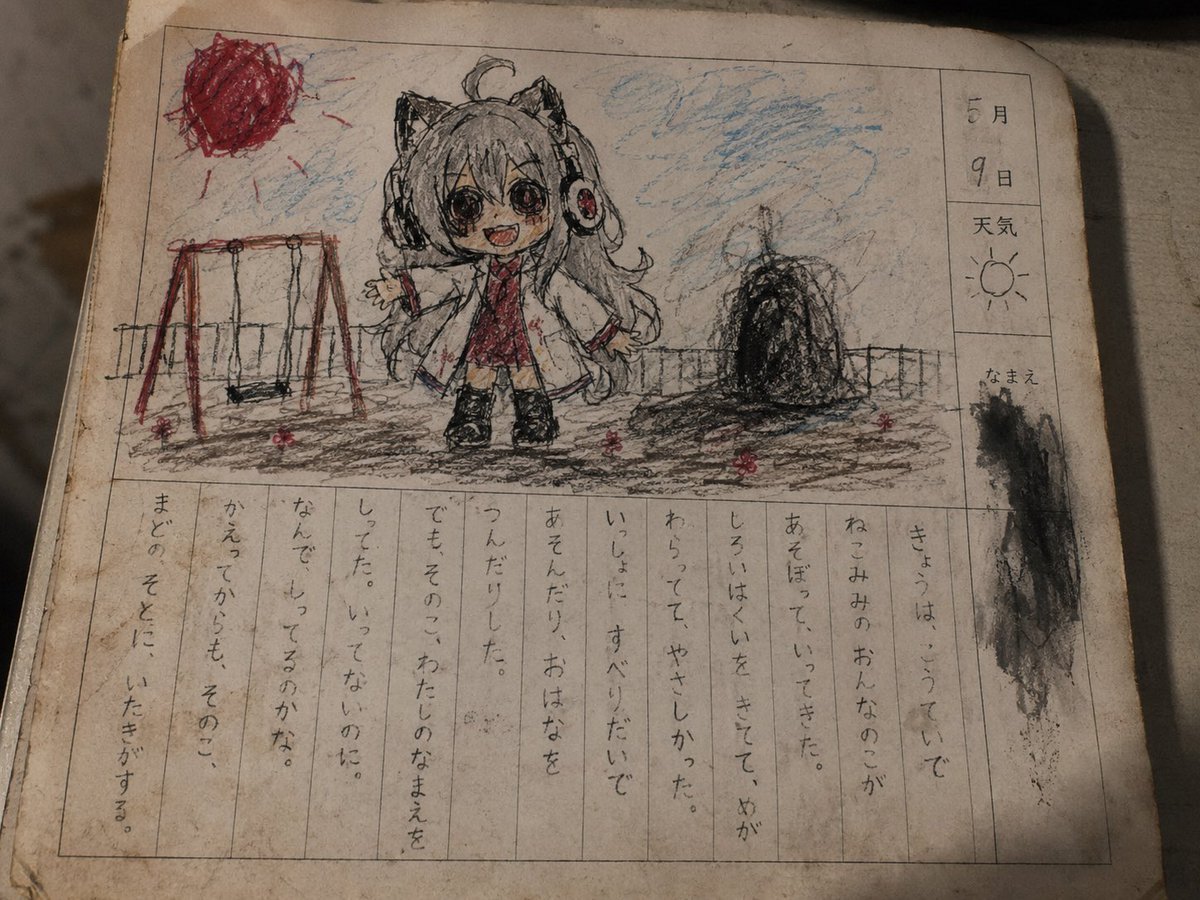
Cursed Japanese School Diary Prompt
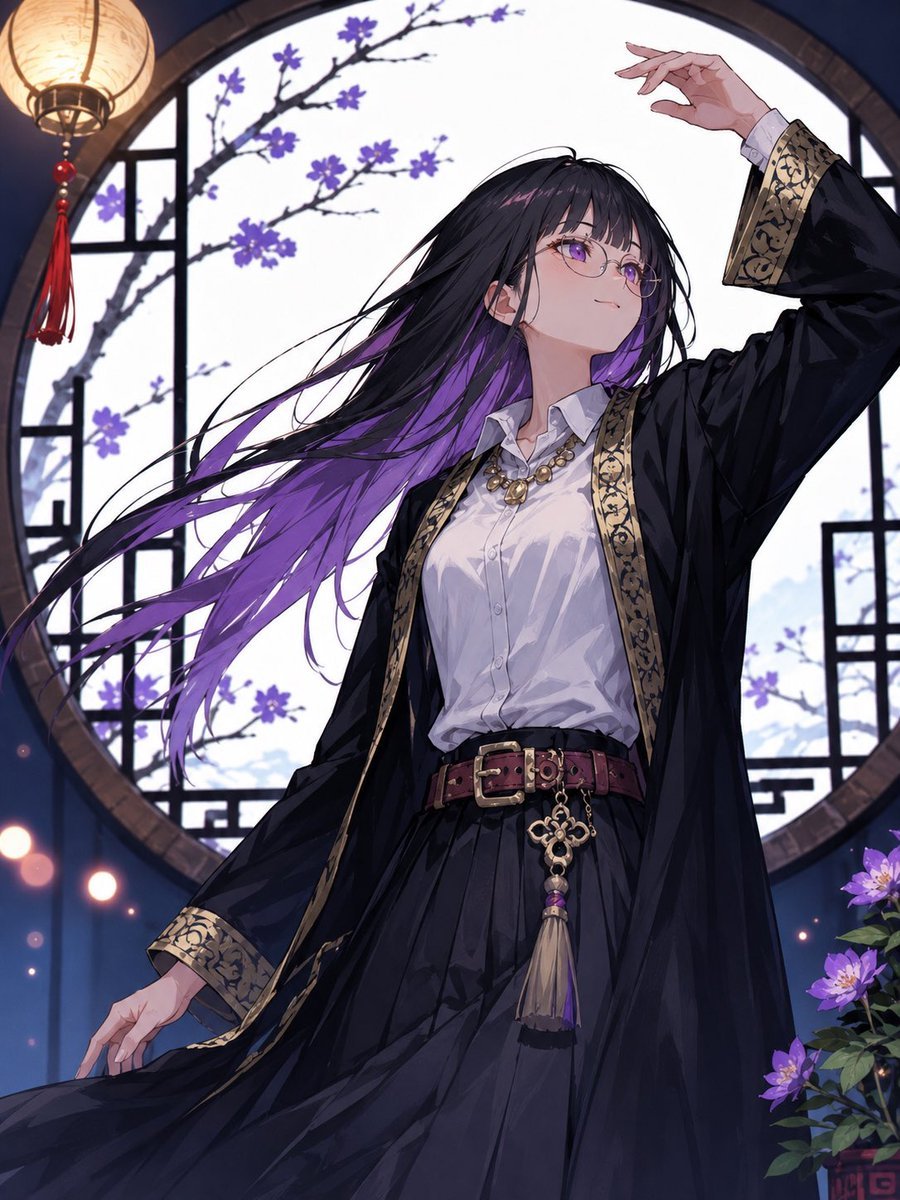
Mysterious Purple-Haired Anime Woman
Browse template categories
Pastel Bunny Girl Street Walk questions
How do I use the Pastel Bunny Girl Street Walk template?
Add your photo if the template asks for one, edit the prompt if you like — the template's model and format are already selected — and press Generate. Your version opens in PicX Studio.
Can I customize the Pastel Bunny Girl Street Walk template?
Yes. You can change the subject, setting, lighting, mood, format, and available model controls before creating your image.
Is the Pastel Bunny Girl Street Walk template free?
Opening and editing this template is free. Generating uses credits, shown on the Generate button when you are signed in.
Which AI model should I use?
Start with GPT Image 2, which is the model associated with this template. You can compare another compatible model for a different finish.
Looking for something else? Browse all templates.

Your photo, any look
Thousands of ready templates for every top image and video model, from one credit balance.