
Ultra-Realistic 35mm Film Portrait
A high-fidelity prompt for a cinematic 35mm film-style portrait set in a neon-lit convenience store, focusing on realistic skin textures and lighting.
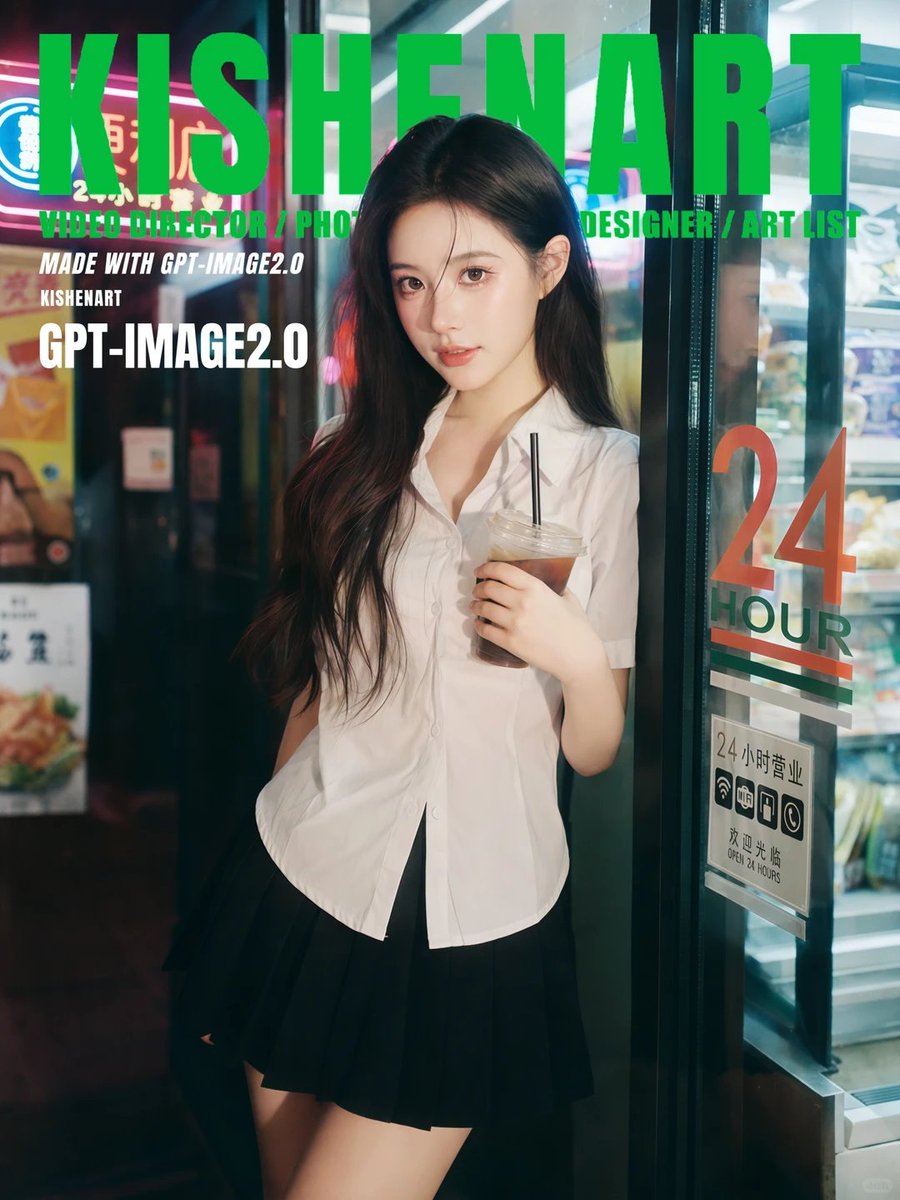
- Prompt included
- Model and format preset
- Free template
The prompt behind this image
Copy the exact prompt behind Ultra-Realistic 35mm Film Portrait, or open it in the studio and make it yours.
Theme: An ultra-cinematic portrait shot by a top-tier film photography master on 35mm Kodak Portra 800 film, combined with intense convenience-store fluorescent lighting and outdoor colored neon signs, a realistic film-grain feel, high contrast, a slight color shift, and a street-cinema editing style. Subject description: Use the uploaded reference image as the main subject; the facial features, bone structure, and natural skin texture (visible pores) must match 100%, without changing race or gender characteristics. Fine skin texture with fine pores, a naturally dewy makeup look, softly flushed cheeks, glossy natural pink lips slightly parted, long dark brown hair with many loose strands falling around the cheeks and neck. Clothing and pose: She is wearing a {argument name="top" default="a fitted, waist-cinching white short-sleeve shirt"}, paired with {argument name="bottom" default="a black pleated skirt"}, with black glossy pointed-toe stiletto heels on her feet, leaning late at night against {argument name="scene location" default="the glass door of a 24-hour convenience store"}, holding a bottle of iced drink in one hand with the other hand behind her back, her gaze both playful and slightly vulnerable, looking straight at the viewer, her soft eyes carrying a quiet, gentle smile. Scene setting: The store's bright, cool fluorescent lighting intertwines with the pink-blue neon signage outside, accented with strong lighting and neon highlights, realistic reflections on the glass door, a blurred convenience-store interior, with shelves and snacks visible in the background Lens aesthetics: The warm skin tones characteristic of Kodak Portra 800 contrasted against cool light, natural highlight bloom with soft transitions, the slight halation, grain, and cinematic quality unique to 35mm film, a cinematic composition, ultra-high detail, 8K-level extreme realism Positive prompt keywords: soft skin rendering, natural hair strands, realistic fabric folds and drape, no plastic-looking skin, no excessive digital sharpening, no oily-looking skin, an authentic late-night Chinese convenience-store atmosphere
How to use Ultra-Realistic 35mm Film Portrait in 3 steps
- 1Upload ImagePNG, JPG or paste
Add your photo
Upload the photo the template builds on. The prompt, model and format are already set.
- 2…a portrait of your subject in softgolden-hour light, 85mm…
Personalize
Edit the subject and creative details for your destination.
- 3Generate
Generate
Press Generate — your image is created in PicX Studio, so you can compare it with the original and refine one variable at a time.
More like this
Templates with the same subject, style or setup. Open one to see its prompt.
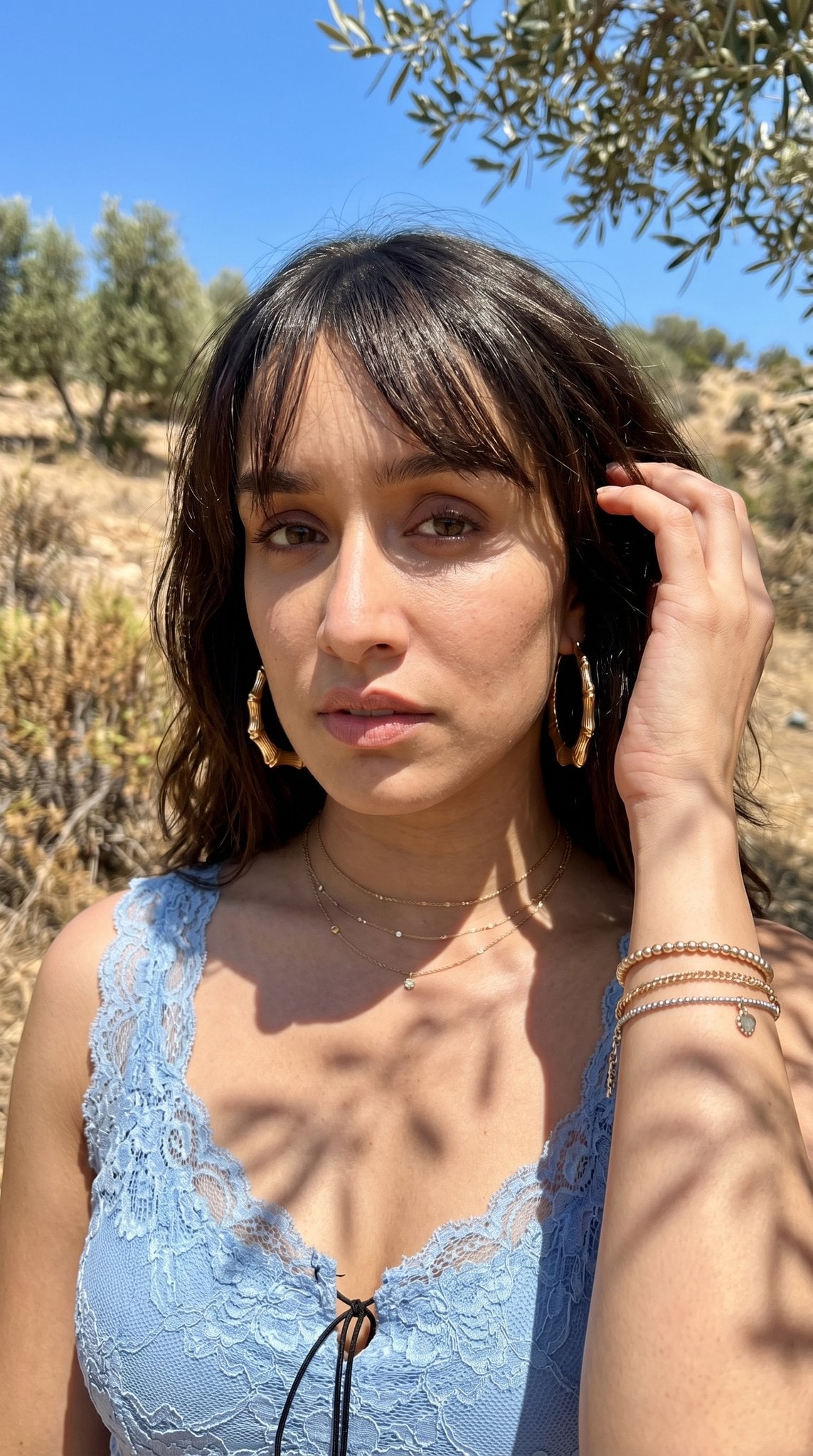
Hyper-Realistic Outdoor Portrait — 35mm Natural Light
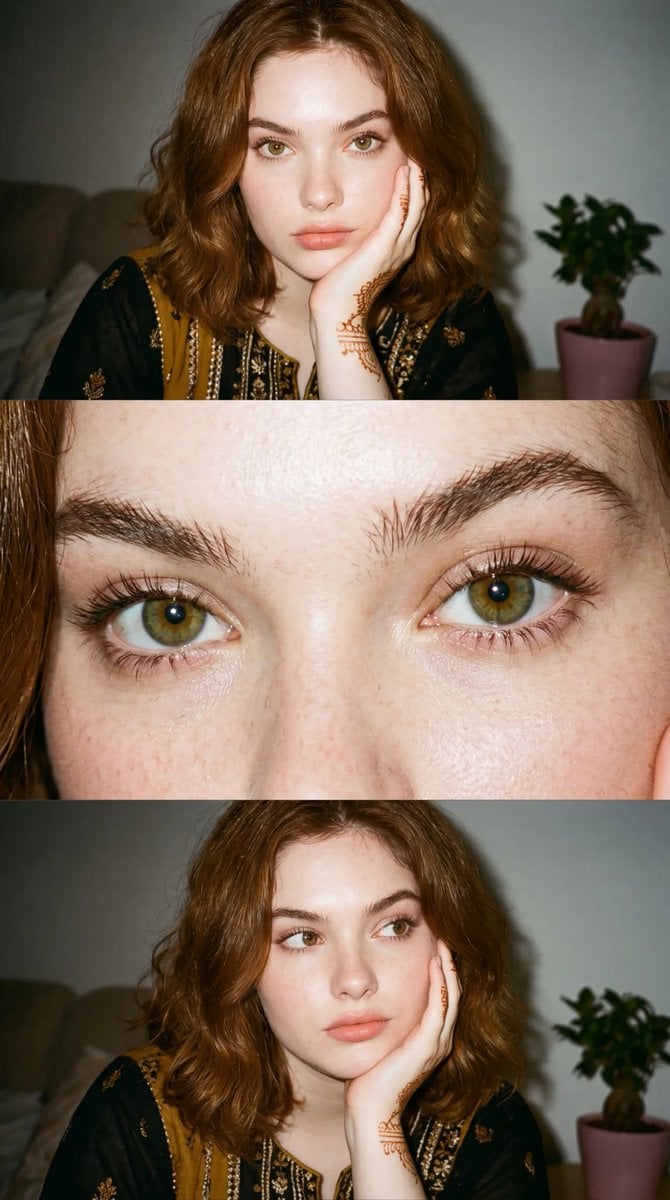
35mm Film Aesthetic Triple-Panel Portrait
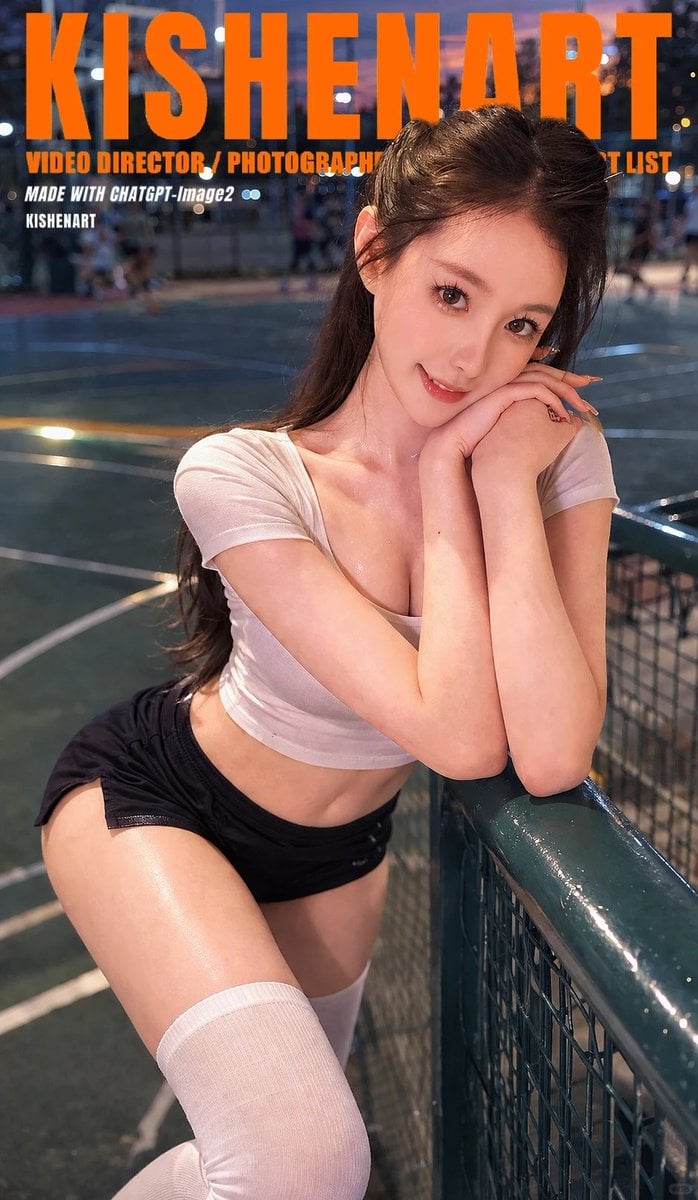
Realistic 35mm Film Portrait

Realistic 35mm Candid Film Portrait
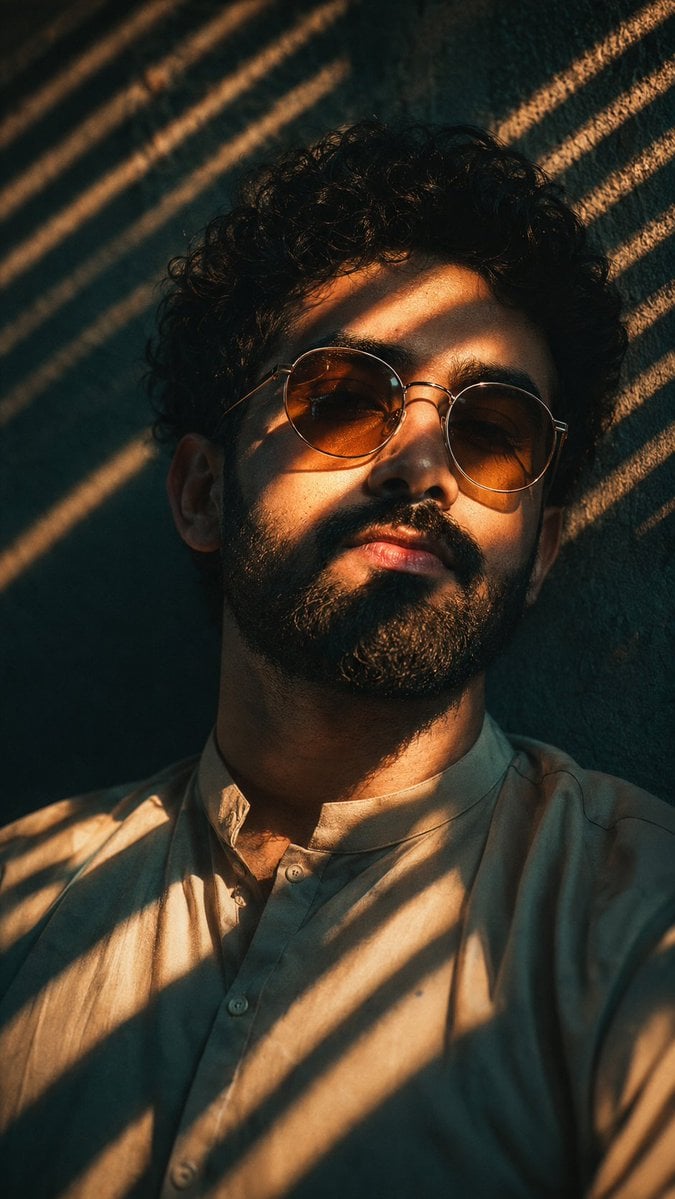
Cinematic 35mm Film Portrait
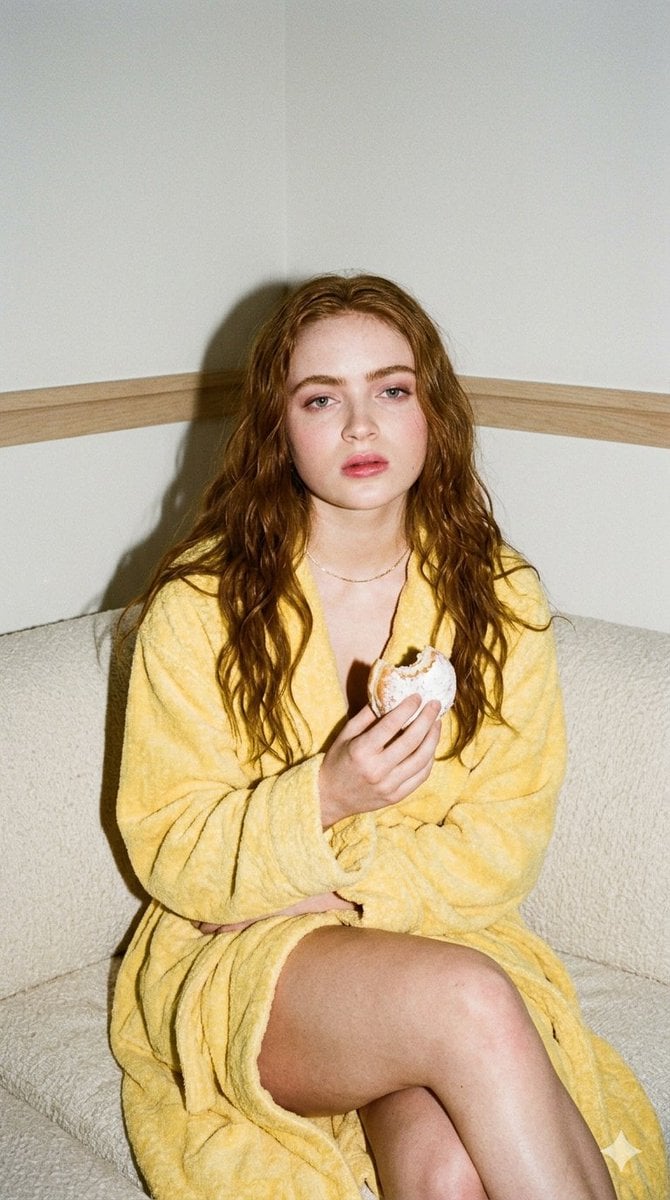
Candid 35mm Film Aesthetic Portrait with Donut Prompt for Gemini Nano Banana Pro

Found Photograph: Us, 1970

80s Couple Studio Portrait

80s Bollywood Star

80s Golden Hour Cinema

Me in 1985

1985 Studio Portrait
Make it yours
Ultra-Realistic 35mm Film Portrait works as-is. These are the safest ways to change it without losing the look.
Change one field
Copy a single group, rewrite it, and generate again so you can see what that field is doing.
Keep the frame, change the subject
Hold the composition and light of Ultra-Realistic 35mm Film Portrait, then swap wardrobe, props or the person for a new take.
| If the result… | Why | Fix |
|---|---|---|
| The result drifts from the preview | Too many fields changed at once. | Reuse Ultra-Realistic 35mm Film Portrait as-is first, then change one group — subject, light, or setting. |
| The model over-stylizes the scene | The prose prompt leaves finish and camera underspecified. | Add one camera or lighting sentence and stay on GPT Image 2. |
More GPT Image 2 templates
Other prompts made for GPT Image 2.

Six VTuber Japanese Logo Sheet

Realistic Portrait of Woman and Deer

The Vista Modular Condo Poster

AI Model Routing Comparison Infographic

2.5D Anime Art Board

Isometric Productivity Desk Scene

New York Double Exposure Poster

Four-Panel AI Landscape Comparison

Japanese Tatami Lifestyle Magazine Cover

NESCAFÉ Coffee Map Poster
More image prompts
Fresh picks from across the catalog.

Miniature Isometric Figurine Prompt for nano banana pro
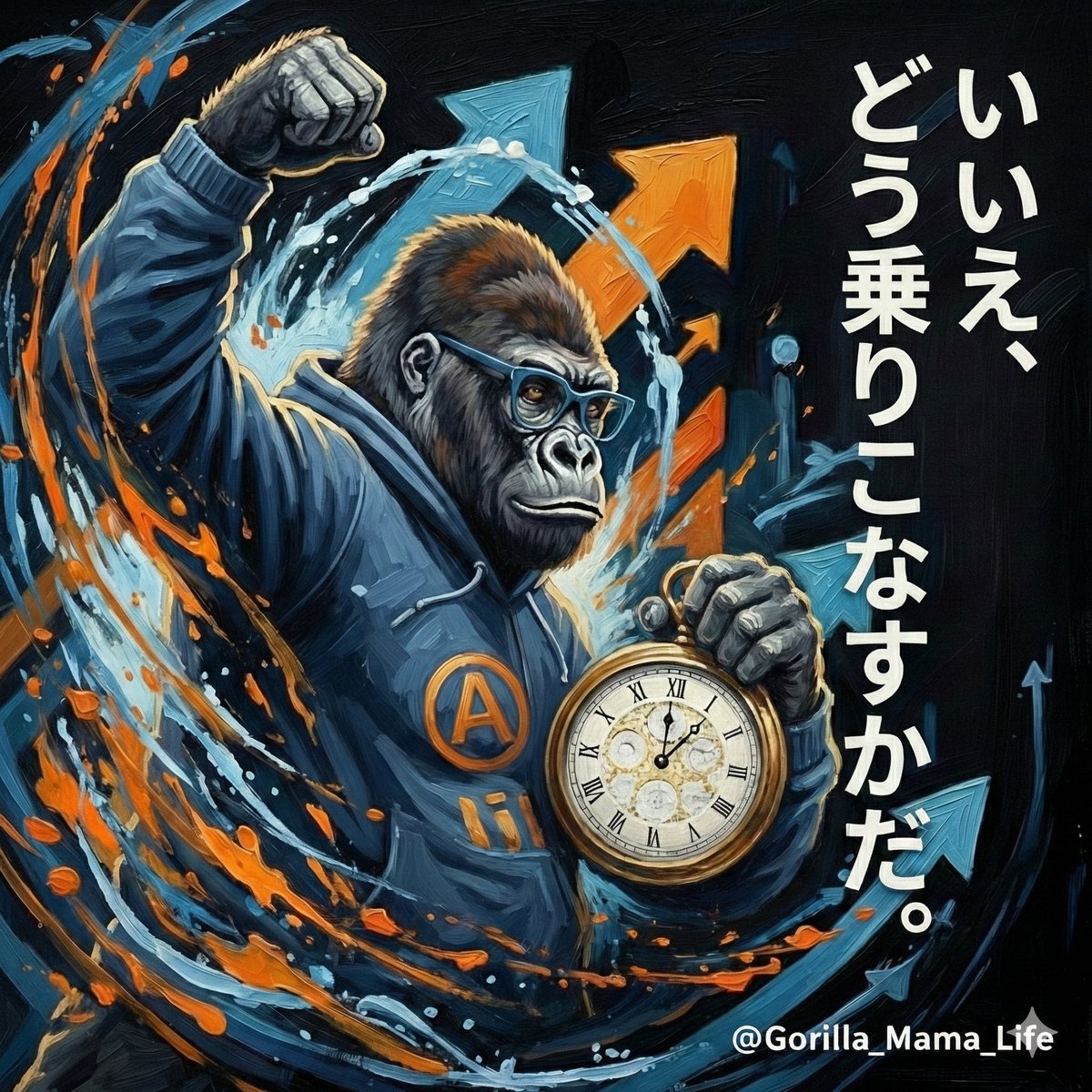
Action-Packed Gorilla Illustration Prompt
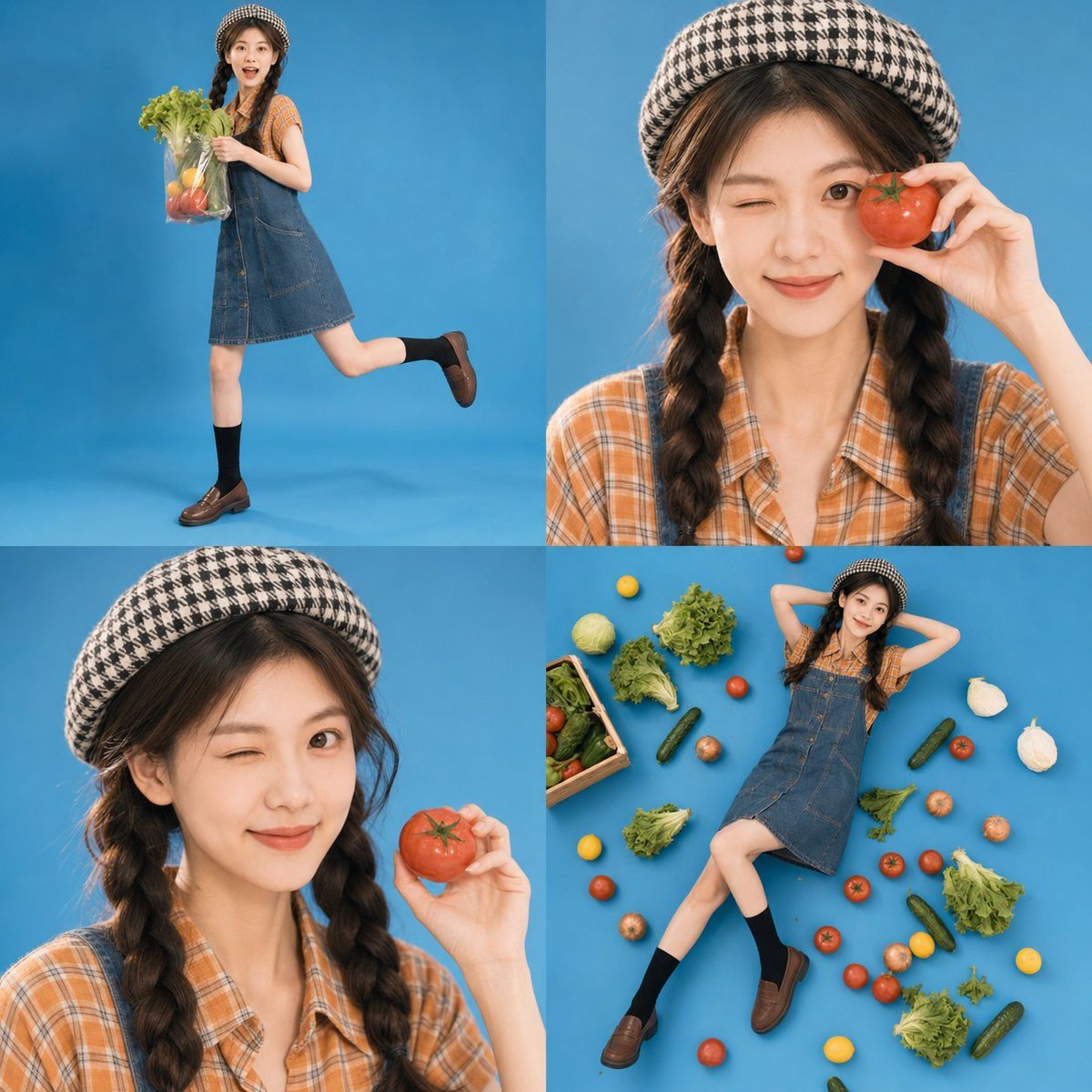
Retro Market-Girl Photo Collage
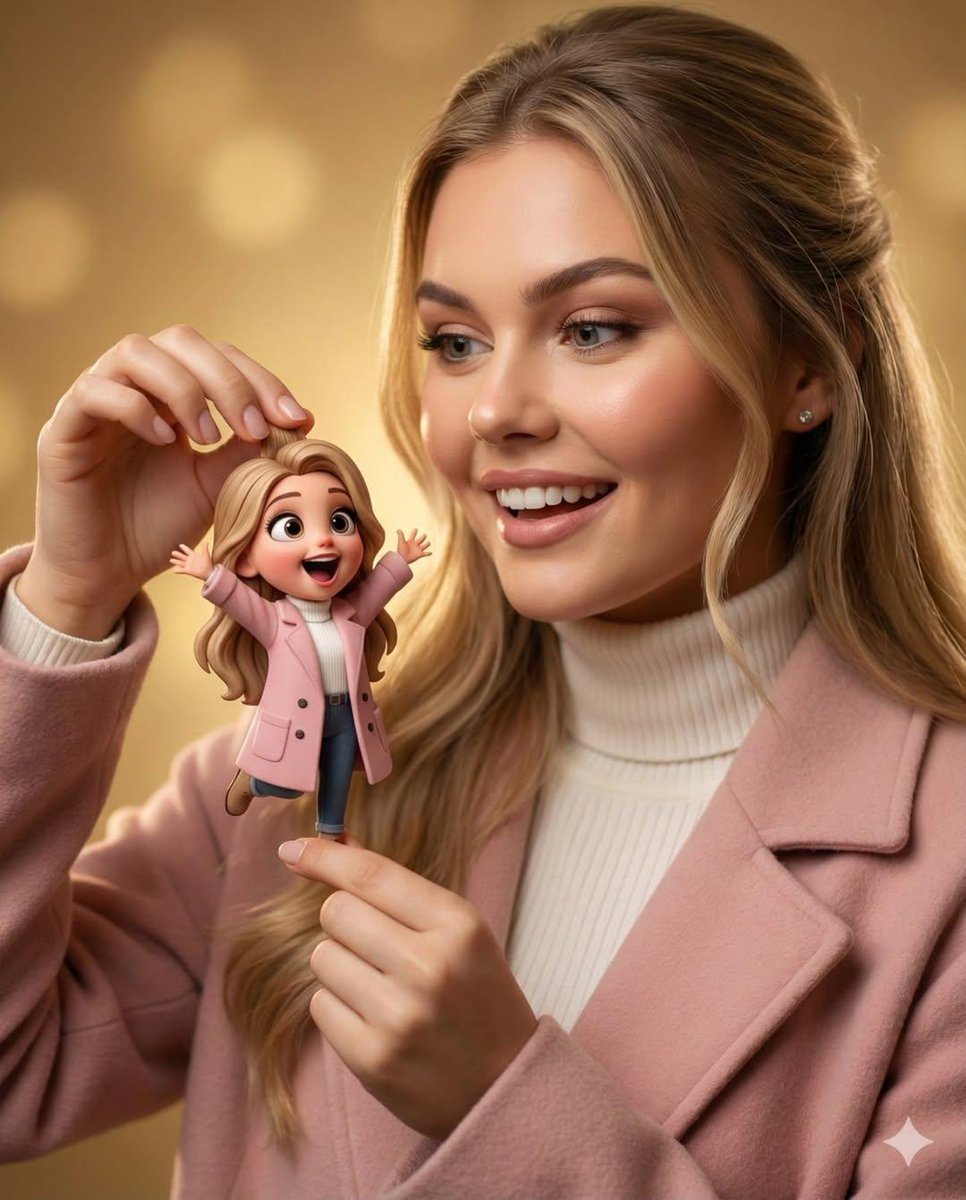
Whimsical 3D Character Interaction Portrait
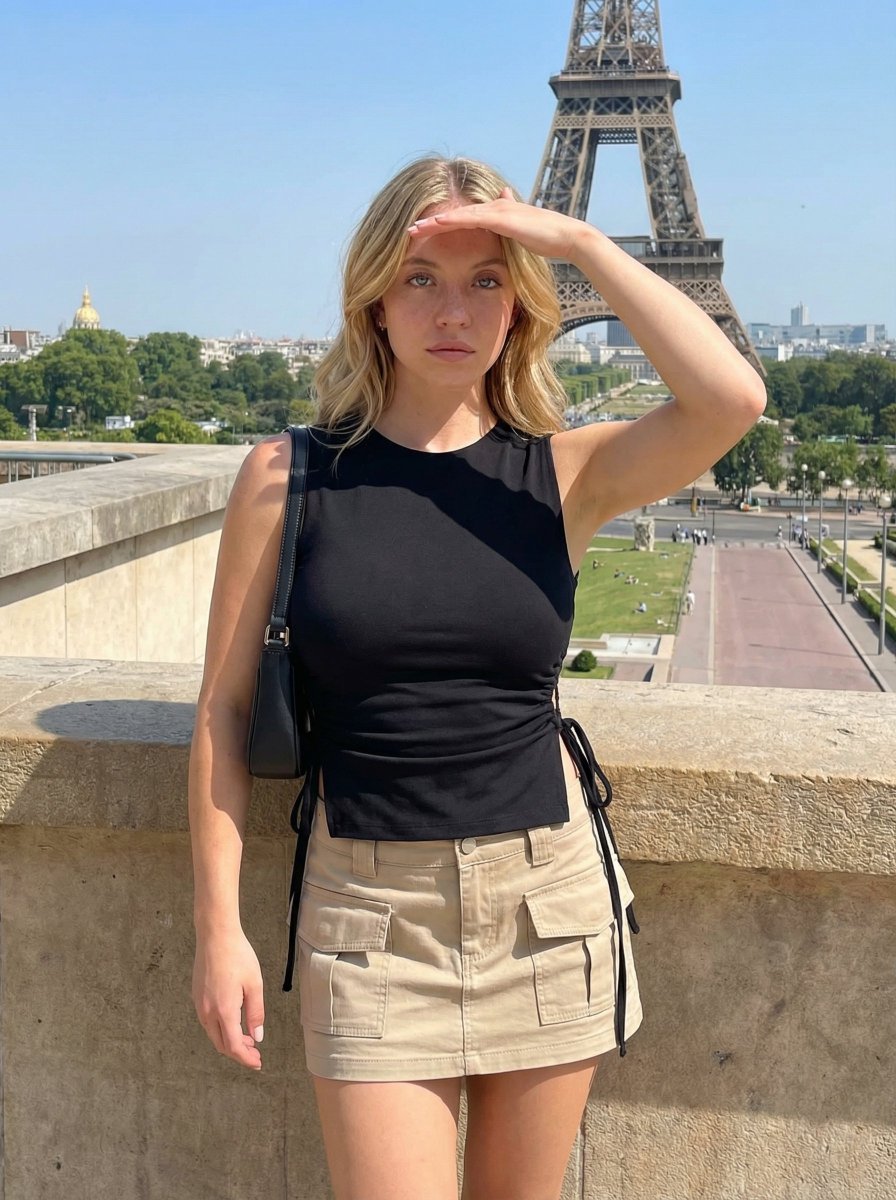
Travel Candid of Woman Shielding Eyes near Eiffel Tower
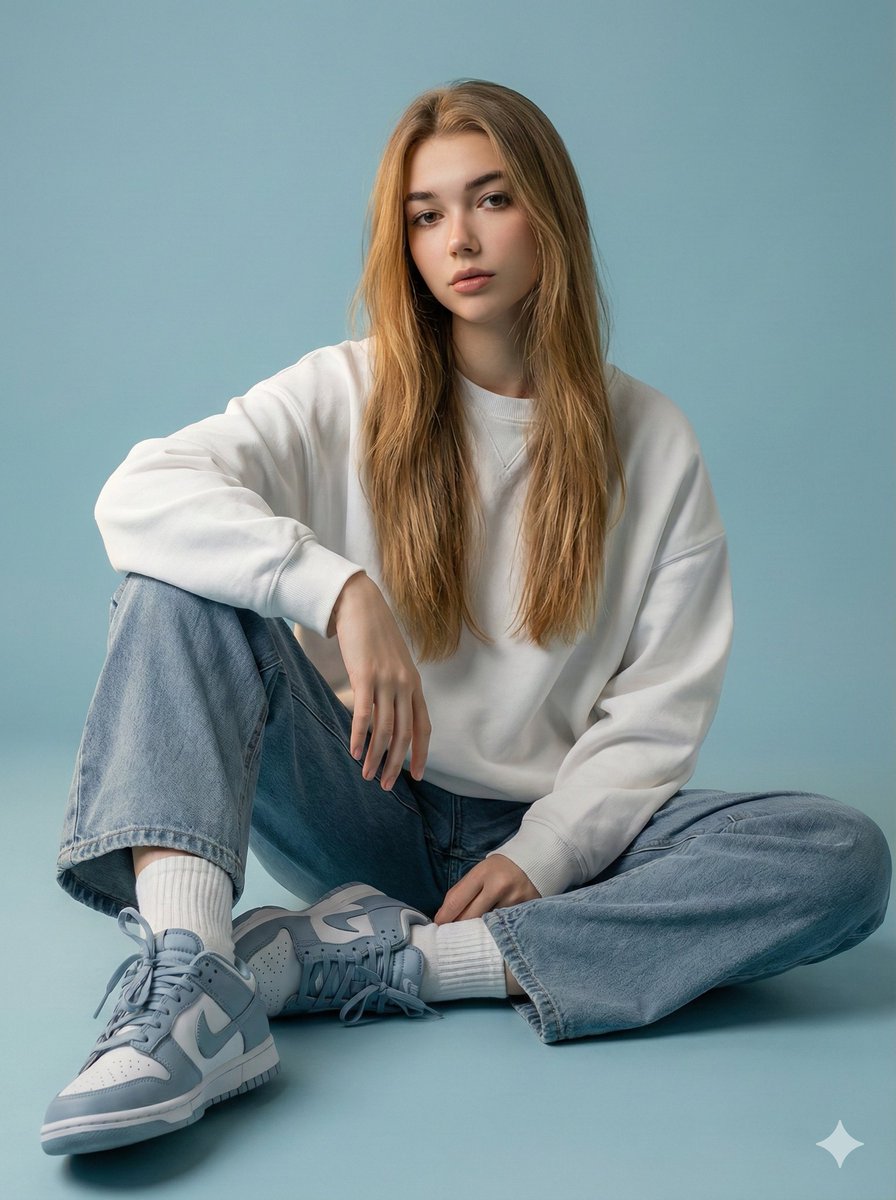
Futuristic Fashion Editorial with Identity Preservation
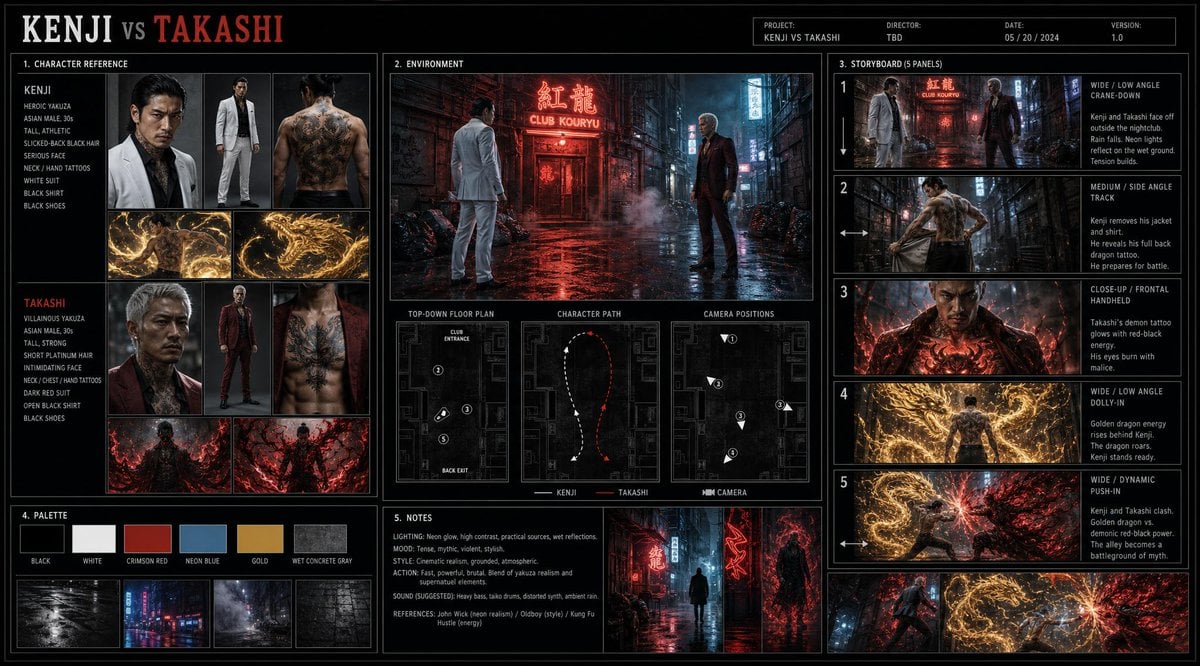
Cinematic Film Pre-Production Sheet
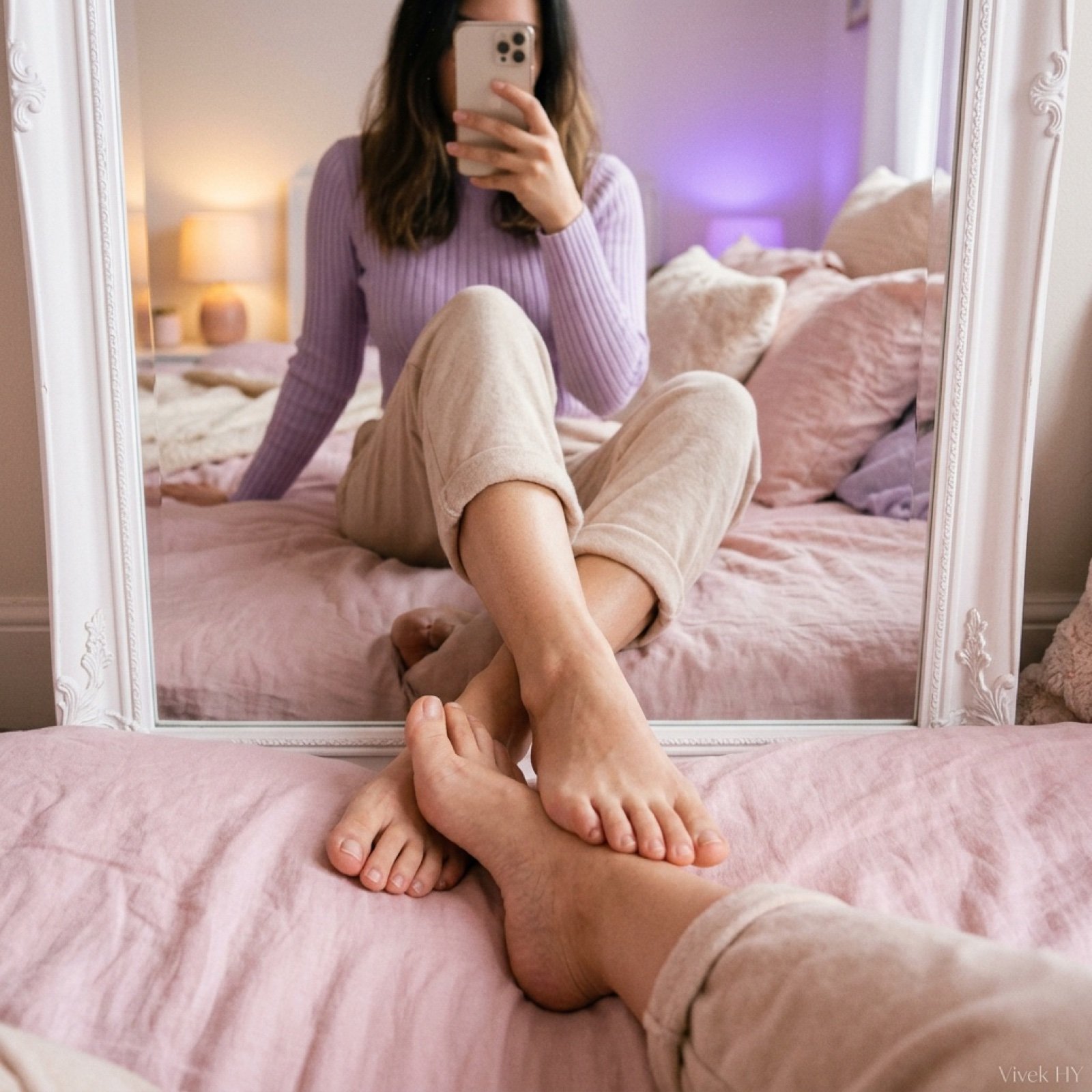
Mirror Pose Selfie Aesthetic Prompt
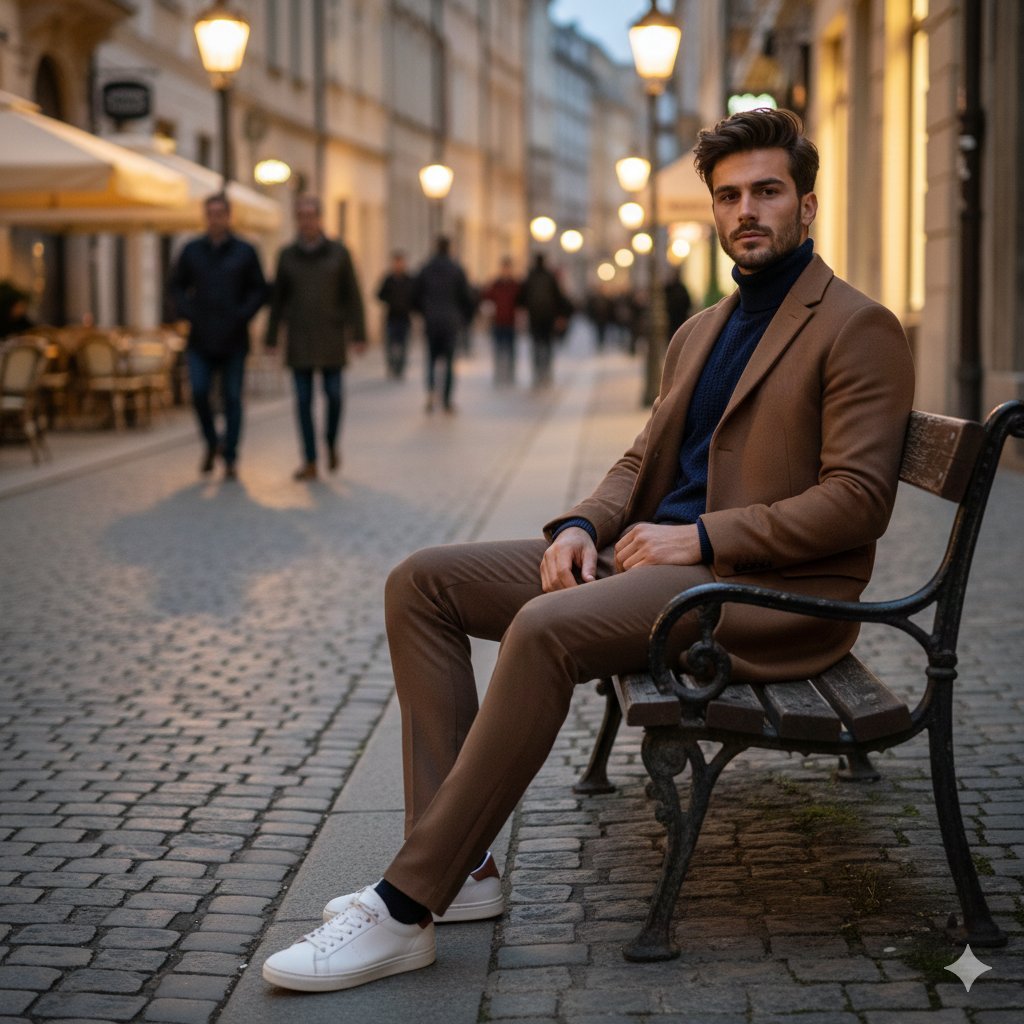
Stylish Man on European Cobblestone Street Prompt
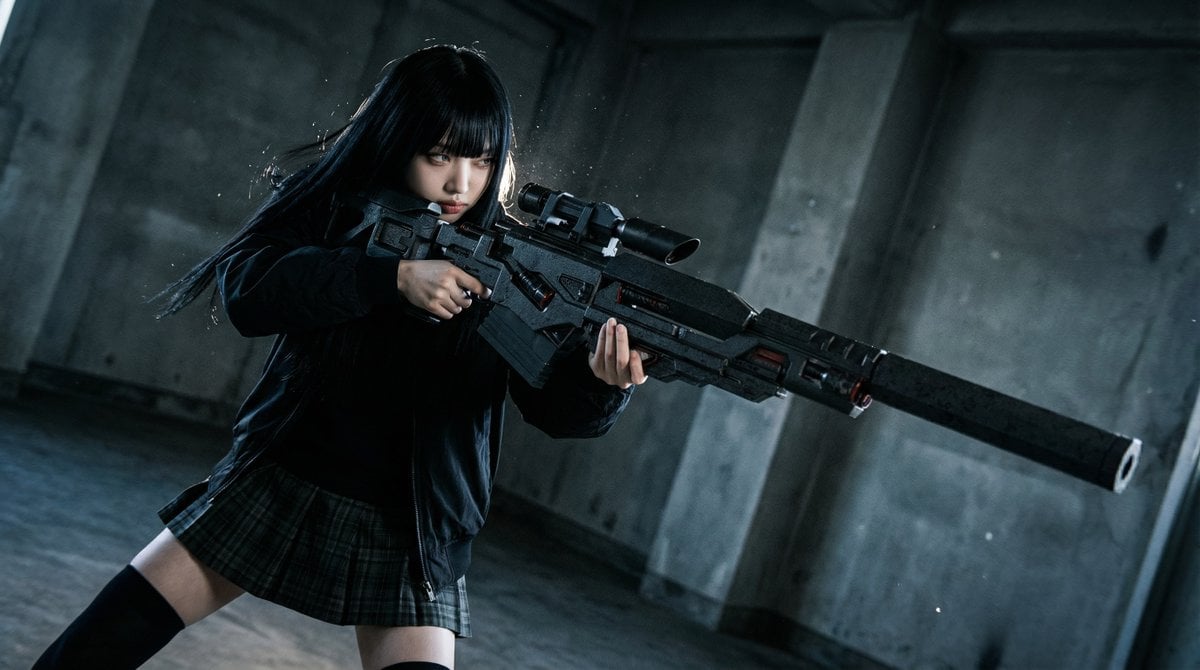
Ultimate Weapon Mastery Cinematic Pose Prompt
Browse template categories
Ultra-Realistic 35mm Film Portrait questions
How do I use the Ultra-Realistic 35mm Film Portrait template?
Add your photo if the template asks for one, edit the prompt if you like — the template's model and format are already selected — and press Generate. Your version opens in PicX Studio.
Can I customize the Ultra-Realistic 35mm Film Portrait template?
Yes. You can change the subject, setting, lighting, mood, format, and available model controls before creating your image.
Is the Ultra-Realistic 35mm Film Portrait template free?
Opening and editing this template is free. Generating uses credits, shown on the Generate button when you are signed in.
Which AI model should I use?
Start with GPT Image 2, which is the model associated with this template. You can compare another compatible model for a different finish.
Looking for something else? Browse all templates.

Your photo, any look
Thousands of ready templates for every top image and video model, from one credit balance.