
Nano Banana Pro Decision Making Prompt
This is a powerful prompt for the Nano Banana Pro AI, designed to help users make purchasing decisions for any product category.
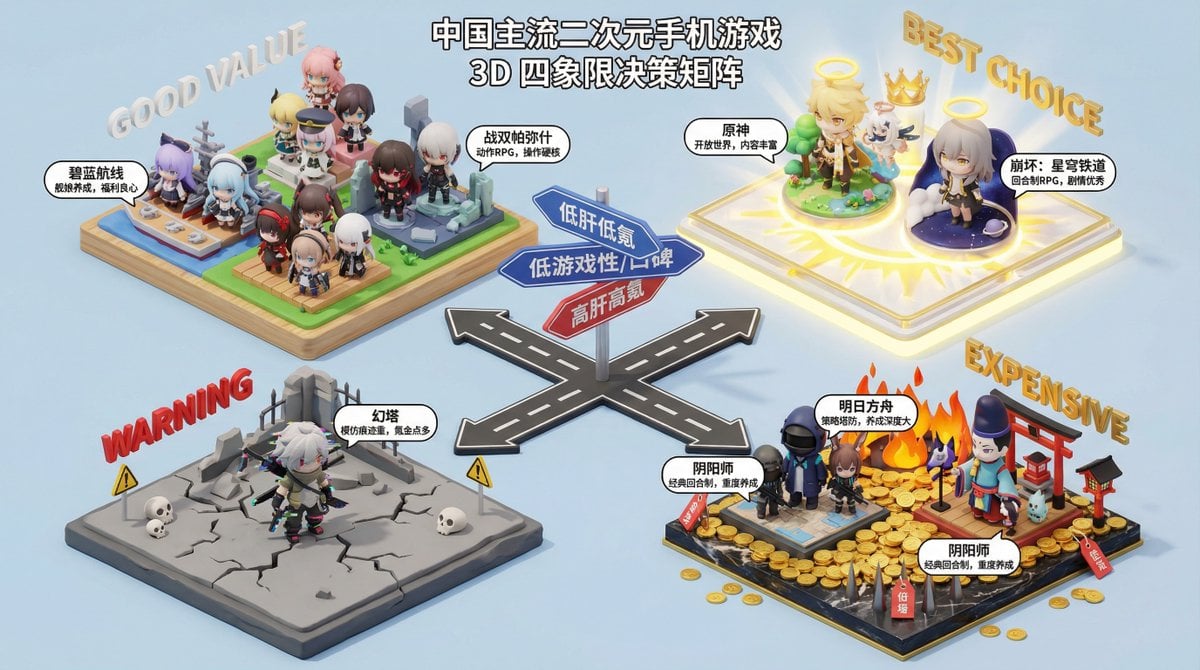
- Prompt included
- Model and format preset
- Free template
The prompt behind this image
Copy the exact prompt behind Nano Banana Pro Decision Making Prompt, or open it in the studio and make it yours.
你是一个专业的消费决策顾问,擅长用四象限图分析和比较产品,帮助用户做出购买决策。请根据用户提供的产品类型,生成一个四象限图,并对每个象限的产品进行详细分析和推荐。 **产品类型**:{argument name="产品类型" default="电动车"} **四象限图分析维度**: * **X 轴**:{argument name="X 轴" default="价格"} * **Y 轴**:{argument name="Y 轴" default="性能"} **四象限命名**: * **第一象限 (高 X, 高 Y)**:{argument name="第一象限名称" default="旗舰之选"} * **第二象限 (低 X, 高 Y)**:{argument name="第二象限名称" default="性价比之王"} * **第三象限 (低 X, 低 Y)**:{argument name="第三象限名称" default="入门优选"} * **第四象限 (高 X, 低 Y)**:{argument name="第四象限名称" default="设计至上"} **输出要求**: 1. **四象限图**:生成一个清晰、美观的四象限图,图中标注 X 轴和 Y 轴的名称,以及四个象限的名称。 2. **详细分析**:对每个象限的产品进行详细的文字分析,包括该象限产品的特点、适用人群、以及至少 3 个具体的推荐产品(品牌和型号)。 3. **总结建议**:根据整体分析,为用户提供最终的购买建议。
How to use Nano Banana Pro Decision Making Prompt in 3 steps
- 1
Open
The prompt is already in the box next to the preview, with the template's model and format selected.
- 2…a portrait of your subject in softgolden-hour light, 85mm…
Personalize
Edit the subject and creative details for your destination.
- 3Generate
Generate
Press Generate — your image is created in PicX Studio, so you can compare it with the original and refine one variable at a time.
More like this
Templates with the same subject, style or setup. Open one to see its prompt.

Woman in Mall with Chanel Bag - Heart Gesture
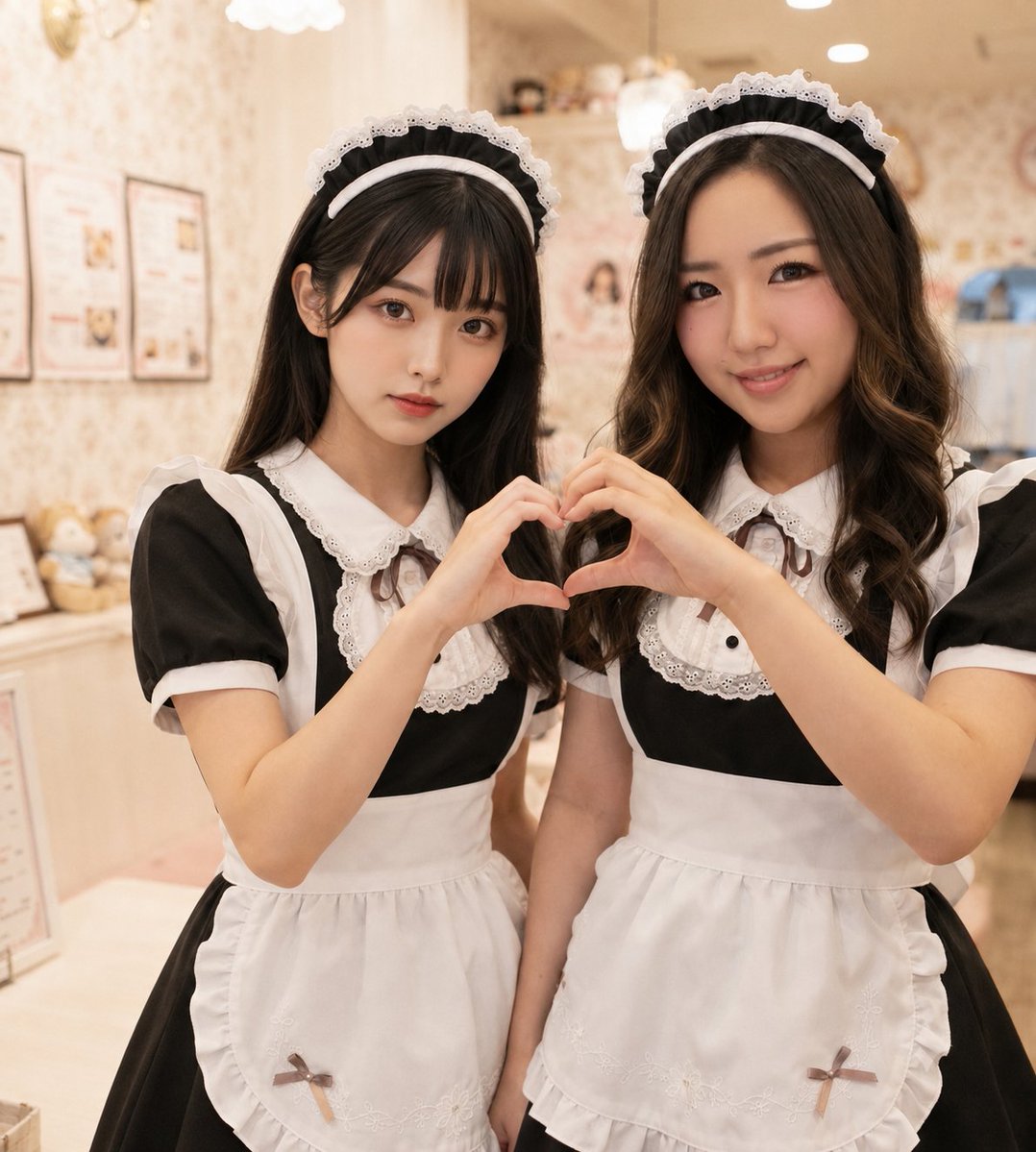
Two Maid Cafe Girls Making a Heart
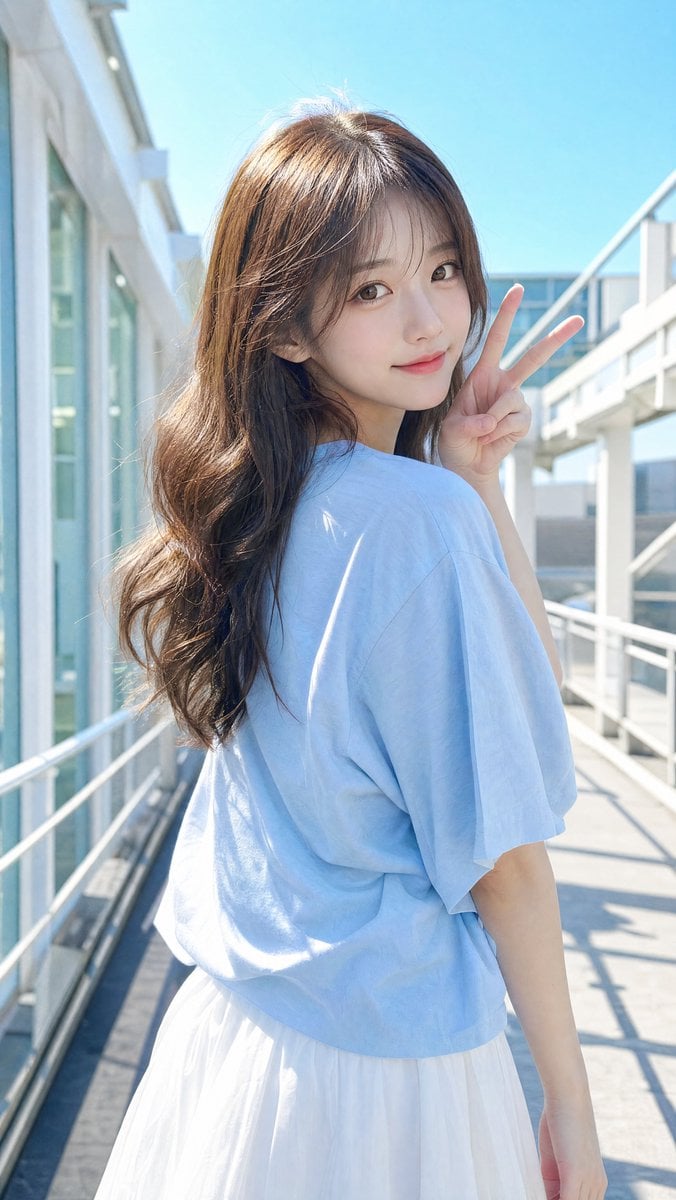
East Asian Woman Making Peace Sign

Anime Woman Making OK Sign
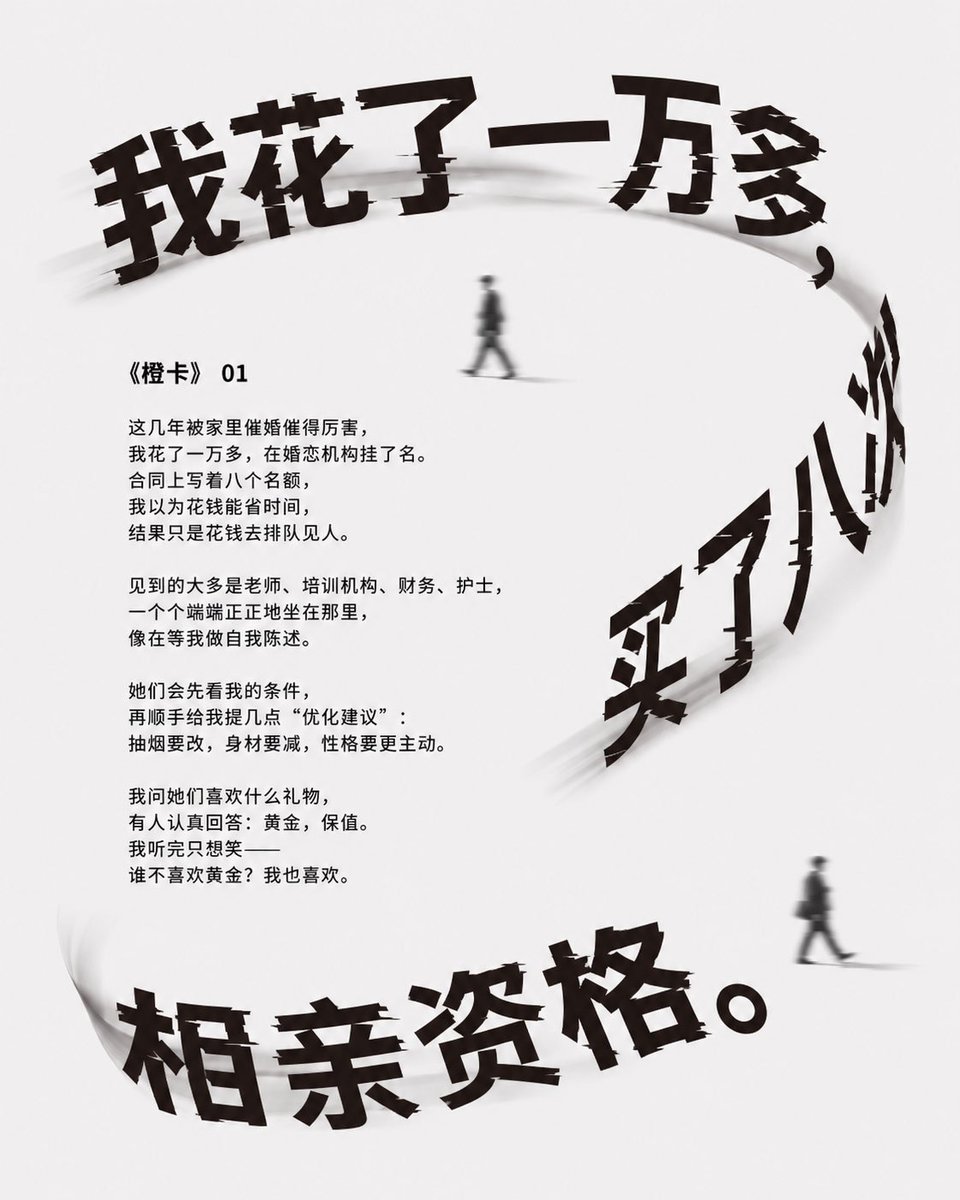
Minimalist Chinese Matchmaking Poster
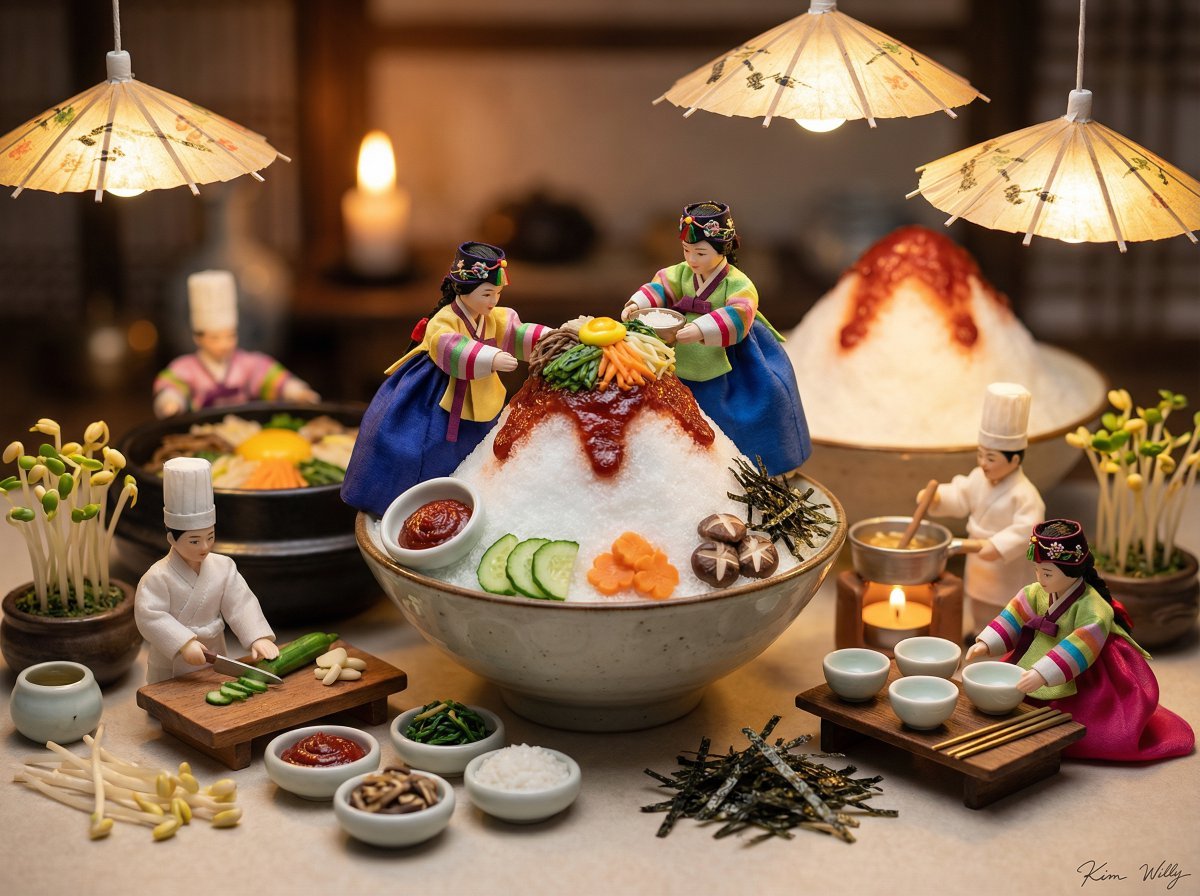
Micro Diorama of Joseon Dynasty Chefs Making Bibimbap
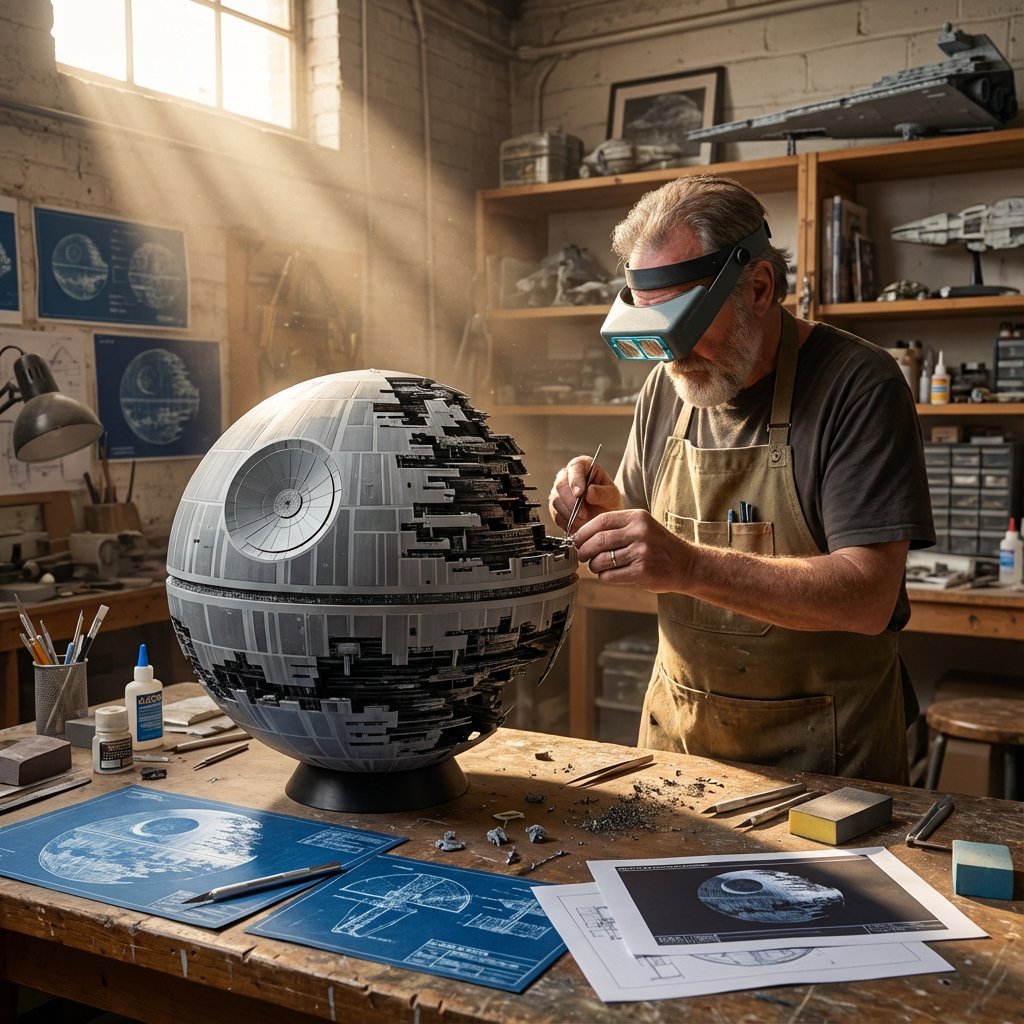
Cinematic Artisan Portrait Prompt for Model Making Workshop
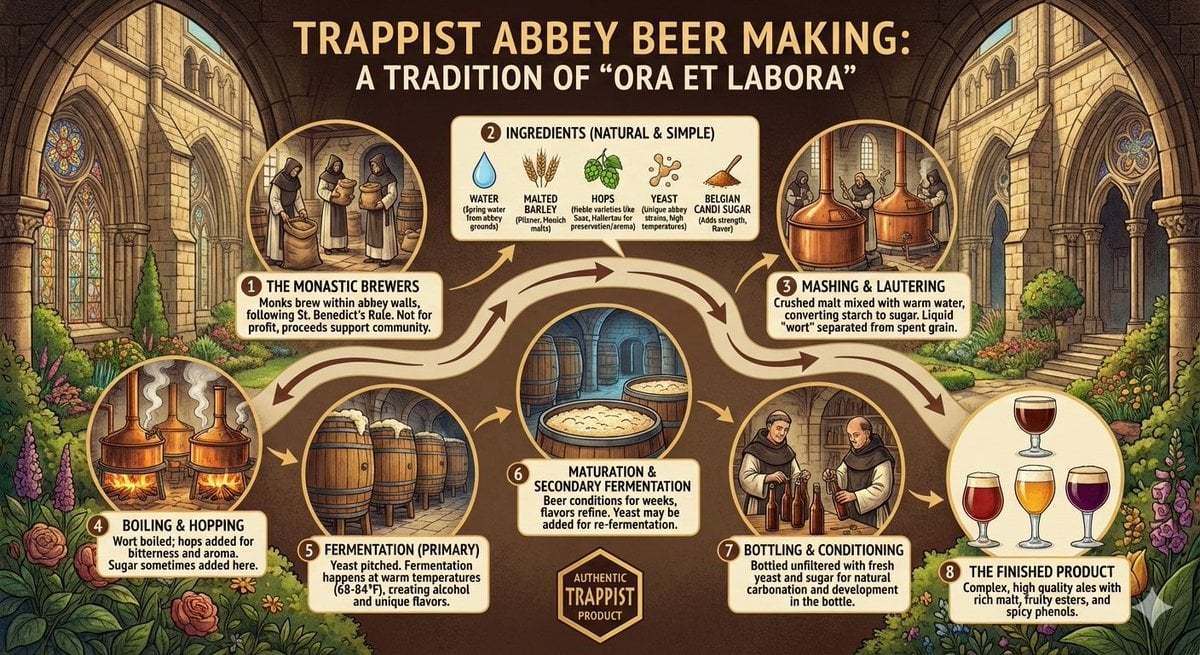
Infographic on Trappist Abbey Beer Making

AI Illustration of a Wizard Making Valentine's Day Chocolate
Cinematic Video of Cake Making Process
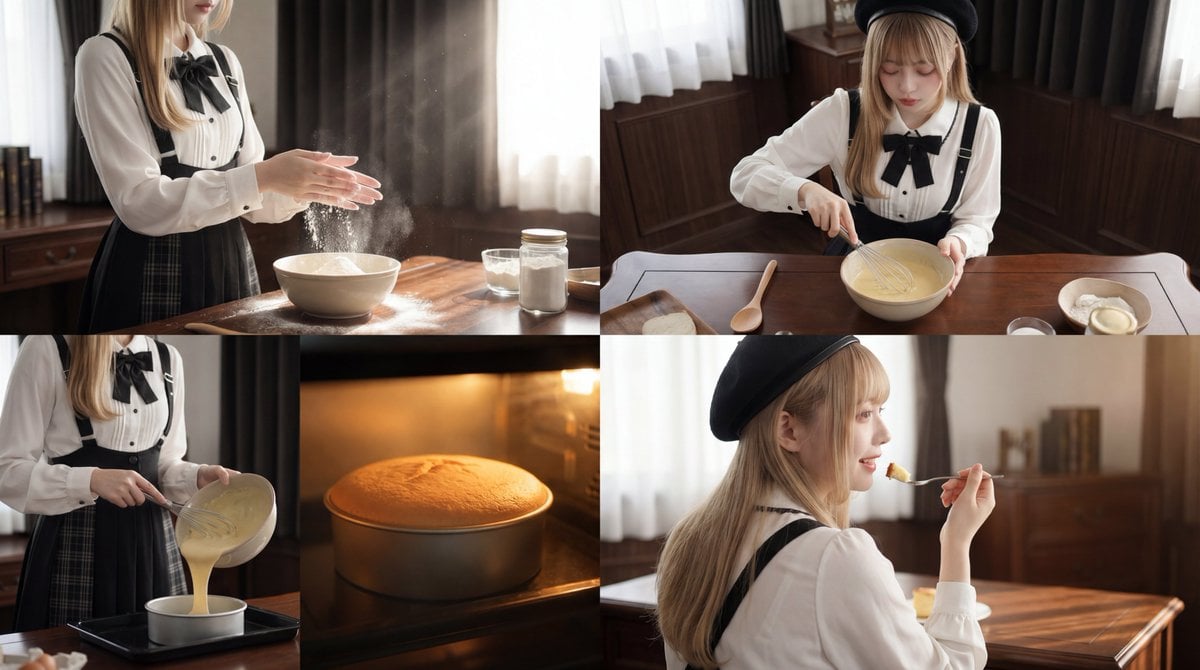
Cinematic Cake Making Process Video Prompt
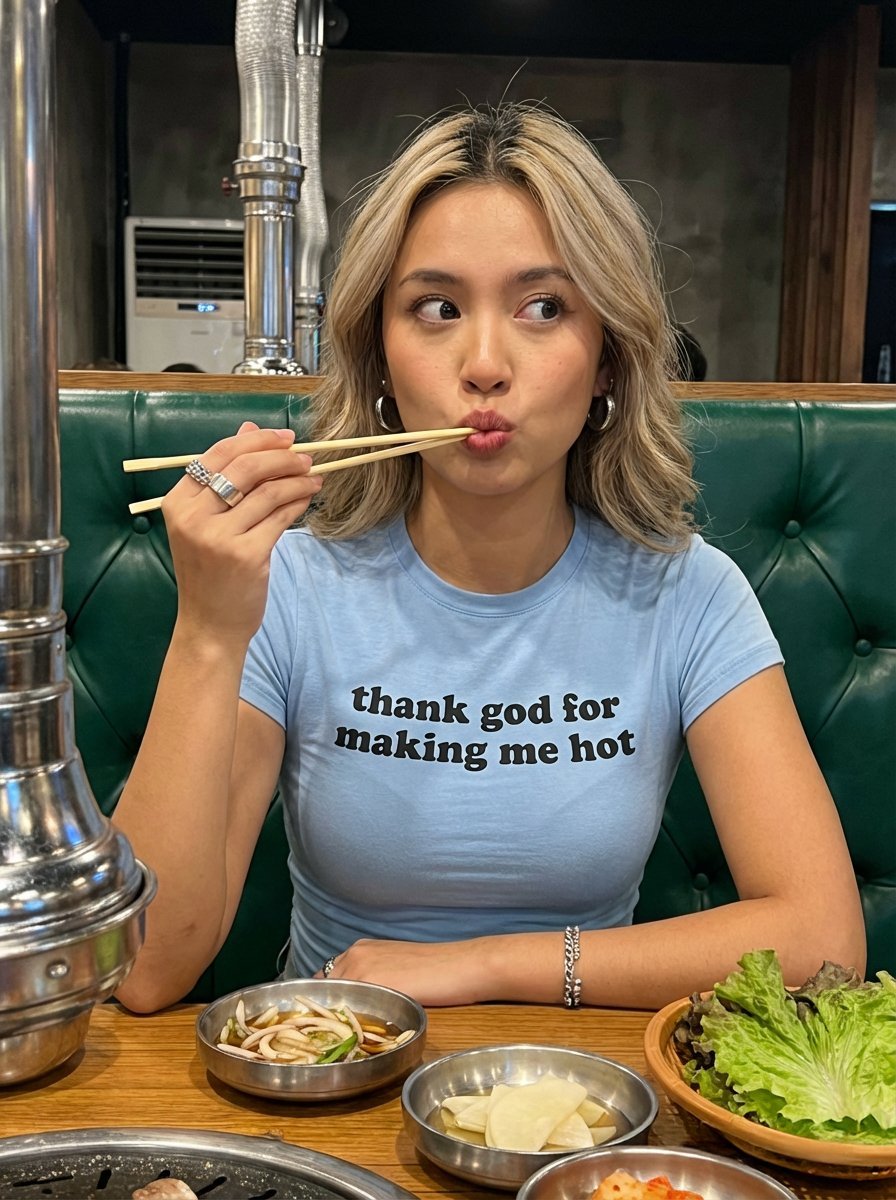
Candid Restaurant Portrait of Woman in 'Thank God for Making Me Hot' T-Shirt
Make it yours
Nano Banana Pro Decision Making Prompt works as-is. These are the safest ways to change it without losing the look.
Change one field
Copy a single group, rewrite it, and generate again so you can see what that field is doing.
Keep the frame, change the subject
Hold the composition and light of Nano Banana Pro Decision Making Prompt, then swap wardrobe, props or the person for a new take.
| If the result… | Why | Fix |
|---|---|---|
| The result drifts from the preview | Too many fields changed at once. | Reuse Nano Banana Pro Decision Making Prompt as-is first, then change one group — subject, light, or setting. |
| The model over-stylizes the scene | The prose prompt leaves finish and camera underspecified. | Add one camera or lighting sentence and stay on Nano Banana 2. |
More Nano Banana 2 templates
Other prompts made for Nano Banana 2.

Photorealistic Leaf Shaped Like a Dragon

K-Pop Idol Portrait Grid for Rapid Selection

Poetic Rain Forest Portrait During Golden Hour

Urban Street Portrait with Cartoon Inner Self Duo

Candid Nighttime Photo with Cat Prompt

High-Concept 3D Diorama Generation Prompt

Cinematic Futuristic Studio Portrait Template

Skincare Editorial Photography Collage Prompt

Hyper-Realistic Commercial Product Photography (Splash Effect)

Hyper-Realistic Nightclub Portrait Prompt
More image prompts
Fresh picks from across the catalog.

2D Cartoon Illustration from Photo Prompt
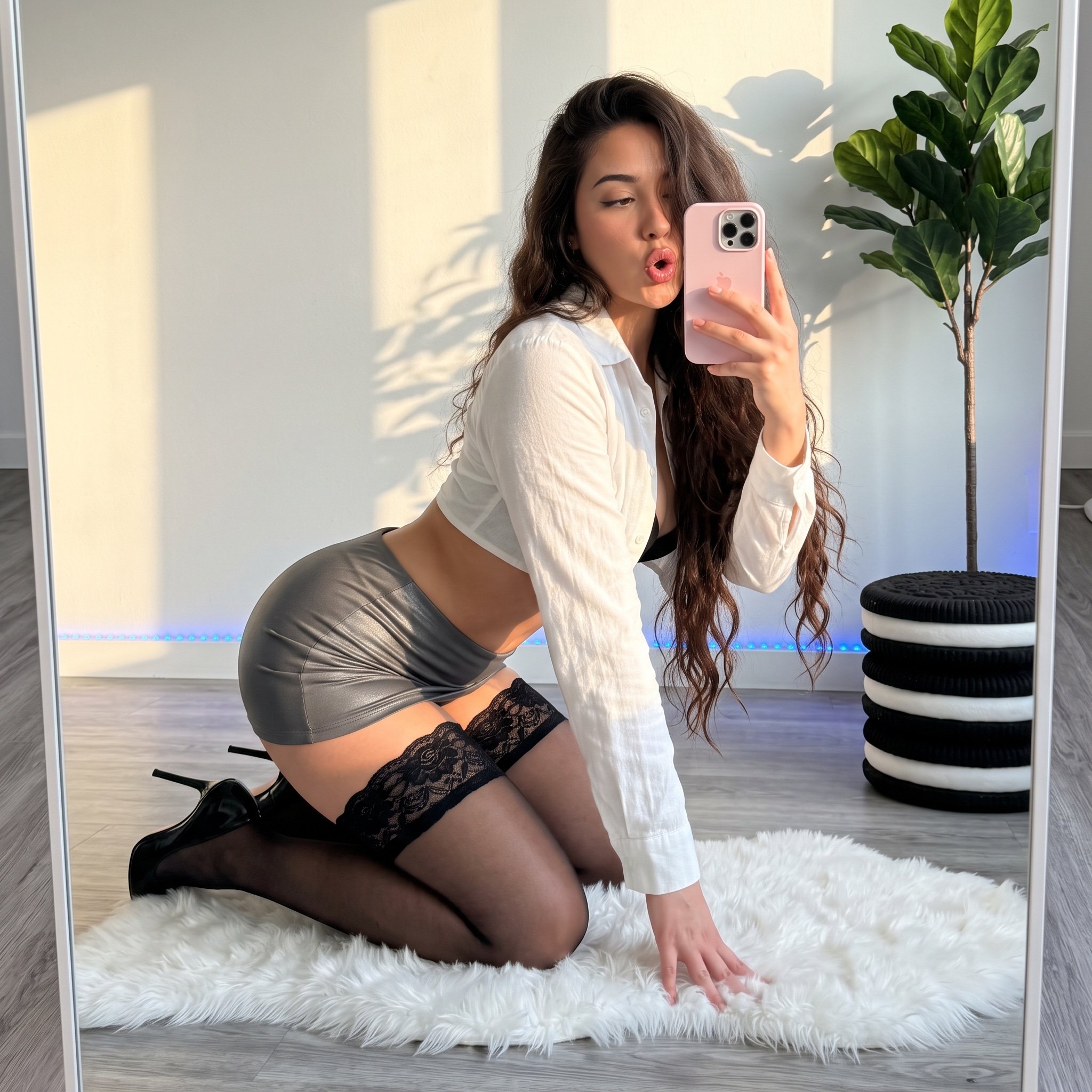
Mirror Selfie 'Thirst Trap' Aesthetic in Domestic Setting

Lightning Bolt Supercar
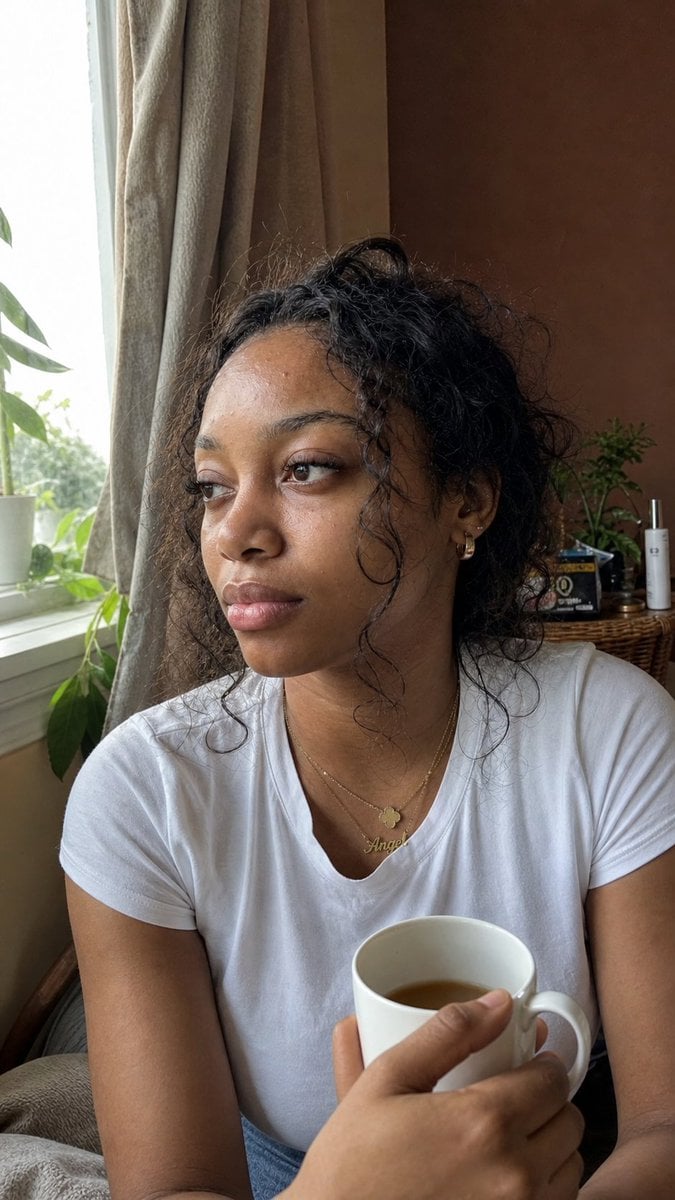
Authentic iPhone Portrait of African Woman

Hyper-Realistic Cinematic Portrait with Luxury Sports Car
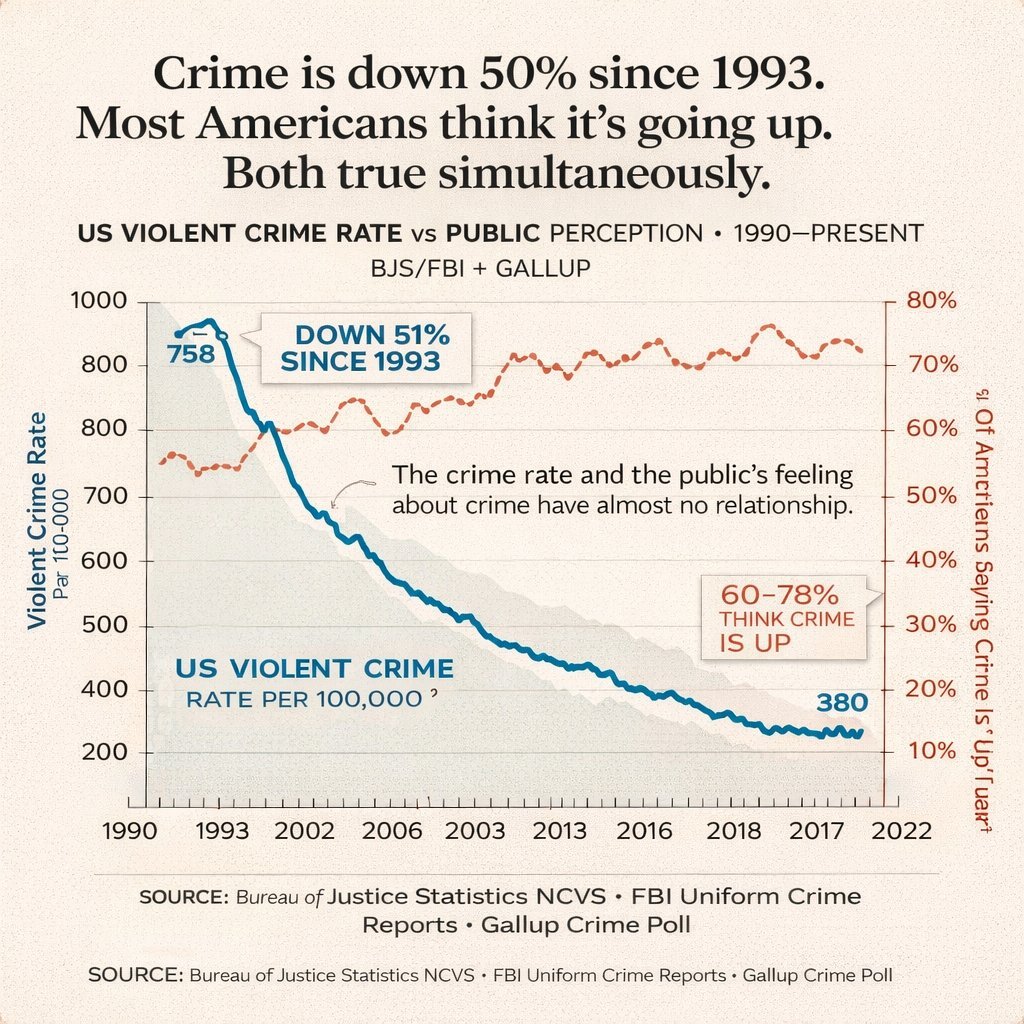
Editorial Dual-Axis Line Chart
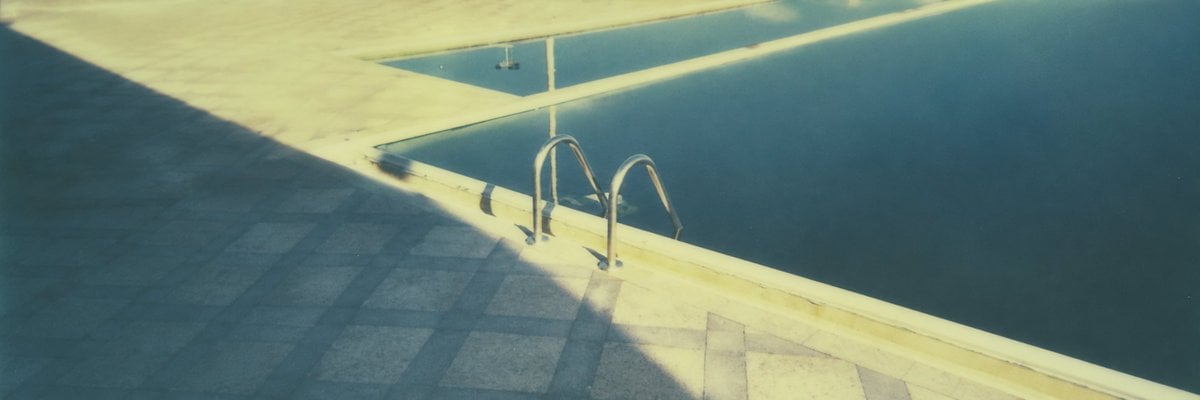
Vintage Panoramic Poolside
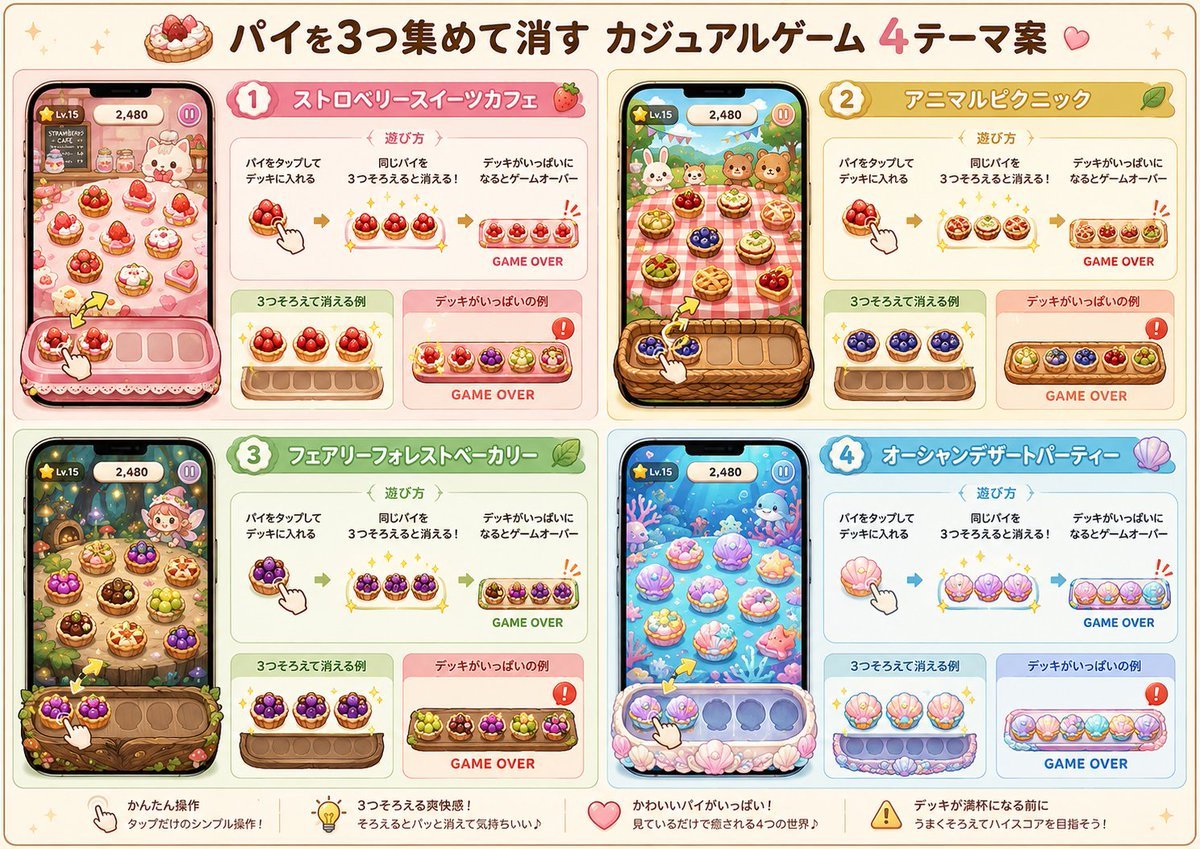
Four Theme Pie Puzzle Game Sheet
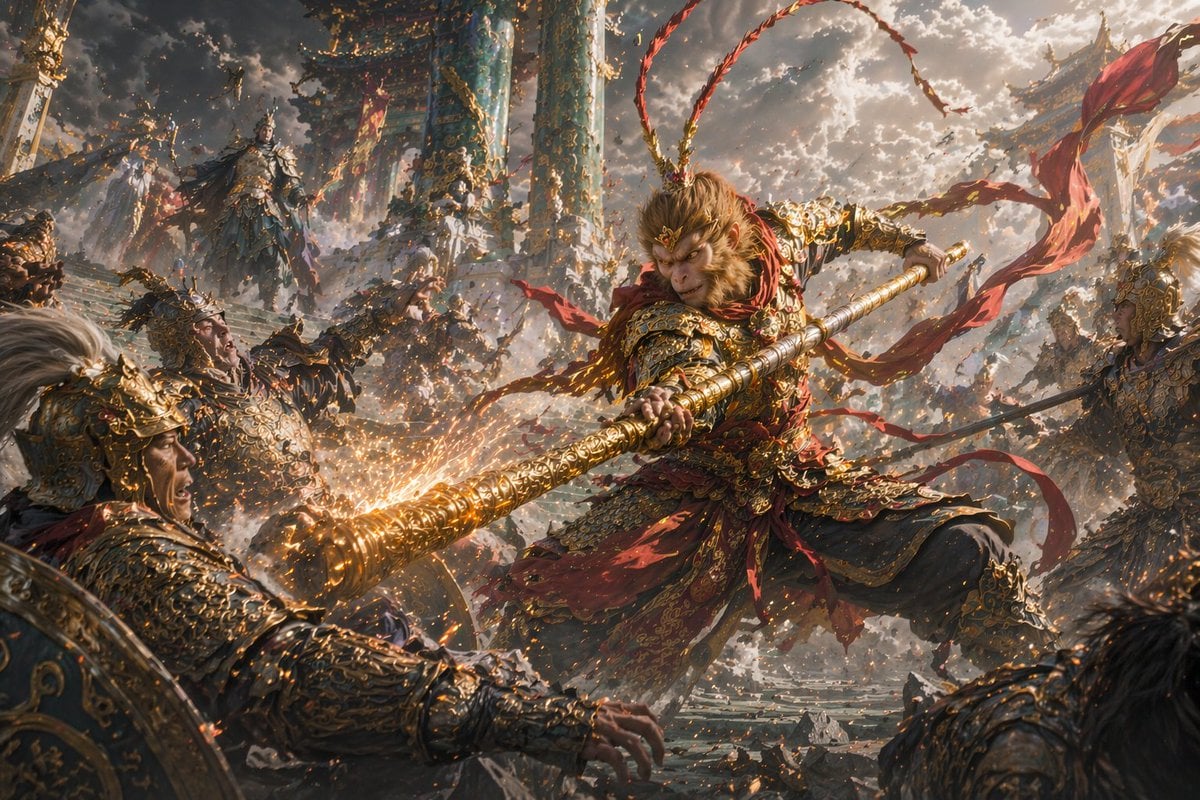
Epic Fantasy Monkey King Battle
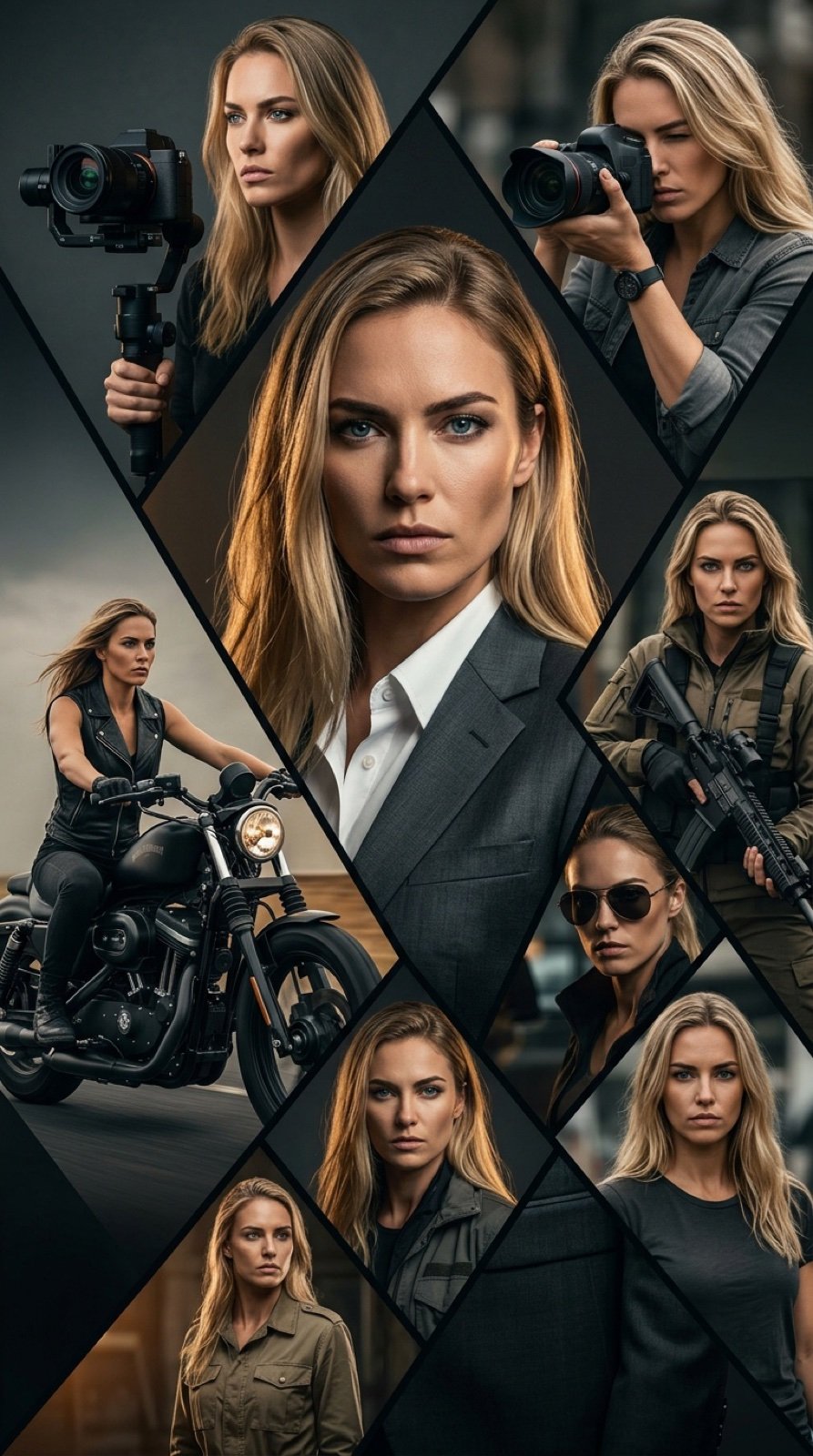
Cinematic Vertical Movie Poster Prompt (Multi-Role)
Browse template categories
Nano Banana Pro Decision Making Prompt questions
How do I use the Nano Banana Pro Decision Making Prompt template?
Add your photo if the template asks for one, edit the prompt if you like — the template's model and format are already selected — and press Generate. Your version opens in PicX Studio.
Can I customize the Nano Banana Pro Decision Making Prompt template?
Yes. You can change the subject, setting, lighting, mood, format, and available model controls before creating your image.
Is the Nano Banana Pro Decision Making Prompt template free?
Opening and editing this template is free. Generating uses credits, shown on the Generate button when you are signed in.
Which AI model should I use?
Start with Nano Banana 2, which is the model associated with this template. You can compare another compatible model for a different finish.
Looking for something else? Browse all templates.

Your photo, any look
Thousands of ready templates for every top image and video model, from one credit balance.