
Women's Summer Big Sale Banner
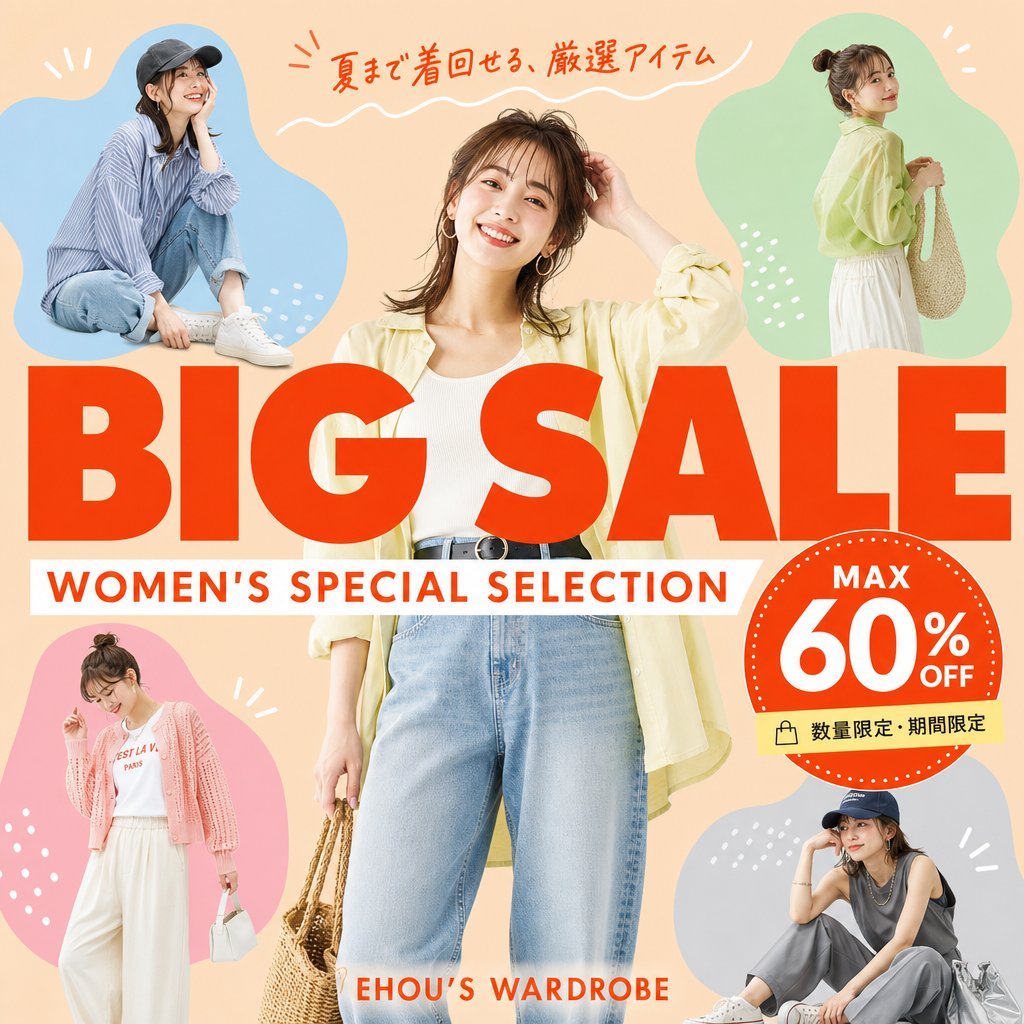
A square Japanese fashion sale banner featuring five women's outfit cutouts, bold BIG SALE typography, and a 60% off discount badge for social media advertising.
- Prompt included
- Model and format preset
- Free template
The prompt behind this image
Copy the exact prompt behind Women's Summer Big Sale Banner, or open it in the studio and make it yours.
Goal: Create a square fashion e-commerce sale banner for a women's summer clothing promotion, with accurate Japanese text and a cheerful catalog-ad look. Canvas: 1:1 square social media graphic, peach-beige background, bright summer palette, clean commercial layout, no border or watermark. Layout: Place one large central full-body female fashion model in front, cropped slightly at the top and bottom, wearing {argument name="central outfit" default="a pale yellow open shirt, white ribbed tank top, high-waisted light blue jeans, black belt, hoop earrings, and holding a woven straw bag"}. Surround her with exactly 4 smaller fashion model cutouts inside soft organic color blobs: top-left blue blob with a seated casual model in a striped shirt, jeans, white sneakers, and dark cap; top-right green blob with a standing side-view model in a pale yellow blouse, white skirt, and woven shoulder bag; bottom-left pink blob with a standing model in a pink cardigan, white graphic tee, wide white pants, and small white handbag; bottom-right gray-blue blob with a seated model in a dark sleeveless top, gray pants, white sneakers, cap, and silver tote bag. Use simple white decorative doodles around the blobs: short rays, dots, and small curved strokes. Main text: Huge bold red-orange uppercase headline across the center reading {argument name="main title" default="BIG SALE"}, overlapping the central model slightly. Directly underneath, add a white horizontal banner with red-orange uppercase subtitle reading {argument name="subtitle" default="WOMEN'S SPECIAL SELECTION"}. At the very top, add handwritten red-orange Japanese copy reading {argument name="top Japanese copy" default="夏まで着回せる、厳選アイテム"} with a white wavy underline. Near the bottom center, add small red-orange brand text reading {argument name="brand text" default="EHOU’S WARDROBE"}. Discount badge: On the right side overlapping the headline, create one large red-orange circular badge with a dotted white rim. Inside it, include exactly 3 text elements: “MAX” at the top, very large “60%” in the center, and “OFF” to the right/bottom of the percent. Attach a small pale yellow label strip below the badge with a shopping bag icon and Japanese text reading {argument name="limited offer text" default="数量限定・期間限定"}. Visual style: Photorealistic fashion models composited with bold flat graphic shapes, magazine-sale flyer aesthetic, warm lighting, saturated red-orange typography, crisp cutout edges, playful but polished Japanese retail advertising design. Constraints: Include exactly 5 women total: 1 central model plus 4 smaller surrounding models. Include exactly 4 colored blob backgrounds: blue, green, pink, and gray-blue. Keep all text sharp, correctly spelled, and readable. Do not add extra models, extra badges, extra logos, or unnecessary text.
How to use Women's Summer Big Sale Banner in 3 steps
- 1Upload ImagePNG, JPG or paste
Add your photo
Upload the photo the template builds on. The prompt, model and format are already set.
- 2…a portrait of your subject in softgolden-hour light, 85mm…
Personalize
Edit the subject and creative details for your destination.
- 3Generate
Generate
Press Generate — your image is created in PicX Studio, so you can compare it with the original and refine one variable at a time.
More like this
Templates with the same subject, style or setup. Open one to see its prompt.
Women's Big Sale Fashion Poster
Flashy AI Appearance Consulting Sales Banner
2000s Retro-Pop Fashion Cinematic Editorial Portrait

Japanese Negative Film Rooftop Summer Portrait
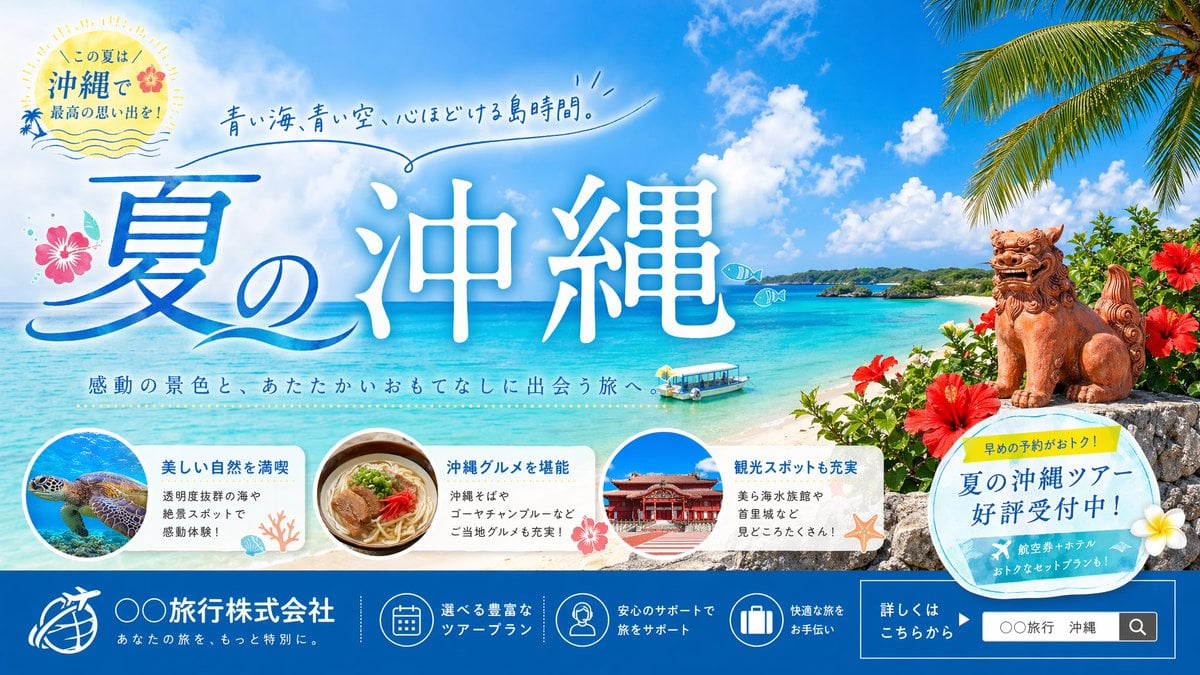
Okinawa Summer Travel Banner
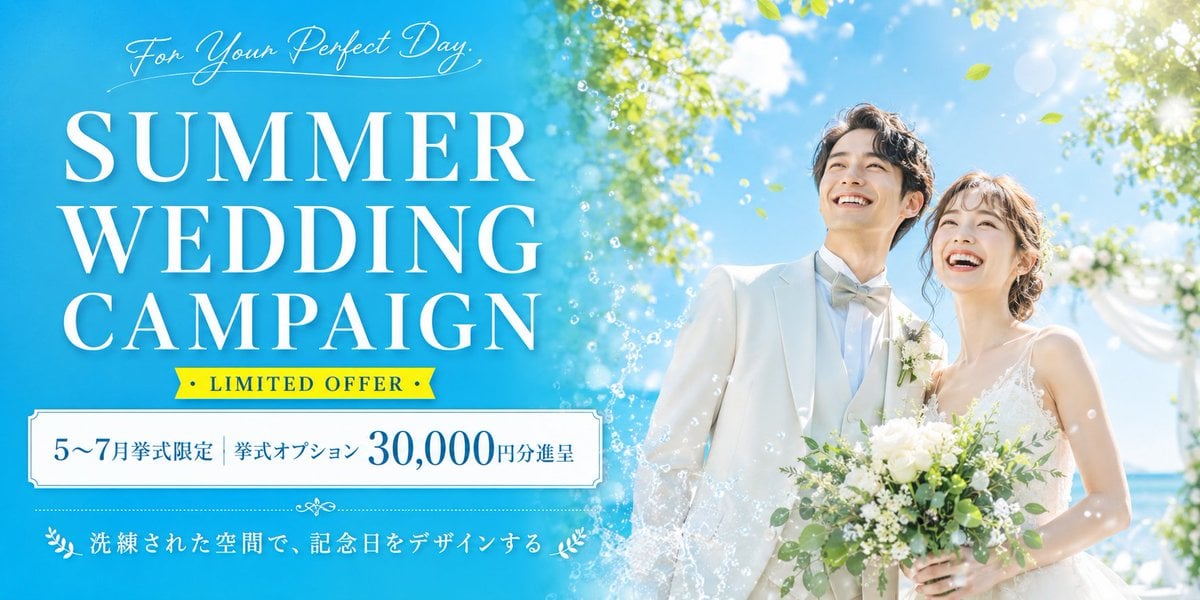
Summer Wedding Campaign Banner
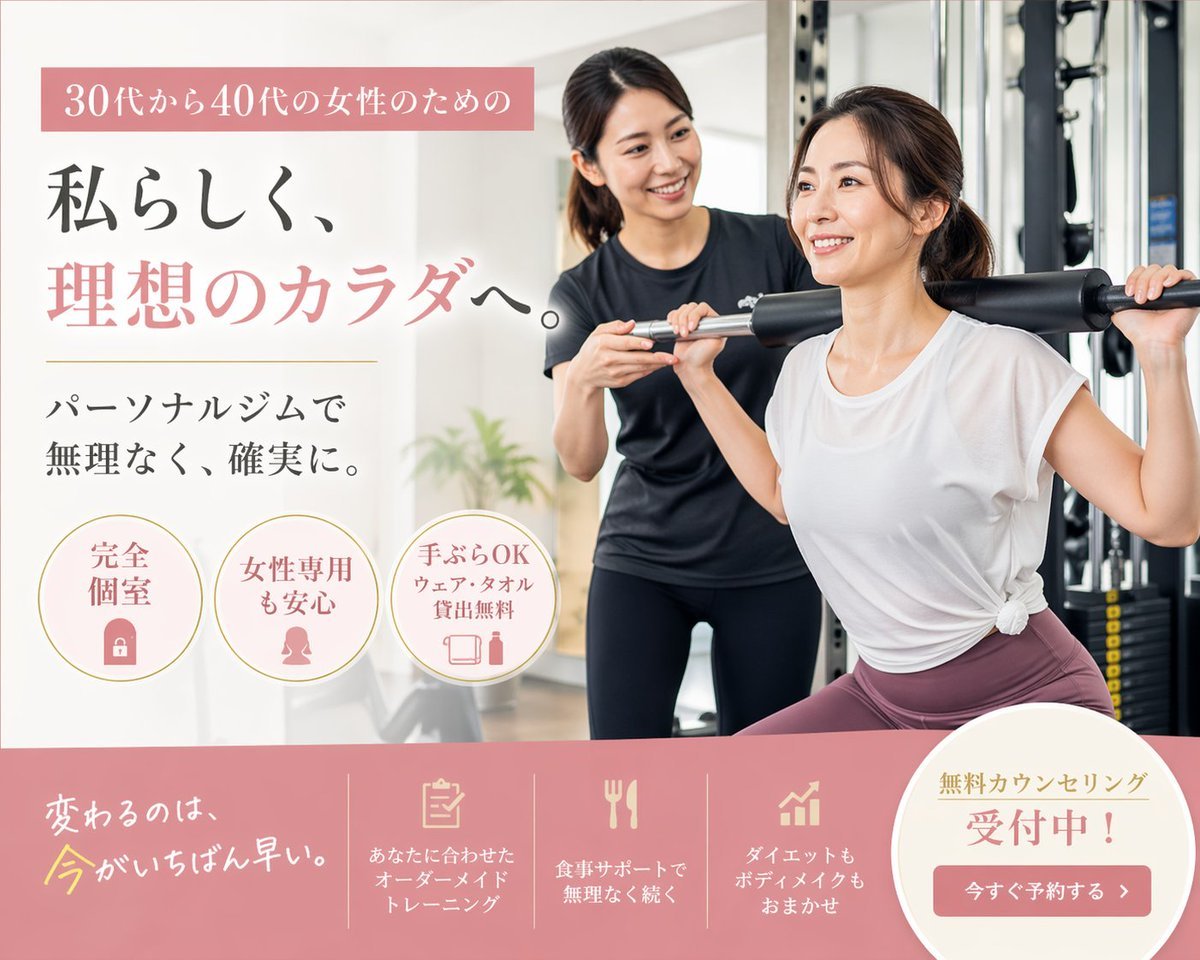
Japanese Women's Gym Hero Banner
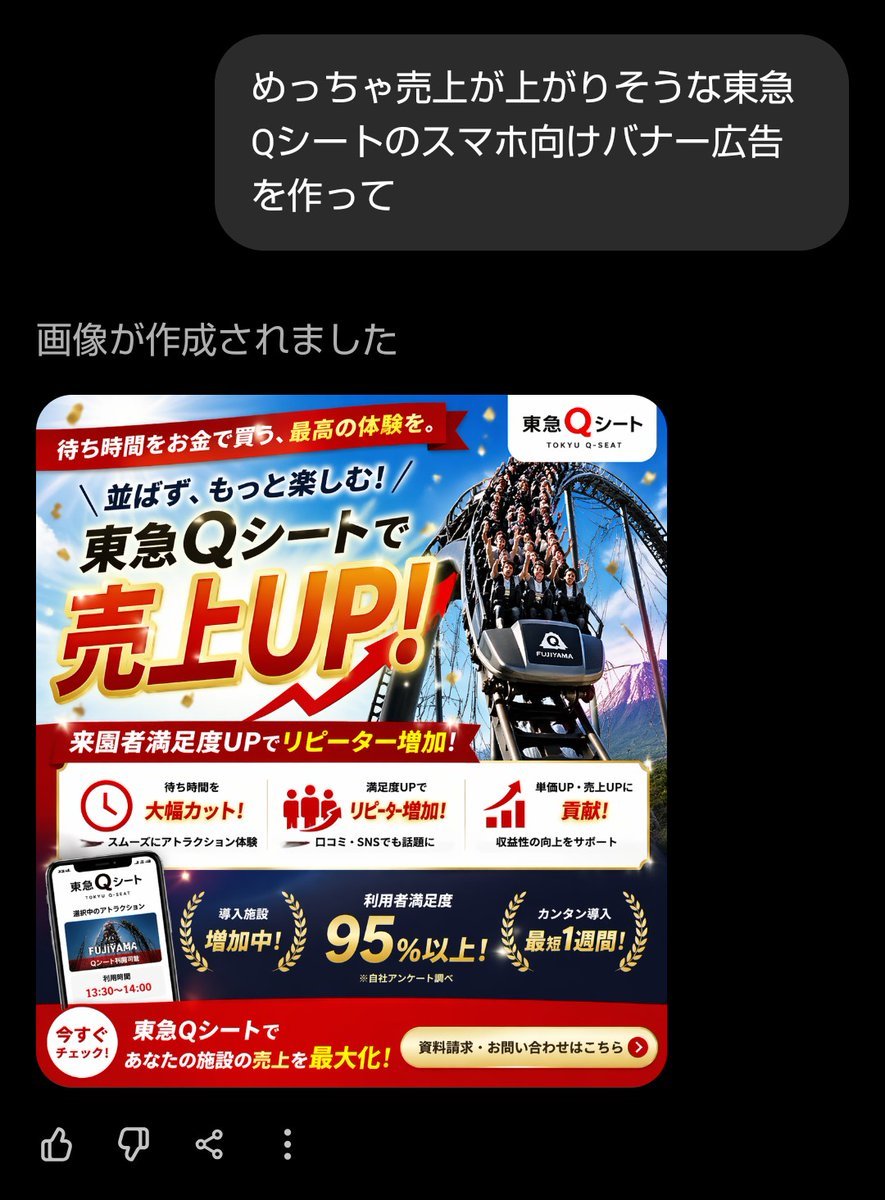
Japanese Roller Coaster Sales Banner
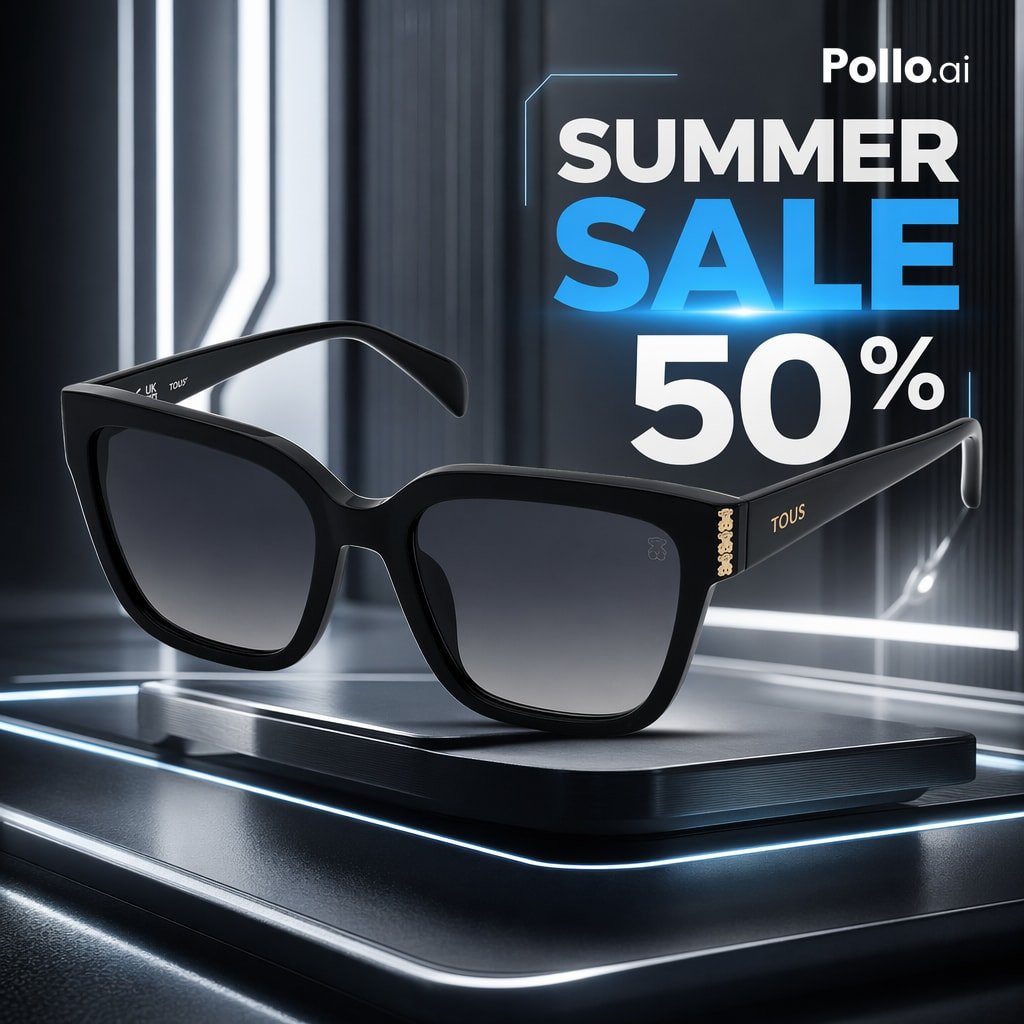
Luxury Sunglasses Summer Sale Ad
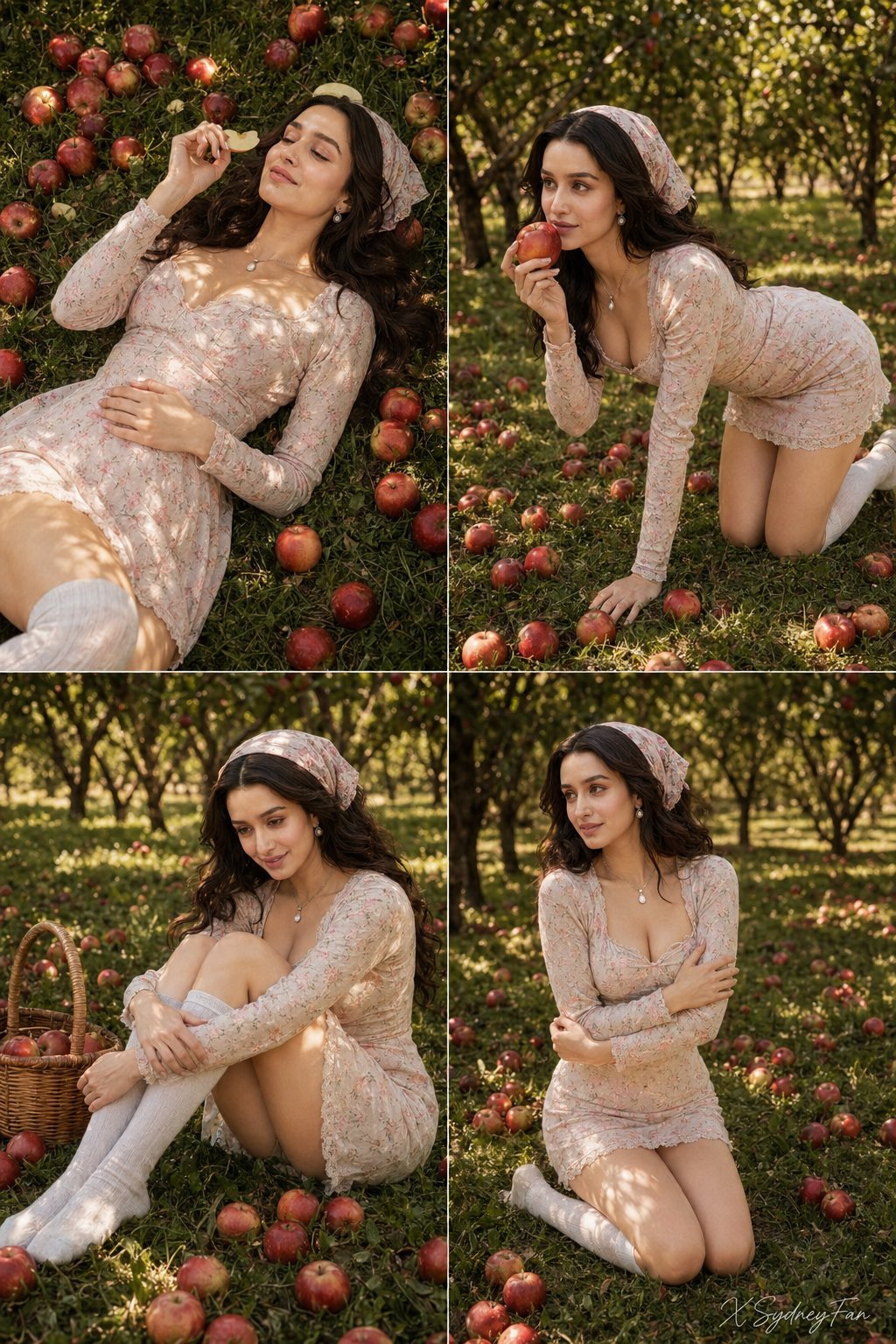
Nano Banana Apple Orchard Collage
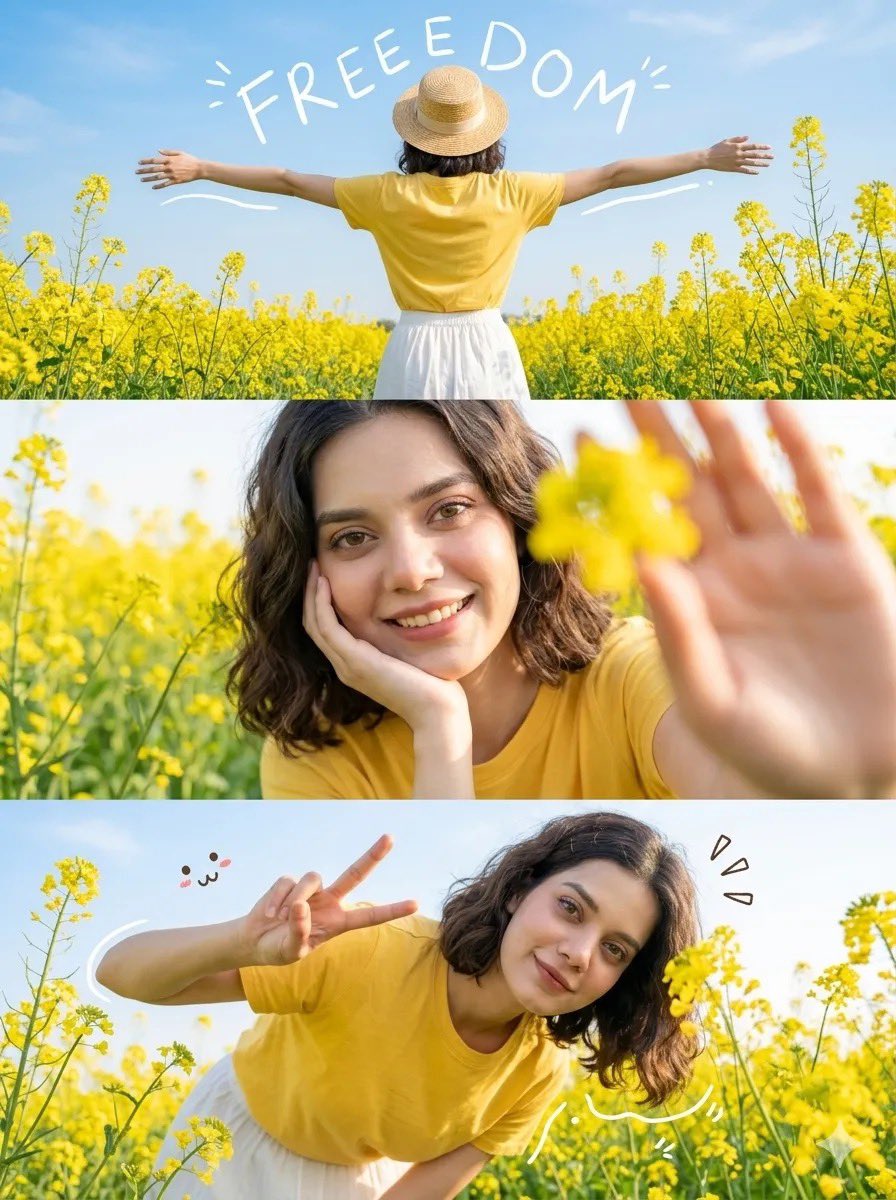
Mustard Flower Field Summer

Tropical Vacation Selfie — Nano Banana (Chryzleen)
Make it yours
Women's Summer Big Sale Banner works as-is. These are the safest ways to change it without losing the look.
Change one field
Copy a single group, rewrite it, and generate again so you can see what that field is doing.
Keep the frame, change the subject
Hold the composition and light of Women's Summer Big Sale Banner, then swap wardrobe, props or the person for a new take.
| If the result… | Why | Fix |
|---|---|---|
| The result drifts from the preview | Too many fields changed at once. | Reuse Women's Summer Big Sale Banner as-is first, then change one group — subject, light, or setting. |
| The model over-stylizes the scene | The prose prompt leaves finish and camera underspecified. | Add one camera or lighting sentence and stay on GPT Image 2. |
More GPT Image 2 templates
Other prompts made for GPT Image 2.

Six VTuber Japanese Logo Sheet

Realistic Portrait of Woman and Deer

The Vista Modular Condo Poster

AI Model Routing Comparison Infographic

2.5D Anime Art Board

Isometric Productivity Desk Scene

New York Double Exposure Poster

Four-Panel AI Landscape Comparison

Japanese Tatami Lifestyle Magazine Cover

NESCAFÉ Coffee Map Poster
More image prompts
Fresh picks from across the catalog.

Romance Manga Page in a Living Room
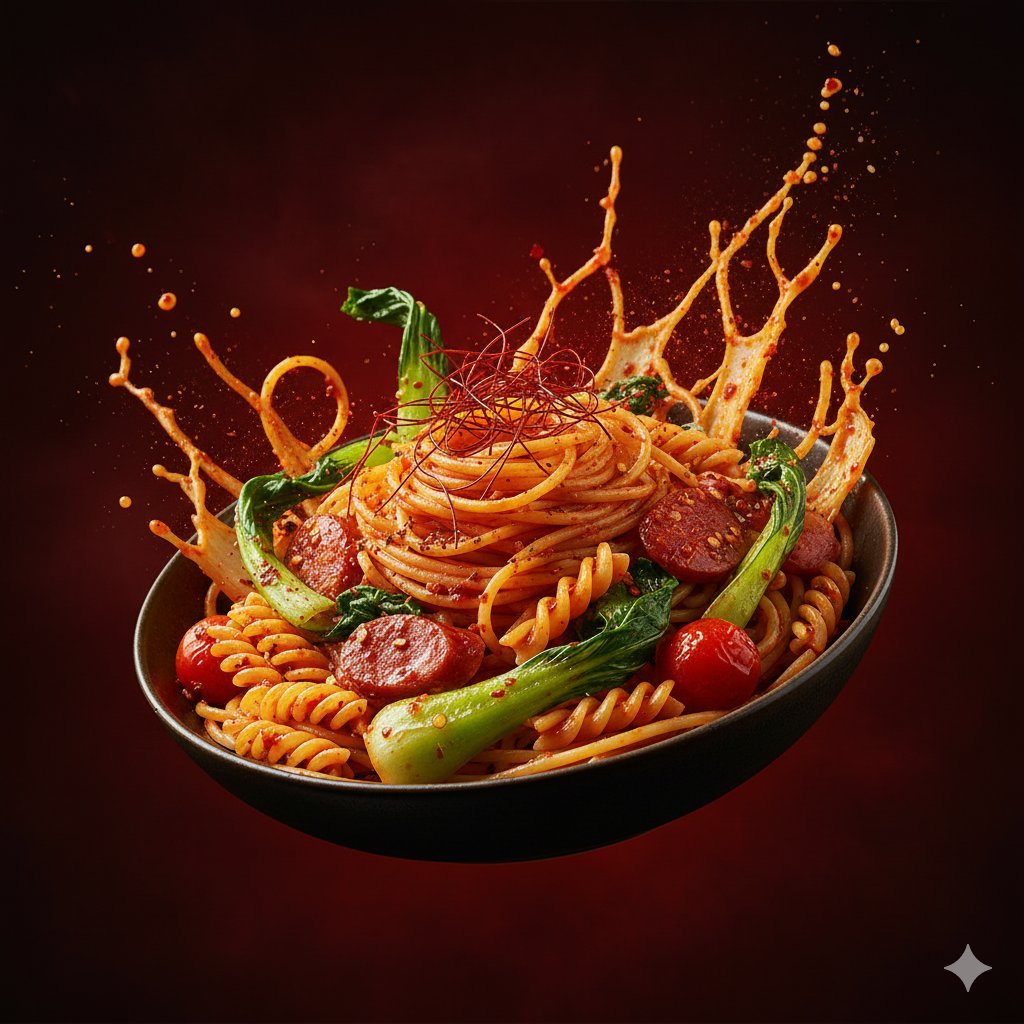
Dynamic Hyper-Realistic Biryani Hero Shot (JSON)
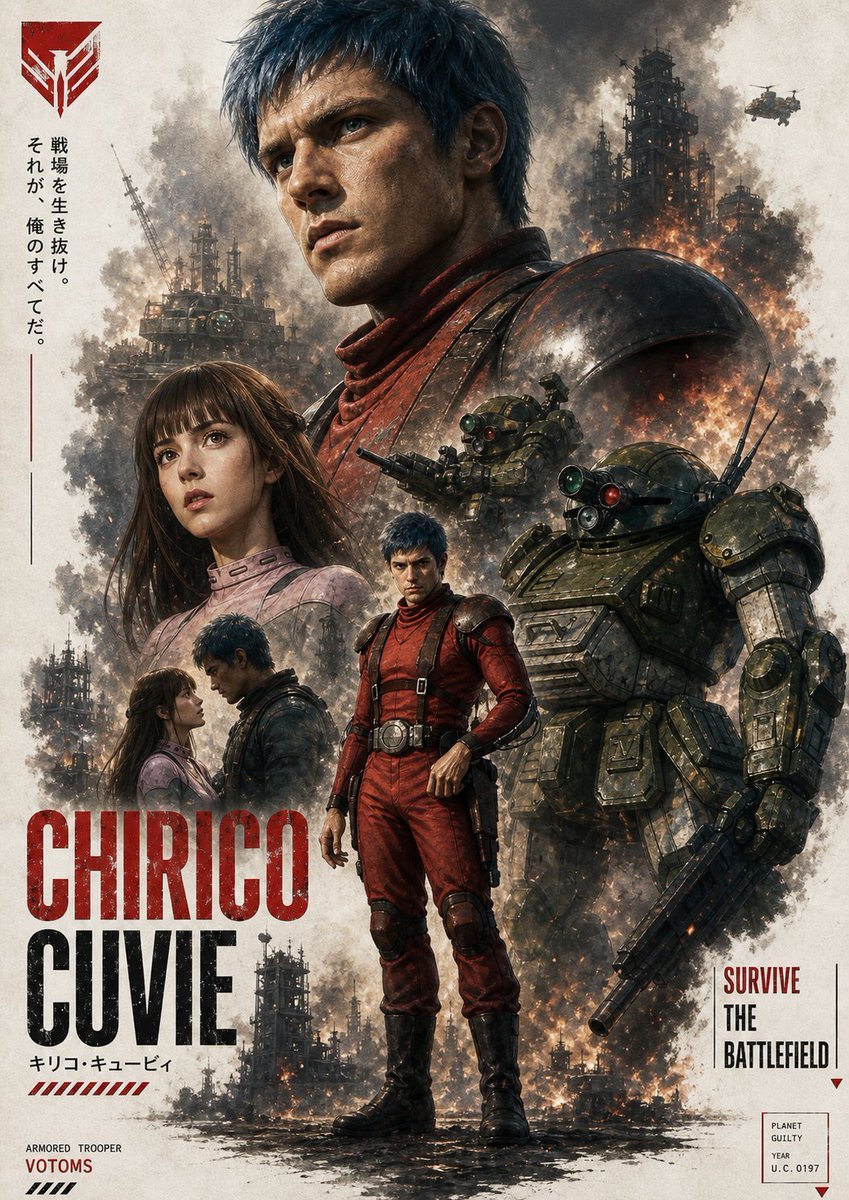
Gritty VOTOMS-Style War Poster
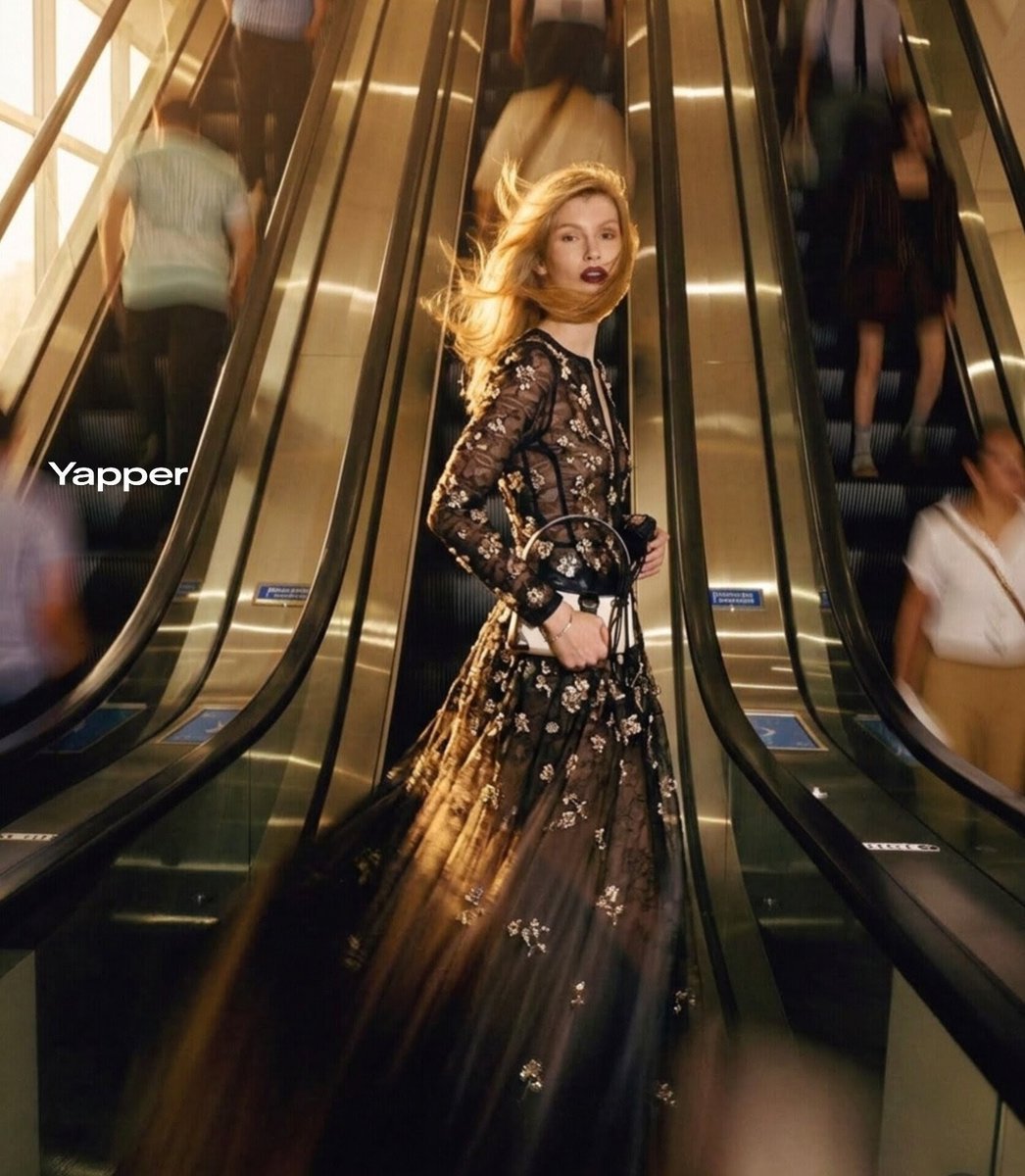
Cinematic Fashion Photograph with Motion Blur
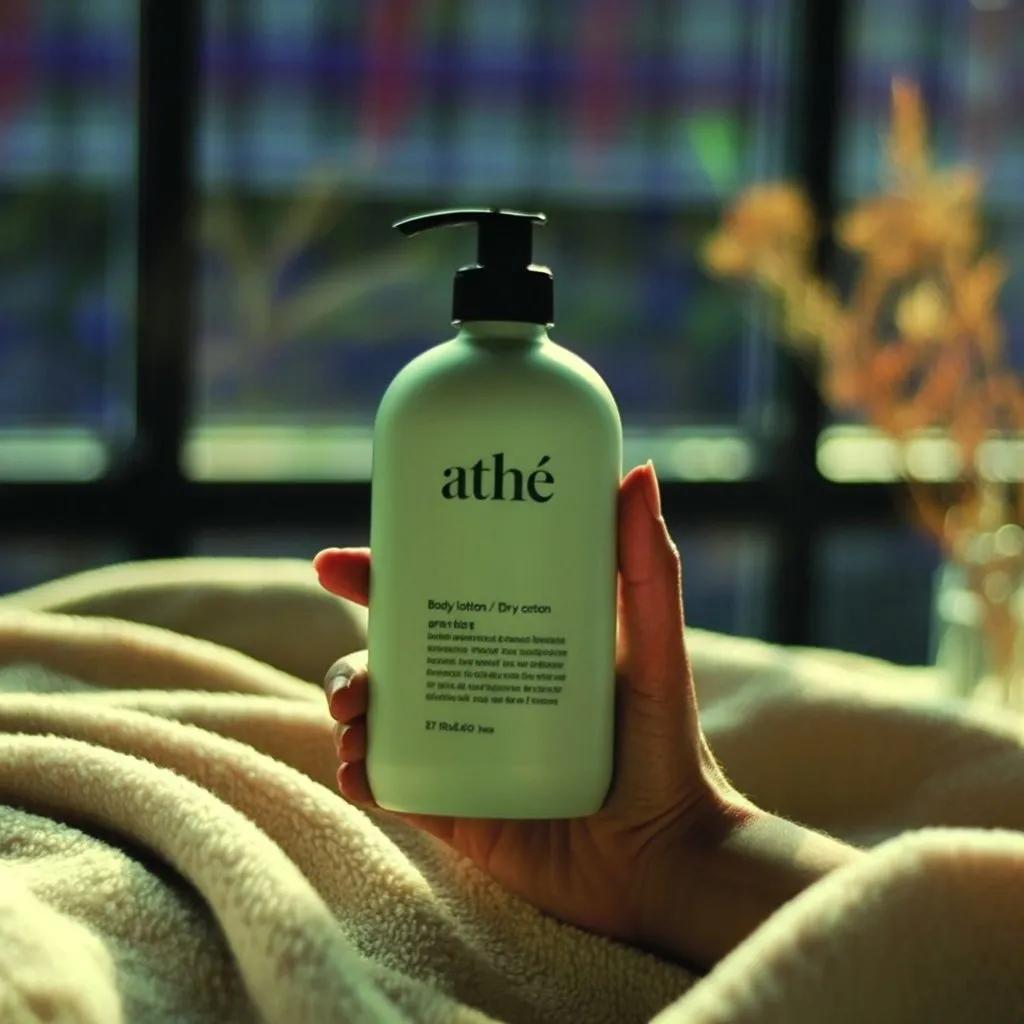
Scene Composition Control with Visual Reference
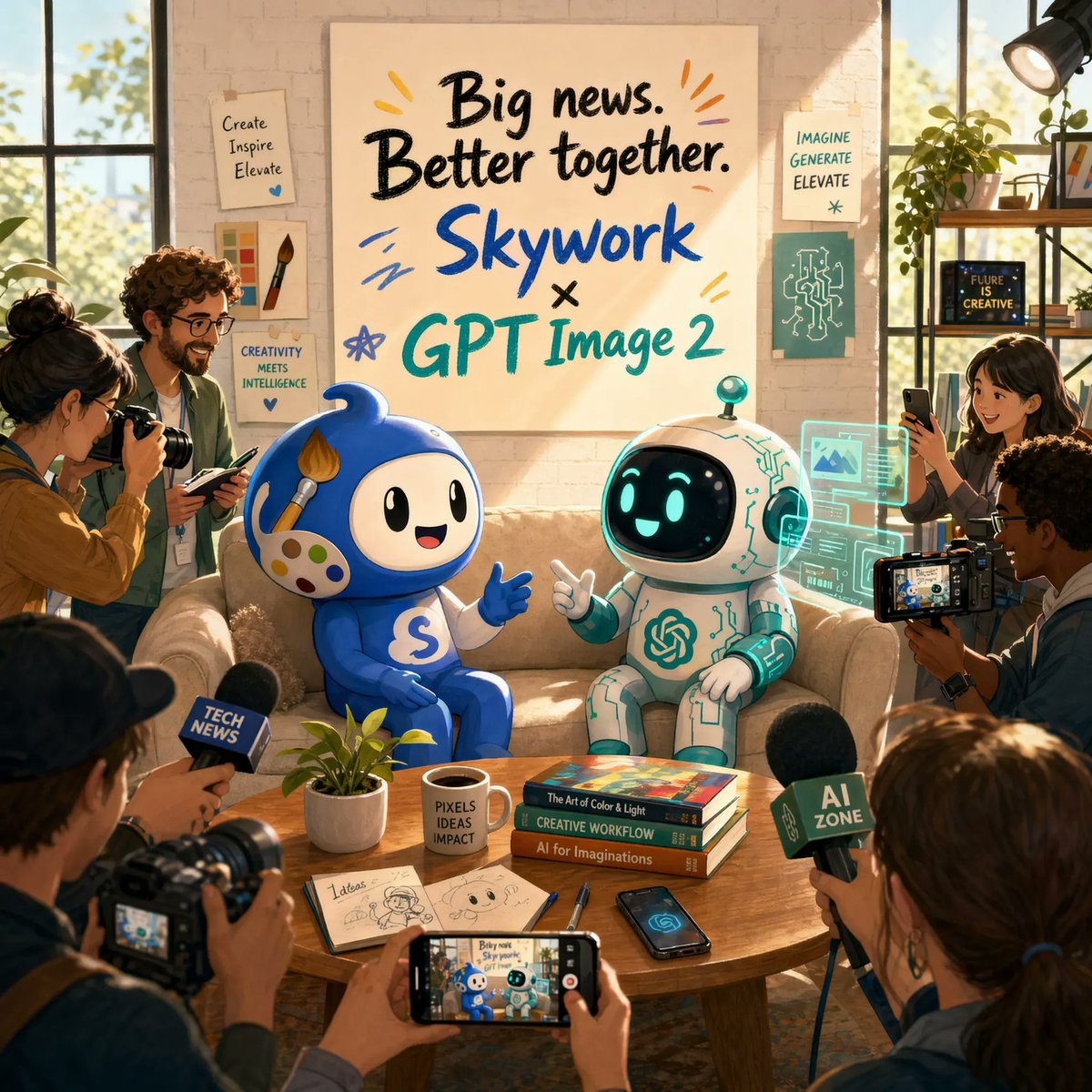
AI Partnership Launch Poster Scene

Illustration based on long classical Chinese poem
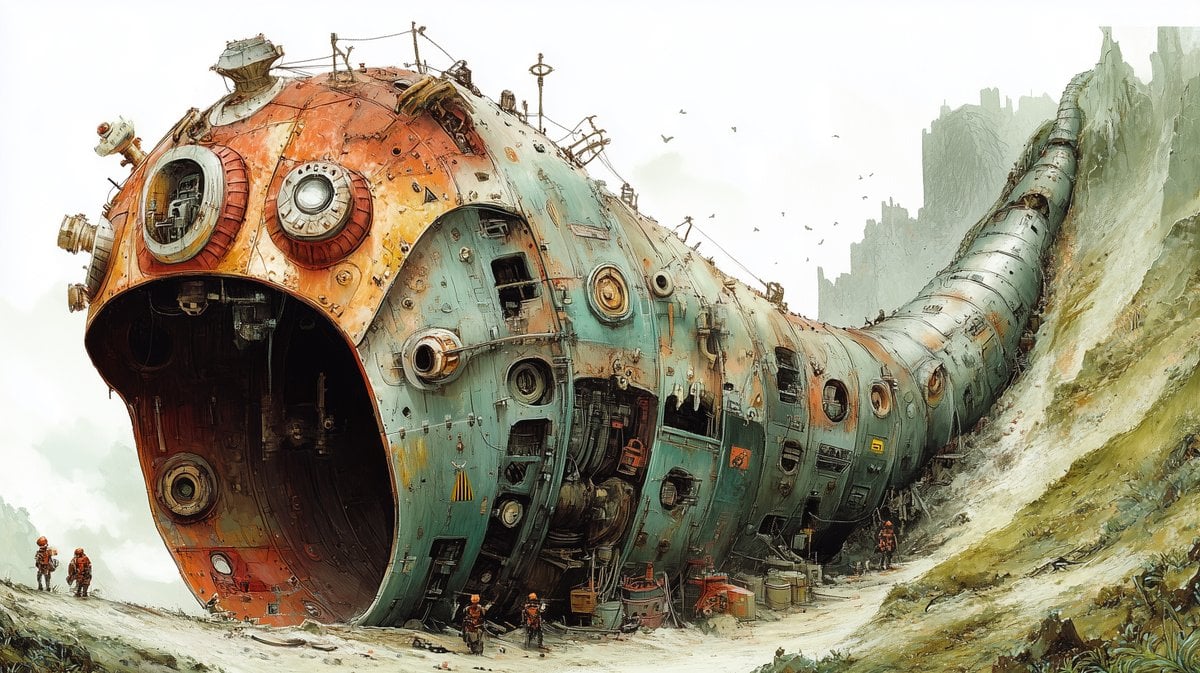
Massive Ancient Abandoned Alien Mining Machine Prompt
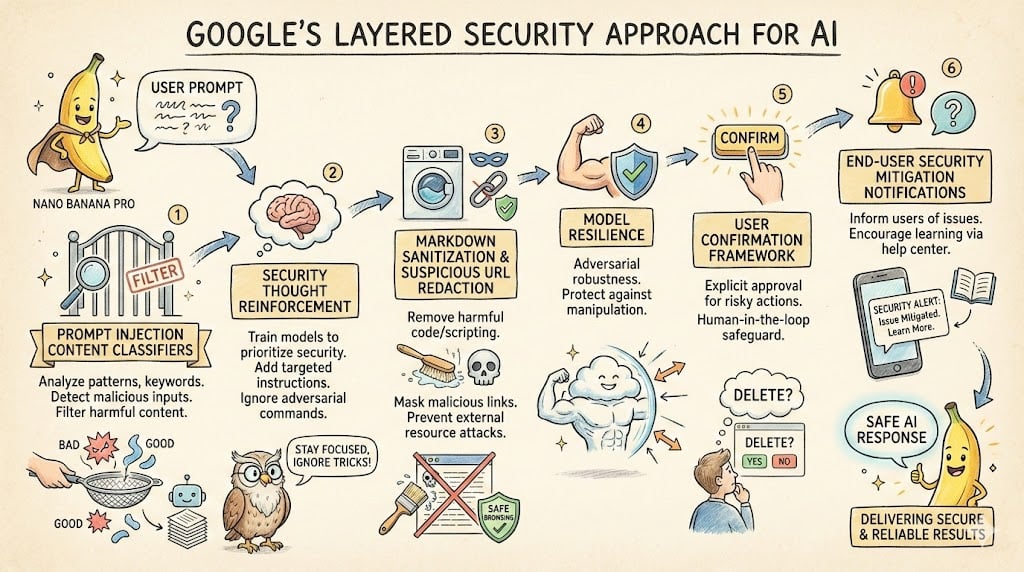
LLM System Prompt Security Measures (Conceptual)
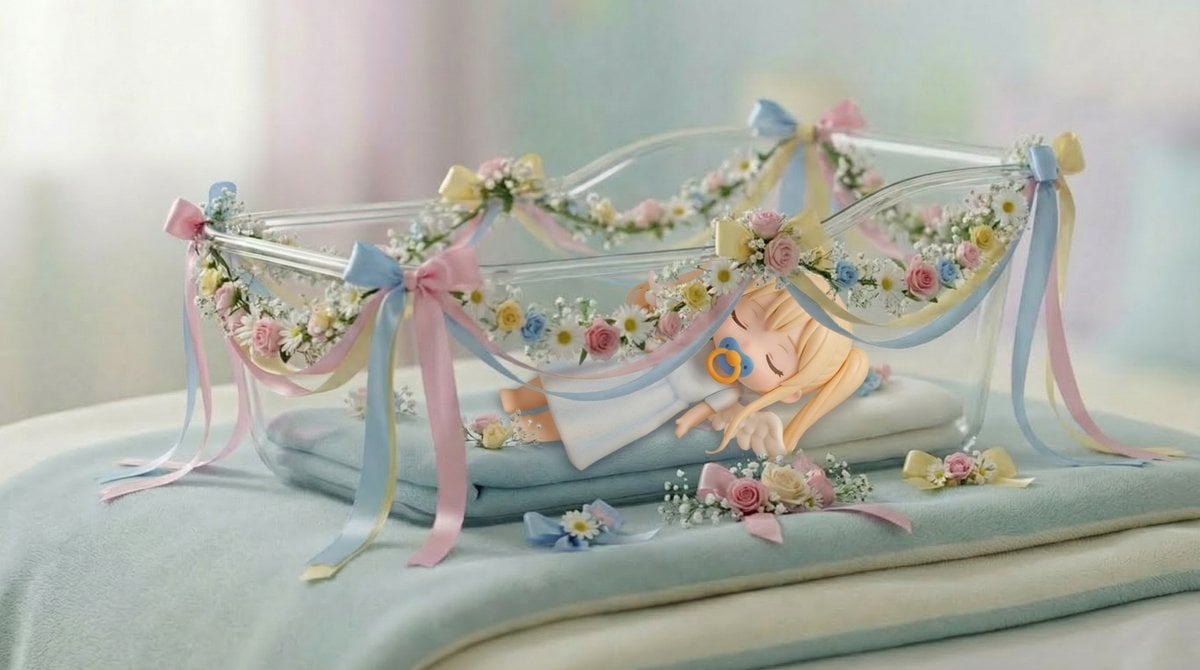
Angel in a Cradle Image Generation Prompt
Browse template categories
Women's Summer Big Sale Banner questions
How do I use the Women's Summer Big Sale Banner template?
Add your photo if the template asks for one, edit the prompt if you like — the template's model and format are already selected — and press Generate. Your version opens in PicX Studio.
Can I customize the Women's Summer Big Sale Banner template?
Yes. You can change the subject, setting, lighting, mood, format, and available model controls before creating your image.
Is the Women's Summer Big Sale Banner template free?
Opening and editing this template is free. Generating uses credits, shown on the Generate button when you are signed in.
Which AI model should I use?
Start with GPT Image 2, which is the model associated with this template. You can compare another compatible model for a different finish.
Looking for something else? Browse all templates.

Your photo, any look
Thousands of ready templates for every top image and video model, from one credit balance.