
AI Partnership Launch Poster Scene
This prompt generates a polished promotional poster showing two AI mascots announcing a creative-tech collaboration in a lively studio press event, ideal for launch campaigns and social media marketing.
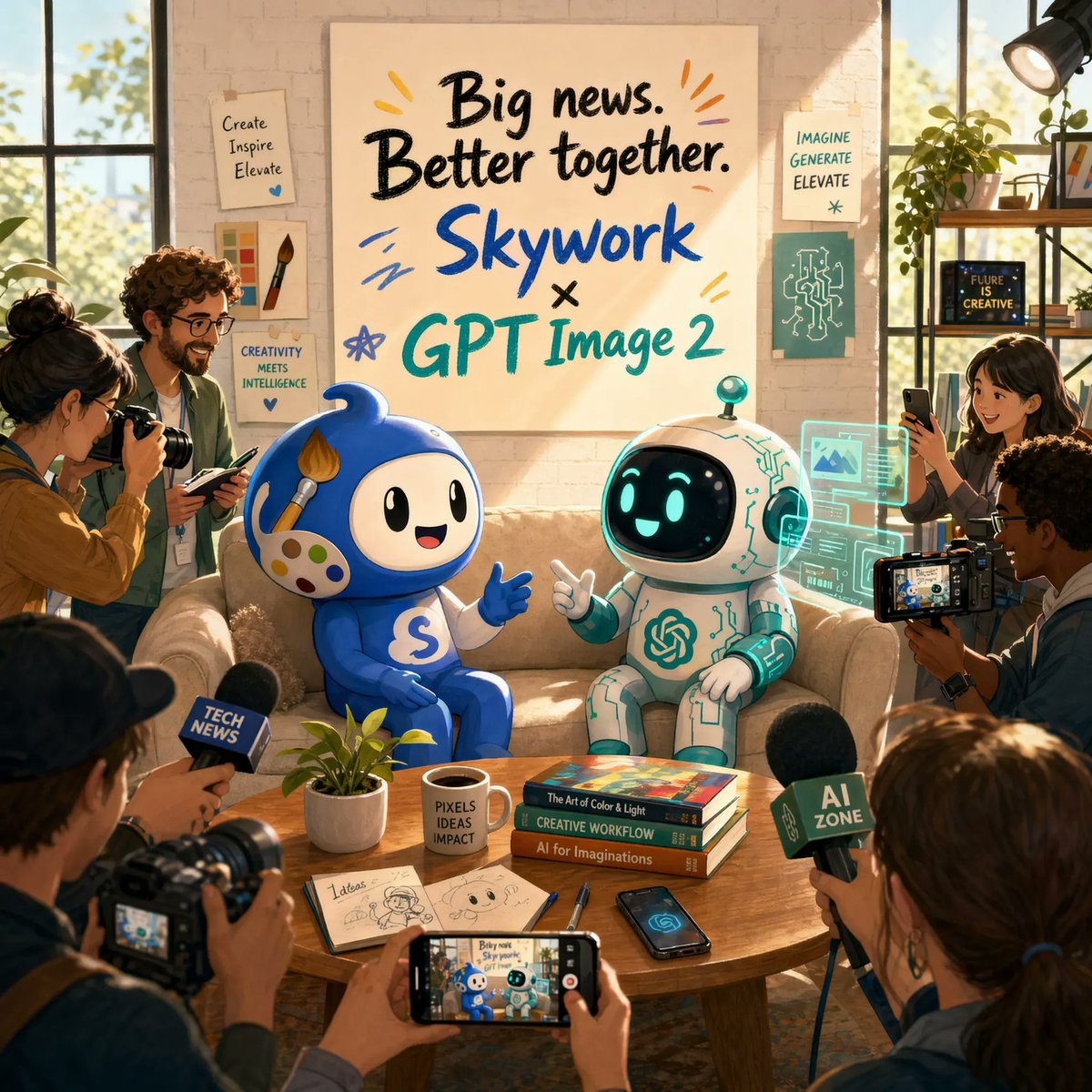
- Prompt included
- Model and format preset
- Free template
The prompt behind this image
Copy the exact prompt behind AI Partnership Launch Poster Scene, or open it in the studio and make it yours.
A warm, editorial-style announcement poster set inside a sunlit creative studio with a cozy startup office vibe. Center the composition on two cute mascots sitting side by side on a beige couch, surrounded by photographers, journalists, and content creators documenting the moment. Above them, place a large hand-painted poster on a light brick wall reading “Big news. Better together. {argument name="brand name" default="Skywork"} × {argument name="product name" default="GPT Image 2"}” in oversized brush lettering, with playful colorful accent strokes around the text. The left mascot is a glossy blue chibi character with a round body, big black oval eyes, a smiling face, white face panel, a paintbrush-shaped crest on its head, a painter’s palette motif on its cheek, and a white “S” on its belly, gesturing happily with one hand. The right mascot is a small white-and-teal robot with a rounded helmet-like head, black face screen, glowing cyan eyes and smile, teal circuitry details across the body, and a teal spiral emblem on the chest, also smiling and gesturing as if in conversation. Put a wooden coffee table in front of them with exactly 8 visible items: 1 small potted plant, 1 white mug reading “PIXELS IDEAS IMPACT,” 3 stacked design books, 1 open sketchbook with concept drawings, 1 pen, 1 smartphone lying flat, and 1 smartphone held in the foreground capturing the mascots. Surround the scene with exactly 7 visible human figures partially entering frame, some holding DSLR cameras, one holding a video camera with a flip-out screen, and 3 microphones with cube flags labeled “TECH NEWS,” “AI ZONE,” and another media mic. Add translucent cyan holographic interface panels floating beside the robot, suggesting AI-generated visuals and design tools. Decorate the walls and shelves with creative studio details: pinned art prints and posters reading “Create Inspire Elevate,” “CREATIVITY MEETS INTELLIGENCE,” “IMAGINE GENERATE ELEVATE,” and “FUTURE IS CREATIVE,” plus a paintbrush illustration, a circuit diagram print, books, plants, and a studio light in the upper right corner. Lighting is golden-hour sunlight streaming through large industrial windows on both sides, creating a cinematic, optimistic launch-event mood. Style: polished 3D illustration mixed with commercial lifestyle photography, highly detailed, friendly, brand-forward, vibrant but tasteful colors, soft depth of field, premium poster composition, square format.
How to use AI Partnership Launch Poster Scene in 3 steps
- 1Upload ImagePNG, JPG or paste
Add your photo
Upload the photo the template builds on. The prompt, model and format are already set.
- 2…a portrait of your subject in softgolden-hour light, 85mm…
Personalize
Edit the subject and creative details for your destination.
- 3Generate
Generate
Press Generate — your image is created in PicX Studio, so you can compare it with the original and refine one variable at a time.
More like this
Templates with the same subject, style or setup. Open one to see its prompt.

Japan Travel Brochure Poster

Cartoon TV Show Poster Pack

Trendy Cafe Drink Promo Poster

Urban Fashion Editorial Collage Streetwear Poster

Premium Fashion Editorial Cover Layout System

Polo Ralph Lauren Luxury American Heritage Fashion Campaign

Monochrome Halftone Editorial Fashion Poster

Retro Mirror Luxury Fashion Campaign Poster

Luxury Fashion Campaign Typography Poster System

Premium Fashion Editorial Campaign Poster System

Ultra-Stylized High-Fashion Streetwear Poster

Urban Fashion Editorial Collage Poster
Make it yours
AI Partnership Launch Poster Scene works as-is. These are the safest ways to change it without losing the look.
Change one field
Copy a single group, rewrite it, and generate again so you can see what that field is doing.
Keep the frame, change the subject
Hold the composition and light of AI Partnership Launch Poster Scene, then swap wardrobe, props or the person for a new take.
| If the result… | Why | Fix |
|---|---|---|
| The result drifts from the preview | Too many fields changed at once. | Reuse AI Partnership Launch Poster Scene as-is first, then change one group — subject, light, or setting. |
| The model over-stylizes the scene | The prose prompt leaves finish and camera underspecified. | Add one camera or lighting sentence and stay on GPT Image 2. |
More GPT Image 2 templates
Other prompts made for GPT Image 2.

Six VTuber Japanese Logo Sheet

Realistic Portrait of Woman and Deer

The Vista Modular Condo Poster

AI Model Routing Comparison Infographic

2.5D Anime Art Board

Isometric Productivity Desk Scene

New York Double Exposure Poster

Four-Panel AI Landscape Comparison

Japanese Tatami Lifestyle Magazine Cover

NESCAFÉ Coffee Map Poster
More image prompts
Fresh picks from across the catalog.
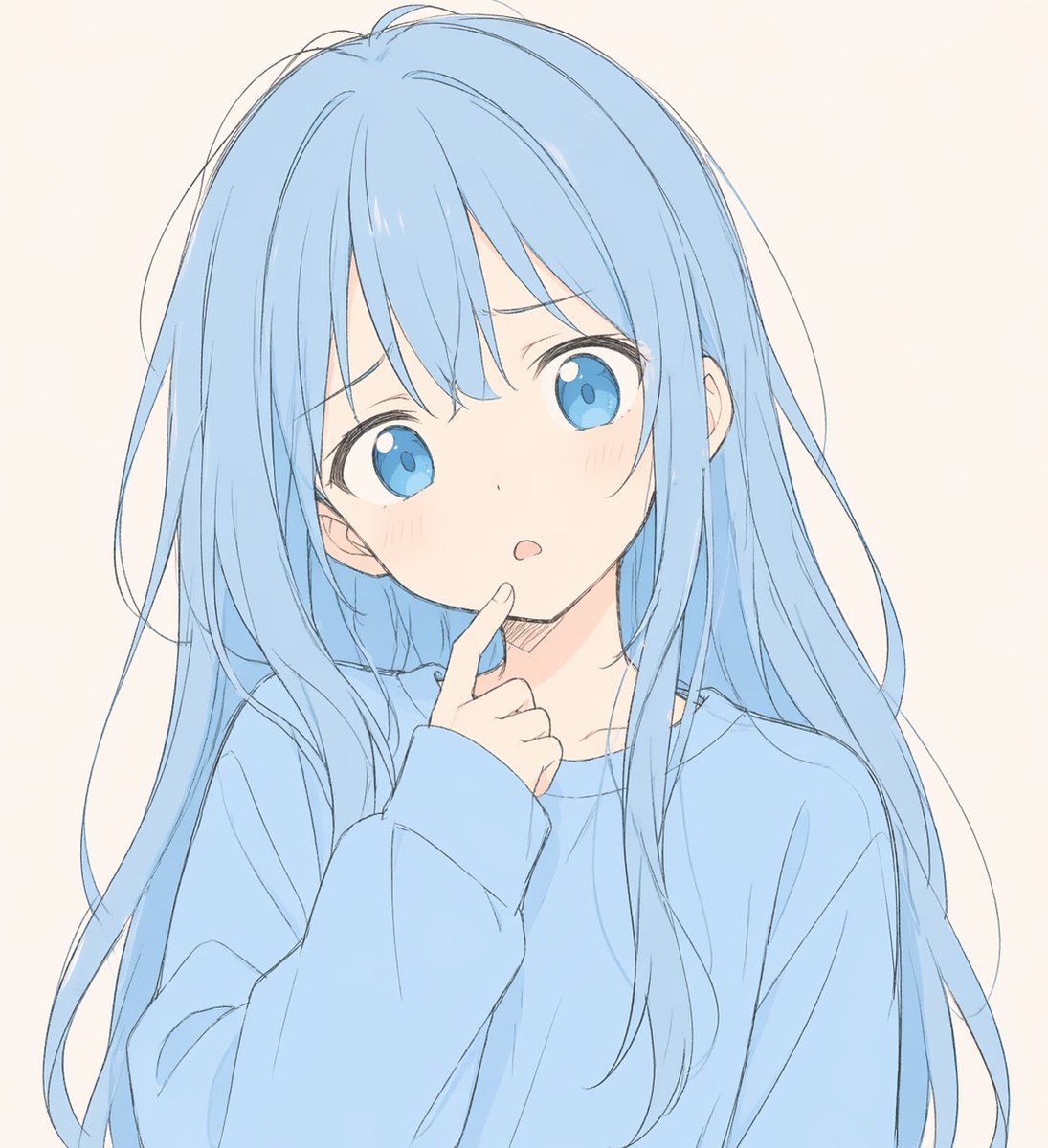
Soft Blue Anime Girl Portrait
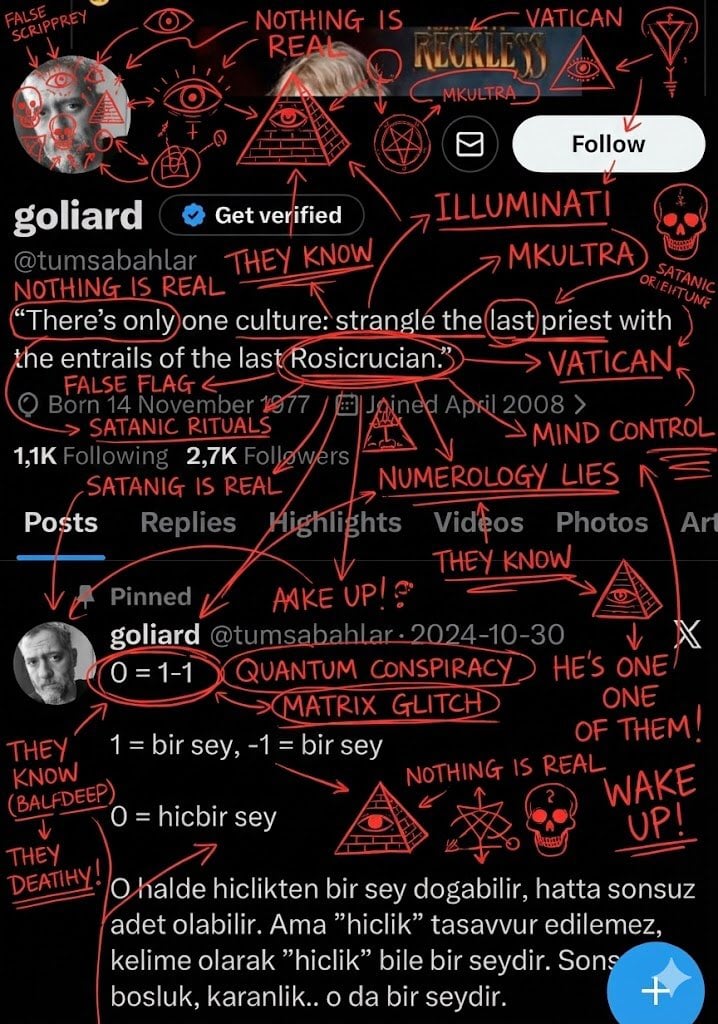
Conspiracy Scribbles Overlay
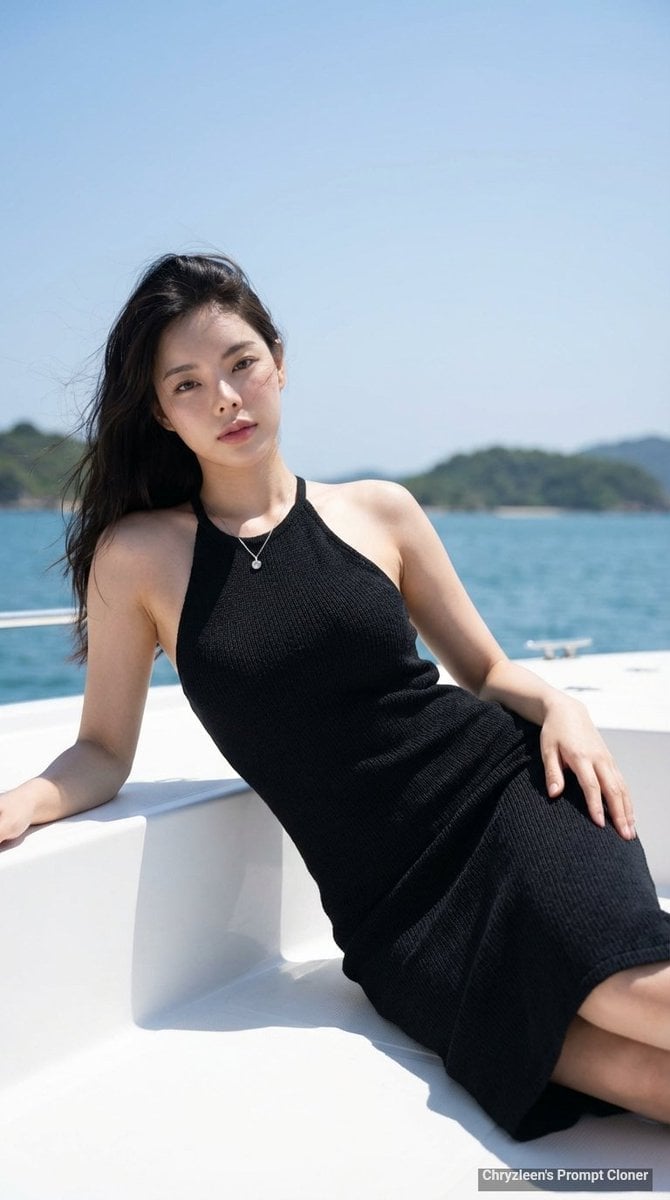
Hyper-Realistic Portrait on a Boat
Impasto Oil Painting Aesthetic
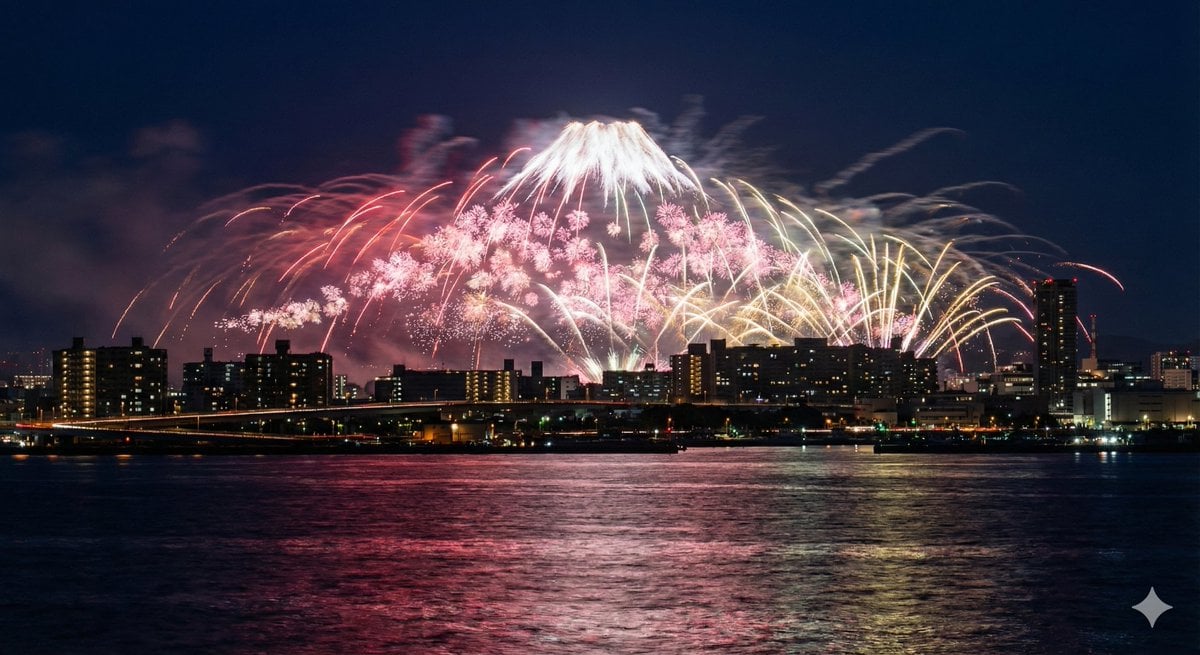
Photorealistic Long-Exposure Fireworks over a City Skyline

Image cleanup and colorization for old photographs
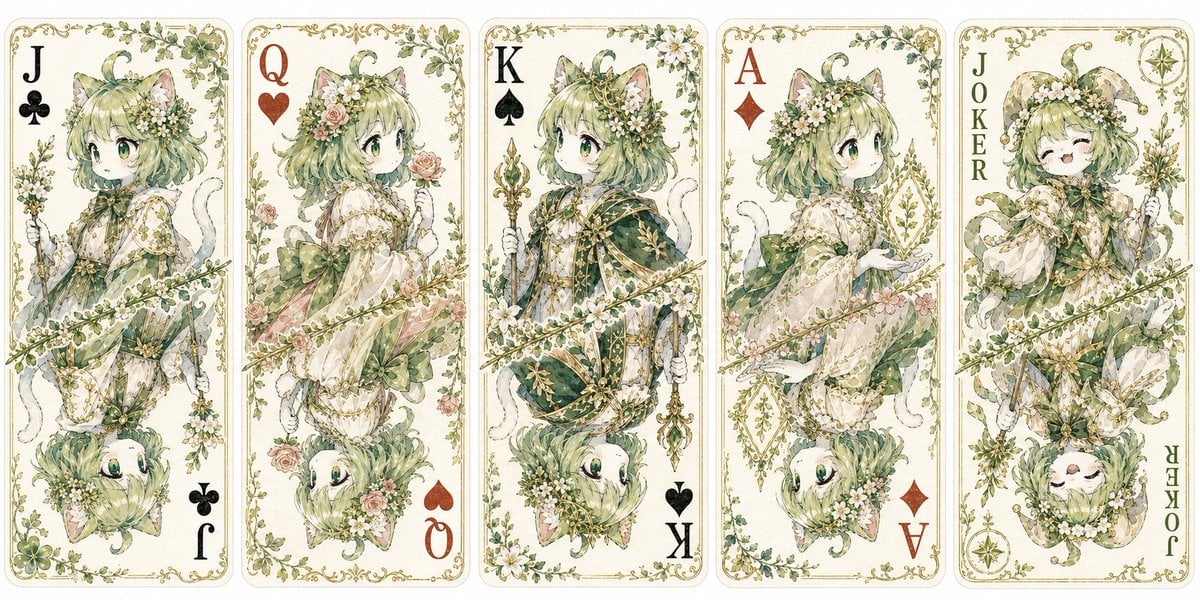
Custom Cat Beastman Playing Cards
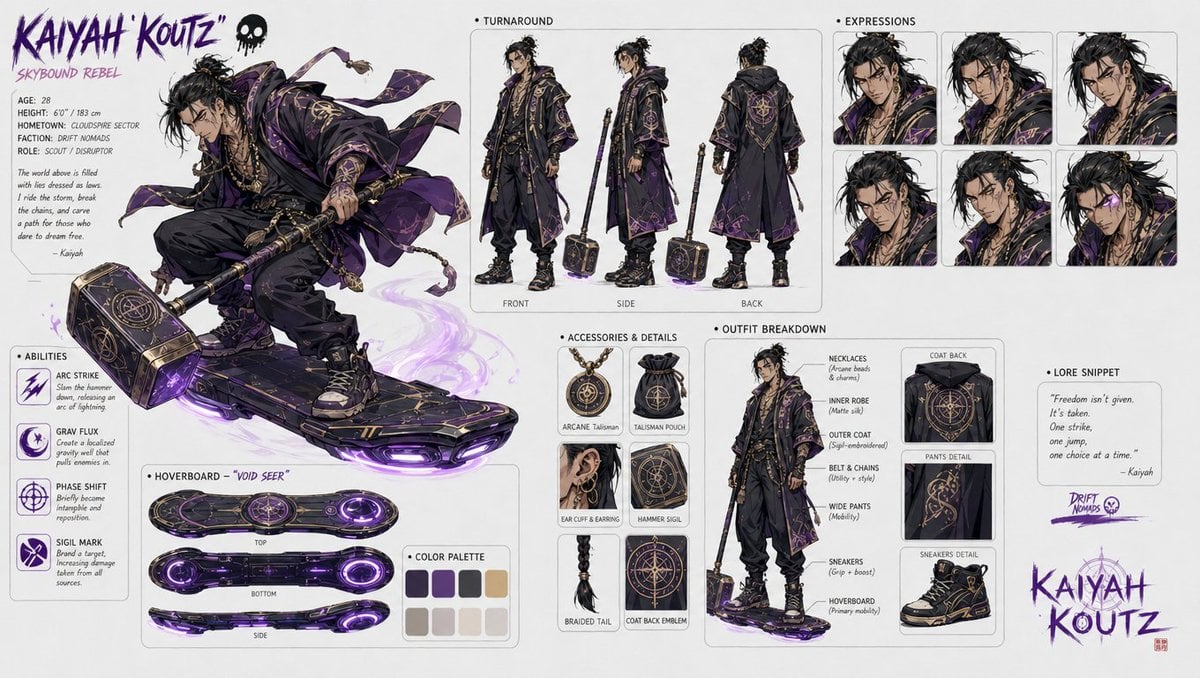
Character design refinement
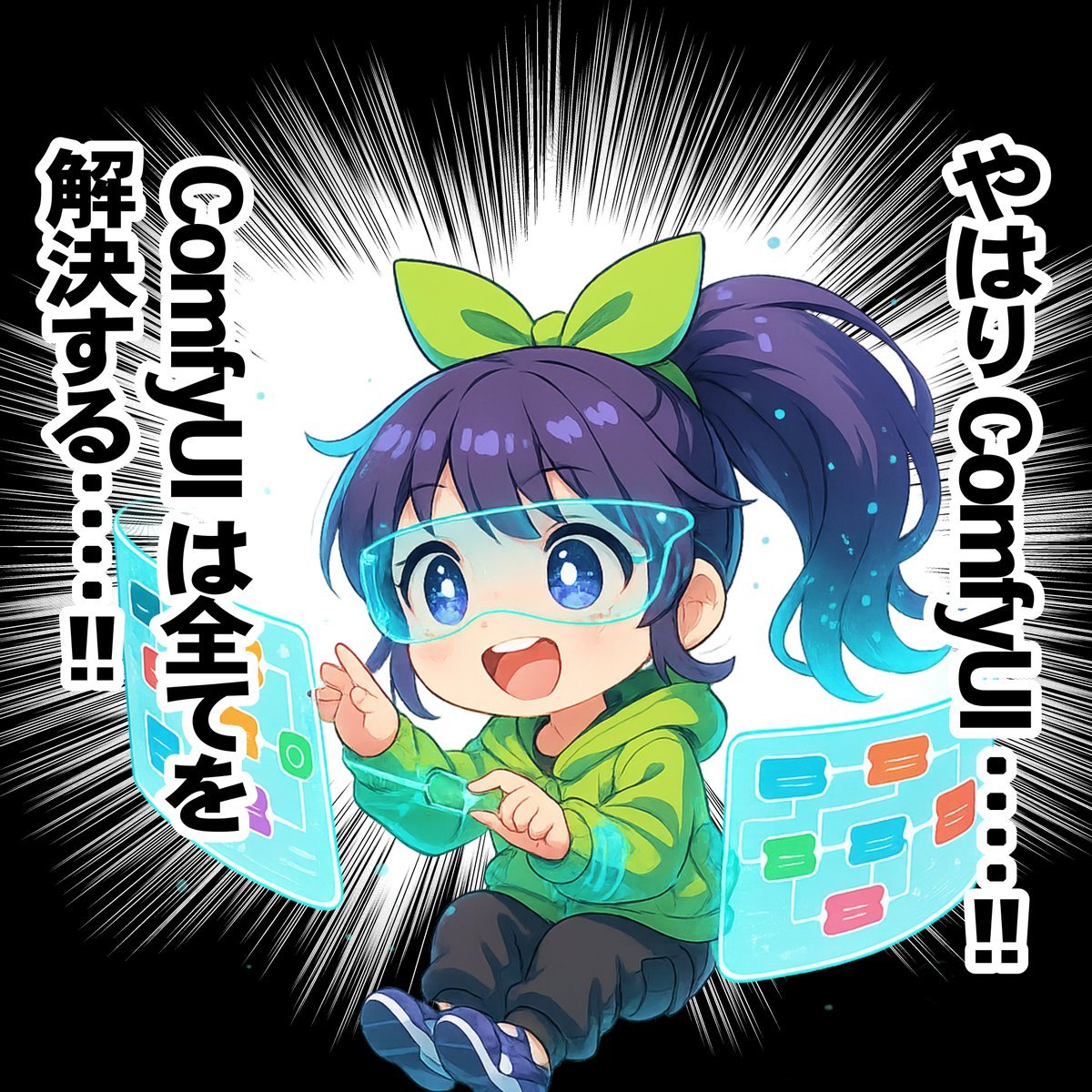
Chibi Character Operating a Cyber Window Prompt

Two-Story Japanese House Floor Plan
Browse template categories
AI Partnership Launch Poster Scene questions
How do I use the AI Partnership Launch Poster Scene template?
Add your photo if the template asks for one, edit the prompt if you like — the template's model and format are already selected — and press Generate. Your version opens in PicX Studio.
Can I customize the AI Partnership Launch Poster Scene template?
Yes. You can change the subject, setting, lighting, mood, format, and available model controls before creating your image.
Is the AI Partnership Launch Poster Scene template free?
Opening and editing this template is free. Generating uses credits, shown on the Generate button when you are signed in.
Which AI model should I use?
Start with GPT Image 2, which is the model associated with this template. You can compare another compatible model for a different finish.
Looking for something else? Browse all templates.

Your photo, any look
Thousands of ready templates for every top image and video model, from one credit balance.