
Okinawa Summer Travel Banner
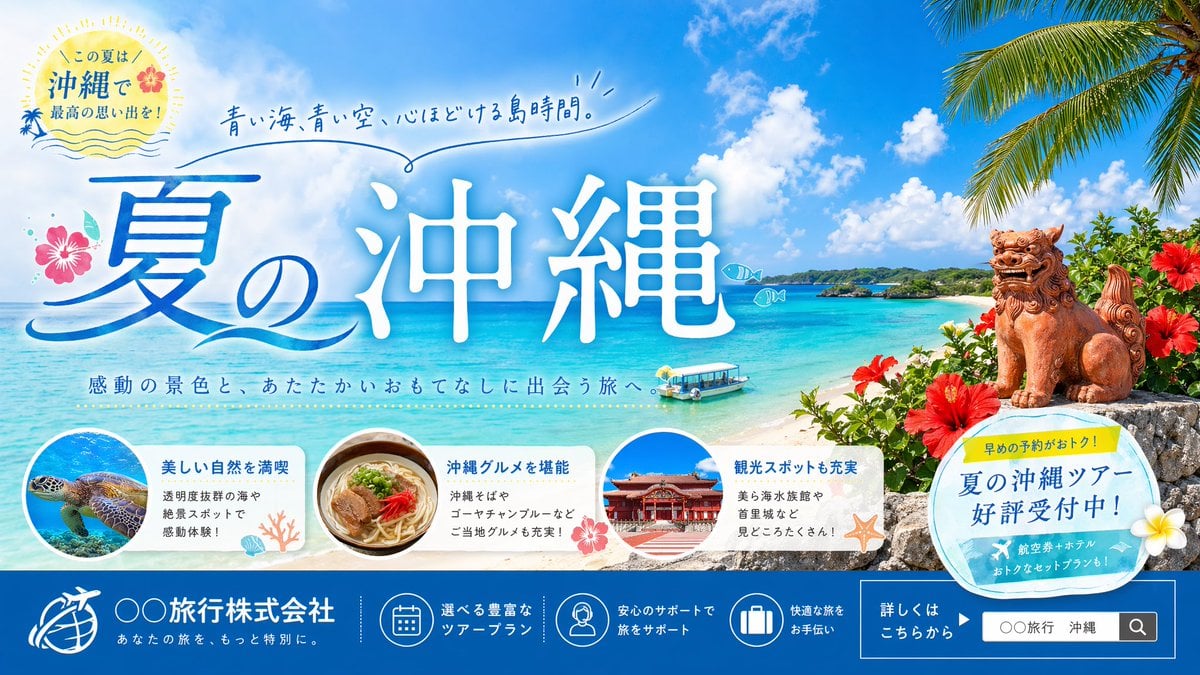
A bright Japanese travel-agency promotional banner for Okinawa, suitable for summer tour ads, website hero images, and campaign marketing.
- Prompt included
- Model and format preset
- Free template
The prompt behind this image
Copy the exact prompt behind Okinawa Summer Travel Banner, or open it in the studio and make it yours.
Create a polished Japanese travel agency summer banner ad for Okinawa in a bright, inviting commercial style. Use a wide horizontal layout with a vivid tropical beach scene as the full background: crystal-clear turquoise ocean, white sand shoreline, small green island in the mid distance, deep blue sky with large fluffy white clouds, and palm leaves hanging in from the upper right corner. On the right foreground, place 1 traditional Okinawan shisa lion-dog statue sitting on a stone wall, surrounded by red hibiscus flowers and lush tropical greenery. Near the water, include 1 small glass-bottom sightseeing boat floating close to shore. Add 2 small simple fish doodle icons over the sea. Make the typography the hero element. Across the left-center to center, place very large Japanese calligraphic headline text reading {argument name="headline text" default="夏の沖縄"}, with a blue gradient and white glow or soft outline, highly legible and elegant. Above it, add a handwritten-style Japanese catchphrase in blue reading {argument name="catchphrase" default="青い海、青い空、心ほどける島時間。"} with a loose underline flourish. Under the main headline, add a smaller Japanese subheading reading {argument name="subheading" default="感動の景色と、あたたかいおもてなしに出会う旅へ。"}. In the upper left, add a circular summer badge with a sunburst feel, soft cream background, tiny wave lines, a small hibiscus accent, and Japanese text reading "この夏は 沖縄で 最高の思い出を!". Decorate the headline area with 1 pink hibiscus flower on the left and subtle ocean-wave graphic strokes. Along the lower middle, place 3 rounded white feature cards in a row, partially overlapping the beach scene. Count and depict all 3 cards clearly: the first card shows a sea turtle swimming underwater in a circular photo, with Japanese heading "美しい自然を満喫" and smaller body text about transparent waters and scenic spots; the second card shows a bowl of Okinawa soba in a circular photo, with heading "沖縄グルメを堪能" and smaller body text mentioning 沖縄そば and ゴーヤチャンプルー; the third card shows Shuri Castle in a circular photo, with heading "観光スポットも充実" and smaller body text mentioning 美ら海水族館 and 首里城. Add small coral, shell, hibiscus, and starfish decorations around these cards. On the right lower-middle, overlap the beach with 1 tilted circular promotional sticker in pale blue and cream, with a small yellow tab on top. The yellow tab says "早めの予約がおトク!" and the main circle says "夏の沖縄ツアー 好評受付中!". Add a white plumeria flower accent near the sticker. Create a full-width dark blue footer bar across the bottom. On the left side of the footer, place a white travel company logo icon and company name text {argument name="company name" default="〇〇旅行株式会社"}, with a smaller Japanese tagline below. Across the center of the footer, place exactly 3 circular line-icons with short Japanese captions: 1 calendar icon for tour plans, 1 support staff icon for travel assistance, and 1 suitcase icon for comfortable travel help. On the right side of the footer, add a boxed CTA area with Japanese text "詳しくはこちらから" and a mock search field containing {argument name="search text" default="〇〇旅行 沖縄"} plus a search icon. Overall design should feel premium, cheerful, summery, and highly marketable, like a professional Japanese web banner or travel campaign visual.
How to use Okinawa Summer Travel Banner in 3 steps
- 1Upload ImagePNG, JPG or paste
Add your photo
Upload the photo the template builds on. The prompt, model and format are already set.
- 2…a portrait of your subject in softgolden-hour light, 85mm…
Personalize
Edit the subject and creative details for your destination.
- 3Generate
Generate
Press Generate — your image is created in PicX Studio, so you can compare it with the original and refine one variable at a time.
More like this
Templates with the same subject, style or setup. Open one to see its prompt.
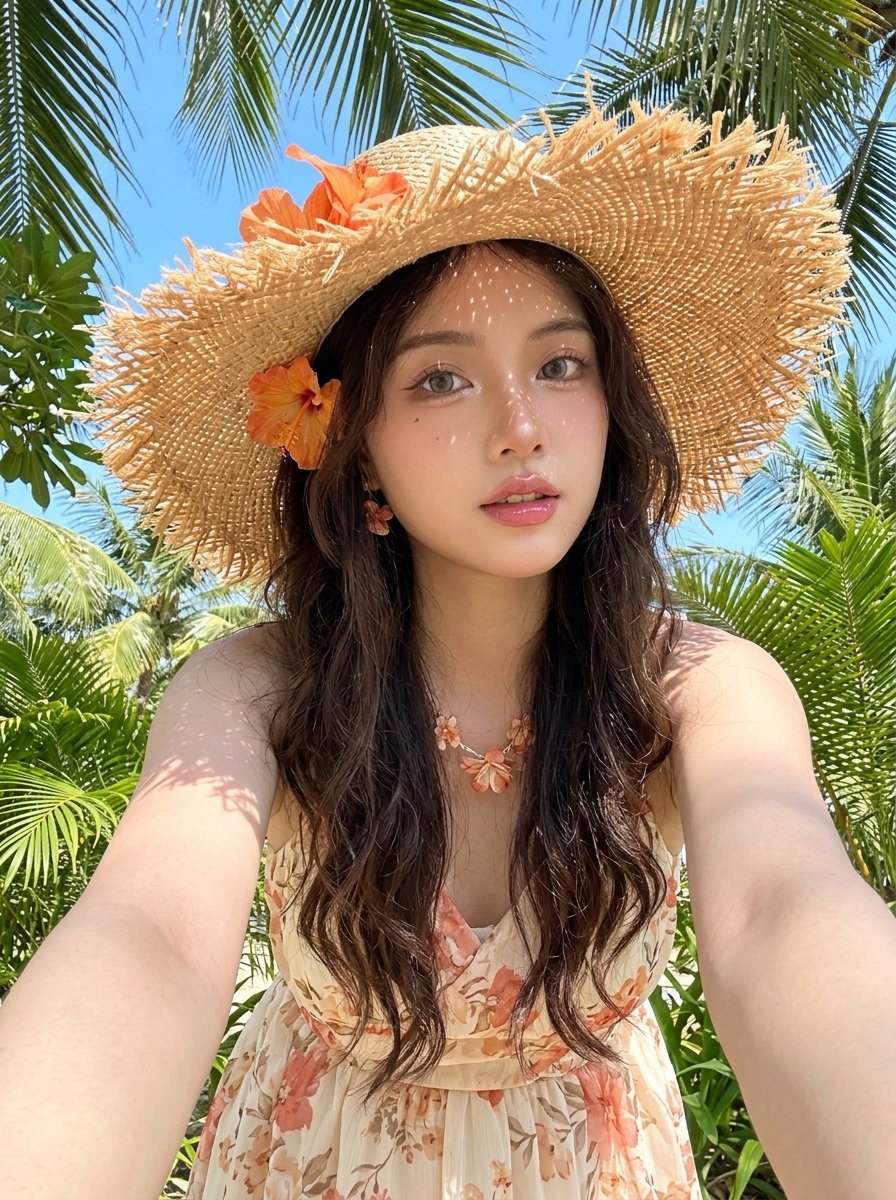
Tropical Vacation Selfie — Nano Banana (Chryzleen)

Japan Travel Brochure Poster
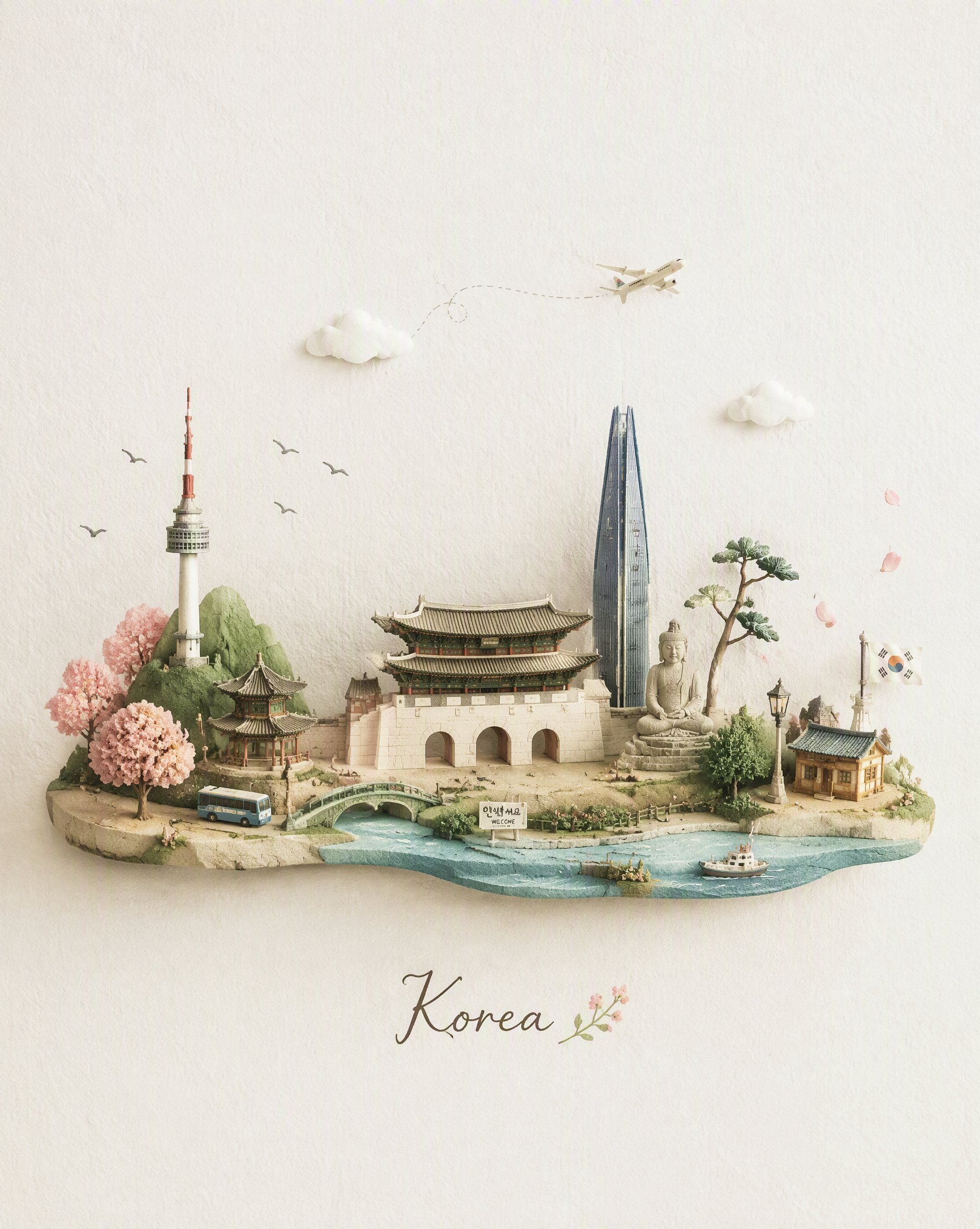
Miniature Travel Diorama Postcard
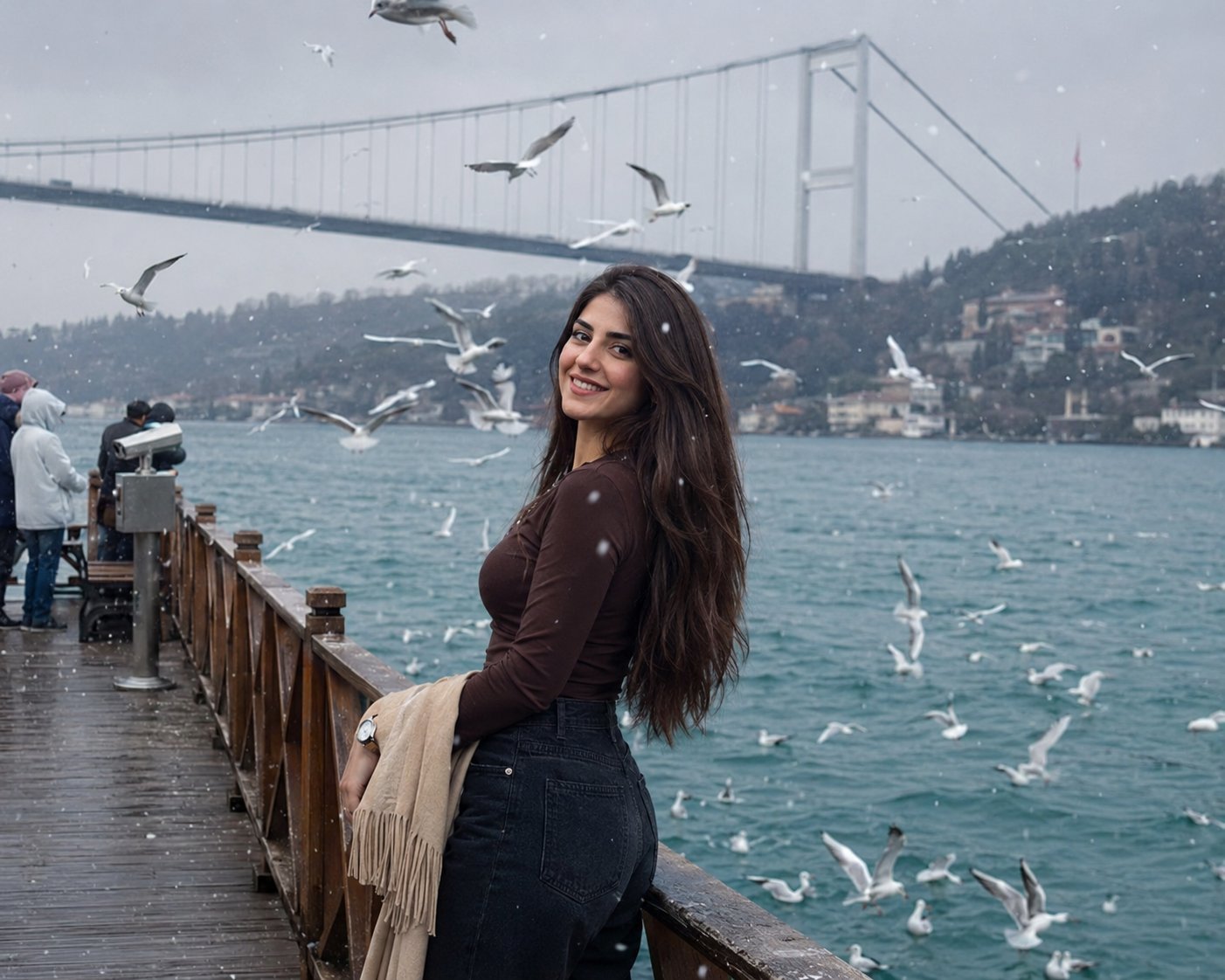
Boardwalk Fashion Portrait

2000s Retro-Pop Fashion Cinematic Editorial Portrait
Clay Miniature Landmark Travel Diorama
Japanese Negative Film Rooftop Summer Portrait
Summer Wedding Campaign Banner
Okinawa Travel Memory Collage

Nano Banana Apple Orchard Collage
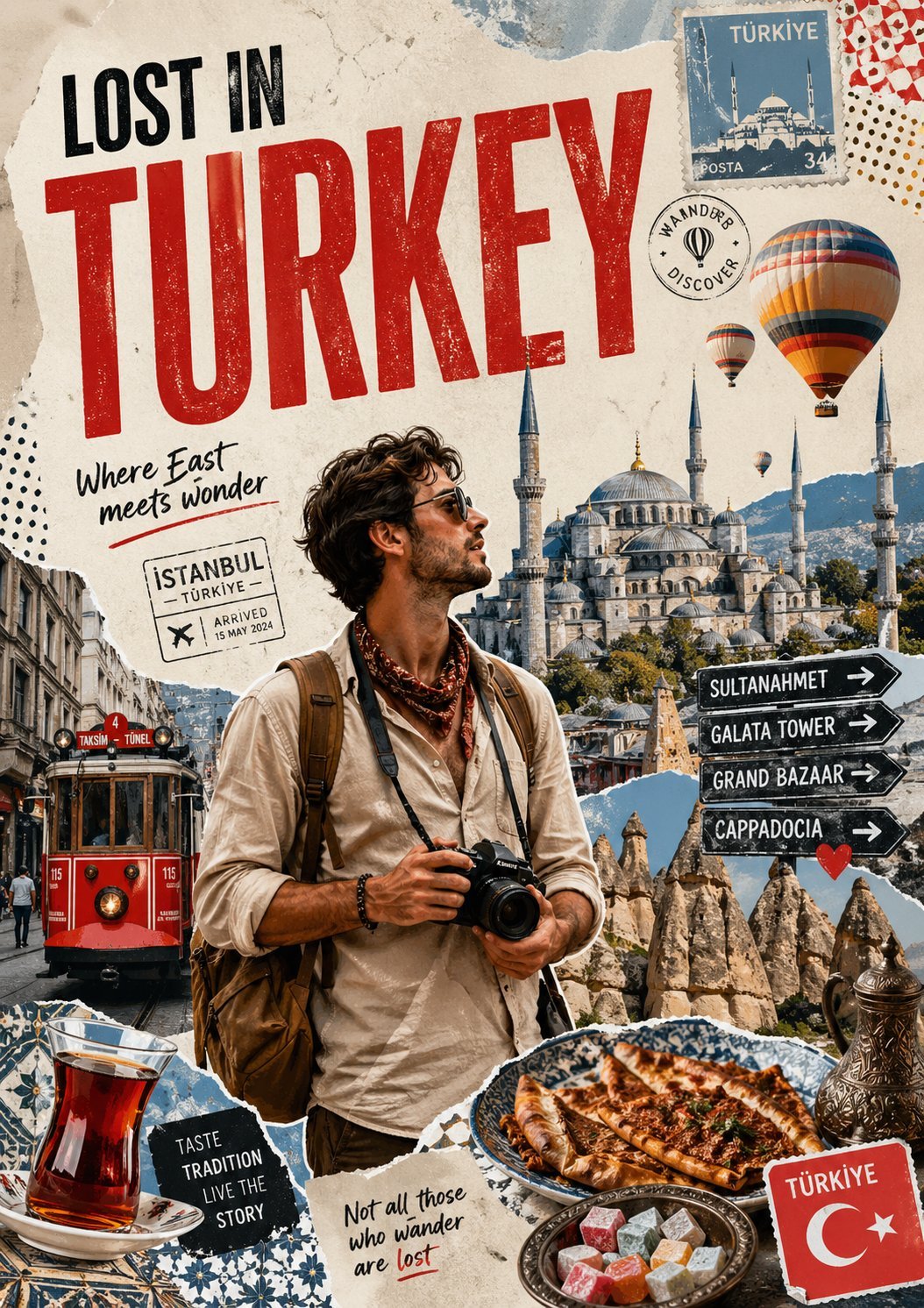
Travel Poster Graphic Collage
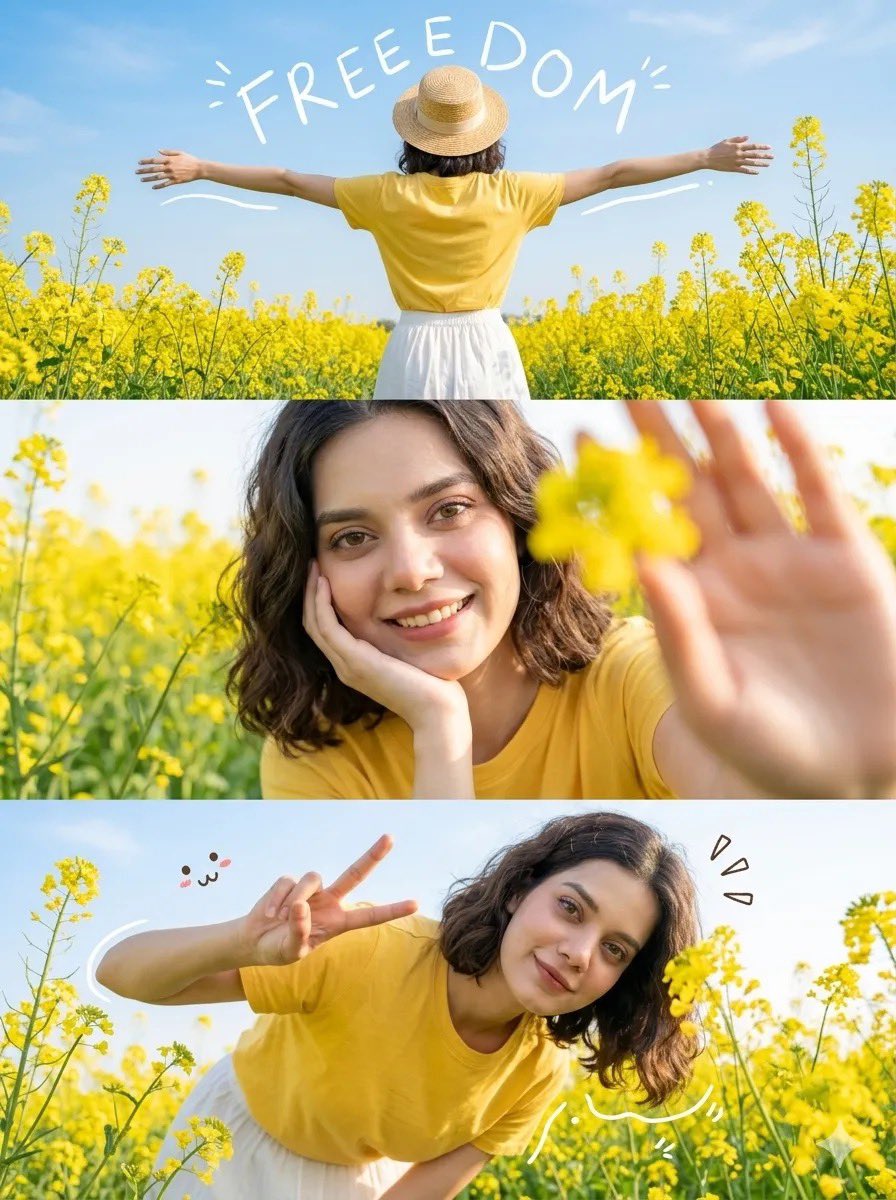
Mustard Flower Field Summer
Make it yours
Okinawa Summer Travel Banner works as-is. These are the safest ways to change it without losing the look.
Change one field
Copy a single group, rewrite it, and generate again so you can see what that field is doing.
Keep the frame, change the subject
Hold the composition and light of Okinawa Summer Travel Banner, then swap wardrobe, props or the person for a new take.
| If the result… | Why | Fix |
|---|---|---|
| The result drifts from the preview | Too many fields changed at once. | Reuse Okinawa Summer Travel Banner as-is first, then change one group — subject, light, or setting. |
| The model over-stylizes the scene | The prose prompt leaves finish and camera underspecified. | Add one camera or lighting sentence and stay on GPT Image 2. |
More GPT Image 2 templates
Other prompts made for GPT Image 2.

Six VTuber Japanese Logo Sheet

Realistic Portrait of Woman and Deer

The Vista Modular Condo Poster

AI Model Routing Comparison Infographic

2.5D Anime Art Board

Isometric Productivity Desk Scene

New York Double Exposure Poster

Four-Panel AI Landscape Comparison

Japanese Tatami Lifestyle Magazine Cover

NESCAFÉ Coffee Map Poster
More image prompts
Fresh picks from across the catalog.
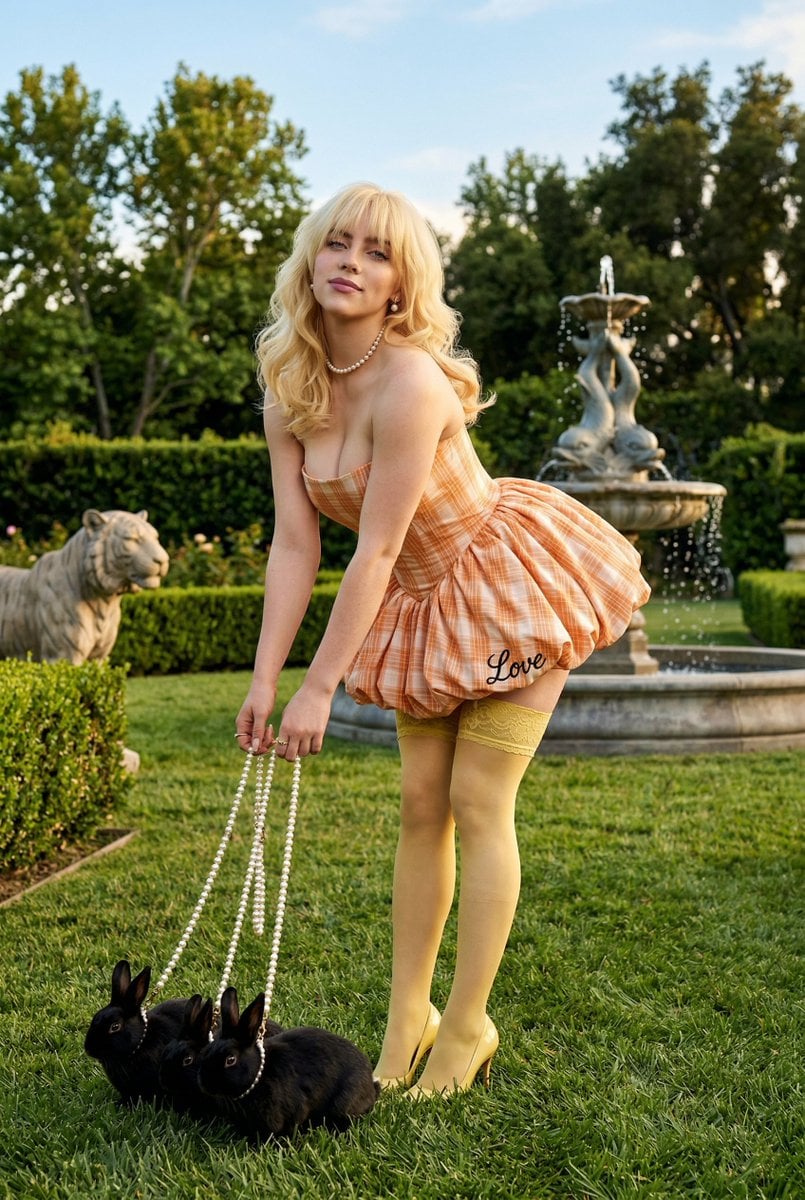
Coquette Garden Editorial with Rabbits
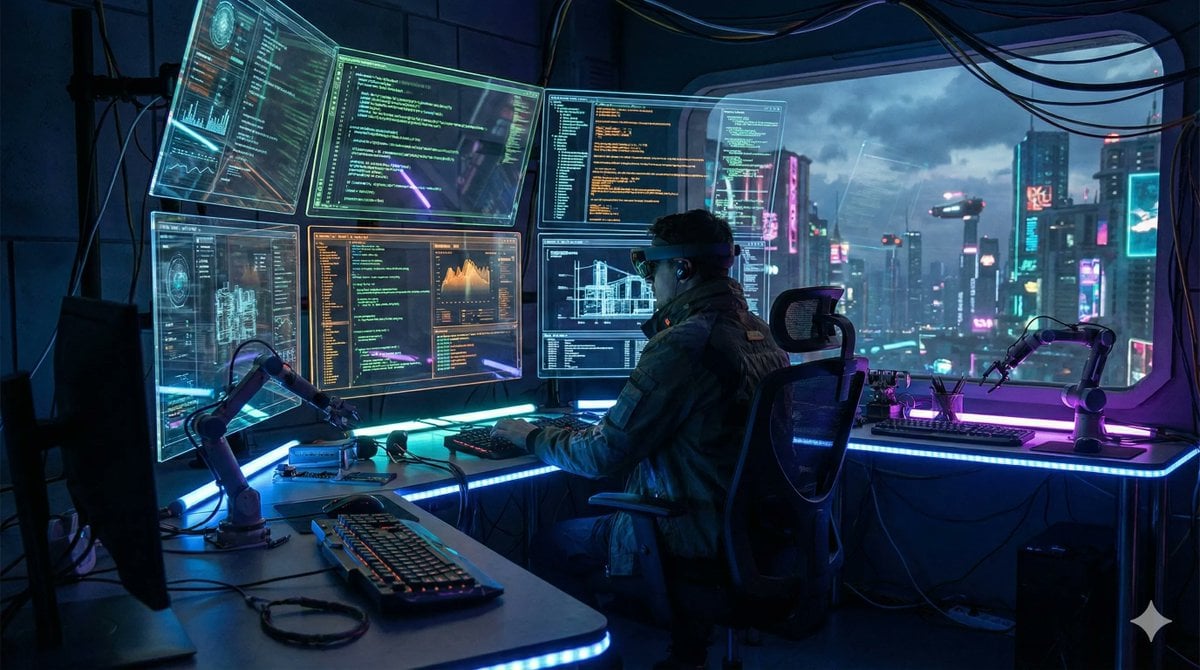
JSON Prompt Template for Defining Canvas Size
Helmeted Scooter Rider With Face Block
Luxury Korean Hanbok Product Mockup (Symmetrical Flat Lay)
Dark Fantasy Manga Battle Page
Japanese Okonomiyaki Recipe Card
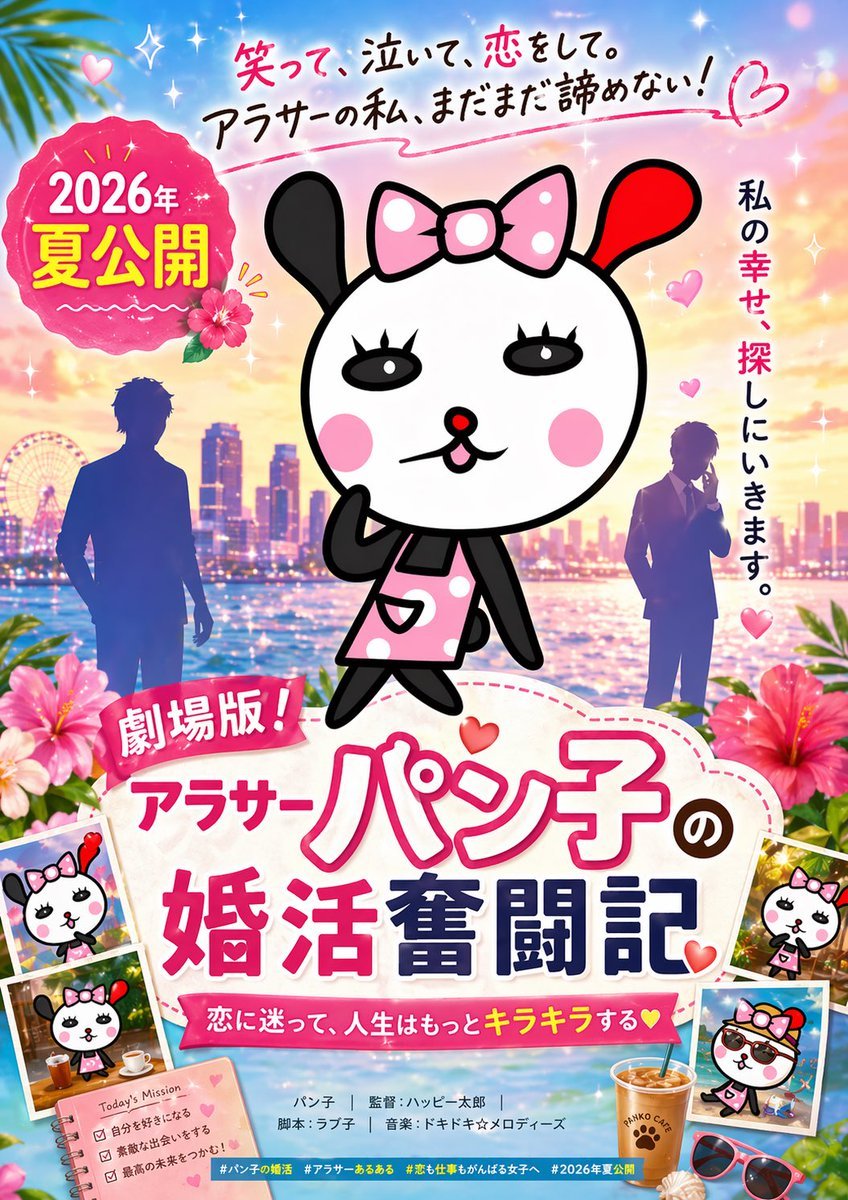
Cute Japanese Romcom Movie Poster
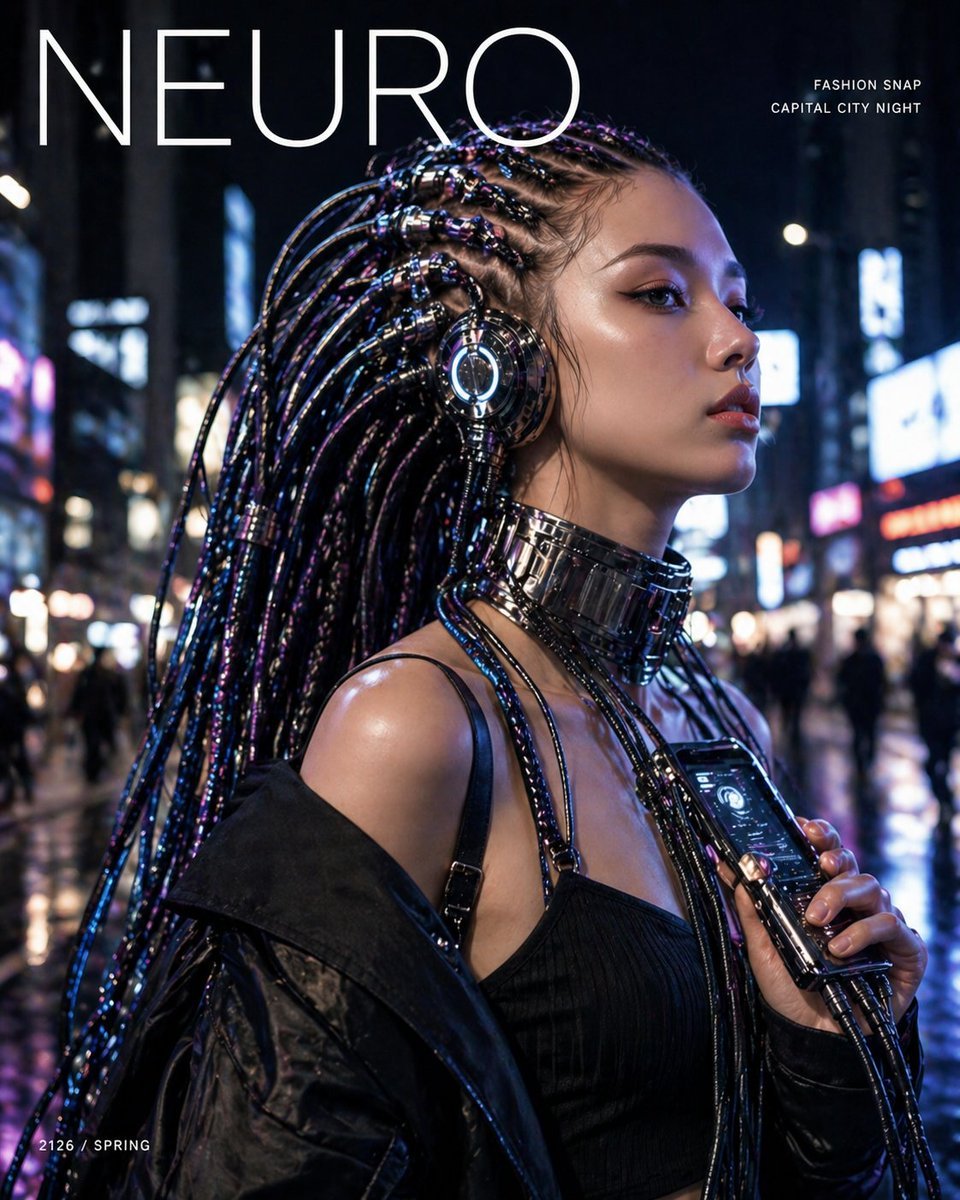
Cyberpunk Fashion Magazine Cover
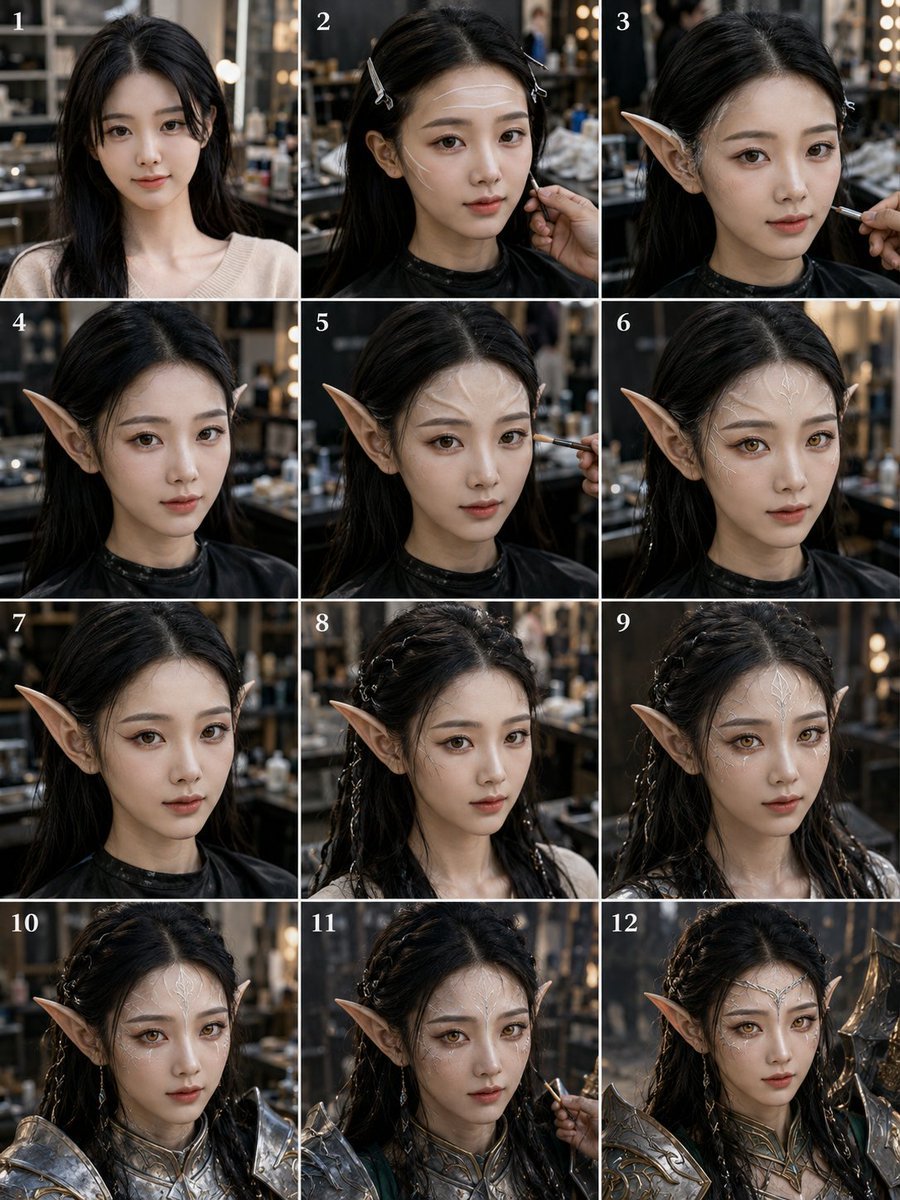
Elf Warrior Transformation Collage
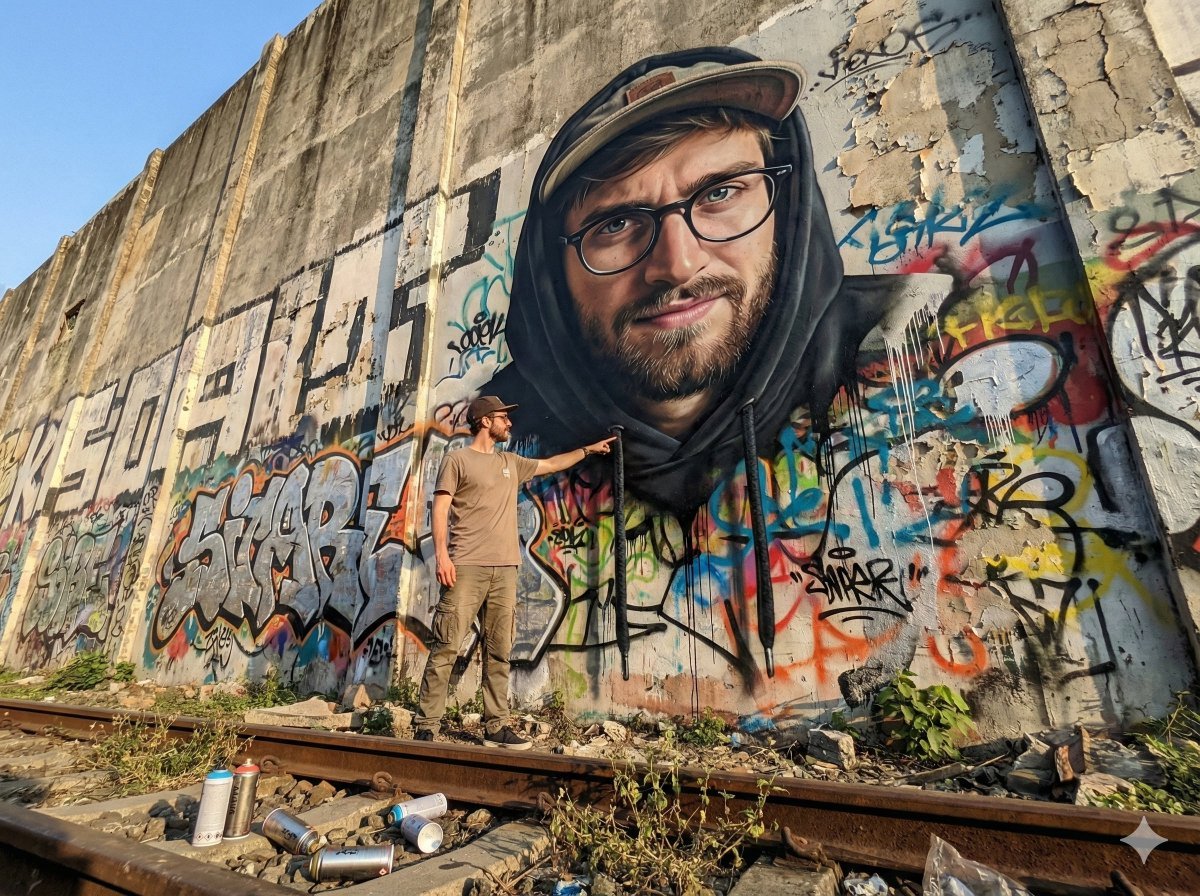
2D Mural to 3D Reality Street Art Prompt
Browse template categories
Okinawa Summer Travel Banner questions
How do I use the Okinawa Summer Travel Banner template?
Add your photo if the template asks for one, edit the prompt if you like — the template's model and format are already selected — and press Generate. Your version opens in PicX Studio.
Can I customize the Okinawa Summer Travel Banner template?
Yes. You can change the subject, setting, lighting, mood, format, and available model controls before creating your image.
Is the Okinawa Summer Travel Banner template free?
Opening and editing this template is free. Generating uses credits, shown on the Generate button when you are signed in.
Which AI model should I use?
Start with GPT Image 2, which is the model associated with this template. You can compare another compatible model for a different finish.
Looking for something else? Browse all templates.

Your photo, any look
Thousands of ready templates for every top image and video model, from one credit balance.