
Chinese GPT 5.5 Benchmark Infographic
A square Chinese editorial infographic visualizing GPT-5.5 as the first-place AI benchmark winner with rankings, metrics, and dramatic tech-poster styling.
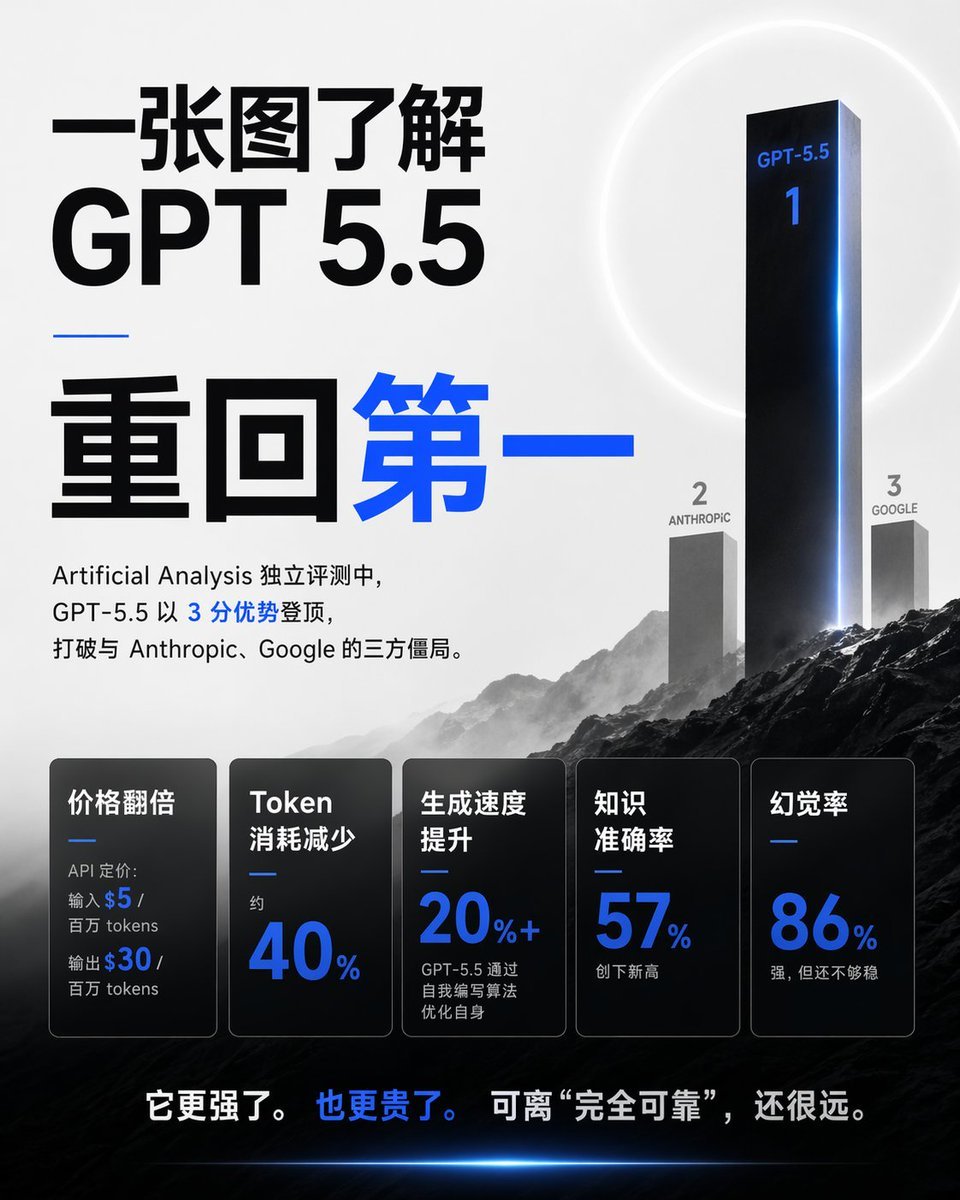
- Prompt included
- Model and format preset
- Premium template
The prompt behind this image
Copy the exact prompt behind Chinese GPT 5.5 Benchmark Infographic, or open it in the studio and make it yours.
Goal: Create a square 1:1 Chinese tech-news infographic poster explaining {argument name="topic" default="GPT 5.5"} in 30 seconds, with a dramatic AI benchmark ranking theme. Canvas: 768×768 square poster, light gray-to-white background in the upper half, dark cinematic mountain landscape in the lower half, high contrast black typography with electric blue accents. Layout: Left side is dominated by huge Chinese headline typography. Right side shows a 3D benchmark podium/ranking scene rising from mountains. Bottom third contains exactly 5 dark translucent metric cards in a row. Very bottom has one bold Chinese conclusion sentence. Main headline text: Use large black Chinese text at top left: 「一张图了解」. Directly below it, huge black Latin text: 「GPT 5.5」. Under a short thin blue horizontal divider, use oversized Chinese text: 「重回第一」, with 「重回」 in black and 「第一」 in bright blue. Intro paragraph under the headline: 「Artificial Analysis 独立评测中,GPT-5.5 以 3 分优势登顶,打破与 Anthropic、Google 的三方僵局。」 Keep the number 3 in blue and the rest mostly black. Ranking scene: Create exactly 3 vertical ranking pillars on the right, integrated into misty mountains. Rank 1 is a very tall glossy black monolith with blue rim lighting, labeled 「GPT-5.5」 near the top and a large blue 「1」 below it. Rank 2 is a shorter gray monolith to the left labeled 「2」 and 「ANTHROPIC」. Rank 3 is a shorter gray monolith to the right labeled 「3」 and 「GOOGLE」. Add a faint white circular halo behind the first-place monolith and a blue glow along its right edge. Metric cards: Add exactly 5 rounded rectangular black/charcoal glass cards across the lower third, each with a thin border, subtle gradient, and a small blue divider line. The 5 cards are: 1) 「价格翻倍」 with small text 「API 定价: 输入 $5 / 百万 tokens 输出 $30 / 百万 tokens」 where $5 and $30 are blue; 2) 「Token 消耗减少」 with small 「约」 and huge blue 「40%」; 3) 「生成速度提升」 with huge blue 「20%+」 and small text 「GPT-5.5 通过自我编写算法优化自身」; 4) 「知识准确率」 with huge blue 「57%」 and small text 「创下新高」; 5) 「幻觉率」 with huge blue 「86%」 and small text 「强,但还不够稳」. Bottom conclusion: Centered near the bottom over the dark landscape, write 「它更强了。 也更贵了。 可离 “完全可靠”,还很远。」 with 「也更贵了。」 in blue and the rest white. Visual style: Premium editorial AI benchmark poster, sharp modern sans-serif typography, monochrome palette with electric blue highlights, cinematic fog, dark rocky mountains, subtle lens glow, clean spacing, realistic 3D monoliths, no people, no logo, no watermark. Parameters: The main customizable subject is {argument name="model name" default="GPT-5.5"}; the ranking lead score can be {argument name="advantage text" default="3 分优势"}; the rank 2 competitor is {argument name="second competitor" default="Anthropic"}; the rank 3 competitor is {argument name="third competitor" default="Google"}; the bottom message can be {argument name="conclusion text" default="它更强了。也更贵了。可离 “完全可靠”,还很远。"}.
How to use Chinese GPT 5.5 Benchmark Infographic in 3 steps
- 1Upload ImagePNG, JPG or paste
Add your photo
Upload the photo the template builds on. The prompt, model and format are already set.
- 2…a portrait of your subject in softgolden-hour light, 85mm…
Personalize
Edit the subject and creative details for your destination.
- 3Generate
Generate
Press Generate — your image is created in PicX Studio, so you can compare it with the original and refine one variable at a time.
More like this
Templates with the same subject, style or setup. Open one to see its prompt.

博物馆图鉴式汉服拆解图 — GPT-image-2

Gpt2 E Commerce Main Image Earbuds E Commerce Infographic

Gpt2 Infographic Edu Visual Alishan One Day Travel Poster

Gpt2 Infographic Edu Visual Ethnographic Plate for Tibetan Ceremonial Hat

Gpt2 Infographic Edu Visual Earth Signs Zodiac Character Poster

Gpt2 Infographic Edu Visual Water Signs Zodiac Character Poster

Gpt2 Infographic Edu Visual Ink Wash Tribute Poster for Chen Uen

Gpt2 Infographic Edu Visual Vintage Claude Shannon Infographic Poster

Gpt2 Infographic Edu Visual Taoist Three Souls Seven Po Poster

Gpt2 Infographic Edu Visual Biomimetic Skyray Aircraft Poster

Gpt2 Infographic Edu Visual Japanese Sci Fi Suit Up Process Board
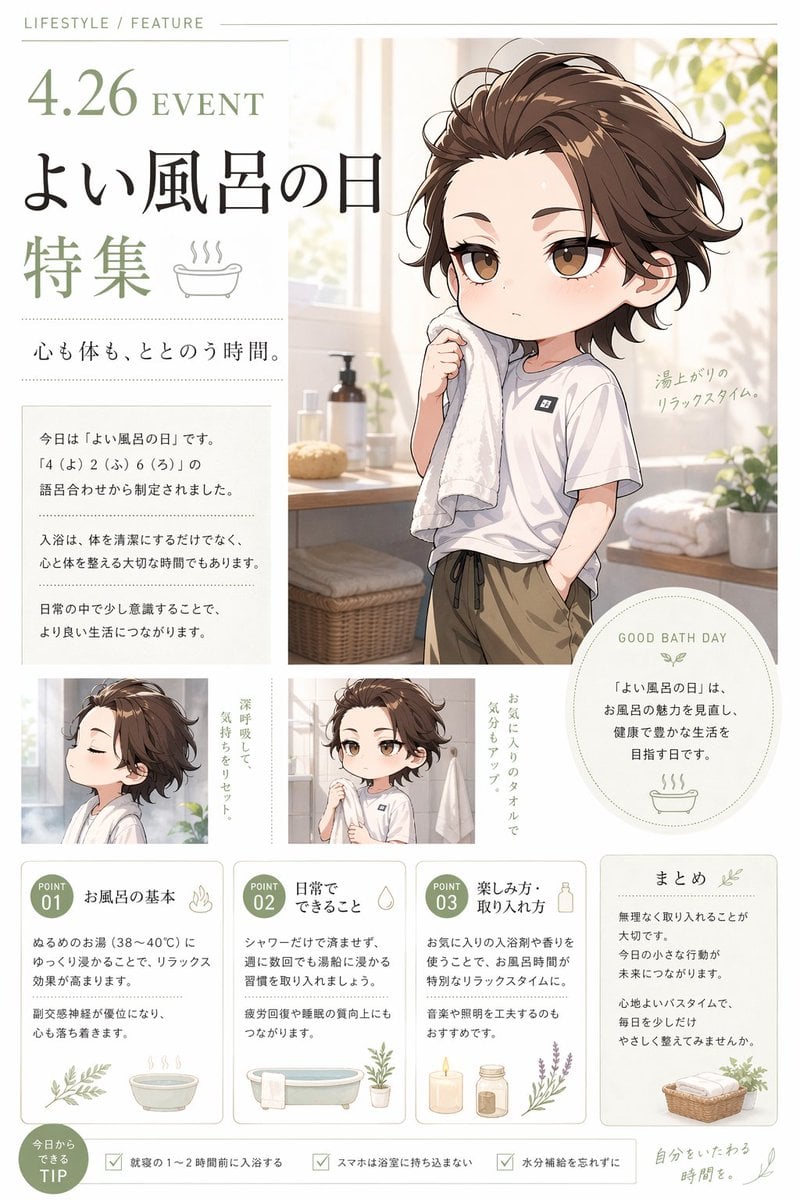
Gpt2 Infographic Edu Visual Good Bath Day Editorial Poster
Make it yours
Chinese GPT 5.5 Benchmark Infographic works as-is. These are the safest ways to change it without losing the look.
Change one field
Copy a single group, rewrite it, and generate again so you can see what that field is doing.
Keep the frame, change the subject
Hold the composition and light of Chinese GPT 5.5 Benchmark Infographic, then swap wardrobe, props or the person for a new take.
| If the result… | Why | Fix |
|---|---|---|
| The result drifts from the preview | Too many fields changed at once. | Reuse Chinese GPT 5.5 Benchmark Infographic as-is first, then change one group — subject, light, or setting. |
| The model over-stylizes the scene | The prose prompt leaves finish and camera underspecified. | Add one camera or lighting sentence and stay on GPT Image 2. |
More GPT Image 2 templates
Other prompts made for GPT Image 2.

Six VTuber Japanese Logo Sheet

Realistic Portrait of Woman and Deer

The Vista Modular Condo Poster

AI Model Routing Comparison Infographic

2.5D Anime Art Board

Isometric Productivity Desk Scene

New York Double Exposure Poster

Four-Panel AI Landscape Comparison

Japanese Tatami Lifestyle Magazine Cover

NESCAFÉ Coffee Map Poster
More image prompts
Fresh picks from across the catalog.

Elegant African Woman Studio Portrait Prompt

Blue AI Influencer 3D Poster
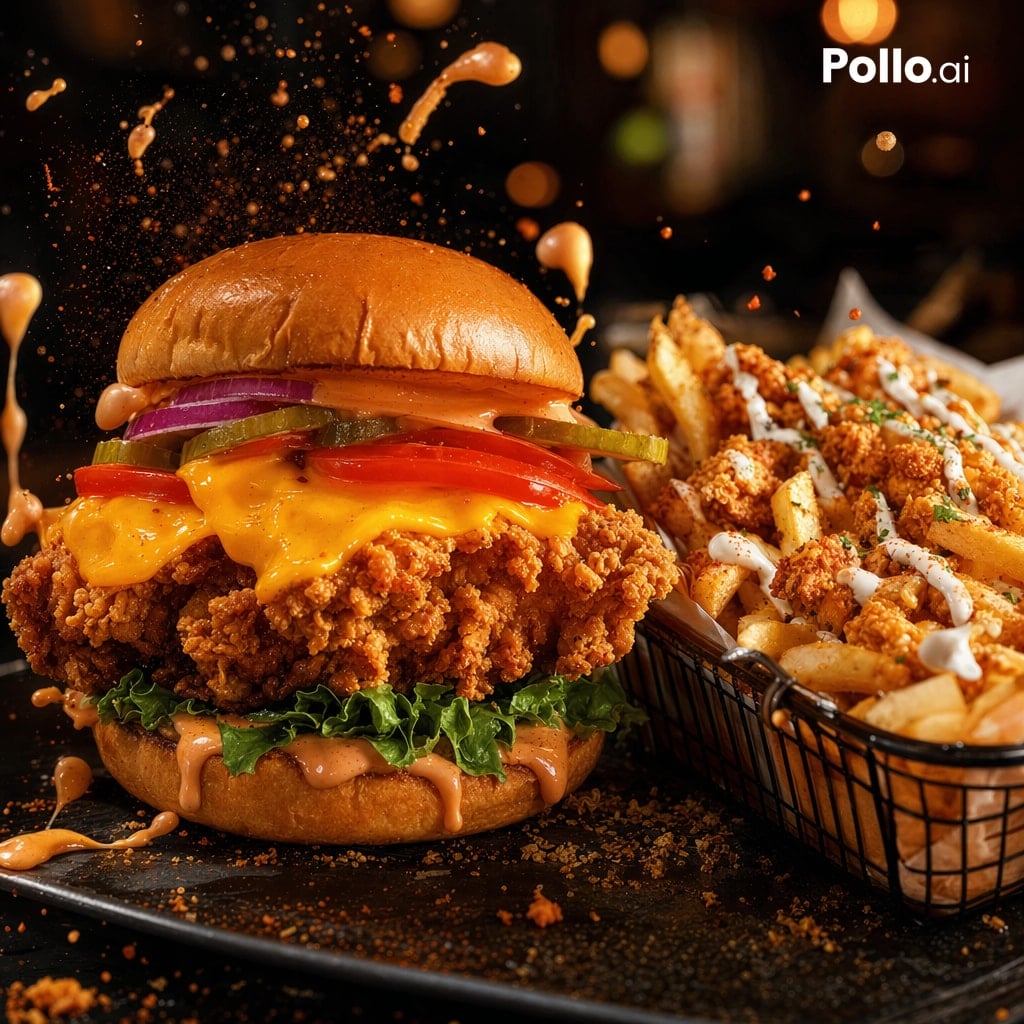
Cinematic Fried Chicken Burger Ad
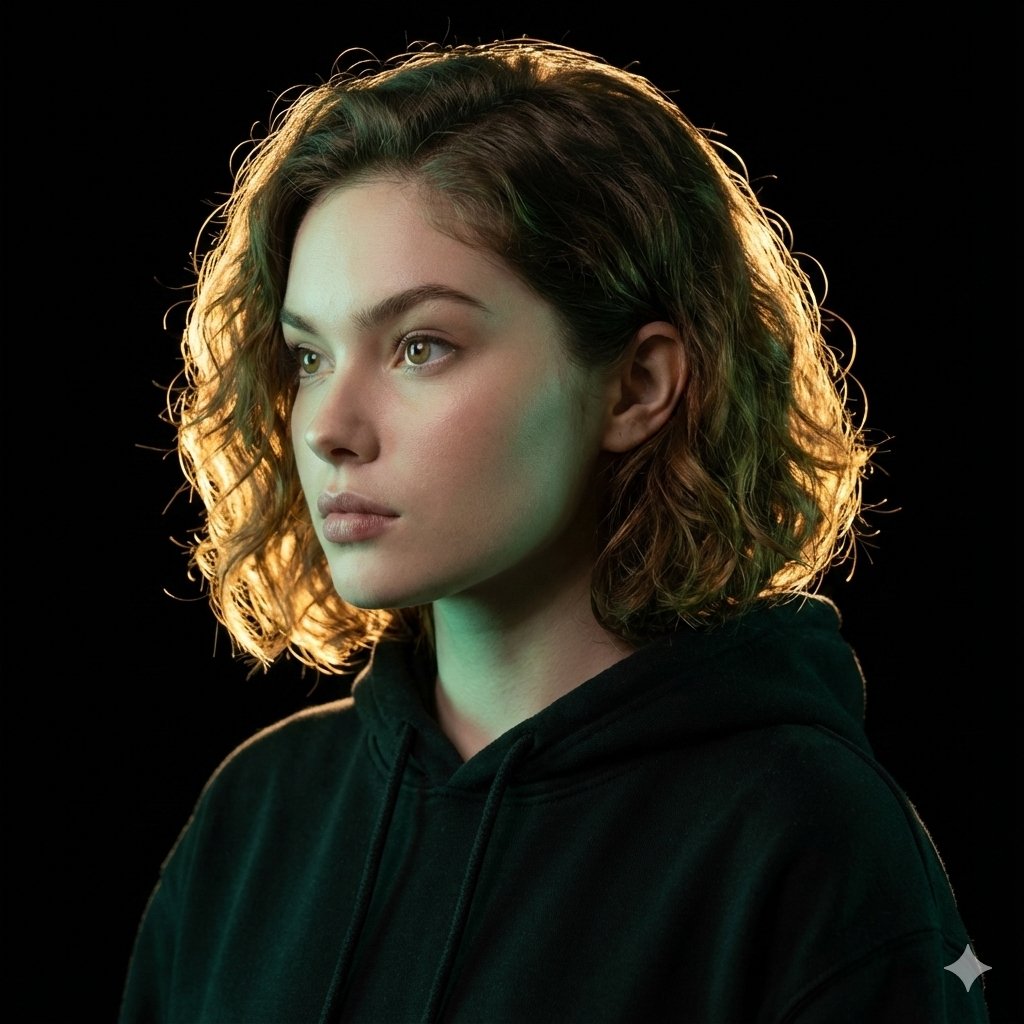
Ultrarealistic Artistic Portrait with Contradictory Lighting

Anime Style Character Transformation

Cinematic Wedding First Look Prompt
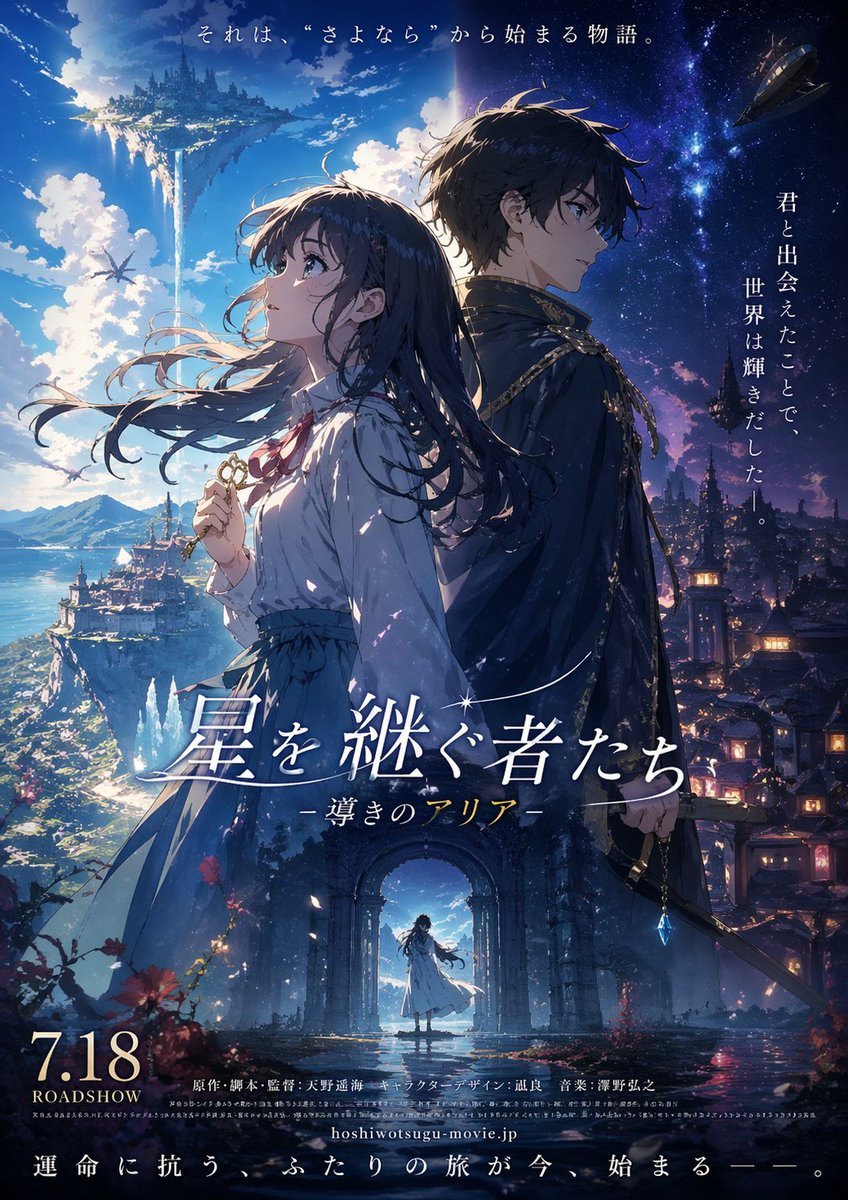
Fictional Anime Movie Poster Generation
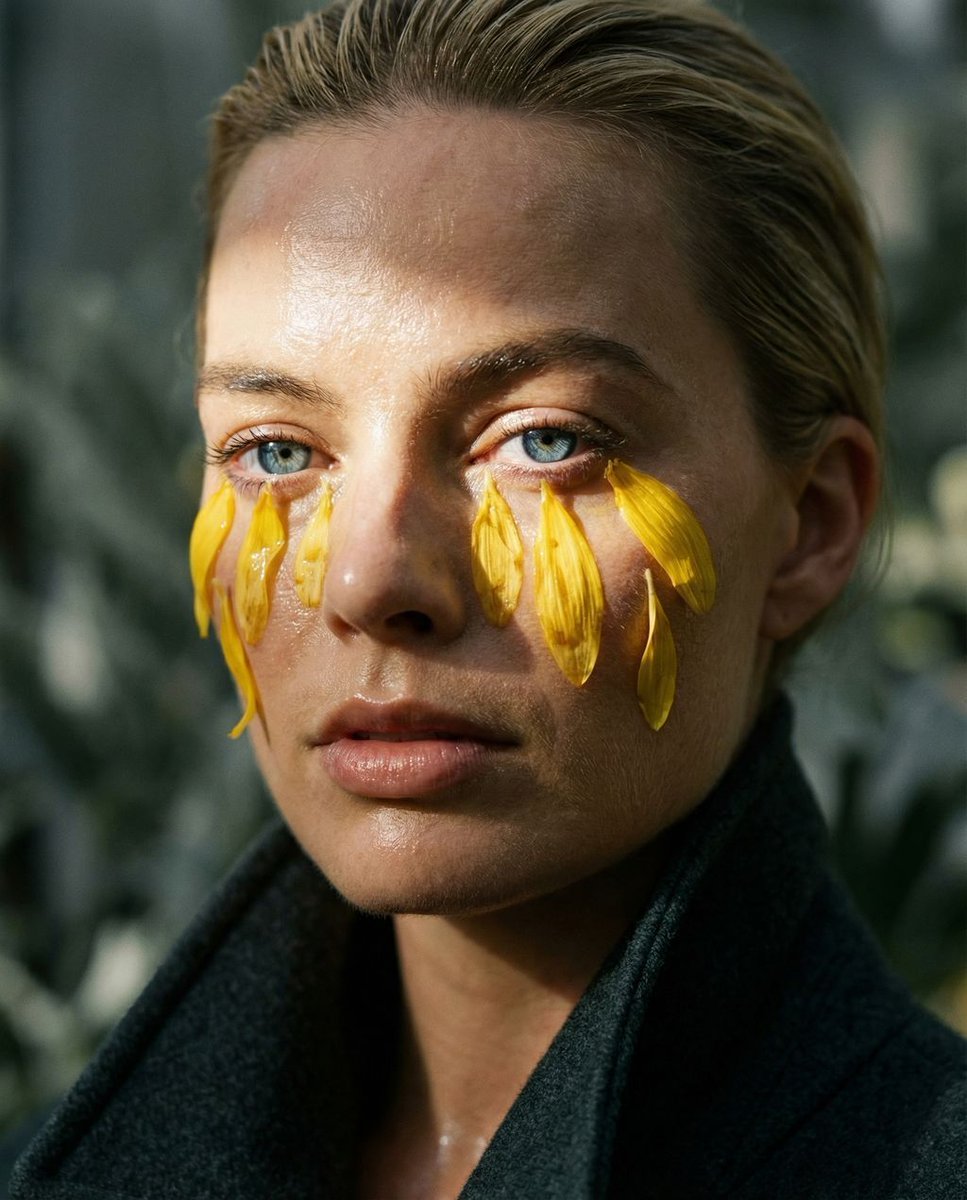
Macro Portrait with Organic Melancholy Aesthetic (JSON Format)
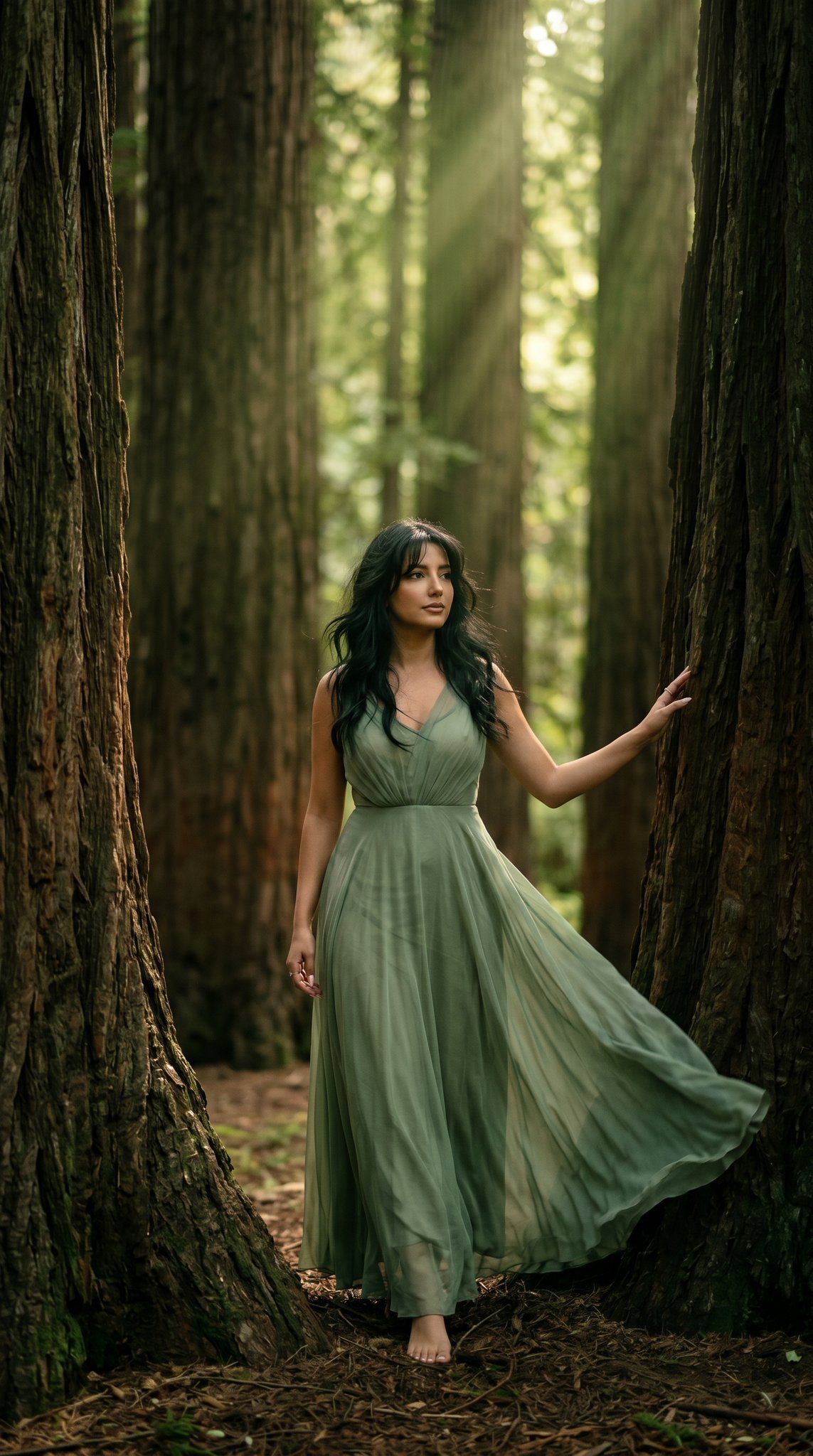
23 California Redwood Forest — California Series
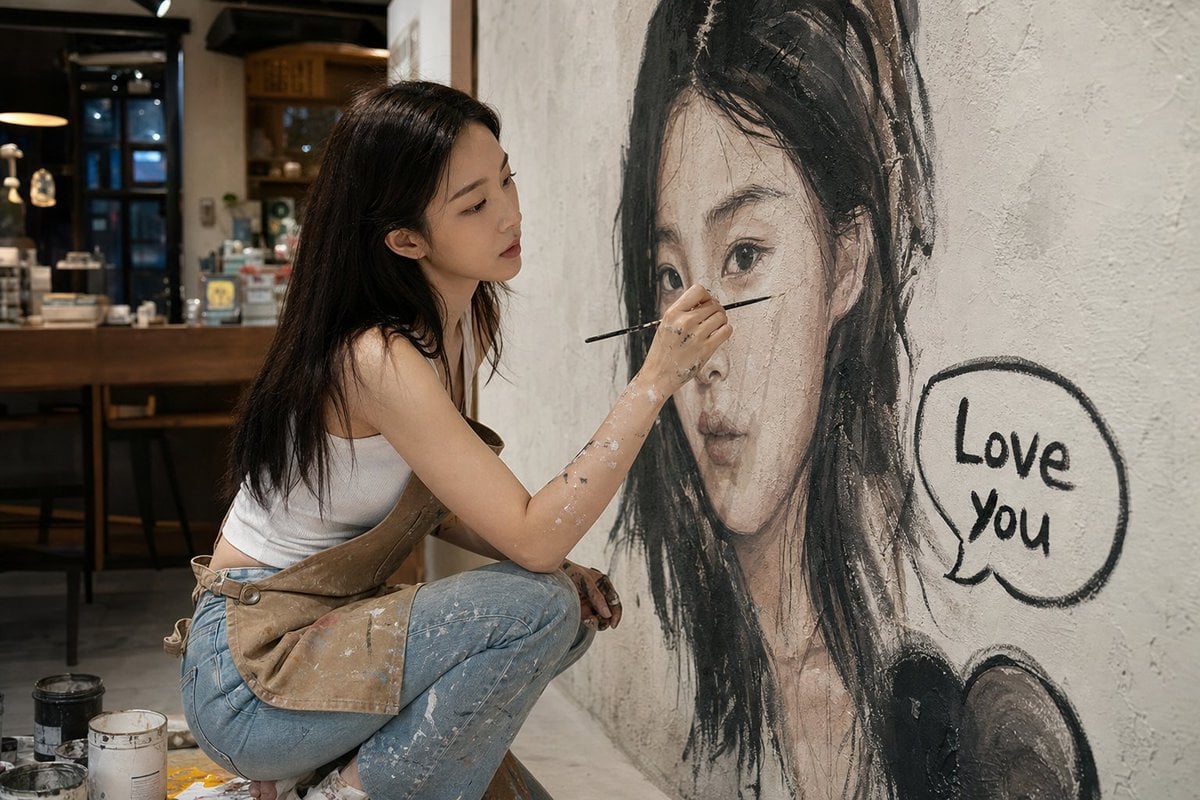
Artist Mural Portrait in Cafe
Browse template categories
Chinese GPT 5.5 Benchmark Infographic questions
How do I use the Chinese GPT 5.5 Benchmark Infographic template?
Add your photo if the template asks for one, edit the prompt if you like — the template's model and format are already selected — and press Generate. Your version opens in PicX Studio.
Can I customize the Chinese GPT 5.5 Benchmark Infographic template?
Yes. You can change the subject, setting, lighting, mood, format, and available model controls before creating your image.
Is the Chinese GPT 5.5 Benchmark Infographic template free?
Opening and editing this template is free. Generating uses credits, shown on the Generate button when you are signed in.
Which AI model should I use?
Start with GPT Image 2, which is the model associated with this template. You can compare another compatible model for a different finish.
Looking for something else? Browse all templates.

Your photo, any look
Thousands of ready templates for every top image and video model, from one credit balance.