
Heaven Error Angel Glitch Poster
Generates a cyber streetwear anime angel character poster with dense UI graphics, bold typography, and glitch-themed warning labels.
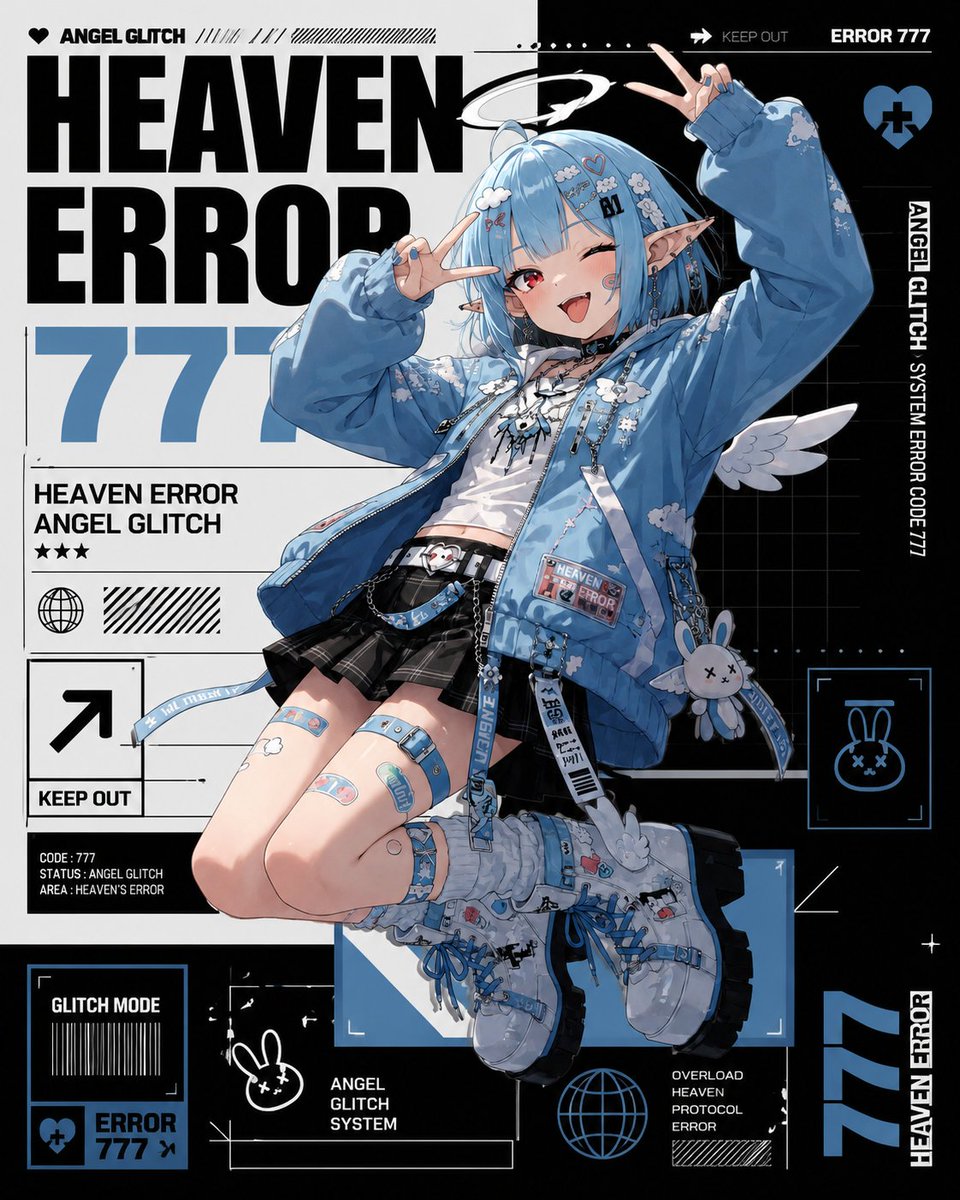
- Prompt included
- Model and format preset
- Free template
The prompt behind this image
Copy the exact prompt behind Heaven Error Angel Glitch Poster, or open it in the studio and make it yours.
- Type
- information-dense anime streetwear character poster
- Style
- high-detail Japanese anime illustration mixed with bold graphic-design typography, cyber sticker layout, black white and powder blue palette, crisp vector UI elements, glossy magazine poster finish
- Main Subject › Character
- cute mischievous angel glitch girl
- Main Subject › Pose
- full-body floating dynamic pose, knees bent, one boot forward, both hands making peace signs near her face, winking with tongue out
- Main Subject › Appearance › Hair
- {argument name="hair color" default="short light blue bob with straight bangs"}
- Main Subject › Appearance › Eyes
- one red eye open and one eye winking
- Main Subject › Appearance › Features
- long pointed elf ears, small white halo tilted above the head, small white angel wings, playful smile, tiny cyber face markings and hair clips
- Main Subject › Outfit › Count
- 6
- Main Subject › Outfit › Items
- oversized sky-blue bomber jacket covered in white cloud motifs, patches, zipper pulls, and dangling straps, cropped white graphic top with black lace-up details, black pleated mini skirt with belts and chains, blue utility belt and pouch with small labels, chunky white and blue lace-up platform boots with mechanical streetwear details, blue garter straps, bandage-style leg patches, and hanging rabbit charm accessory
- Layout › Canvas
- square poster, centered character overlapping a dense editorial background
- Layout › Background
- split white and black cyber grid composition with thick blocks, thin technical lines, halftone stripes, barcode motifs, arrows, frames, dots, stars, and UI boxes
- Layout › Main Text › Headline
- {argument name="headline text" default="HEAVEN ERROR"}
- Layout › Main Text › Number
- {argument name="error number" default="777"}
- Layout › Main Text › Placement
- giant bold condensed black headline on the left and top, huge pale blue number behind the character
- Layout › Visible Text Elements › Count
- 13
- Layout › Visible Text Elements › Labels
- ANGEL GLITCH, HEAVEN ERROR, 777, HEAVEN ERROR ANGEL GLITCH, KEEP OUT, CODE : 777 STATUS : ANGEL GLITCH AREA : HEAVEN'S ERROR, GLITCH MODE, ERROR 777, ANGEL GLITCH SYSTEM, OVERLOAD HEAVEN PROTOCOL ERROR, ERROR 777, ANGEL GLITCH SYSTEM ERROR CODE 777, HEAVEN ERROR
- Layout › Graphic Icons › Count
- 7
- Layout › Graphic Icons › Items
- black heart icon near ANGEL GLITCH at top left, large arrow icon inside a square with KEEP OUT, globe icon in a circle on the left information panel, blue heart with a black cross at top right, blue framed rabbit-face icon at mid right, small blue heart-and-cross error badge in bottom left panel, blue wireframe globe icon near bottom center
- Layout › Panels And Ui Components › Count
- 10
- Layout › Panels And Ui Components › Items
- top left brand strip with heart and ANGEL GLITCH, top right black warning bar with KEEP OUT and ERROR 777, left data block under the huge number with title and stars, left square arrow KEEP OUT sign, bottom left GLITCH MODE barcode box, bottom left ERROR 777 badge, right vertical ANGEL GLITCH SYSTEM ERROR CODE 777 strip, middle-right rabbit icon scan frame, bottom center ANGEL GLITCH SYSTEM label and empty technical rectangle, bottom-right overload protocol error label and stripe block
- Color Palette › Primary
- {argument name="primary accent color" default="powder blue"}
- Color Palette › Secondary
- black and white
- Color Palette › Accents
- tiny red eye and small sticker details
- Rendering Instructions
- Use sharp clean line art, highly polished anime shading, detailed fabric folds, glossy highlights, readable bold typography, layered print-poster composition, no photorealism, no blurry text, no extra characters.
Raw JSON
{"type":"information-dense anime streetwear character poster","style":"high-detail Japanese anime illustration mixed with bold graphic-design typography, cyber sticker layout, black white and powder blue palette, crisp vector UI elements, glossy magazine poster finish","main_subject":{"character":"cute mischievous angel glitch girl","pose":"full-body floating dynamic pose, knees bent, one boot forward, both hands making peace signs near her face, winking with tongue out","appearance":{"hair":"{argument name=\"hair color\" default=\"short light blue bob with straight bangs\"}","eyes":"one red eye open and one eye winking","features":"long pointed elf ears, small white halo tilted above the head, small white angel wings, playful smile, tiny cyber face markings and hair clips"},"outfit":{"count":6,"items":["oversized sky-blue bomber jacket covered in white cloud motifs, patches, zipper pulls, and dangling straps","cropped white graphic top with black lace-up details","black pleated mini skirt with belts and chains","blue utility belt and pouch with small labels","chunky white and blue lace-up platform boots with mechanical streetwear details","blue garter straps, bandage-style leg patches, and hanging rabbit charm accessory"]}},"layout":{"canvas":"square poster, centered character overlapping a dense editorial background","background":"split white and black cyber grid composition with thick blocks, thin technical lines, halftone stripes, barcode motifs, arrows, frames, dots, stars, and UI boxes","main_text":{"headline":"{argument name=\"headline text\" default=\"HEAVEN ERROR\"}","number":"{argument name=\"error number\" default=\"777\"}","placement":"giant bold condensed black headline on the left and top, huge pale blue number behind the character"},"visible_text_elements":{"count":13,"labels":["ANGEL GLITCH","HEAVEN ERROR","777","HEAVEN ERROR ANGEL GLITCH","KEEP OUT","CODE : 777 STATUS : ANGEL GLITCH AREA : HEAVEN'S ERROR","GLITCH MODE","ERROR 777","ANGEL GLITCH SYSTEM","OVERLOAD HEAVEN PROTOCOL ERROR","ERROR 777","ANGEL GLITCH SYSTEM ERROR CODE 777","HEAVEN ERROR"]},"graphic_icons":{"count":7,"items":["black heart icon near ANGEL GLITCH at top left","large arrow icon inside a square with KEEP OUT","globe icon in a circle on the left information panel","blue heart with a black cross at top right","blue framed rabbit-face icon at mid right","small blue heart-and-cross error badge in bottom left panel","blue wireframe globe icon near bottom center"]},"panels_and_ui_components":{"count":10,"items":["top left brand strip with heart and ANGEL GLITCH","top right black warning bar with KEEP OUT and ERROR 777","left data block under the huge number with title and stars","left square arrow KEEP OUT sign","bottom left GLITCH MODE barcode box","bottom left ERROR 777 badge","right vertical ANGEL GLITCH SYSTEM ERROR CODE 777 strip","middle-right rabbit icon scan frame","bottom center ANGEL GLITCH SYSTEM label and empty technical rectangle","bottom-right overload protocol error label and stripe block"]}},"color_palette":{"primary":"{argument name=\"primary accent color\" default=\"powder blue\"}","secondary":"black and white","accents":"tiny red eye and small sticker details"},"rendering_instructions":"Use sharp clean line art, highly polished anime shading, detailed fabric folds, glossy highlights, readable bold typography, layered print-poster composition, no photorealism, no blurry text, no extra characters."}How to use Heaven Error Angel Glitch Poster in 3 steps
- 1Upload ImagePNG, JPG or paste
Add your photo
Upload the photo the template builds on. The prompt, model and format are already set.
- 2…a portrait of your subject in softgolden-hour light, 85mm…
Personalize
Edit the subject and creative details for your destination.
- 3Generate
Generate
Press Generate — your image is created in PicX Studio, so you can compare it with the original and refine one variable at a time.
More like this
Templates with the same subject, style or setup. Open one to see its prompt.

Neon Glitch Cyber Symbiote Music Poster

Japan Travel Brochure Poster

Cartoon TV Show Poster Pack

Trendy Cafe Drink Promo Poster

Urban Fashion Editorial Collage Streetwear Poster

Premium Fashion Editorial Cover Layout System

Polo Ralph Lauren Luxury American Heritage Fashion Campaign

Monochrome Halftone Editorial Fashion Poster

Retro Mirror Luxury Fashion Campaign Poster

Luxury Fashion Campaign Typography Poster System

Premium Fashion Editorial Campaign Poster System

Ultra-Stylized High-Fashion Streetwear Poster
Make it yours
Heaven Error Angel Glitch Poster works as-is. These are the safest ways to change it without losing the look.
Swap the setting
Keep the rest of the prompt and replace the location block. The current setting is “split white and black cyber grid composition with thick blocks, thin technical l”.
Change one field
Copy a single group, rewrite it, and generate again so you can see what that field is doing.
Keep the frame, change the subject
Hold the composition and light of Heaven Error Angel Glitch Poster, then swap wardrobe, props or the person for a new take.
| If the result… | Why | Fix |
|---|---|---|
| The result drifts from the preview | Too many fields changed at once. | Reuse Heaven Error Angel Glitch Poster as-is first, then change one group — subject, light, or setting. |
| GPT Image 2 ignores part of the JSON | Some models flatten or skip nested keys. | Keep the same values and paste them as a short paragraph instead. |
More GPT Image 2 templates
Other prompts made for GPT Image 2.

Six VTuber Japanese Logo Sheet

Realistic Portrait of Woman and Deer

The Vista Modular Condo Poster

AI Model Routing Comparison Infographic

2.5D Anime Art Board

Isometric Productivity Desk Scene

New York Double Exposure Poster

Four-Panel AI Landscape Comparison

Japanese Tatami Lifestyle Magazine Cover

NESCAFÉ Coffee Map Poster
More image prompts
Fresh picks from across the catalog.
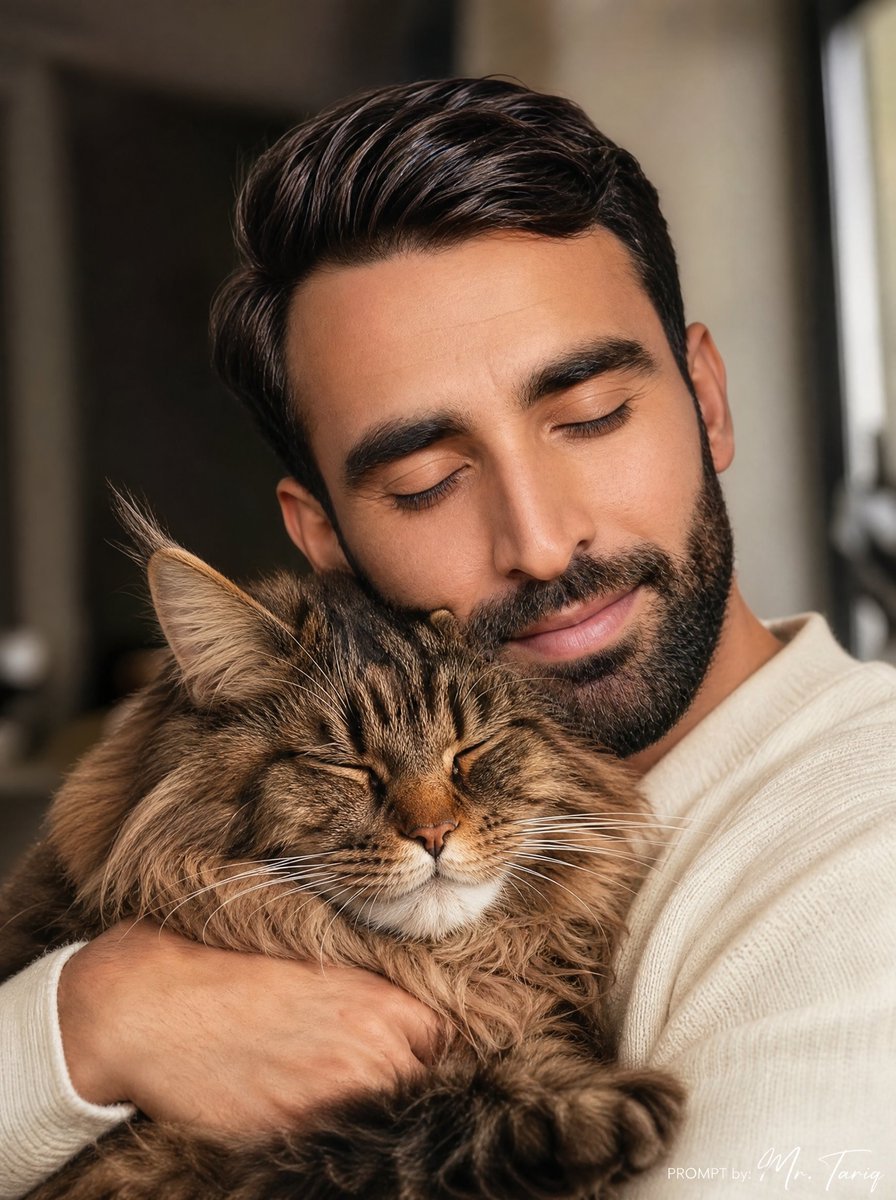
Cozy Man Hugging Maine Coon
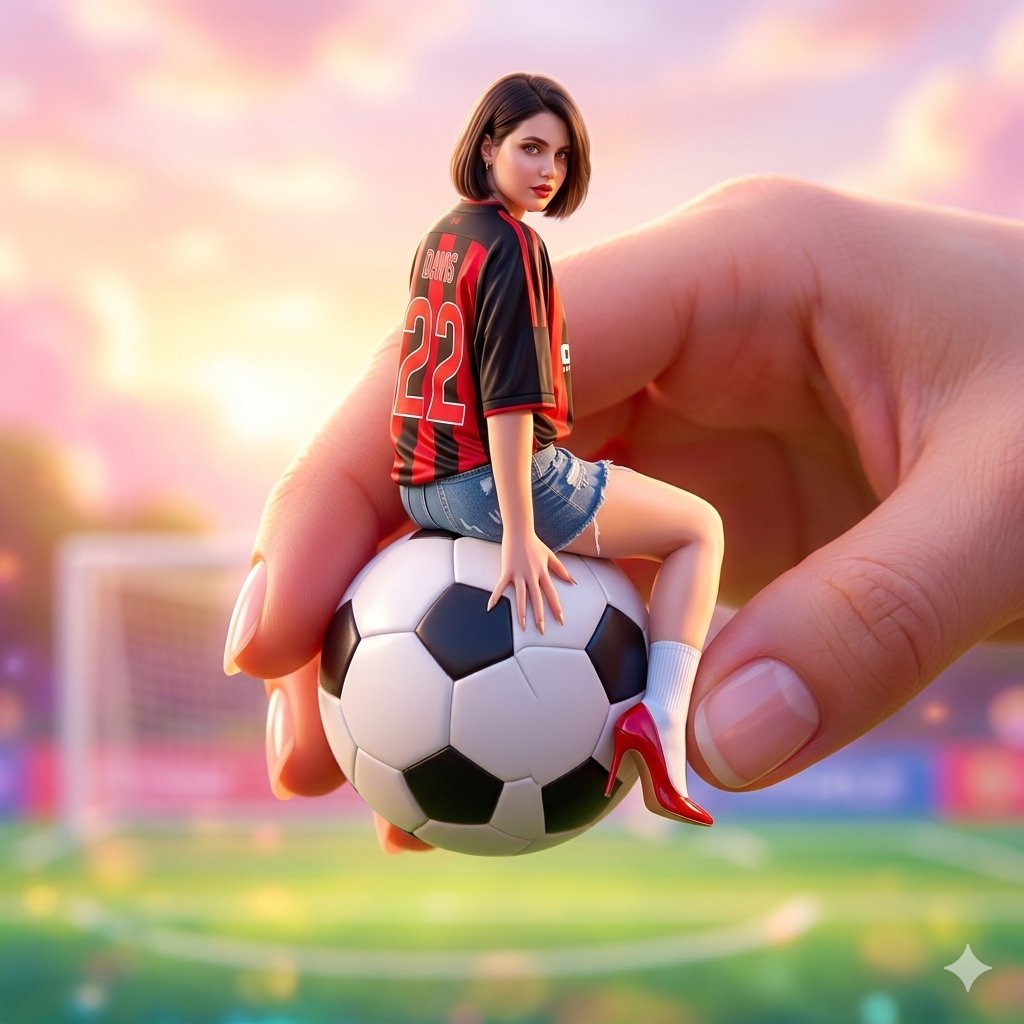
Miniature Fashionable Girl on Soccer Ball
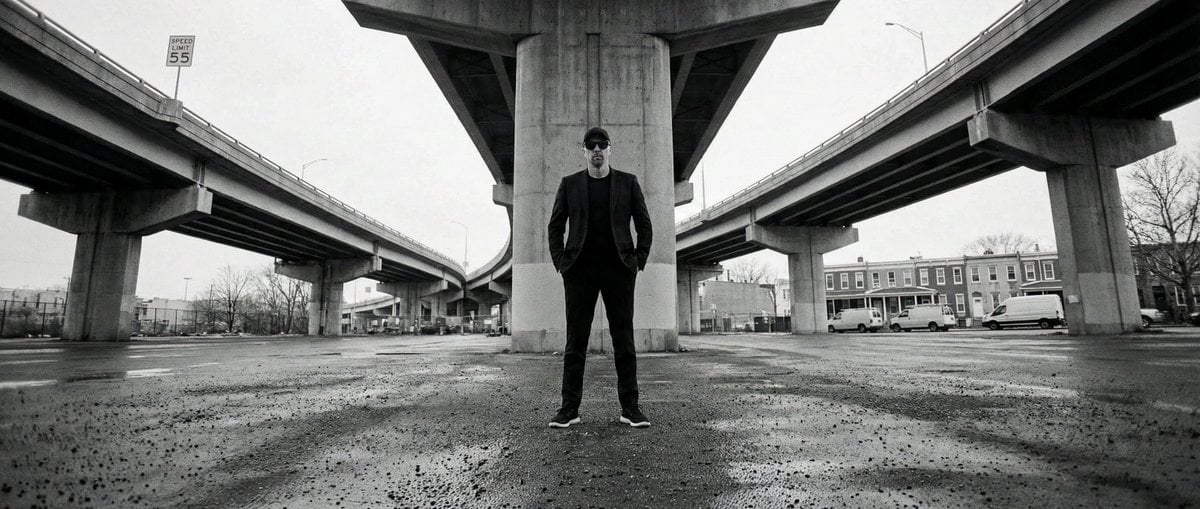
High-Contrast Documentary Photo Under a Brutalist Overpass
Censored Elf Girl Garden Illustration
Paper Craft Style Redesign
Watercolor and Ink Line Art Portrait
Surreal Blue Hour Avian Metamorphosis

Ultra-realistic cinematic food photography of Indonesian dish
Dinosaur Park Gift Shop Merchandise Display

Editorial Portrait Close-Up
Browse template categories
Heaven Error Angel Glitch Poster questions
How do I use the Heaven Error Angel Glitch Poster template?
Add your photo if the template asks for one, edit the prompt if you like — the template's model and format are already selected — and press Generate. Your version opens in PicX Studio.
Can I customize the Heaven Error Angel Glitch Poster template?
Yes. You can change the subject, setting, lighting, mood, format, and available model controls before creating your image.
Is the Heaven Error Angel Glitch Poster template free?
Opening and editing this template is free. Generating uses credits, shown on the Generate button when you are signed in.
Which AI model should I use?
Start with GPT Image 2, which is the model associated with this template. You can compare another compatible model for a different finish.
Looking for something else? Browse all templates.

Your photo, any look
Thousands of ready templates for every top image and video model, from one credit balance.