
Hyper-Realistic Bathroom Vanity Portrait
A highly structured prompt for generating a hyper-realistic vertical portrait of a young woman sitting on a luxury bathroom vanity, emphasizing natural sunlight, distinct shadow patterns (venetian blinds), and…
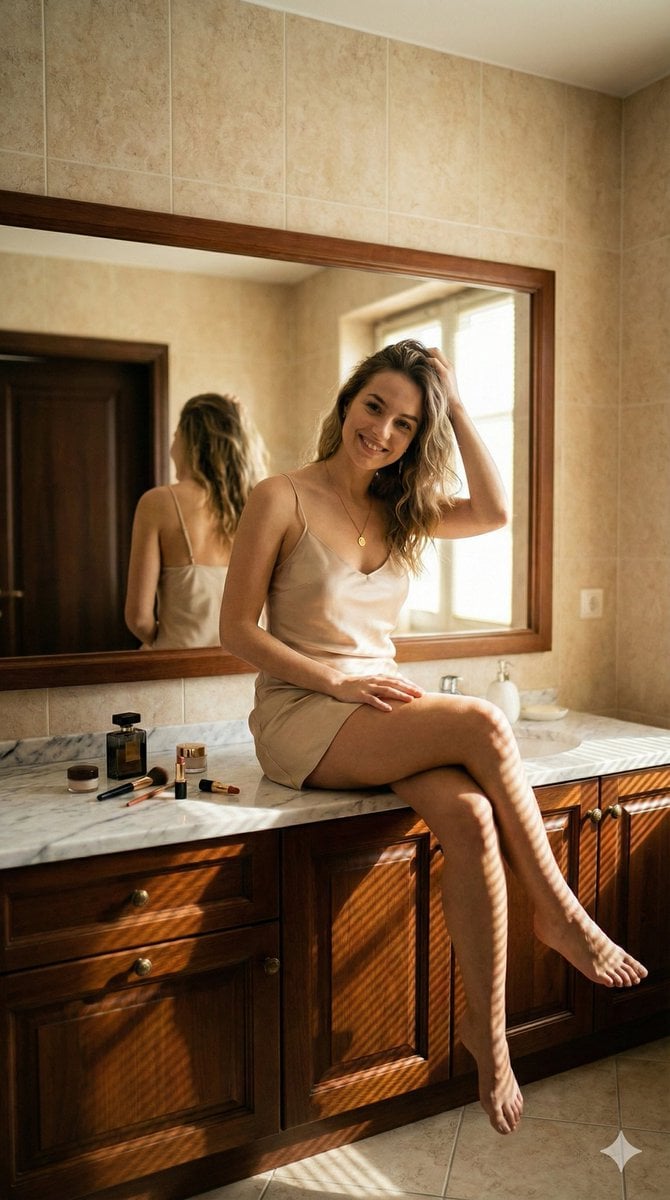
- Prompt included
- Model and format preset
- Free template
The prompt behind this image
Copy the exact prompt behind Hyper-Realistic Bathroom Vanity Portrait, or open it in the studio and make it yours.
{ "type": "image_generation_prompt", "aspect_ratio": "9:16", "prompt": { "description": "A hyper-realistic vertical full-body shot of a young woman sitting on a bathroom vanity countertop, illuminated by natural sunlight with distinct shadow patterns.", "subject_and_pose": { "subject": "Young woman with shoulder-length wavy {argument name="hair color" default="dirty blonde"} hair", "expression": "Natural, warm smile looking directly at the camera", "pose": "Sitting casually on the edge of the counter, legs crossed at the calves, barefoot", "hands": "One hand resting on her thigh, the other hand gently lifting hair away from her face", "skin_texture": "High fidelity skin texture, natural lighting falloff" }, "outfit": { "clothing": "{argument name="clothing color" default="Champagne/beige"} colored satin slip dress, mini length, spaghetti straps", "fabric_physics": "Soft silk drapes naturally, reflecting light with a subtle sheen" }, "environment": { "location": "Luxury bathroom interior", "elements": [ "Large rectangular mirror with dark wood frame behind subject", "Reflection in mirror showing the subject's back and a dark wooden door", "Beige tiled walls", "Dark wood cabinetry under the sink" ], "surface": "White marble countertop with grey veining" }, "props": { "vanity_items": [ "Black luxury perfume bottle", "Makeup brushes", "Open lipstick tube", "Small glass jars", "White soap dispenser near the sink" ] }, "lighting_and_atmosphere": { "type": "Golden hour sunlight entering from the right", "shadows": "Strong venetian blind shadow patterns (striped shadows) cast across the subject's legs and the wooden cabinetry", "mood": "Warm, intimate, morning routine, lifestyle aesthetic" }, "technical_specs": { "camera": "DSLR, 50mm lens", "focus": "Sharp focus on subject, slightly shallow depth of field blurring the background tiles", "quality": "8k, photorealistic, raw style, no CGI look" } }, "negative_prompt": [ "bad anatomy", "distorted hands", "missing fingers", "extra limbs", "cartoon", "illustration", "flat lighting", "blurry", "low resolution", "artificial skin" ] }
How to use Hyper-Realistic Bathroom Vanity Portrait in 3 steps
- 1
Open
The prompt is already in the box next to the preview, with the template's model and format selected.
- 2…a portrait of your subject in softgolden-hour light, 85mm…
Personalize
Edit the subject and creative details for your destination.
- 3Generate
Generate
Press Generate — your image is created in PicX Studio, so you can compare it with the original and refine one variable at a time.
More like this
Templates with the same subject, style or setup. Open one to see its prompt.

Found Photograph: Us, 1970

80s Couple Studio Portrait

80s Bollywood Star

80s Golden Hour Cinema

Me in 1985

1985 Studio Portrait

Hyper-Realistic Minecraft POV Portrait

Rooftop Fisheye — Cat-Ear Balaclava at Golden Hour

Rainy Café Window Moody Portrait
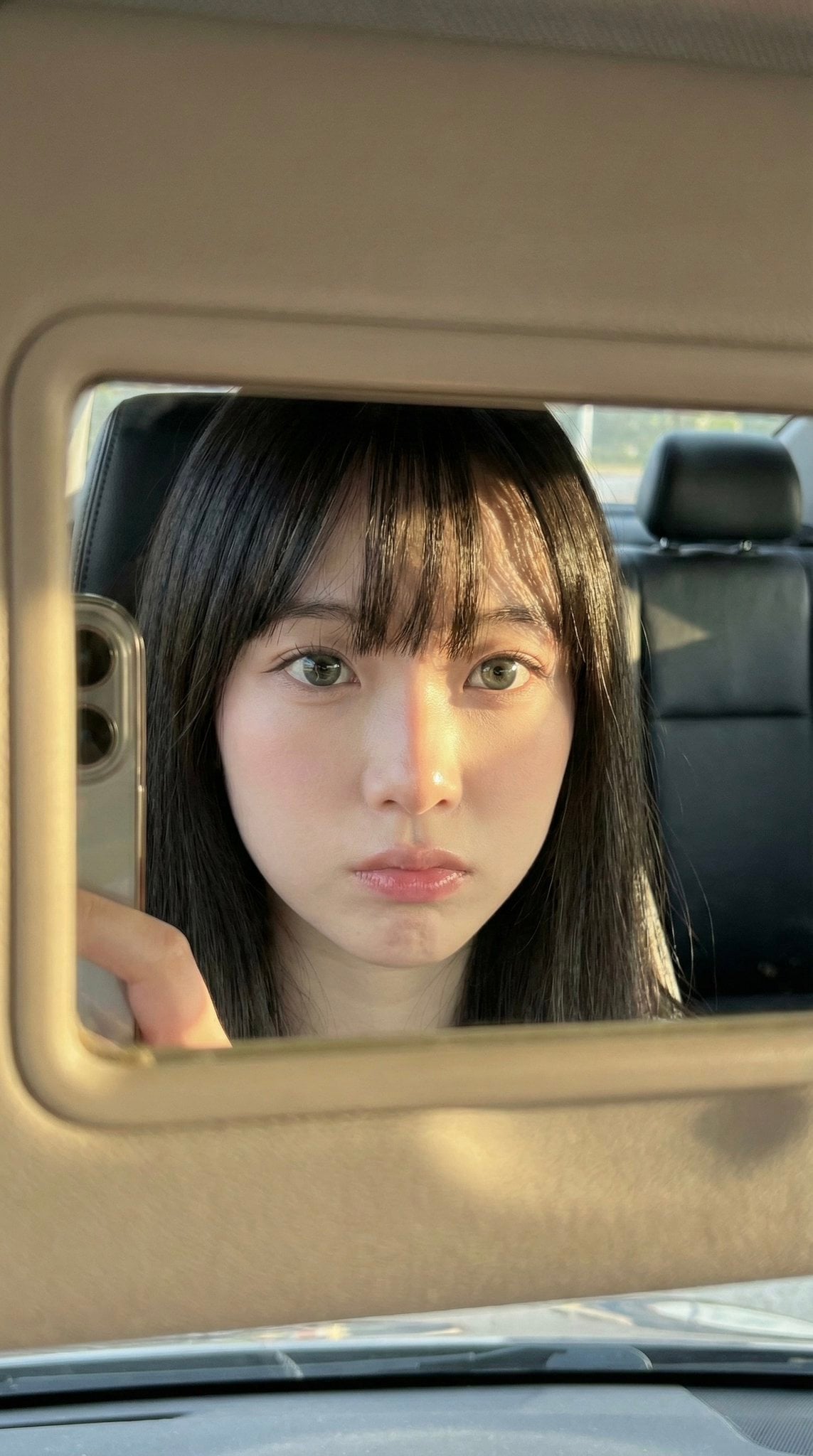
Car Sun Visor Vanity Mirror Close Up

untitled

2025 Aesthetic Photography
Make it yours
Hyper-Realistic Bathroom Vanity Portrait works as-is. These are the safest ways to change it without losing the look.
Change one field
Copy a single group, rewrite it, and generate again so you can see what that field is doing.
Keep the frame, change the subject
Hold the composition and light of Hyper-Realistic Bathroom Vanity Portrait, then swap wardrobe, props or the person for a new take.
| If the result… | Why | Fix |
|---|---|---|
| The result drifts from the preview | Too many fields changed at once. | Reuse Hyper-Realistic Bathroom Vanity Portrait as-is first, then change one group — subject, light, or setting. |
| The model over-stylizes the scene | The prose prompt leaves finish and camera underspecified. | Add one camera or lighting sentence and stay on Nano Banana 2. |
More Nano Banana 2 templates
Other prompts made for Nano Banana 2.

Photorealistic Leaf Shaped Like a Dragon

K-Pop Idol Portrait Grid for Rapid Selection

Poetic Rain Forest Portrait During Golden Hour

Urban Street Portrait with Cartoon Inner Self Duo

Candid Nighttime Photo with Cat Prompt

High-Concept 3D Diorama Generation Prompt

Cinematic Futuristic Studio Portrait Template

Skincare Editorial Photography Collage Prompt

Hyper-Realistic Commercial Product Photography (Splash Effect)

Hyper-Realistic Nightclub Portrait Prompt
More image prompts
Fresh picks from across the catalog.
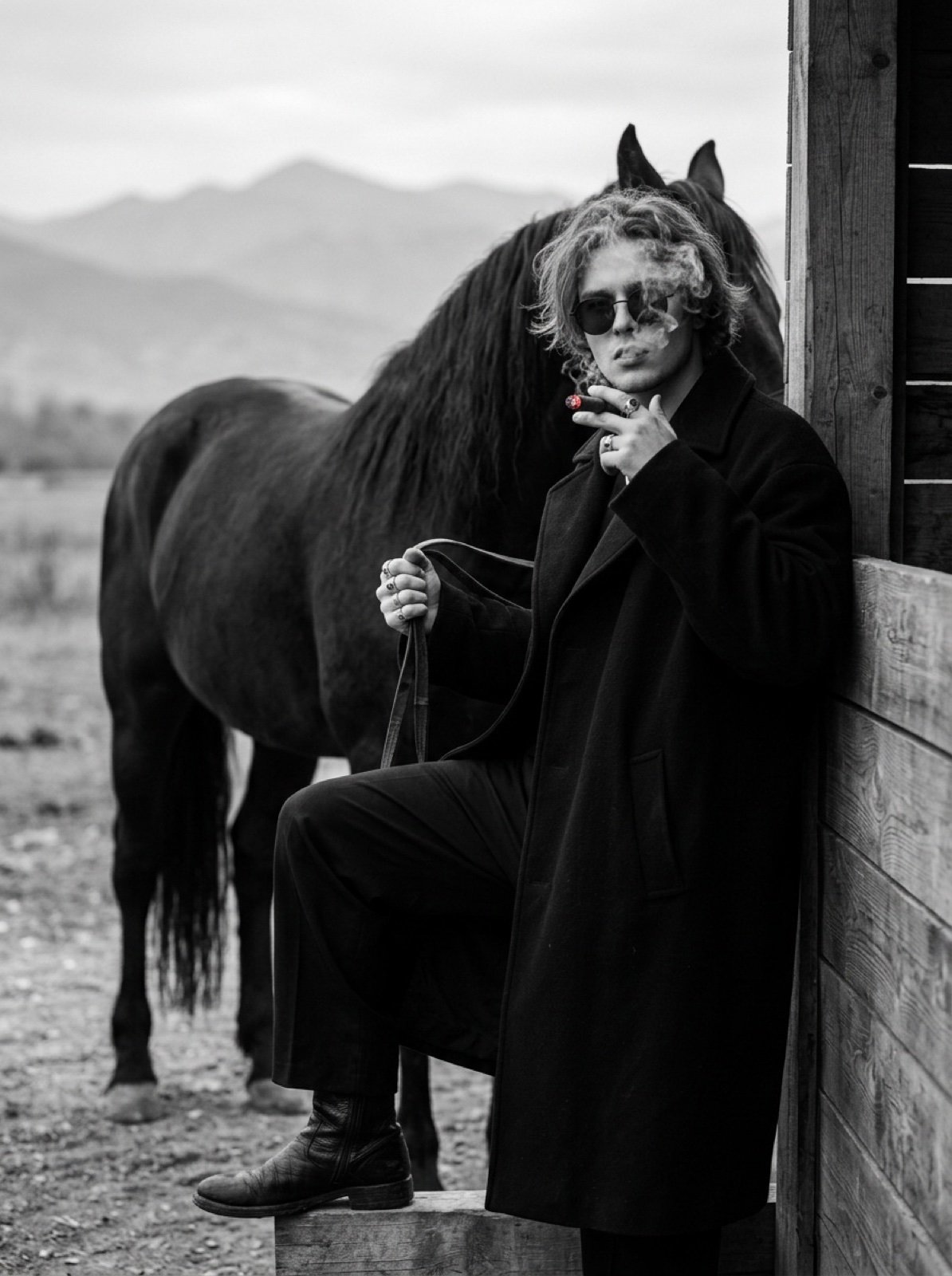
Cinematic Black and White Portrait Prompt of Man with Horse and Cigar
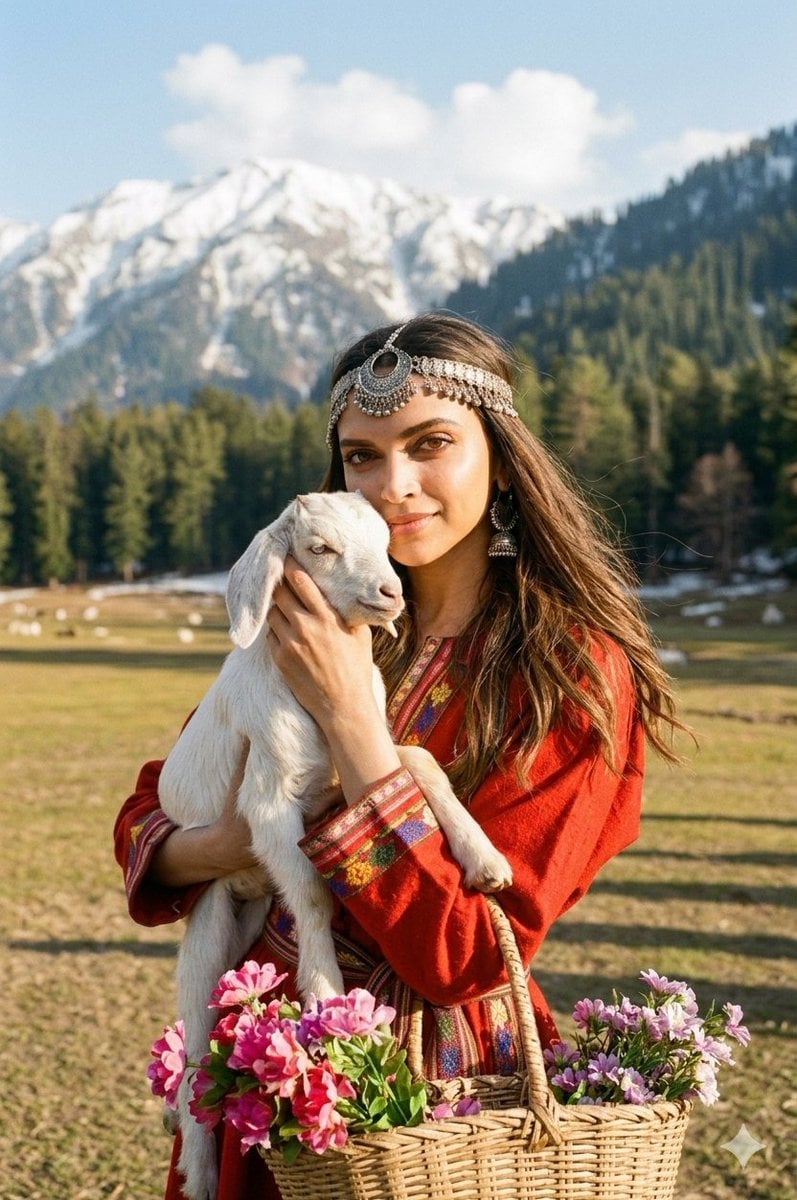
Cinematic Portrait of Kashmiri Woman with Baby Goat
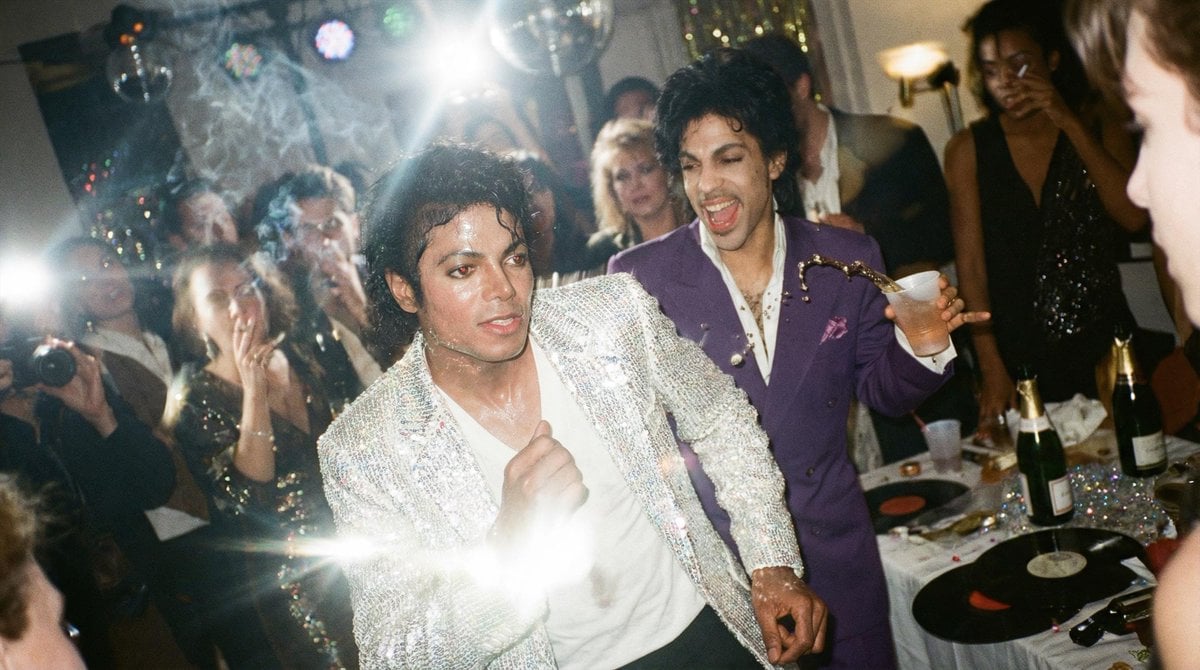
Messy Disposable Camera Party Shot Prompt
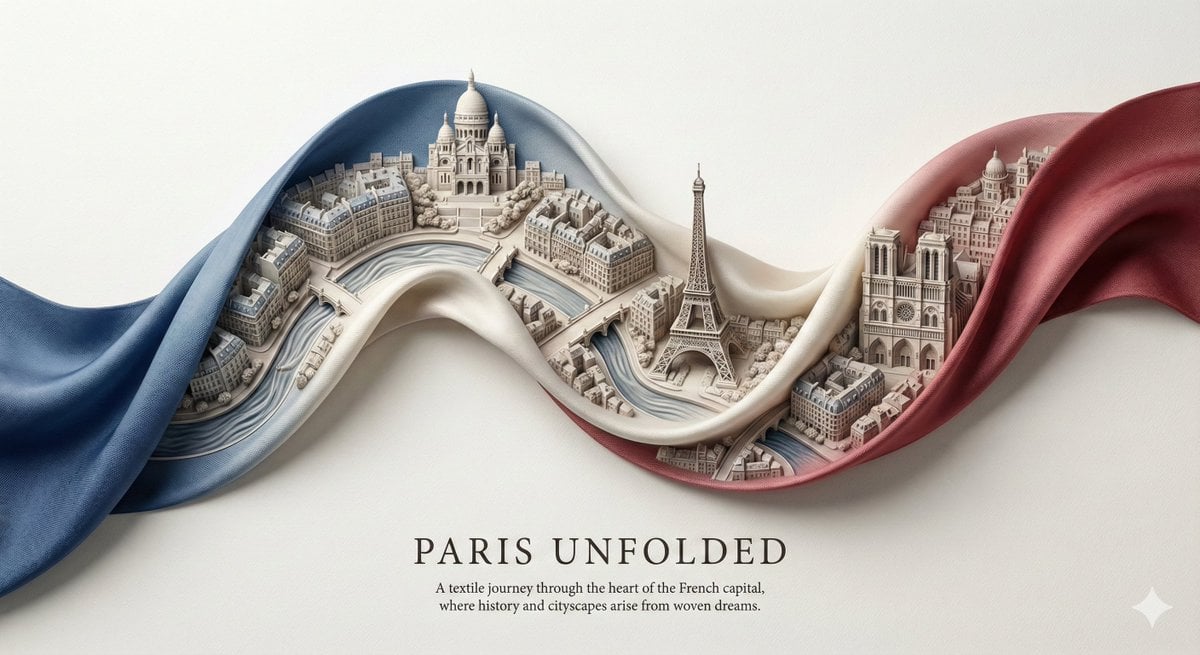
City Ribbon Poster Design Prompt

Felt Cat Character Reference Sheet
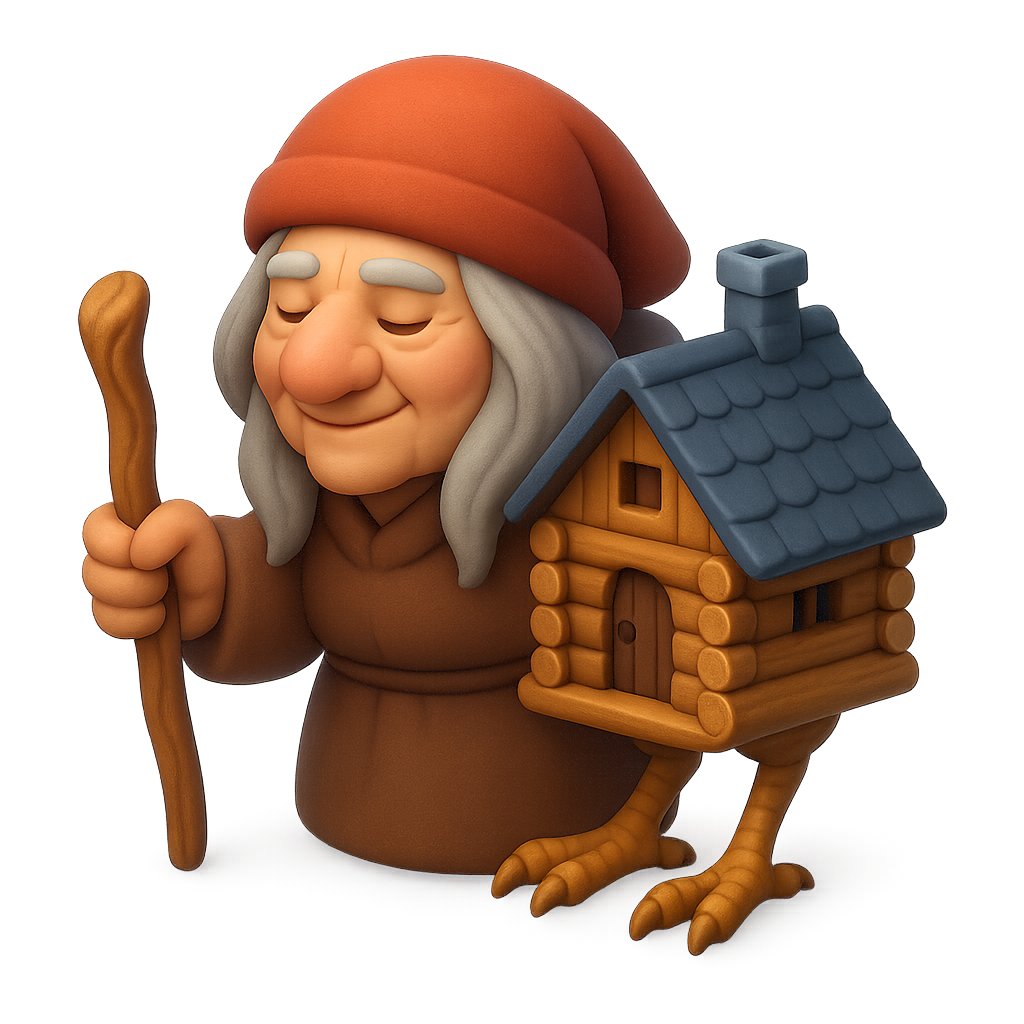
Clay Baba Yaga With Chicken-Leg Hut
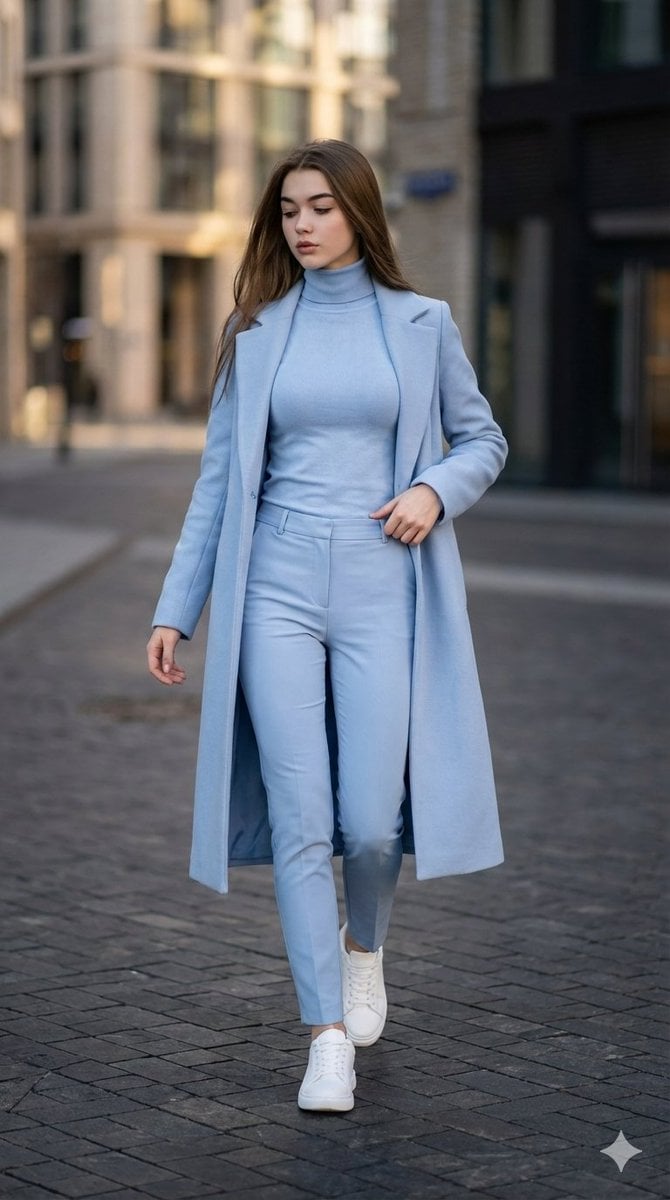
Cinematic Street Style Identity Preservation Prompt

Sci-Fi Celestial Voyager Character Sheet
Private Terminal Lounge Elegance

Gen-Z Music Doodle Poster
Browse template categories
Hyper-Realistic Bathroom Vanity Portrait questions
How do I use the Hyper-Realistic Bathroom Vanity Portrait template?
Add your photo if the template asks for one, edit the prompt if you like — the template's model and format are already selected — and press Generate. Your version opens in PicX Studio.
Can I customize the Hyper-Realistic Bathroom Vanity Portrait template?
Yes. You can change the subject, setting, lighting, mood, format, and available model controls before creating your image.
Is the Hyper-Realistic Bathroom Vanity Portrait template free?
Opening and editing this template is free. Generating uses credits, shown on the Generate button when you are signed in.
Which AI model should I use?
Start with Nano Banana 2, which is the model associated with this template. You can compare another compatible model for a different finish.
Looking for something else? Browse all templates.

Your photo, any look
Thousands of ready templates for every top image and video model, from one credit balance.