How do I use the Korean High Fashion Studio Photoshoot template?
Choose the primary action to open PicX Studio with the available template settings. Review the model and format, personalize the creative direction, and generate when ready.
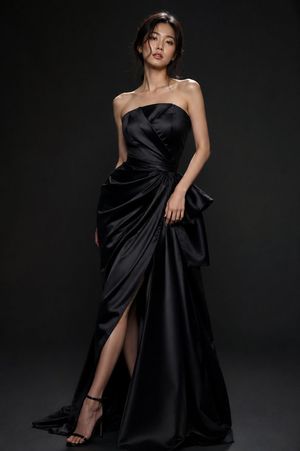
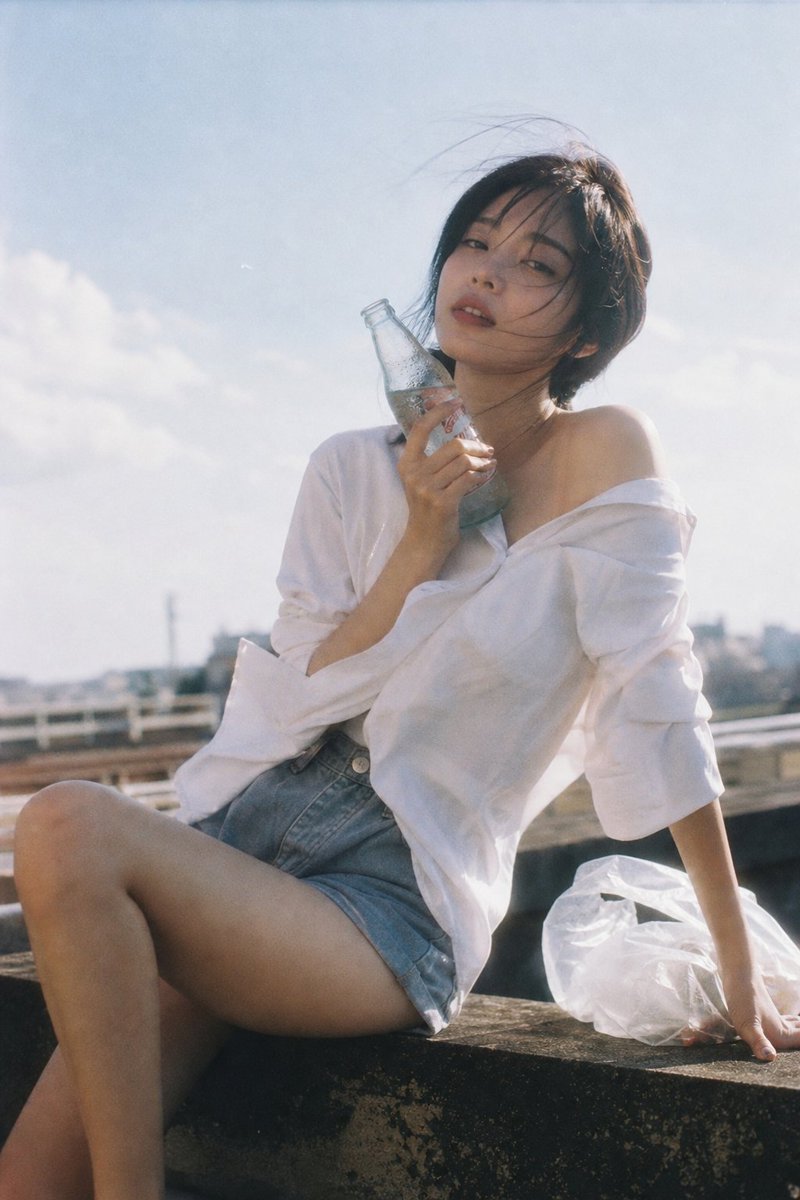
A professional studio portrait prompt for a Korean fashion model featuring dramatic spotlighting and high-contrast editorial styling.
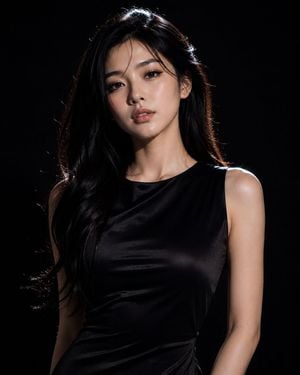
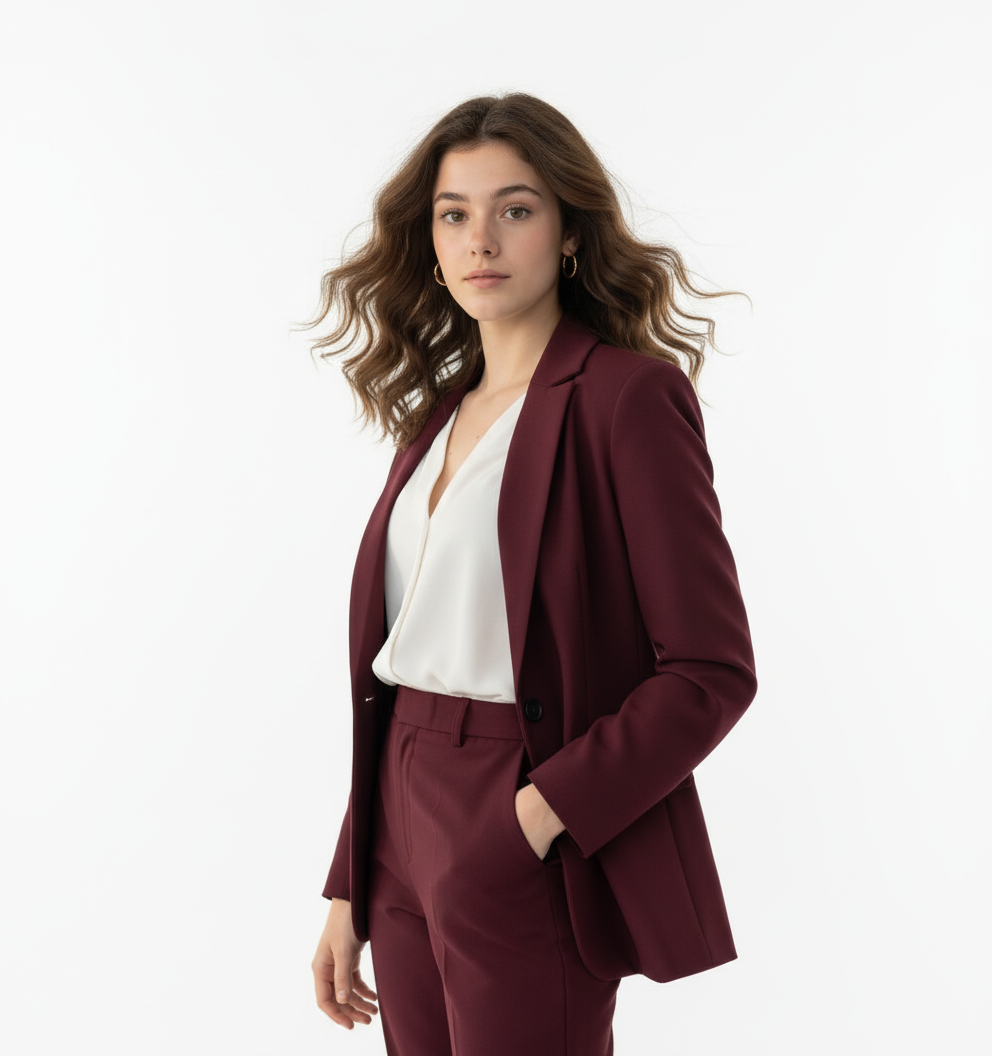
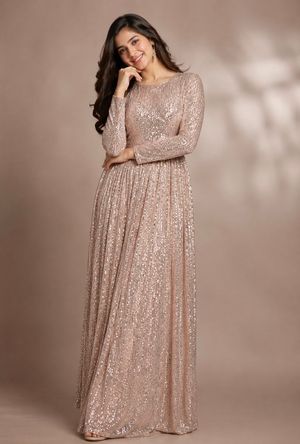
An ultra-realistic high-fashion studio photoshoot of a beautiful {argument name="model type" default="young Korean woman"} in her early 20s, confidently posing with a bold, editorial attitude. She has flawless fair skin, long silky black hair, delicate facial features, expressive dark brown eyes, and natural luxury makeup with soft glossy lips. She is wearing a {argument name="outfit" default="sleek, form-fitting black satin mini dress with elegant cutout detailing"}, a tasteful neckline, and matching high heels, creating a sophisticated yet attractive look. Her pose is confident and powerful with direct eye contact toward the camera, conveying elegance and charisma rather than exaggeration. The studio is {argument name="lighting style" default="almost entirely dark, illuminated only by a single soft spotlight and subtle rim lighting"} that perfectly contours her face and silhouette. Minimal lighting, deep shadows, high contrast, black seamless backdrop, no props, no distractions, 100% focus on the model. Luxury fashion campaign aesthetic, cinematic mood, crisp skin texture, realistic fabric reflections, premium editorial styling, Vogue-quality photography. Shot on a full-frame DSLR with an 85mm f/1.4 portrait lens, shallow depth of field, ultra-sharp facial details, natural skin texture, photorealistic, HDR, 8K resolution, masterpiece quality, luxury fashion editorial, dramatic composition, studio perfection.
Choose the primary action to open PicX Studio with the available template settings. Review the model and format, personalize the creative direction, and generate when ready.
Yes. You can change the subject, setting, lighting, mood, format, and available model controls before creating your image.
This template is free to open and customize. Generation usage is shown in PicX Studio before you create.
Start with GPT Image 2, which is the model associated with this template. You can compare another compatible model for a different finish.
Follow a topic to a crawlable collection of related PicX Studio templates.