
Four-Panel Golf Swing Sequence
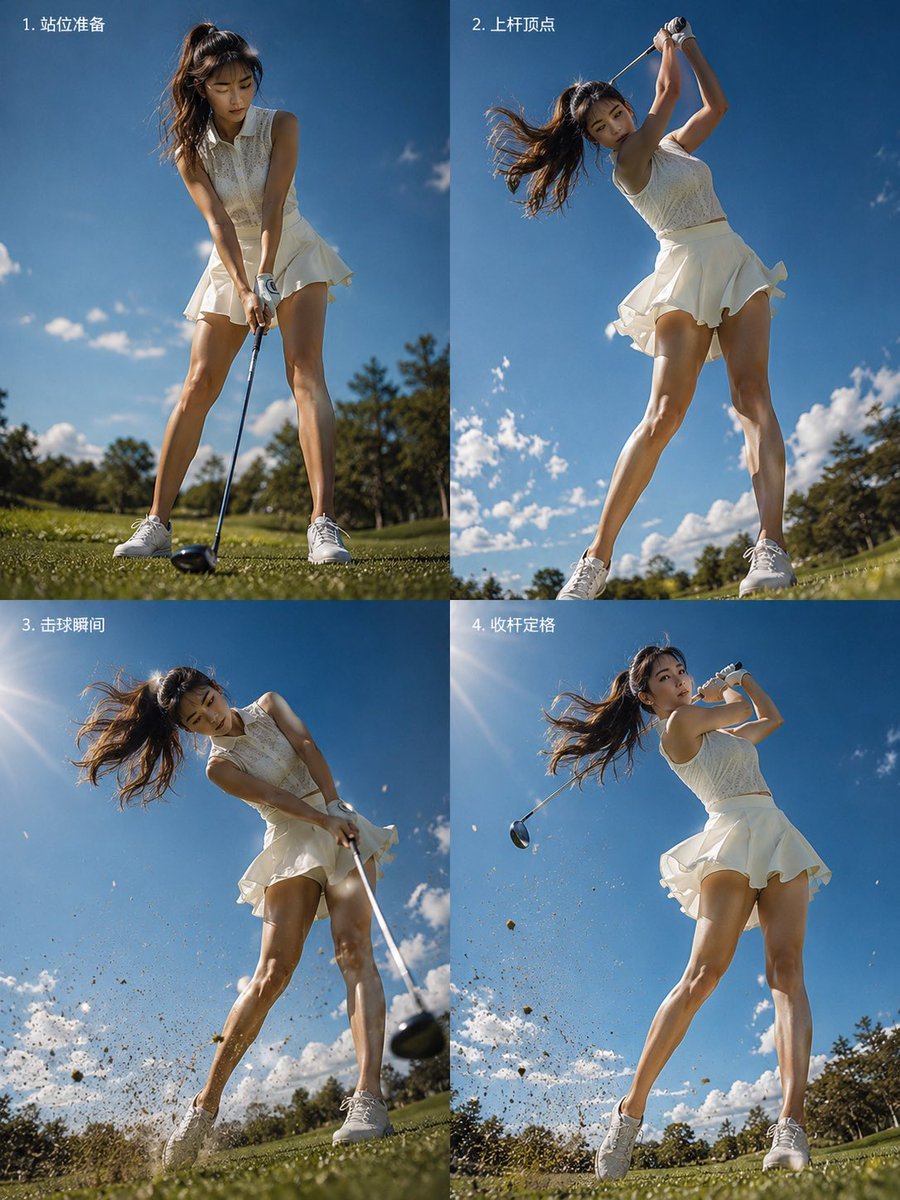
A realistic low-angle four-panel golf action collage for demonstrating the stages of a dynamic female golfer's swing.
- Prompt included
- Model and format preset
- Free template
The prompt behind this image
Copy the exact prompt behind Four-Panel Golf Swing Sequence, or open it in the studio and make it yours.
Goal: Create a realistic 2x2 instructional sports photo collage showing a female golfer completing a dynamic golf swing sequence, photographed from an extreme low ground-level angle on a sunny golf course. Canvas: Vertical 4:5 image, split into exactly 4 equal panels with thin seams, two columns and two rows. Each panel should look like a high-speed action photograph taken outdoors under a vivid blue sky with scattered white clouds, green fairway grass, and trees near the horizon. Subject details: The same athletic young woman appears in all 4 panels, wearing a sleeveless {argument name="outfit color" default="white"} golf dress with a pleated skirt, white golf gloves, and white athletic shoes. She has long {argument name="hair color" default="brown"} hair in a high ponytail, blowing dramatically with the motion. Her face should be obscured by a soft square blur for privacy. Use a driver golf club with a dark club head. Layout and exact panel count: Include exactly 4 numbered action panels with small white Chinese labels in the upper-left corner of each panel: 1. 「站位准备」 showing the golfer at address position, feet apart, club head near the ball on the grass; 2. 「上杆顶点」 showing the top of the backswing, arms raised overhead, body arched, skirt and hair moving; 3. 「击球瞬间」 showing the impact moment, club sweeping through the ball, dirt and grass exploding toward the camera, strong motion blur on the club head; 4. 「收杆定格」 showing the follow-through finish, club swung around behind her, hair flying, grass and soil particles still suspended in the air. Visual style: Ultra-realistic sports photography, cinematic high-speed shutter mixed with subtle motion blur, dramatic low-angle perspective that makes the golfer appear tall and powerful, bright midday sunlight, crisp shadows, saturated natural colors, energetic dynamic capture, shallow depth of field near the grass. Constraints: Keep exactly 4 panels and exactly the 4 listed labels, no extra captions, no logos, no watermark, no product-ad layout, no shopping-poster styling.
How to use Four-Panel Golf Swing Sequence in 3 steps
- 1Upload ImagePNG, JPG or paste
Add your photo
Upload the photo the template builds on. The prompt, model and format are already set.
- 2…a portrait of your subject in softgolden-hour light, 85mm…
Personalize
Edit the subject and creative details for your destination.
- 3Generate
Generate
Press Generate — your image is created in PicX Studio, so you can compare it with the original and refine one variable at a time.
More like this
Templates with the same subject, style or setup. Open one to see its prompt.

Four-Panel AI Landscape Comparison

Four-Panel Anime Face Comparison

Four-Panel AI Landscape Comparison
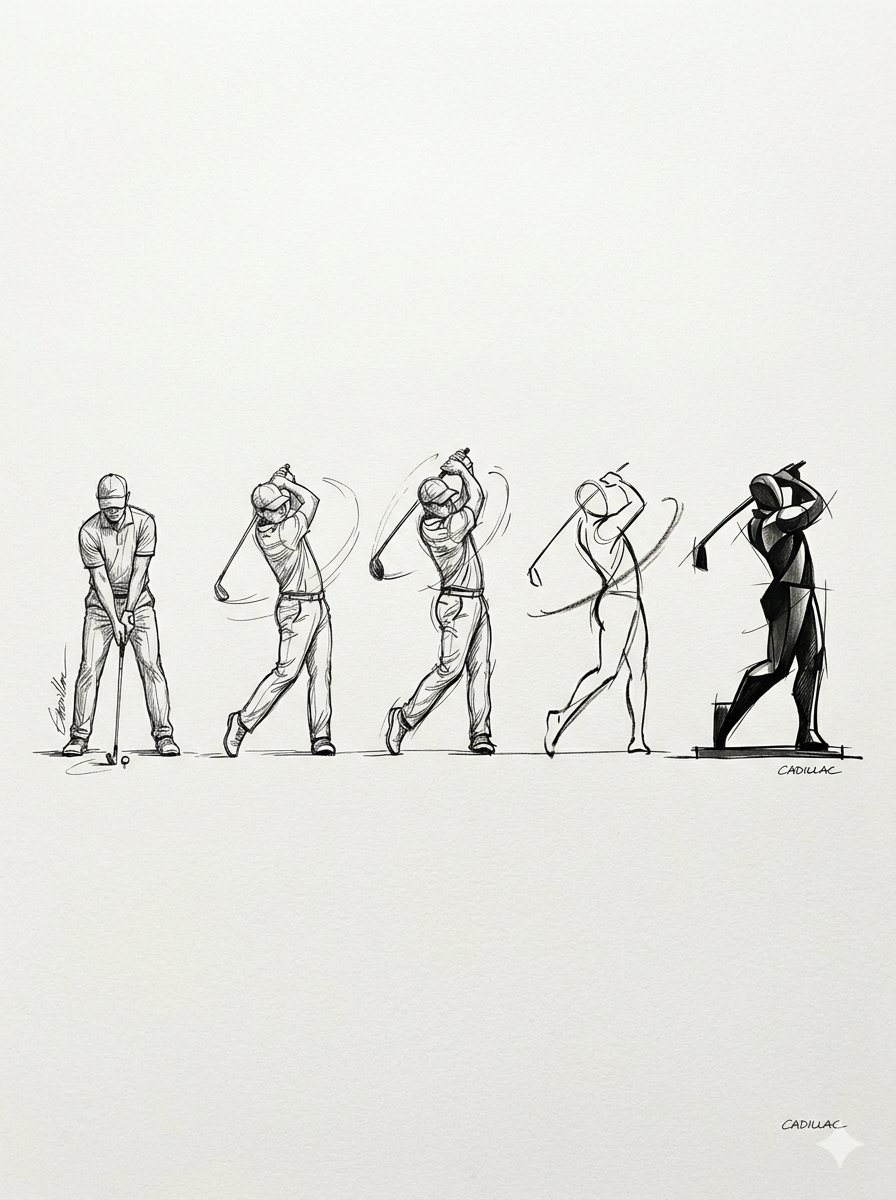
Progressive Golf Swing Artistic Sketch

Component Differences Four-Panel Manga
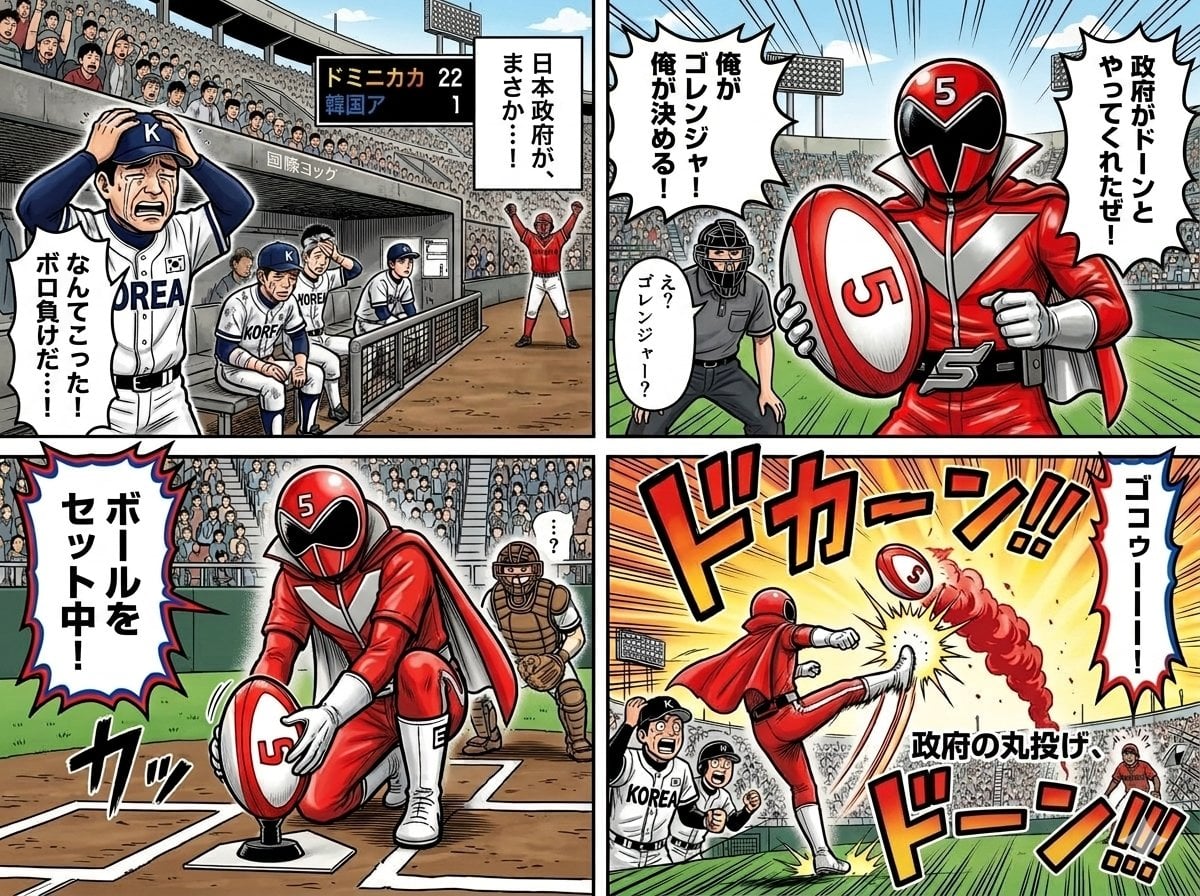
Four-Panel Manga with Sentai and Rugby

Pixar 6-Panel Streethero Expression Grid

Cute Four-Panel Cat Jealousy Comic
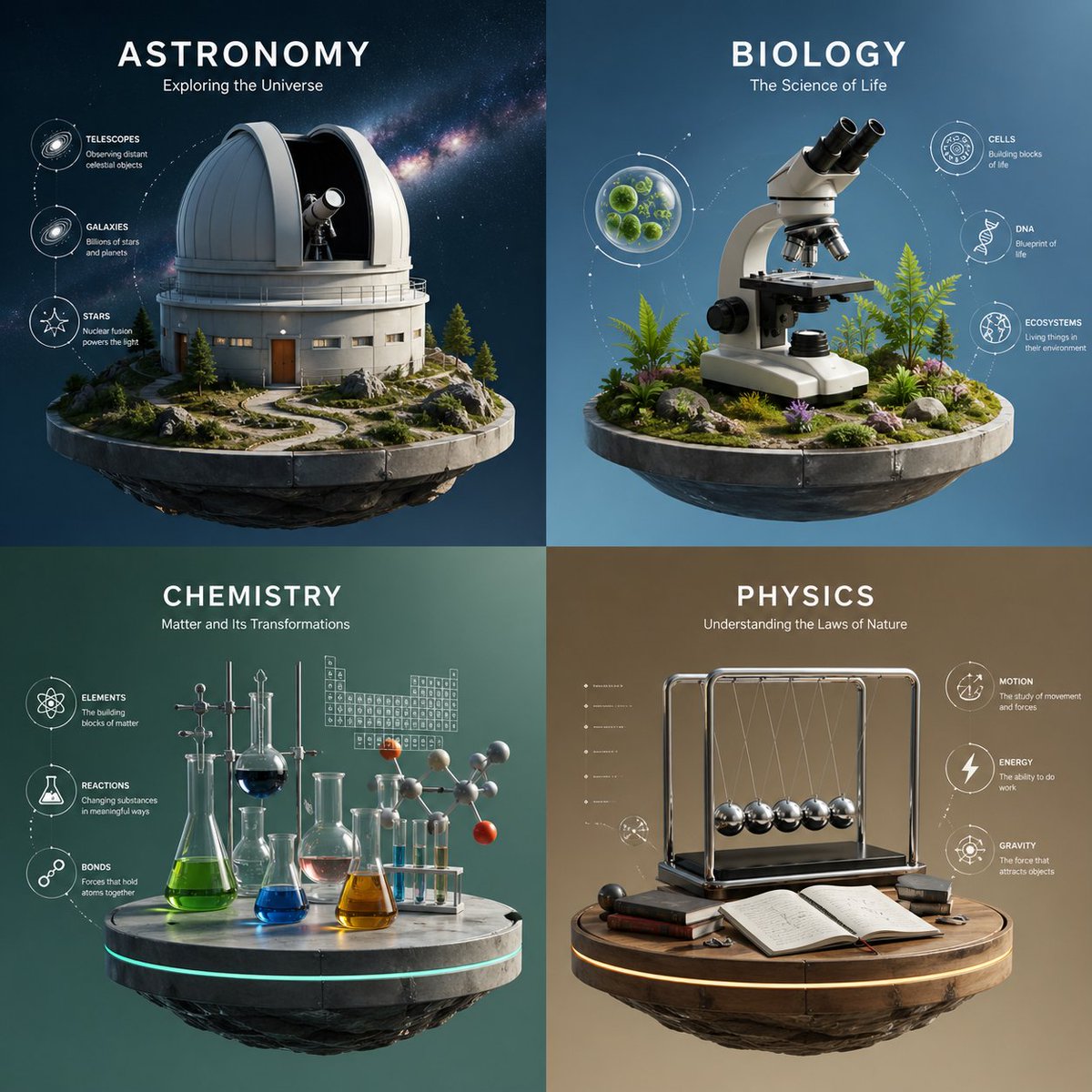
Four-Panel Science Concept Poster
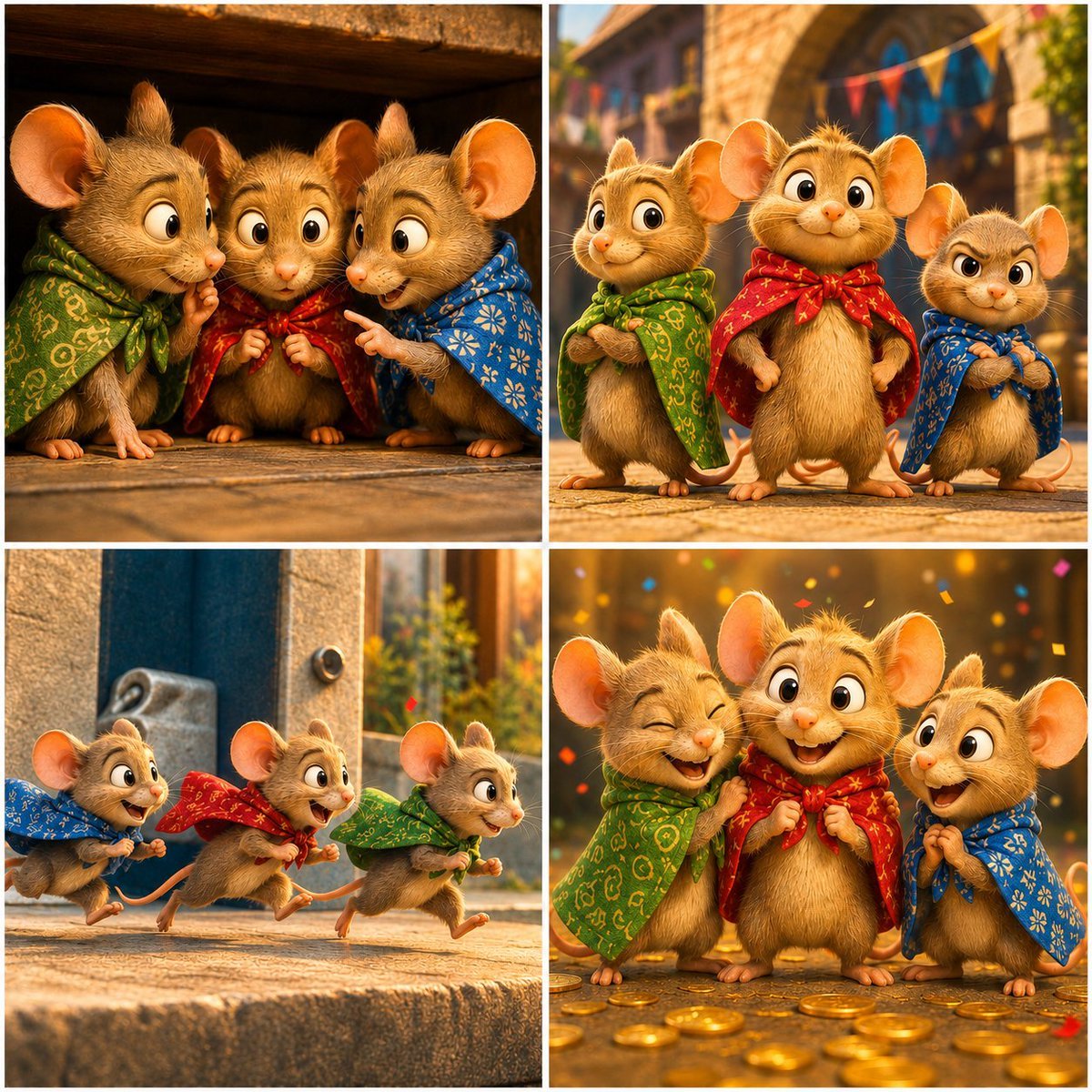
Four-Panel Bankrupt Mouse Storyboard
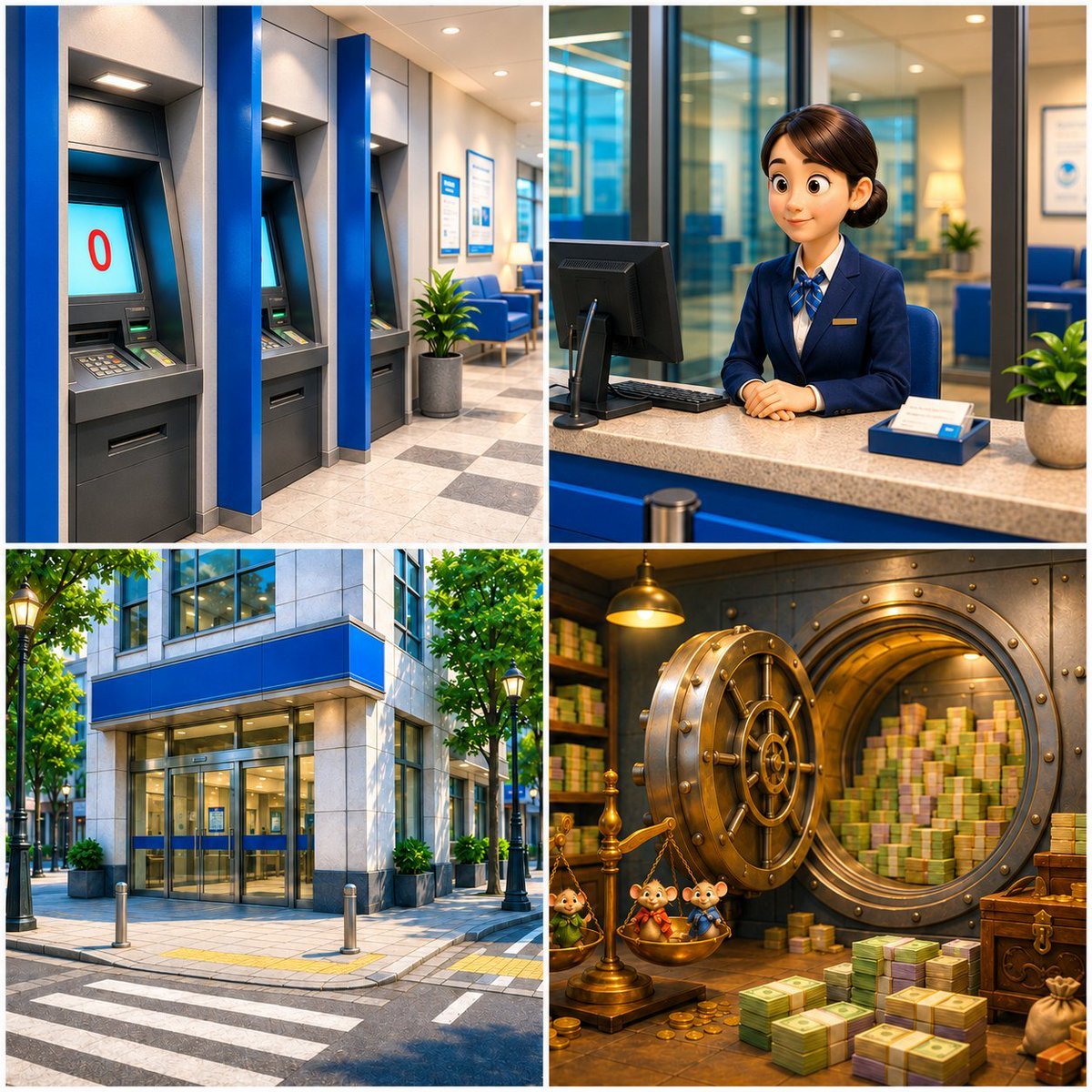
Four-Panel Bank World Storyboard
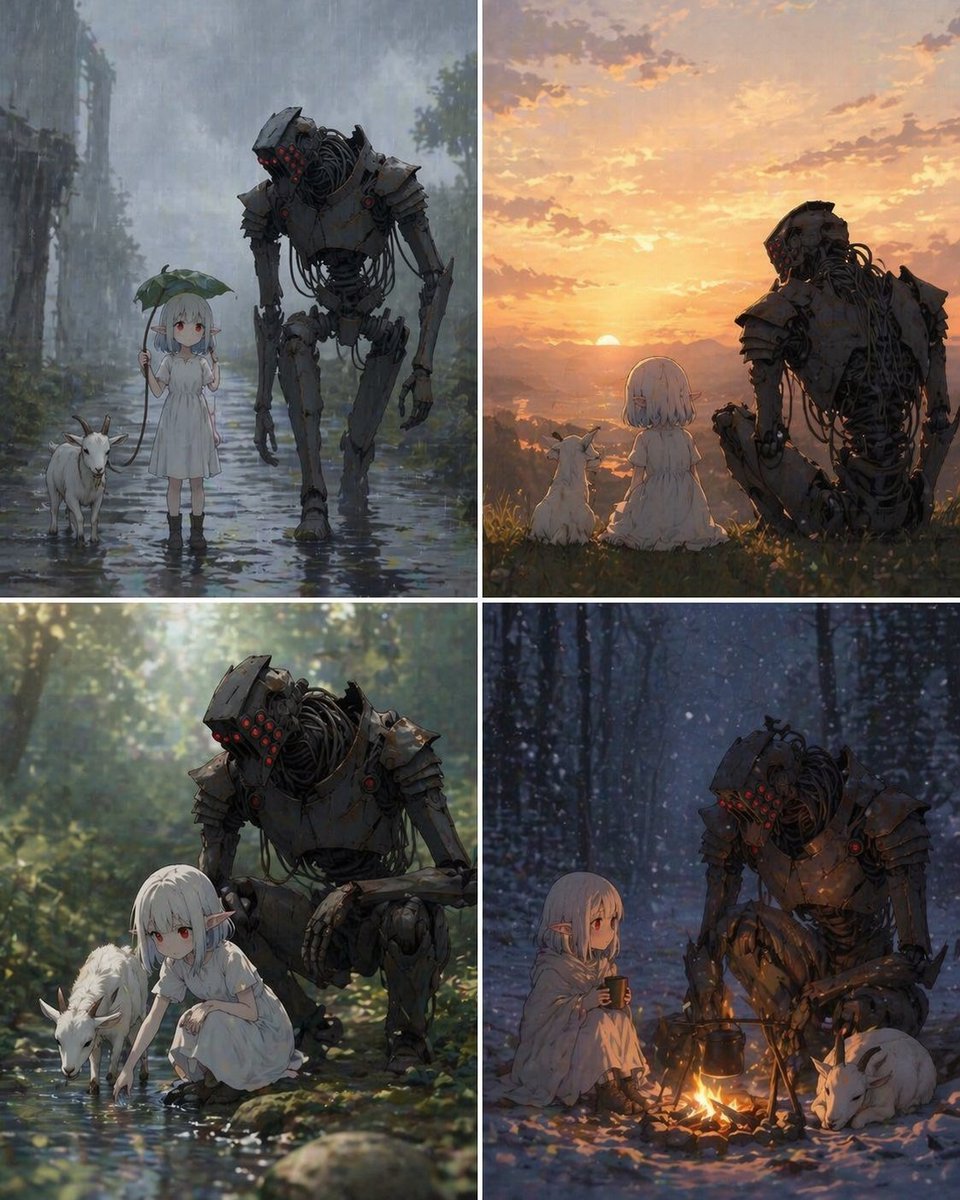
Four-Panel Girl, Robot, and Goat Story
Make it yours
Four-Panel Golf Swing Sequence works as-is. These are the safest ways to change it without losing the look.
Change one field
Copy a single group, rewrite it, and generate again so you can see what that field is doing.
Keep the frame, change the subject
Hold the composition and light of Four-Panel Golf Swing Sequence, then swap wardrobe, props or the person for a new take.
| If the result… | Why | Fix |
|---|---|---|
| The result drifts from the preview | Too many fields changed at once. | Reuse Four-Panel Golf Swing Sequence as-is first, then change one group — subject, light, or setting. |
| The model over-stylizes the scene | The prose prompt leaves finish and camera underspecified. | Add one camera or lighting sentence and stay on GPT Image 2. |
More GPT Image 2 templates
Other prompts made for GPT Image 2.

Six VTuber Japanese Logo Sheet

Realistic Portrait of Woman and Deer

The Vista Modular Condo Poster

AI Model Routing Comparison Infographic

2.5D Anime Art Board

Isometric Productivity Desk Scene

New York Double Exposure Poster

Japanese Tatami Lifestyle Magazine Cover

NESCAFÉ Coffee Map Poster

Brutalist Cogito Chinese Typography Poster
More image prompts
Fresh picks from across the catalog.

Three Japanese Note GPT Cover Proposals
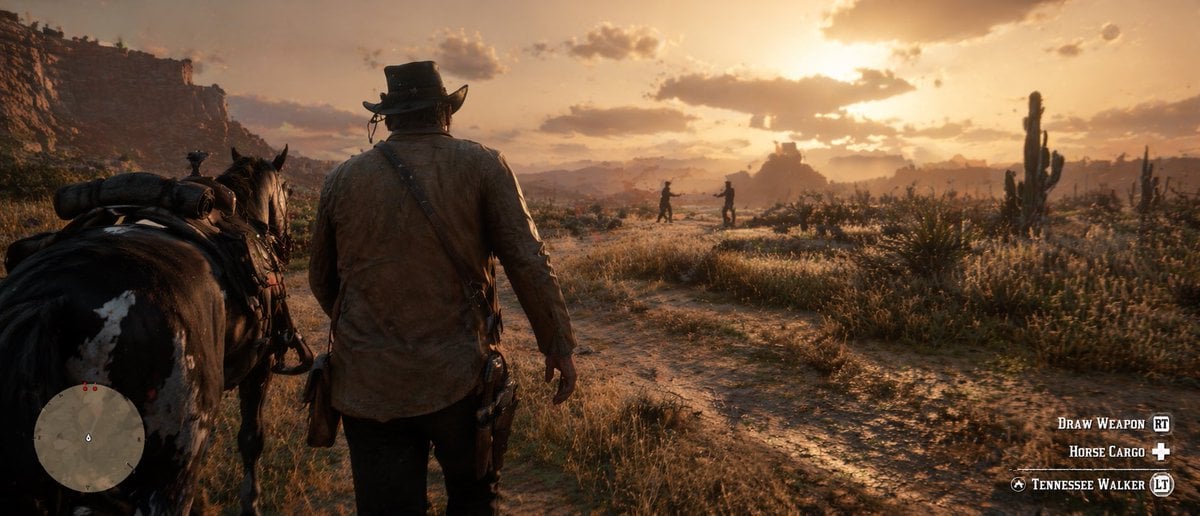
Western Open-World Game Screenshot
3×3 cinematic storyboard contact sheet from one input image
The Painting That Refused To Be Finished
Handcrafted Stone Figurine Transformation Prompt
Monumental Desert Canyon Silhouette

Kimetsu no Yaiba-style anime transformation with brush calligraphy
Early 2000s Flash Photo Identity Blend Prompt

Candid Couch Dinner Flash Photo

Gpt2 Infographic Edu Visual Ethnographic Plate for Tibetan Ceremonial Hat
Browse template categories
Four-Panel Golf Swing Sequence questions
How do I use the Four-Panel Golf Swing Sequence template?
Add your photo if the template asks for one, edit the prompt if you like — the template's model and format are already selected — and press Generate. Your version opens in PicX Studio.
Can I customize the Four-Panel Golf Swing Sequence template?
Yes. You can change the subject, setting, lighting, mood, format, and available model controls before creating your image.
Is the Four-Panel Golf Swing Sequence template free?
Opening and editing this template is free. Generating uses credits, shown on the Generate button when you are signed in.
Which AI model should I use?
Start with GPT Image 2, which is the model associated with this template. You can compare another compatible model for a different finish.
Looking for something else? Browse all templates.

Your photo, any look
Thousands of ready templates for every top image and video model, from one credit balance.