
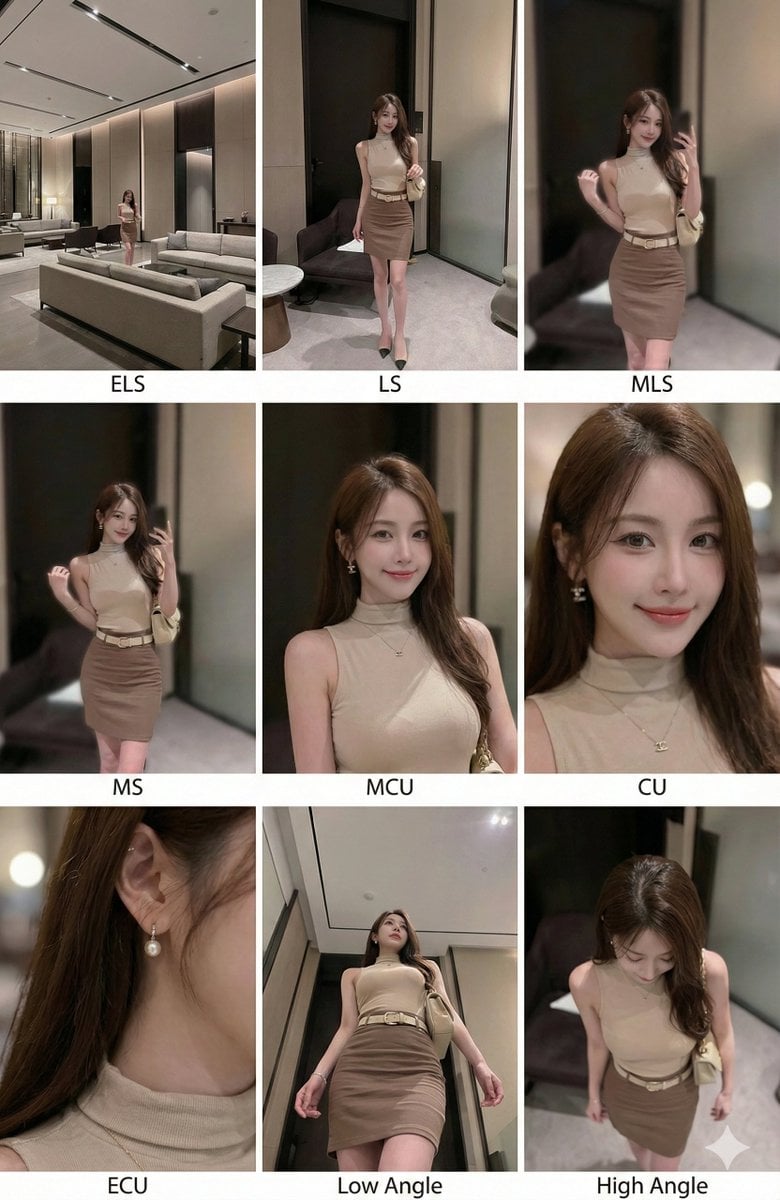
3×3 cinematic storyboard contact sheet from one input image
A detailed Nano Banana Pro instruction prompt that analyzes one reference image and generates a coherent 3×3 cinematic contact sheet of the same subject with different shot types while keeping identity, clothing and…
- Prompt included
- Model and format preset
- Premium template
The prompt behind this image
Copy the exact prompt behind 3×3 cinematic storyboard contact sheet from one input image, or open it in the studio and make it yours.
分析输入图像的整个构图。识别所有存在的关键主体(无论是单人、群体/情侣、车辆还是特定物体)及其空间关系/互动。 生成一个连贯的 3x3 网格“电影印样(Contact Sheet)”,展示在同一环境中完全是这些主体的 9 个不同镜头。 你必须调整标准的电影镜头类型以适应内容(例如,如果是群体,保持群体在一起;如果是物体,构图包含整个物体): 第 1 行(建立背景): 大远景 (ELS): 主体在广阔的环境中显得很小。 全景 (LS): 完整的主体或群体从上到下可见(从头到脚 / 从车轮到车顶)。 中远景 (美式镜头/四分之三): 构图从膝盖以上(针对人物)或 3/4 视角(针对物体)。 第 2 行(核心覆盖): 4. 中景 (MS): 构图从腰部以上(或物体的中心核心)。聚焦于互动/动作。 5. 中特写 (MCU): 构图从胸部以上。主要主体的亲密构图。 6. 特写 (CU): 紧凑构图于脸部或物体的“正面”。 第 3 行(细节与角度): 7. 大特写 (ECU): 强烈聚焦于关键特征(眼睛、手、标志、纹理)的微距细节。 8. 低角度镜头 (仰视/虫眼): 从地面仰望主体(壮观/英雄感)。 9. 高角度镜头 (俯视/鸟瞰): 从上方俯瞰主体。 确保严格的一致性:所有 9 个面板中是相同的人物/物体、相同的衣服和相同的光照。景深应逼真地变化(特写镜头中的背景虚化)。 一个包含 9 个面板的专业 3x3 电影故事板网格。 该网格以全面的焦距范围展示输入图像中的特定主体/场景。 顶行: 宽广环境镜头,全视图,3/4 剪辑(膝上景)。 中间行: 腰部以上视图,胸部以上视图,脸部/正面特写。 底行: 微距细节,低角度,高角度。 所有帧均具有照片般逼真的纹理,一致的电影级调色,以及针对所分析的主体或物体特定数量的正确构图。
How to use 3×3 cinematic storyboard contact sheet from one input image in 3 steps
- 1
Open
The prompt is already in the box next to the preview, with the template's model and format selected.
- 2…a portrait of your subject in softgolden-hour light, 85mm…
Personalize
Edit the subject and creative details for your destination.
- 3Generate
Generate
Press Generate — your image is created in PicX Studio, so you can compare it with the original and refine one variable at a time.
More like this
Templates with the same subject, style or setup. Open one to see its prompt.

A 3x3 grid storyboard contact sheet comprised of nine candid, cinematic

Headphones Lifestyle Nine Panel Grid
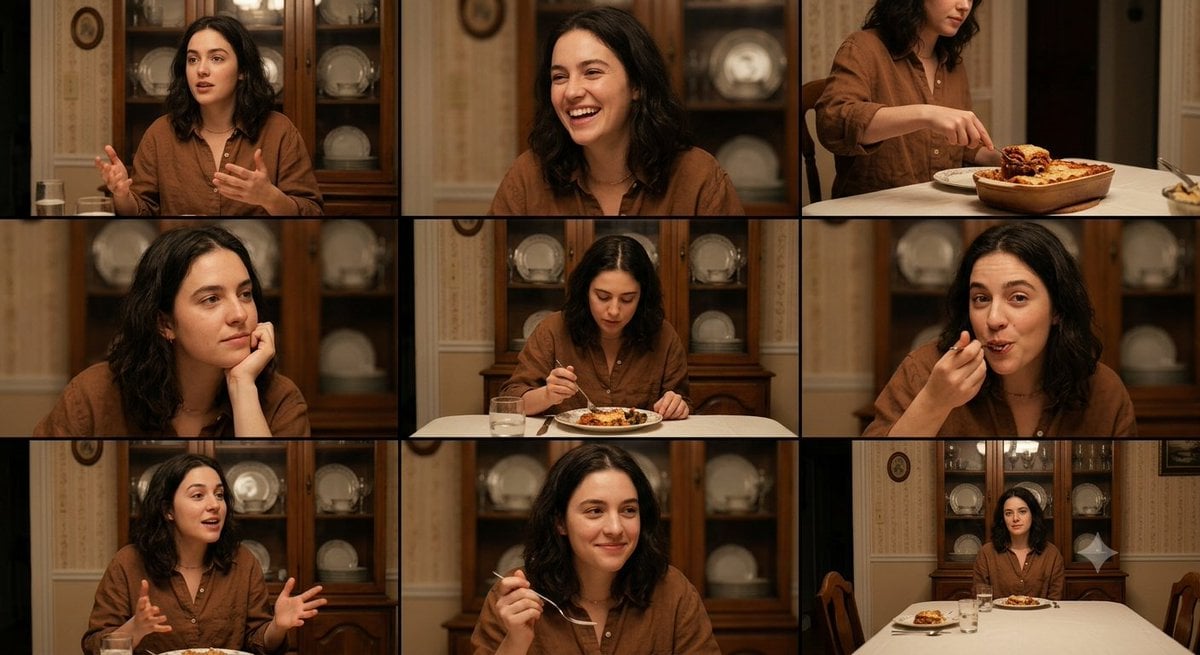
Family Dinner Cinematic Contact Sheet

Ancient Temple Interior Contact Sheet
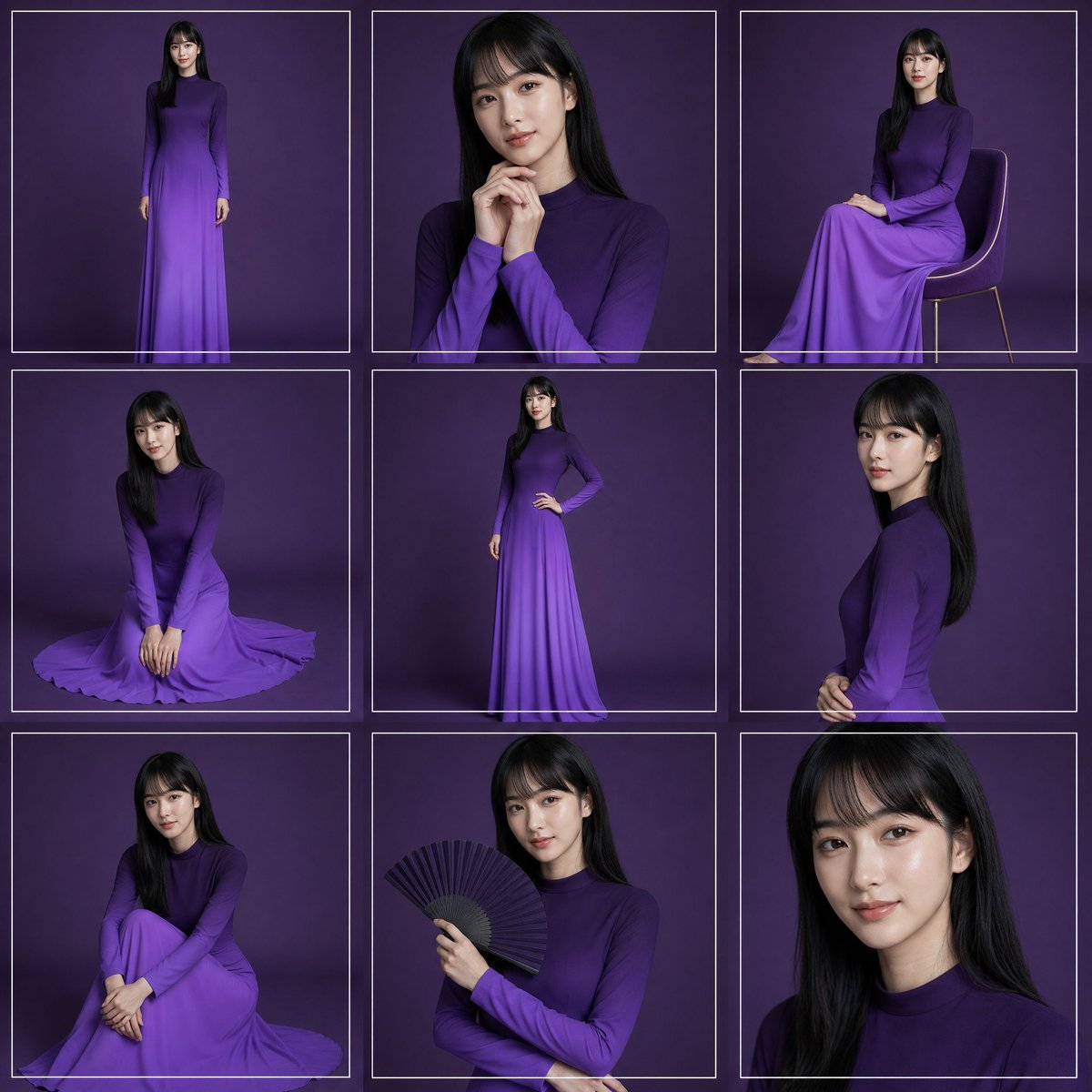
Purple Gown Fashion Contact Sheet
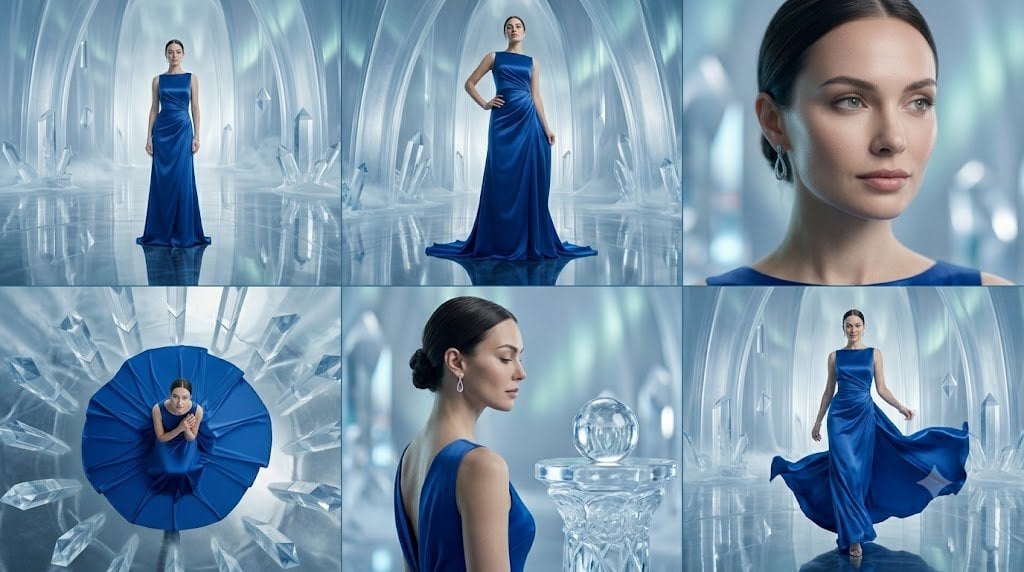
Crystal Palace Blue Gown Contact Sheet
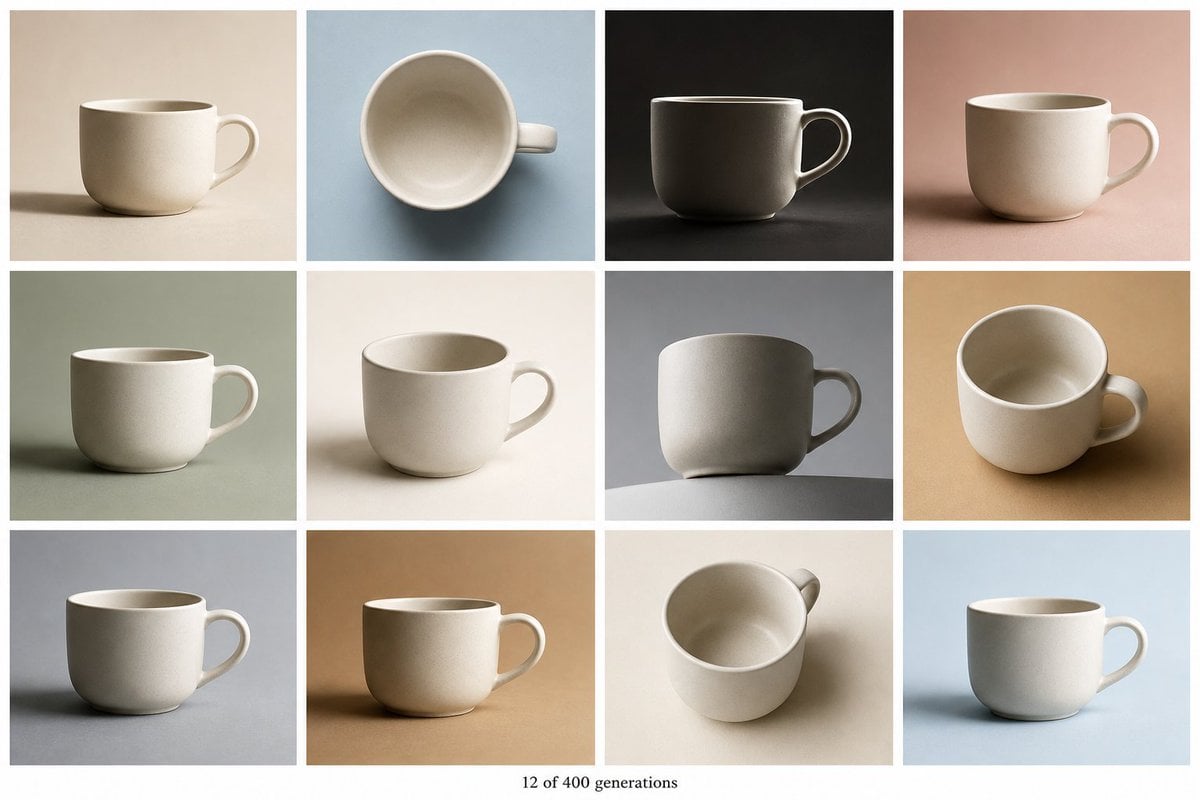
Tile Ceramic Mug Contact Sheet
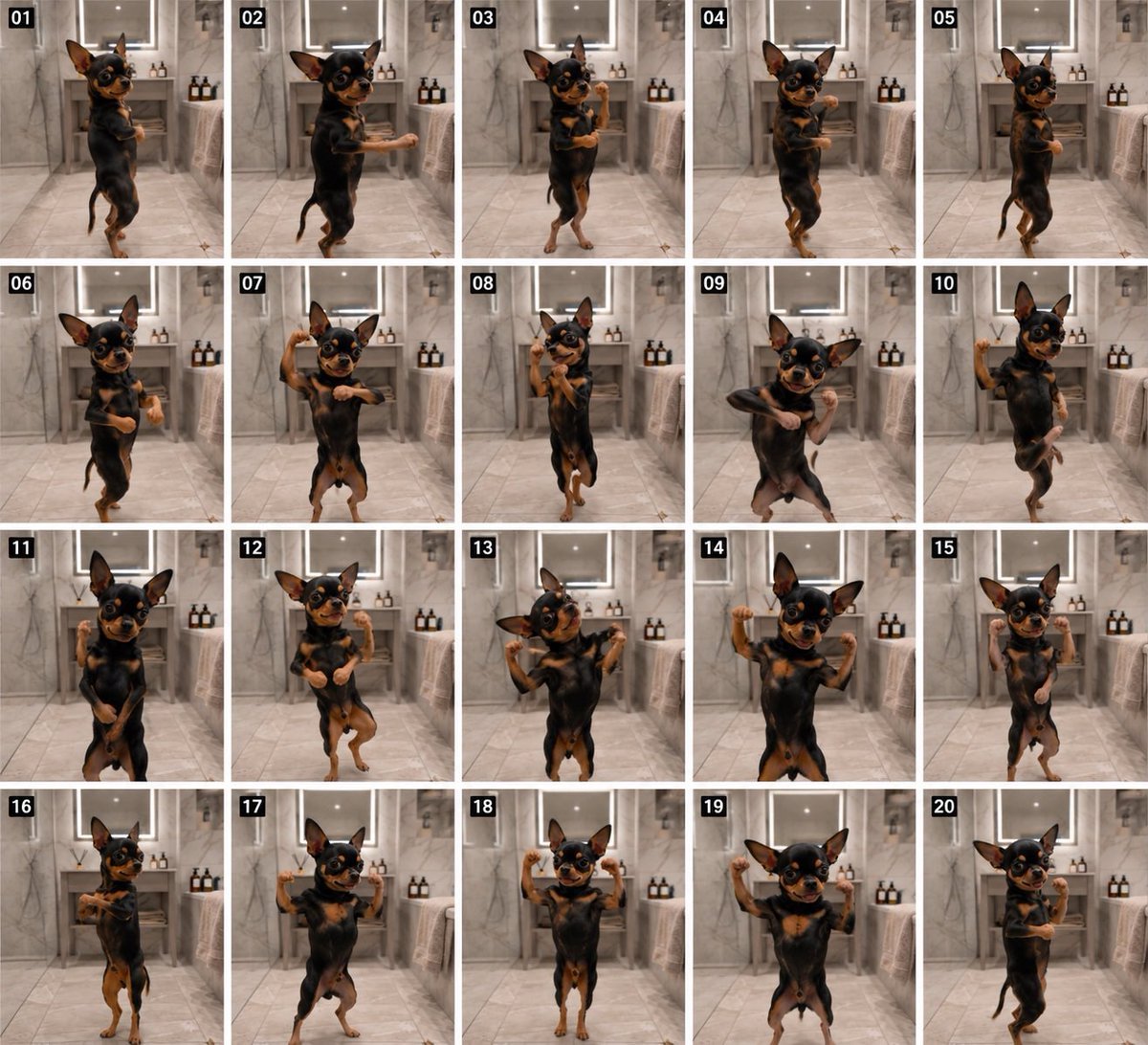
Dancing Chihuahua 20-Frame Contact Sheet
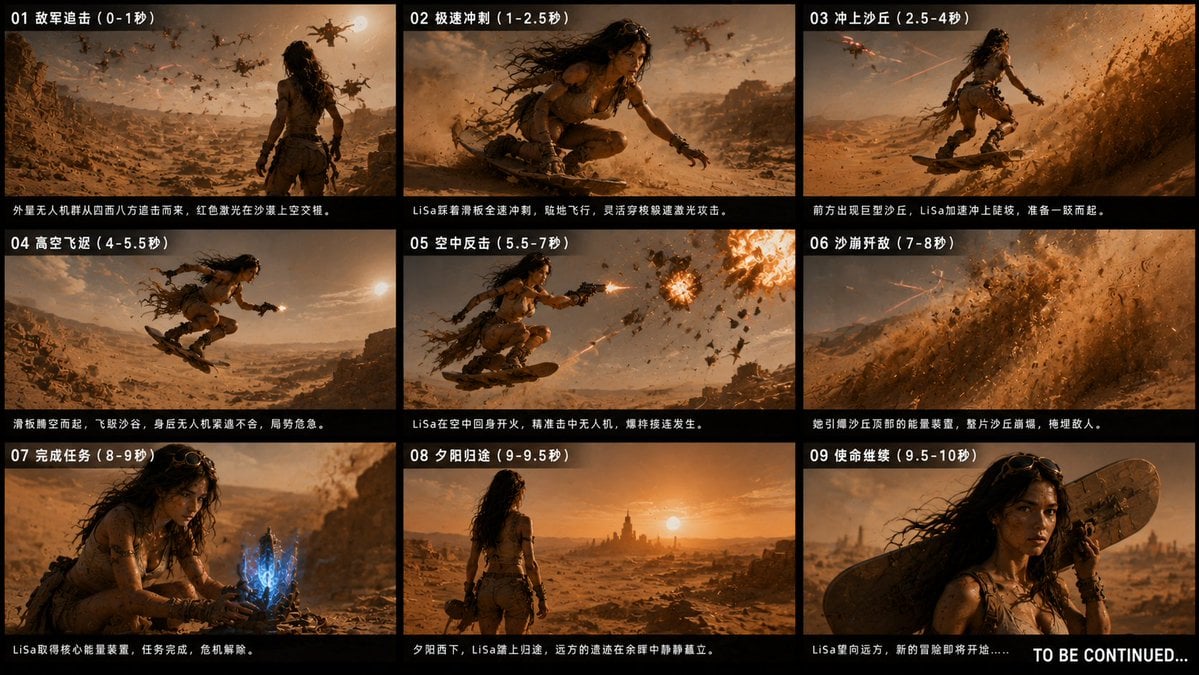
Desert Drone Chase Storyboard
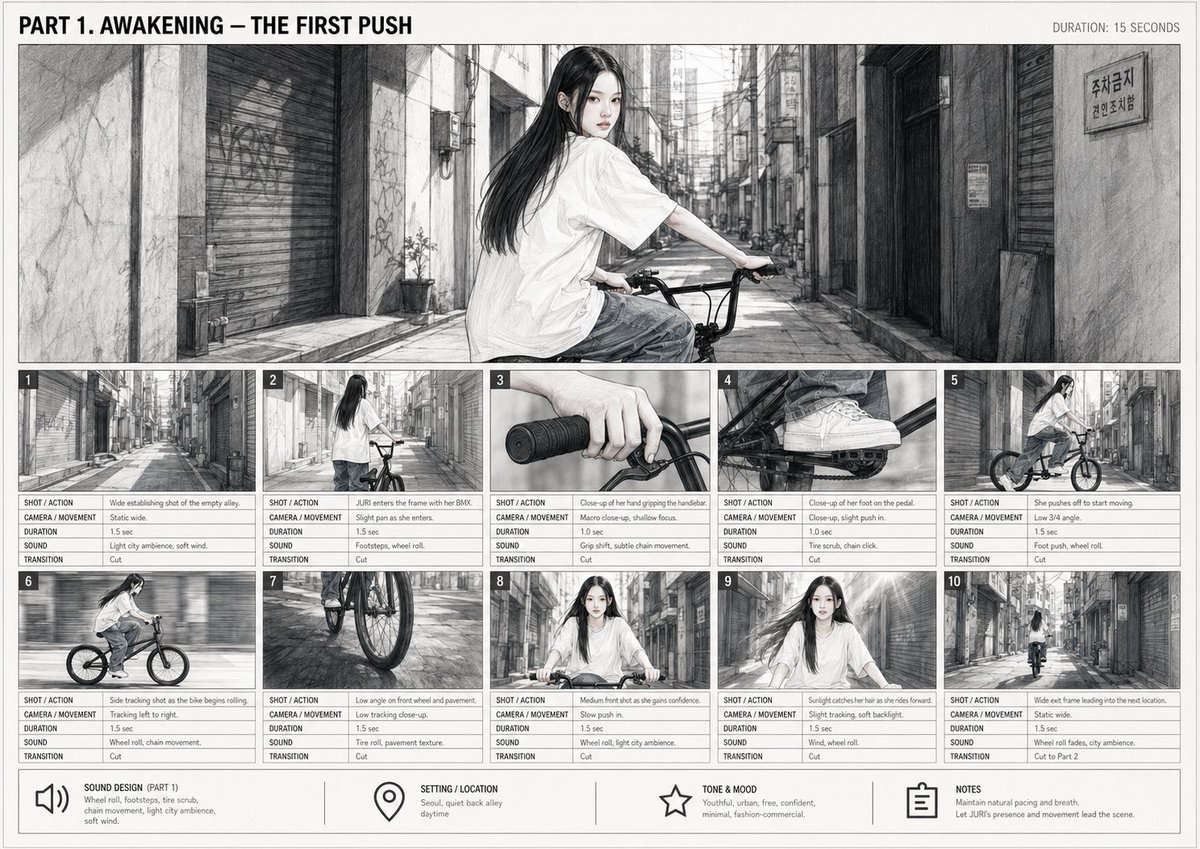
Cinematic BMX Storyboard Sheet
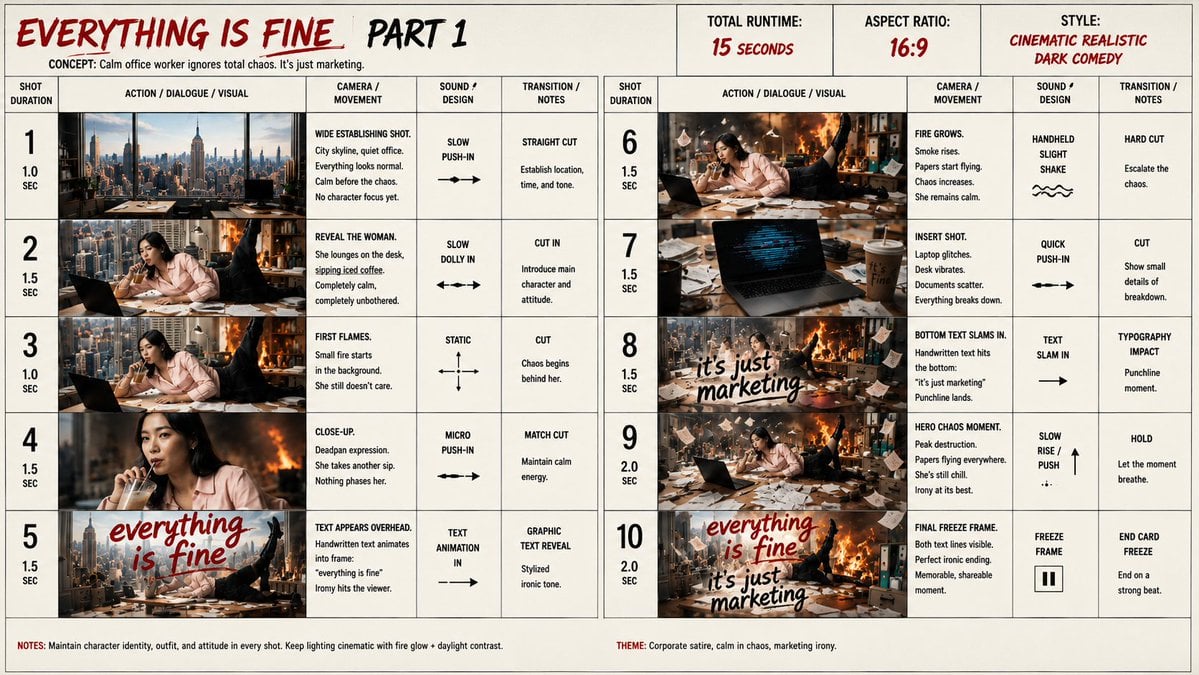
Everything Is Fine Storyboard Sheet
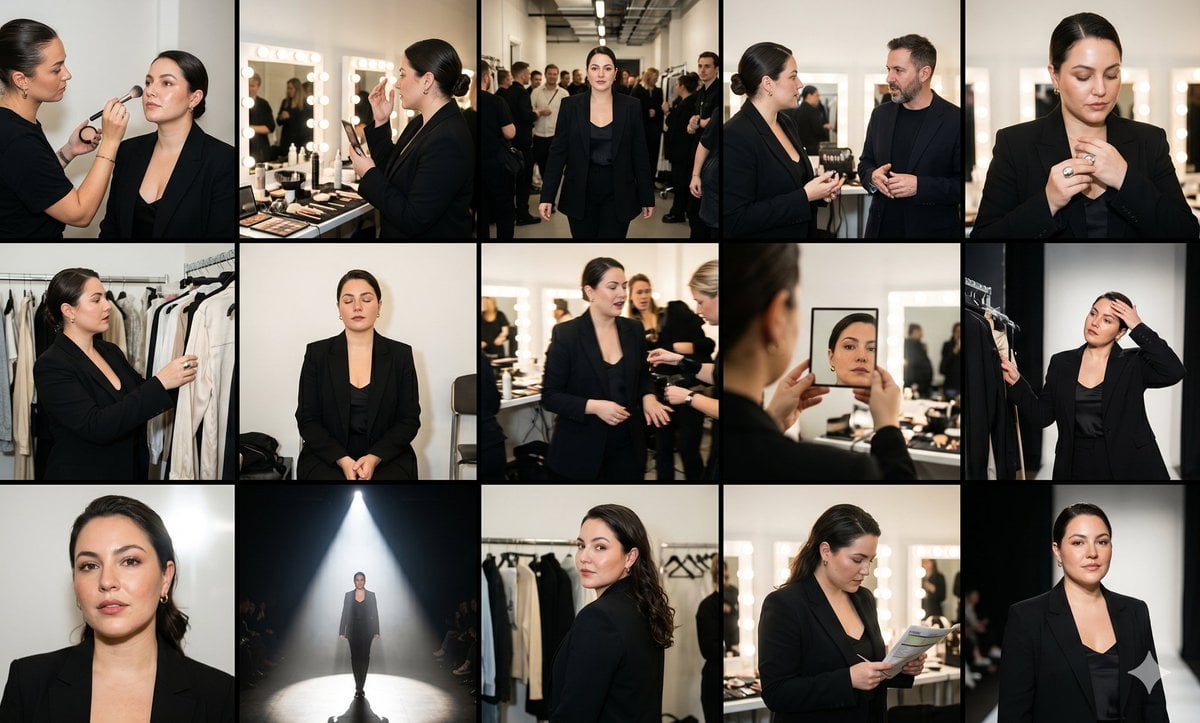
Fashion Week Backstage Contact Sheet
Make it yours
3×3 cinematic storyboard contact sheet from one input image works as-is. These are the safest ways to change it without losing the look.
Change one field
Copy a single group, rewrite it, and generate again so you can see what that field is doing.
Keep the frame, change the subject
Hold the composition and light of 3×3 cinematic storyboard contact sheet from one input image, then swap wardrobe, props or the person for a new take.
| If the result… | Why | Fix |
|---|---|---|
| The result drifts from the preview | Too many fields changed at once. | Reuse 3×3 cinematic storyboard contact sheet from one input image as-is first, then change one group — subject, light, or setting. |
| The model over-stylizes the scene | The prose prompt leaves finish and camera underspecified. | Add one camera or lighting sentence and stay on Nano Banana 2. |
More Nano Banana 2 templates
Other prompts made for Nano Banana 2.

Photorealistic Leaf Shaped Like a Dragon

K-Pop Idol Portrait Grid for Rapid Selection

Poetic Rain Forest Portrait During Golden Hour

Urban Street Portrait with Cartoon Inner Self Duo

Candid Nighttime Photo with Cat Prompt

High-Concept 3D Diorama Generation Prompt

Cinematic Futuristic Studio Portrait Template

Skincare Editorial Photography Collage Prompt

Hyper-Realistic Commercial Product Photography (Splash Effect)

Hyper-Realistic Nightclub Portrait Prompt
More image prompts
Fresh picks from across the catalog.
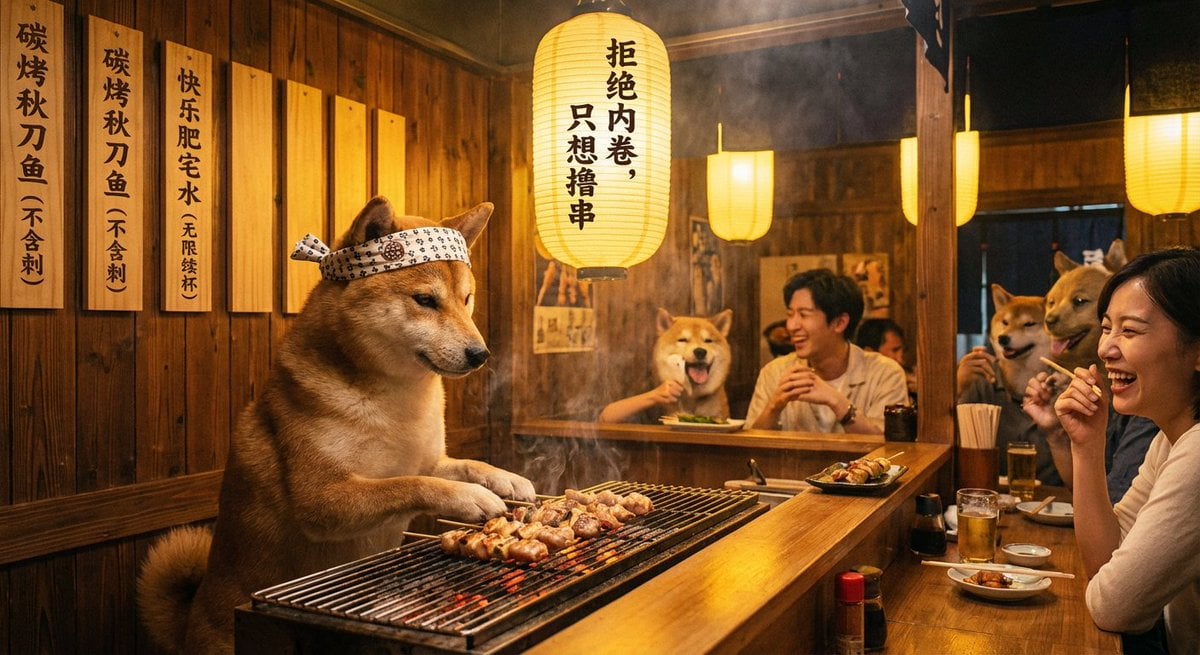
Classical Chinese poem illustration with text (duplicate)
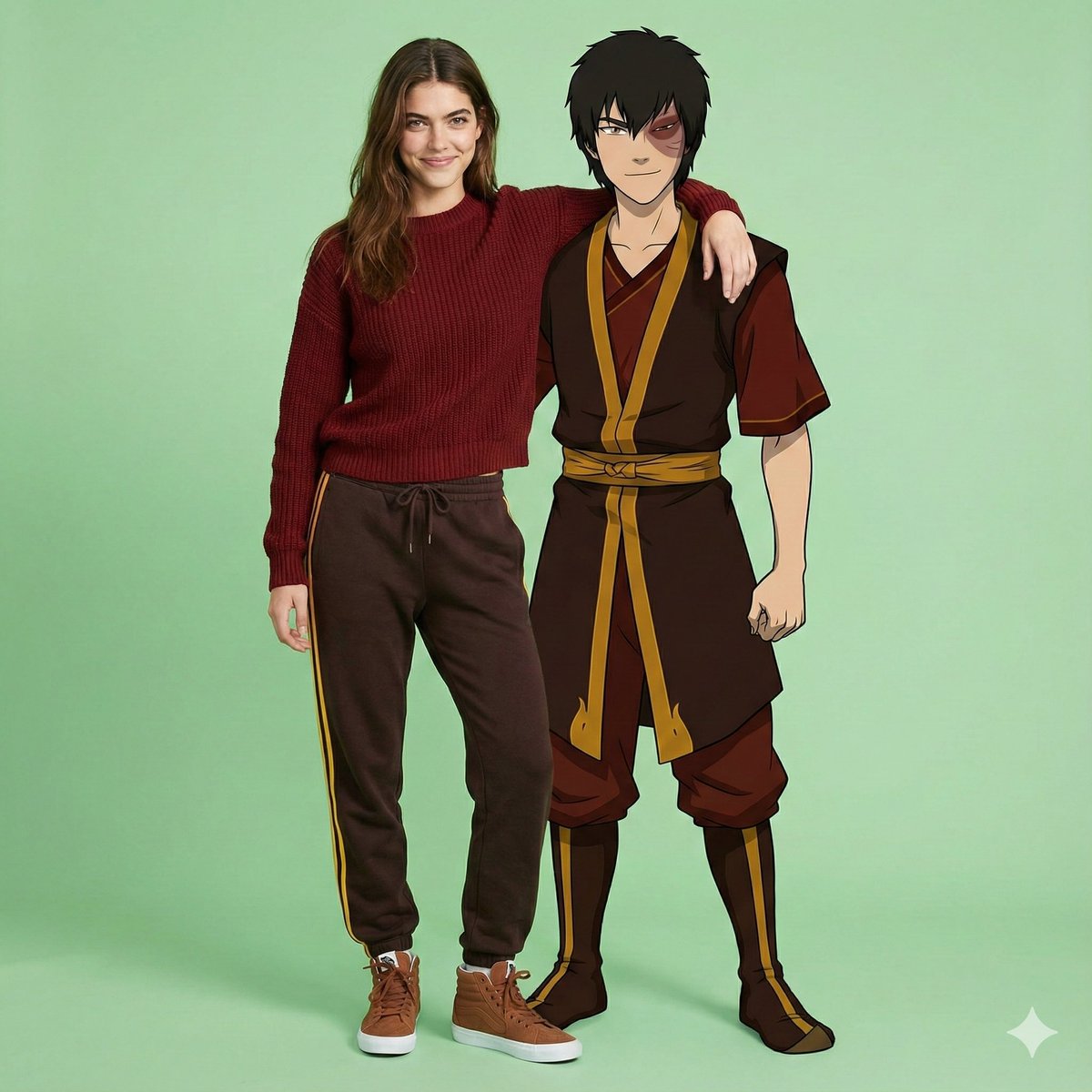
Avatar Zuko Fan Photo Prompt for Nano Banana Pro
Realistic Portrait of Man with Teddy Bear

Cinematic Winter Scene Prompt of Couple Throwing Snow
Korean Chibi Sticker Diary
Duo Panel Editorial with Identity Lock
Kawaii Anime Sticker Sheet
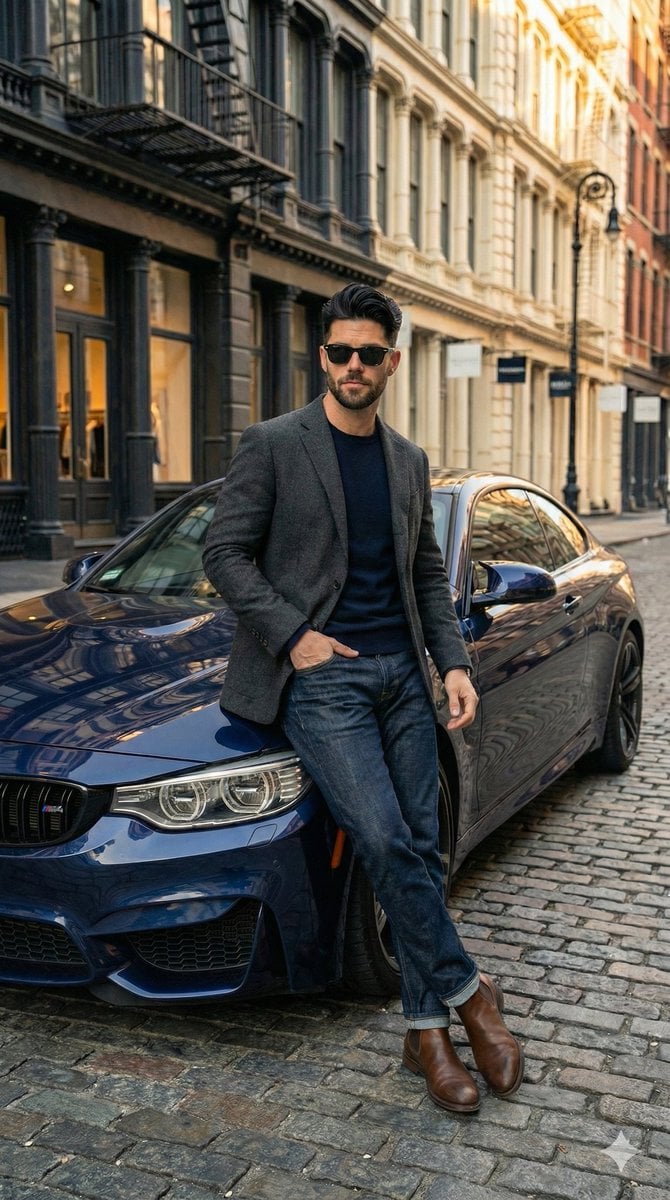
Hyper-Realistic Street View of Man Leaning on BMW
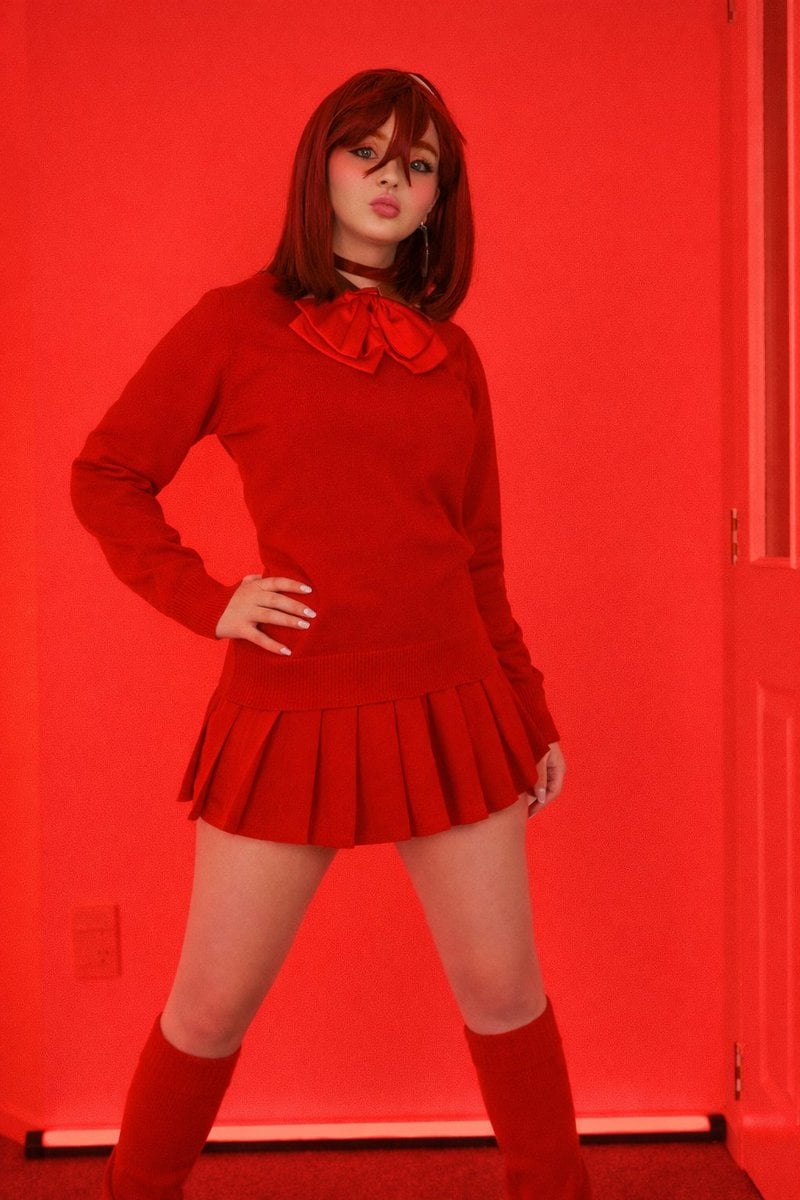
Bold Red Fashion Portrait
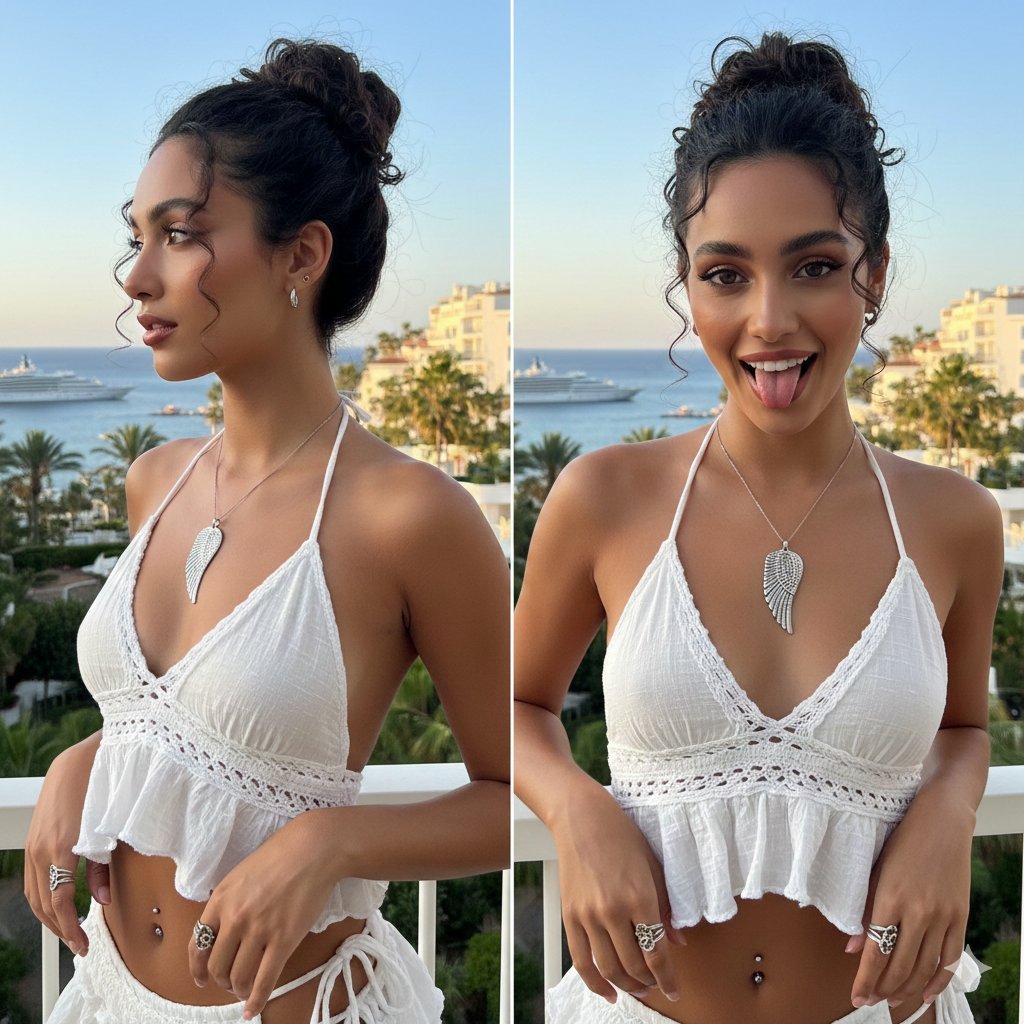
Coastal Chic Two-Panel Collage Portrait
Browse template categories
3×3 cinematic storyboard contact sheet from one input image questions
How do I use the 3×3 cinematic storyboard contact sheet from one input image template?
Add your photo if the template asks for one, edit the prompt if you like — the template's model and format are already selected — and press Generate. Your version opens in PicX Studio.
Can I customize the 3×3 cinematic storyboard contact sheet from one input image template?
Yes. You can change the subject, setting, lighting, mood, format, and available model controls before creating your image.
Is the 3×3 cinematic storyboard contact sheet from one input image template free?
Opening and editing this template is free. Generating uses credits, shown on the Generate button when you are signed in.
Which AI model should I use?
Start with Nano Banana 2, which is the model associated with this template. You can compare another compatible model for a different finish.
Looking for something else? Browse all templates.

Your photo, any look
Thousands of ready templates for every top image and video model, from one credit balance.