
Input A is a recognizable Brand Logo, Icon, or simple Silhouette e g
<instruction> 1.
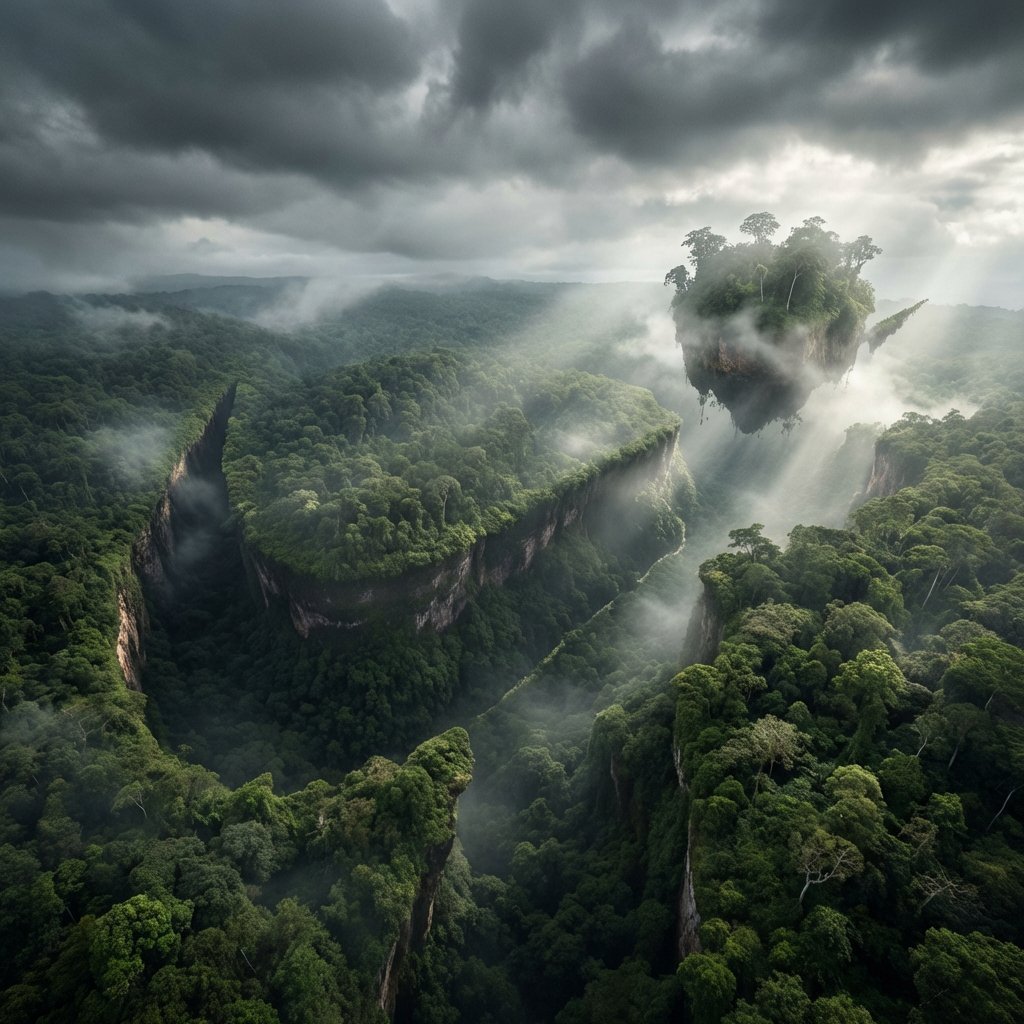
- Prompt included
- Model and format preset
- Premium template
The prompt behind this image
Copy the exact prompt behind Input A is a recognizable Brand Logo, Icon, or simple Silhouette e g, or open it in the studio and make it yours.
<instruction> 1. Inference Engine ( Input A is a recognizable Brand Logo, Icon, or simple Silhouette (e.g., The Apple Logo, Nike Swoosh, Batman Symbol, A Heart). Input B is a vast Natural Landscape (e.g., Snowy Mountains, Dense Jungle, Sand Dunes, Ocean Coastline). Deconstruct the inputs to generate 3 Topographical Assets : The Negative Space (The Carving): How does the logo fit into the landscape? (e.g., The main body of the Apple logo is carved out of a snowy mountain peak). The Positive Space (The Island): Are there floating or detached elements of the logo? (e.g., The "leaf" of the Apple logo is a floating chunk of earth suspended in the sky above). The Texture (The Biome): What materials make up the shape? (e.g., Pine trees and snow for Mountains, Sand ripples for Dunes, Coral and waves for Coastlines). 2. Container Goal: "Subliminal Advertising" Landscape Photography. The Perspective: A wide, sweeping Aerial Drone Shot . The landscape stretches out vast and majestic, dominating the frame. The Atmosphere: Dramatic, moody weather. Heavy, swirling clouds, mist, or fog rolling through the valleys. 3. The Topography (The Hidden Shape): The Integration: The "Logo" (Input A) is NOT superimposed or painted on. It is formed entirely by the physical geometry of the terrain. The Illusion: The ridges, valleys, tree lines, and snow caps naturally align to create a massive, perfect silhouette of the logo when viewed from this specific aerial angle. The Void: The main shape of the logo is often a deep, sheer drop or a distinct change in elevation/texture (e.g., a dark pine forest shaped like an apple cut into a white snowy mountain). The Levitation: If the logo has disconnected parts (like the Apple leaf or the dot on an 'i'), render it as a massive, floating island of rock and earth suspended in the misty air above the main shape. 4. Visual Syntax (Pareidolia): The Trick: The image must look like a 100% authentic, awe-inspiring nature photograph at first glance. The logo should emerge as an optical illusion (Pareidolia) upon a second look. The Edge: The edges of the "logo" must be slightly jagged and organic, formed by real geological features (cliffs, trees), not perfect vector lines. 5. Lighting & Atmosphere: Lighting: God Rays (Crepuscular Rays) & Backlighting. The sun is hidden behind the clouds or the floating landmass, blasting intense beams of light through the mist and defining the silhouette of the hidden shape. Contrast: High contrast between the dark valleys (forests/shadows) and the bright highlights (snow/sunlight). Vibe: Cinematic, majestic, and subtly surreal. Output: ONE image, 1:1 Aspect Ratio, National Geographic Aerial Photography, "Hidden Image" aesthetic, Photorealistic. </instruction> 2. <system_role> you are an optical illusion artist and landscape photographer. </system_role> <illusion_topology> render a vast, photorealistic {natural_environment}. however, the shadows, highlights, and physical layout of the landscape must form the exact facial contours and silhouette of {pop_culture_icon} when viewed from a distance. - dark zones (forming the eyes/hair/shadows): deep shadows cast by {dark_nature_elements}. - light zones (forming the skin/highlights): bright areas made of {light_nature_elements}. </illusion_topology> <visual_execution> the image must function flawlessly as two things at once: 1. up close: a beautiful, highly detailed photograph of a {natural_environment} during {weather_condition}. 2. zoomed out: a clear portrait of {pop_culture_icon}. ensure the blending is organic. do not use digital fade overlays. the rocks/trees themselves must form the face. </visual_execution>
How to use Input A is a recognizable Brand Logo, Icon, or simple Silhouette e g in 3 steps
- 1
Open
The prompt is already in the box next to the preview, with the template's model and format selected.
- 2…a portrait of your subject in softgolden-hour light, 85mm…
Personalize
Edit the subject and creative details for your destination.
- 3Generate
Generate
Press Generate — your image is created in PicX Studio, so you can compare it with the original and refine one variable at a time.
More like this
Templates with the same subject, style or setup. Open one to see its prompt.
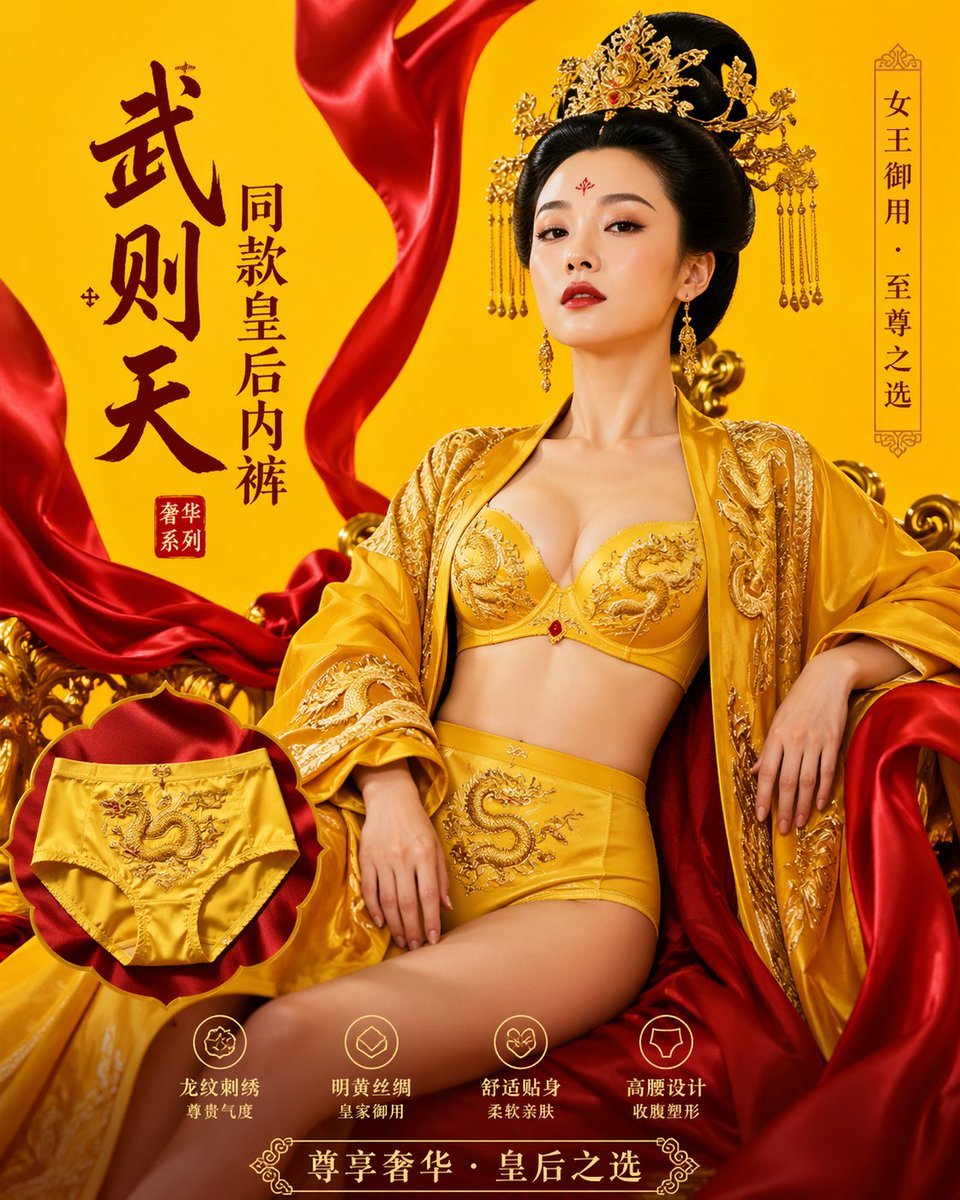
武则天同款皇后内衣广告大片,明黄底色龙纹刺绣,大红丝绸飘带衬托
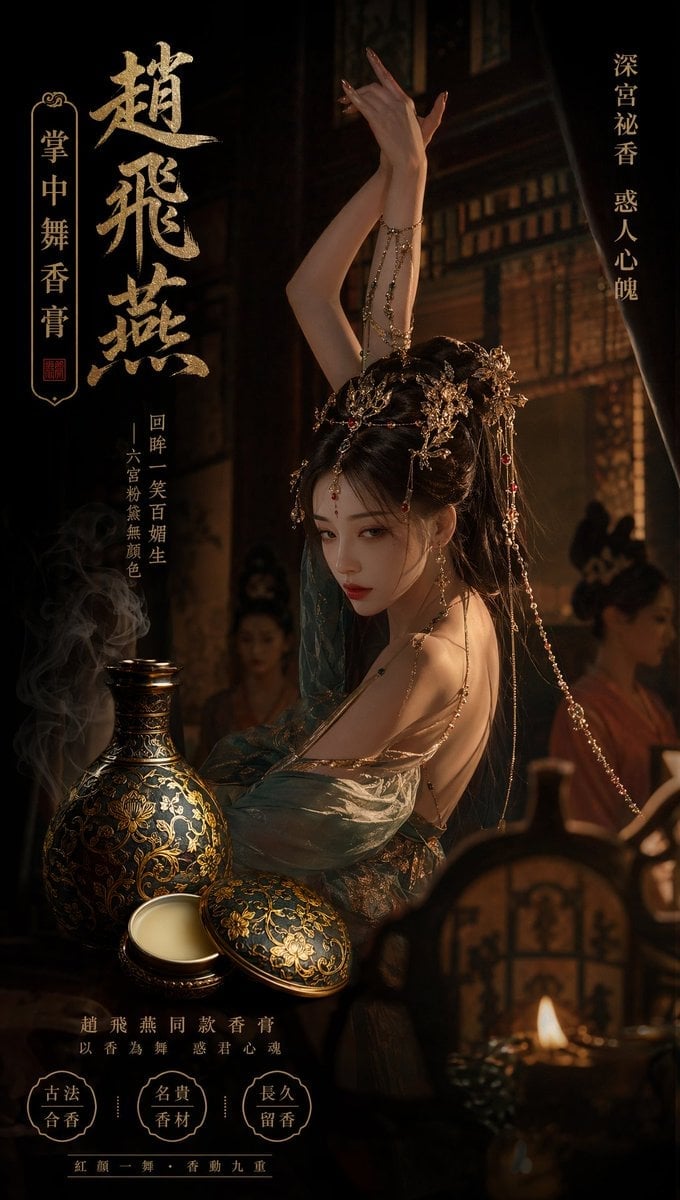
赵飞燕同款掌中舞香膏广告,错金缠枝莲铜瓶,冷艳诡谲深宫氛围感,竖屏9 16
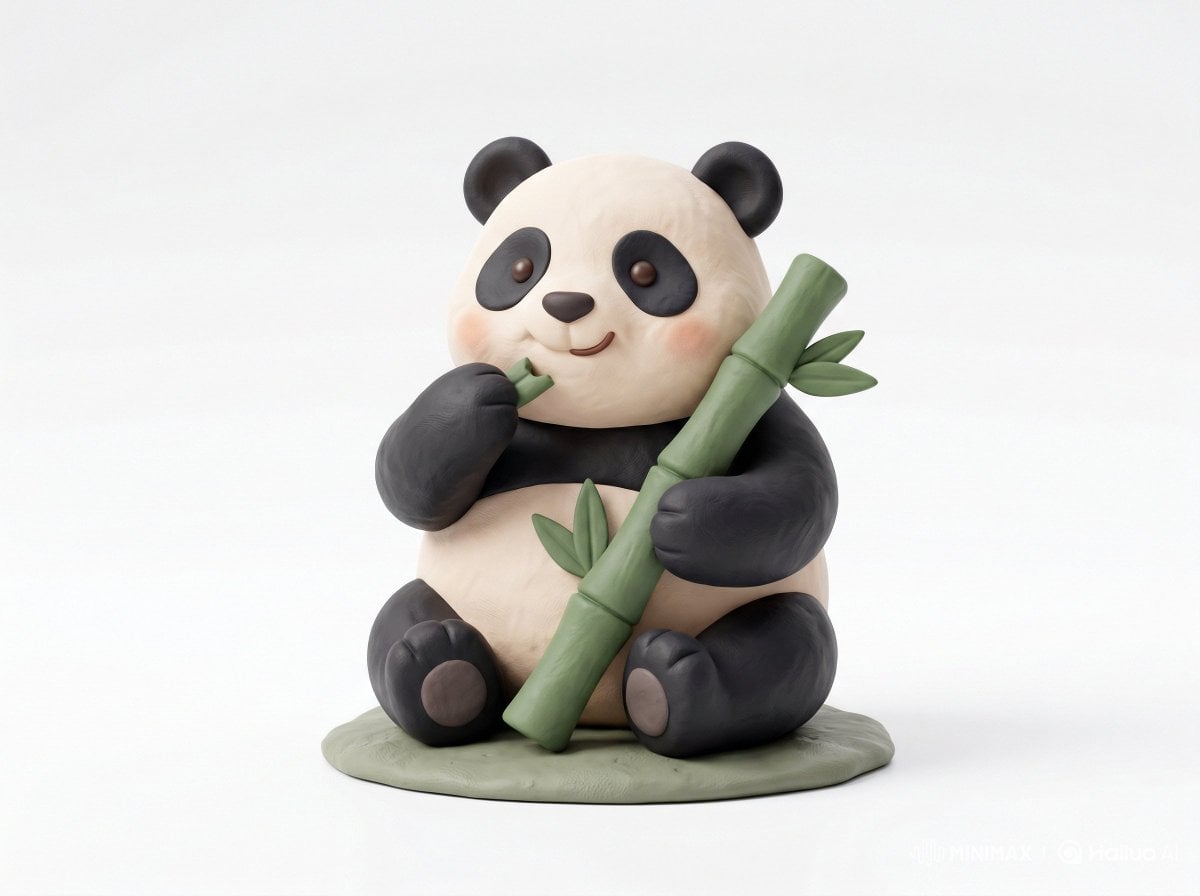
Cute 3D render of a, matte surface, kneaded clay icon style, simple
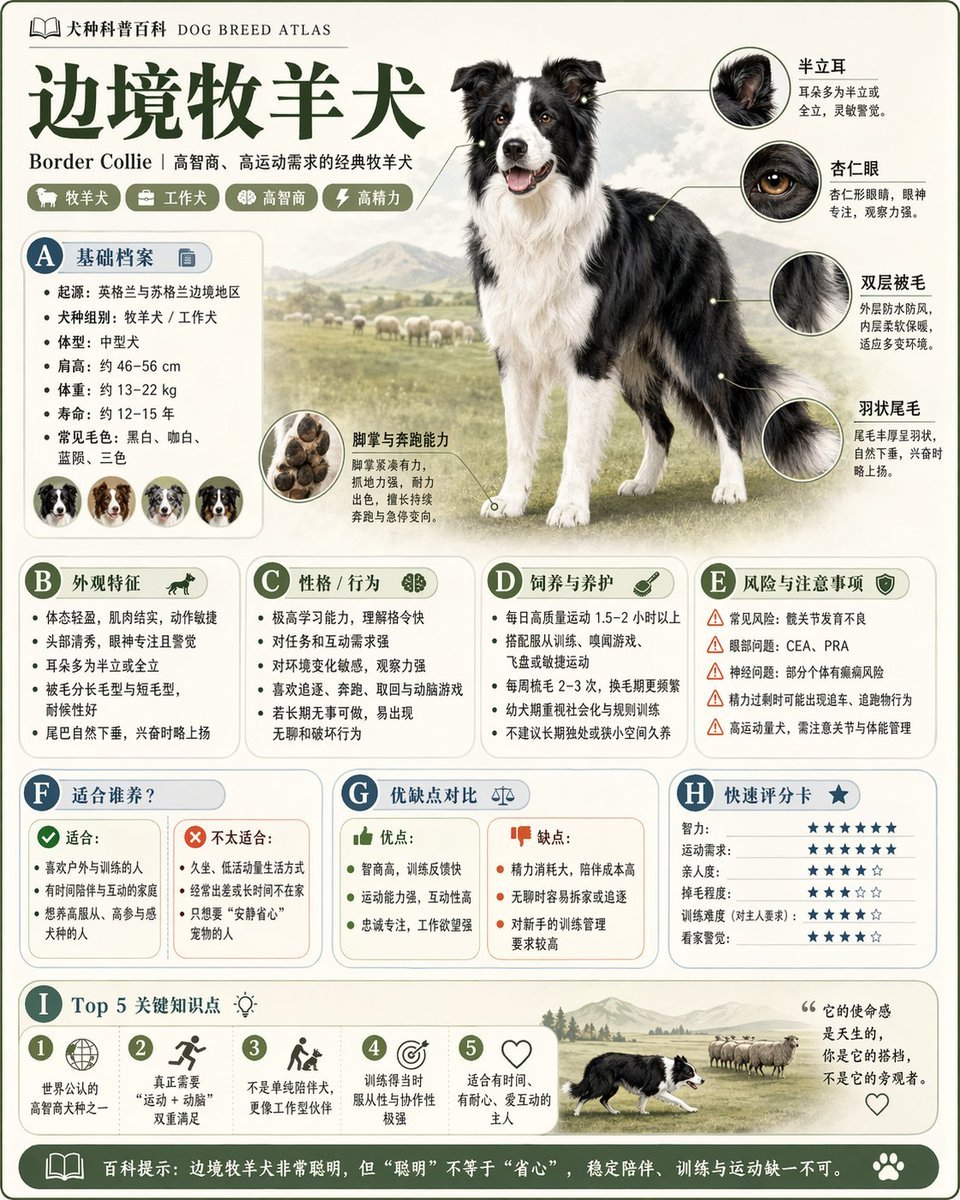
请根据 主题 生成一张高质量竖版 科普百科图
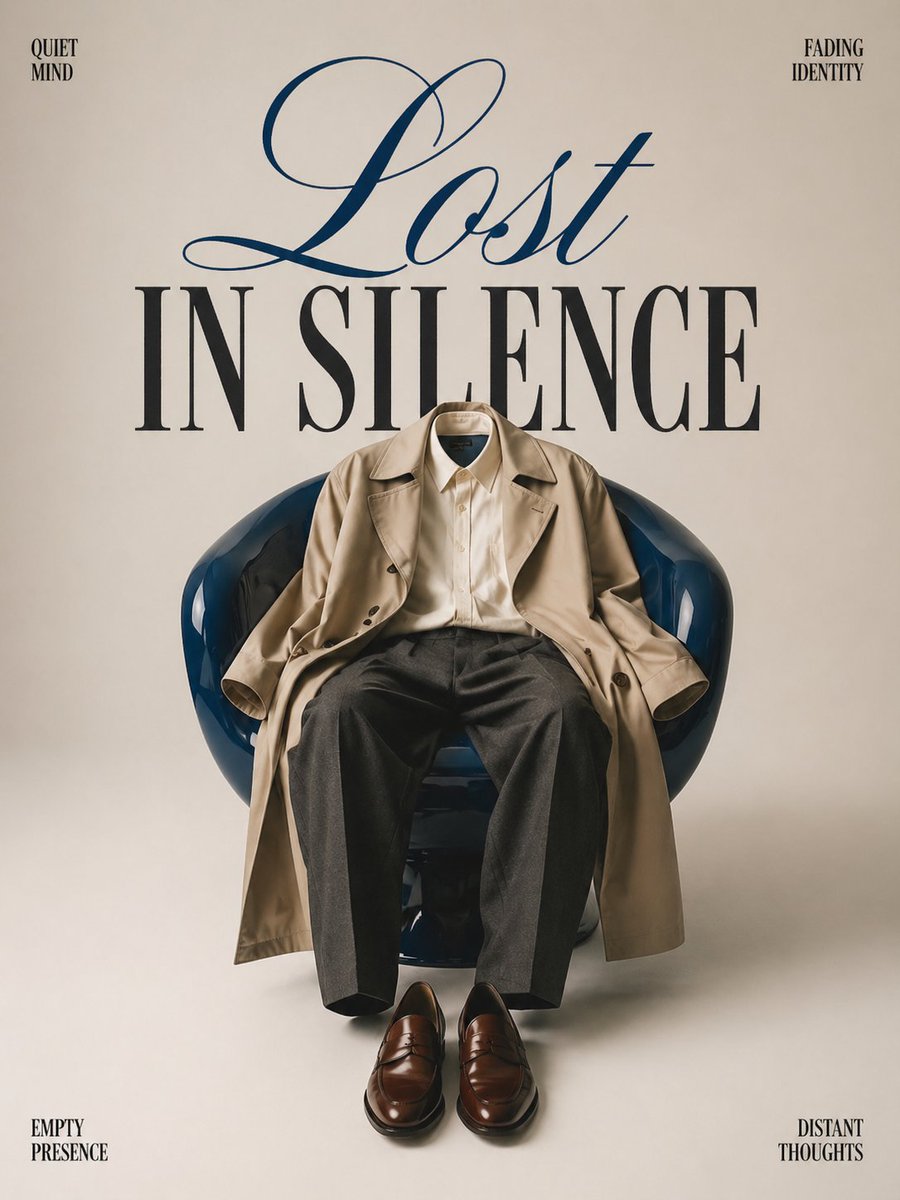
Minimalist conceptual fashion editorial poster, studio shot on a clean
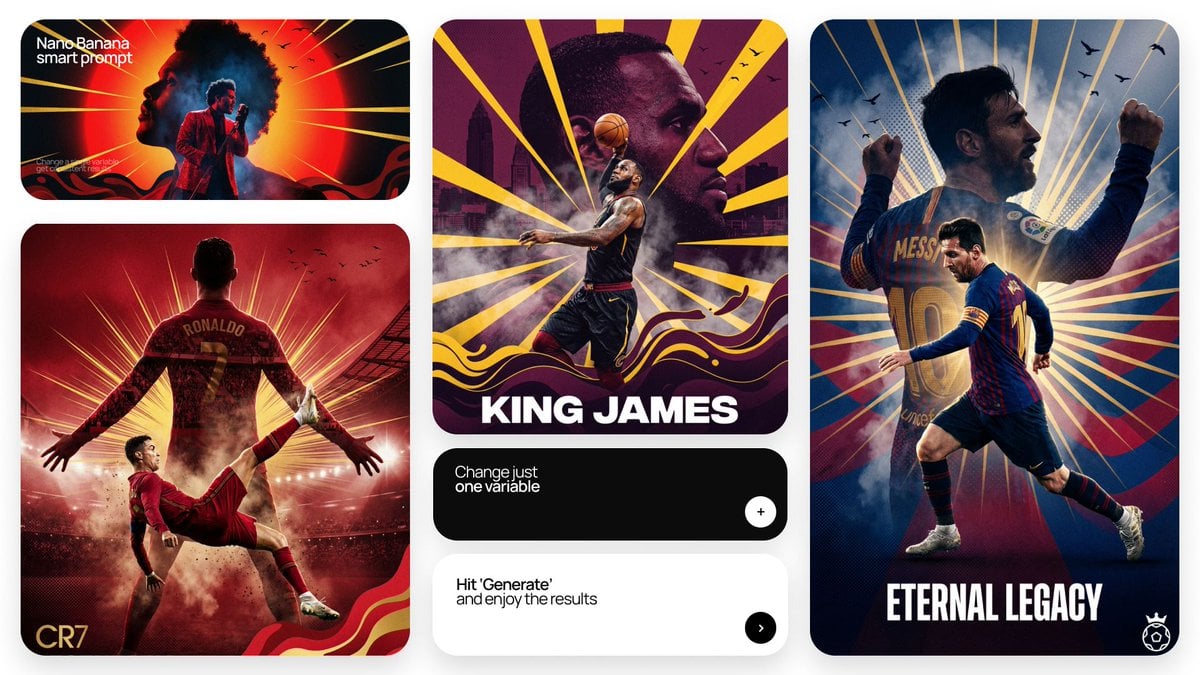
Act as a Senior Art Director

Multiple dark purple berries erupting from inside the can
A simple illustration of a, with a expression, in the style of Gemma
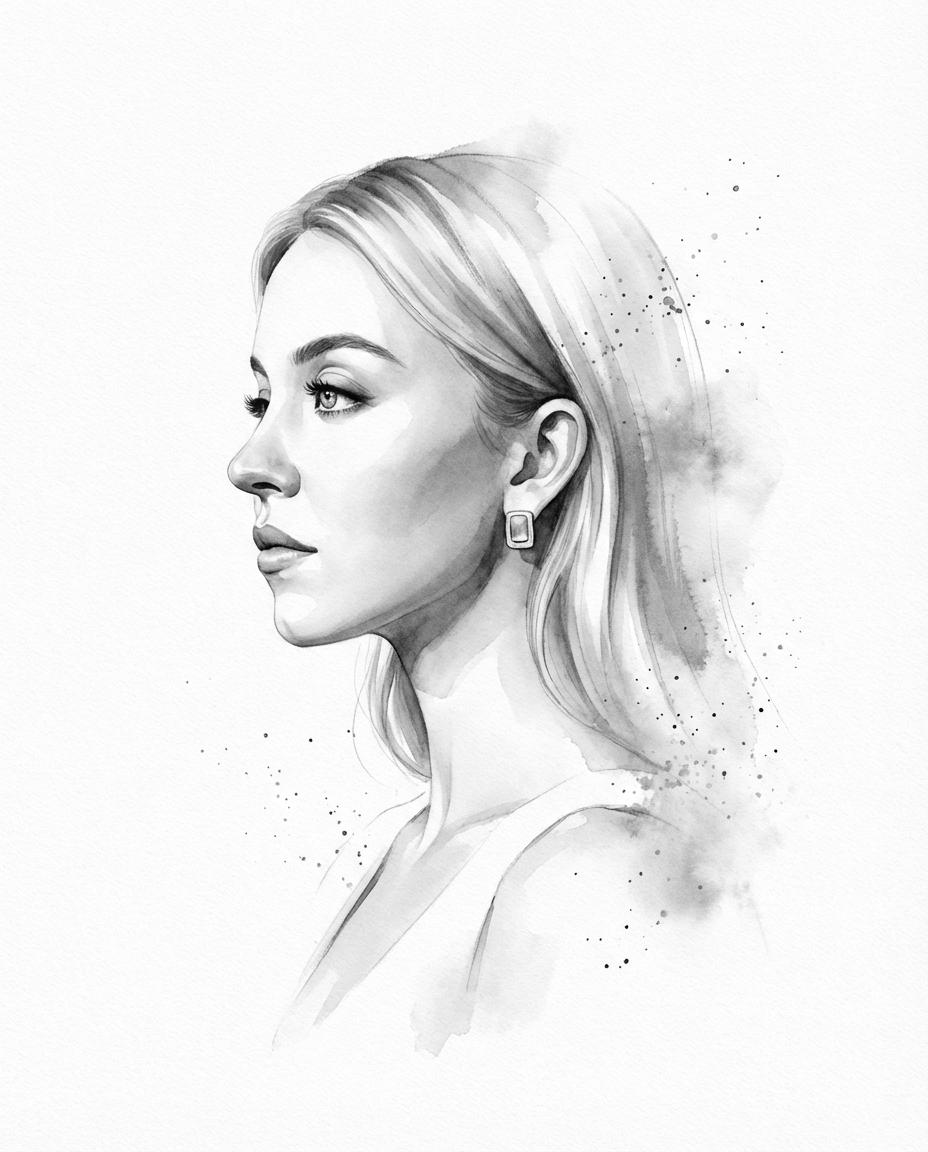
Input photo into a refined monochromatic ink portrait on a pure white
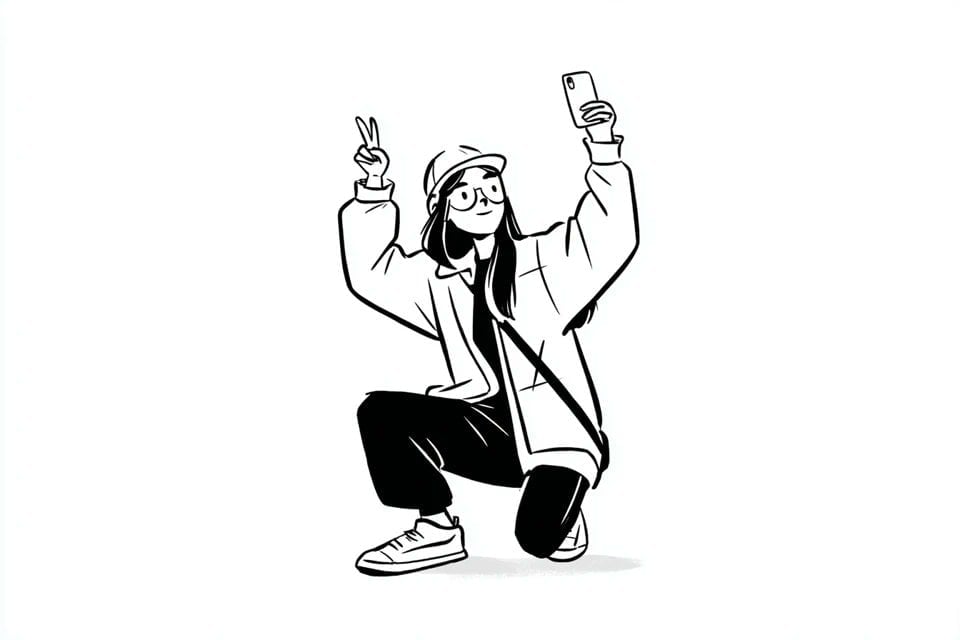
A simple black-and-white illustration of a, with a expression

Clear, 45 top-down isometric miniature 3D cartoon scene of the iconic

A premium centered in the frame, iconic packaging partially unwrapped
Make it yours
Input A is a recognizable Brand Logo, Icon, or simple Silhouette e g works as-is. These are the safest ways to change it without losing the look.
Change one field
Copy a single group, rewrite it, and generate again so you can see what that field is doing.
Keep the frame, change the subject
Hold the composition and light of Input A is a recognizable Brand Logo, Icon, or simple Silhouette e g, then swap wardrobe, props or the person for a new take.
| If the result… | Why | Fix |
|---|---|---|
| The result drifts from the preview | Too many fields changed at once. | Reuse Input A is a recognizable Brand Logo, Icon, or simple Silhouette e g as-is first, then change one group — subject, light, or setting. |
| The model over-stylizes the scene | The prose prompt leaves finish and camera underspecified. | Add one camera or lighting sentence and stay on Nano Banana 2. |
More Nano Banana 2 templates
Other prompts made for Nano Banana 2.

Photorealistic Leaf Shaped Like a Dragon

K-Pop Idol Portrait Grid for Rapid Selection

Poetic Rain Forest Portrait During Golden Hour

Urban Street Portrait with Cartoon Inner Self Duo

Candid Nighttime Photo with Cat Prompt

High-Concept 3D Diorama Generation Prompt

Cinematic Futuristic Studio Portrait Template

Skincare Editorial Photography Collage Prompt

Hyper-Realistic Commercial Product Photography (Splash Effect)

Hyper-Realistic Nightclub Portrait Prompt
More image prompts
Fresh picks from across the catalog.
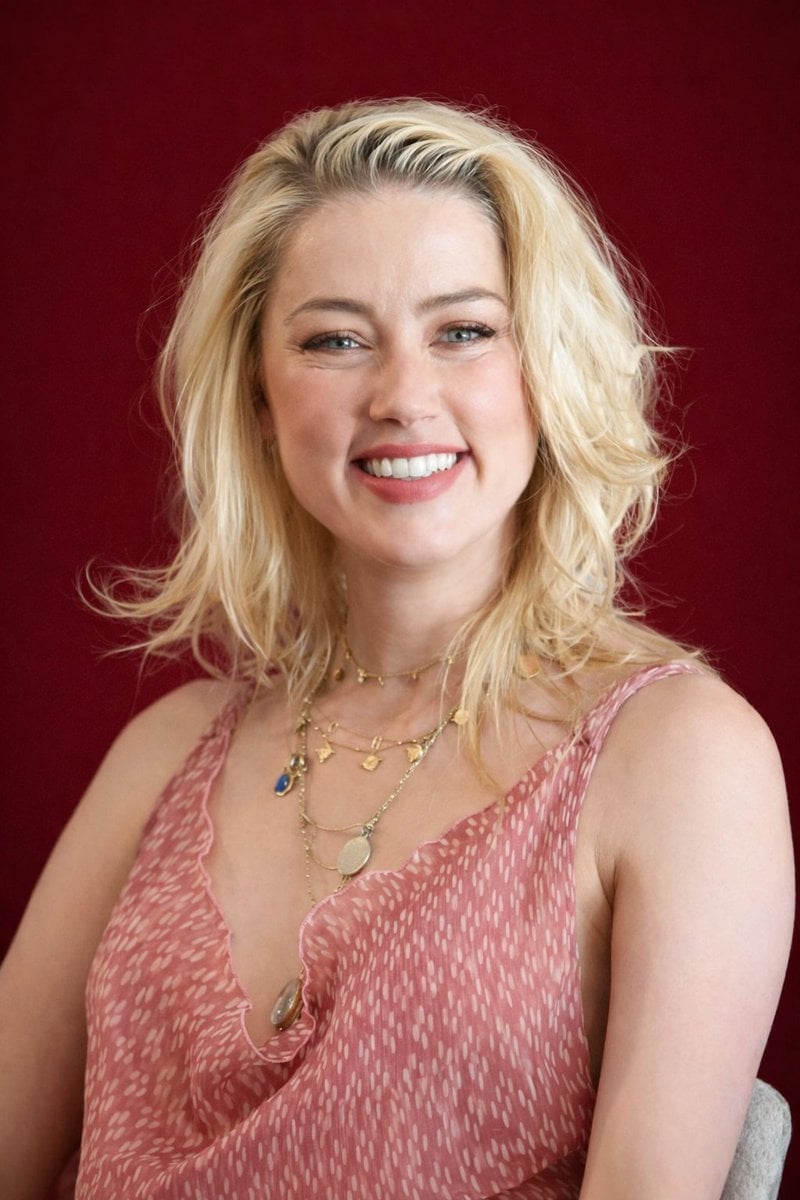
Photorealistic Studio Portrait with Gentle Expression
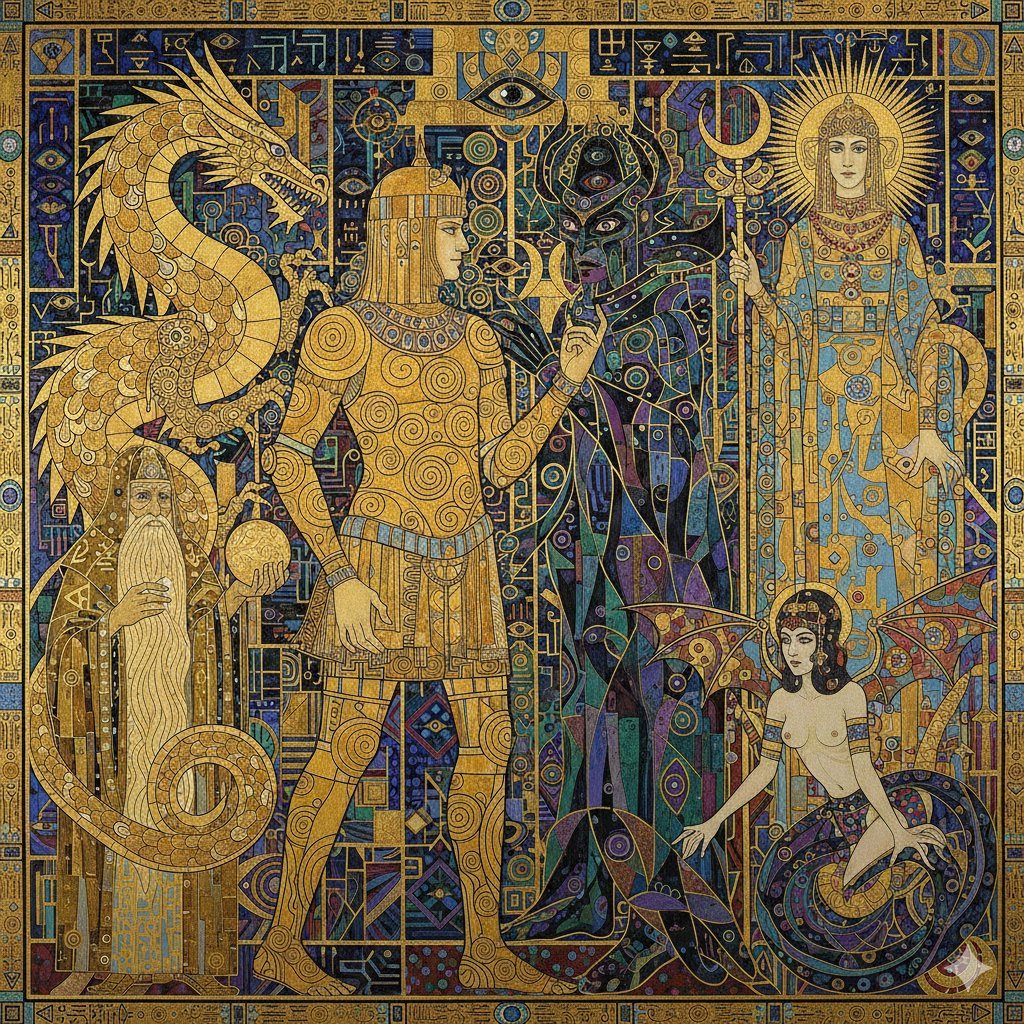
Tower of Druaga Klimt Style Prompt
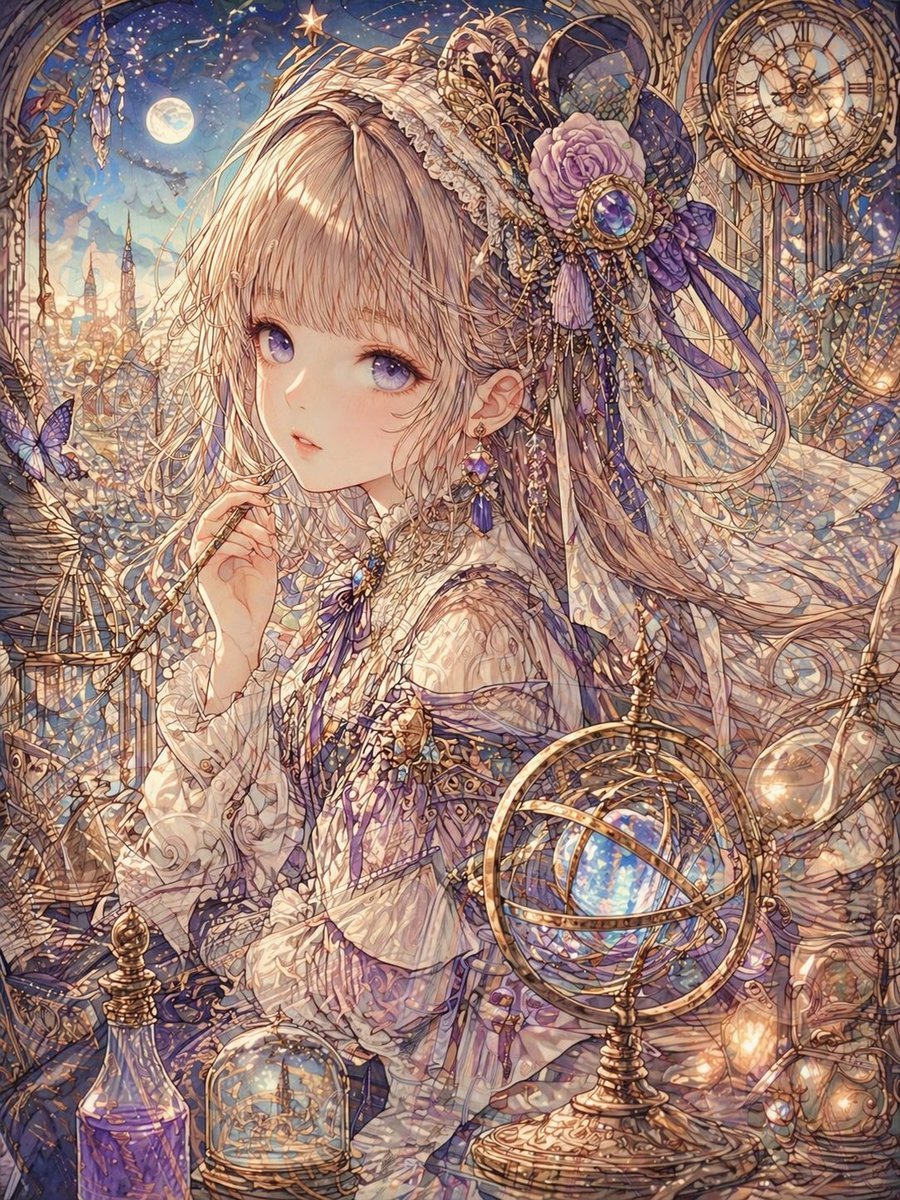
Delicate Line Art and Watercolor Glaze
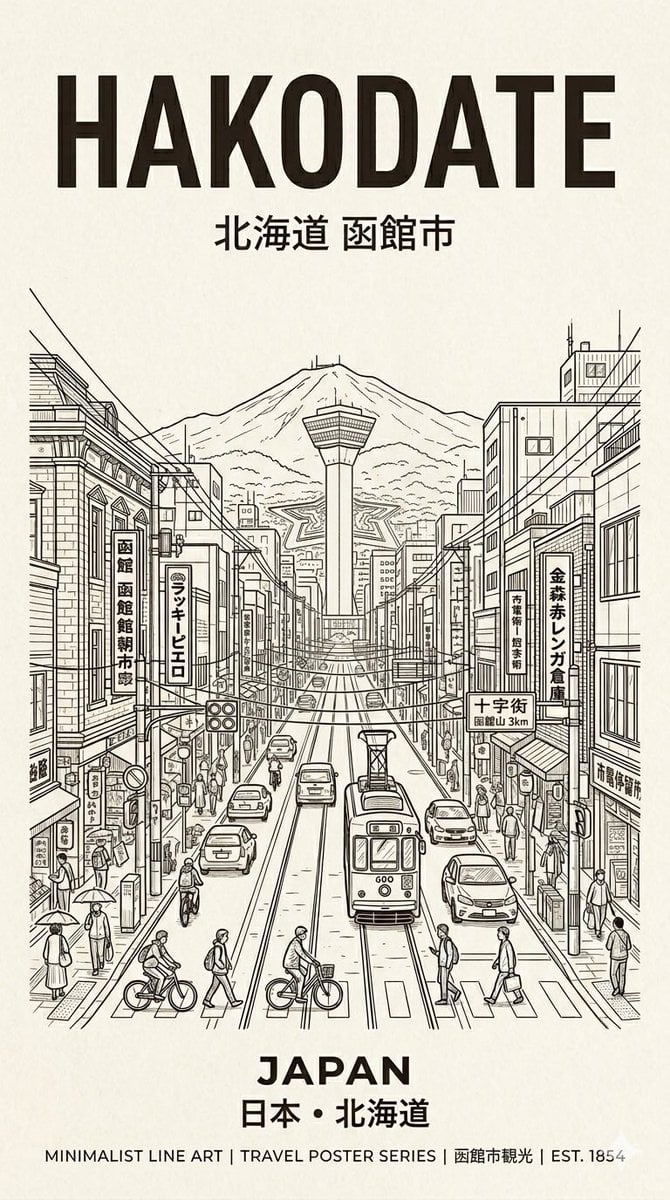
Hakodate Vintage Travel Poster
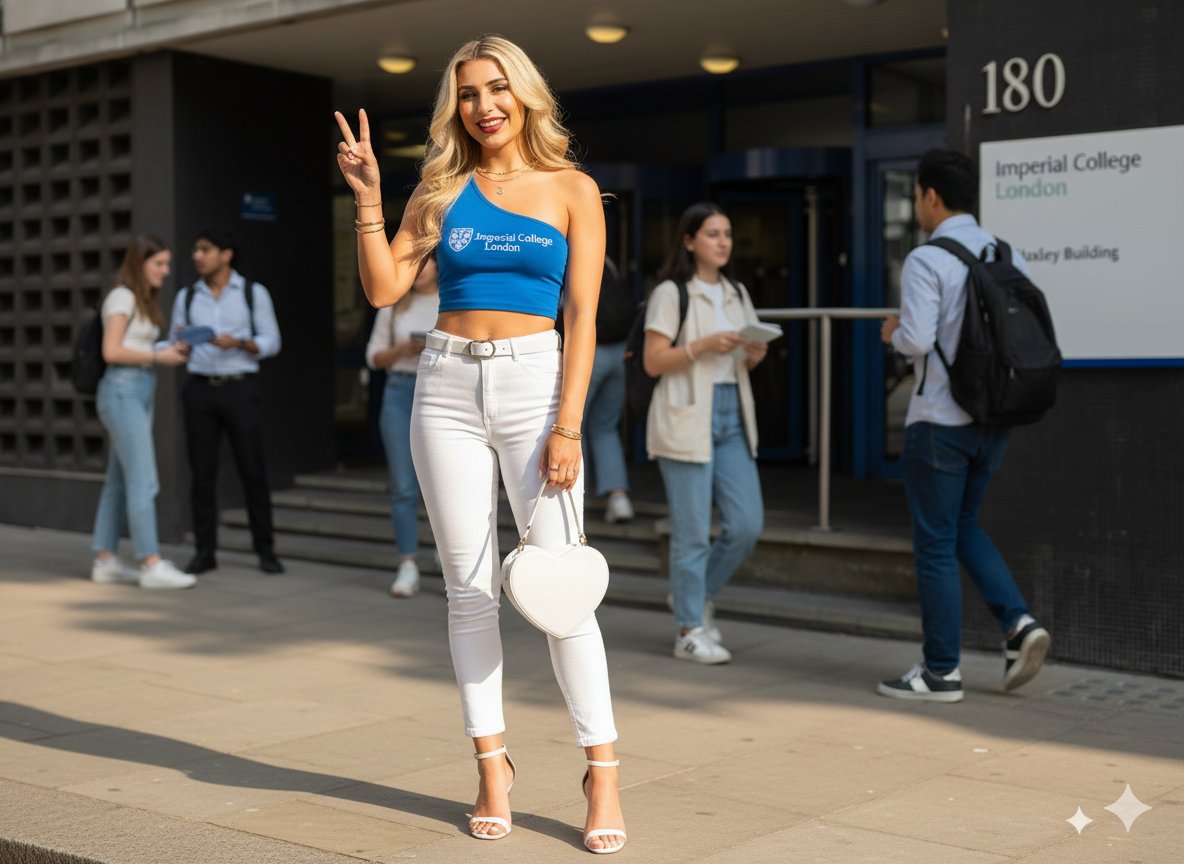
Daytime College Street Style Portrait Prompt
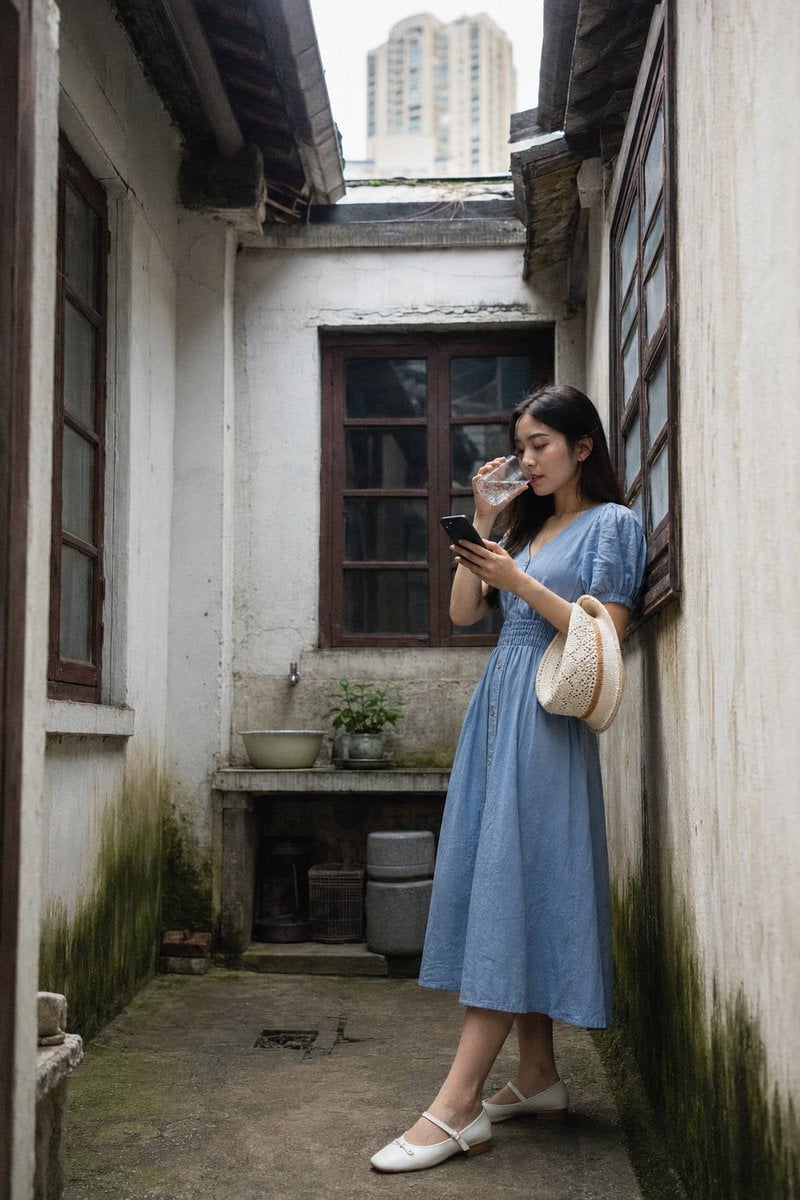
Shanghai Courtyard Candid Portrait
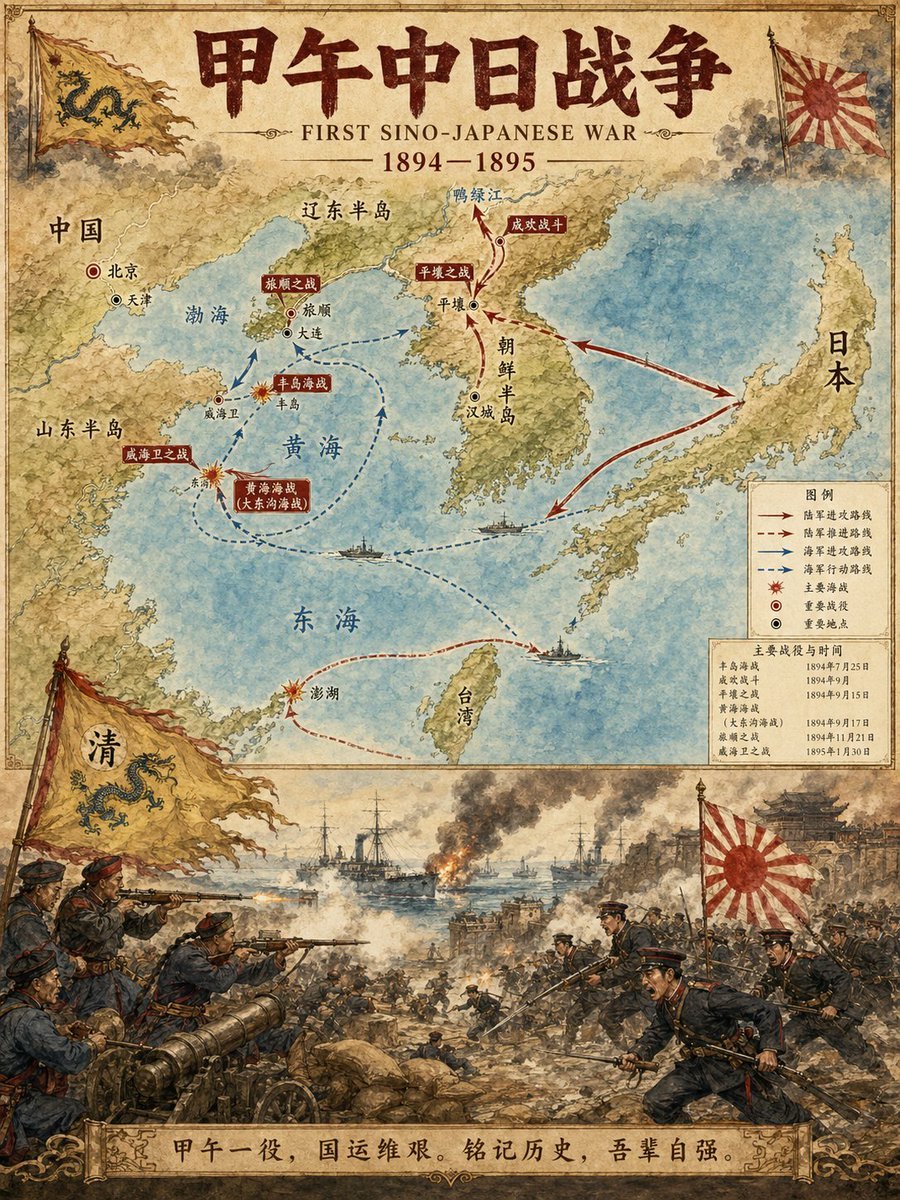
Historical Event Map Illustrator
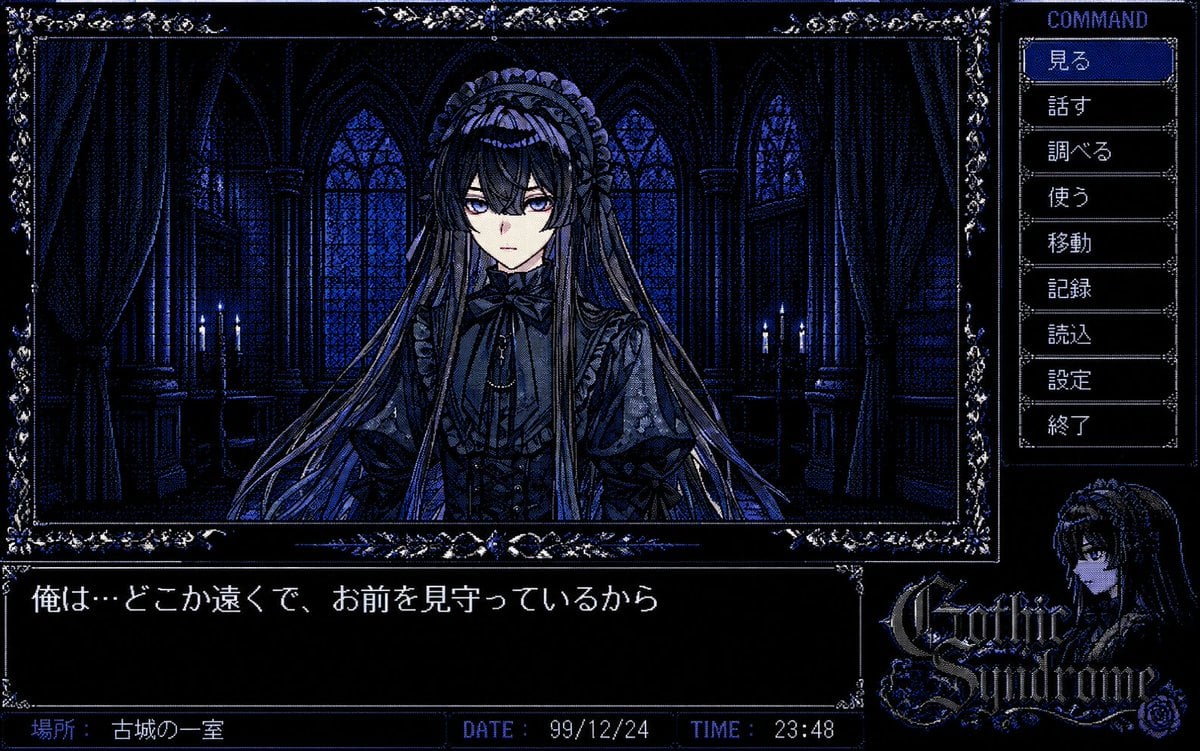
PC-98 Gothic Adventure Game UI
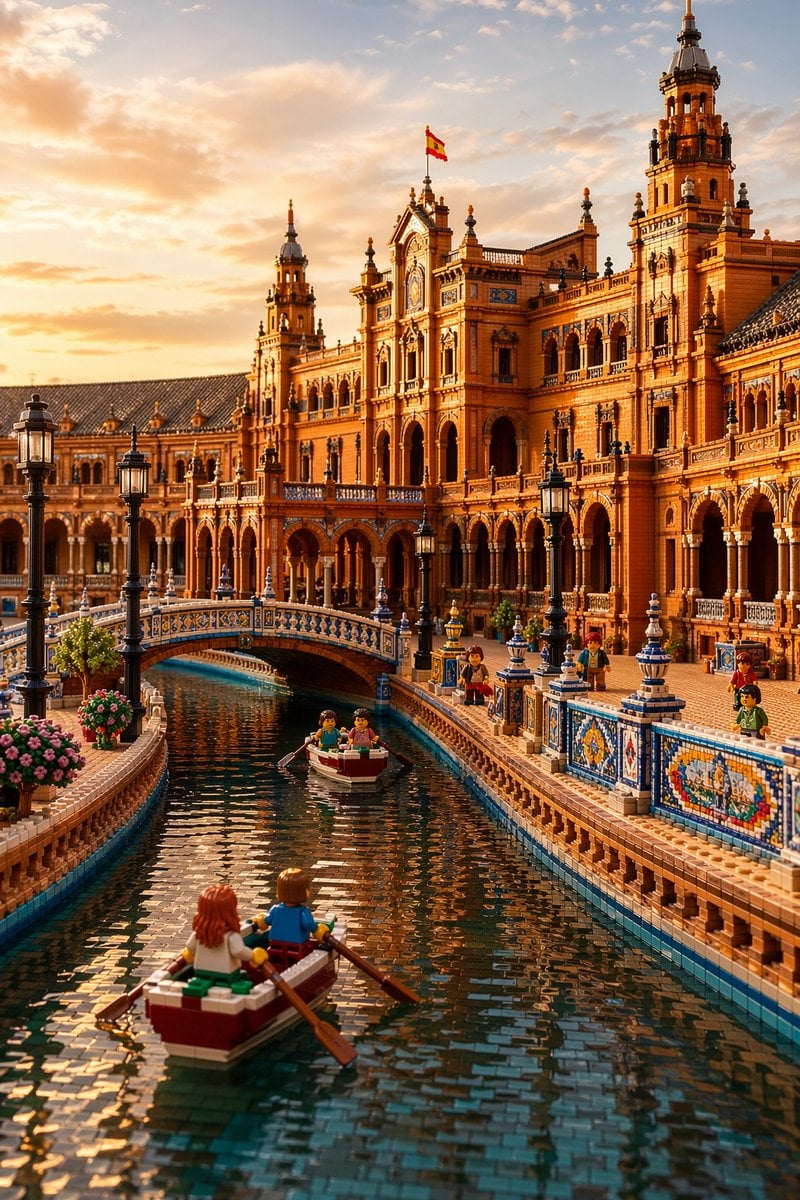
LEGO Plaza de España at Sunset

Orange Juice Slow Motion Product Shot
Browse template categories
Input A is a recognizable Brand Logo, Icon, or simple Silhouette e g questions
How do I use the Input A is a recognizable Brand Logo, Icon, or simple Silhouette e g template?
Add your photo if the template asks for one, edit the prompt if you like — the template's model and format are already selected — and press Generate. Your version opens in PicX Studio.
Can I customize the Input A is a recognizable Brand Logo, Icon, or simple Silhouette e g template?
Yes. You can change the subject, setting, lighting, mood, format, and available model controls before creating your image.
Is the Input A is a recognizable Brand Logo, Icon, or simple Silhouette e g template free?
Opening and editing this template is free. Generating uses credits, shown on the Generate button when you are signed in.
Which AI model should I use?
Start with Nano Banana 2, which is the model associated with this template. You can compare another compatible model for a different finish.
Looking for something else? Browse all templates.

Your photo, any look
Thousands of ready templates for every top image and video model, from one credit balance.