
Cloud Formed Brand Logo Scene
A cinematic 3D prompt for generating a brand logo formed entirely from realistic volumetric clouds in a dramatic sky.

- Prompt included
- Model and format preset
- Free template
The prompt behind this image
Copy the exact prompt behind Cloud Formed Brand Logo Scene, or open it in the studio and make it yours.
A highly detailed cinematic 3D scene featuring a {argument name="brand logo" default="famous brand logo"} formed entirely from thick volumetric clouds. The clouds are dense, realistic, and richly textured, glowing with dramatic rim lighting and soft atmospheric diffusion. The logo emerges clearly in the center of a vast storm-filled sky, surrounded by swirling mist, depth-heavy cloud layers, and cinematic lighting effects. The environment is surreal and epic, with strong contrast between light and shadow, ultra-realistic volumetric rendering, and atmospheric depth. The logo shape is perfectly defined but made entirely of natural cloud formations, giving it a powerful and divine presence. Lighting is dramatic, with glowing edges, subtle bloom, and cinematic color grading. The mood is grand, futuristic, and visually striking, like a high-budget fantasy film shot. Ultra-detailed, 8K quality, depth of field, soft fog diffusion, HDR lighting, highly realistic cloud physics, cinematic composition, centered framing.
How to use Cloud Formed Brand Logo Scene in 3 steps
- 1
Open
The prompt is already in the box next to the preview, with the template's model and format selected.
- 2…a portrait of your subject in softgolden-hour light, 85mm…
Personalize
Edit the subject and creative details for your destination.
- 3Generate
Generate
Press Generate — your image is created in PicX Studio, so you can compare it with the original and refine one variable at a time.
More like this
Templates with the same subject, style or setup. Open one to see its prompt.

Moss Logo Minimalist Brand Flat Lay
Professional Minimalist Brand Logo Poster

Luxury Fashion Campaign Typography Poster System

Premium Fashion Editorial Campaign Poster System

Isometric Brand Store Diorama

Gradient Mountain Cloud App Logo

Floating Woman Above Cityscape with Notifications
Aesthetic Hobby Girl Collage Youtube Thumbnail

Eco Laundry Hack Youtube Thumbnail

Youtube Thumbnail Template

Urban Commuter Portrait Documentary

Sun-Kissed Summer Skincare Beachfront
Make it yours
Cloud Formed Brand Logo Scene works as-is. These are the safest ways to change it without losing the look.
Change one field
Copy a single group, rewrite it, and generate again so you can see what that field is doing.
Keep the frame, change the subject
Hold the composition and light of Cloud Formed Brand Logo Scene, then swap wardrobe, props or the person for a new take.
| If the result… | Why | Fix |
|---|---|---|
| The result drifts from the preview | Too many fields changed at once. | Reuse Cloud Formed Brand Logo Scene as-is first, then change one group — subject, light, or setting. |
| The model over-stylizes the scene | The prose prompt leaves finish and camera underspecified. | Add one camera or lighting sentence and stay on GPT Image 2. |
More GPT Image 2 templates
Other prompts made for GPT Image 2.
Futuristic Void Fang Mech
Tension Line Art Concept Poster
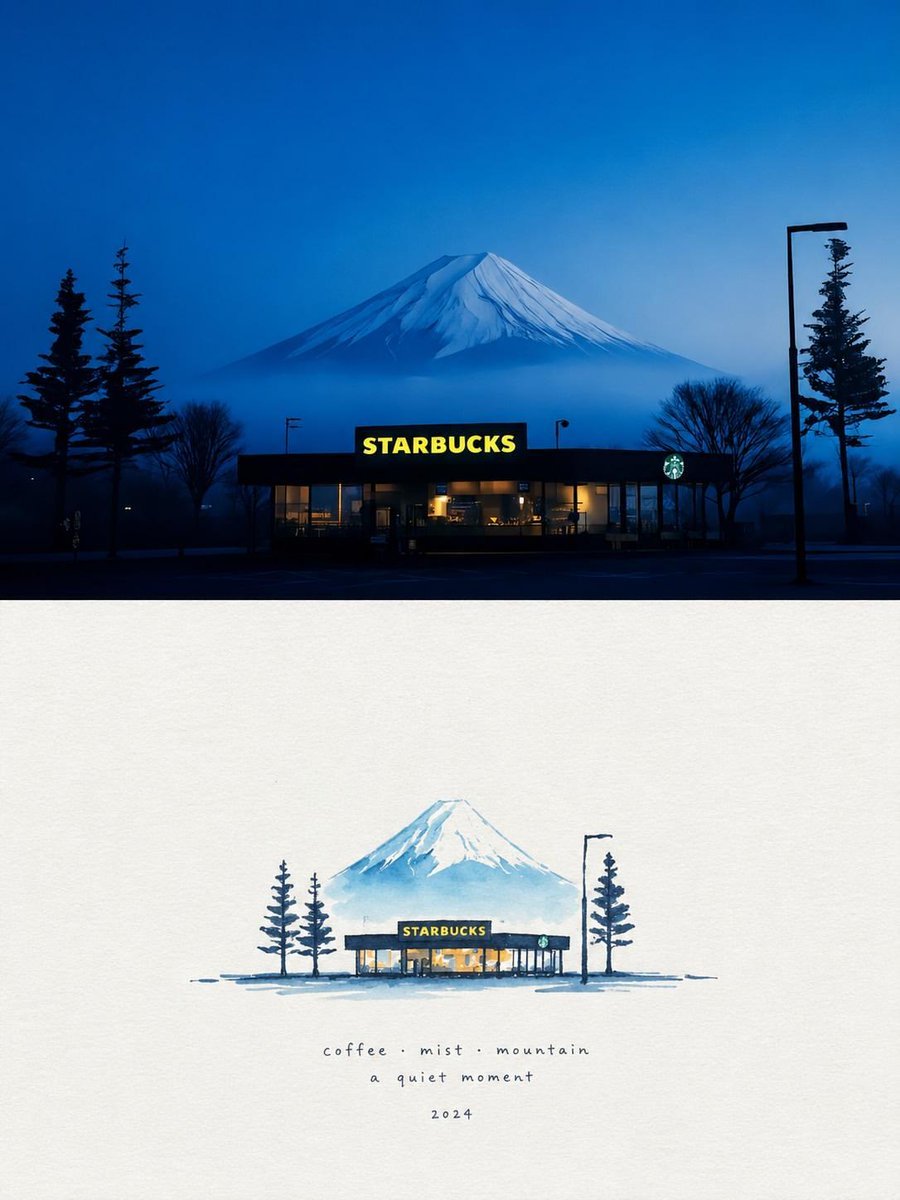
Starbucks Mountain Watercolor Comparison

Six VTuber Japanese Logo Sheet

Luxury ABKR Portrait Poster

Rainy Night Vintage Diner Portrait
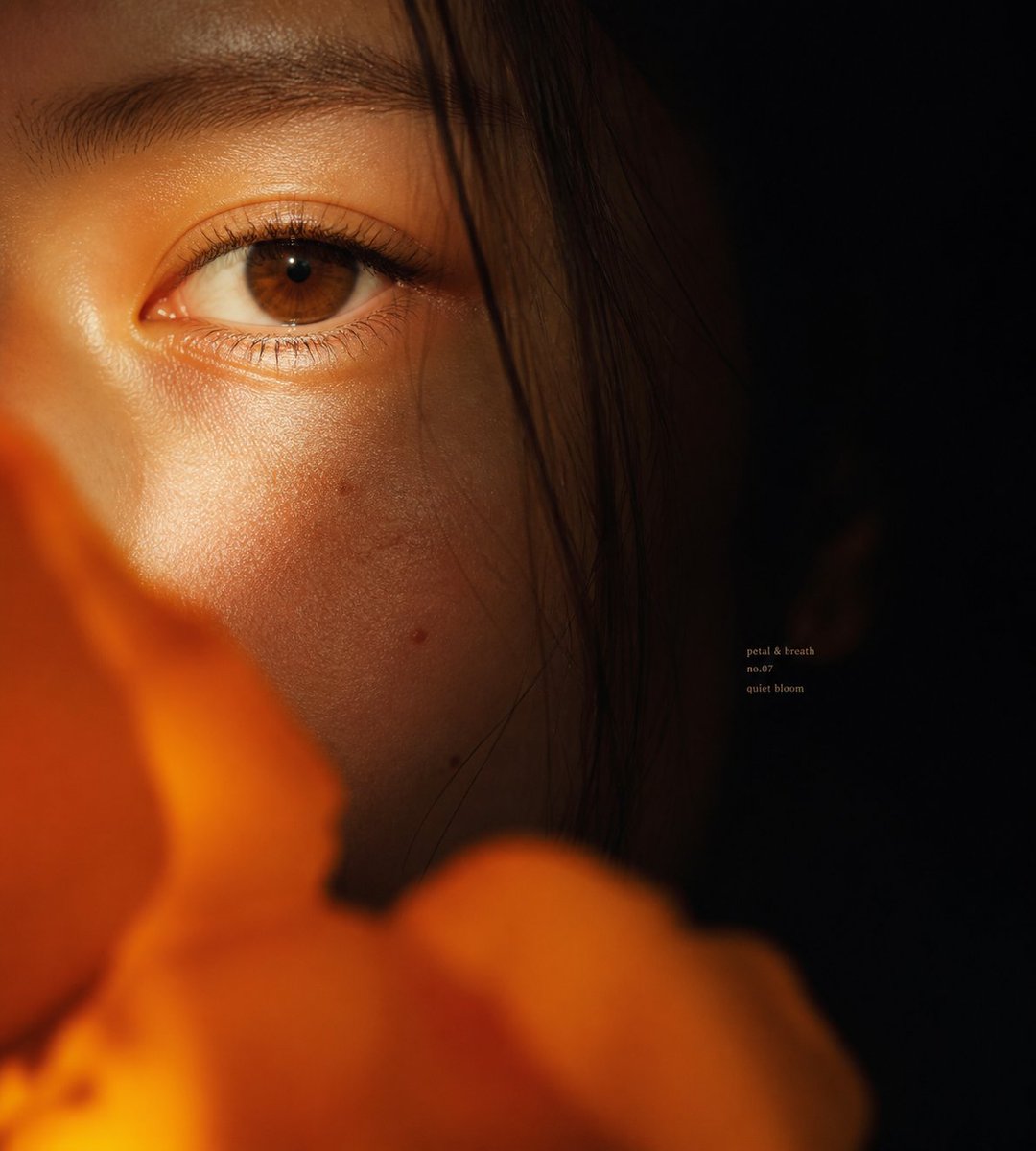
Intimate Flower Petal Macro Portrait

Cute Banana Robot on Table
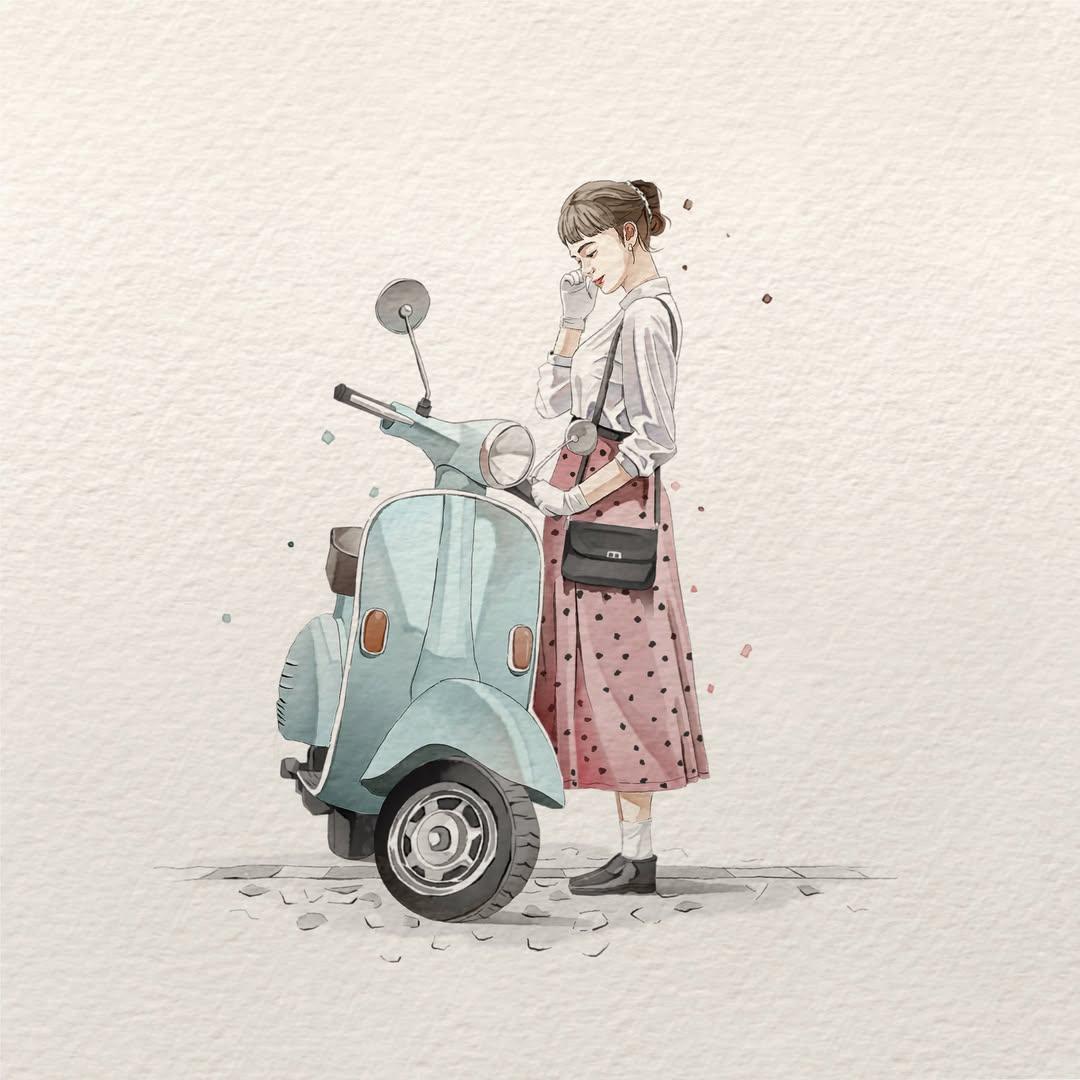
Watercolor Fashion Illustration Aesthetic

Sunlit Orchard Girl With Apples
More image prompts
Fresh picks from across the catalog.

Editorial-Style Marketing Banner for Premium Tech
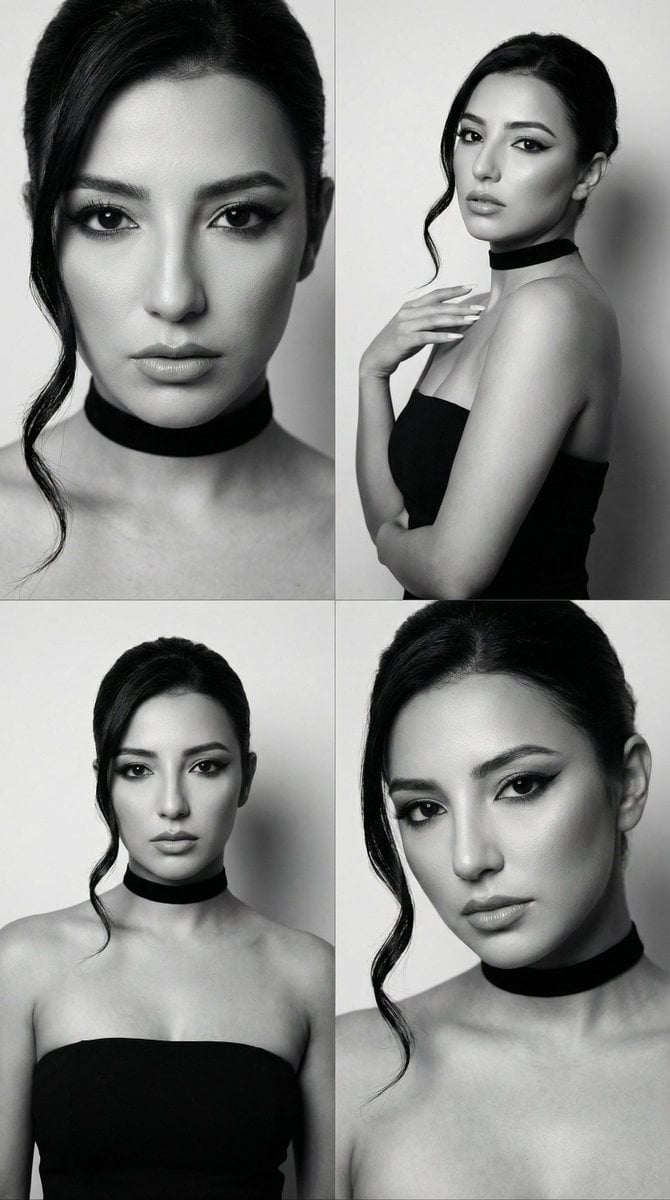
JSON Prompt for Black and White Fashion Editorial Contact Sheet
Luxury Skincare Ad Storyboard
Disney-Pixar Style 3D Portrait of Man in Neon Sweater
East Asian Woman with Milk Glass and Louis Vuitton Bag
Fiery Burger King Whopper Poster
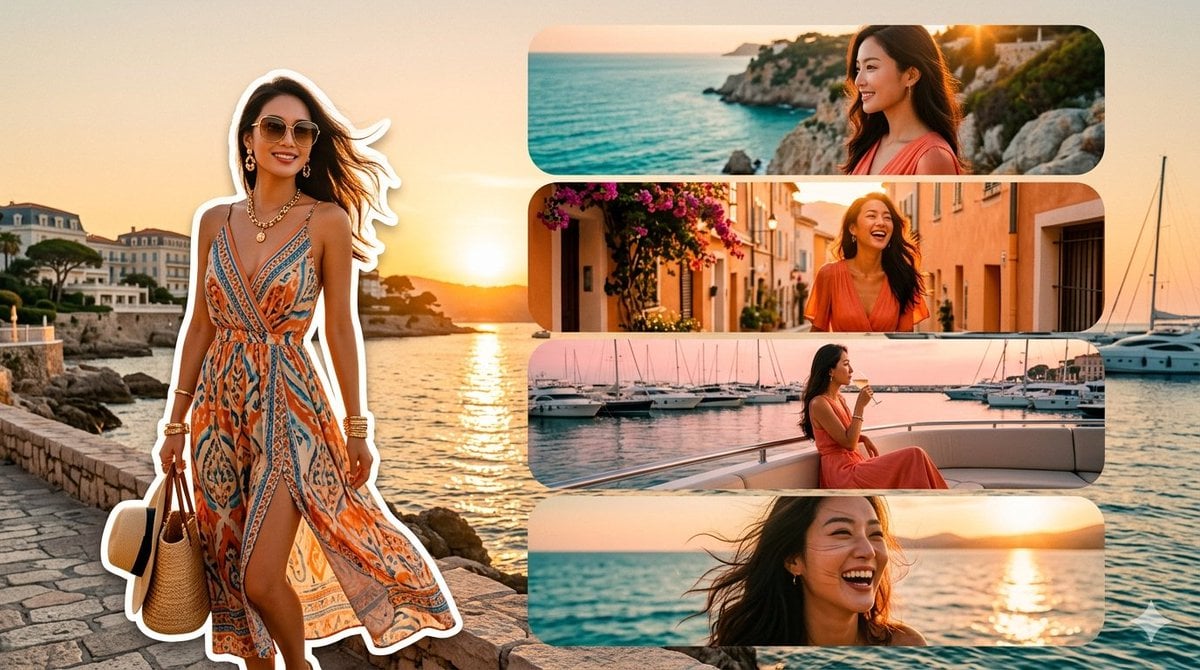
Mediterranean Fashion Travel Collage

Nano Banana Pro Model Prompt for Visuals
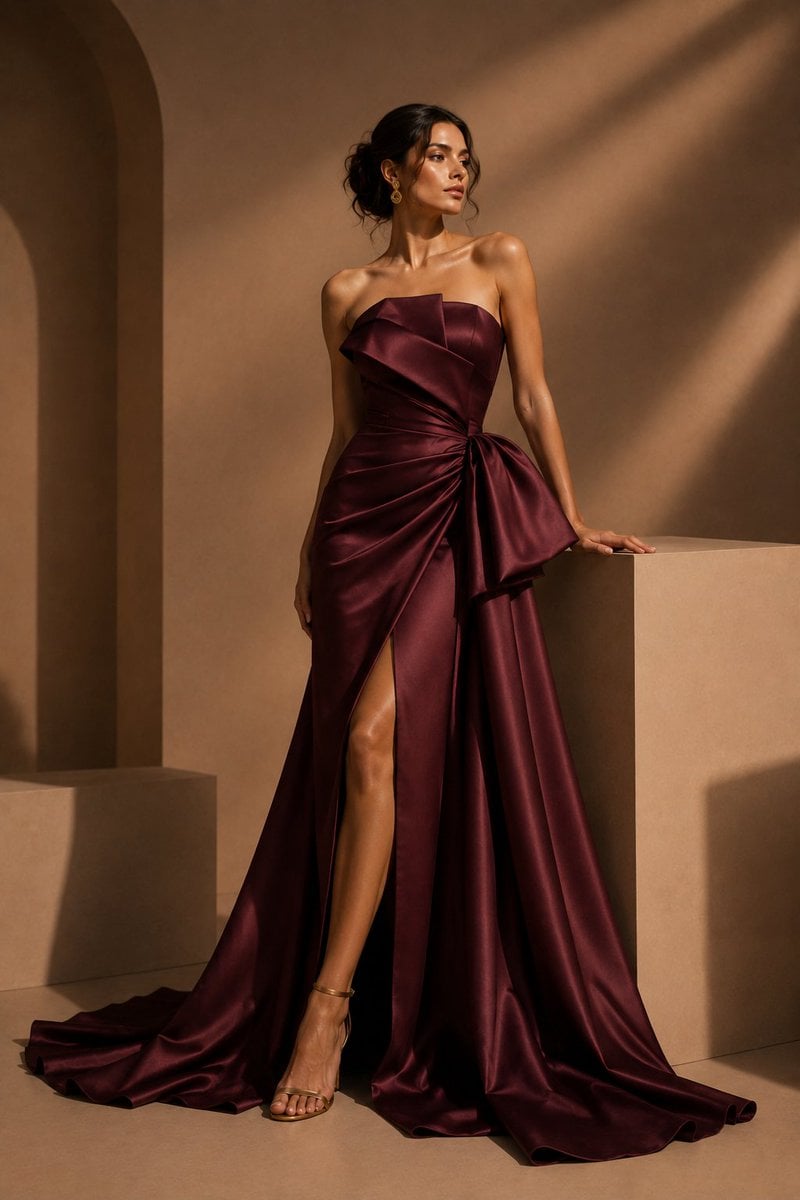
Burgundy Satin Couture Editorial
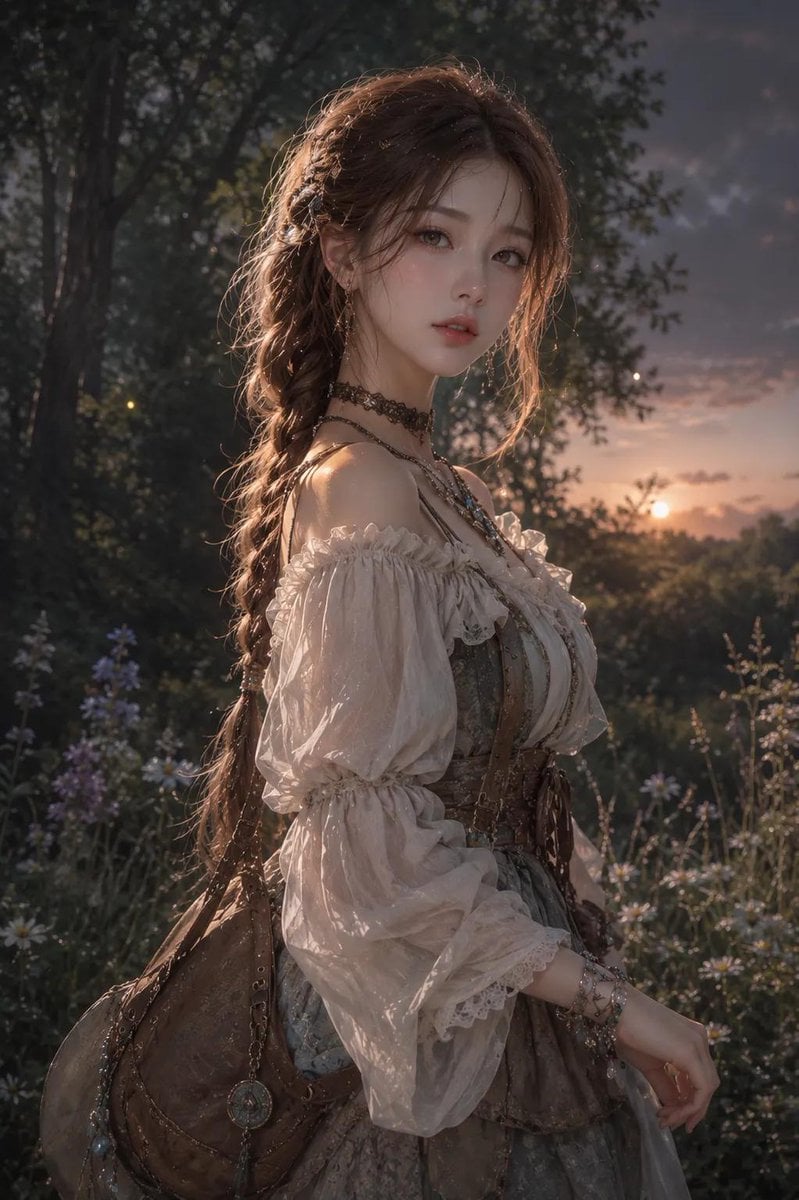
Anime Korean woman in forest
Browse template categories
Cloud Formed Brand Logo Scene questions
How do I use the Cloud Formed Brand Logo Scene template?
Add your photo if the template asks for one, edit the prompt if you like — the template's model and format are already selected — and press Generate. Your version opens in PicX Studio.
Can I customize the Cloud Formed Brand Logo Scene template?
Yes. You can change the subject, setting, lighting, mood, format, and available model controls before creating your image.
Is the Cloud Formed Brand Logo Scene template free?
Opening and editing this template is free. Generating uses credits, shown on the Generate button when you are signed in.
Which AI model should I use?
Start with GPT Image 2, which is the model associated with this template. You can compare another compatible model for a different finish.
Looking for something else? Browse all templates.

Your photo, any look
Thousands of ready templates for every top image and video model, from one credit balance.