
Fox-Eared Streetwear Boy in Steampunk City
This prompt generates a stylish anime character portrait with fantasy animal traits posed against a dense industrial fantasy cityscape, ideal for character art and dramatic social-media illustrations.
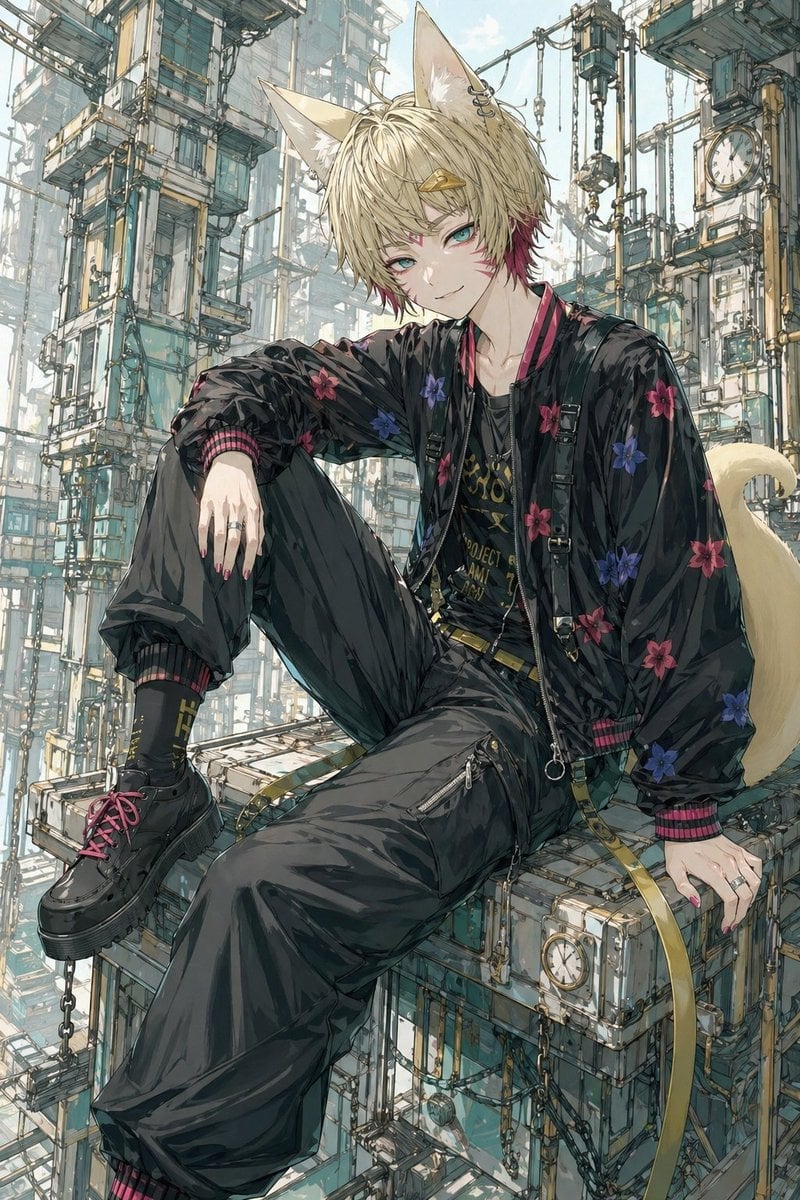
- Prompt included
- Model and format preset
- Free template
The prompt behind this image
Copy the exact prompt behind Fox-Eared Streetwear Boy in Steampunk City, or open it in the studio and make it yours.
A highly detailed anime-style illustration of a fashionable fox-eared young man sitting casually on the edge of a floating industrial platform in a vast vertical steampunk city. He has messy layered {argument name="hair color" default="light blond"} hair with a small streak of deep magenta near one side, 2 large fox ears with pale inner fur, and a fluffy cream-colored fox tail curling behind him. His face is intentionally obscured by a flat square censor block centered over the face. He wears a glossy black bomber jacket embroidered with scattered floral patterns in 2 colors, red-pink and violet-blue, with ribbed cuffs and collar striped in dark red and black. Under it is a black graphic T-shirt with ornate gold lettering and emblem details, partially hidden by layered straps and necklaces. His outfit includes loose black cargo-style pants with zipper details, black socks with small gold lettering, and chunky black platform shoes with bright magenta laces. Add multiple silver rings, black suspenders or harness straps with metal buckles, and a long olive-gold hanging belt strap draped off the platform. Pose him in a relaxed seated posture with 1 knee raised and 1 leg extended diagonally downward, left arm resting over the raised knee and right hand planted beside him. The mood is cool, urban, and slightly rebellious. The background is an intricate labyrinth of towering pale teal and off-white mechanical structures, stacked platforms, scaffolding, hanging chains, exposed cables, suspended boxes, and several round clocks embedded in the architecture, creating a dense vertical futuristic-steampunk environment fading into atmospheric haze. Use soft daylight, muted pastel industrial colors, fine linework, delicate ink-and-watercolor rendering, crisp fabric highlights, and a polished contemporary anime illustration aesthetic.
How to use Fox-Eared Streetwear Boy in Steampunk City in 3 steps
- 1Upload ImagePNG, JPG or paste
Add your photo
Upload the photo the template builds on. The prompt, model and format are already set.
- 2…a portrait of your subject in softgolden-hour light, 85mm…
Personalize
Edit the subject and creative details for your destination.
- 3Generate
Generate
Press Generate — your image is created in PicX Studio, so you can compare it with the original and refine one variable at a time.
More like this
Templates with the same subject, style or setup. Open one to see its prompt.

1988 Mall Style
Fox-Eared Kimono Tea Party Girl
Halloween Fox-Eared Fantasy Girl

Cozy Knit Sweater Window Portrait

Minimalist Hand-Drawn Doodle Portrait
Silver Fox-Eared Winter Mage
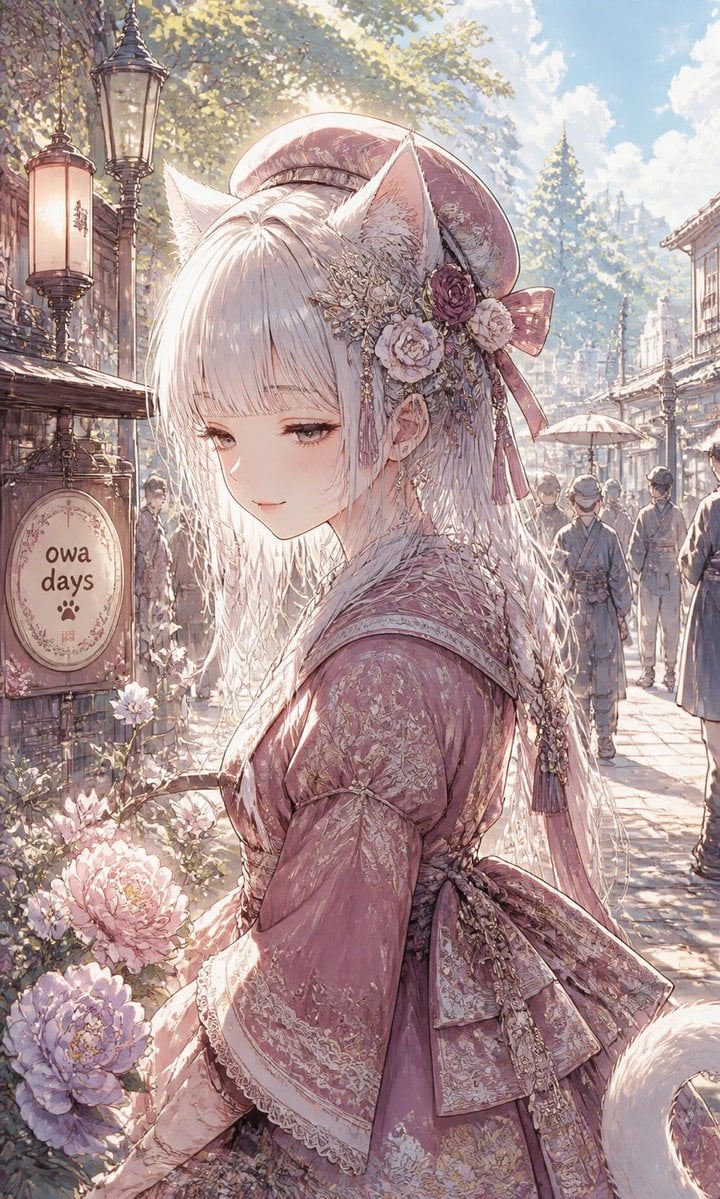
Fox-Eared Girl on Sunlit Market Street

Retro Pop-Art K-Fashion Ultraluxury Campaign Poster

Urban Fashion Editorial Collage Streetwear Poster

Monochrome Hypebeast Street Fashion Editorial Motion
Monochrome Hypebeast Street Fashion Editorial Motion

Korean Streetwear Minimalist Campaign Portrait
Make it yours
Fox-Eared Streetwear Boy in Steampunk City works as-is. These are the safest ways to change it without losing the look.
Change one field
Copy a single group, rewrite it, and generate again so you can see what that field is doing.
Keep the frame, change the subject
Hold the composition and light of Fox-Eared Streetwear Boy in Steampunk City, then swap wardrobe, props or the person for a new take.
| If the result… | Why | Fix |
|---|---|---|
| The result drifts from the preview | Too many fields changed at once. | Reuse Fox-Eared Streetwear Boy in Steampunk City as-is first, then change one group — subject, light, or setting. |
| The model over-stylizes the scene | The prose prompt leaves finish and camera underspecified. | Add one camera or lighting sentence and stay on GPT Image 2. |
More GPT Image 2 templates
Other prompts made for GPT Image 2.

Six VTuber Japanese Logo Sheet

Realistic Portrait of Woman and Deer

The Vista Modular Condo Poster

AI Model Routing Comparison Infographic

2.5D Anime Art Board

Isometric Productivity Desk Scene

New York Double Exposure Poster

Four-Panel AI Landscape Comparison

Japanese Tatami Lifestyle Magazine Cover

NESCAFÉ Coffee Map Poster
More image prompts
Fresh picks from across the catalog.

Image-to-Character Christmas Tree Prompt

Hyper-Realistic Portrait of a Pouting Oil Painting Artist
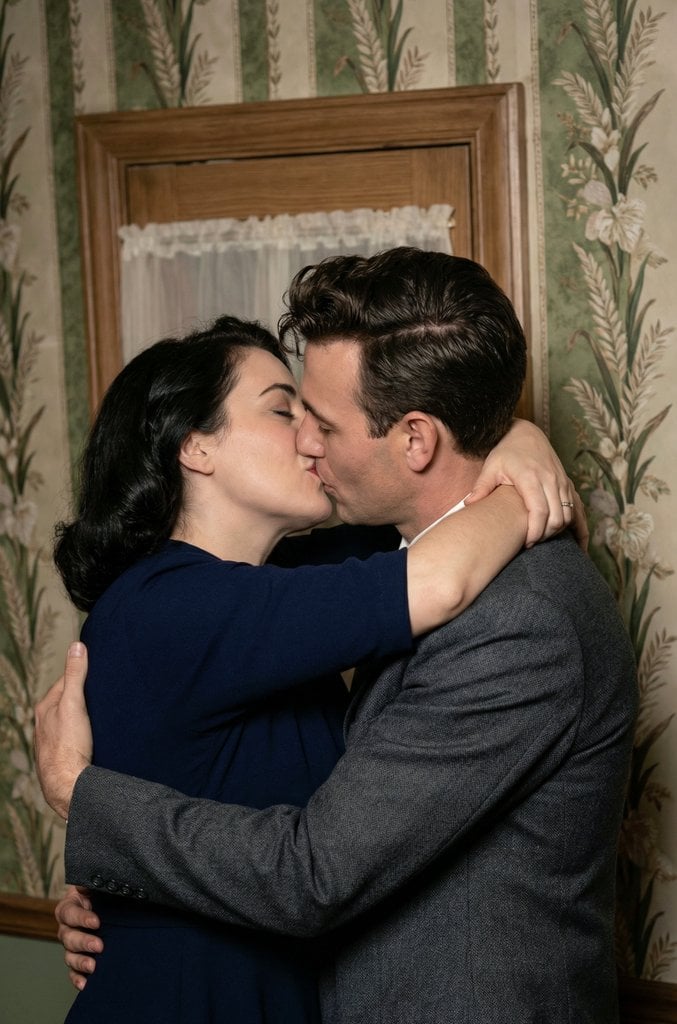
Old Photo Restoration and Upscaling Prompt
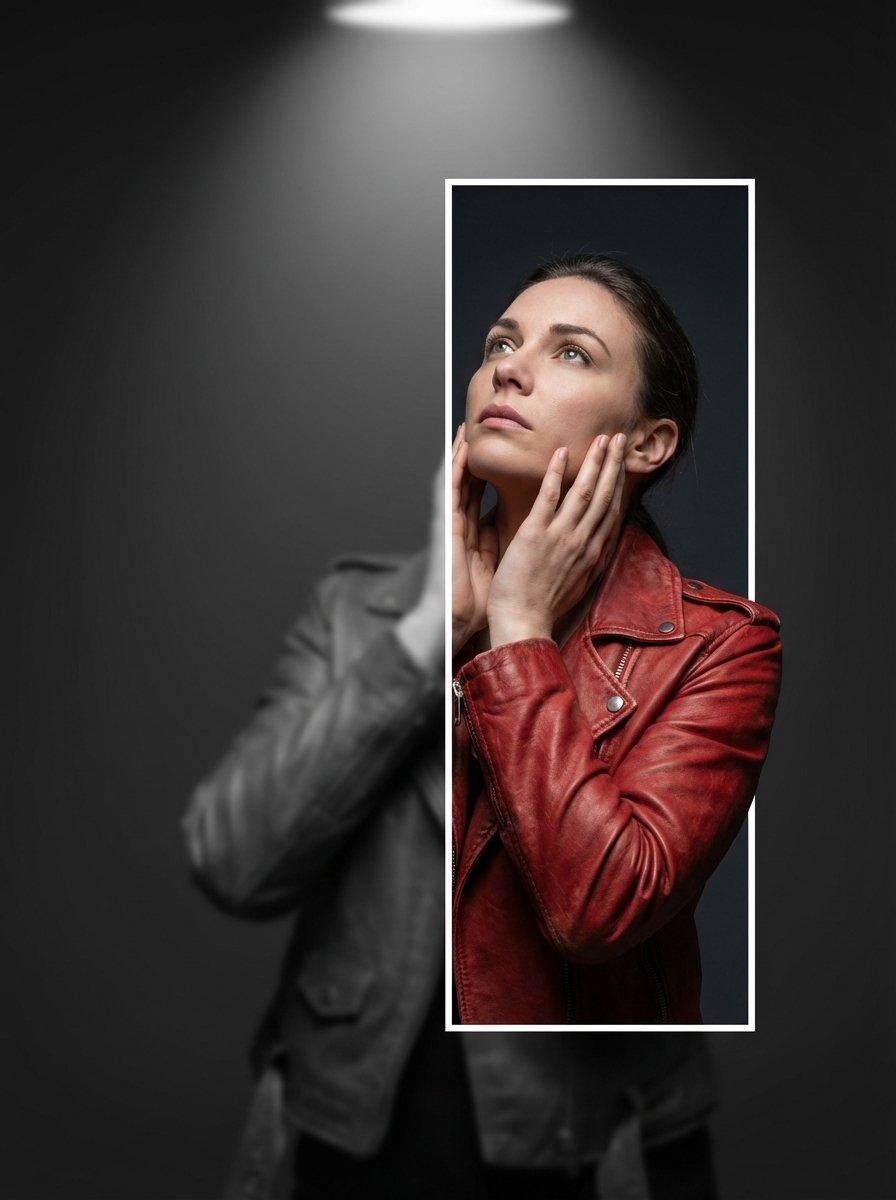
3D Breaking Frame Portrait Prompt

Milky Pastel Chibi Music Camera Twins
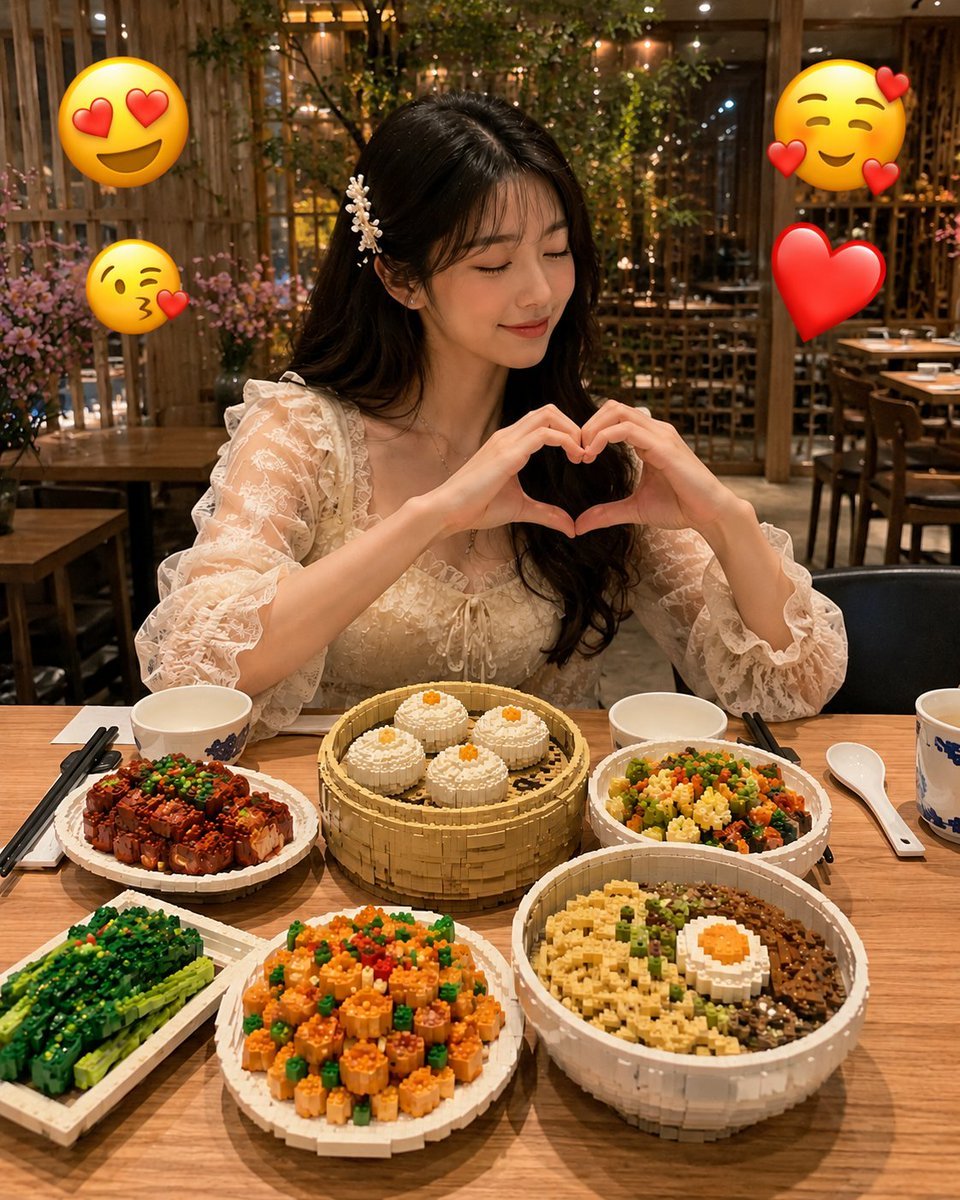
Realistic LEGO Food Miniature
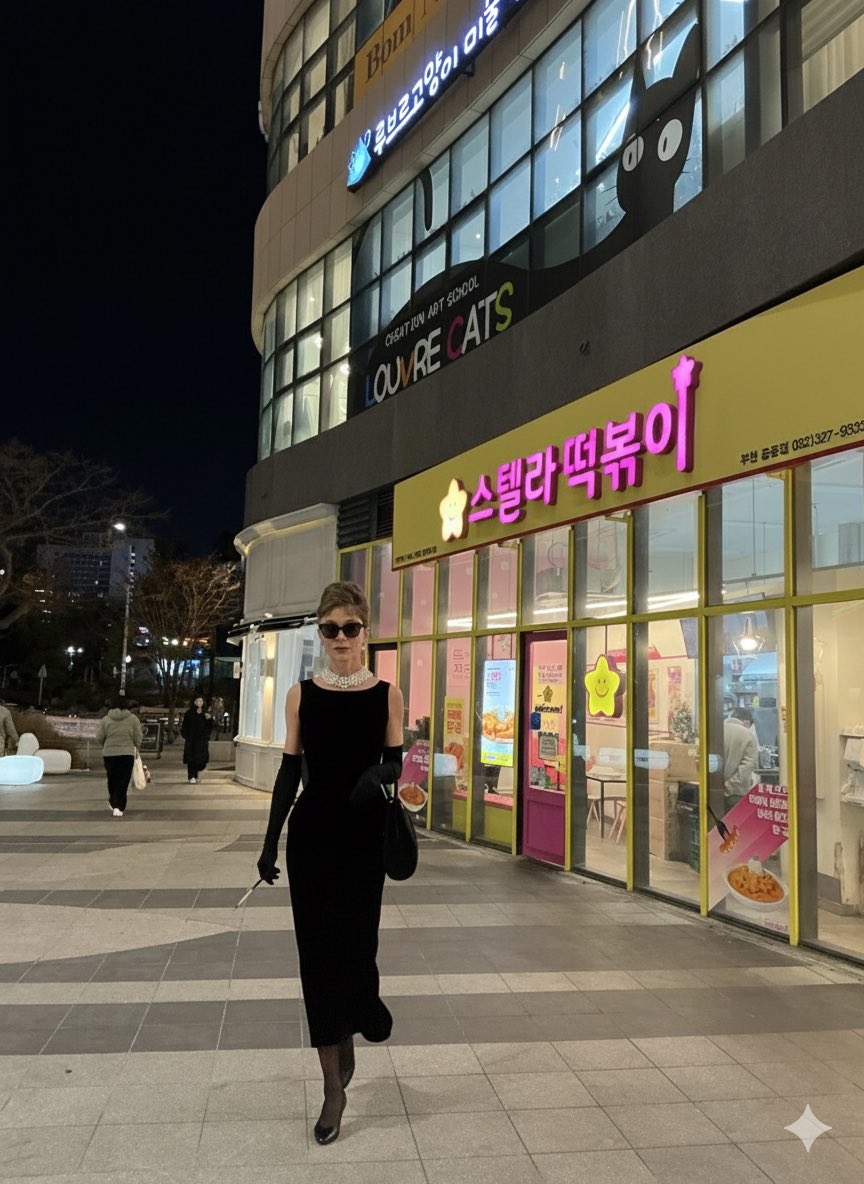
Audrey Hepburn in 'Breakfast at Tiffany's' Prompt
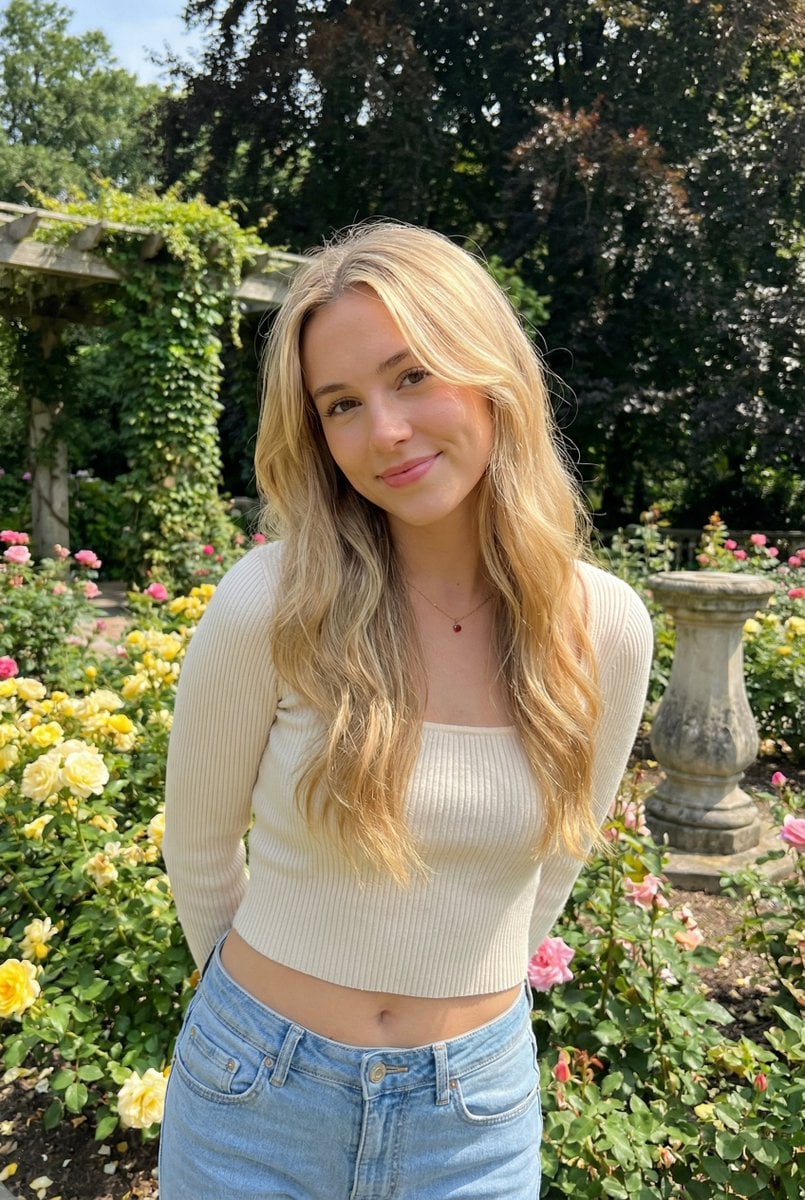
Sunlit Candid Portrait in a Rose Garden

Cute 4-Panel School Club Manga
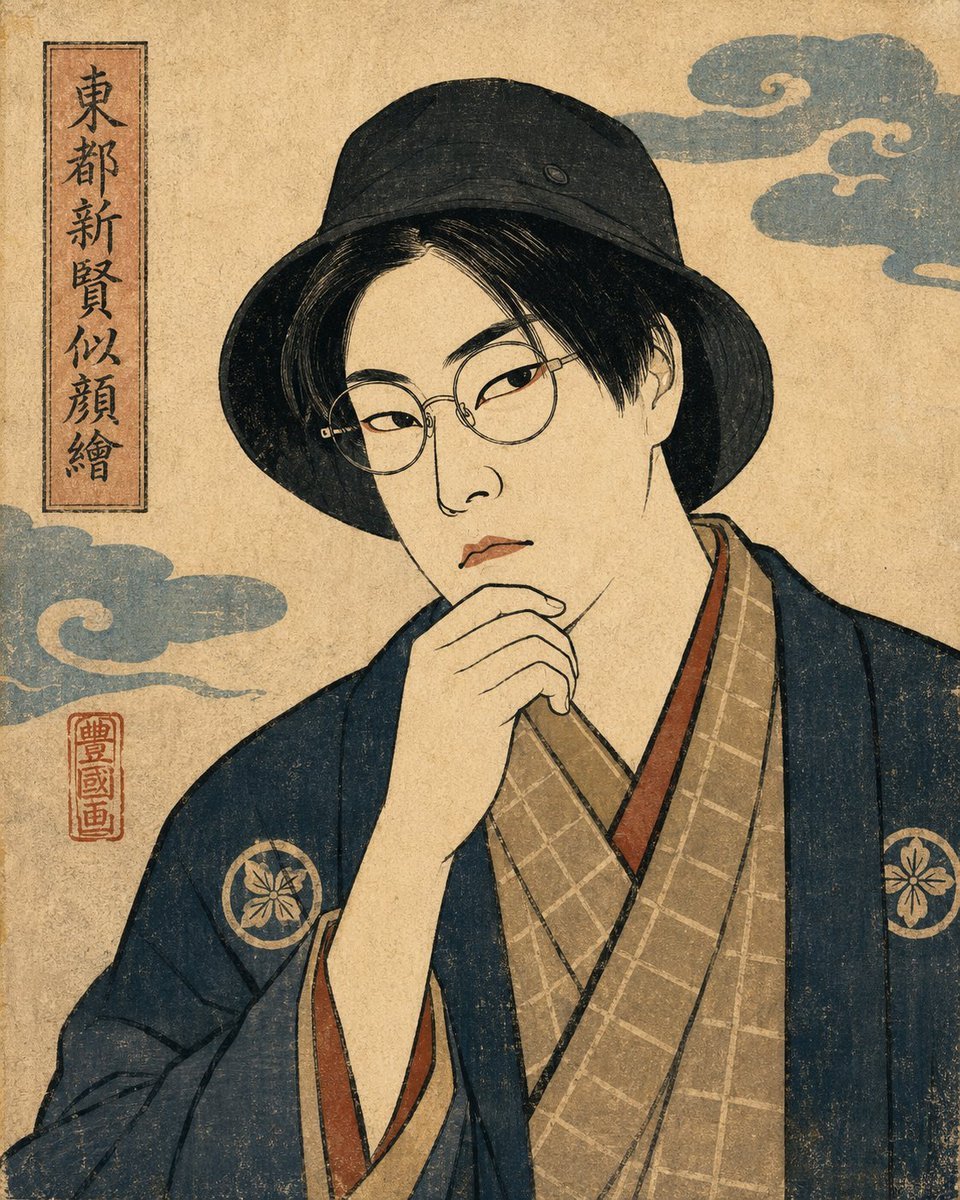
Ukiyo-e Portrait Transformation
Browse template categories
Fox-Eared Streetwear Boy in Steampunk City questions
How do I use the Fox-Eared Streetwear Boy in Steampunk City template?
Add your photo if the template asks for one, edit the prompt if you like — the template's model and format are already selected — and press Generate. Your version opens in PicX Studio.
Can I customize the Fox-Eared Streetwear Boy in Steampunk City template?
Yes. You can change the subject, setting, lighting, mood, format, and available model controls before creating your image.
Is the Fox-Eared Streetwear Boy in Steampunk City template free?
Opening and editing this template is free. Generating uses credits, shown on the Generate button when you are signed in.
Which AI model should I use?
Start with GPT Image 2, which is the model associated with this template. You can compare another compatible model for a different finish.
Looking for something else? Browse all templates.

Your photo, any look
Thousands of ready templates for every top image and video model, from one credit balance.