
Fox-Eared Kimono Tea Party Girl
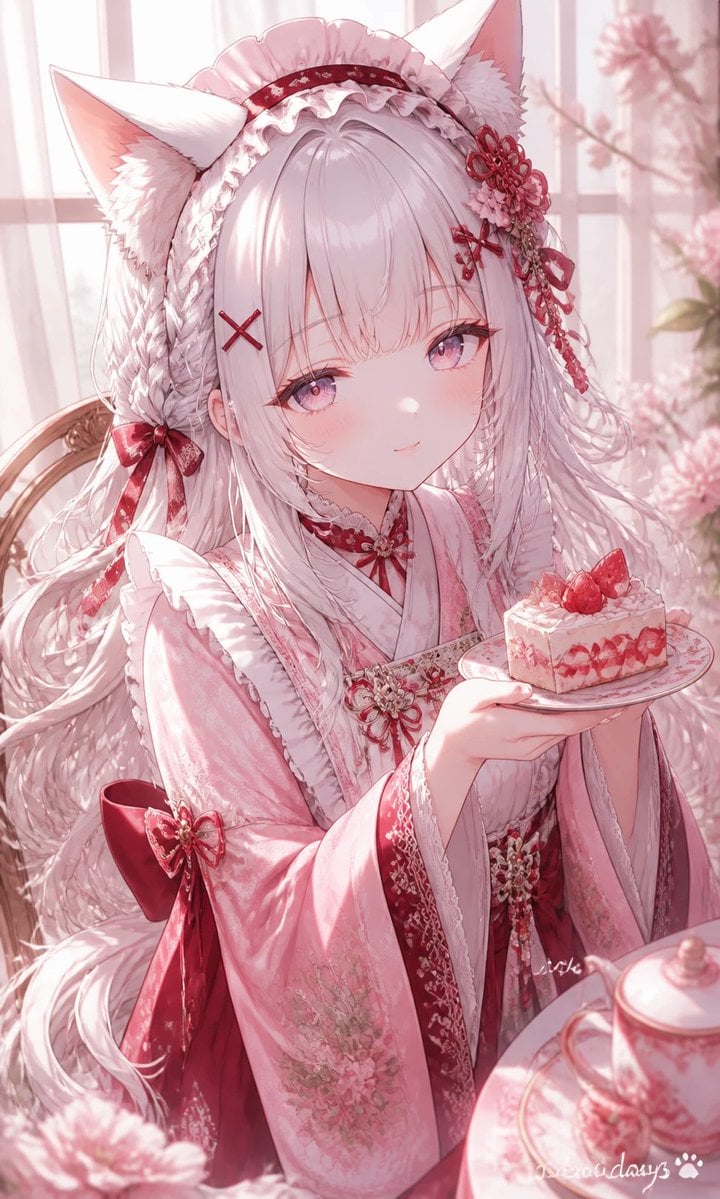
Generates a soft pastel anime portrait of a fox-eared girl in an ornate pink kimono holding strawberry cake by a sunlit tea table.
- Prompt included
- Model and format preset
- Free template
The prompt behind this image
Copy the exact prompt behind Fox-Eared Kimono Tea Party Girl, or open it in the studio and make it yours.
Create a delicate vertical anime illustration of {argument name="character name" default="Miu"}, a young fox-eared girl in a soft pink and crimson Japanese lolita kimono, seated by a bright window during a tea party. She has very long flowing {argument name="hair color" default="silvery white with pale pink highlights"}, straight bangs, large gentle {argument name="eye color" default="pink-lavender"} eyes, pale skin, a faint shy smile, and two large fluffy white fox ears. Her outfit is ornate: a frilled bonnet-like headband, layered kimono sleeves, lace trim, floral embroidery, red ribbon accents, and a large crimson bow at her waist. Include exactly five prominent hair accessories: one red X-shaped hairpin on her left bangs, one frilled headband, one red floral-and-ribbon ornament on the right side of her head, one small red bow near the left side of her hair, and one dangling red tassel ornament. She holds a small white plate in one hand with exactly one square slice of {argument name="dessert" default="strawberry shortcake"} topped with exactly two whole strawberries and cream. In the foreground, partially visible on a tea table, place exactly one pink floral teapot and one matching saucer or cup edge, softly blurred. The background is a pastel sunlit room with sheer curtains, a window grid, pale pink flowers in a vase, and warm diffused morning light. Use a romantic sakura-pink palette, high-detail glossy anime rendering, soft bloom, translucent fabric, intricate linework, shallow depth of field, dreamy bokeh, elegant composition, vertical 2:3 crop, no text except a tiny unobtrusive artist-style signature or watermark in the lower right.
How to use Fox-Eared Kimono Tea Party Girl in 3 steps
- 1Upload ImagePNG, JPG or paste
Add your photo
Upload the photo the template builds on. The prompt, model and format are already set.
- 2…a portrait of your subject in softgolden-hour light, 85mm…
Personalize
Edit the subject and creative details for your destination.
- 3Generate
Generate
Press Generate — your image is created in PicX Studio, so you can compare it with the original and refine one variable at a time.
More like this
Templates with the same subject, style or setup. Open one to see its prompt.
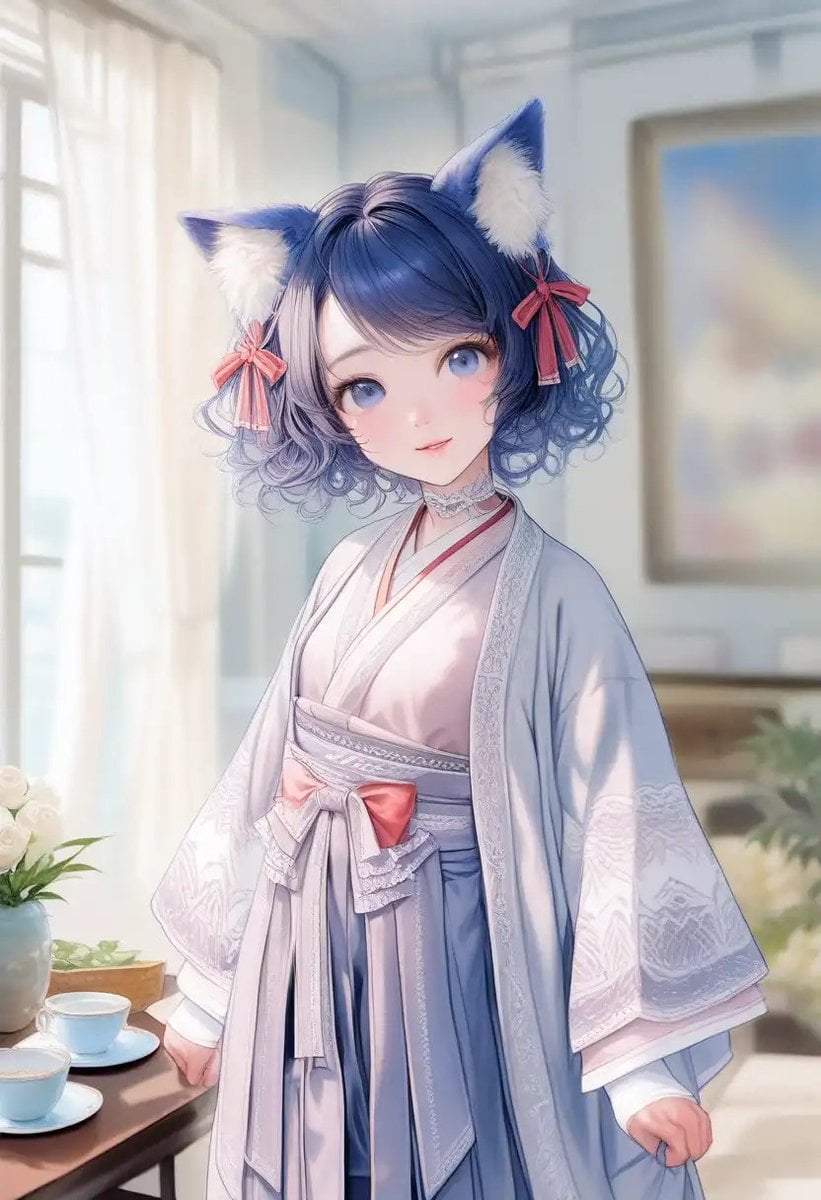
Cat-Eared Kimono Girl Portrait
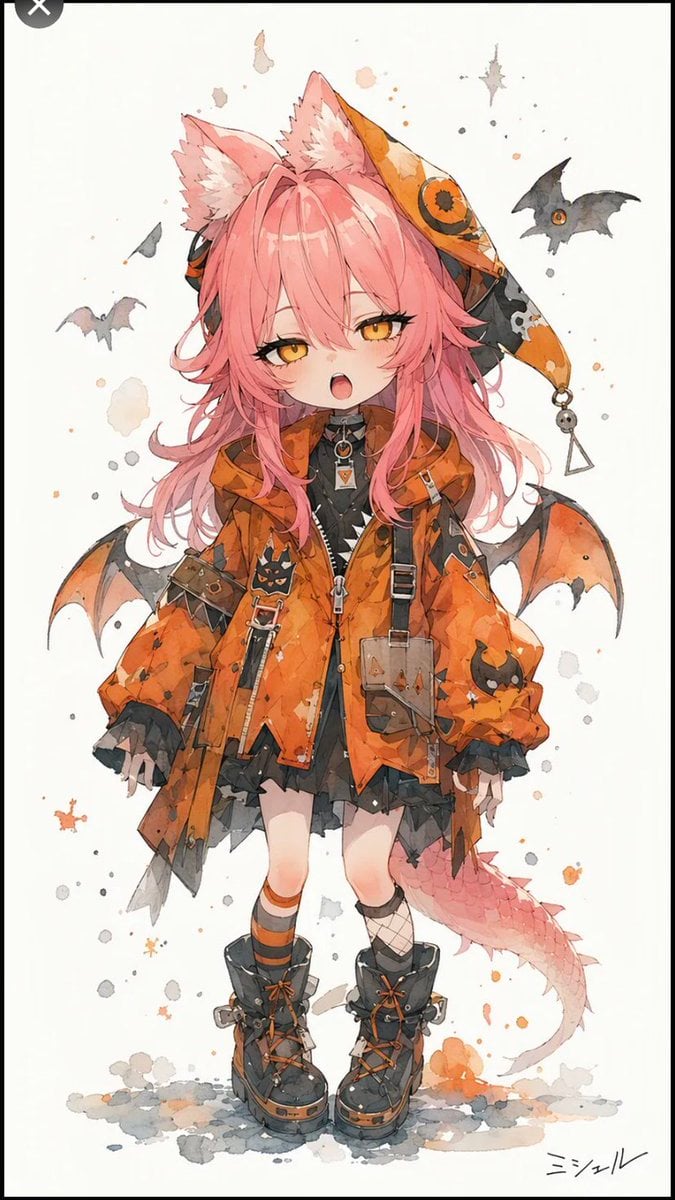
Halloween Fox-Eared Fantasy Girl
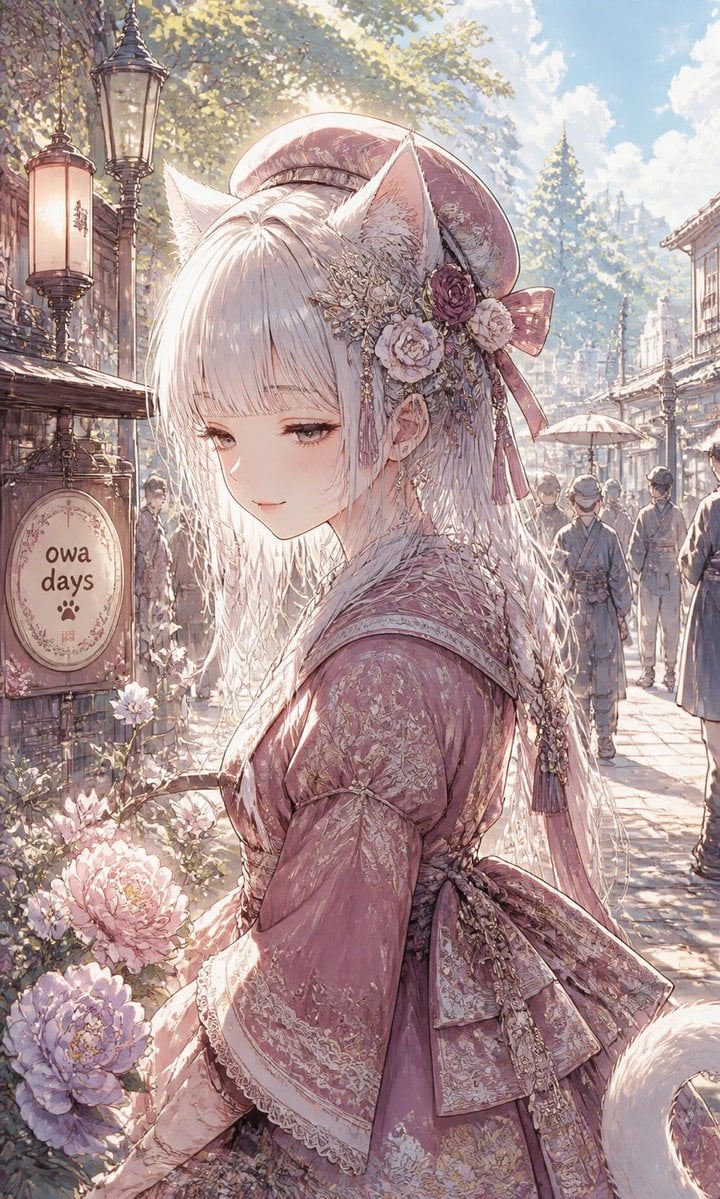
Fox-Eared Girl on Sunlit Market Street

Cat-Eared Kimono Girl
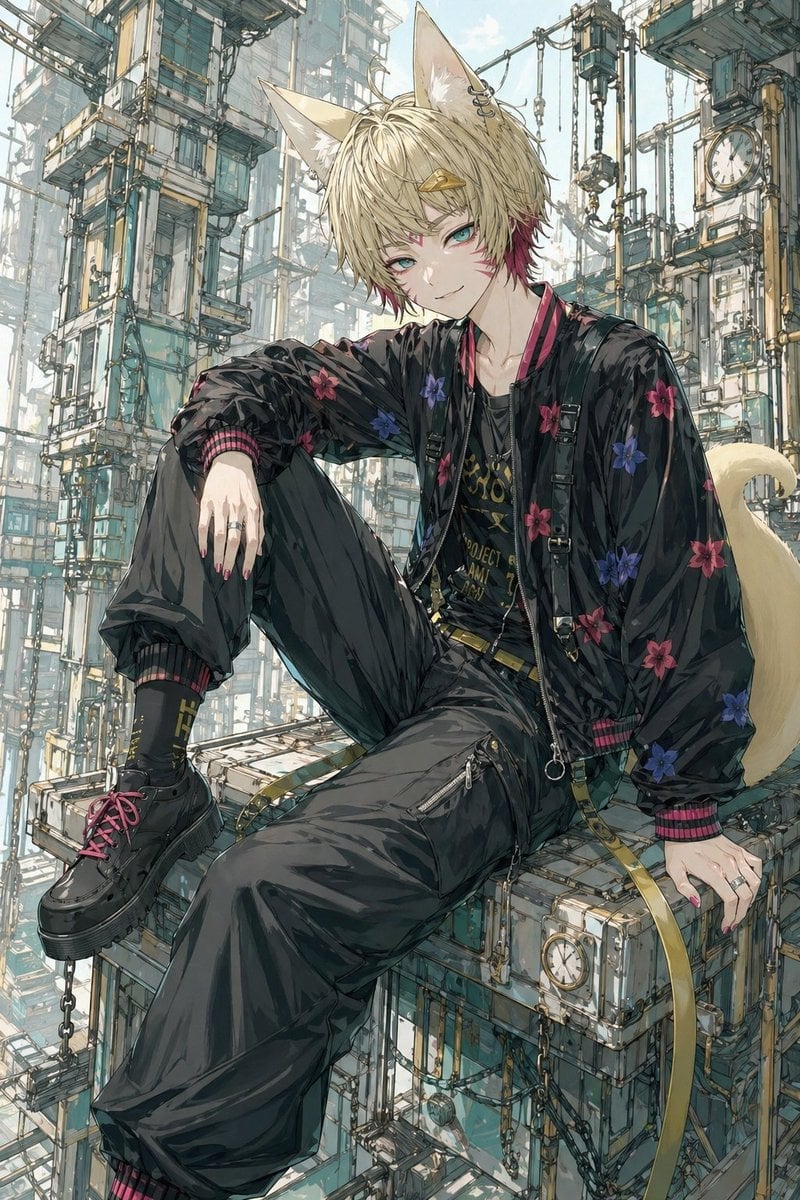
Fox-Eared Streetwear Boy in Steampunk City

One Dance Before Midnight

80s Disco Dancefloor
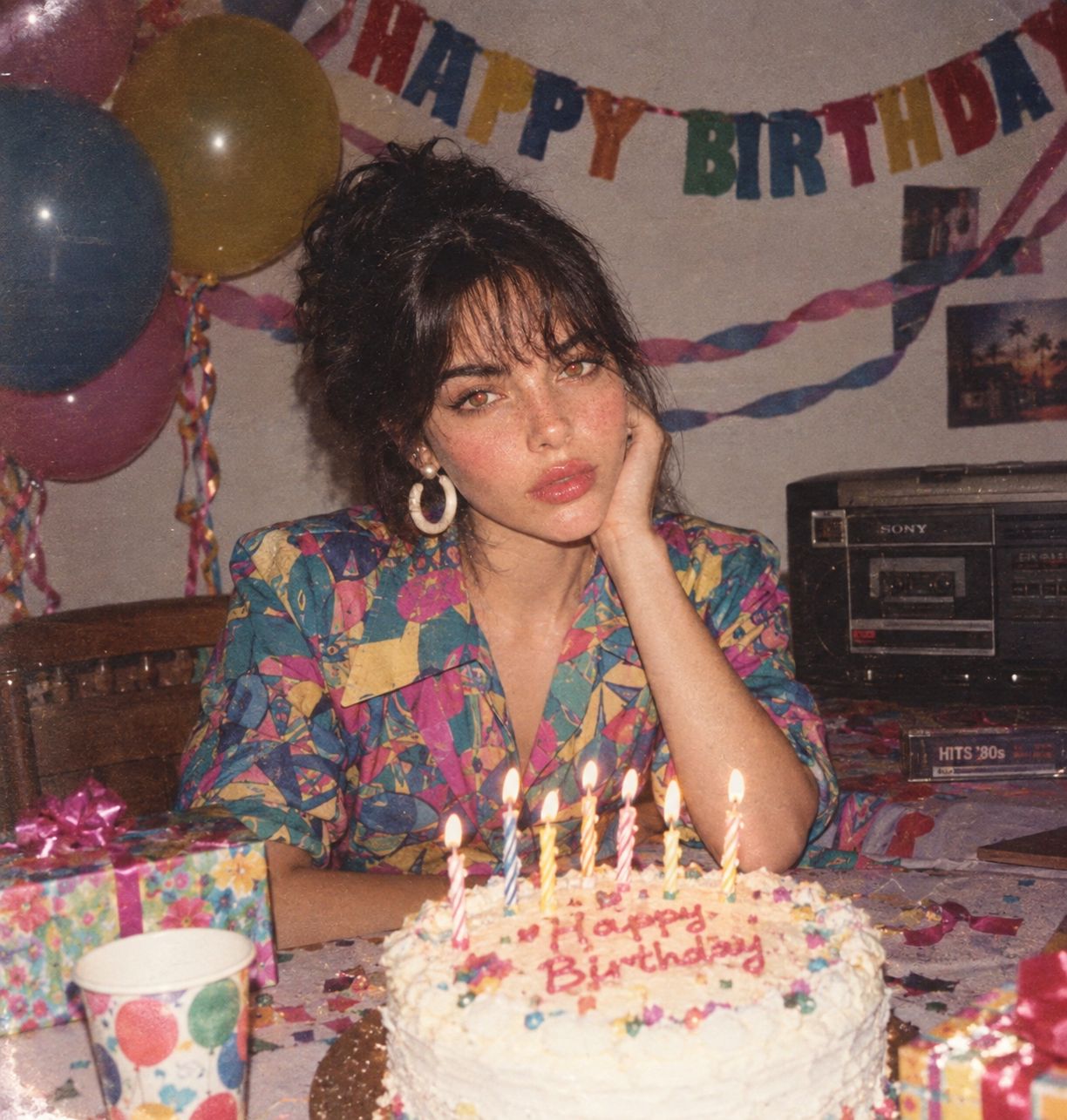
80s Birthday Party
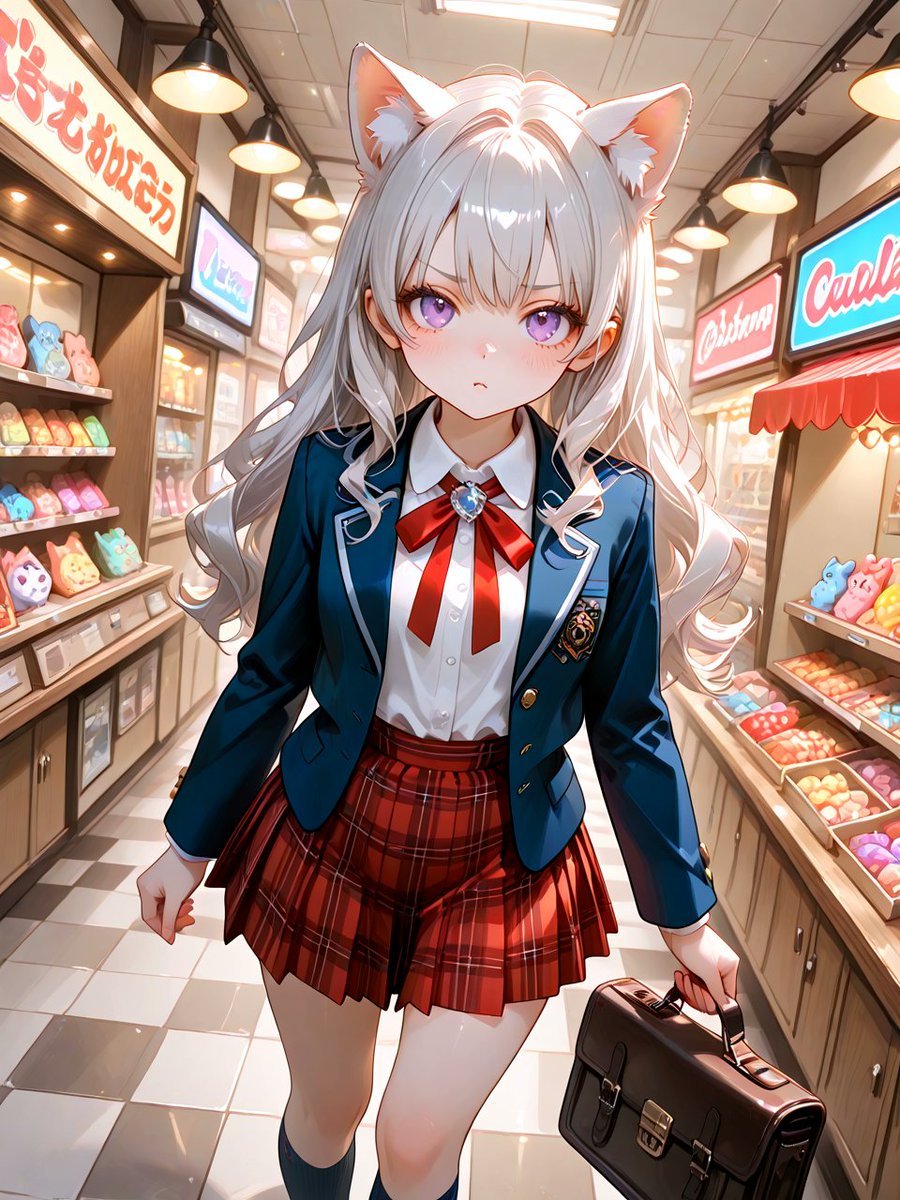
Cat-Eared Schoolgirl in Sweets Arcade

Teen Girl Alpine Lake Mountain View
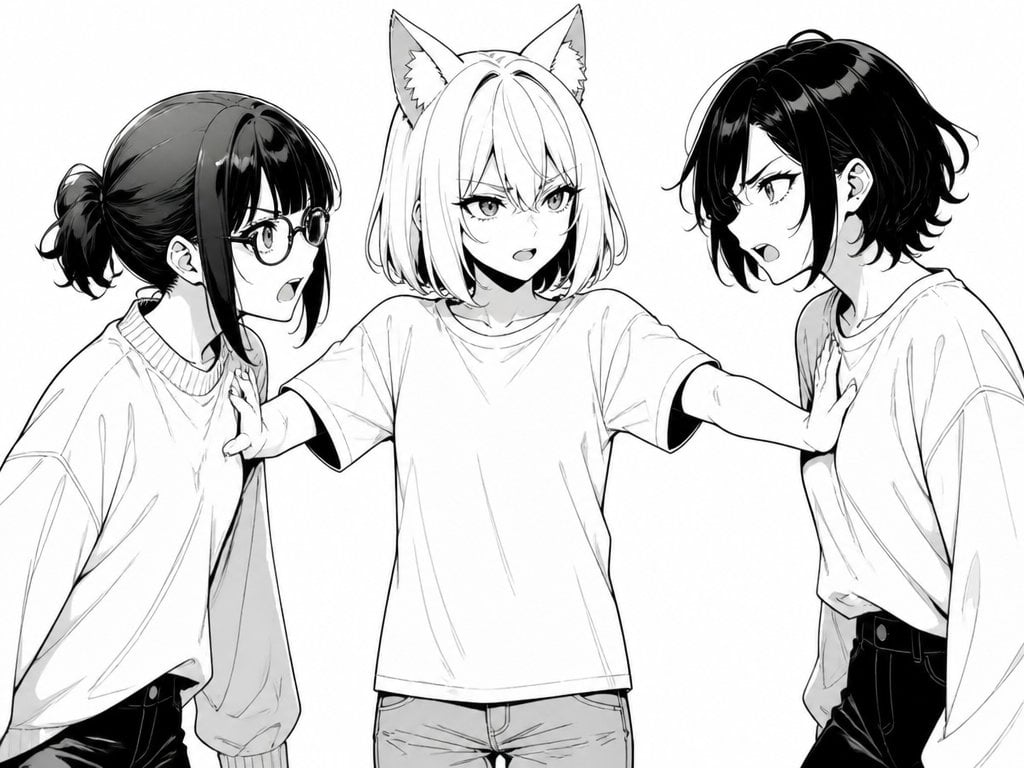
Manga Cat-Eared Girl Breaking Up Fight
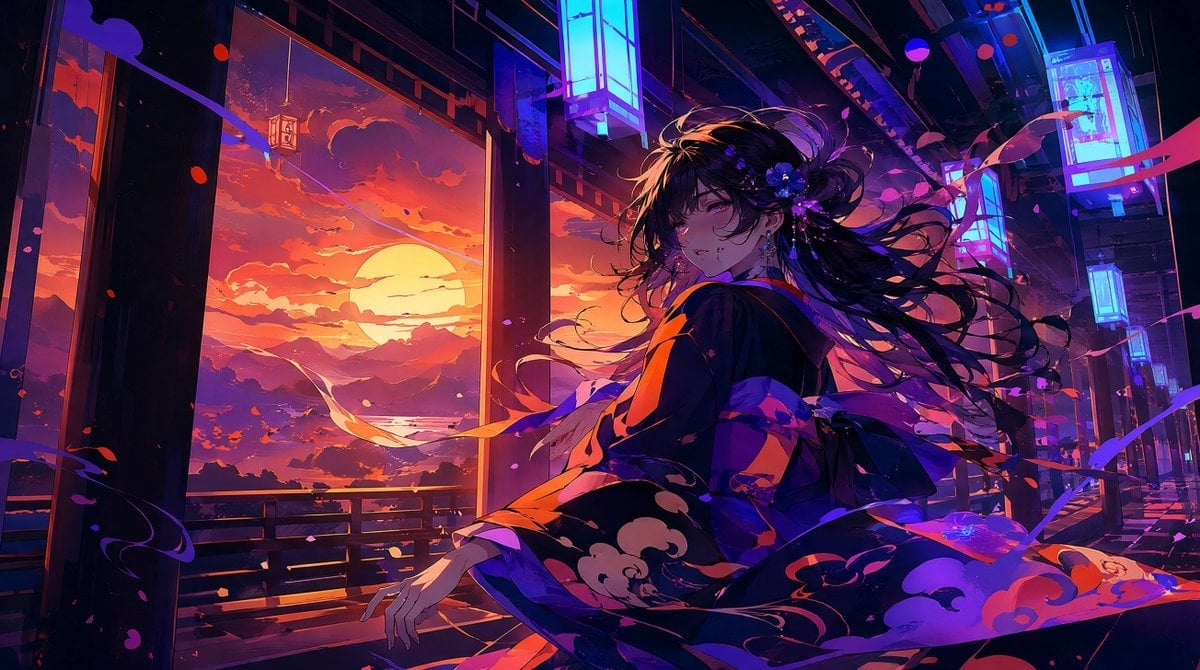
Neon Sunset Kimono Girl
Make it yours
Fox-Eared Kimono Tea Party Girl works as-is. These are the safest ways to change it without losing the look.
Change one field
Copy a single group, rewrite it, and generate again so you can see what that field is doing.
Keep the frame, change the subject
Hold the composition and light of Fox-Eared Kimono Tea Party Girl, then swap wardrobe, props or the person for a new take.
| If the result… | Why | Fix |
|---|---|---|
| The result drifts from the preview | Too many fields changed at once. | Reuse Fox-Eared Kimono Tea Party Girl as-is first, then change one group — subject, light, or setting. |
| The model over-stylizes the scene | The prose prompt leaves finish and camera underspecified. | Add one camera or lighting sentence and stay on GPT Image 2. |
More GPT Image 2 templates
Other prompts made for GPT Image 2.

Six VTuber Japanese Logo Sheet

Realistic Portrait of Woman and Deer

The Vista Modular Condo Poster

AI Model Routing Comparison Infographic

2.5D Anime Art Board

Isometric Productivity Desk Scene

New York Double Exposure Poster

Four-Panel AI Landscape Comparison

Japanese Tatami Lifestyle Magazine Cover

NESCAFÉ Coffee Map Poster
More image prompts
Fresh picks from across the catalog.
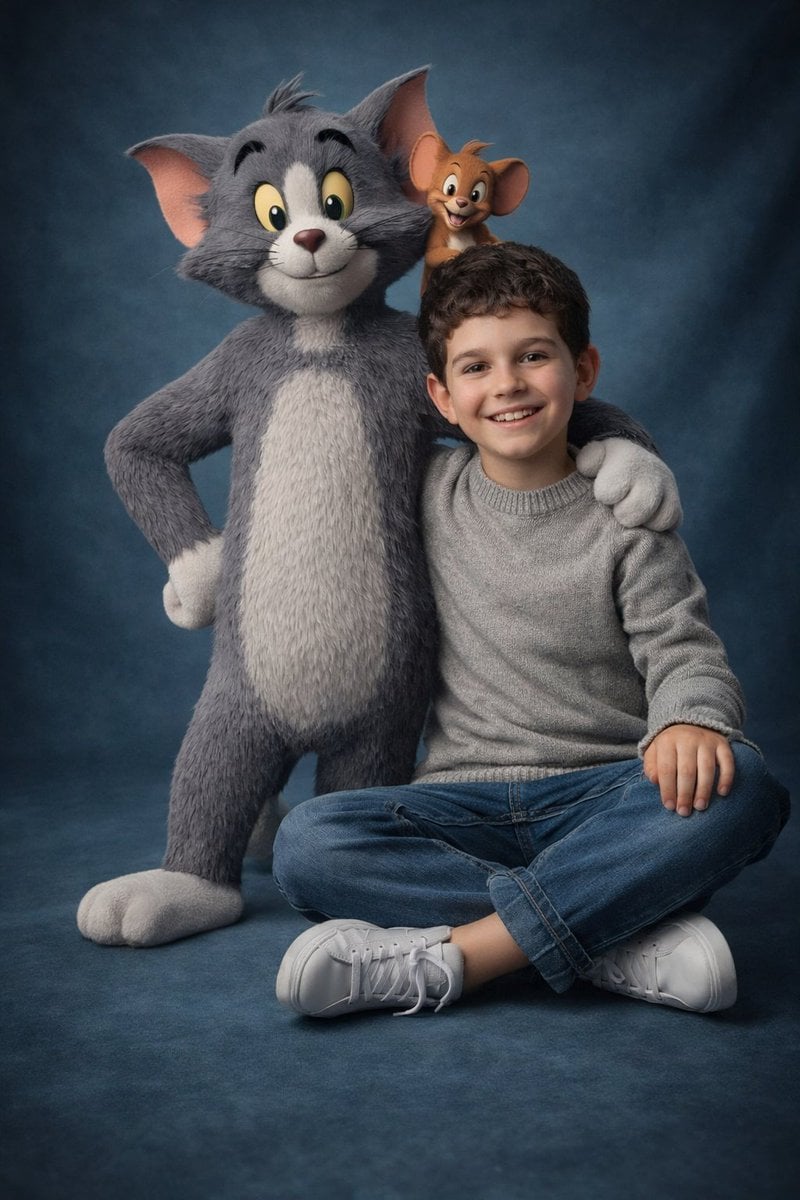
Ultra-Realistic 3D Cinematic Portrait of Boy with Tom and Jerry

Golden Hour Rooftop Portrait
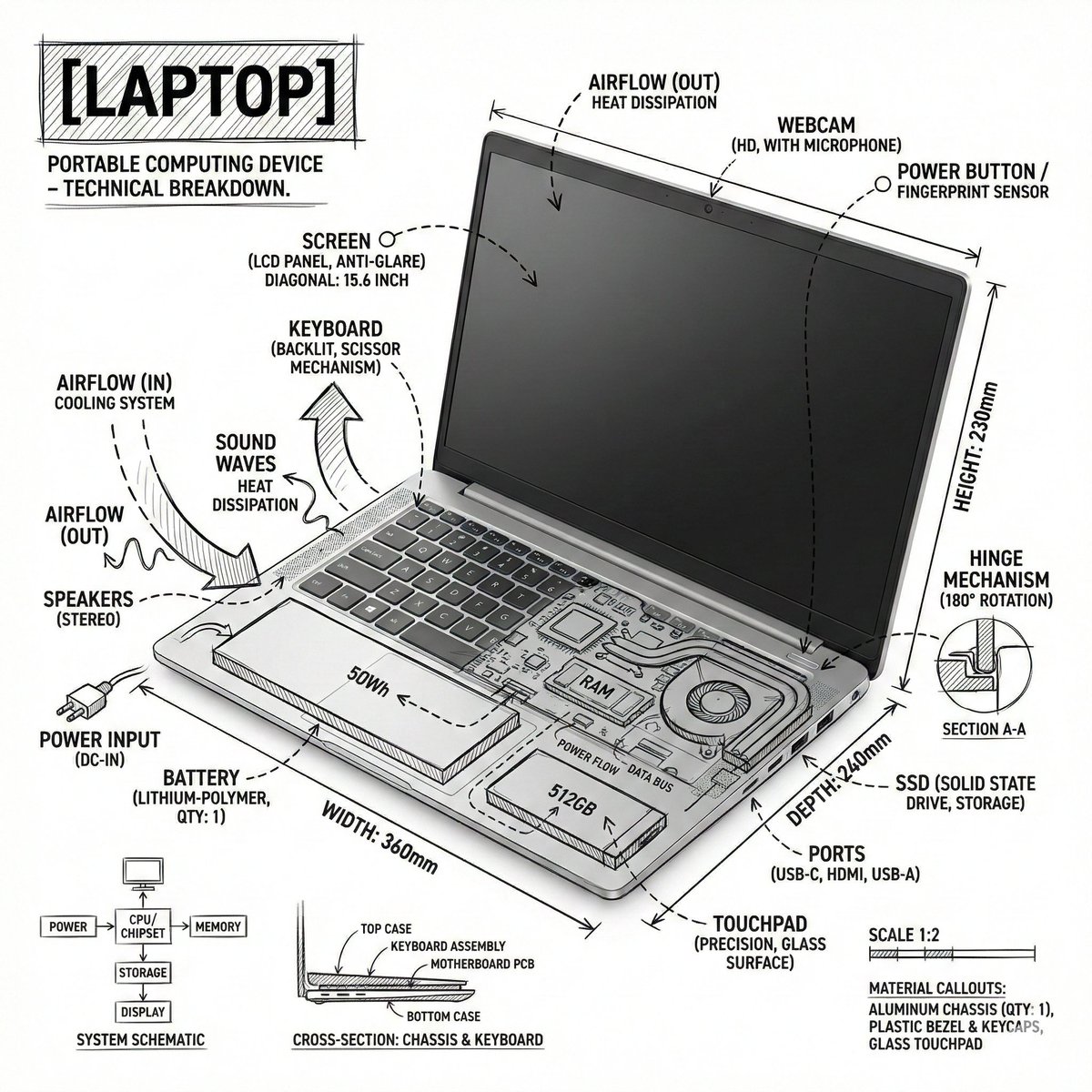
Technical Infographic Overlay on a Laptop Image

Realistic Photo with Face Swap and Cinematic Lighting
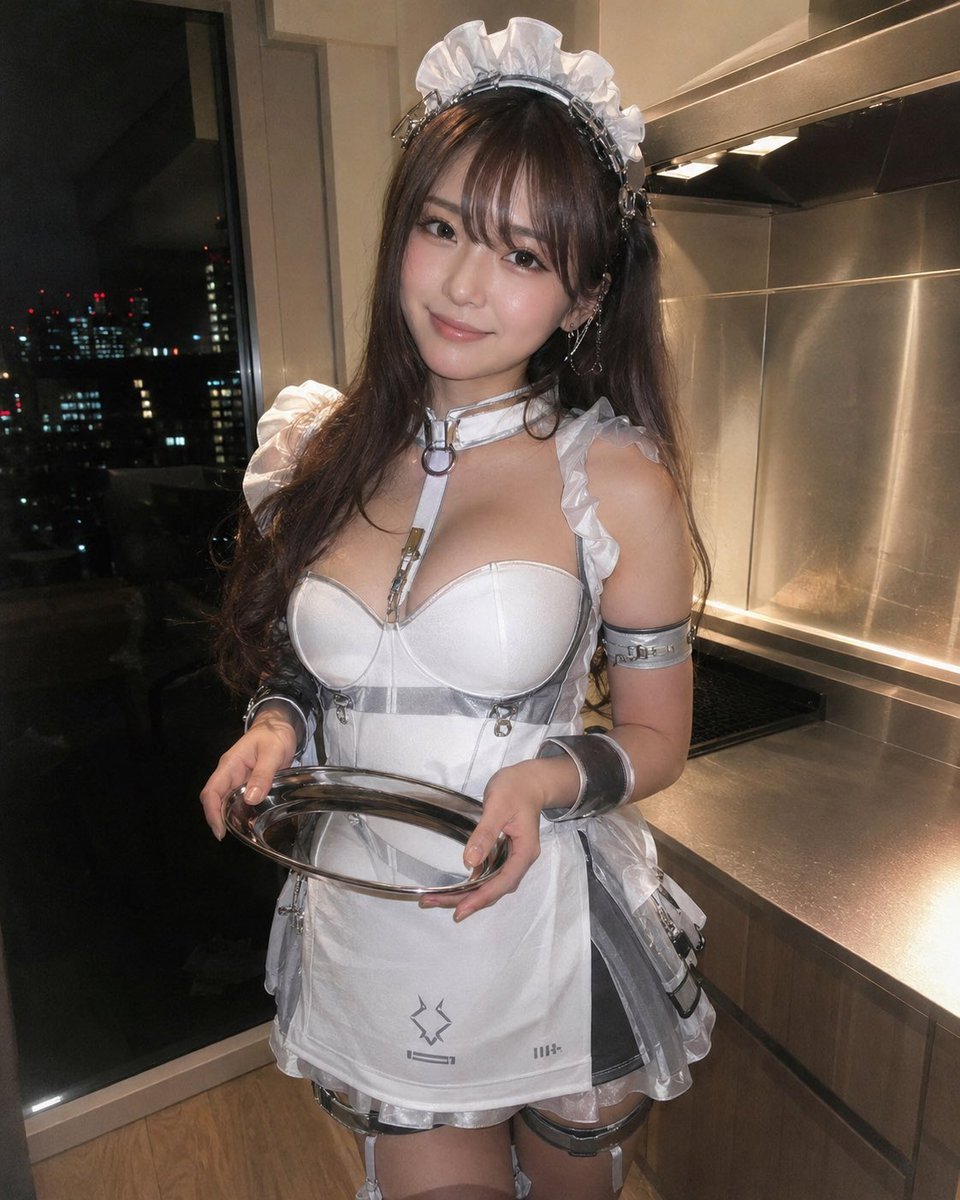
Cyber Maid Cosplay Flash Portrait
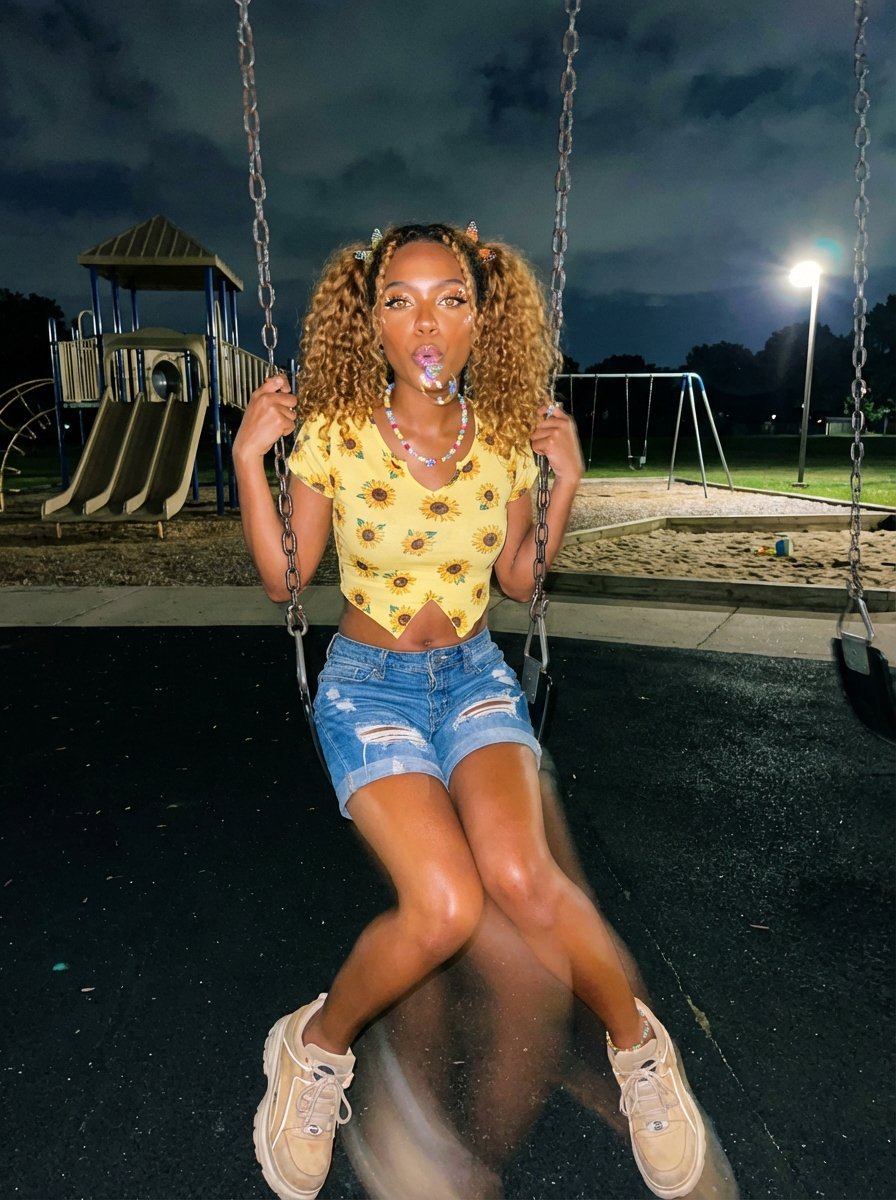
Y2K Grunge Night Playground Portrait Prompt
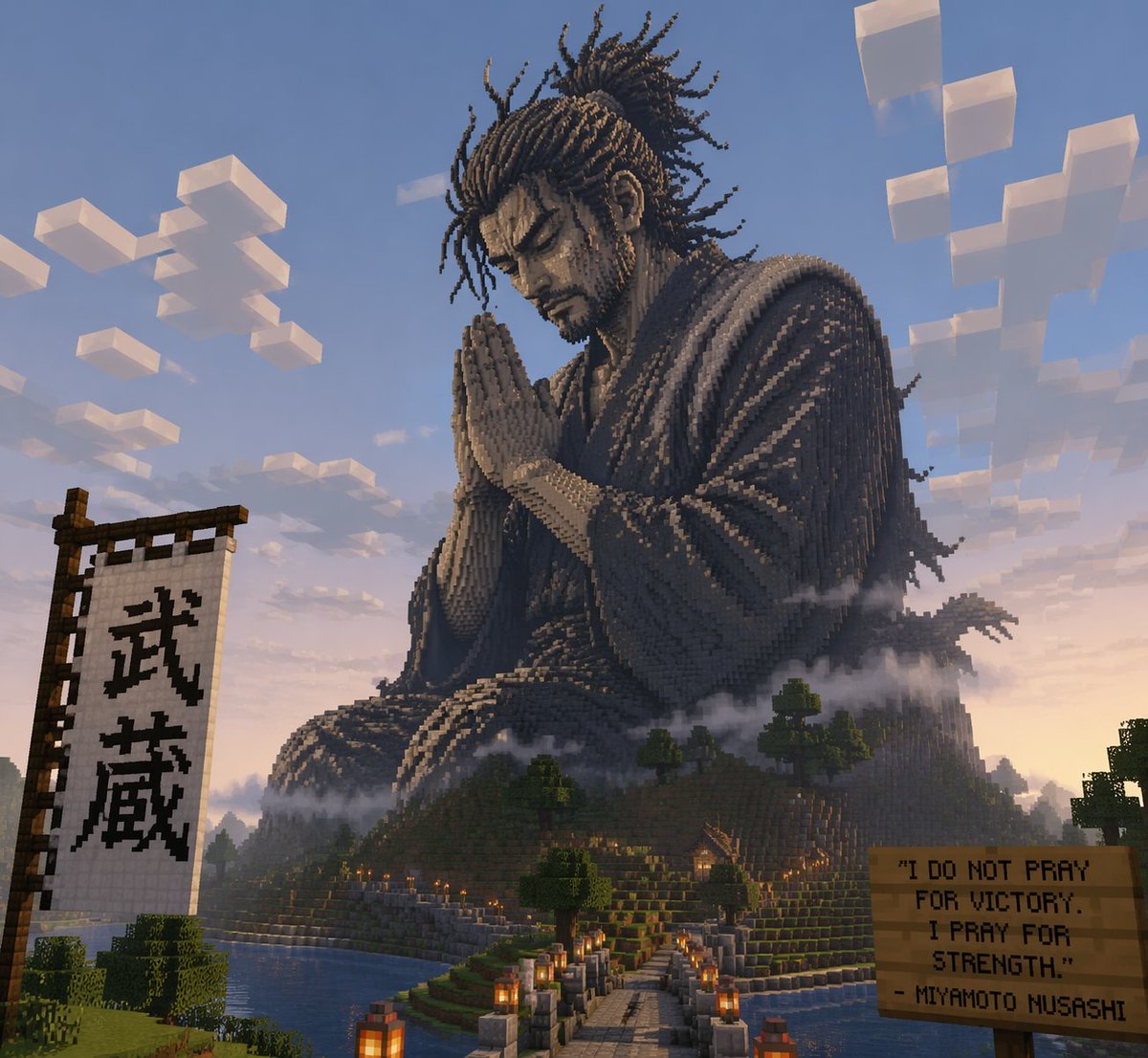
Minecraft Statue of Musashi
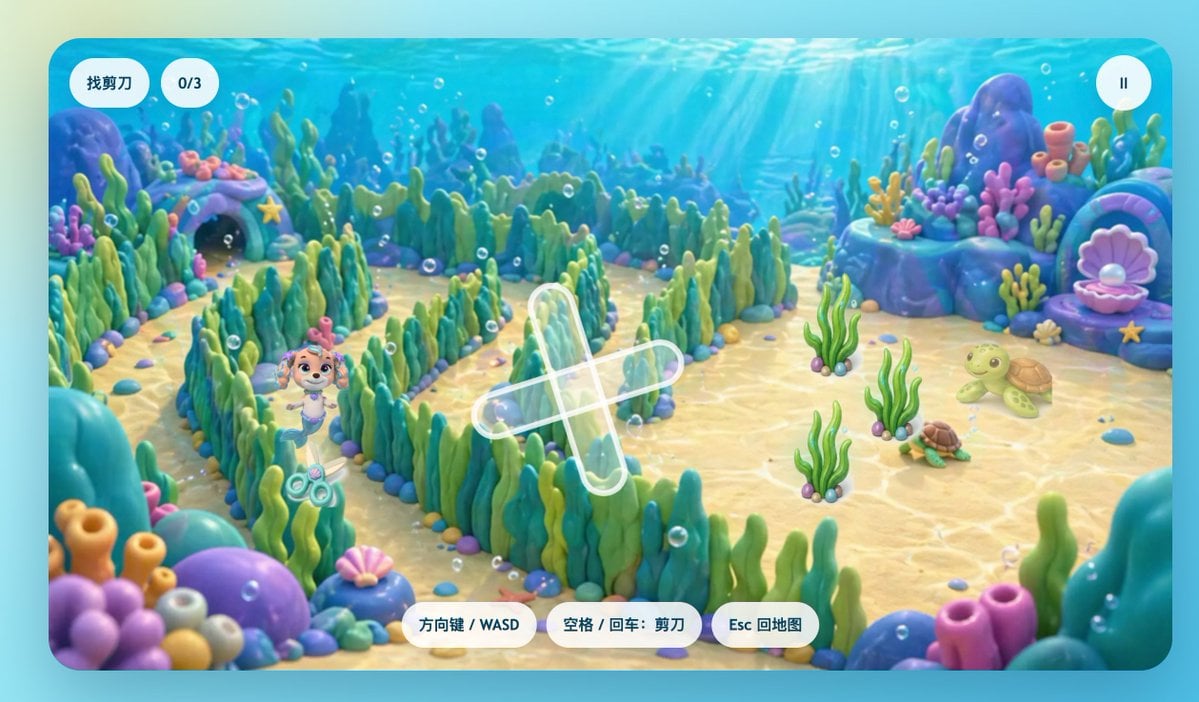
Cute Underwater Mermaid Puppy Game UI

24 The Getty Center — California Series
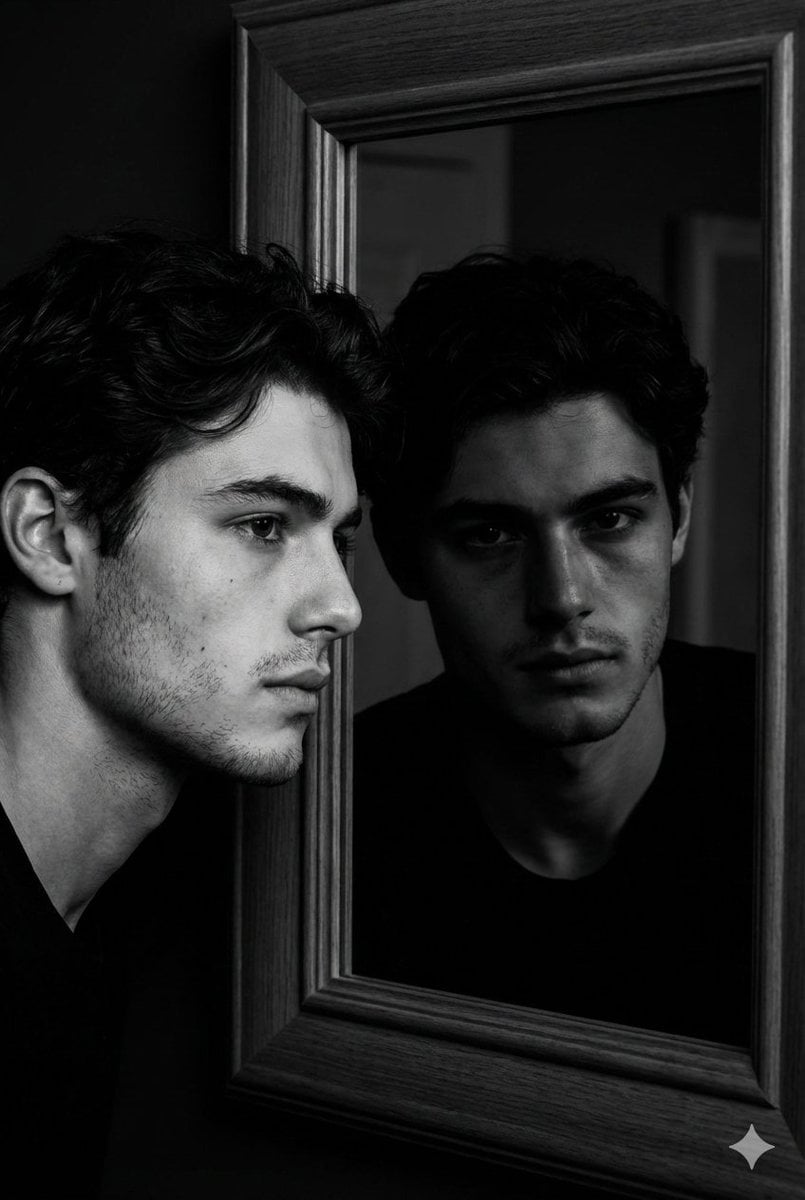
Noir Mirror Reflection Portrait
Browse template categories
Fox-Eared Kimono Tea Party Girl questions
How do I use the Fox-Eared Kimono Tea Party Girl template?
Add your photo if the template asks for one, edit the prompt if you like — the template's model and format are already selected — and press Generate. Your version opens in PicX Studio.
Can I customize the Fox-Eared Kimono Tea Party Girl template?
Yes. You can change the subject, setting, lighting, mood, format, and available model controls before creating your image.
Is the Fox-Eared Kimono Tea Party Girl template free?
Opening and editing this template is free. Generating uses credits, shown on the Generate button when you are signed in.
Which AI model should I use?
Start with GPT Image 2, which is the model associated with this template. You can compare another compatible model for a different finish.
Looking for something else? Browse all templates.

Your photo, any look
Thousands of ready templates for every top image and video model, from one credit balance.