
Turquoise Alpine Forest Pond
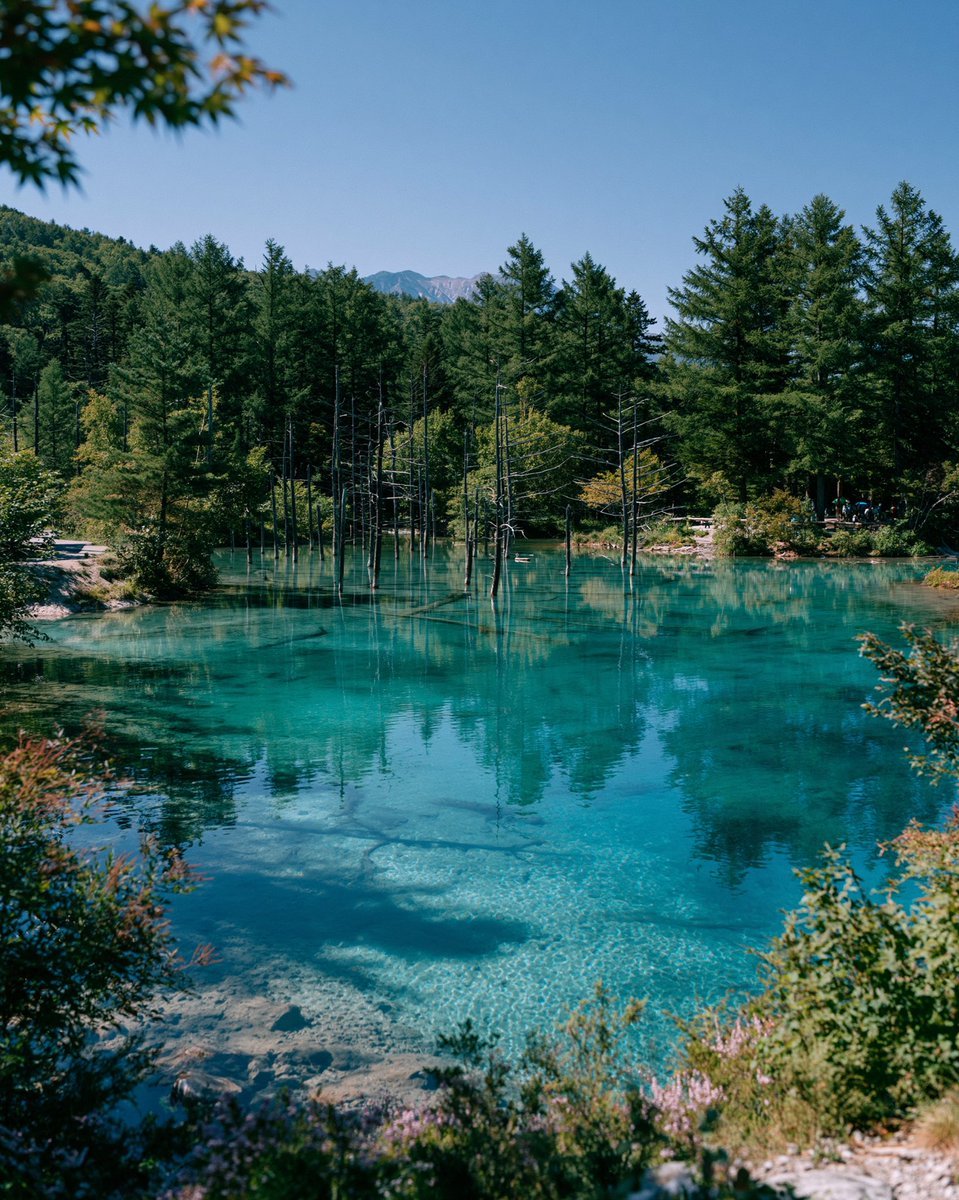
A realistic vertical travel landscape prompt for generating a serene turquoise forest pond with submerged stones, dead tree trunks, reflections, and distant mountains.
- Prompt included
- Model and format preset
- Free template
The prompt behind this image
Copy the exact prompt behind Turquoise Alpine Forest Pond, or open it in the studio and make it yours.
Create a realistic fine-art travel landscape photograph of a crystal-clear turquoise alpine pond in a quiet forest, inspired by Japan’s Blue Pond scenery. The composition is vertical 4:5, shot from a slightly elevated shoreline viewpoint with foreground shrubs and small wildflowers framing the bottom and sides, plus a few out-of-focus maple leaves hanging in the upper left corner. The pond water is vivid cyan and transparent, showing pale stones and sandy textures beneath the surface, with soft ripples and mirror reflections of the trees. In the middle of the pond, include many thin dead tree trunks rising straight from the water, mixed with reflections; behind them stands a dense forest of dark green conifers and early autumn foliage. Add low wooded hills and a small distant mountain ridge centered on the horizon under a clean deep blue sky. Lighting should be bright natural midday sunlight with crisp shadows, high clarity, saturated but natural colors, serene atmosphere, no text, no people as the main subject, no buildings, no boats, no fantasy elements.
How to use Turquoise Alpine Forest Pond in 3 steps
- 1Upload ImagePNG, JPG or paste
Add your photo
Upload the photo the template builds on. The prompt, model and format are already set.
- 2…a portrait of your subject in softgolden-hour light, 85mm…
Personalize
Edit the subject and creative details for your destination.
- 3Generate
Generate
Press Generate — your image is created in PicX Studio, so you can compare it with the original and refine one variable at a time.
More like this
Templates with the same subject, style or setup. Open one to see its prompt.

Teen Girl Alpine Lake Mountain View

Layered Paper Cut Forest Diorama
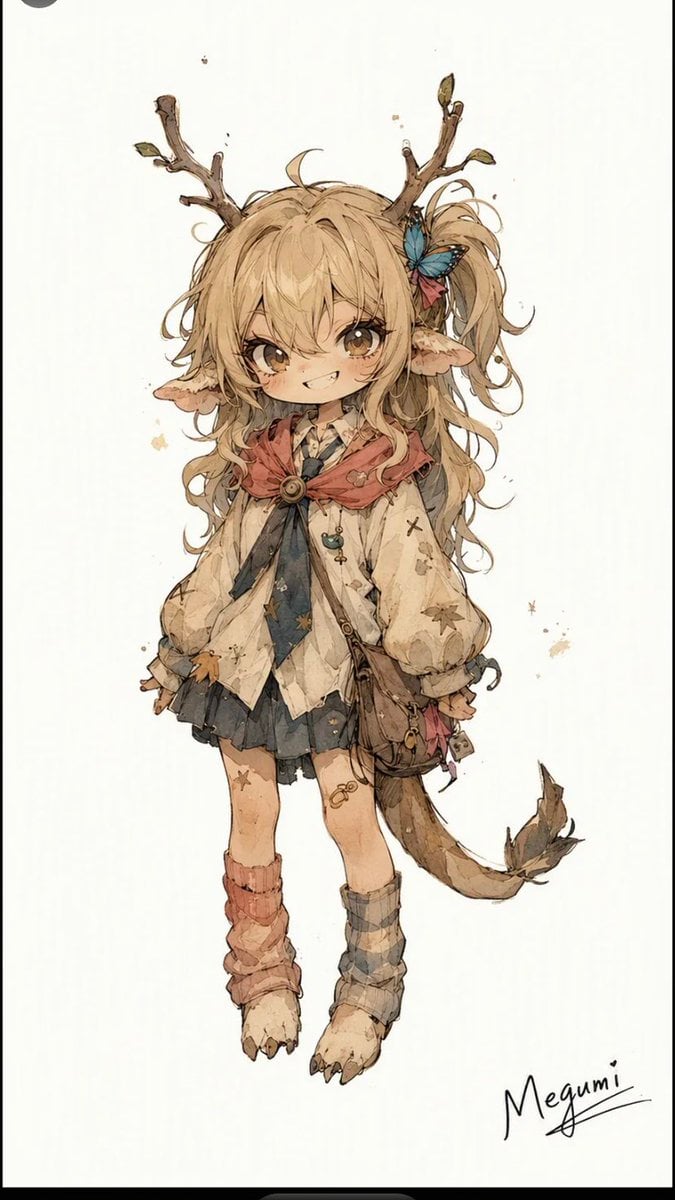
Mischievous Forest Faun Girl
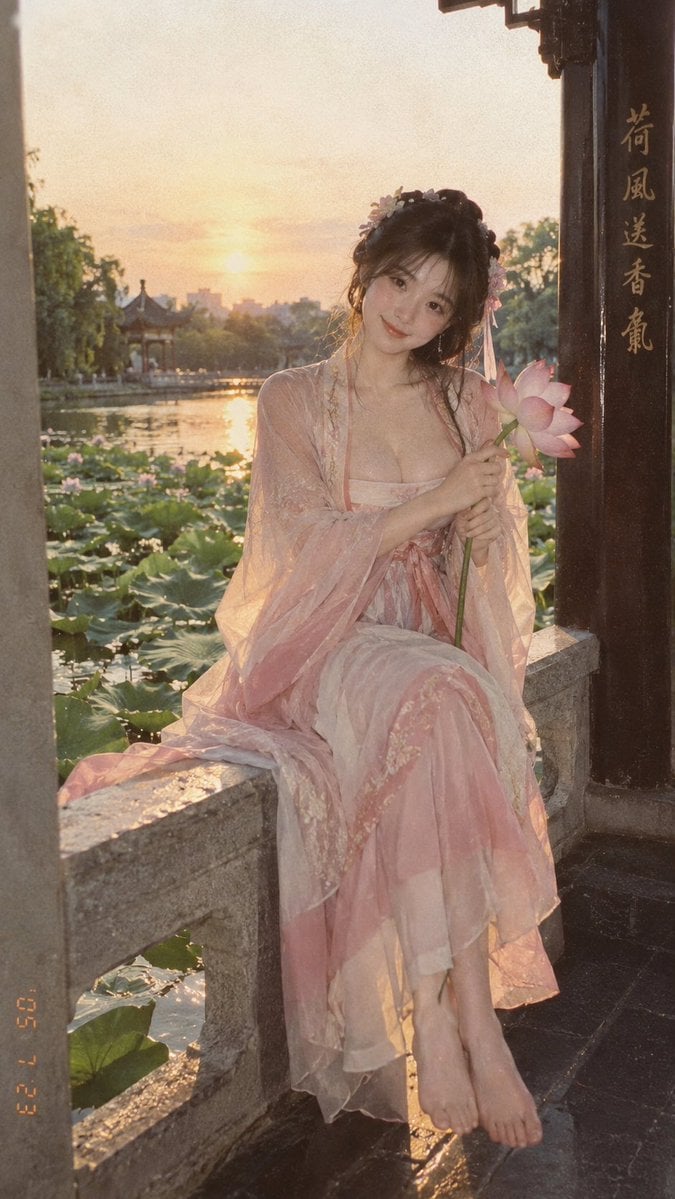
Lotus Pond Hanfu Sunset Portrait

Giant Lotus Pond Portrait
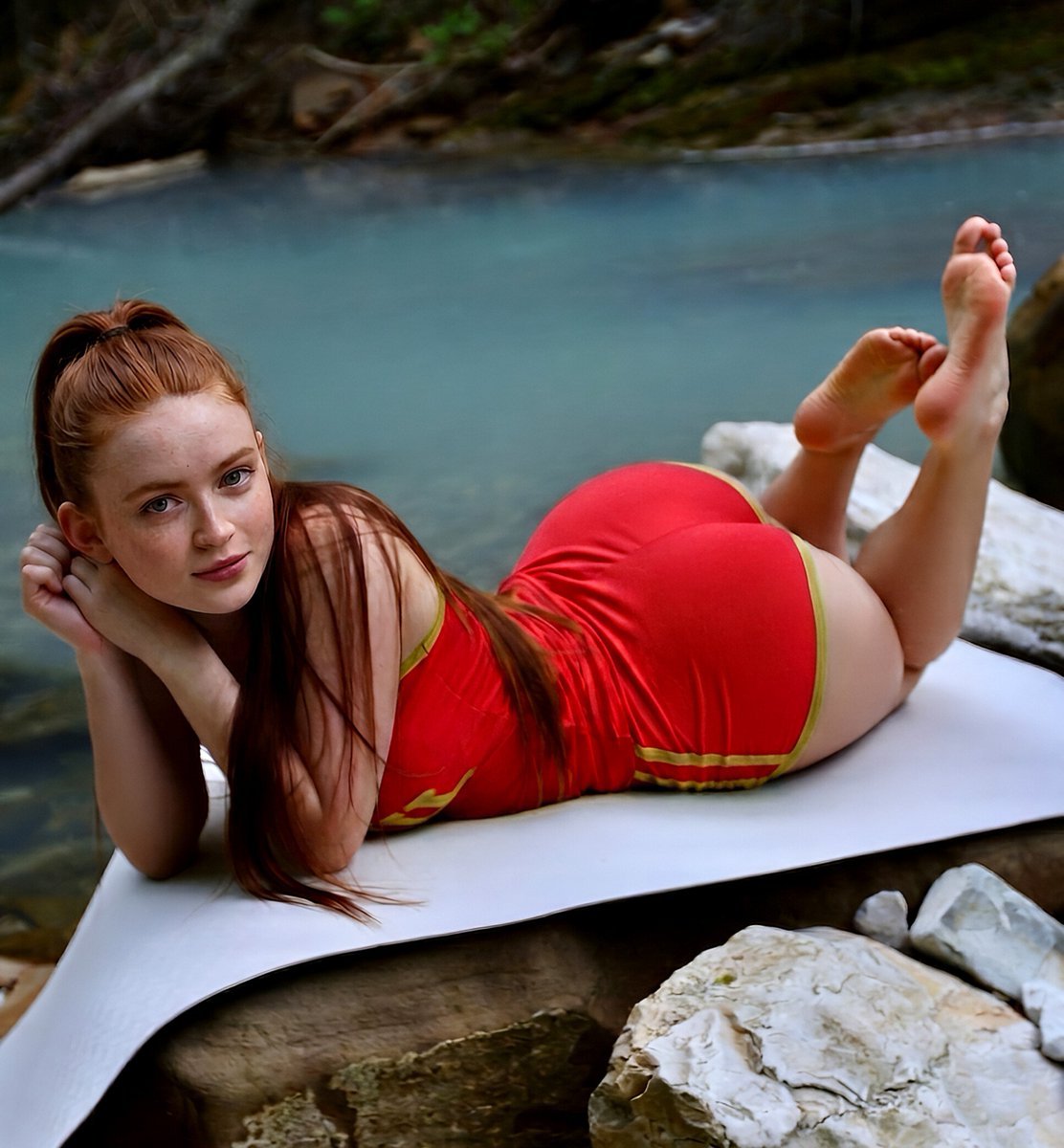
Woodland Turquoise Pool Portrait
Alpine Lake Candid — Mountain Air Moment
Unfolds beside a tranquil pond, where gentle ripples catch the warm
Angel Shih Tzu Over Ink Pond
Otter Family Lily Pond Illustration
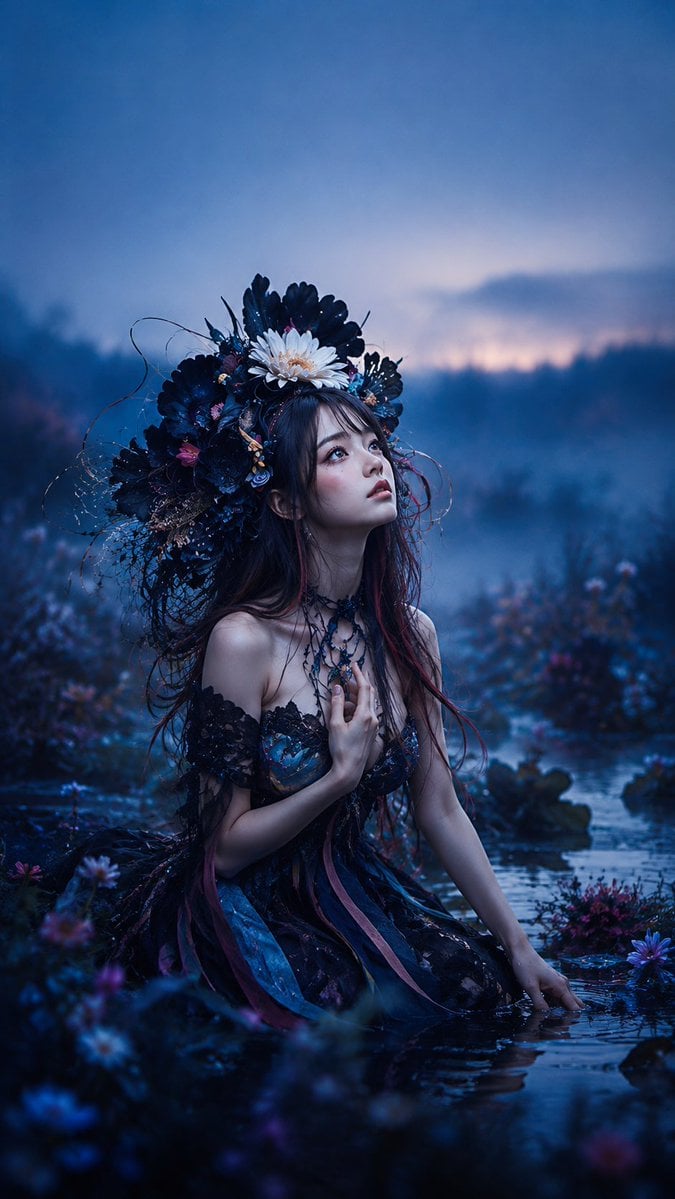
Gothic Fairy in Twilight Pond
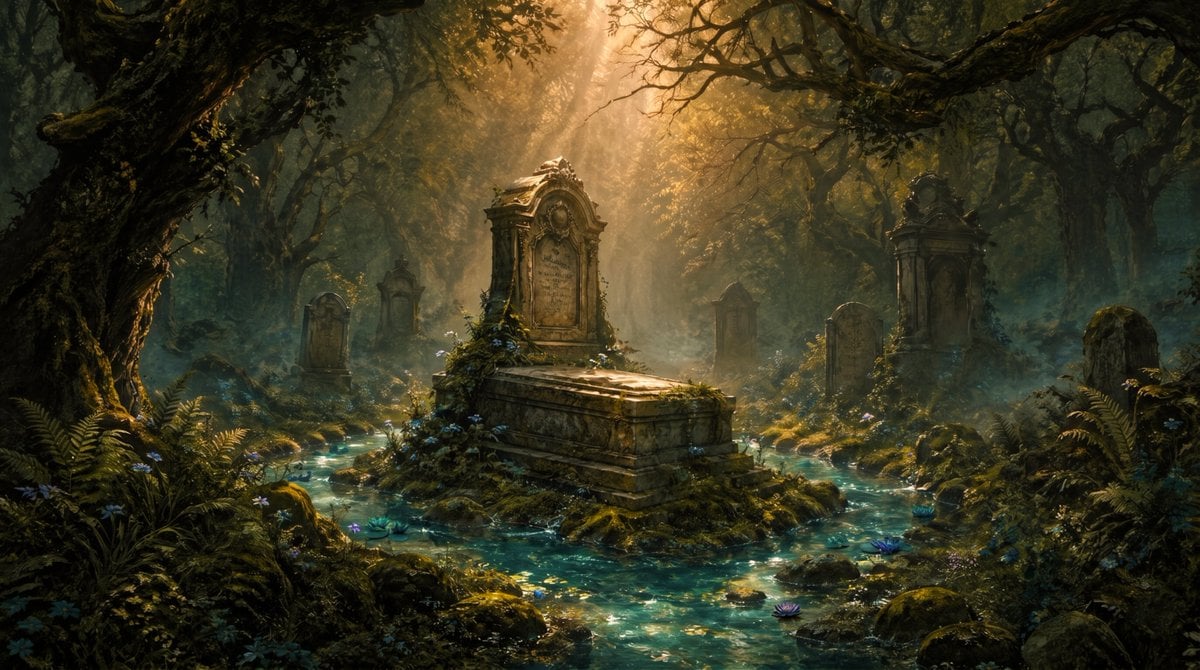
Enchanted Forest Grave Spring
Make it yours
Turquoise Alpine Forest Pond works as-is. These are the safest ways to change it without losing the look.
Change one field
Copy a single group, rewrite it, and generate again so you can see what that field is doing.
Keep the frame, change the subject
Hold the composition and light of Turquoise Alpine Forest Pond, then swap wardrobe, props or the person for a new take.
| If the result… | Why | Fix |
|---|---|---|
| The result drifts from the preview | Too many fields changed at once. | Reuse Turquoise Alpine Forest Pond as-is first, then change one group — subject, light, or setting. |
| The model over-stylizes the scene | The prose prompt leaves finish and camera underspecified. | Add one camera or lighting sentence and stay on GPT Image 2. |
More GPT Image 2 templates
Other prompts made for GPT Image 2.

Six VTuber Japanese Logo Sheet

Realistic Portrait of Woman and Deer

The Vista Modular Condo Poster

AI Model Routing Comparison Infographic

2.5D Anime Art Board

Isometric Productivity Desk Scene

New York Double Exposure Poster

Four-Panel AI Landscape Comparison

Japanese Tatami Lifestyle Magazine Cover

NESCAFÉ Coffee Map Poster
More image prompts
Fresh picks from across the catalog.
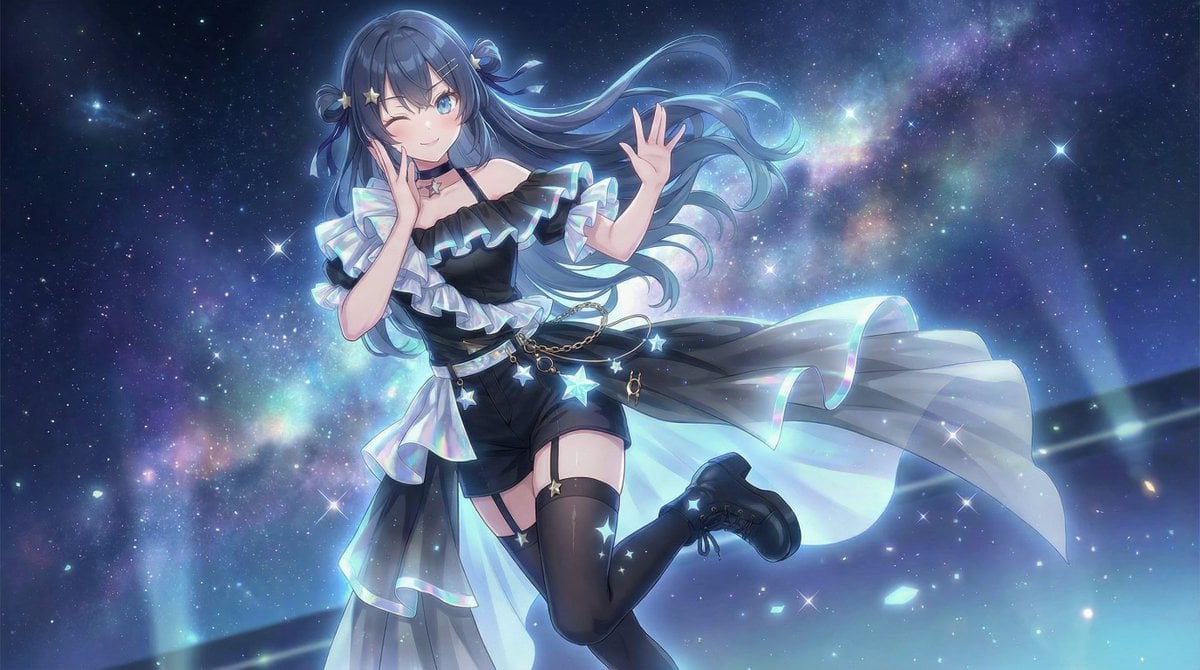
Nano Banana Pro Image Generation Prompt for Debut Outfit
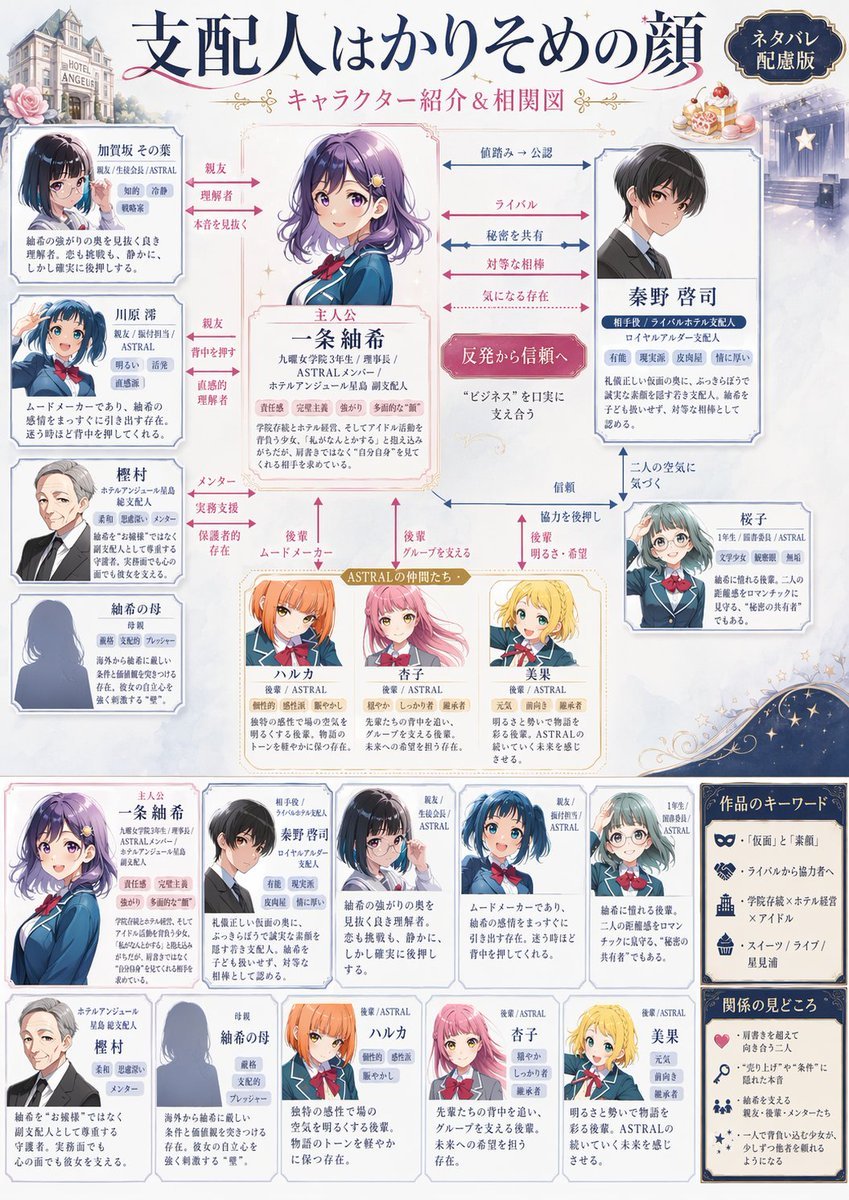
Japanese Character Relationship Chart Poster
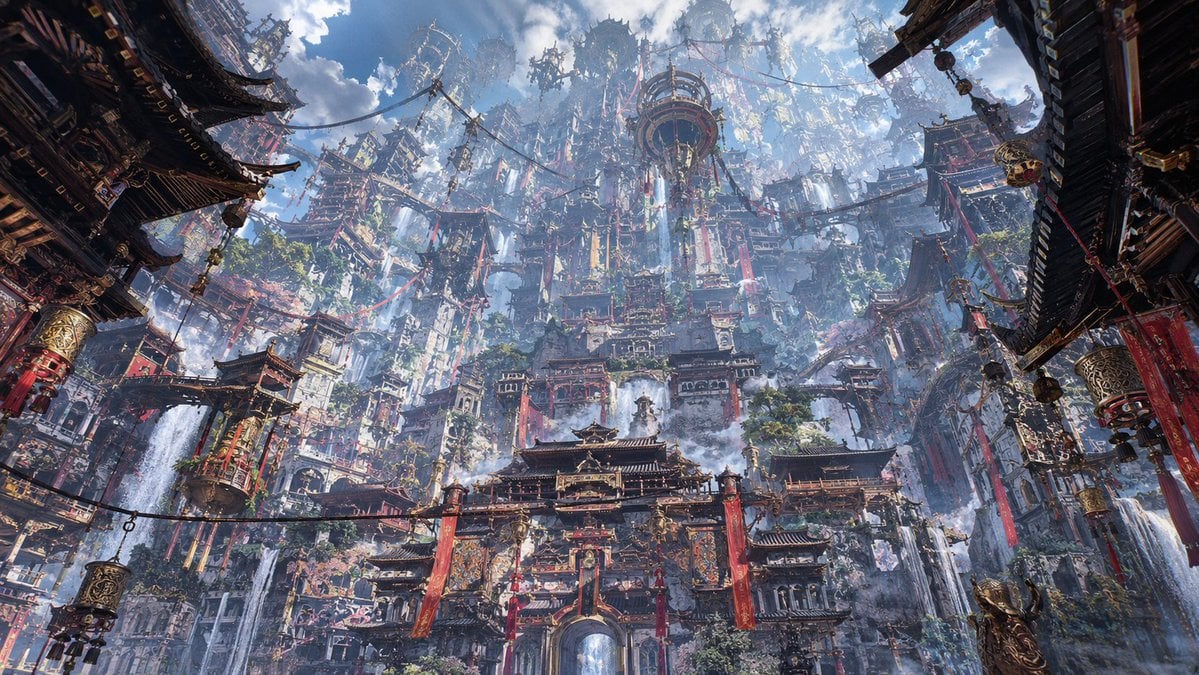
Maximalist Sky Temple City

Japanese News Broadcast Mockup
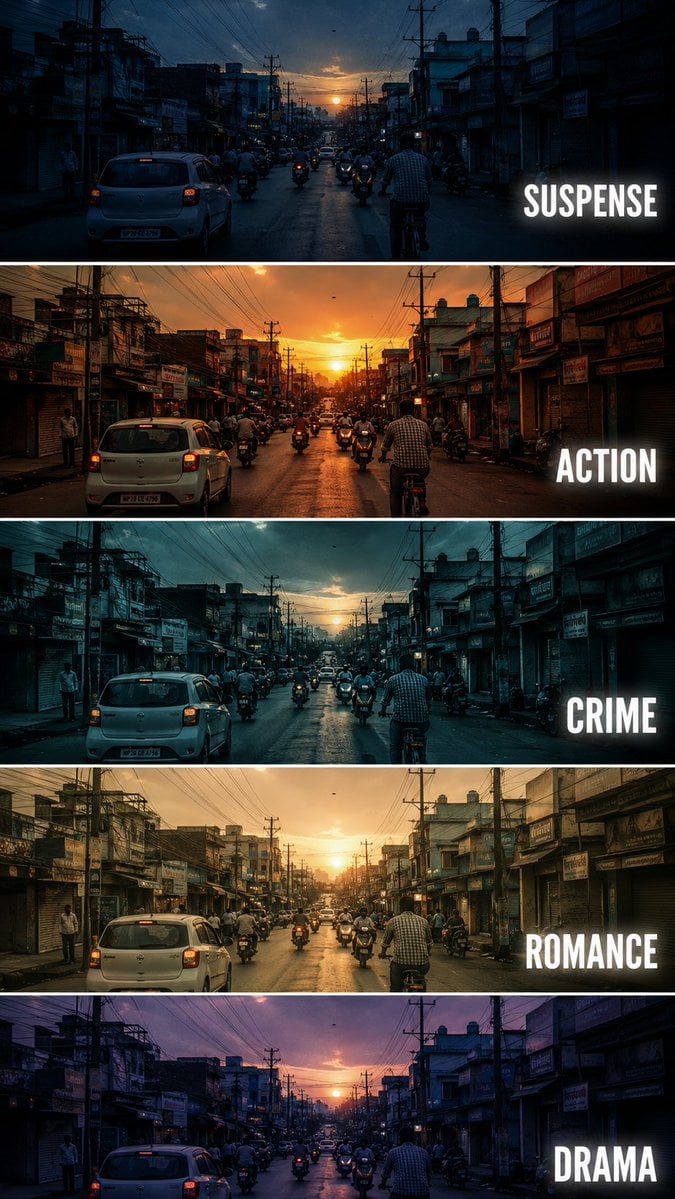
Cinematic Film Genre Color Grading Comparison
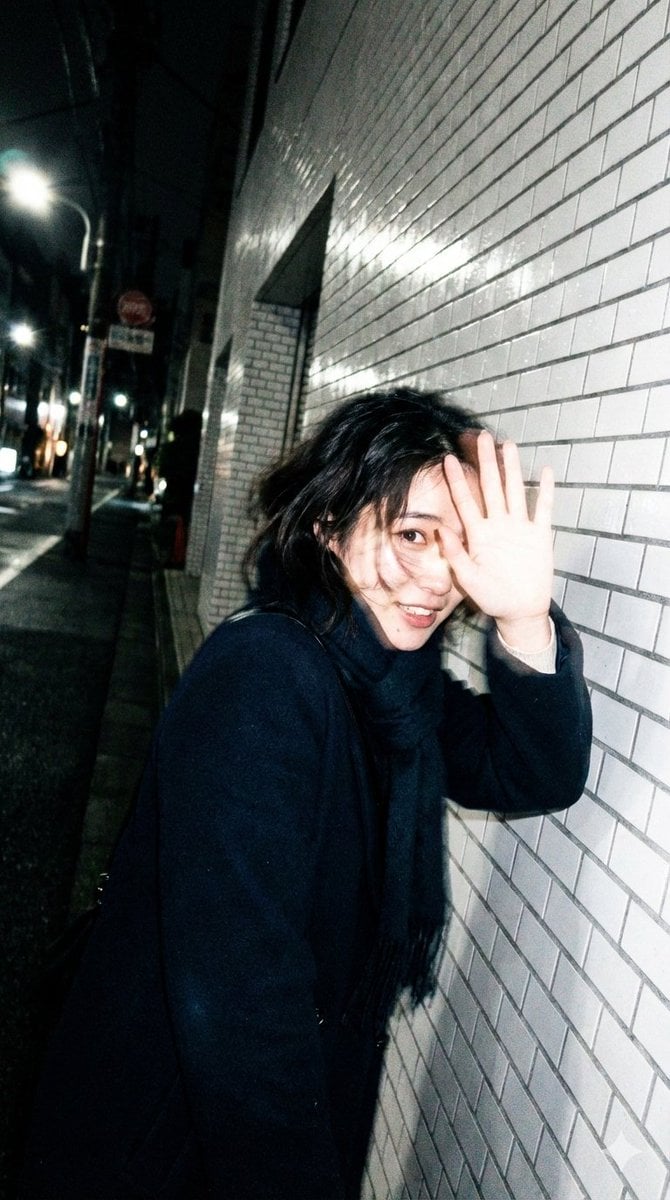
Candid, Imperfect Nighttime Smartphone Photo in Tokyo
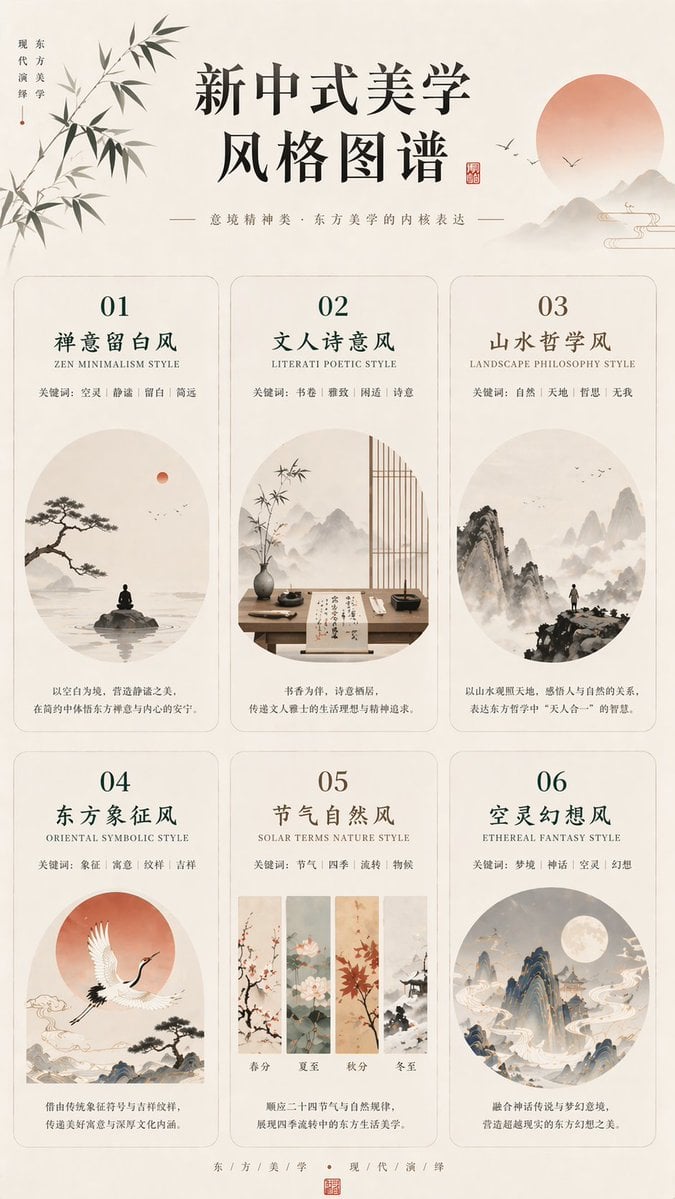
New Chinese Aesthetics Style Atlas
Conceptual Object Feasibility Image Prompt

Futuristic Surreal Eyewear Advertisement
Japanese Text Spiral Generation Prompt (Jugemu)
Browse template categories
Turquoise Alpine Forest Pond questions
How do I use the Turquoise Alpine Forest Pond template?
Add your photo if the template asks for one, edit the prompt if you like — the template's model and format are already selected — and press Generate. Your version opens in PicX Studio.
Can I customize the Turquoise Alpine Forest Pond template?
Yes. You can change the subject, setting, lighting, mood, format, and available model controls before creating your image.
Is the Turquoise Alpine Forest Pond template free?
Opening and editing this template is free. Generating uses credits, shown on the Generate button when you are signed in.
Which AI model should I use?
Start with GPT Image 2, which is the model associated with this template. You can compare another compatible model for a different finish.
Looking for something else? Browse all templates.

Your photo, any look
Thousands of ready templates for every top image and video model, from one credit balance.