
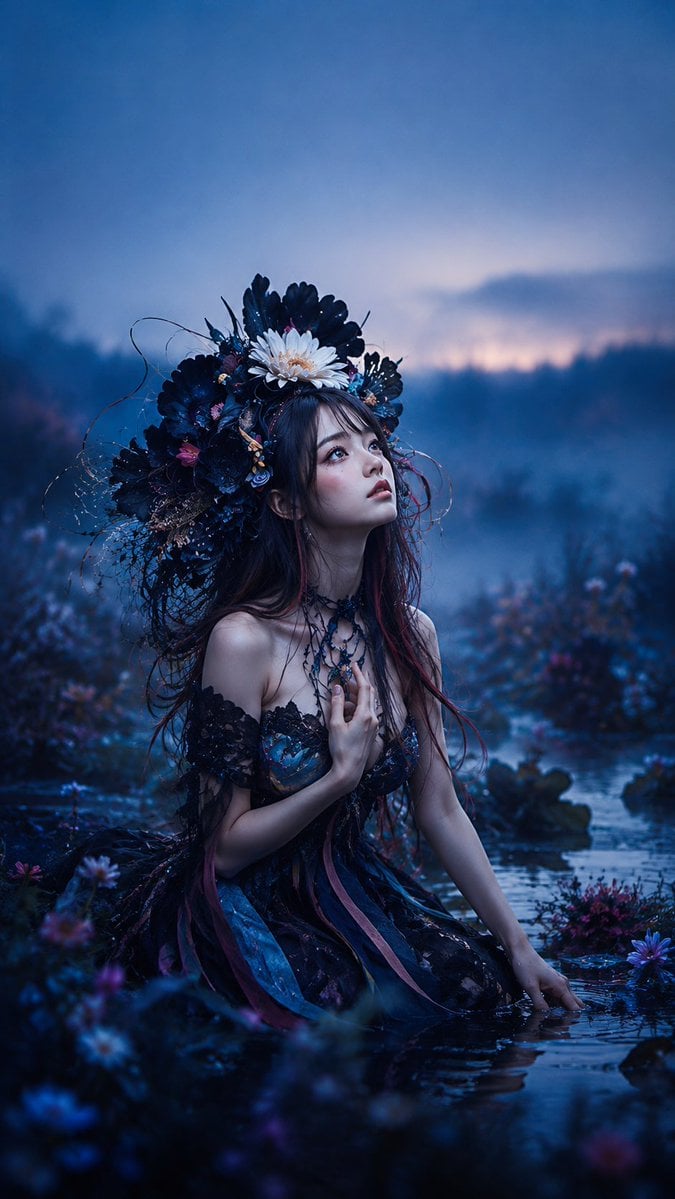
Gothic Fairy in Twilight Pond
A cinematic fantasy portrait prompt for creating a gothic fairy woman kneeling in a misty twilight pond with an ornate floral crown.
- Prompt included
- Model and format preset
- Free template
The prompt behind this image
Copy the exact prompt behind Gothic Fairy in Twilight Pond, or open it in the studio and make it yours.
Create a vertical cinematic fantasy portrait of a young {argument name="character description" default="East Asian woman"} kneeling waist-deep in a shallow pond at twilight, surrounded by dark wildflowers and mist. She wears an elaborate gothic fairy dress: black lace off-shoulder bodice, layered dark blue and violet skirt, trailing ribbon strips in navy, teal, and muted magenta, and a delicate black floral choker necklace. Her long dark brown hair has subtle burgundy streaks and loose wet strands framing her face. She holds one hand gently to her chest and rests the other hand in the water, gazing upward to the right with a wistful, dreamlike expression, pale luminous skin, soft blush, glossy eyes, and slightly parted lips. Place an oversized ornate floral crown on her head made of many dark navy-black petals, tangled twigs, fine vines, tiny blue and pink blossoms, and one prominent {argument name="center crown flower" default="white daisy-like flower"} at the front top. The environment is a moody enchanted marsh or lakeside garden with reflective blue water, blurred foreground flowers, distant tree silhouettes, low fog, and a dusky blue-purple sky with a faint warm pink glow near the horizon. Use a deep cool color palette of midnight blue, indigo, violet, black, and small magenta accents. Style should be ultra-detailed fantasy photography, romantic gothic editorial, shallow depth of field, soft cinematic lighting, realistic skin texture, water reflections, volumetric mist, bokeh flowers, high detail, no text, no watermark, 9:16 vertical composition.
How to use Gothic Fairy in Twilight Pond in 3 steps
- 1Upload ImagePNG, JPG or paste
Add your photo
Upload the photo the template builds on. The prompt, model and format are already set.
- 2…a portrait of your subject in softgolden-hour light, 85mm…
Personalize
Edit the subject and creative details for your destination.
- 3Generate
Generate
Press Generate — your image is created in PicX Studio, so you can compare it with the original and refine one variable at a time.
More like this
Templates with the same subject, style or setup. Open one to see its prompt.
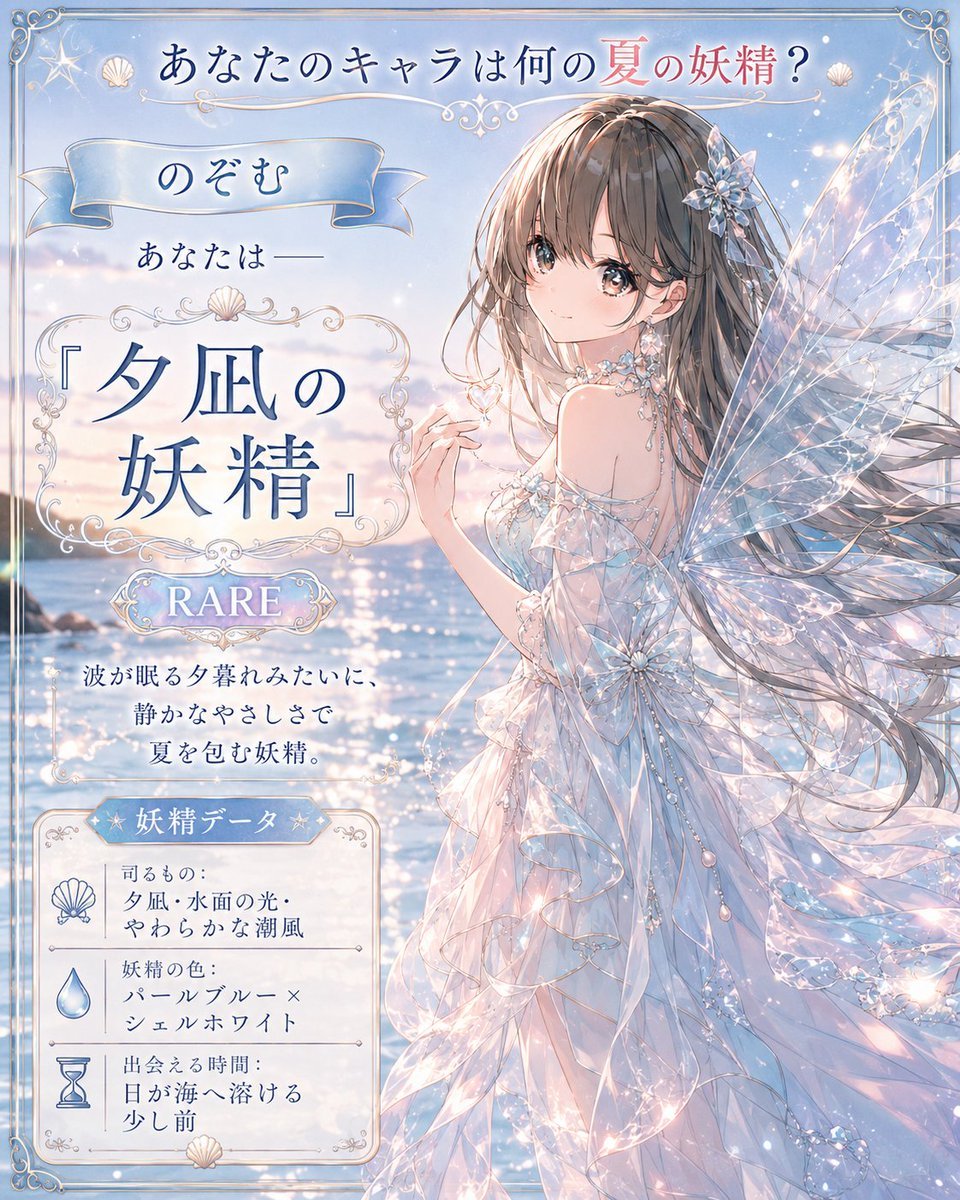
Twilight Sea Fairy Fortune Card
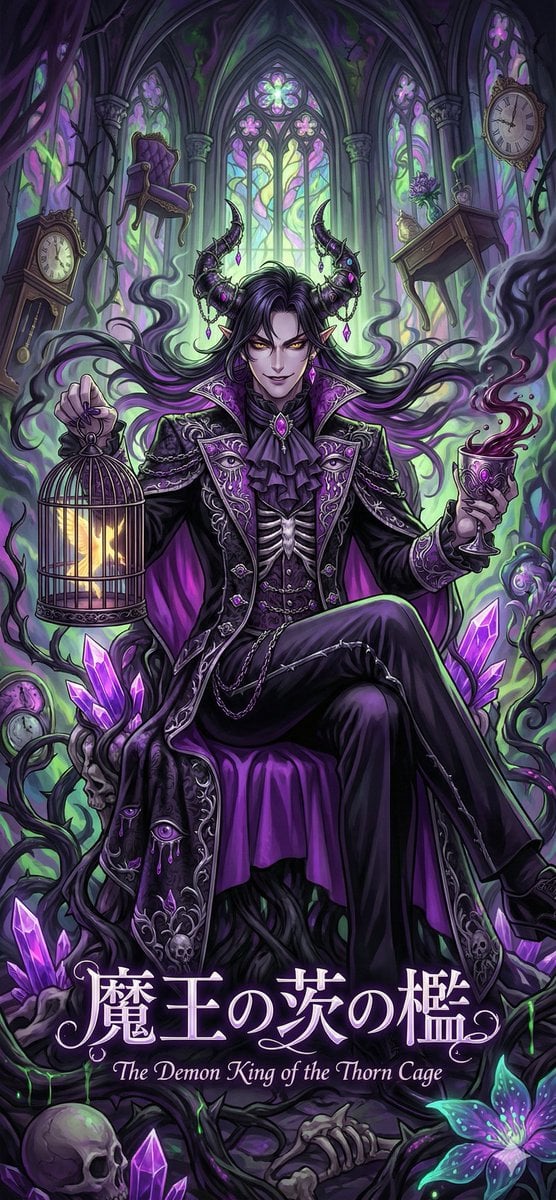
Dark Fairy Tale, Surrealism, Gothic Psychedelic Character Generation
JSON Seedance - Fairy Macro Flight
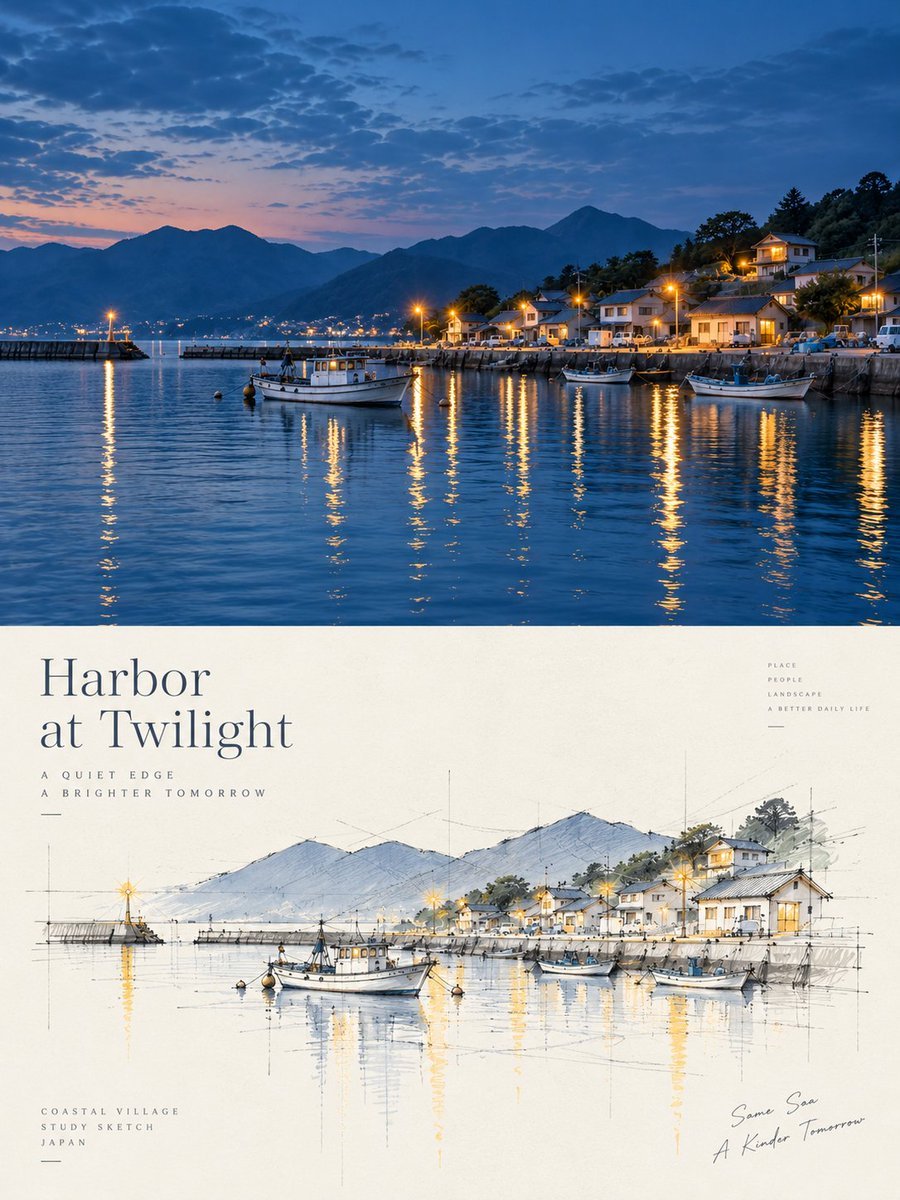
Harbor Twilight Photo Sketch Poster

Gothic Japanese Mobile Homepage

Burning Gothic Flood Escape
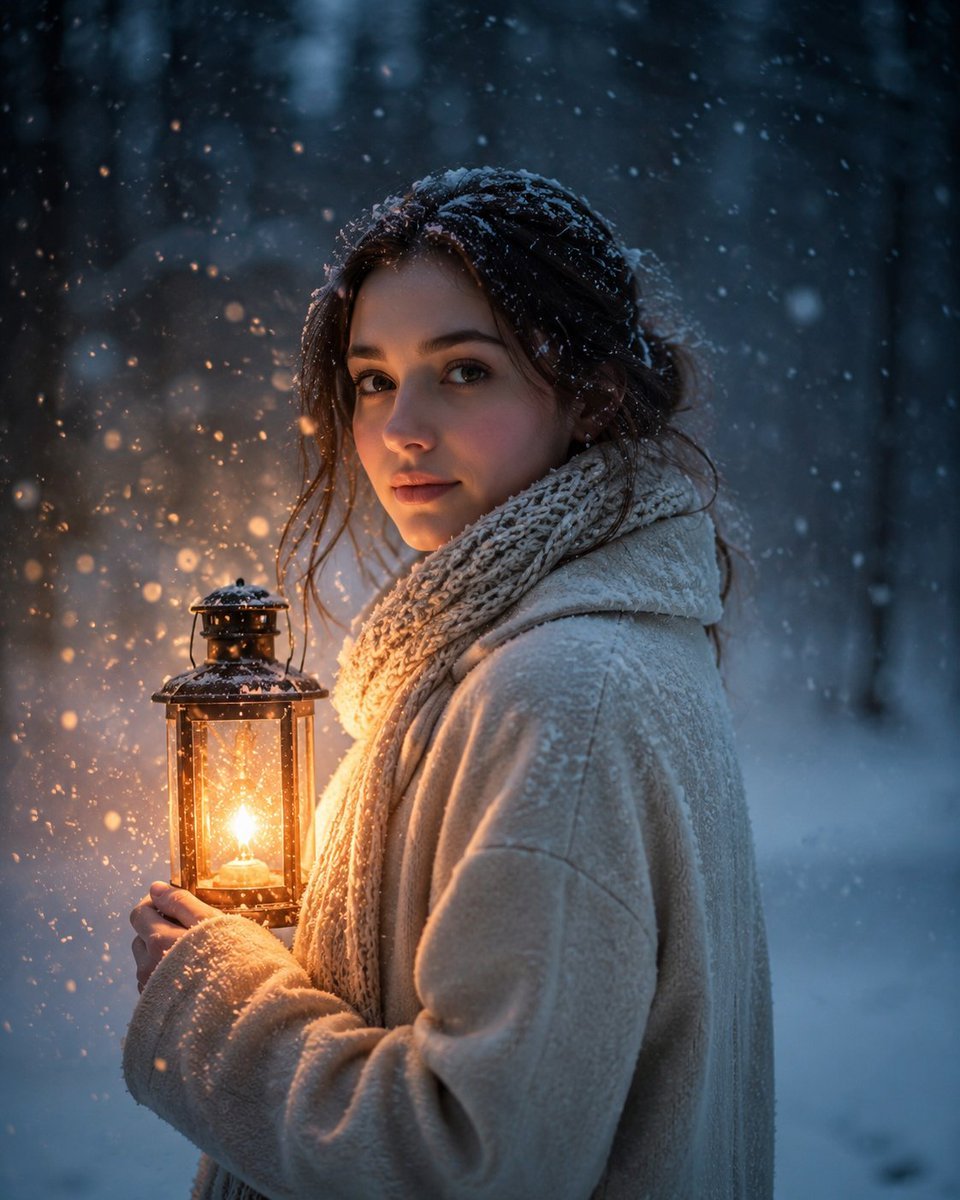
Lantern in the Winter Twilight Photography
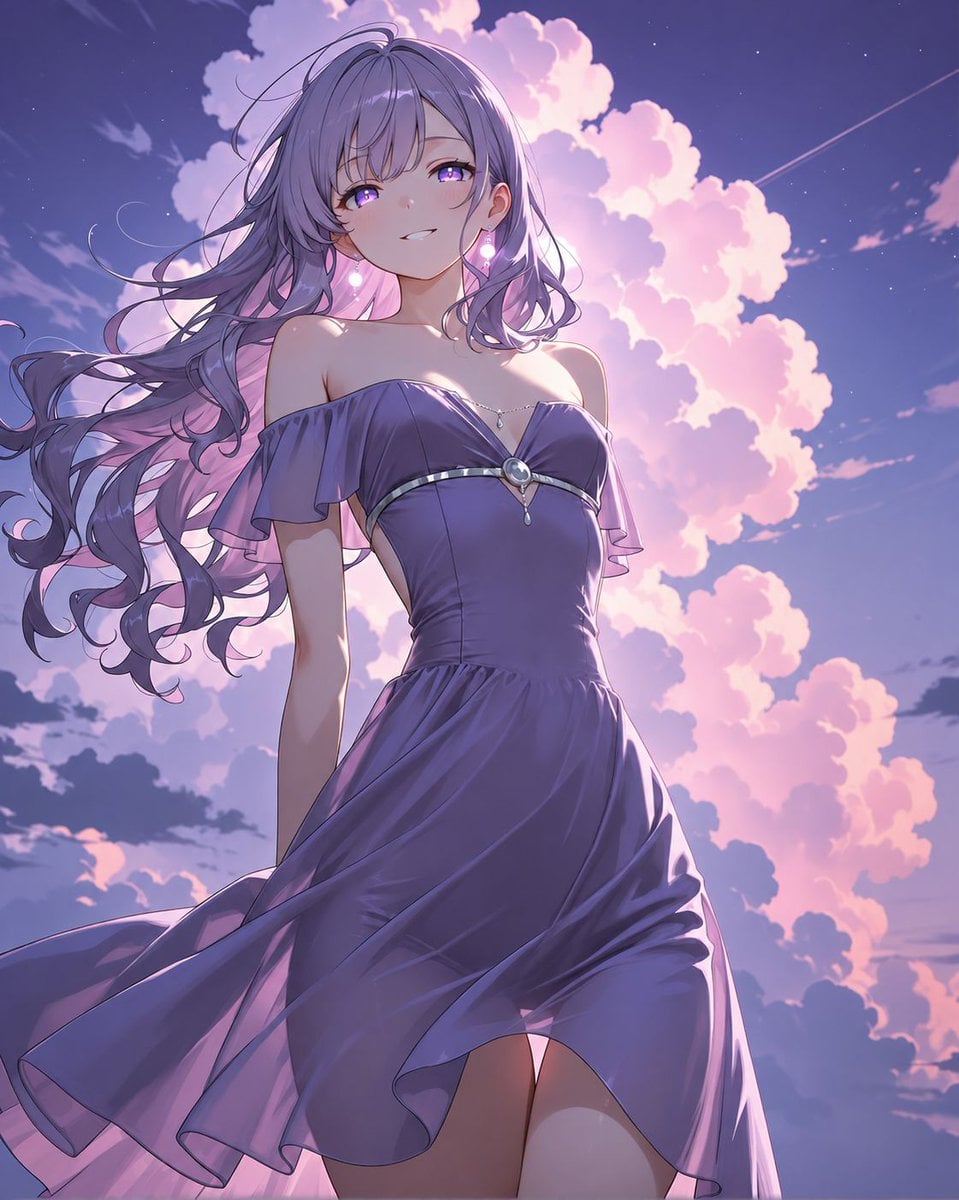
Lavender Anime Woman at Twilight
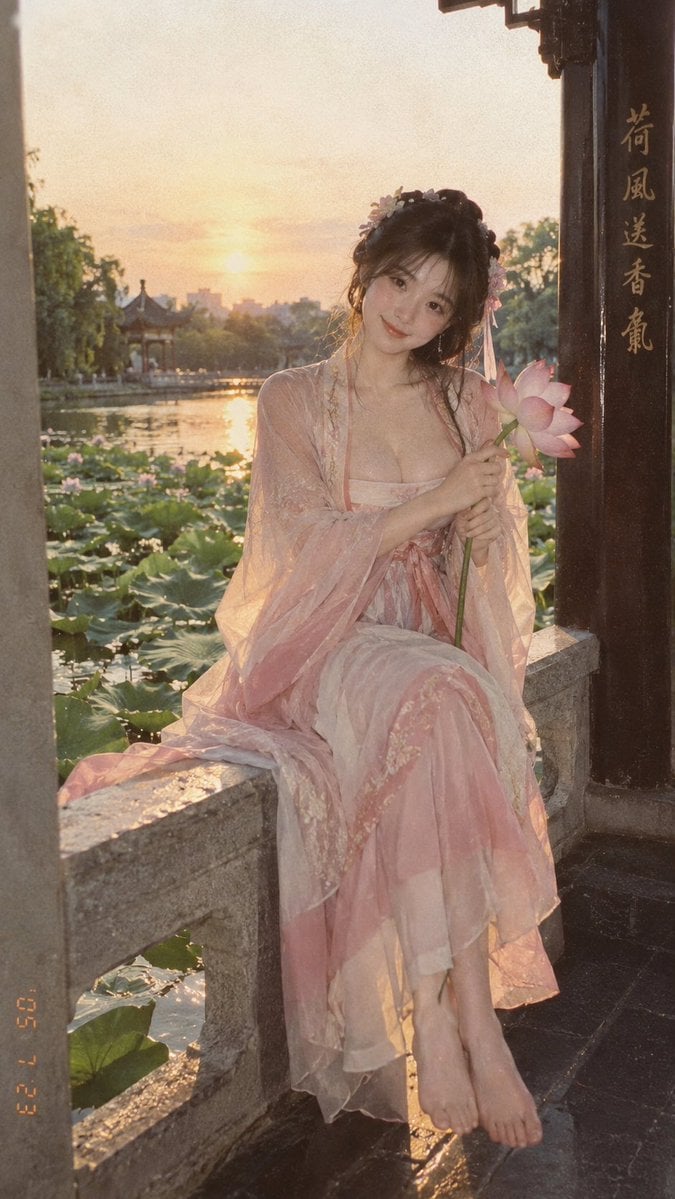
Lotus Pond Hanfu Sunset Portrait

Boutique Cafe Twilight Portrait

Giant Lotus Pond Portrait
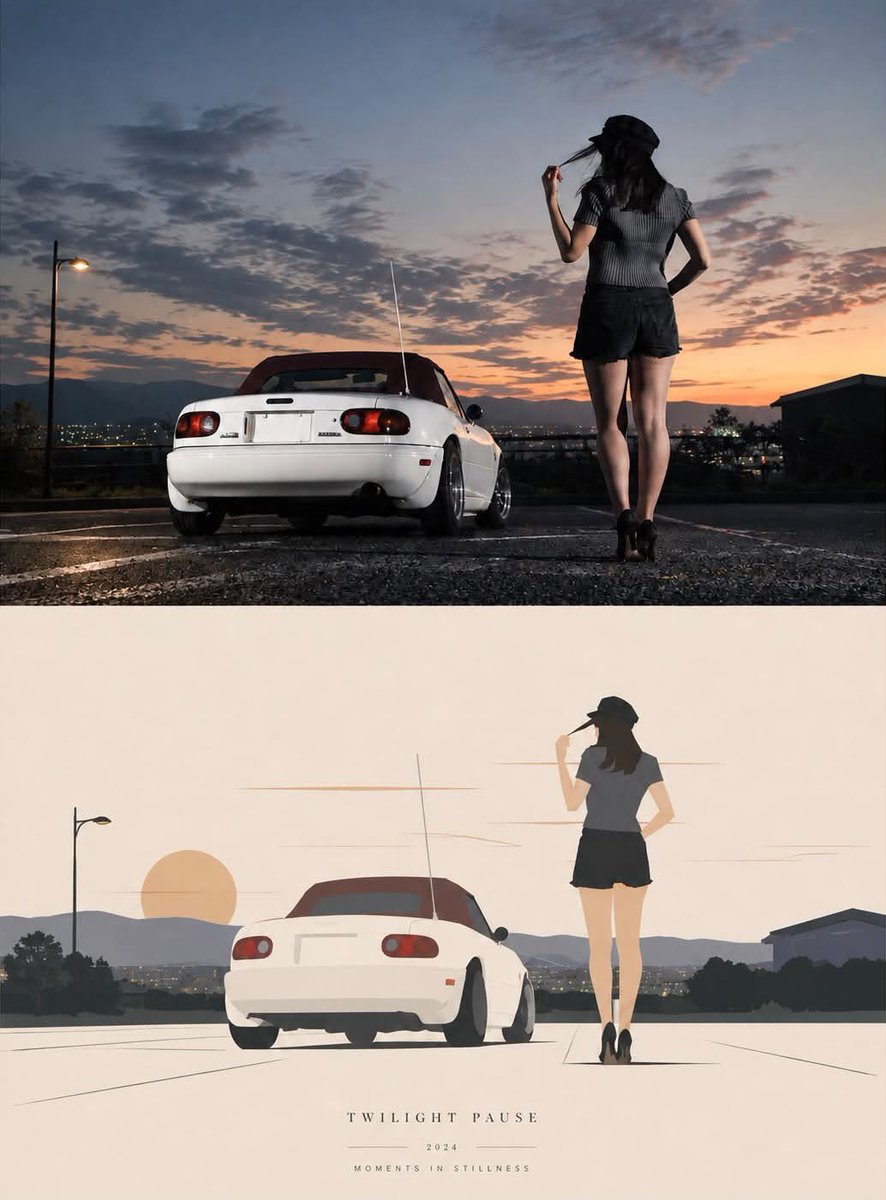
Twilight Pause Cinematic Editorial Poster
Make it yours
Gothic Fairy in Twilight Pond works as-is. These are the safest ways to change it without losing the look.
Change one field
Copy a single group, rewrite it, and generate again so you can see what that field is doing.
Keep the frame, change the subject
Hold the composition and light of Gothic Fairy in Twilight Pond, then swap wardrobe, props or the person for a new take.
| If the result… | Why | Fix |
|---|---|---|
| The result drifts from the preview | Too many fields changed at once. | Reuse Gothic Fairy in Twilight Pond as-is first, then change one group — subject, light, or setting. |
| The model over-stylizes the scene | The prose prompt leaves finish and camera underspecified. | Add one camera or lighting sentence and stay on GPT Image 2. |
More GPT Image 2 templates
Other prompts made for GPT Image 2.

Six VTuber Japanese Logo Sheet

Realistic Portrait of Woman and Deer

The Vista Modular Condo Poster

AI Model Routing Comparison Infographic

2.5D Anime Art Board

Isometric Productivity Desk Scene

New York Double Exposure Poster

Four-Panel AI Landscape Comparison

Japanese Tatami Lifestyle Magazine Cover

NESCAFÉ Coffee Map Poster
More image prompts
Fresh picks from across the catalog.

Object Print Ad Generation Framework
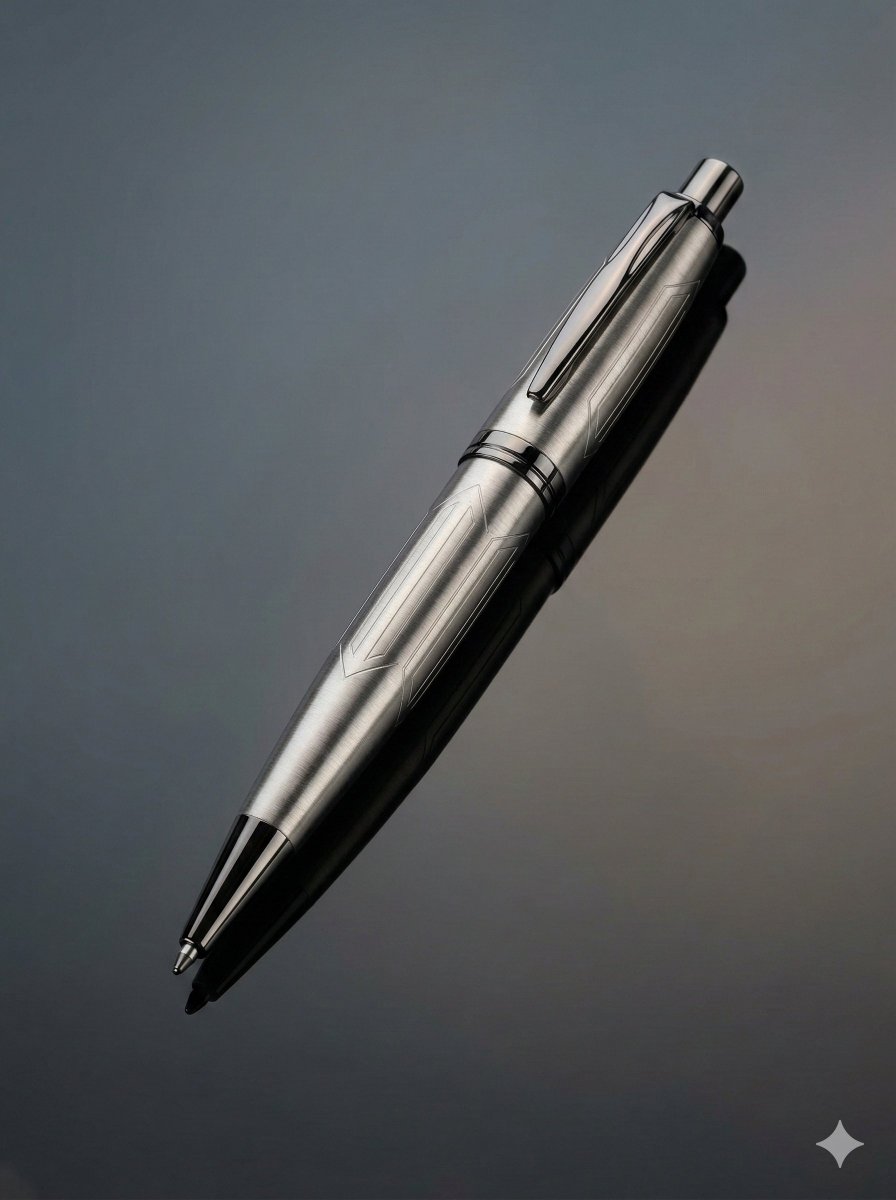
Ultra-Realistic Product Photography of a Pen
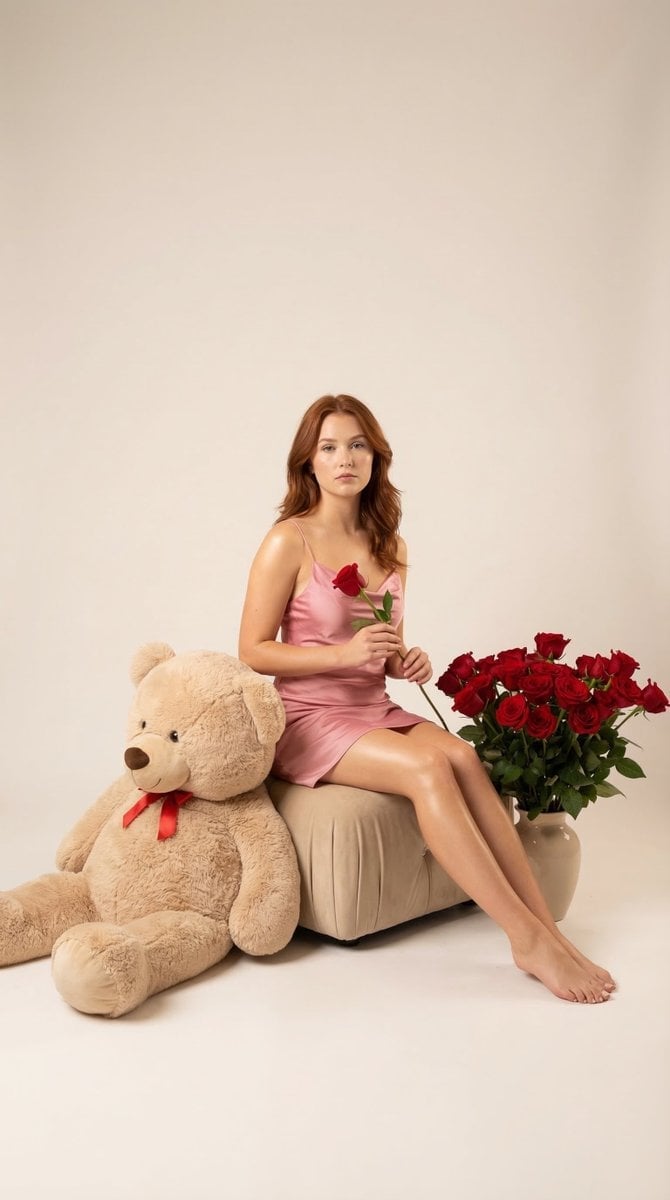
Romantic Studio Portrait of a Young Woman with a Rose

3x3 Visual Storyboard for Product Branding

Requesting Transparent PNG Output
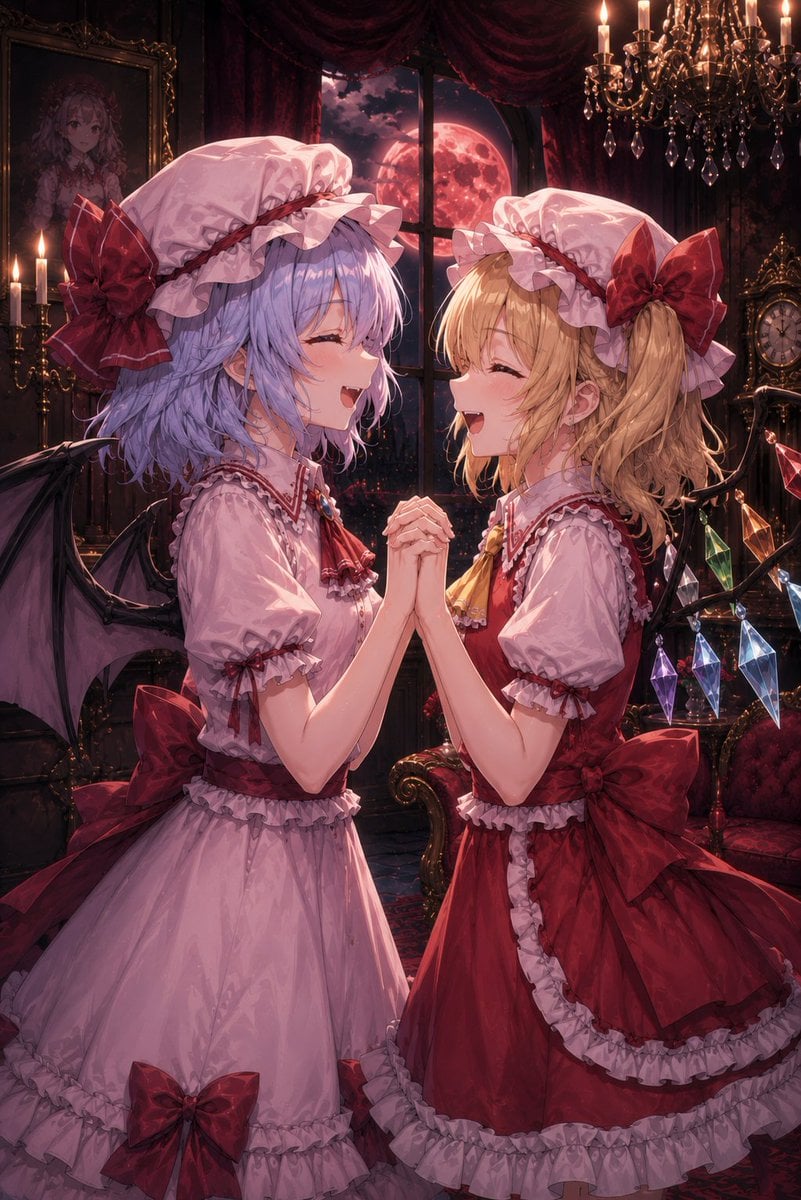
Gothic Vampire Sisters
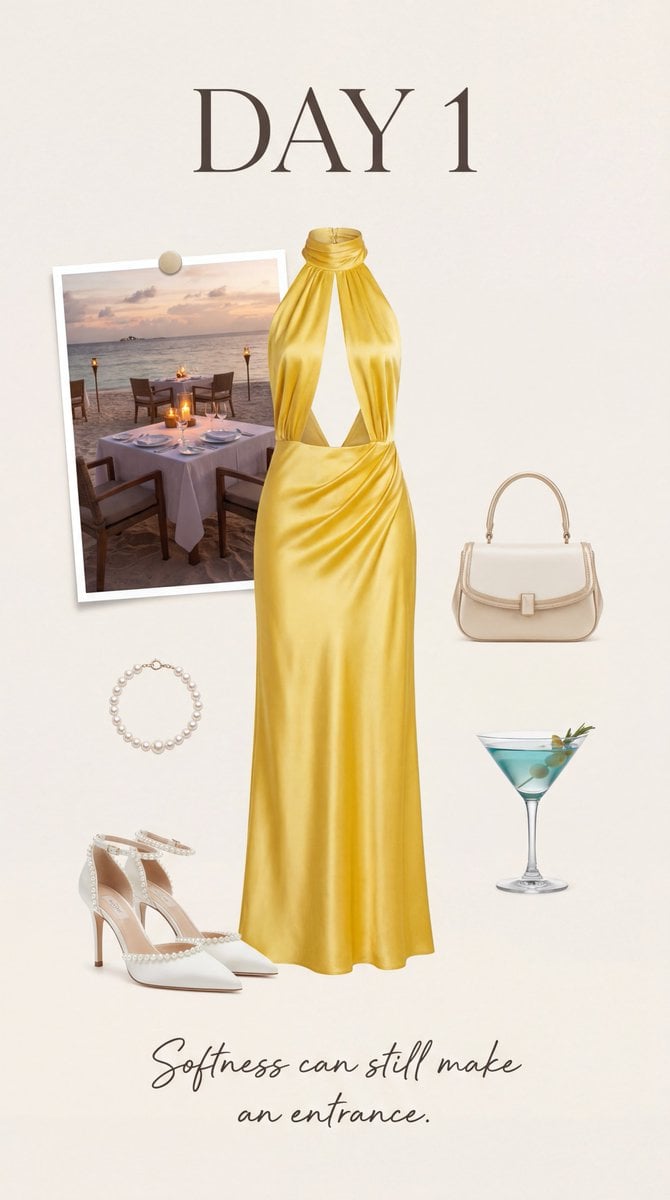
Luxury Fashion Moodboard Editorial Prompt for Nano Banana Pro

Isometric Cozy Bathroom Diorama Prompt
Ancient Restoration Atelier Editorial Portrait

Contrast Street Art Mural
Browse template categories
Gothic Fairy in Twilight Pond questions
How do I use the Gothic Fairy in Twilight Pond template?
Add your photo if the template asks for one, edit the prompt if you like — the template's model and format are already selected — and press Generate. Your version opens in PicX Studio.
Can I customize the Gothic Fairy in Twilight Pond template?
Yes. You can change the subject, setting, lighting, mood, format, and available model controls before creating your image.
Is the Gothic Fairy in Twilight Pond template free?
Opening and editing this template is free. Generating uses credits, shown on the Generate button when you are signed in.
Which AI model should I use?
Start with GPT Image 2, which is the model associated with this template. You can compare another compatible model for a different finish.
Looking for something else? Browse all templates.

Your photo, any look
Thousands of ready templates for every top image and video model, from one credit balance.