
Photorealistic Woman Reference Sheet
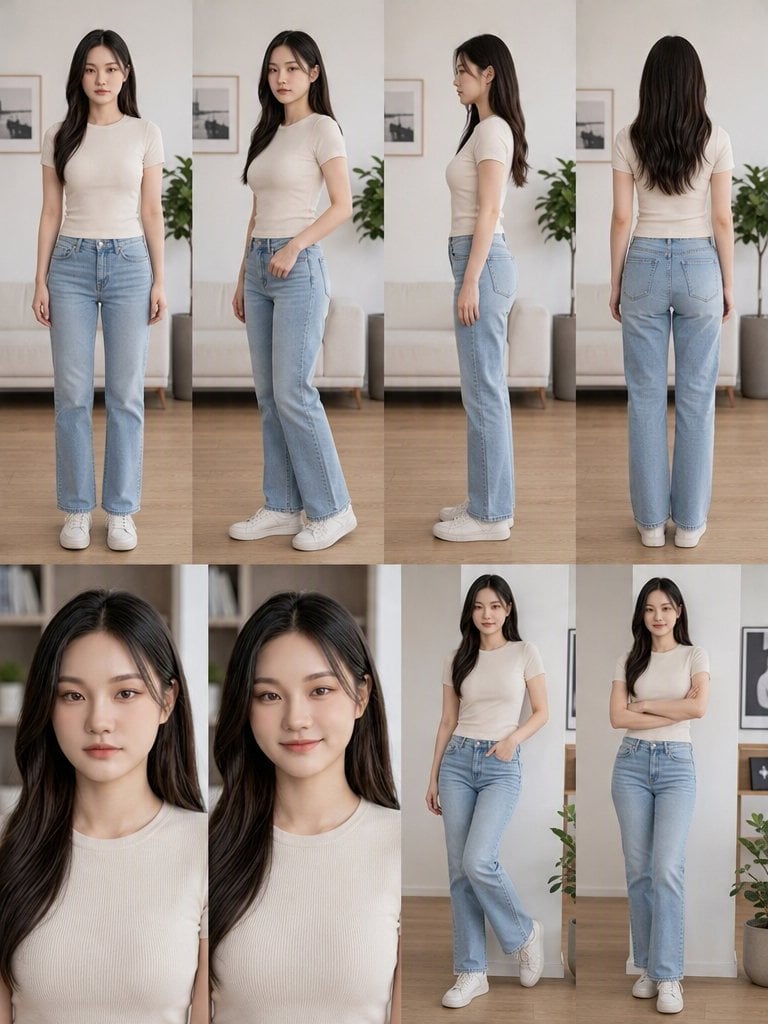
Generates an 8-panel photorealistic identity reference sheet of a young woman for consistent character use in lifestyle visuals.
- Prompt included
- Model and format preset
- Free template
The prompt behind this image
Copy the exact prompt behind Photorealistic Woman Reference Sheet, or open it in the studio and make it yours.
Goal: Create an ultra-photorealistic character reference sheet for a young woman, suitable as a strict identity reference for cinematic lifestyle scenes. Canvas: Vertical 3:4 portrait collage, clean editorial layout, soft natural daylight, premium realistic photography, no text, no labels, no watermark. Layout: Use exactly 8 panels arranged in a neat grid. Top row contains 4 full-body standing views: front view, three-quarter front view, left side profile, and back view. Bottom row contains 4 panels: two close-up portrait head-and-shoulders shots on the left showing neutral and slight-smile expressions, then two full-body lifestyle poses on the right showing relaxed standing poses. Character details: The same {argument name="character name" default="young East Asian woman"} appears consistently in every panel, early 20s, slim feminine proportions, average height, smooth fair skin, oval face, delicate jawline, straight natural brows, almond-shaped dark brown eyes, small straight nose, soft natural lips, minimal makeup, calm approachable expression. She has long {argument name="hair color" default="black"} hair, center-parted with soft loose waves falling past the shoulders, realistic shine and individual strands. Outfit: She wears a fitted short-sleeve ribbed {argument name="top color" default="cream white"} crew-neck T-shirt, high-waisted light blue straight-leg jeans, and clean white low-top sneakers. Clothing should have realistic fabric texture, seams, folds, denim stitching, pockets, waistband, and natural fit. Panel details: Count exactly 4 full-body identity turnaround views in the top row: 1 front-facing neutral stance with arms relaxed, 1 three-quarter front stance with one hand near the pocket, 1 clean side profile stance, 1 back view showing hair length and rear jeans pockets. Count exactly 2 close-up portraits in the bottom-left: 1 neutral expression and 1 gentle slight smile. Count exactly 2 full-body lifestyle poses in the bottom-right: 1 leaning casually with one hand in pocket and one leg crossed, 1 standing with arms crossed and a soft smile. Environment: Minimal bright apartment or studio interior with pale walls, light wood floor, beige sofa, framed black-and-white wall art, potted green plants, and subtle shelves in the background. Background should remain softly blurred and consistent across panels, like a real indoor photoshoot. Visual style: Ultra-photorealistic live-action look, high-resolution commercial photography, 50mm lens feel, shallow depth of field, soft cinematic daylight, natural color grading, accurate anatomy, realistic skin texture, realistic hair physics, clean vertical seams between panels. Constraints: Preserve the exact same face, hairstyle, body proportions, outfit, and identity in all 8 panels. Avoid illustration, anime, beauty-filter exaggeration, extra people, extra limbs, distorted hands, text overlays, logos, or inconsistent clothing.
How to use Photorealistic Woman Reference Sheet in 3 steps
- 1Upload ImagePNG, JPG or paste
Add your photo
Upload the photo the template builds on. The prompt, model and format are already set.
- 2…a portrait of your subject in softgolden-hour light, 85mm…
Personalize
Edit the subject and creative details for your destination.
- 3Generate
Generate
Press Generate — your image is created in PicX Studio, so you can compare it with the original and refine one variable at a time.
More like this
Templates with the same subject, style or setup. Open one to see its prompt.
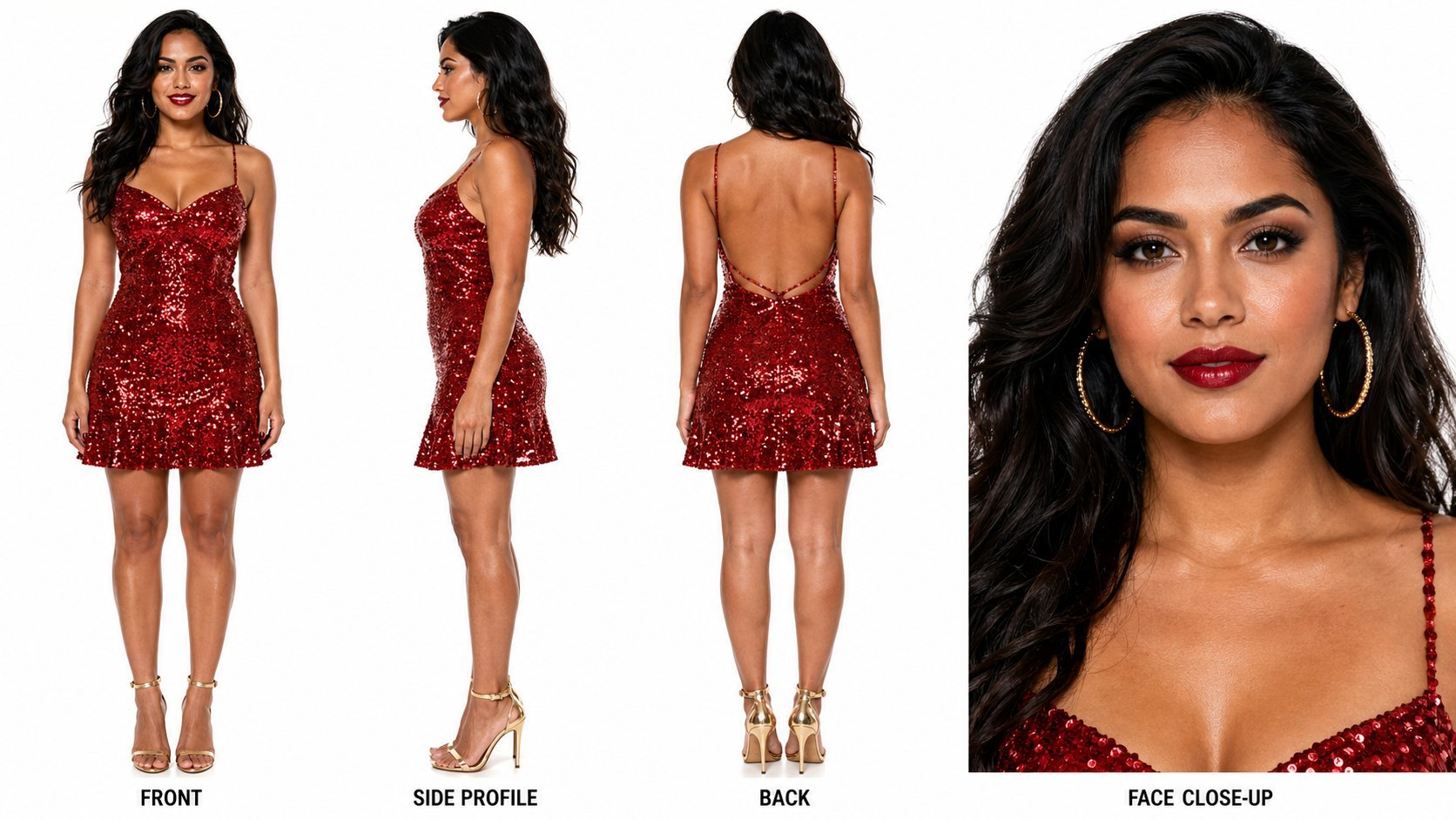
Dancer Character - Four View Reference Sheet
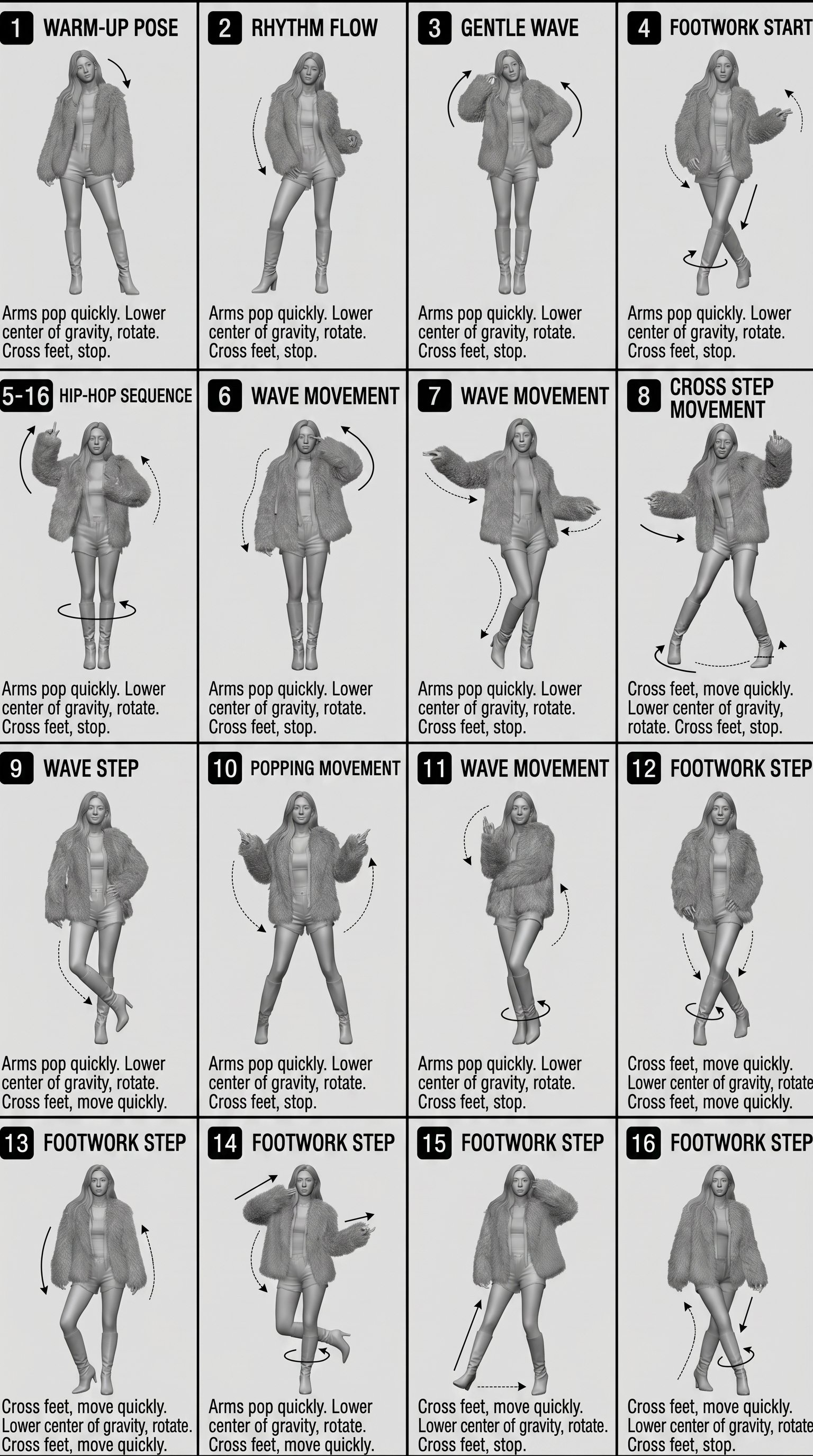
Movement Sheet - Dance Reference (Seedance 2.0)

Face-Locked Identity Reference Portrait
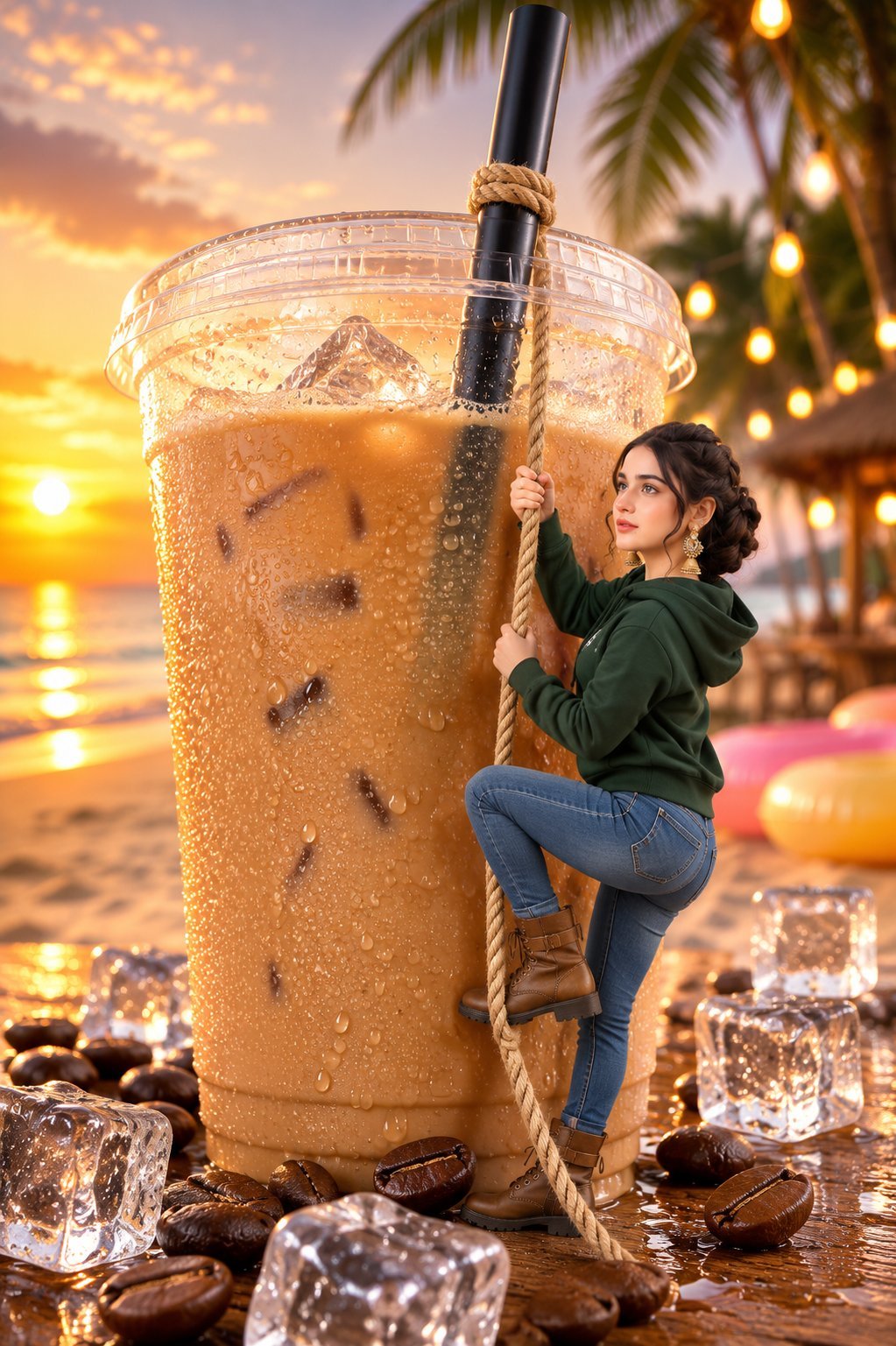
Tiny Woman Miniature Fantasy Macro Scene
Cozy Knit Sweater Window Portrait
Gray Studio Character Reference Sheet
Anime Character Sheet Reference Prompt
Photoreal Character Reference Sheet
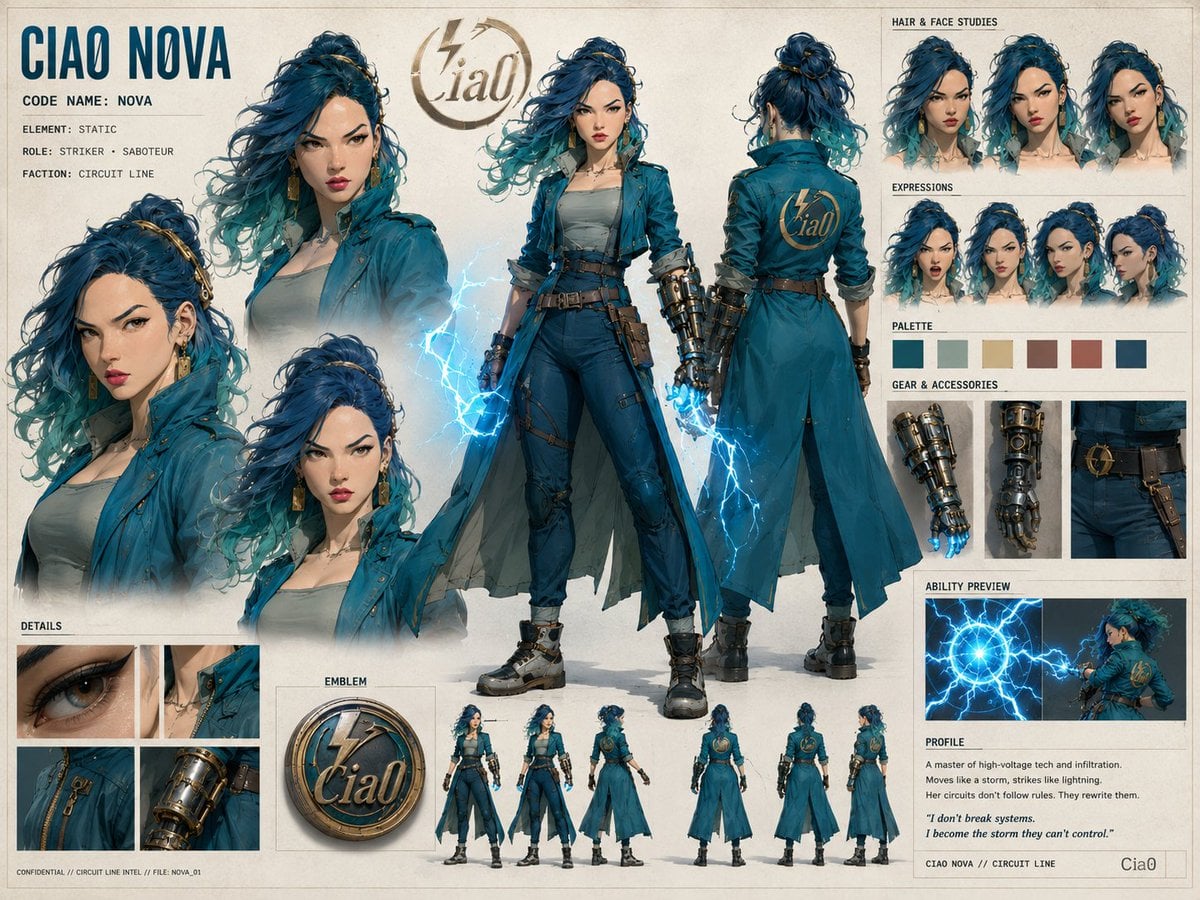
Ciao Nova Character Reference Sheet
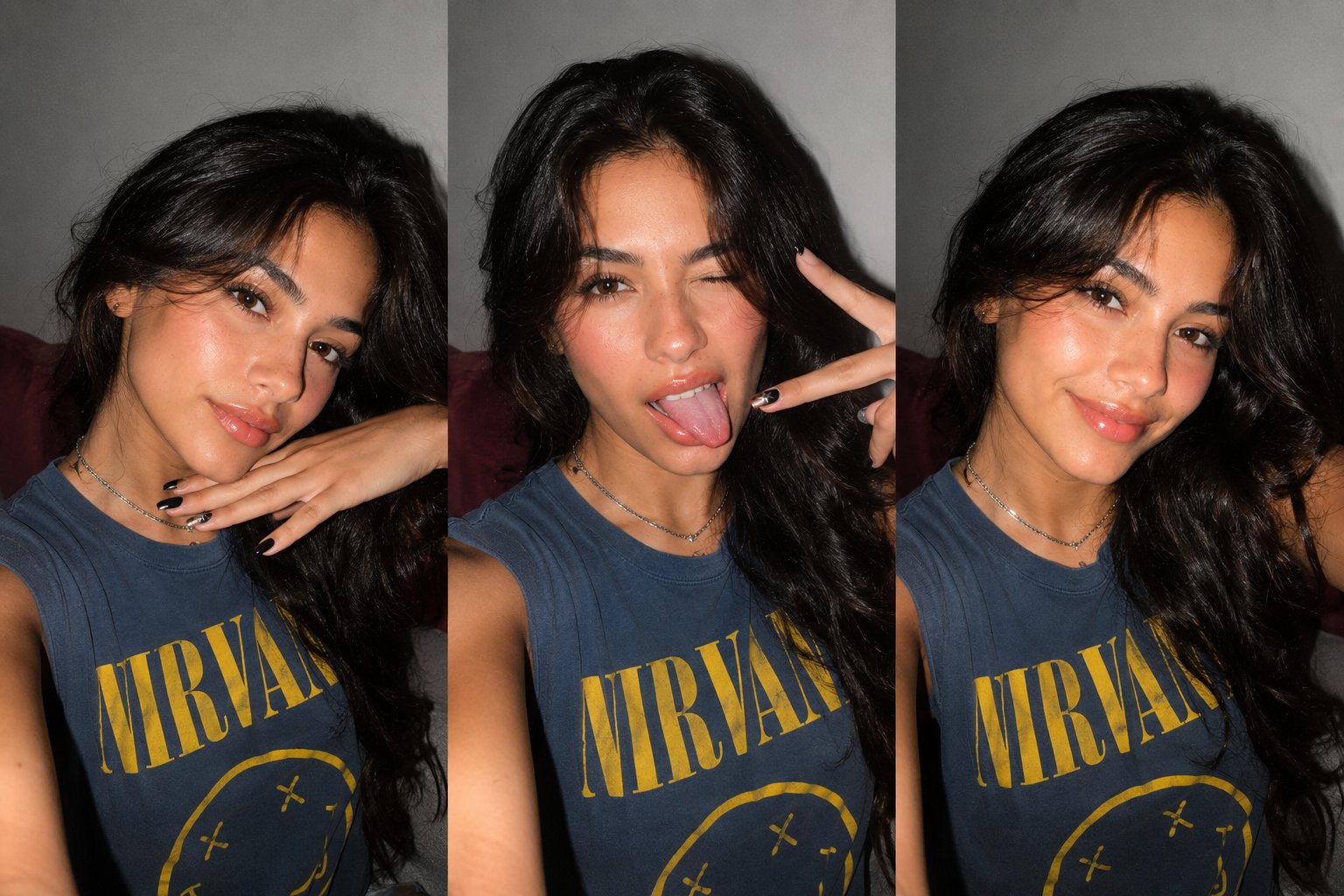
Gen Z Triple Selfie Collage — Y2K Flash Photography
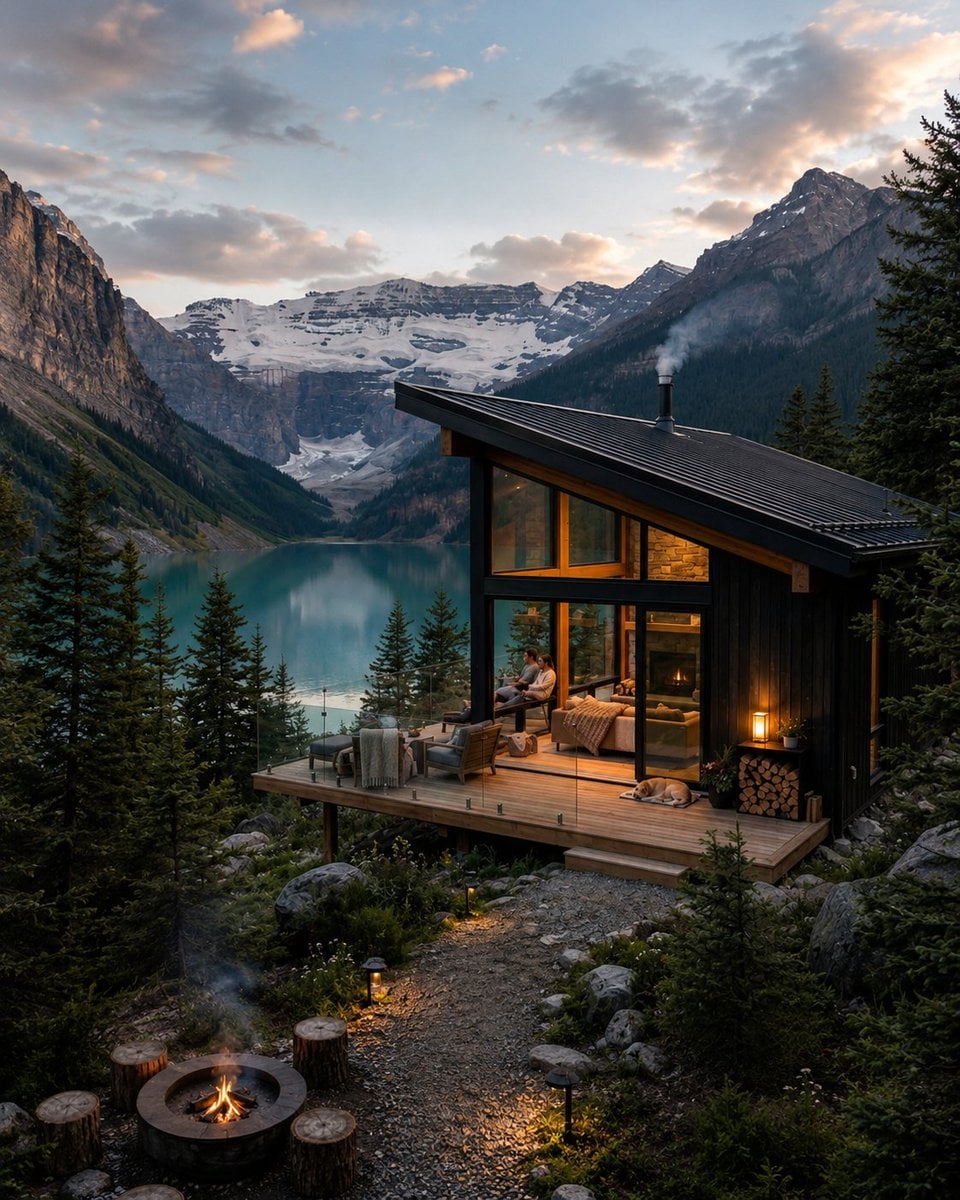
Mountain Lake Sunset Landscape
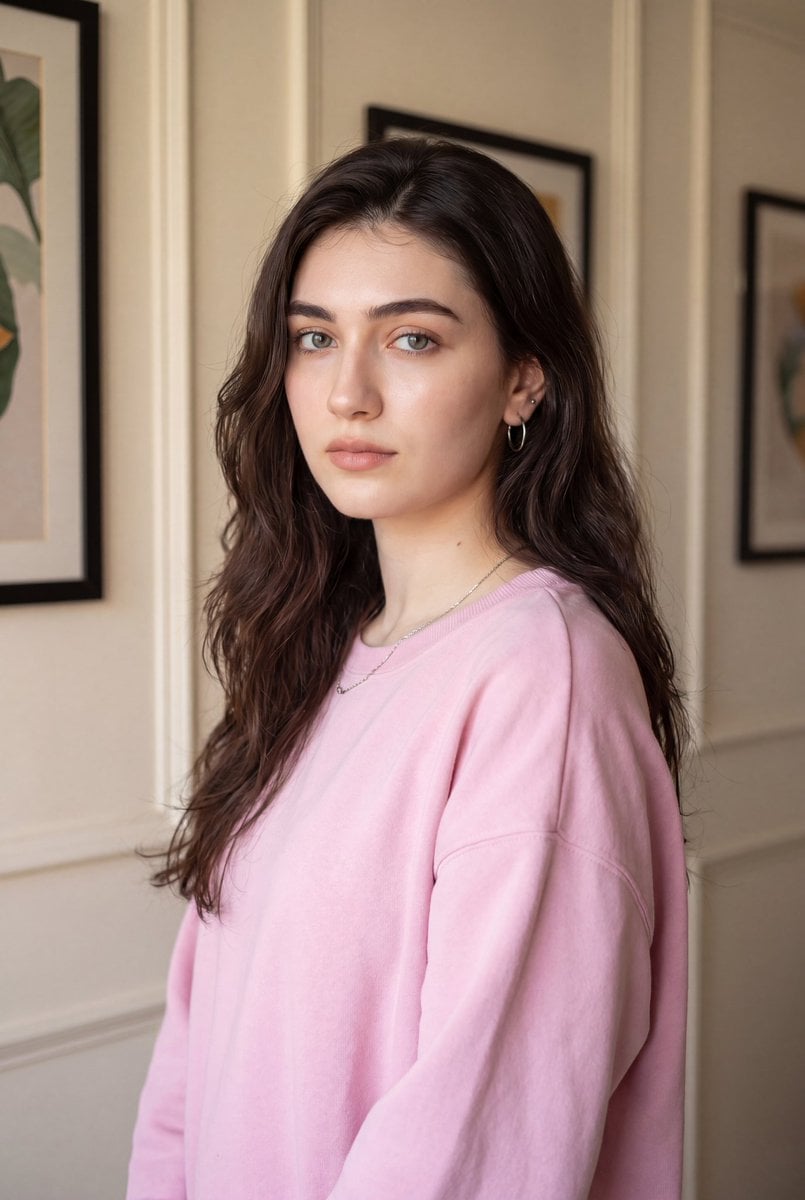
Indoor Photorealistic Woman Portrait
Make it yours
Photorealistic Woman Reference Sheet works as-is. These are the safest ways to change it without losing the look.
Change one field
Copy a single group, rewrite it, and generate again so you can see what that field is doing.
Keep the frame, change the subject
Hold the composition and light of Photorealistic Woman Reference Sheet, then swap wardrobe, props or the person for a new take.
| If the result… | Why | Fix |
|---|---|---|
| The result drifts from the preview | Too many fields changed at once. | Reuse Photorealistic Woman Reference Sheet as-is first, then change one group — subject, light, or setting. |
| The model over-stylizes the scene | The prose prompt leaves finish and camera underspecified. | Add one camera or lighting sentence and stay on GPT Image 2. |
More GPT Image 2 templates
Other prompts made for GPT Image 2.

Six VTuber Japanese Logo Sheet

Realistic Portrait of Woman and Deer

The Vista Modular Condo Poster

AI Model Routing Comparison Infographic

2.5D Anime Art Board

Isometric Productivity Desk Scene

New York Double Exposure Poster

Four-Panel AI Landscape Comparison

Japanese Tatami Lifestyle Magazine Cover

NESCAFÉ Coffee Map Poster
More image prompts
Fresh picks from across the catalog.
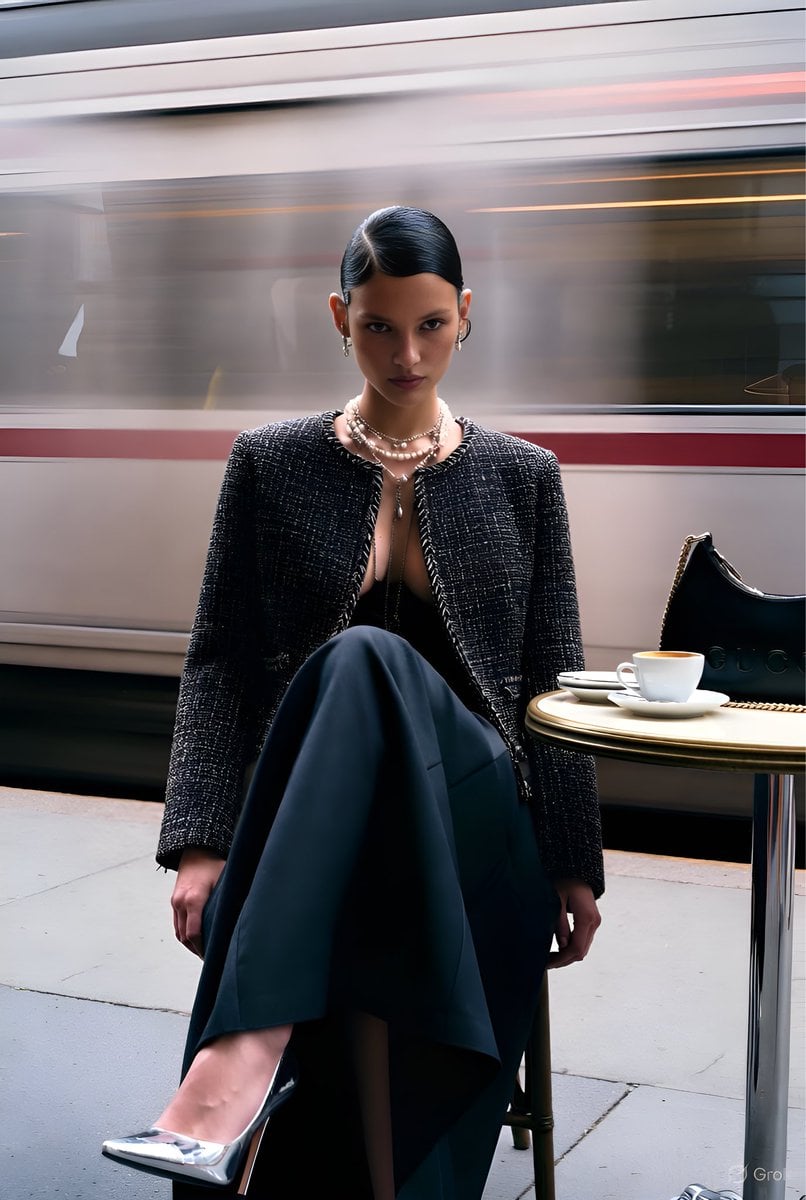
Gucci Campaign Subway Platform Fashion Prompt

Klimt-Style Character Art
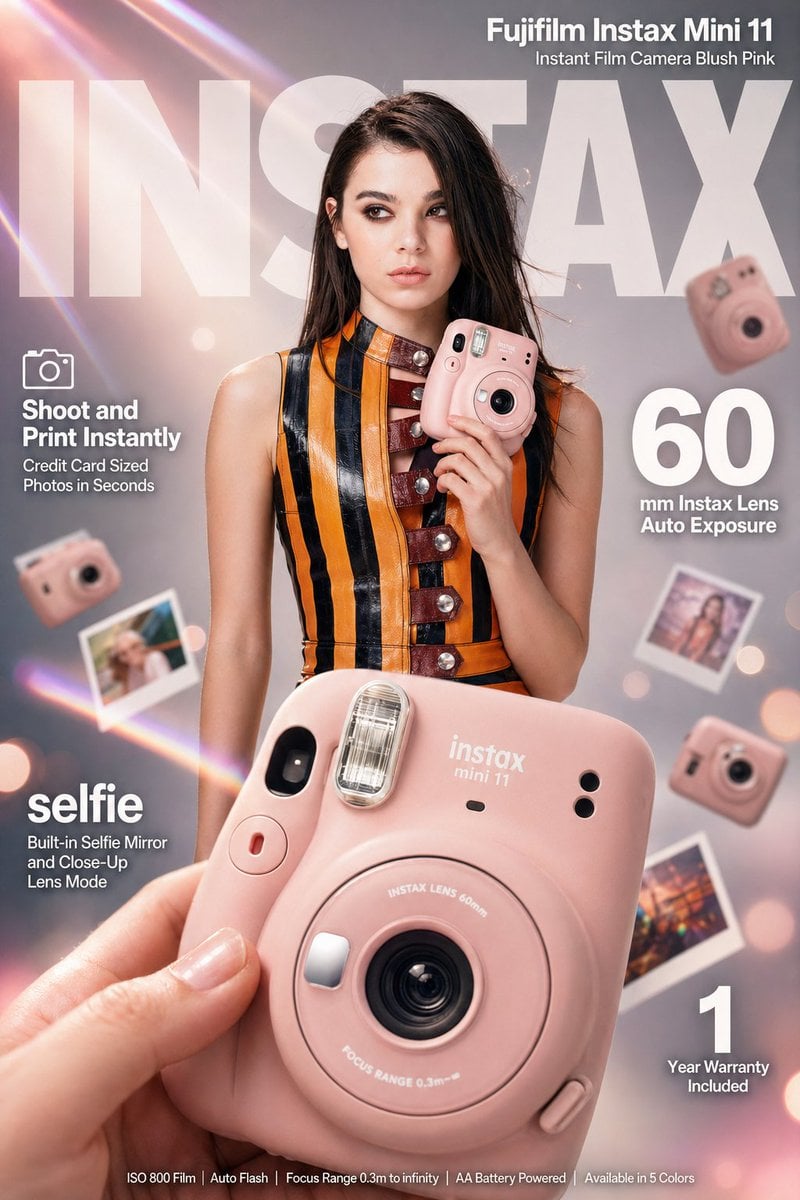
X Meng Dagg695 Gpt Image 2 on Socialsight

Needle-Felt Country Diorama
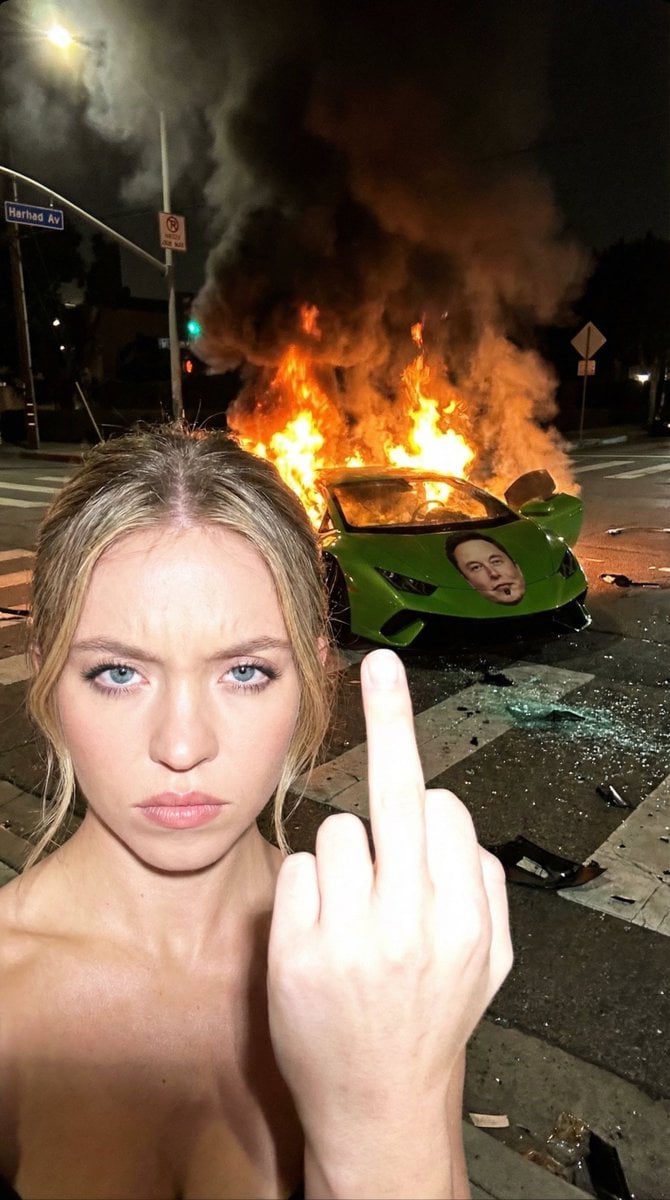
The Crash & The Gesture: Aggressive Street Photography
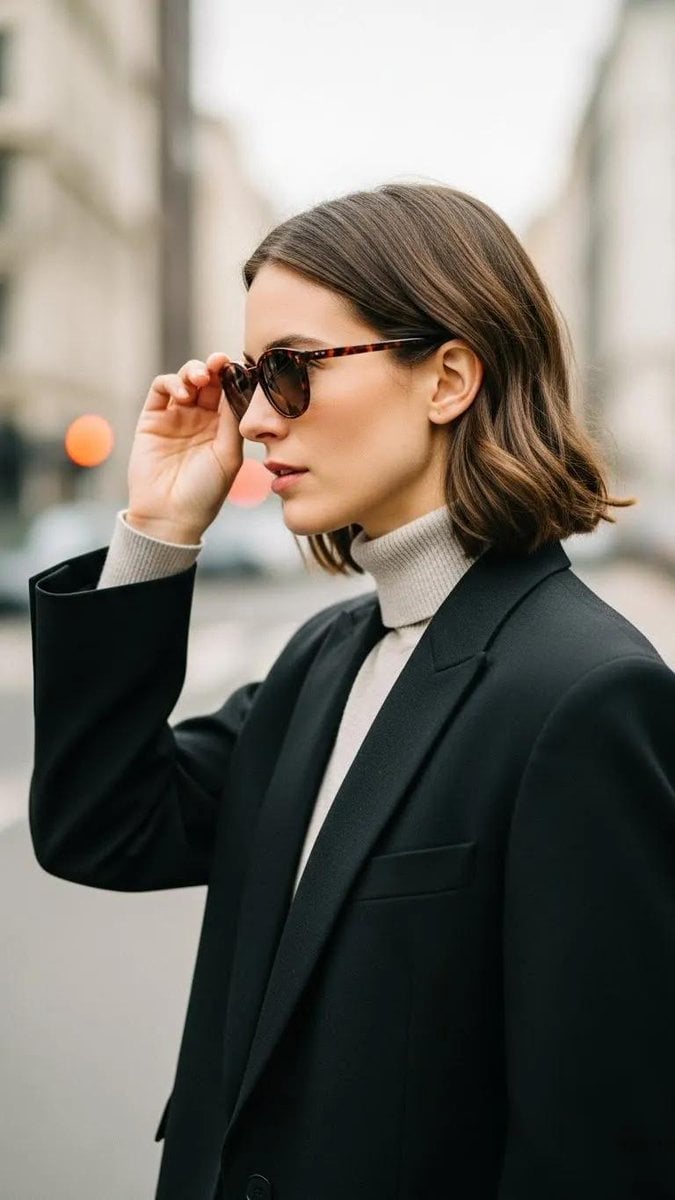
Minimalist Urban Fashion Editorial Side Profile
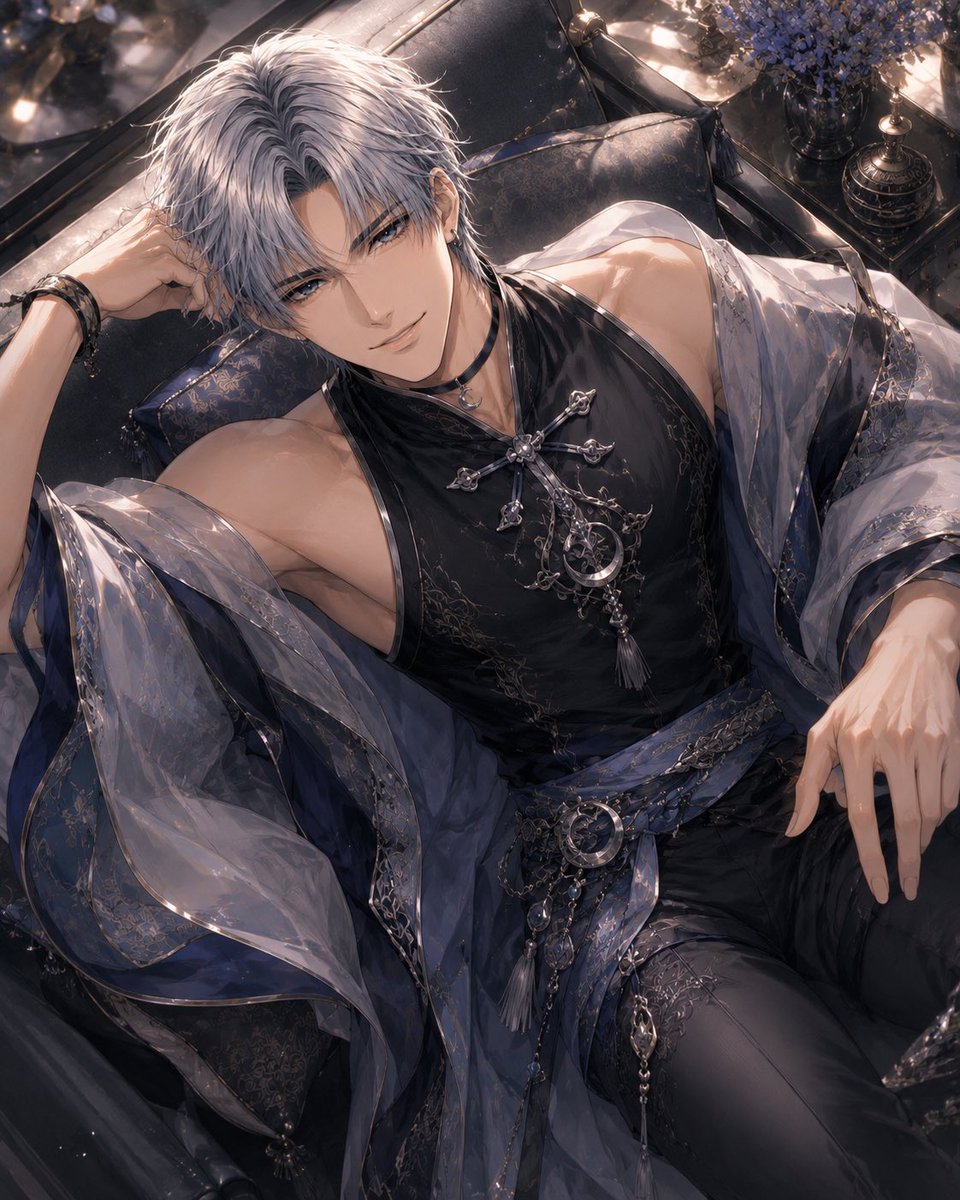
Silver-Haired Gothic Fantasy Reclining Man
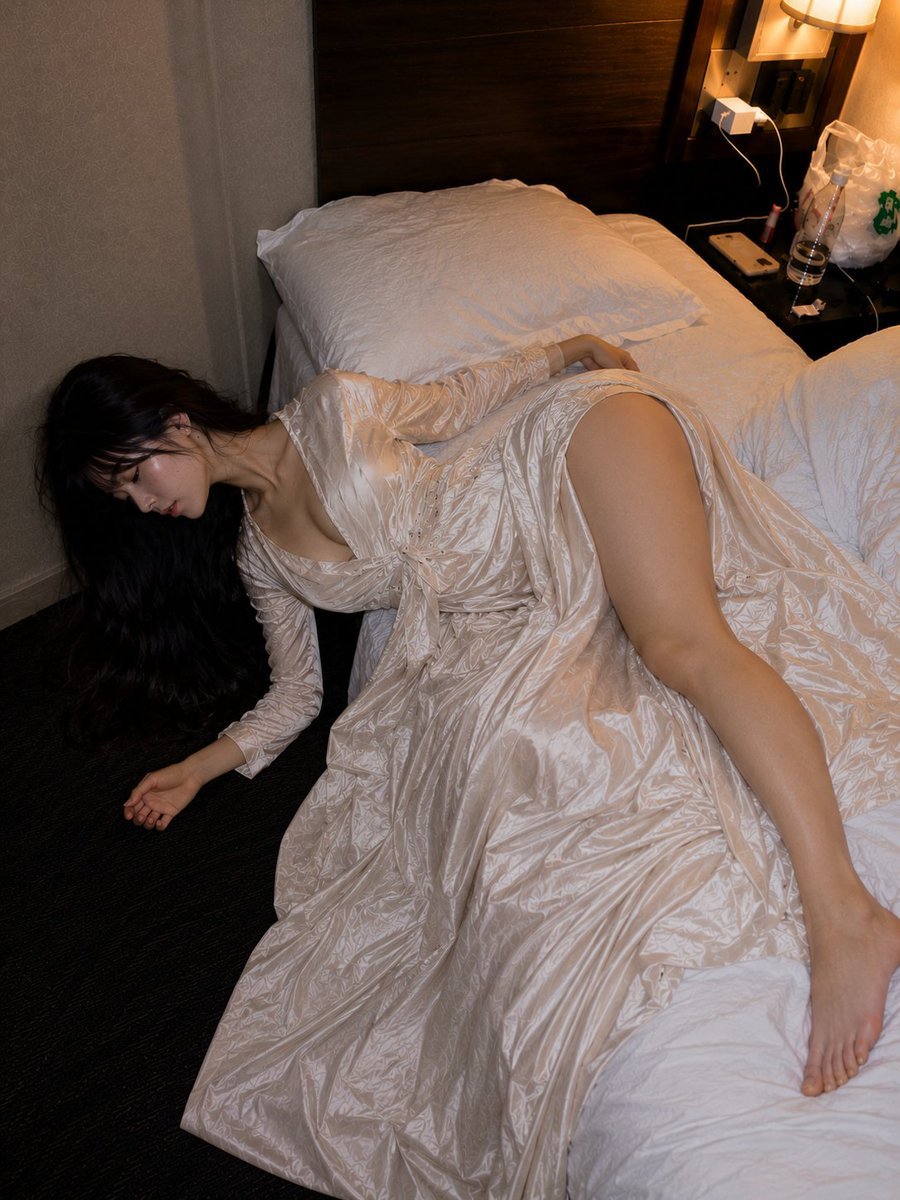
Authentic Hotel Sleep Snapshot
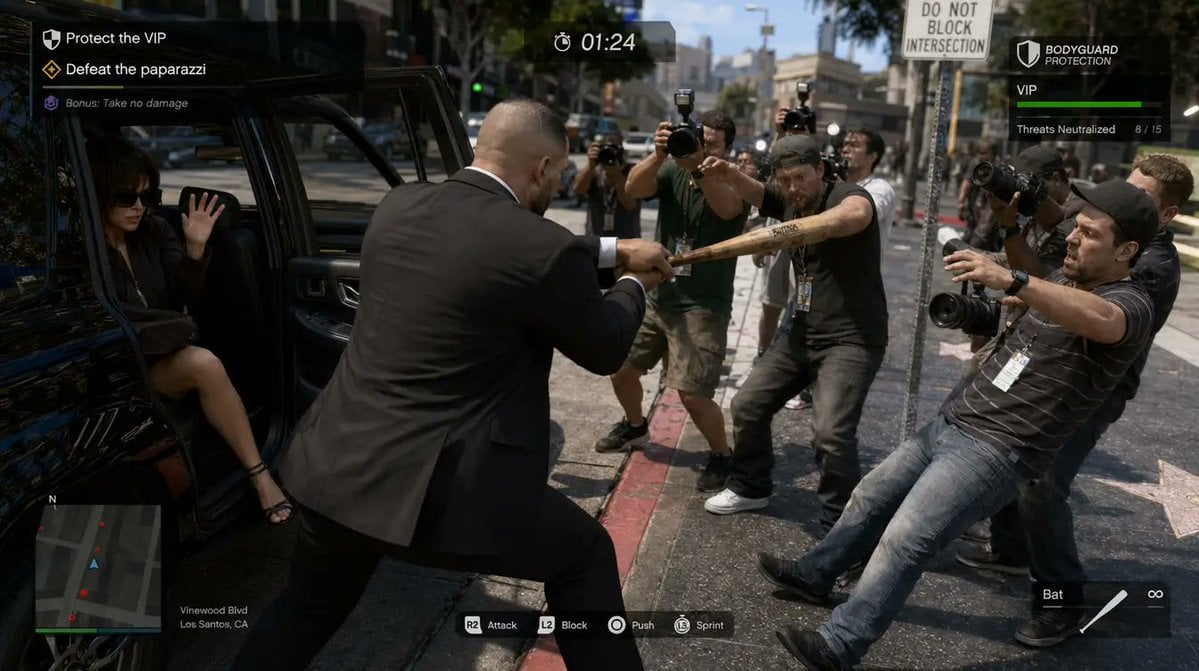
3D gaming scene with bodyguard
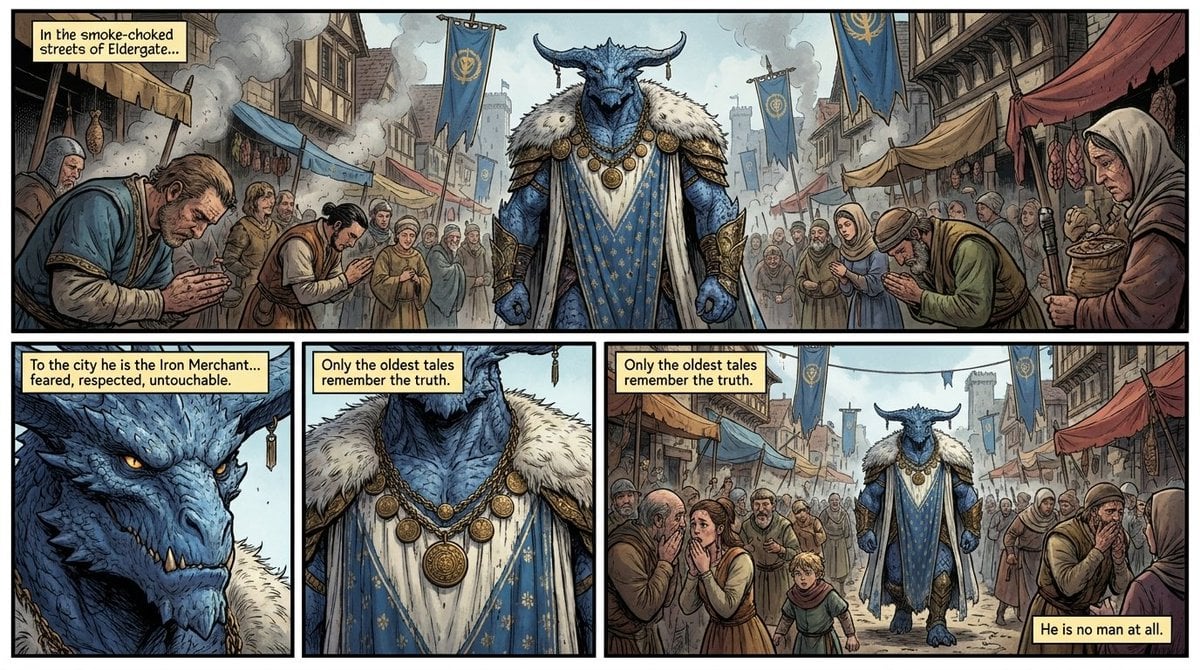
Fantasy Comic Page of Korvax in Eldergate
Browse template categories
Photorealistic Woman Reference Sheet questions
How do I use the Photorealistic Woman Reference Sheet template?
Add your photo if the template asks for one, edit the prompt if you like — the template's model and format are already selected — and press Generate. Your version opens in PicX Studio.
Can I customize the Photorealistic Woman Reference Sheet template?
Yes. You can change the subject, setting, lighting, mood, format, and available model controls before creating your image.
Is the Photorealistic Woman Reference Sheet template free?
Opening and editing this template is free. Generating uses credits, shown on the Generate button when you are signed in.
Which AI model should I use?
Start with GPT Image 2, which is the model associated with this template. You can compare another compatible model for a different finish.
Looking for something else? Browse all templates.

Your photo, any look
Thousands of ready templates for every top image and video model, from one credit balance.