
Japanese Sunscreen Manga Explainer
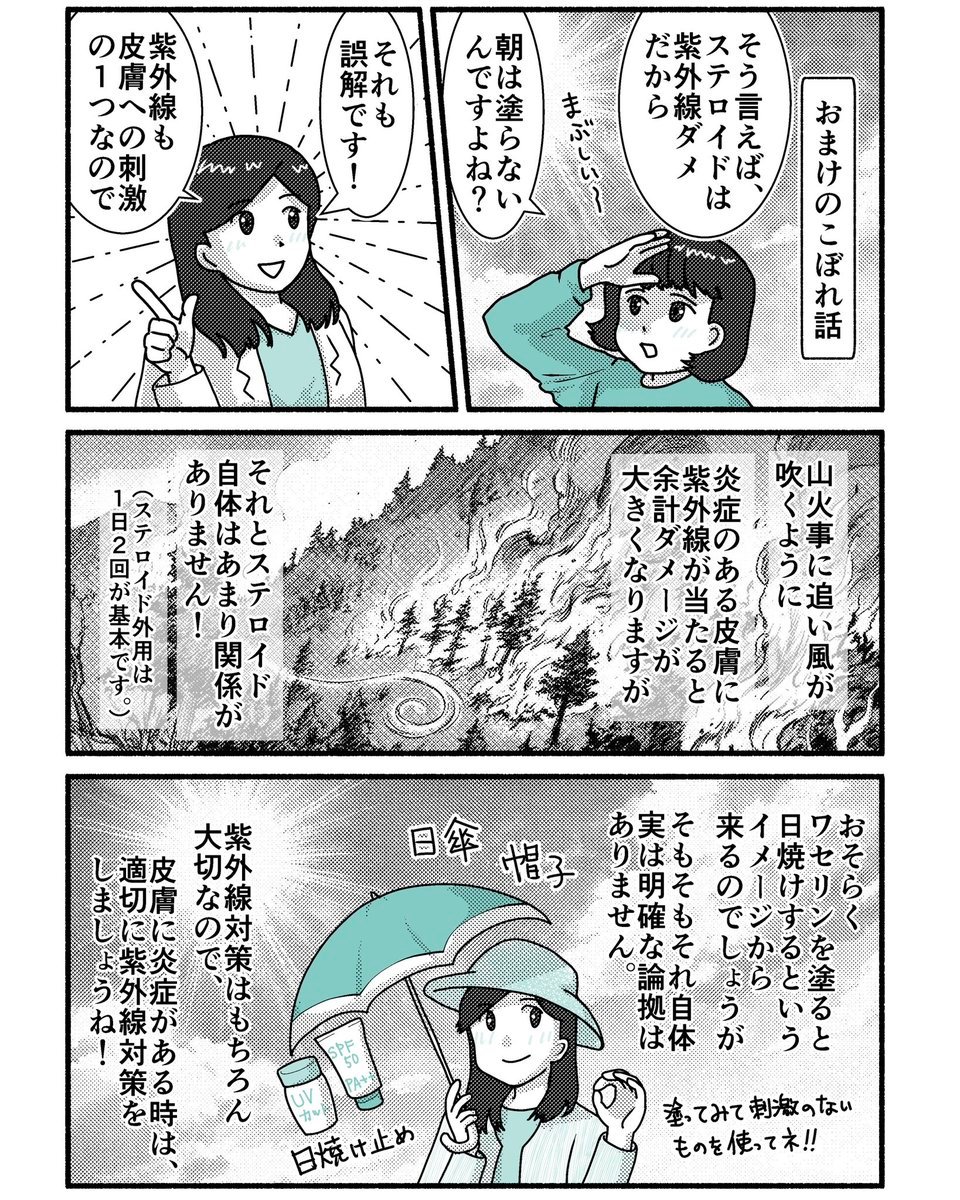
Generates a dense four-panel Japanese manga health explainer about UV exposure, steroid ointment misconceptions, and sunscreen use.
- Prompt included
- Model and format preset
- Free template
The prompt behind this image
Copy the exact prompt behind Japanese Sunscreen Manga Explainer, or open it in the studio and make it yours.
Goal: Create a black-and-white Japanese manga-style educational comic page about sunscreen, steroid ointment, ultraviolet rays, and skin inflammation, with only a few teal accent fills. The comic should look like a printed newspaper health explainer with bold panel borders, screentone shading, halftone gradients, hand-drawn ink lines, vertical Japanese dialogue, and slightly crowded text layout. Canvas: Square 1:1 page, high-contrast monochrome manga art, thick black outer border and thick gutters. Use teal accents only on clothing, umbrella, and sunscreen packaging. Keep the overall look like a generated manga infographic with dense vertical text. Layout: Use exactly 4 panels arranged as follows: two equal top panels side by side, one wide middle panel spanning the full width, and one wide bottom panel spanning the full width. Panel 1, top left: A cheerful young woman doctor or educator with shoulder-length dark hair, wearing a white coat over a teal shirt, raises one index finger as if correcting a misconception. Radiating emphasis lines behind her. Include two vertical speech bubbles. Text: 「それも誤解です!」 and 「紫外線も皮膚への刺激の1つなので」. Panel 2, top right: A young girl with a short dark bob and teal sweatshirt wipes or shields her forehead, looking worried under strong sun. Add a small handwritten sound effect 「まぶしい〜」. Place a vertical title box on the right edge reading 「おまけのこぼれ話」. Include two vertical speech bubbles. Text: 「そう言えば、ステロイドは紫外線ダメだから」 and 「朝は塗らないんですよね?」. Panel 3, middle wide: A dramatic black-and-white wildfire or mountain fire scene with wind blowing flames across a forested slope; include smoke, trees, a winding road, and a spiral wind symbol. Overlay three vertical narration text boxes. Text box 1 on the right: 「山火事に追い風が吹くように」. Text box 2 center-right: 「炎症のある皮膚に紫外線が当たると余計ダメージが大きくなりますが」. Text box 3 left: 「それとステロイド自体はあまり関係がありません!」 plus smaller side note 「(ステロイド外用は1日2回が基本です。)」. Panel 4, bottom wide: The same girl now happily uses sun protection: she holds a teal parasol above herself, wears a light hat, and has sunscreen bottles nearby labeled “UV” and “SPF 50 PA+”. Add handwritten labels near objects: 「日焼け止め」 near the sunscreen, 「日傘」 and 「帽子」 near the umbrella and hat. Include three vertical narration blocks: right block 「おそらくワセリンを塗ると日焼けするというイメージから来るのでしょうが そもそもそれ自体は明確な論拠はありません。」, center-left block 「紫外線対策はもちろん大切なので、」, far-left block 「皮膚に炎症がある時は、適切に紫外線対策をしましょうね!」. Add a small handwritten note at lower right: 「塗ってみて刺激のないものを使ってネ!!」. Visual style: Japanese manga health-education comic, rough ink texture, expressive but simple characters, screentone dots, grayscale printing, dense vertical lettering, slightly imperfect hand-drawn borders, clean white gutters, teal accent color around #68cfc6. Constraints: Include exactly 4 panels and exactly the listed visible text elements. Do not add extra characters beyond the educator and the girl. Do not use full color beyond the teal accents. Make the composition feel information-dense and slightly cramped, like an AI-generated medical explainer comic. Main topic can be customized as {argument name="comic topic" default="misconceptions about steroid ointment, ultraviolet rays, and sunscreen"}; educator accent clothing color {argument name="accent color" default="teal"}; top-right title label {argument name="side title" default="おまけのこぼれ話"}; sunscreen label {argument name="sunscreen label" default="SPF 50 PA+"}; handwritten reminder {argument name="reminder note" default="塗ってみて刺激のないものを使ってネ!!"}.
How to use Japanese Sunscreen Manga Explainer in 3 steps
- 1Upload ImagePNG, JPG or paste
Add your photo
Upload the photo the template builds on. The prompt, model and format are already set.
- 2…a portrait of your subject in softgolden-hour light, 85mm…
Personalize
Edit the subject and creative details for your destination.
- 3Generate
Generate
Press Generate — your image is created in PicX Studio, so you can compare it with the original and refine one variable at a time.
More like this
Templates with the same subject, style or setup. Open one to see its prompt.

Minecraft Japanese Research Lab Exploration
Japanese Manga A/B Testing Comic
GPT5.6 Manga Tier Explainer

Japanese Architectural Concrete Studio Fashion Campaign

Japanese Minimalist Concrete Studio Fashion Editorial

Blue Backdrop Luxury Fashion Portrait Campaign
Cyberpunk Japanese Manga Cover
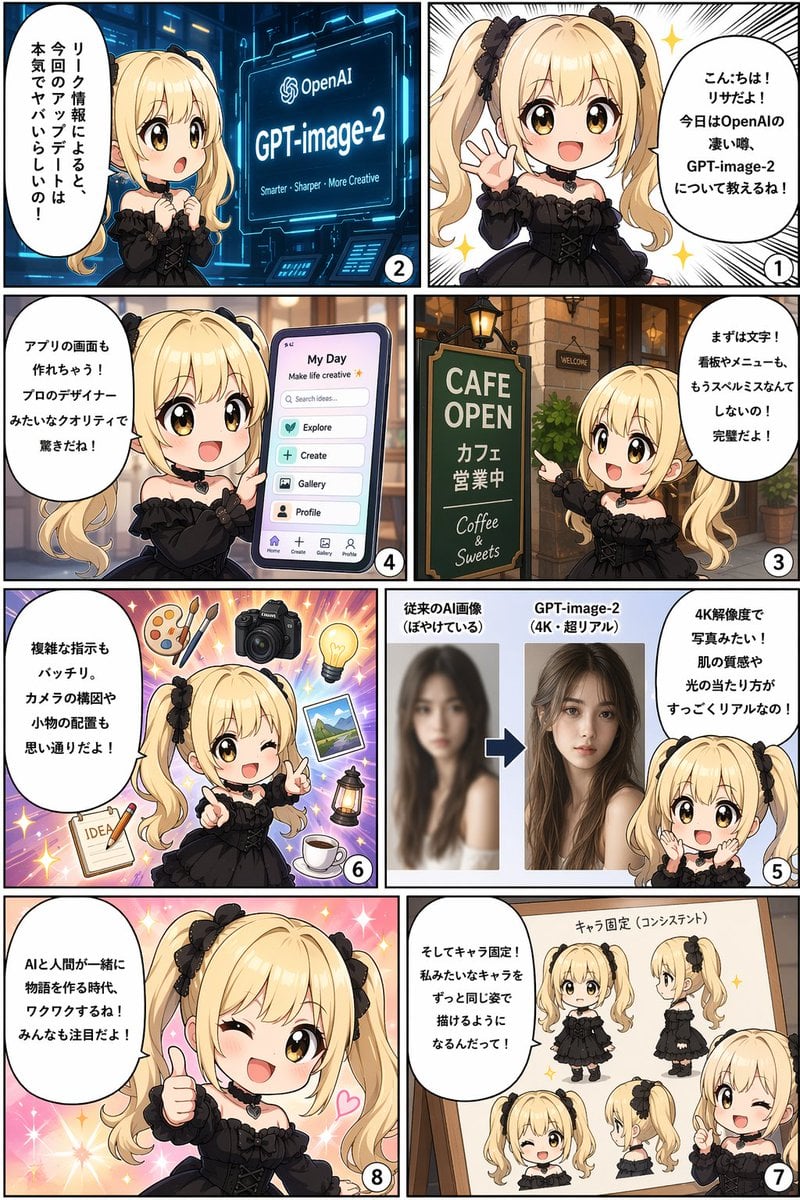
Panel AI Feature Explainer Manga

Japanese Film Reflection Idol

Six VTuber Japanese Logo Sheet
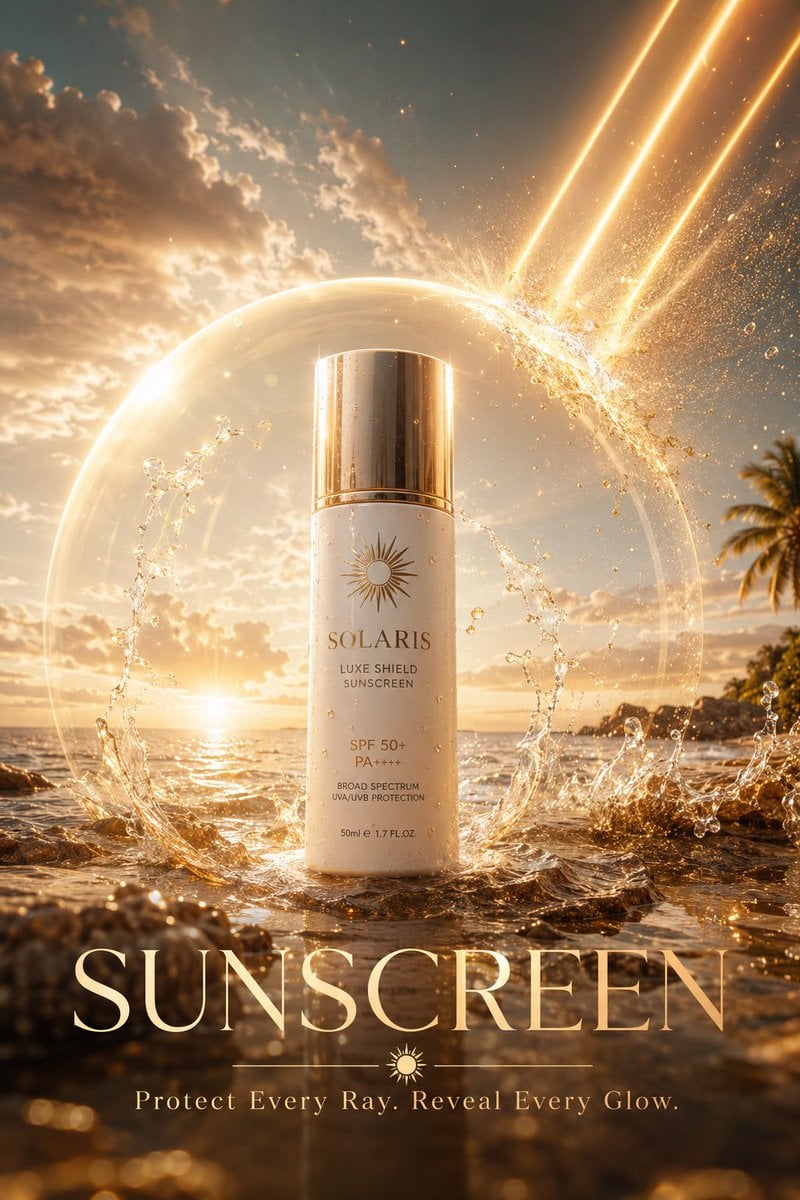
Luxury Skincare Sunscreen Ad Campaign

Japanese Tatami Lifestyle Magazine Cover
Make it yours
Japanese Sunscreen Manga Explainer works as-is. These are the safest ways to change it without losing the look.
Change one field
Copy a single group, rewrite it, and generate again so you can see what that field is doing.
Keep the frame, change the subject
Hold the composition and light of Japanese Sunscreen Manga Explainer, then swap wardrobe, props or the person for a new take.
| If the result… | Why | Fix |
|---|---|---|
| The result drifts from the preview | Too many fields changed at once. | Reuse Japanese Sunscreen Manga Explainer as-is first, then change one group — subject, light, or setting. |
| The model over-stylizes the scene | The prose prompt leaves finish and camera underspecified. | Add one camera or lighting sentence and stay on GPT Image 2. |
More GPT Image 2 templates
Other prompts made for GPT Image 2.

Realistic Portrait of Woman and Deer

The Vista Modular Condo Poster

AI Model Routing Comparison Infographic

2.5D Anime Art Board

Isometric Productivity Desk Scene

New York Double Exposure Poster

Four-Panel AI Landscape Comparison

NESCAFÉ Coffee Map Poster

Brutalist Cogito Chinese Typography Poster

Cinematic Luxury Terrace Portrait
More image prompts
Fresh picks from across the catalog.
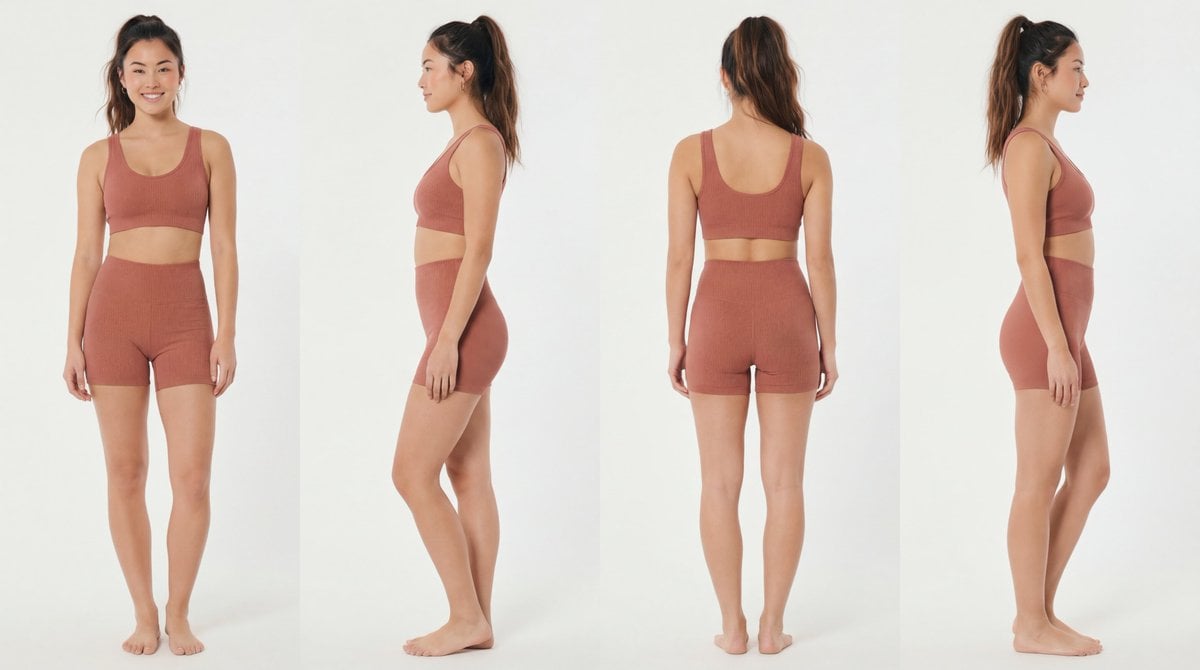
Recommended Nano Banana Pro Prompting Strategy for Consistency
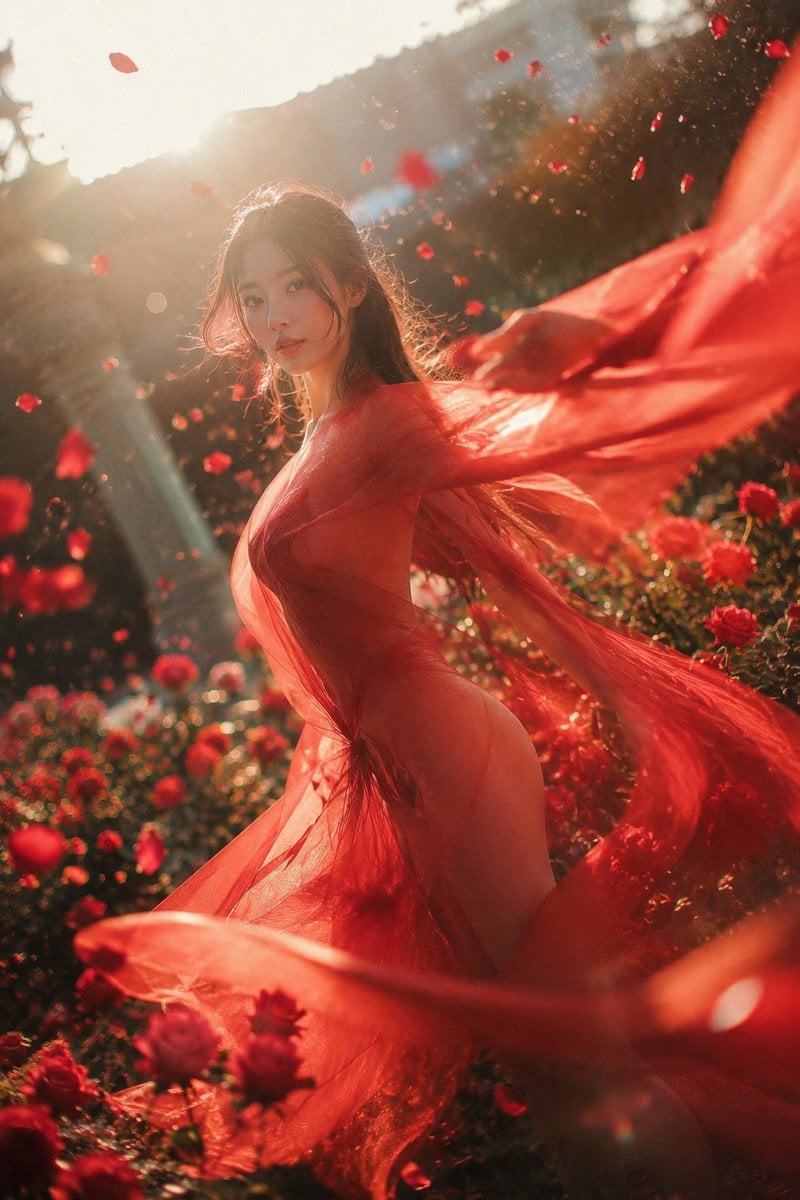
Crimson Rose Garden Fashion Portrait
Hyper-Realistic Commercial Beverage Photography

Vintage Newspaper Front Page Generator
Epic FC Barcelona Heritage Poster
Symmetrical Playing Card Mirror Portrait
Projection Mapping Prompt for Nano Banana Pro (Amusement Park Theme)
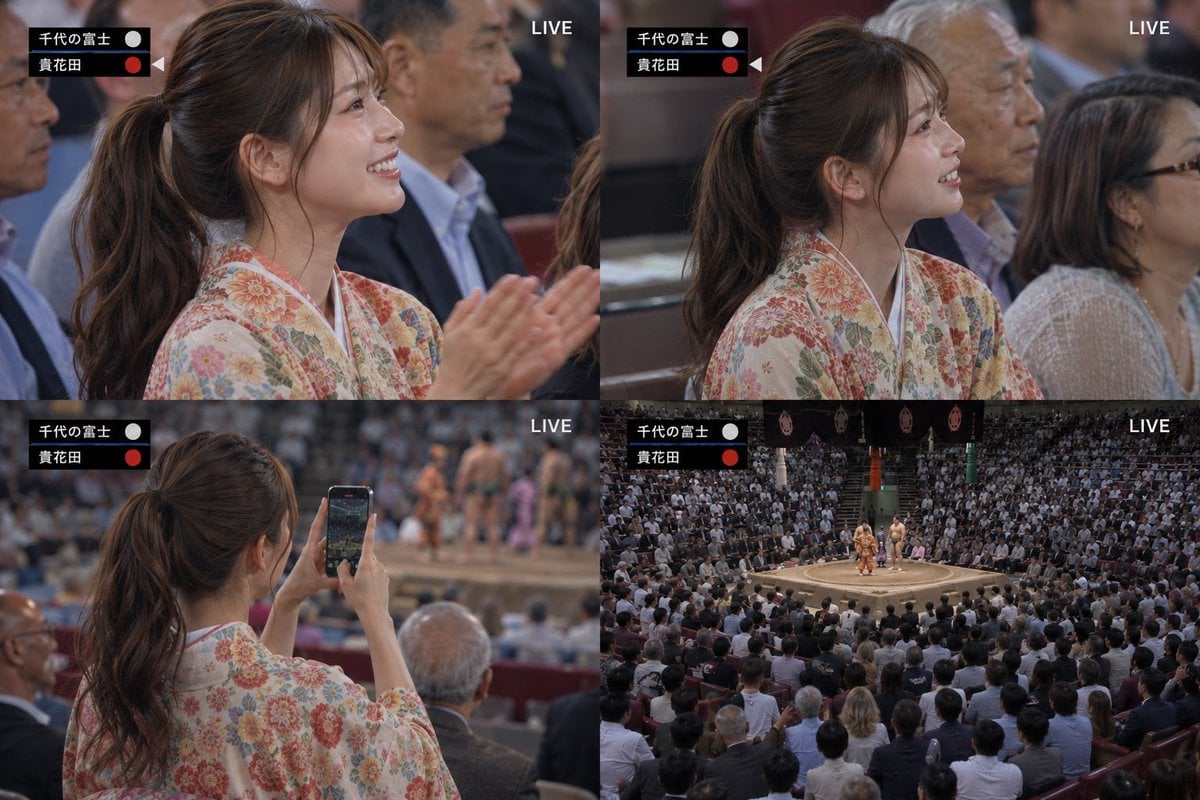
Live Sumo Broadcast Collage
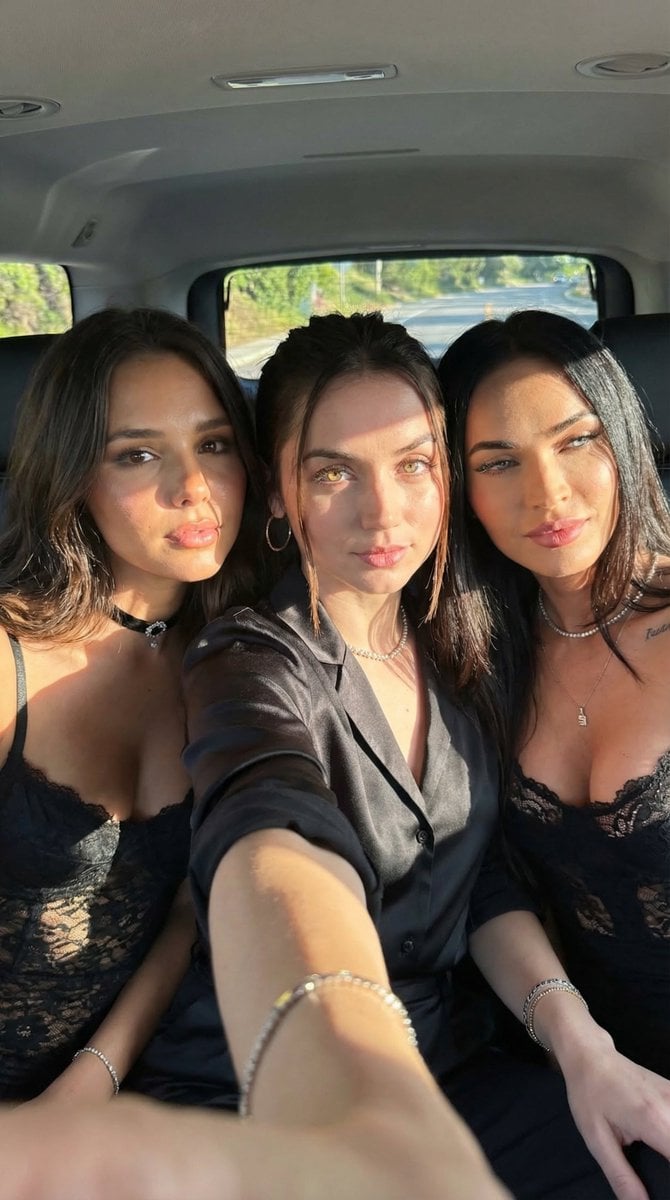
Car Selfie with Three Subjects and Identity Lock
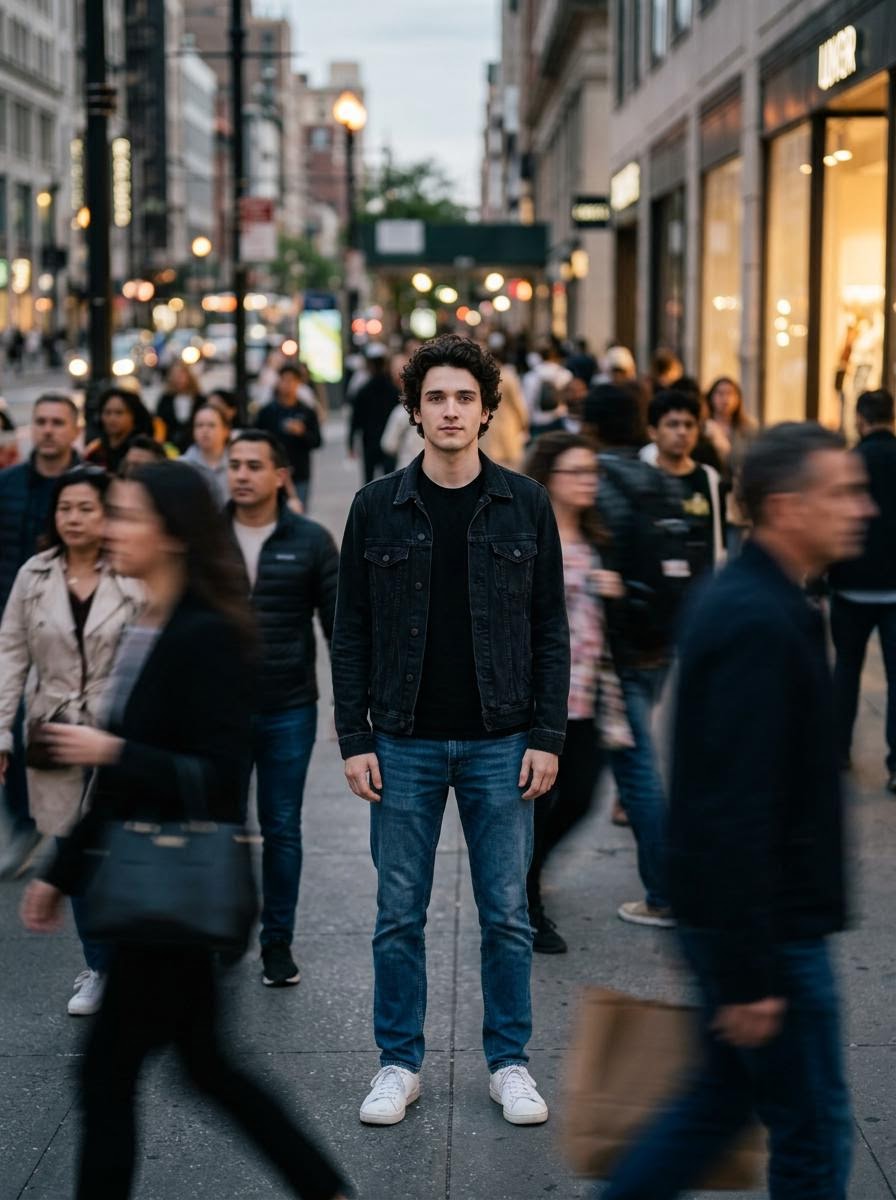
Calm in Chaos Street Photo Prompt for Nano Banana 2
Browse template categories
Japanese Sunscreen Manga Explainer questions
How do I use the Japanese Sunscreen Manga Explainer template?
Add your photo if the template asks for one, edit the prompt if you like — the template's model and format are already selected — and press Generate. Your version opens in PicX Studio.
Can I customize the Japanese Sunscreen Manga Explainer template?
Yes. You can change the subject, setting, lighting, mood, format, and available model controls before creating your image.
Is the Japanese Sunscreen Manga Explainer template free?
Opening and editing this template is free. Generating uses credits, shown on the Generate button when you are signed in.
Which AI model should I use?
Start with GPT Image 2, which is the model associated with this template. You can compare another compatible model for a different finish.
Looking for something else? Browse all templates.

Your photo, any look
Thousands of ready templates for every top image and video model, from one credit balance.