
GPT5.6 Manga Tier Explainer
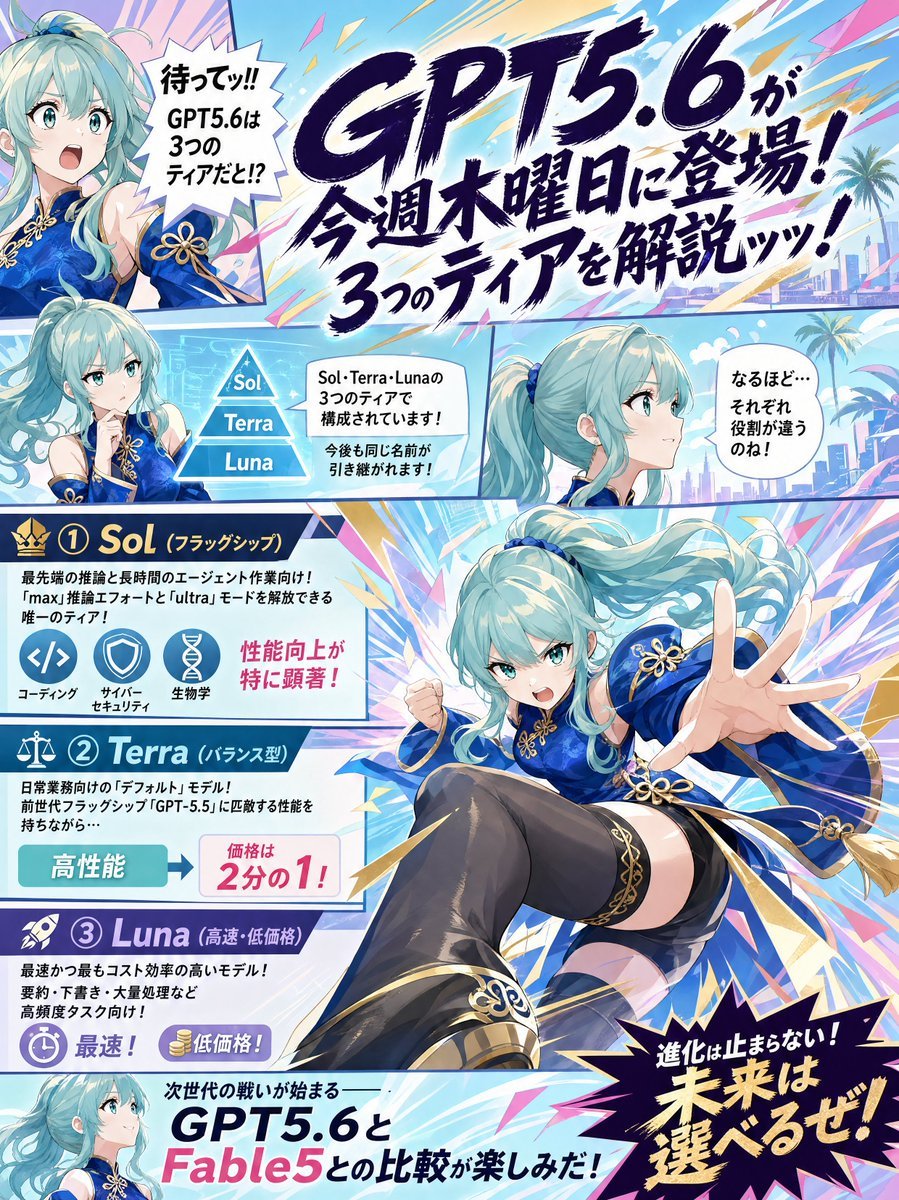
Generates a vibrant Japanese anime manga infographic poster explaining GPT5.6 and its three Sol, Terra, and Luna tiers.
- Prompt included
- Model and format preset
- Premium template
The prompt behind this image
Copy the exact prompt behind GPT5.6 Manga Tier Explainer, or open it in the studio and make it yours.
Goal: Create a colorful vertical Japanese manga explainer page announcing {argument name="model name" default="GPT5.6"} and explaining its three tiers, with energetic shonen magazine composition, anime character reactions, and dense infographic panels. Canvas: Portrait 3:4 poster, full bleed, high-resolution digital anime illustration. Use bright cyan, sky blue, white, navy, magenta, yellow, and gold with explosive speed lines, diagonal comic borders, lightning shards, starbursts, and a futuristic tropical city background with palm trees in some panels. Layout: Divide the page into exactly 6 comic/infographic areas: 1 large top headline banner, 1 small upper-left reaction portrait panel, 1 middle-left tier diagram panel, 1 middle-right side-profile dialogue panel, 1 large central action character panel overlapping the tier cards, and 1 bottom comparison teaser strip. Use thick manga panel borders and angled separations. Main character: A single recurring anime girl appears exactly 5 times across the page. She has long flowing aqua-turquoise twin-tail hair, teal eyes, pale skin, and a vivid royal-blue Chinese-inspired fantasy dress with gold trim, gold flower-knot ornaments, detached sleeve details, black thigh-high stockings, and ornate black-and-gold boots. Her five appearances are: 1) upper-left surprised bust portrait, mouth open, one hand raised; 2) left-middle thoughtful bust portrait with hand near chin; 3) middle-right calm side-profile bust looking right; 4) large central dynamic full-body action pose lunging toward the viewer with one hand extended and one fist clenched; 5) bottom-left small smiling profile portrait. Text content: Use Japanese manga typography and keep the most prominent text as {argument name="main headline text" default="GPT5.6が今週木曜日に登場!3つのティアを解説ッッ!"}. Add a spiky upper-left speech bubble with {argument name="surprised speech text" default="待ってッ!! GPT5.6は3つのティアだと!?"}. Add a middle explanatory bubble about Sol, Terra, and Luna being three tiers and names possibly continuing in the future. Add a right speech bubble saying the roles seem different. Add a bottom teaser line comparing {argument name="comparison model" default="Fable5"} with GPT5.6. Add a large black starburst at bottom right with {argument name="closing slogan" default="進化は止まらない!未来は選べるぜ!"}. Tier infographic: Include exactly 3 stacked tier cards on the left, numbered and labeled: 1) Sol, flagship tier, crown icon, dark navy header, described as the most advanced inference and long-agent-work model, with three circular icons labeled coding, cyber security, and life sciences, plus a pink note that performance improvements are especially noticeable; 2) Terra, balanced tier, scale icon, teal header, described as the everyday default model inheriting GPT-5.5-level balanced ability, with a high-performance badge and a price note showing half price; 3) Luna, high-speed/low-price tier, rocket icon, purple header, described as fastest and lowest cost, suited to high-volume and frequent tasks, with stopwatch and coin icons for fastest and low price. Visual style: Polished GPT-image anime manga poster, crisp line art, glossy cel shading, dramatic foreshortening, expressive faces, dense but readable layout, handwritten brush-style Japanese headline, clean infographic icons, energetic promotional tech-news tone. Constraints: Count and show exactly 3 tiers named Sol, Terra, and Luna; exactly 5 depictions of the same character; exactly 3 icons in the Sol card; no extra characters; no logos or watermarks; preserve a clean magazine-page composition with readable Japanese text.
How to use GPT5.6 Manga Tier Explainer in 3 steps
- 1Upload ImagePNG, JPG or paste
Add your photo
Upload the photo the template builds on. The prompt, model and format are already set.
- 2…a portrait of your subject in softgolden-hour light, 85mm…
Personalize
Edit the subject and creative details for your destination.
- 3Generate
Generate
Press Generate — your image is created in PicX Studio, so you can compare it with the original and refine one variable at a time.
More like this
Templates with the same subject, style or setup. Open one to see its prompt.
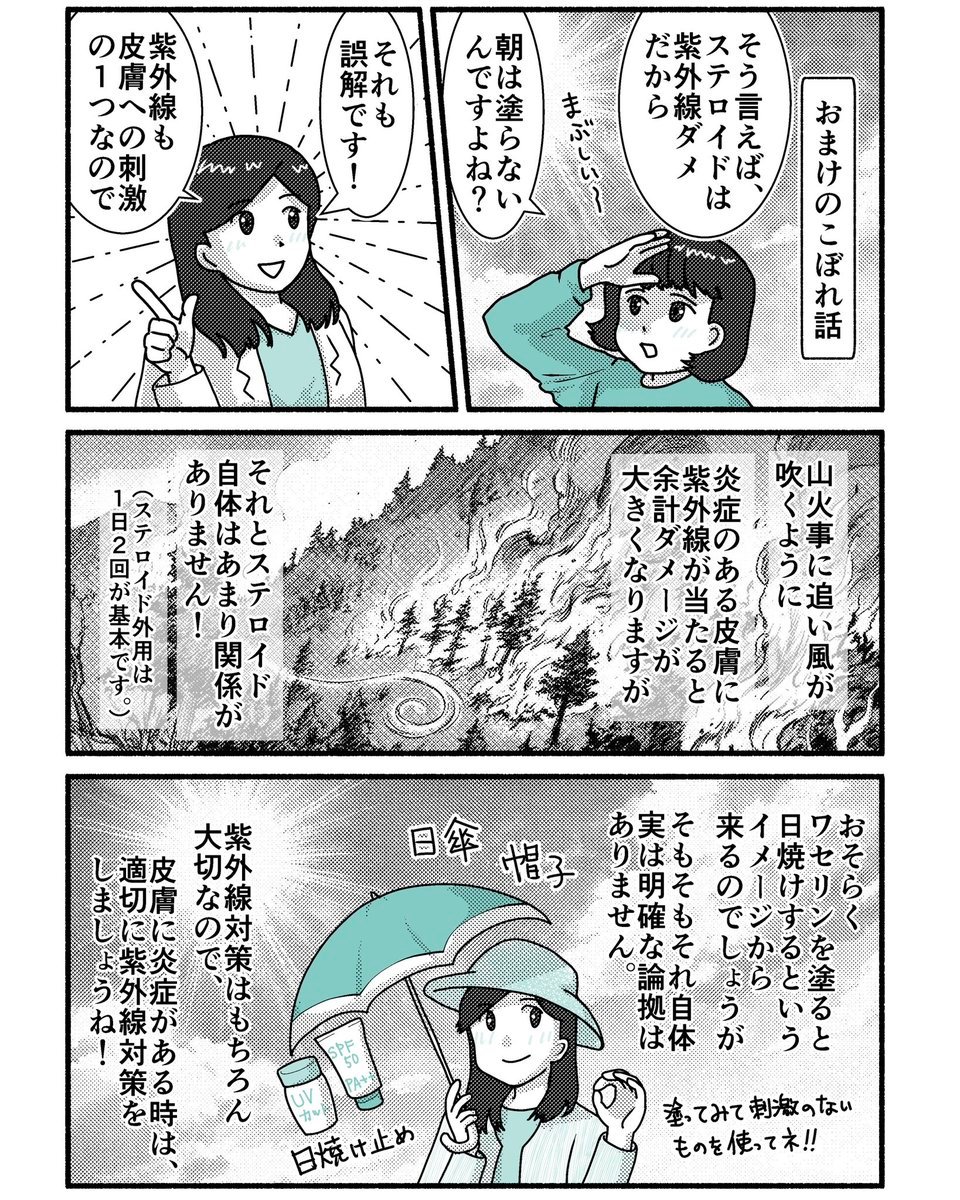
Japanese Sunscreen Manga Explainer
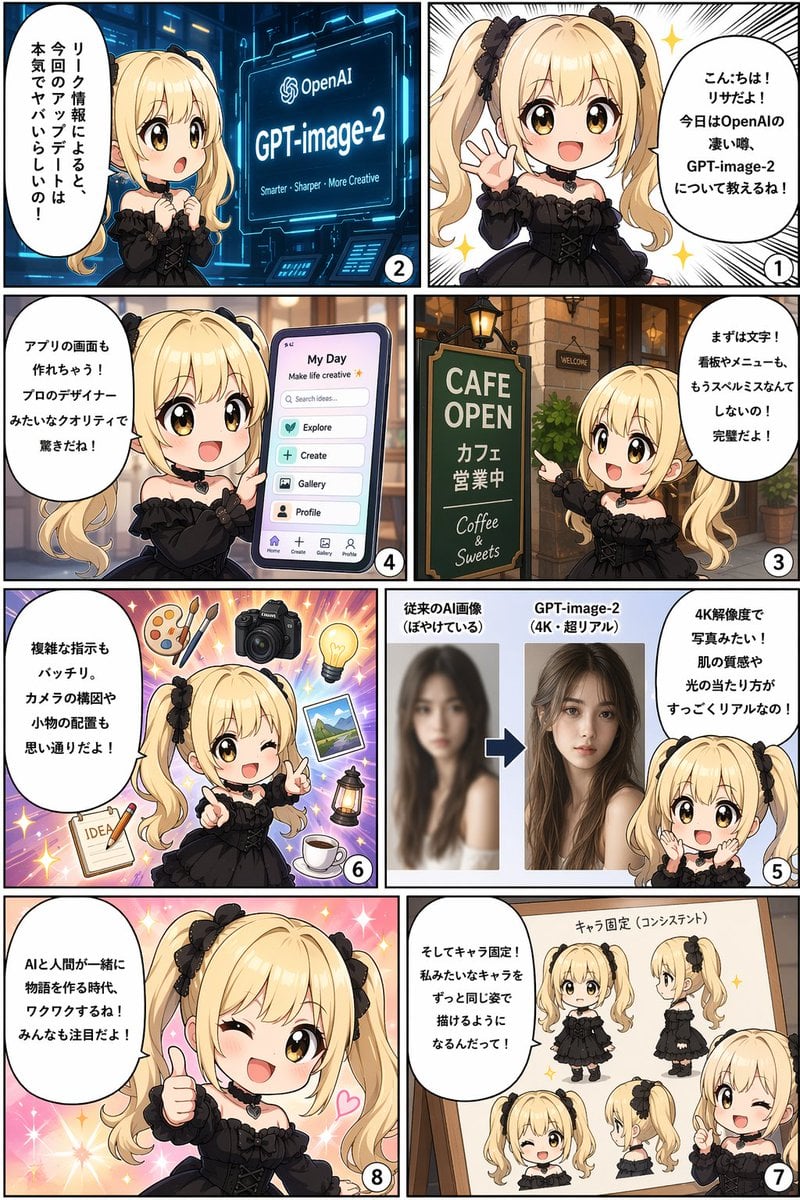
Panel AI Feature Explainer Manga
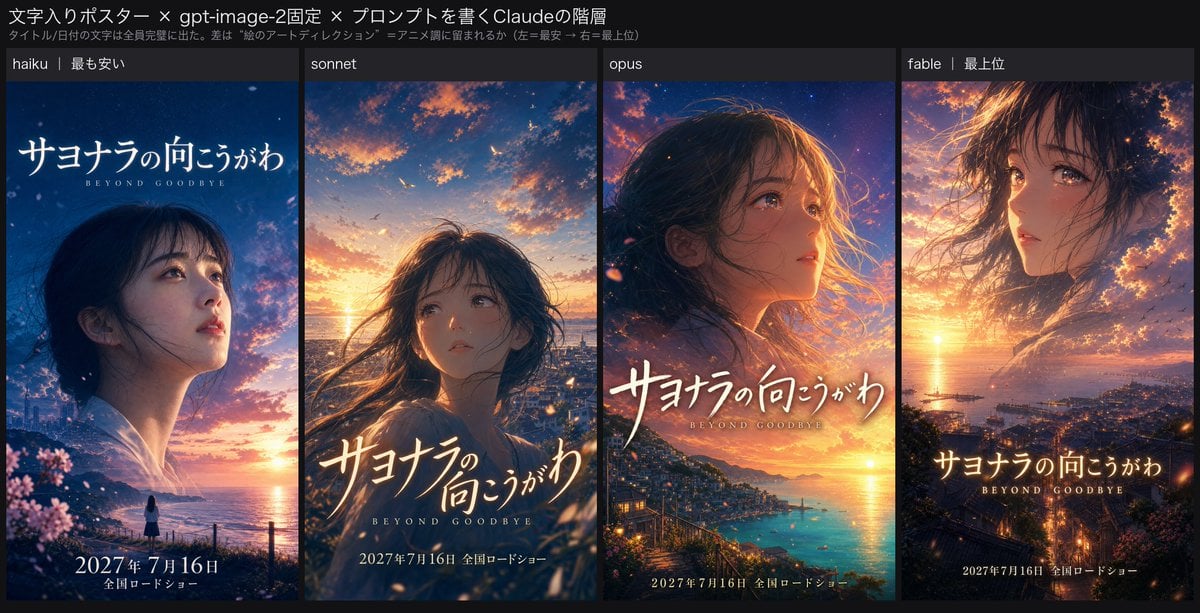
Four-Tier Anime Poster Comparison
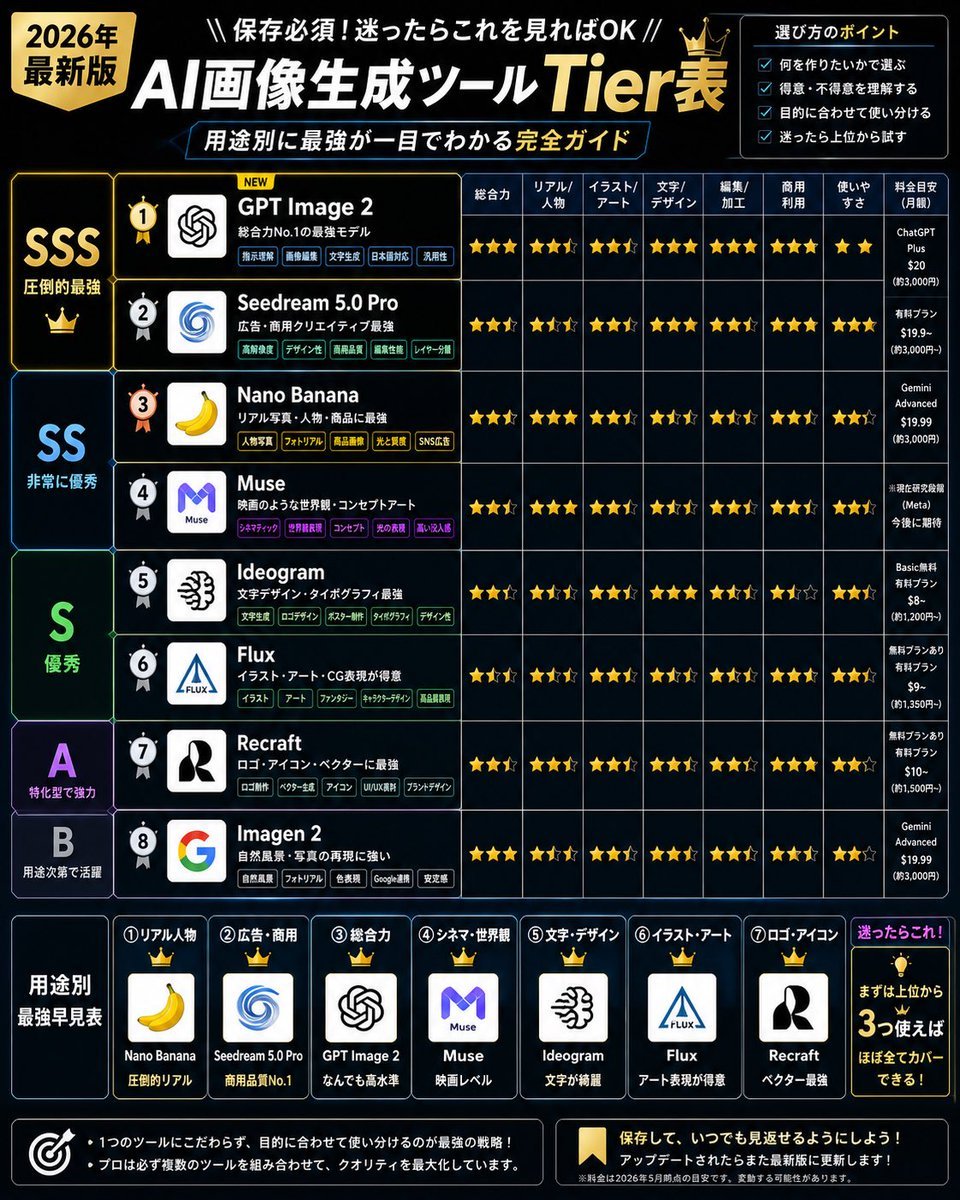
2026 AI Image Tool Tier List
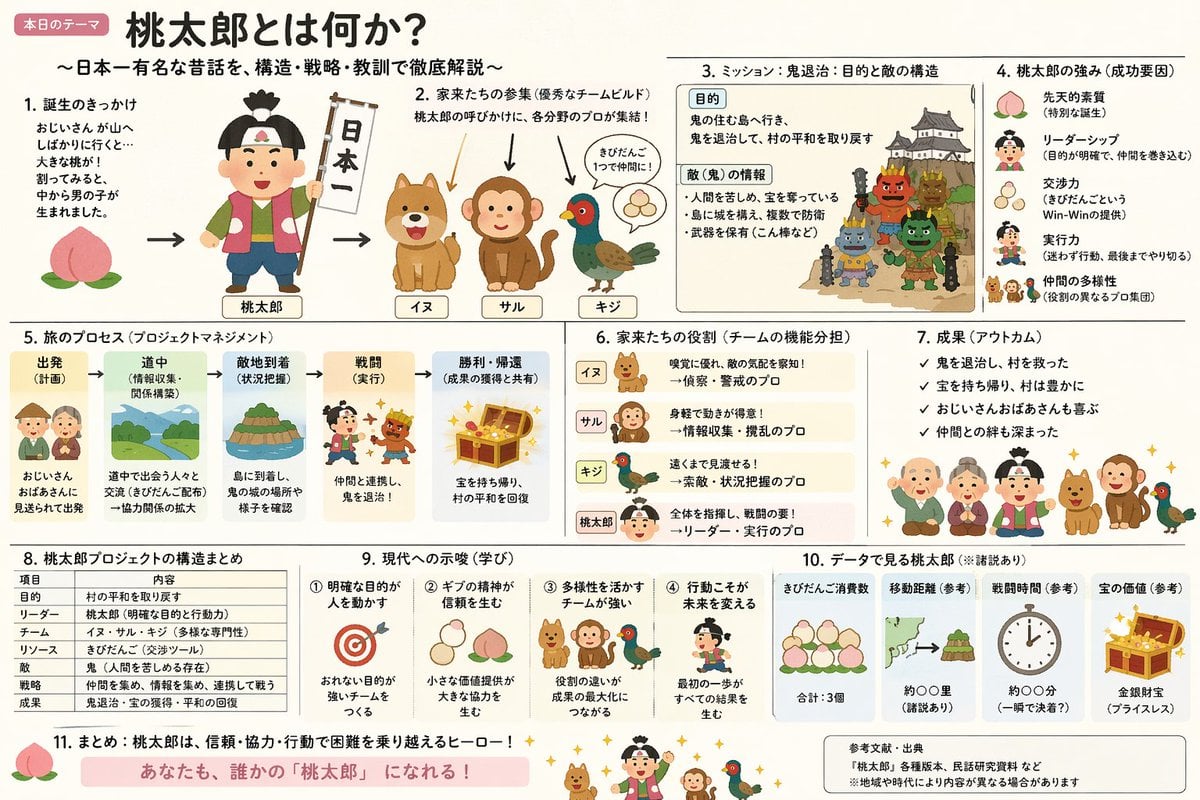
Momotaro Explainer Slide in Hybrid Style
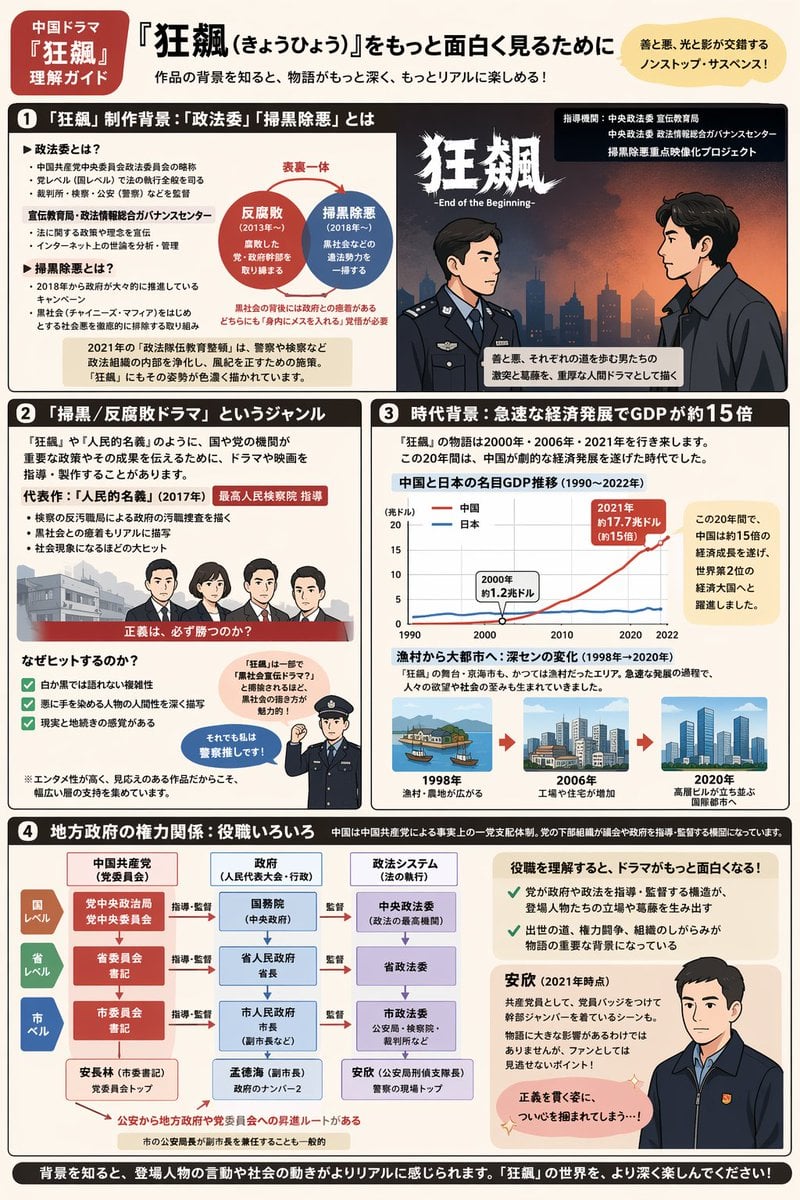
Complex Infographic Explainer Sheet
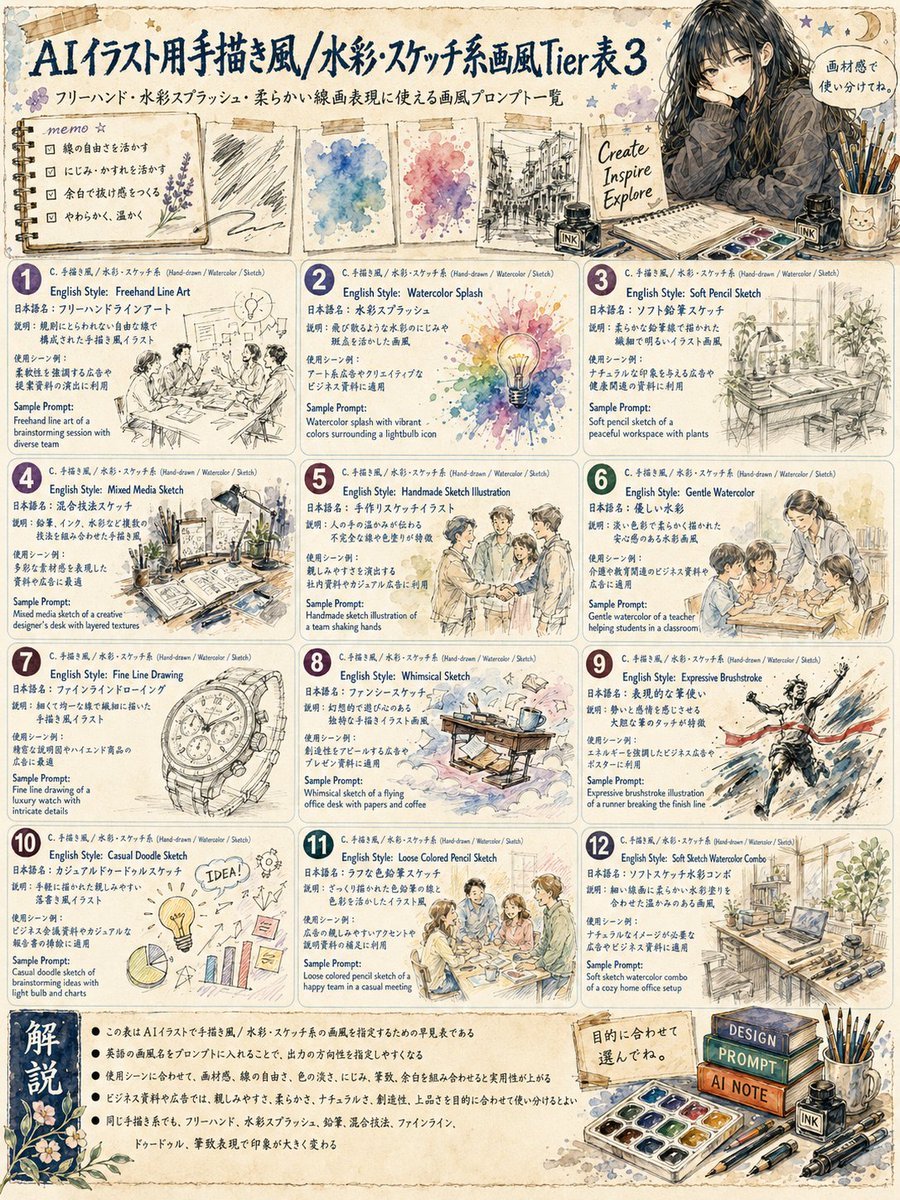
Japanese Watercolor Sketch Style Tier Poster
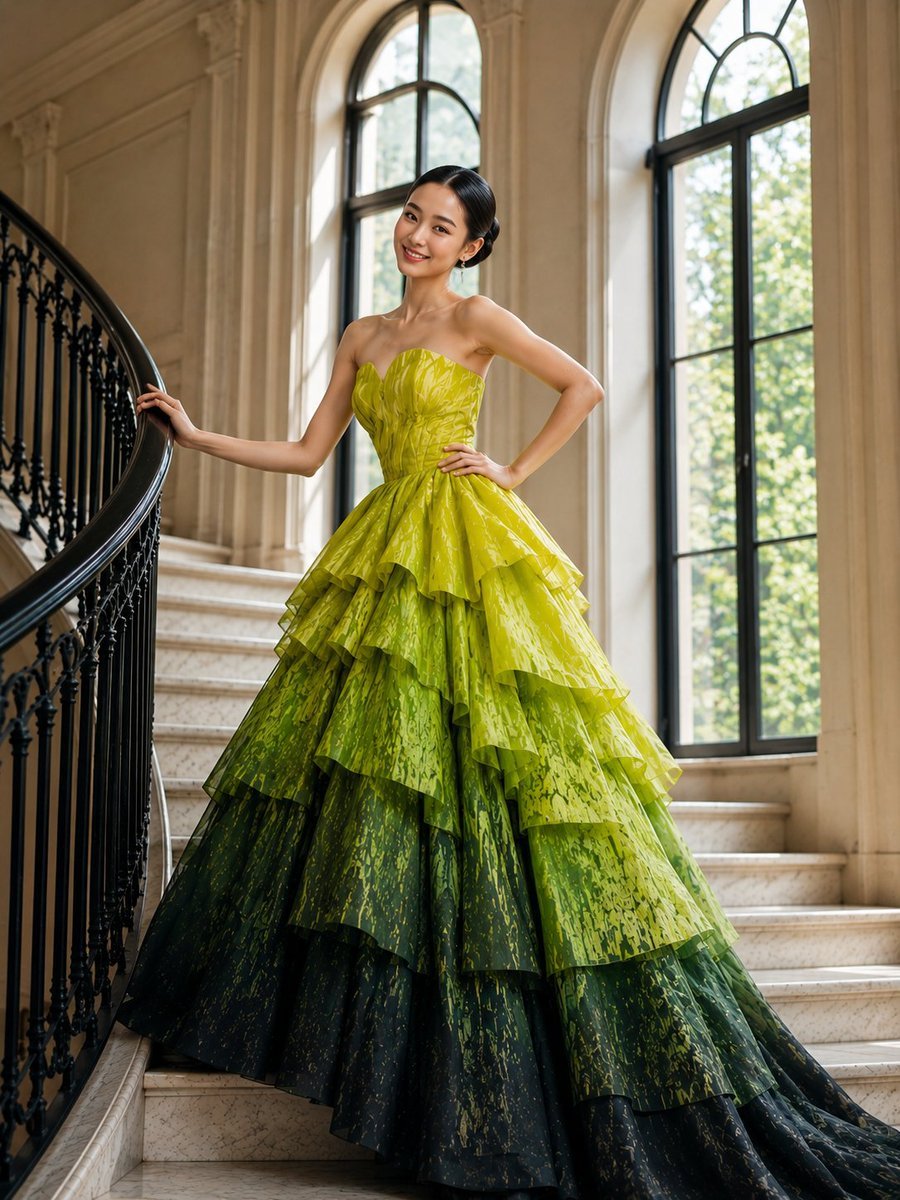
High-Fashion Tiered Ballgown Editorial
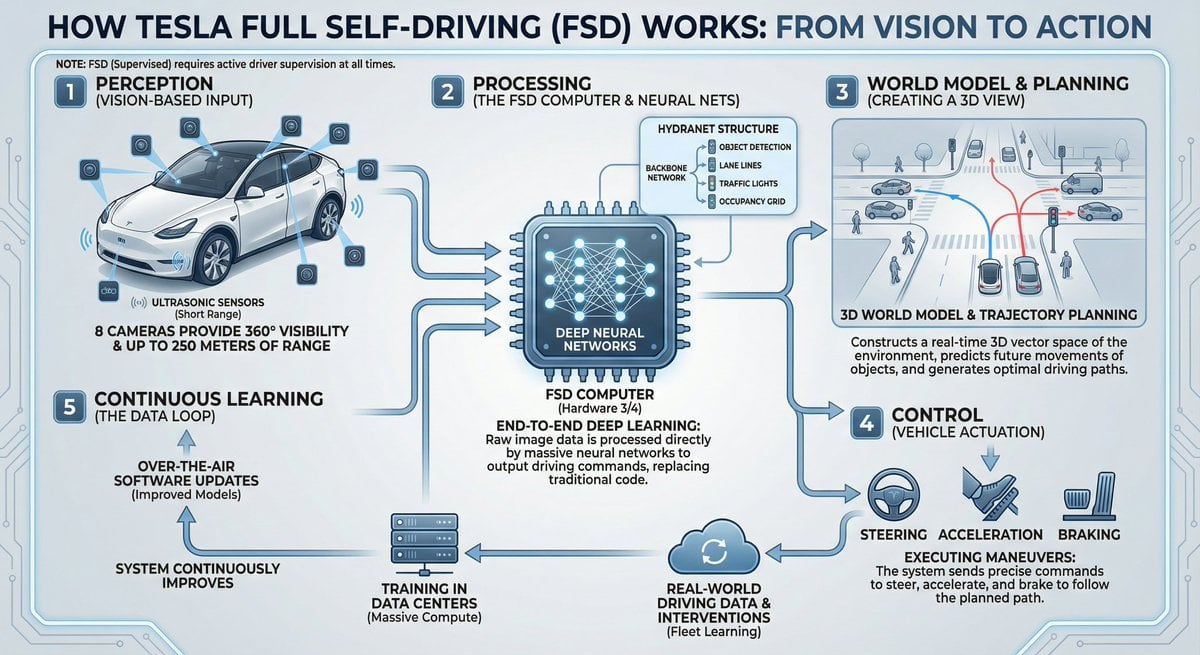
Tesla FSD explainer infographic
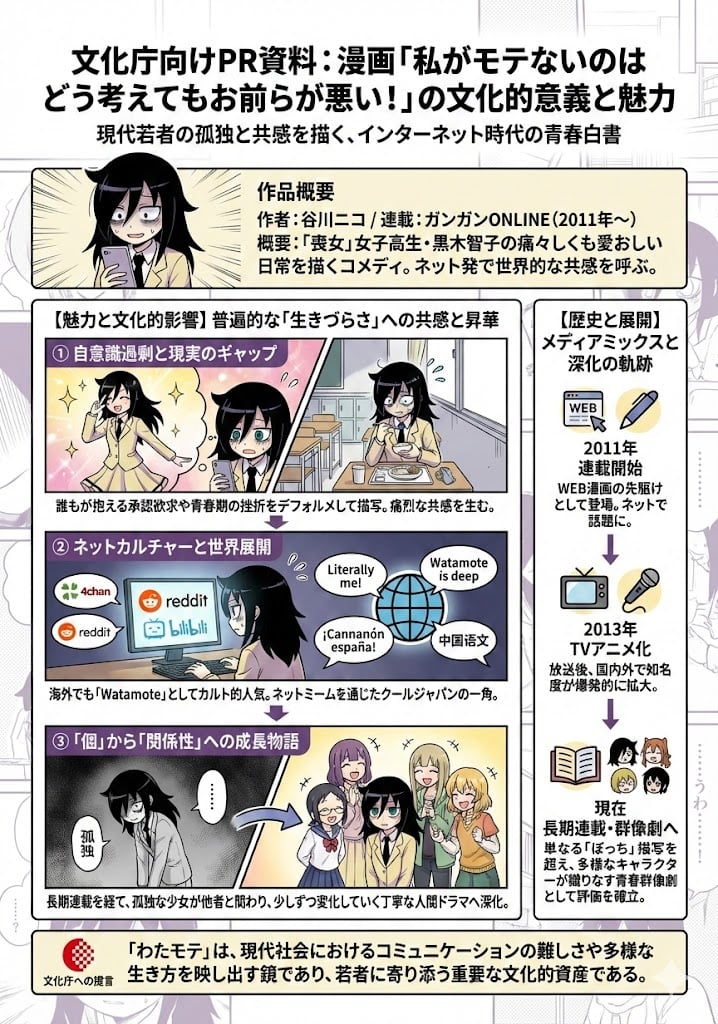
A4 visual explainer about Watamote’s cultural significance
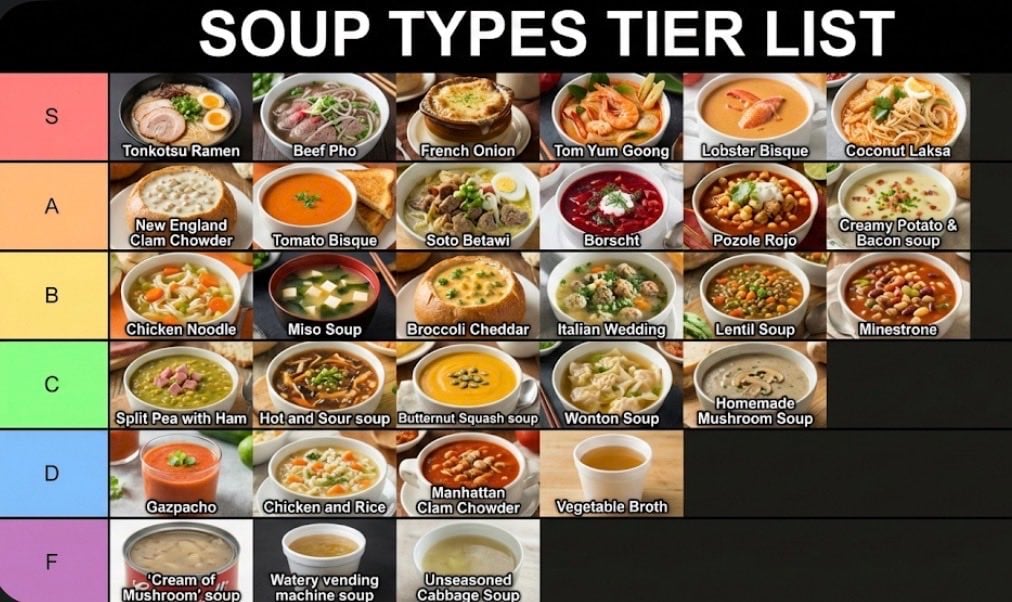
Two-Step Tier List Generation Prompt
Gpt2 Momotaro Explainer Slide in Hybrid Style
Make it yours
GPT5.6 Manga Tier Explainer works as-is. These are the safest ways to change it without losing the look.
Change one field
Copy a single group, rewrite it, and generate again so you can see what that field is doing.
Keep the frame, change the subject
Hold the composition and light of GPT5.6 Manga Tier Explainer, then swap wardrobe, props or the person for a new take.
| If the result… | Why | Fix |
|---|---|---|
| The result drifts from the preview | Too many fields changed at once. | Reuse GPT5.6 Manga Tier Explainer as-is first, then change one group — subject, light, or setting. |
| The model over-stylizes the scene | The prose prompt leaves finish and camera underspecified. | Add one camera or lighting sentence and stay on GPT Image 2. |
More GPT Image 2 templates
Other prompts made for GPT Image 2.

Six VTuber Japanese Logo Sheet

Realistic Portrait of Woman and Deer

The Vista Modular Condo Poster

AI Model Routing Comparison Infographic

2.5D Anime Art Board

Isometric Productivity Desk Scene

New York Double Exposure Poster

Four-Panel AI Landscape Comparison

Japanese Tatami Lifestyle Magazine Cover

NESCAFÉ Coffee Map Poster
More image prompts
Fresh picks from across the catalog.

Cozy Man Hugging Maine Coon
Fantasy Harbor Captain Scene

Cartoon-to-realistic transformation
Premium Beverage Commercial Poster
3D Isometric Miniature City Weather Map
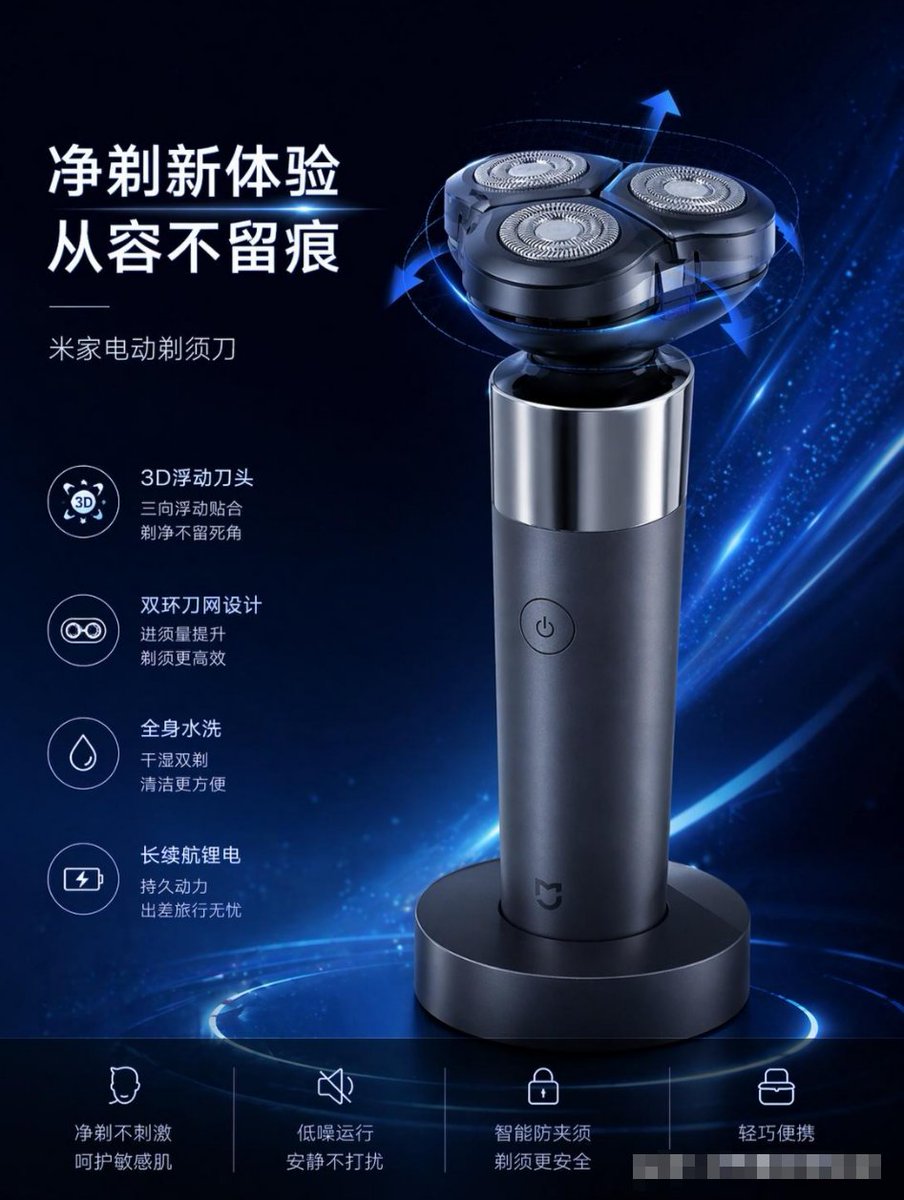
E-commerce Product Poster Transformation
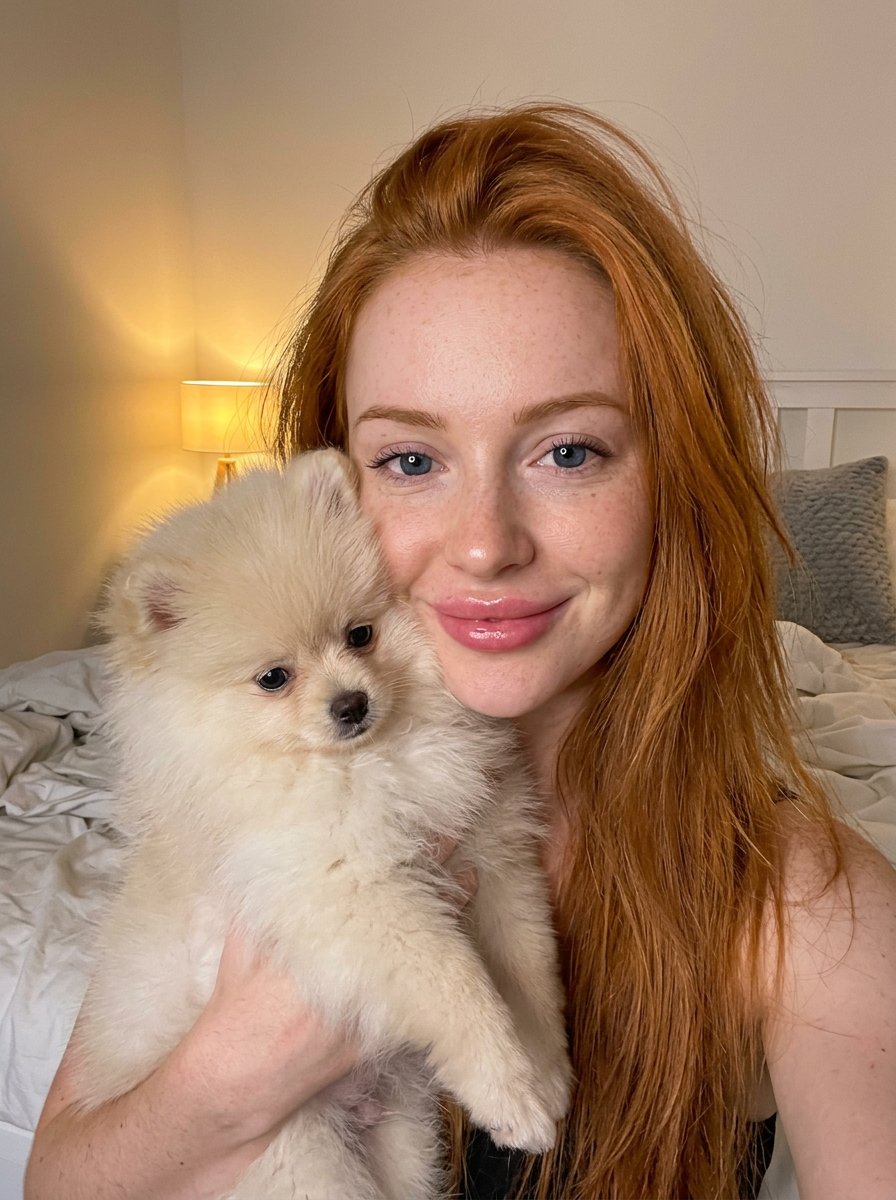
PET LOVE
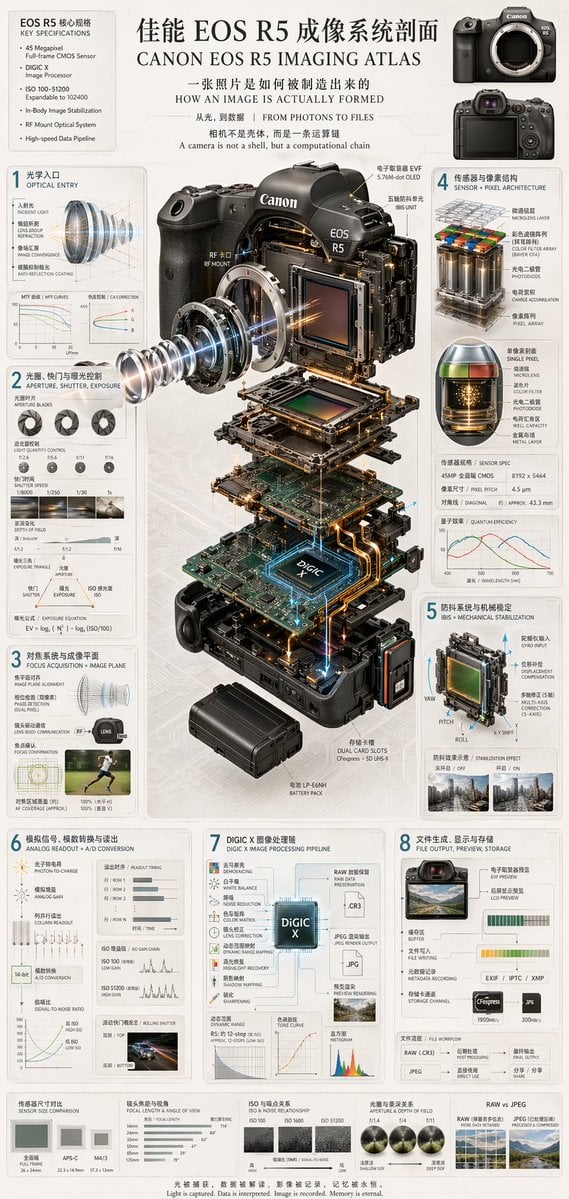
Camera Exploded View Infographic
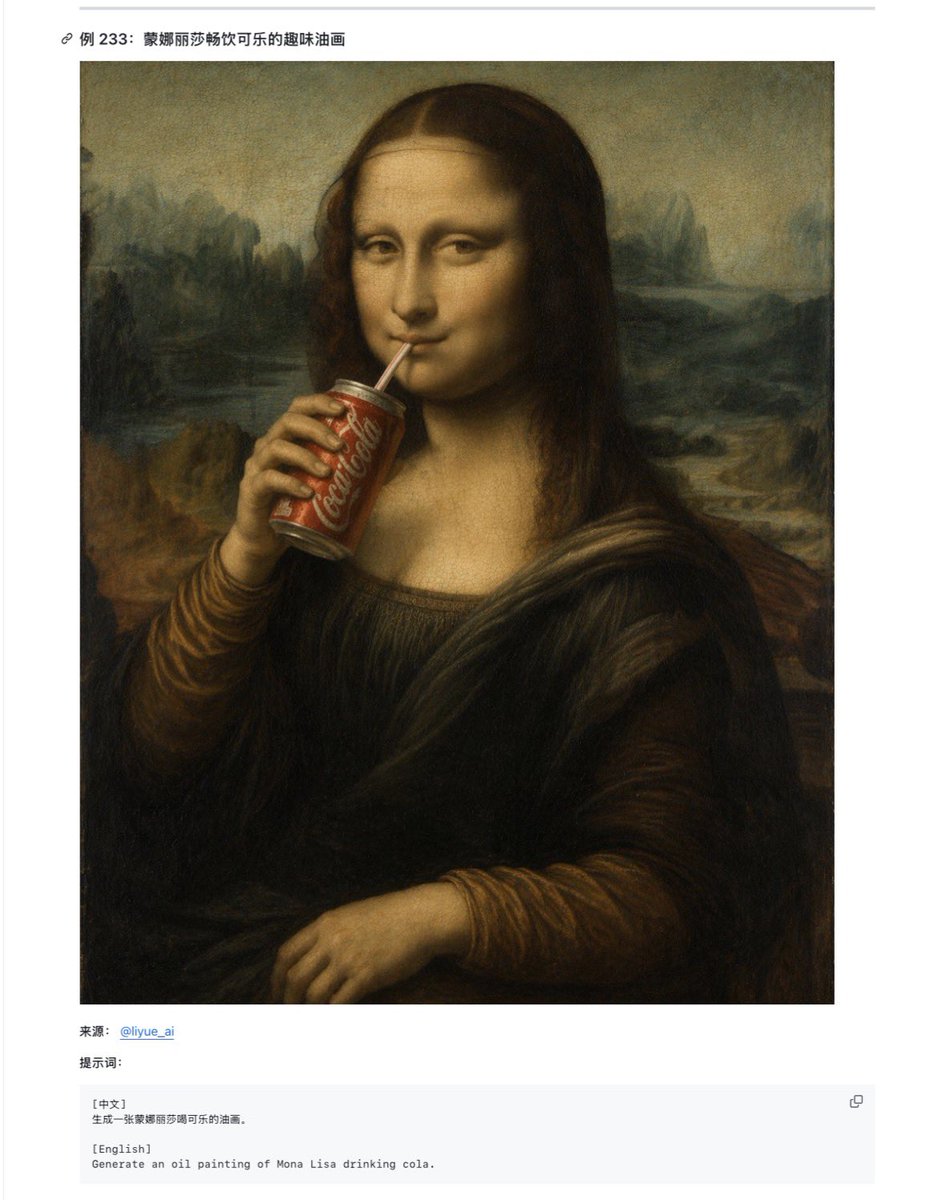
Mona Lisa Coca-Cola Web Example
Blonde Girl Walking Down a Tree-Lined Street Video Prompt
Browse template categories
GPT5.6 Manga Tier Explainer questions
How do I use the GPT5.6 Manga Tier Explainer template?
Add your photo if the template asks for one, edit the prompt if you like — the template's model and format are already selected — and press Generate. Your version opens in PicX Studio.
Can I customize the GPT5.6 Manga Tier Explainer template?
Yes. You can change the subject, setting, lighting, mood, format, and available model controls before creating your image.
Is the GPT5.6 Manga Tier Explainer template free?
Opening and editing this template is free. Generating uses credits, shown on the Generate button when you are signed in.
Which AI model should I use?
Start with GPT Image 2, which is the model associated with this template. You can compare another compatible model for a different finish.
Looking for something else? Browse all templates.

Your photo, any look
Thousands of ready templates for every top image and video model, from one credit balance.