
Four-Tier Anime Poster Comparison
Creates a wide comparison graphic of four anime movie posters showing different art-direction quality tiers with identical Japanese title and release text.
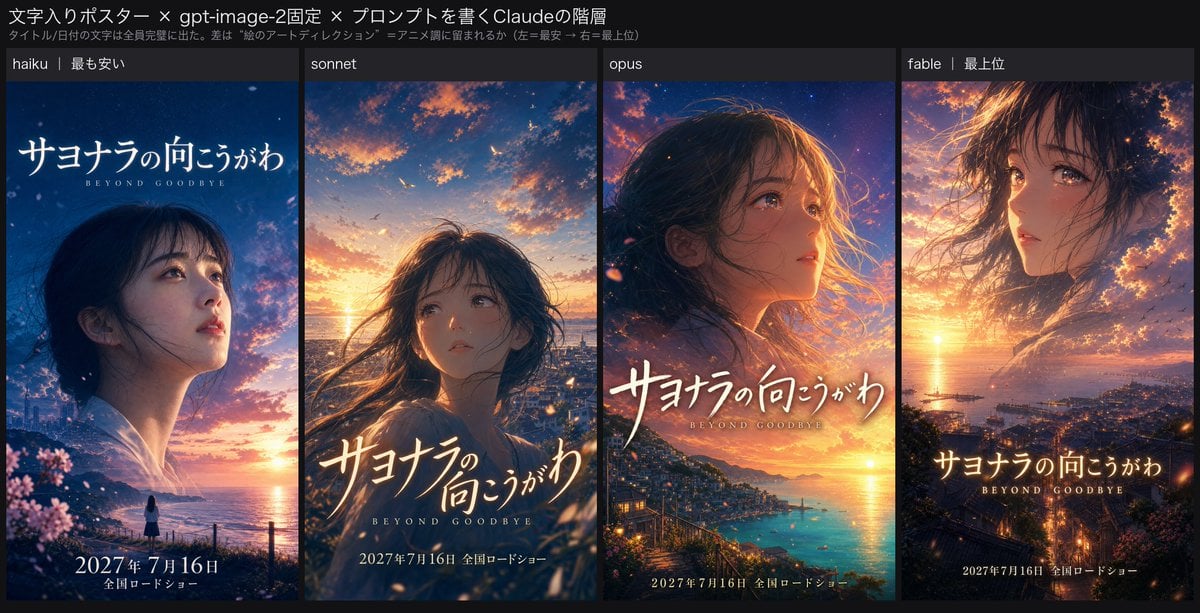
- Prompt included
- Model and format preset
- Premium template
The prompt behind this image
Copy the exact prompt behind Four-Tier Anime Poster Comparison, or open it in the studio and make it yours.
Goal: Create a wide social-media comparison graphic showing four side-by-side generated anime movie posters for the same fictional film, comparing prompt-writer tiers while keeping the movie title and release date identical. Canvas: 1200×675 horizontal image with a dark charcoal background and a clean X/Twitter-style presentation. The top has a slim explanatory header area, and below it are exactly 4 tall poster panels arranged left to right with narrow gutters. Top text: Large Japanese headline at the upper left: 「文字入りポスター × gpt-image-2固定 × プロンプトを書くClaudeの階層」. Below it, smaller Japanese subtitle: 「タイトル/日付の文字は全員完璧に出た。差は“絵のアートディレクション”=アニメ調に留まれるか(左=最安→右=最上位)」. Layout: Use exactly 4 vertical poster columns. Each column has a small dark label strip at the top with white text. The 4 labels, left to right, are: 1) “haiku|最も安い”, 2) “sonnet”, 3) “opus”, 4) “fable|最上位”. Each poster beneath the label is a cinematic key visual for the same anime film, all using the same title and date text. Shared movie text on all 4 posters: Prominent Japanese title: {argument name="movie title" default="サヨナラの向こうがわ"}. Small English subtitle below the title: {argument name="English subtitle" default="BEYOND GOODBYE"}. Release text near the bottom: {argument name="release date" default="2027年 7月16日"} followed by 「全国ロードショー」. Keep these text elements crisp, legible, and appearing once per poster. Poster 1, haiku: Semi-realistic live-action-like poster drifting away from anime style. A young woman in profile looks up toward the right, dark hair tied back, pale skin, subtle white blouse. Night-blue coastal sky with pink cherry blossoms and a glowing orange sunset near the sea horizon. A tiny figure stands by the waterfront at the bottom. Title placed large in the upper left; release date centered at the bottom. Poster 2, sonnet: More anime-styled girl centered slightly low, long dark windblown hair, soft melancholy expression, looking upward. Warm sunset over a seaside town with orange clouds, distant birds, and glowing ocean. Painterly anime film-poster style. Title large across the lower middle; English subtitle beneath; release date at the bottom. Poster 3, opus: High-quality dramatic anime key visual. Close-up side profile of a young woman looking right, wind-swept hair, warm rim light on her face. Below her is a detailed coastal city and turquoise bay at sunset, with boats, lights, cliffs, and luminous orange-purple clouds. Title large across the center-lower area; English subtitle below; release date along the bottom. Poster 4, fable: Most cinematic and artistic anime poster with double-exposure composition. A large ethereal face of the young woman blends into the sunset sky and harbor town, hair dissolving into clouds and light. The lower area shows a glowing coastal city, sea, sunset reflection, boats, and hillside lights. Rich orange, purple, and deep blue palette, highly polished anime film art direction. Title centered in the lower-middle; English subtitle below; release date at the bottom. Visual style: Japanese anime film key visual comparison, cinematic sunset lighting, emotional farewell mood, ocean harbor setting, cherry blossoms and windblown hair motifs, high contrast between dark UI background and colorful posters. Make the rightmost posters feel increasingly art-directed and anime-like from left to right. Constraints: Include exactly 4 poster panels and exactly 4 top labels. Do not add extra panels, logos, watermarks, or unrelated text. Preserve the Japanese movie title and release information accurately and legibly in each poster.
How to use Four-Tier Anime Poster Comparison in 3 steps
- 1Upload ImagePNG, JPG or paste
Add your photo
Upload the photo the template builds on. The prompt, model and format are already set.
- 2…a portrait of your subject in softgolden-hour light, 85mm…
Personalize
Edit the subject and creative details for your destination.
- 3Generate
Generate
Press Generate — your image is created in PicX Studio, so you can compare it with the original and refine one variable at a time.
More like this
Templates with the same subject, style or setup. Open one to see its prompt.

Captain Tsubasa Anime World Cup Poster

Four-Panel Anime Face Comparison

Gpt2 Youtube Thumbnail Anime Music Bootcamp Promo Poster

Japan Travel Brochure Poster

Four-Panel AI Landscape Comparison
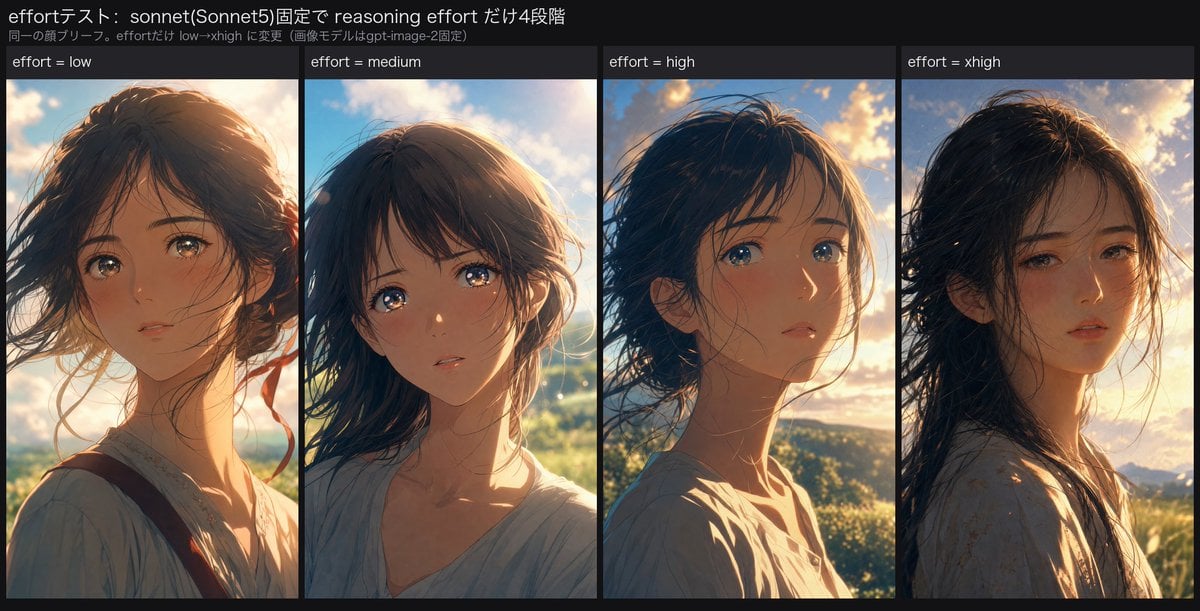
Reasoning Effort Anime Comparison

Nice Day Anime Poster
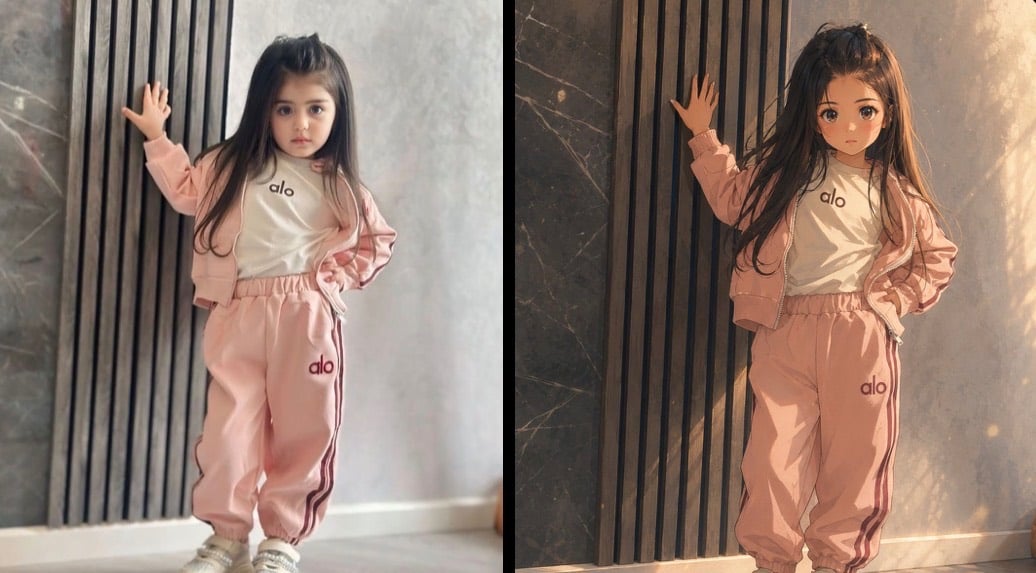
Cinematic Anime Photo Comparison

Four-Panel AI Landscape Comparison

Cel 2D Finale Fireworks

Cel 2D Garden Maze

Cel 2D Rooftop Concert
Make it yours
Four-Tier Anime Poster Comparison works as-is. These are the safest ways to change it without losing the look.
Change one field
Copy a single group, rewrite it, and generate again so you can see what that field is doing.
Keep the frame, change the subject
Hold the composition and light of Four-Tier Anime Poster Comparison, then swap wardrobe, props or the person for a new take.
| If the result… | Why | Fix |
|---|---|---|
| The result drifts from the preview | Too many fields changed at once. | Reuse Four-Tier Anime Poster Comparison as-is first, then change one group — subject, light, or setting. |
| The model over-stylizes the scene | The prose prompt leaves finish and camera underspecified. | Add one camera or lighting sentence and stay on GPT Image 2. |
More GPT Image 2 templates
Other prompts made for GPT Image 2.

Six VTuber Japanese Logo Sheet

Realistic Portrait of Woman and Deer

The Vista Modular Condo Poster

AI Model Routing Comparison Infographic

2.5D Anime Art Board

Isometric Productivity Desk Scene

New York Double Exposure Poster

Japanese Tatami Lifestyle Magazine Cover

NESCAFÉ Coffee Map Poster

Brutalist Cogito Chinese Typography Poster
More image prompts
Fresh picks from across the catalog.
Japanese Course Promotion Slide
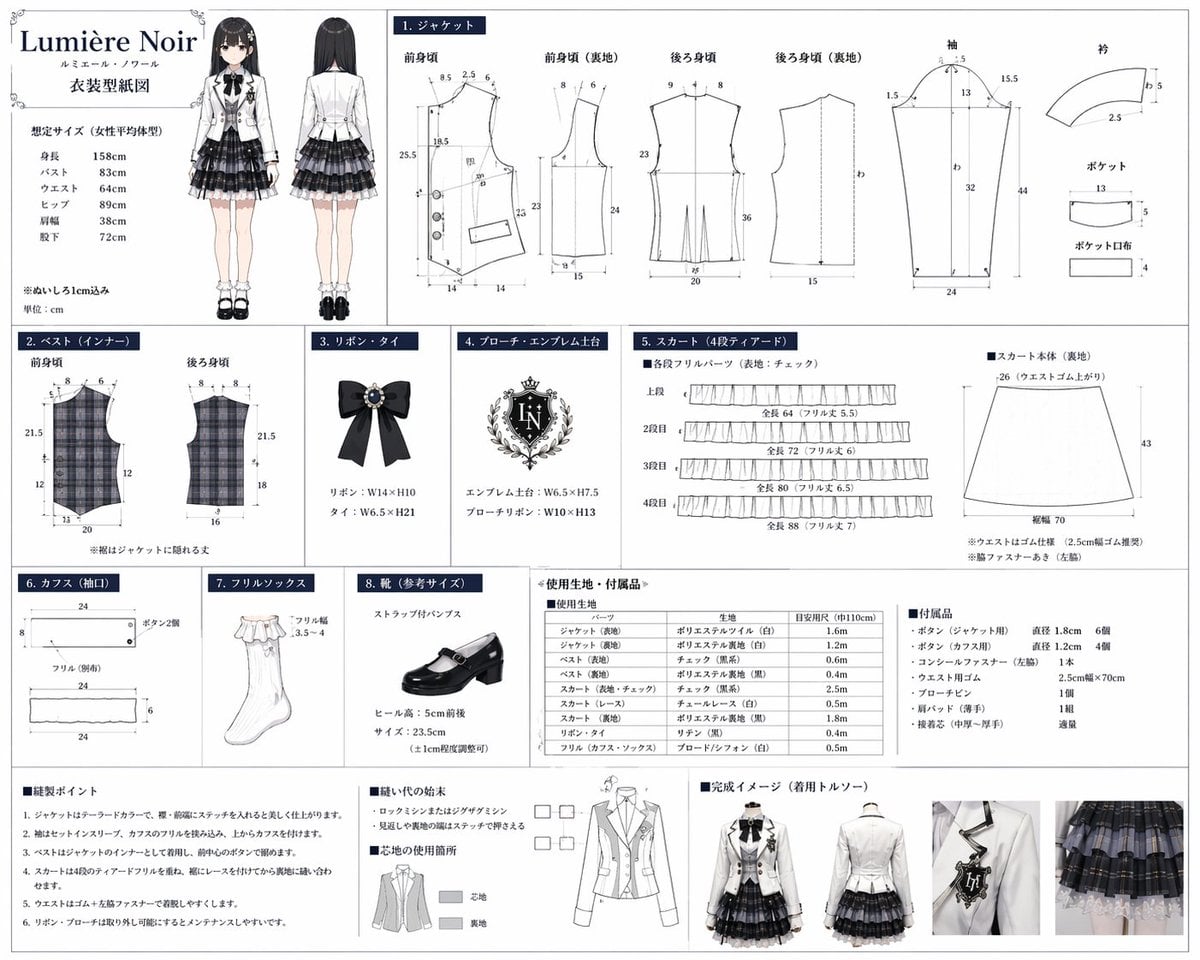
Anime Costume Sewing Pattern Sheet
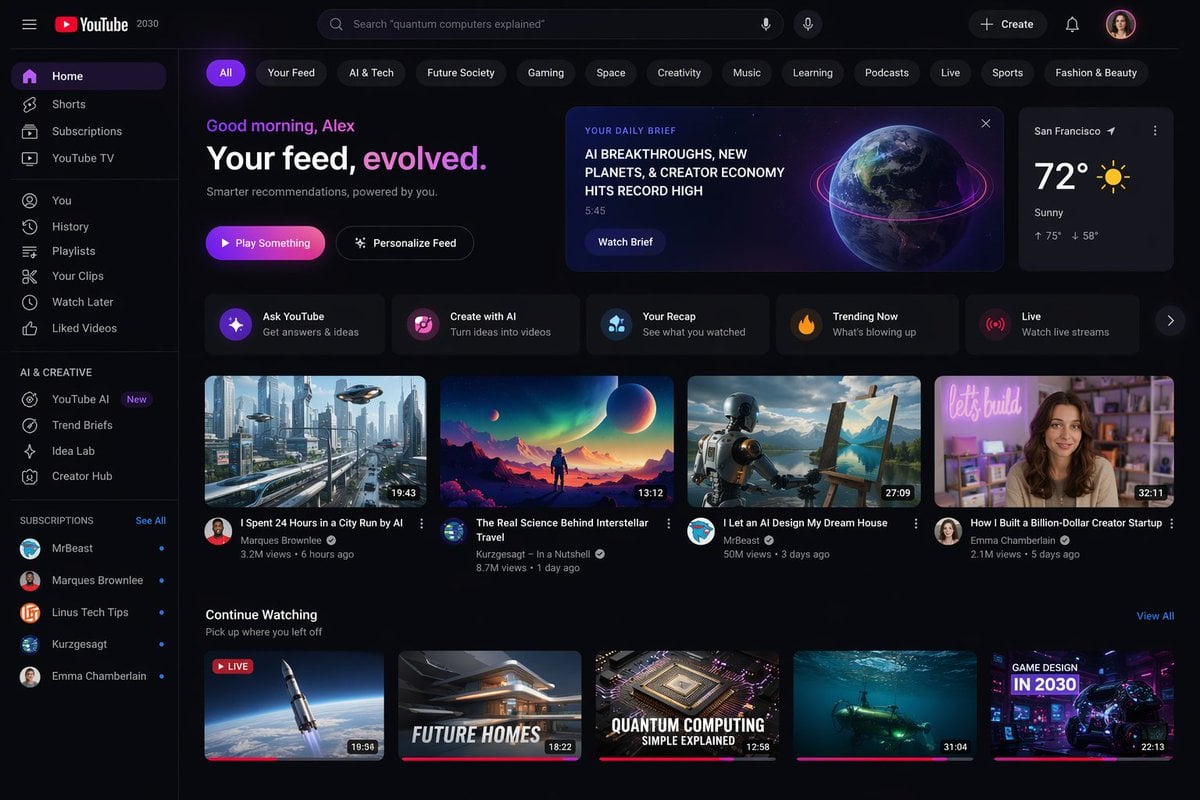
YouTube 2030 Interface
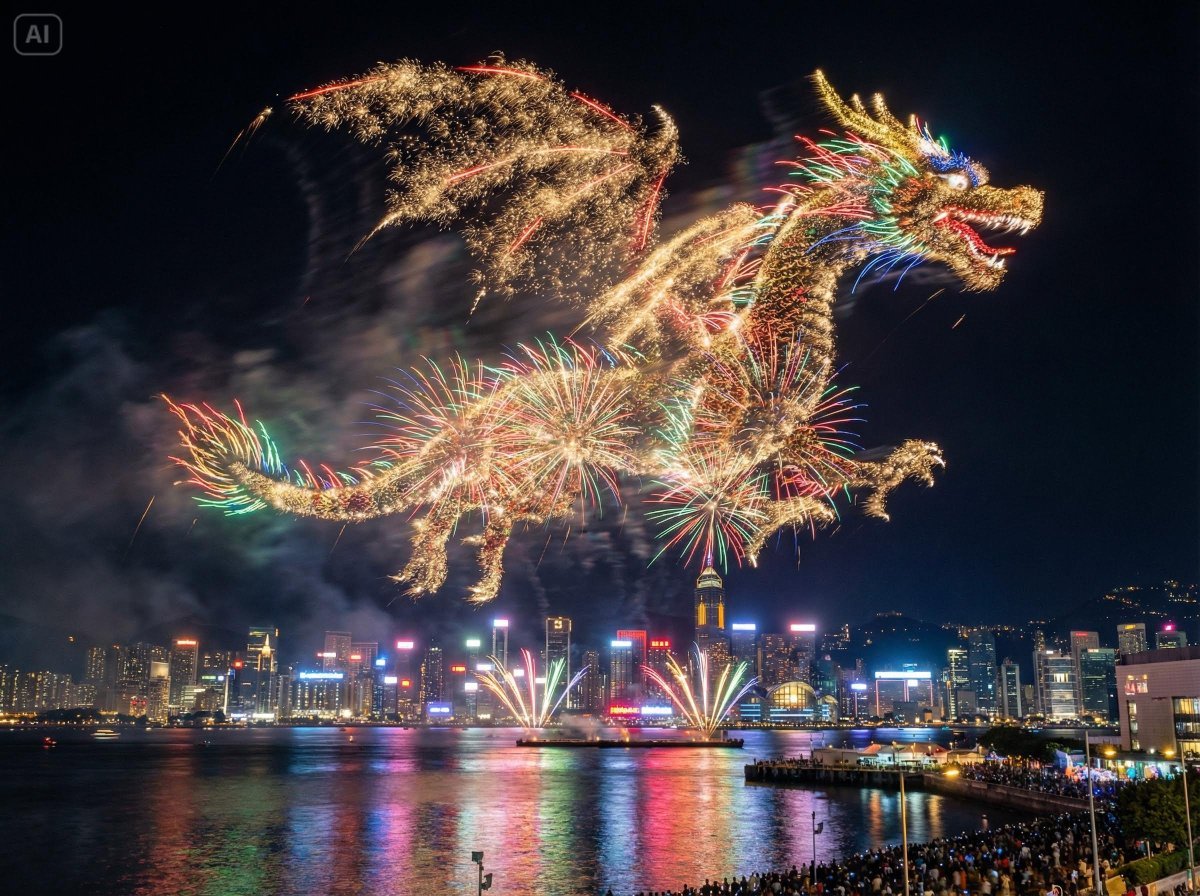
Photorealistic Fireworks Display Prompt for Dreamina AI
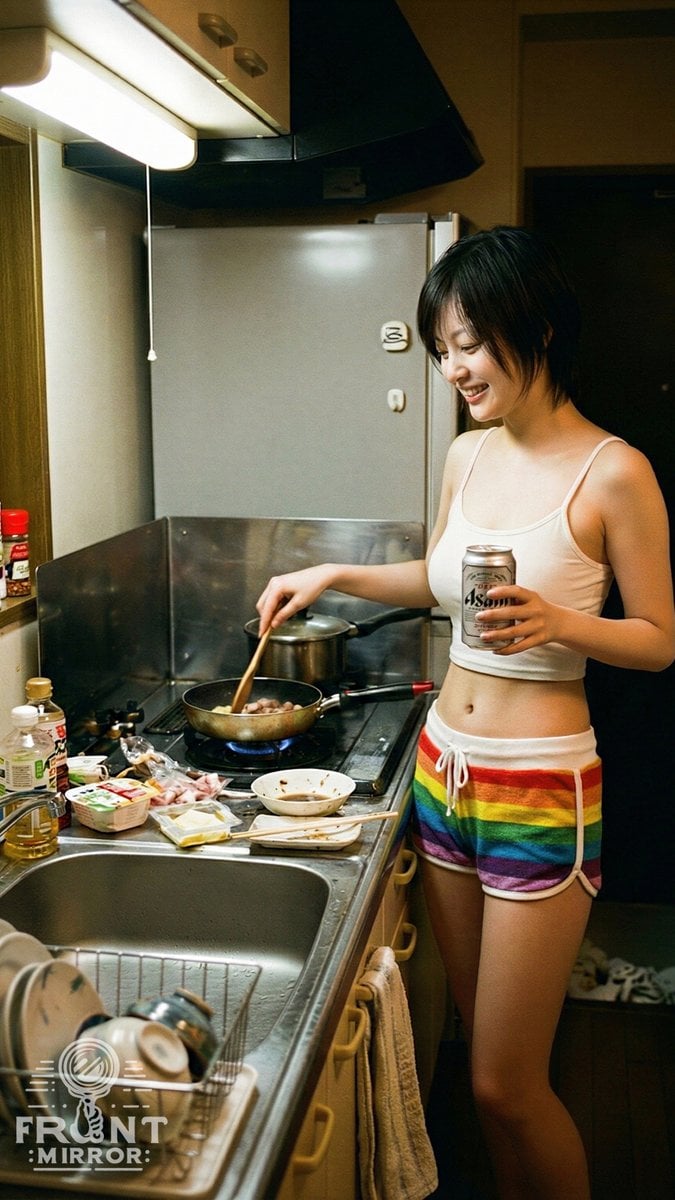
Overhead View of Late Night Activity Prompt (NanoBananaPro)
Dark Eastern Fantasy Zhao Ling'er Poster
Director Style Prompting Tips for Nano Banana Pro
Nano Banana 2 in Game Items and Characte
Pilates Selfie Prompt
Realistic Basketball Player Sports Portrait
Browse template categories
Four-Tier Anime Poster Comparison questions
How do I use the Four-Tier Anime Poster Comparison template?
Add your photo if the template asks for one, edit the prompt if you like — the template's model and format are already selected — and press Generate. Your version opens in PicX Studio.
Can I customize the Four-Tier Anime Poster Comparison template?
Yes. You can change the subject, setting, lighting, mood, format, and available model controls before creating your image.
Is the Four-Tier Anime Poster Comparison template free?
Opening and editing this template is free. Generating uses credits, shown on the Generate button when you are signed in.
Which AI model should I use?
Start with GPT Image 2, which is the model associated with this template. You can compare another compatible model for a different finish.
Looking for something else? Browse all templates.

Your photo, any look
Thousands of ready templates for every top image and video model, from one credit balance.