
Luxury Skincare Sunscreen Ad Campaign
A professional-grade advertising prompt for a luxury sunscreen product, featuring cinematic tropical lighting and protective energy effects.
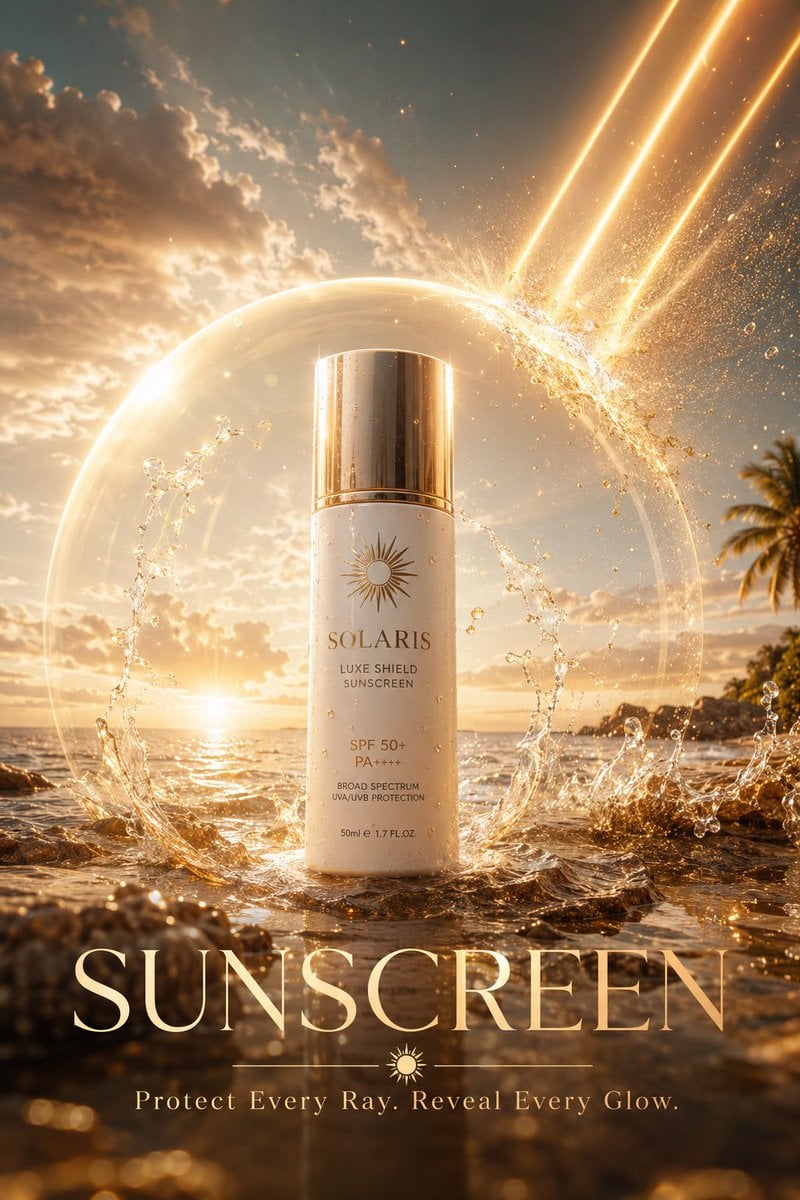
- Prompt included
- Model and format preset
- Free template
The prompt behind this image
Copy the exact prompt behind Luxury Skincare Sunscreen Ad Campaign, or open it in the studio and make it yours.
SUNSCREEN AD, “{argument name="headline" default="THE INVISIBLE SHIELD"}” Luxury skincare advertising masterpiece, a colossal premium sunscreen bottle standing on a pristine tropical shoreline at golden hour, powerful beams of sunlight crashing down from the sky and splitting apart upon contact with a transparent protective energy dome radiating from the sunscreen, millions of sparkling UV particles dissolving into golden dust before reaching flawless skin, crystal clear ocean reflections, flowing water suspended in mid air around the product, microscopic droplets catching cinematic sunlight, ultra realistic textures revealing every detail of the bottle surface, luxury beauty campaign aesthetics, dramatic volumetric lighting, glowing atmospheric haze, premium {argument name="color palette" default="white and gold"} color palette, futuristic protection technology visualized as elegant light waves, hyper detailed environment, commercial photography perfection, award winning advertising design, photorealistic rendering, 16K ultra resolution, global skincare brand campaign, masterpiece quality. Text Overlay: {argument name="product" default="SUNSCREEN"} Tagline: “Protect Every Ray. Reveal Every Glow.
How to use Luxury Skincare Sunscreen Ad Campaign in 3 steps
- 1
Open
The prompt is already in the box next to the preview, with the template's model and format selected.
- 2…a portrait of your subject in softgolden-hour light, 85mm…
Personalize
Edit the subject and creative details for your destination.
- 3Generate
Generate
Press Generate — your image is created in PicX Studio, so you can compare it with the original and refine one variable at a time.
More like this
Templates with the same subject, style or setup. Open one to see its prompt.

Polo Ralph Lauren Luxury American Heritage Fashion Campaign

Blue Backdrop Luxury Fashion Portrait Campaign

Minimalist Skincare Product Water Stone Still
Minimalist Skincare Product Water Stone Still
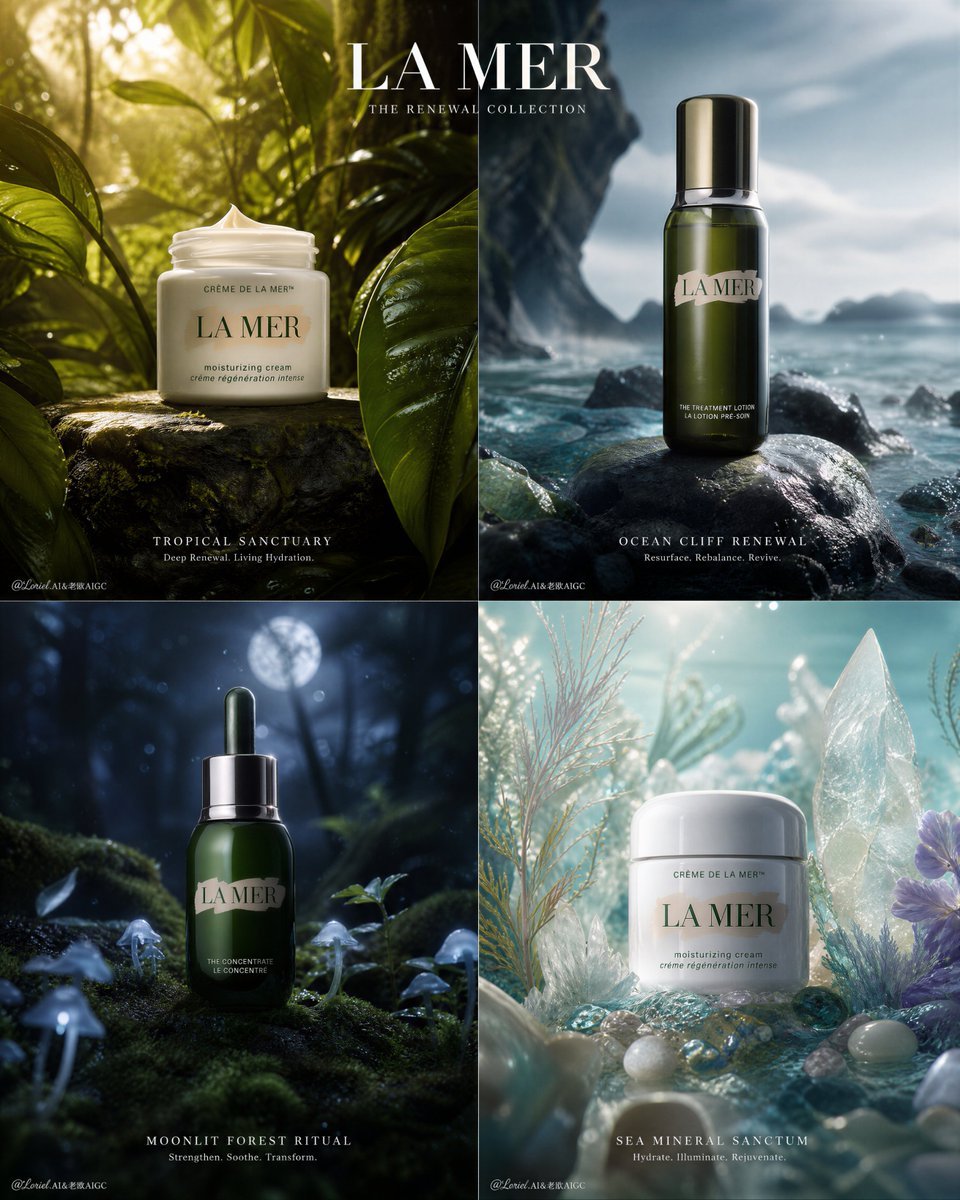
Premium Skincare Campaign Poster Grid
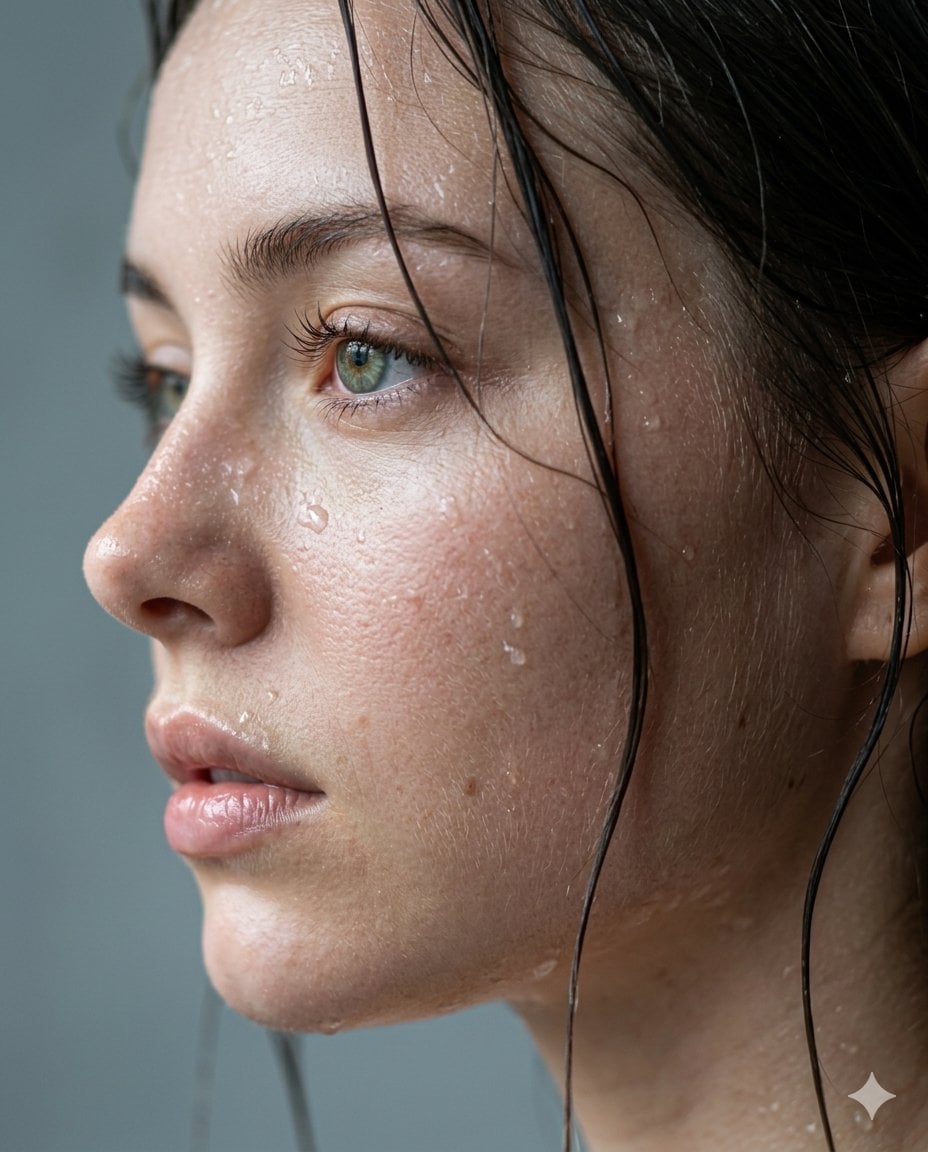
Cinematic Skincare Campaign Portrait

Sealing Wax Letter Desk

Ballroom Floor Reflections

Vintage Camera Leather Case

Hedge Maze Aerial Dawn

Tuxedo Cuff Adjust

Cathedral Choir Loft
Make it yours
Luxury Skincare Sunscreen Ad Campaign works as-is. These are the safest ways to change it without losing the look.
Change one field
Copy a single group, rewrite it, and generate again so you can see what that field is doing.
Keep the frame, change the subject
Hold the composition and light of Luxury Skincare Sunscreen Ad Campaign, then swap wardrobe, props or the person for a new take.
| If the result… | Why | Fix |
|---|---|---|
| The result drifts from the preview | Too many fields changed at once. | Reuse Luxury Skincare Sunscreen Ad Campaign as-is first, then change one group — subject, light, or setting. |
| The model over-stylizes the scene | The prose prompt leaves finish and camera underspecified. | Add one camera or lighting sentence and stay on GPT Image 2. |
More GPT Image 2 templates
Other prompts made for GPT Image 2.

Six VTuber Japanese Logo Sheet

Realistic Portrait of Woman and Deer

The Vista Modular Condo Poster

AI Model Routing Comparison Infographic

2.5D Anime Art Board

Isometric Productivity Desk Scene

New York Double Exposure Poster

Four-Panel AI Landscape Comparison

Japanese Tatami Lifestyle Magazine Cover

NESCAFÉ Coffee Map Poster
More image prompts
Fresh picks from across the catalog.
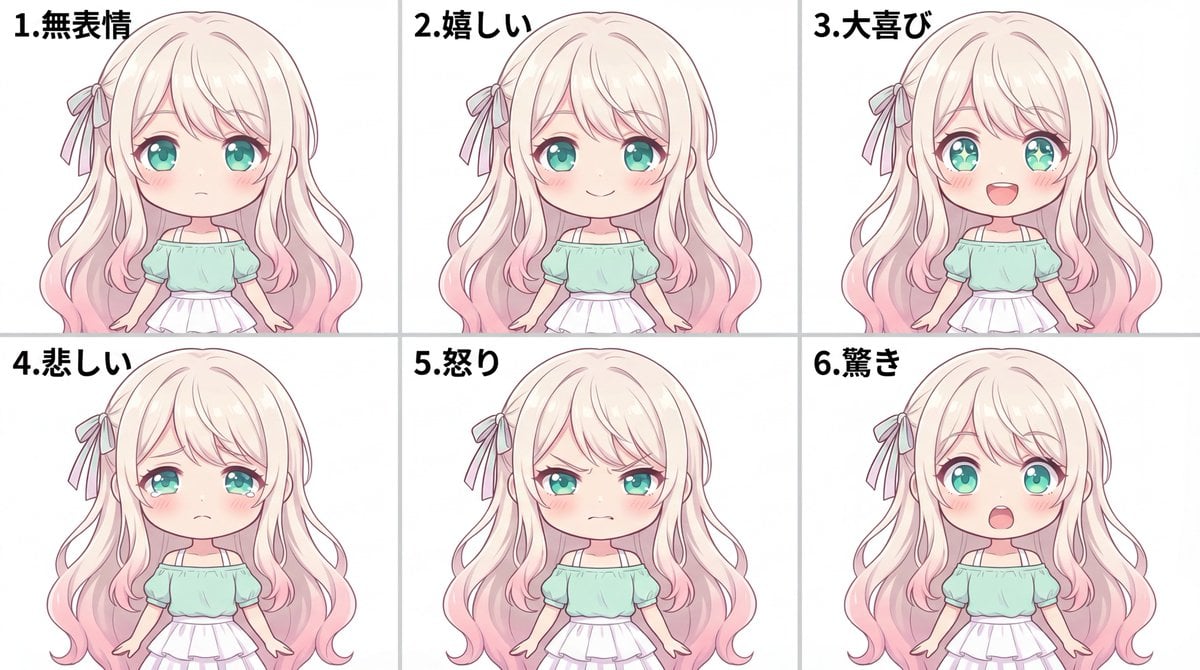
Character Expression Sheet Generation (Anime Style)
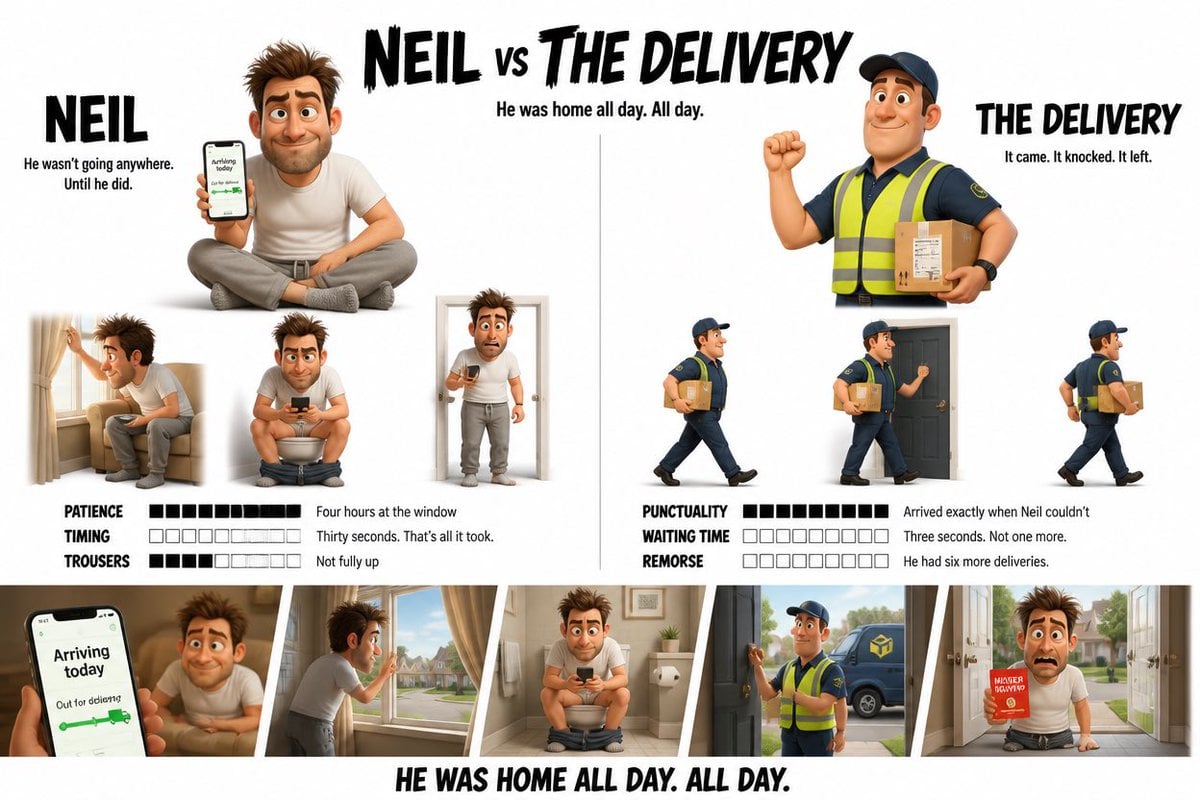
Pixar Style Character Design Sheet
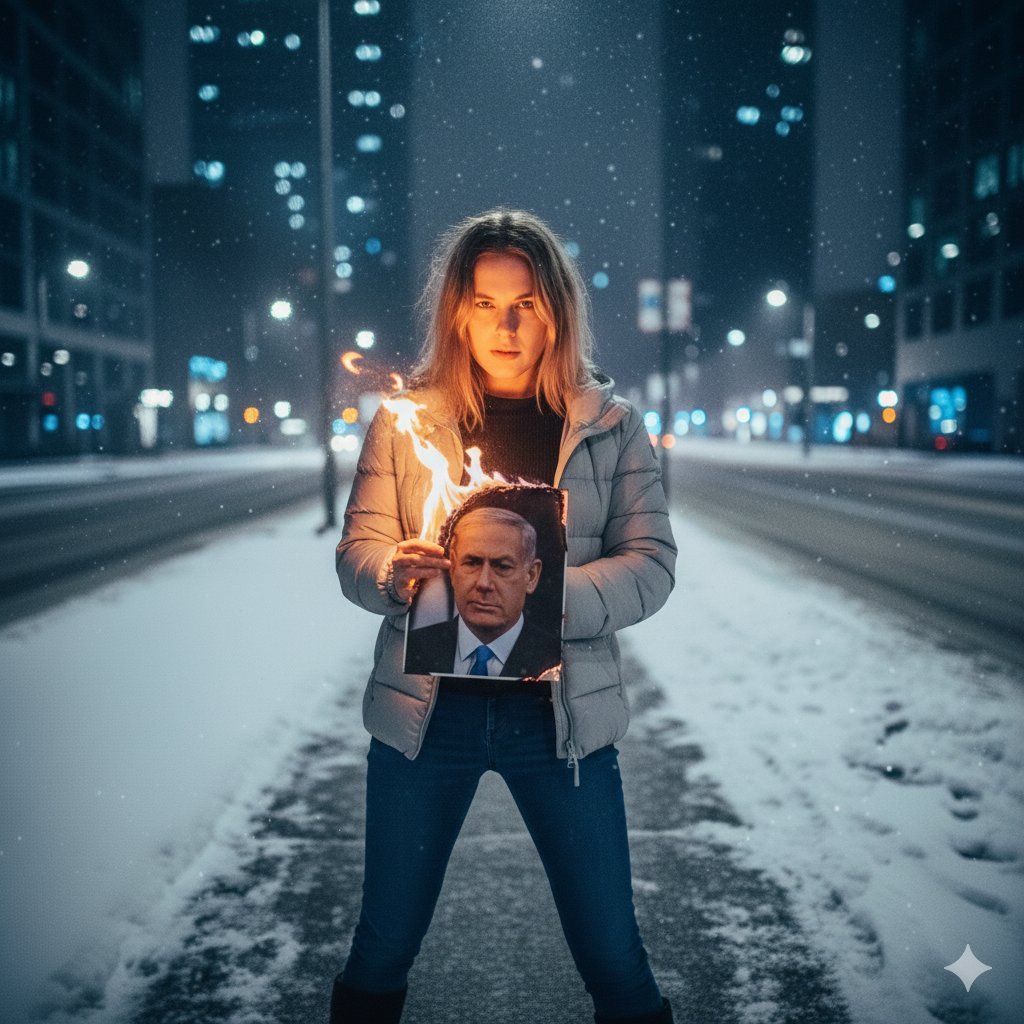
Symbolic Act of Defiance in the Snow
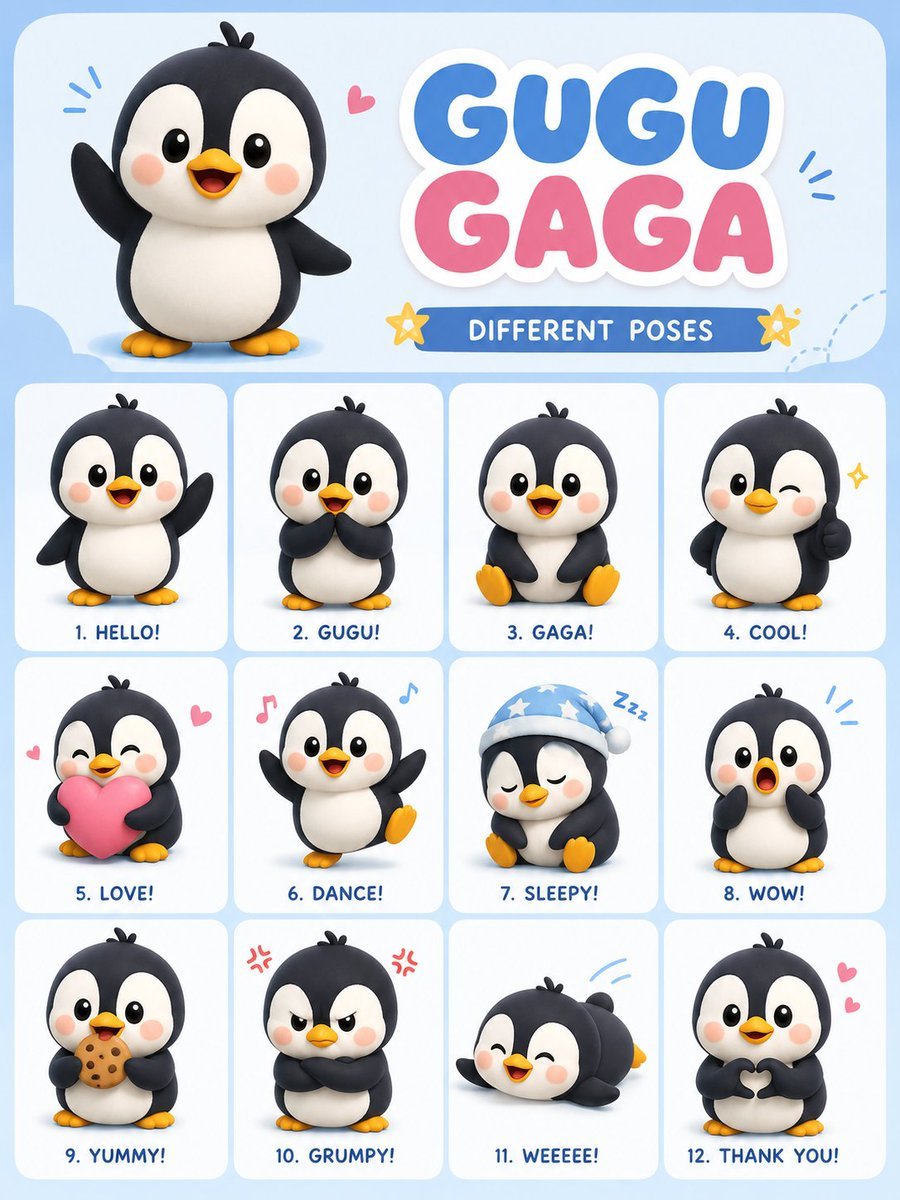
Chibi Penguin Expression Grid
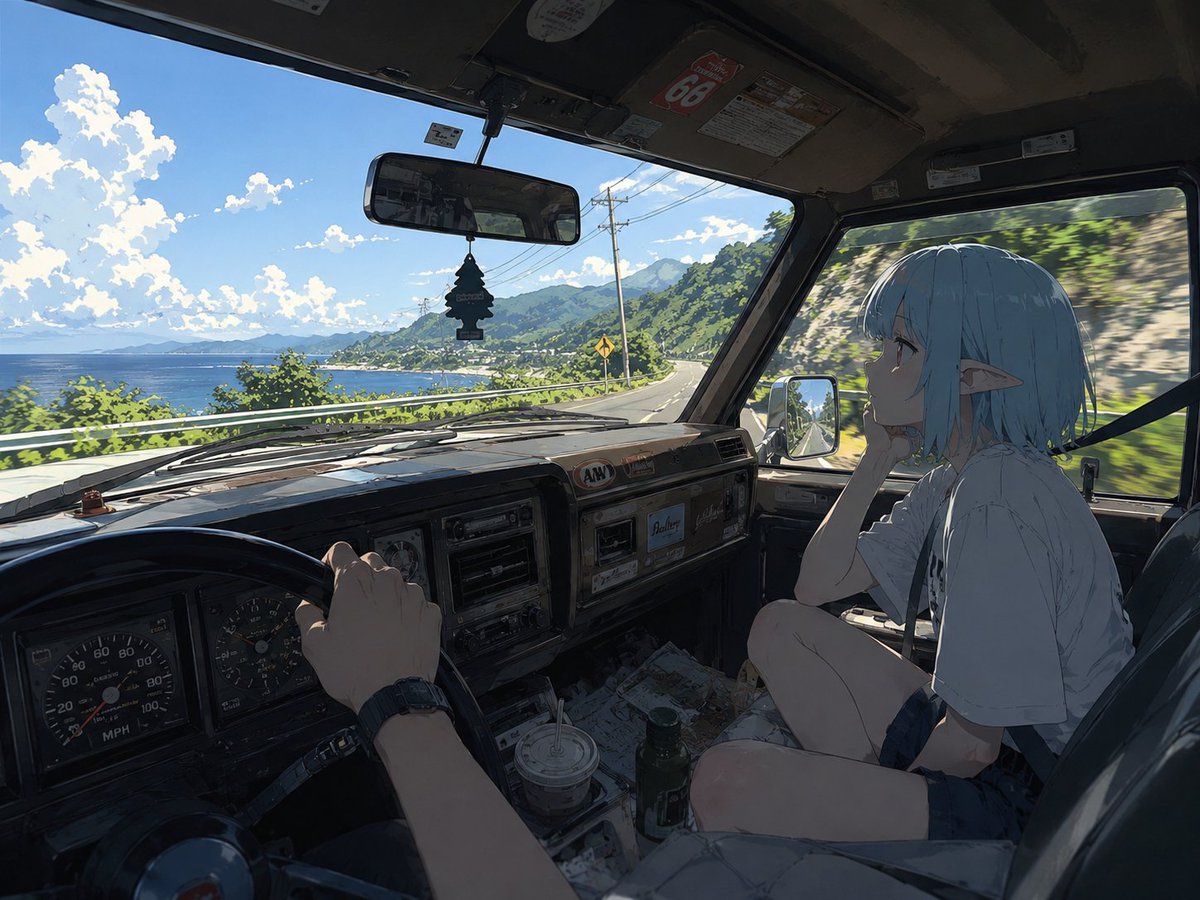
Elf Girl Coastal Driver POV
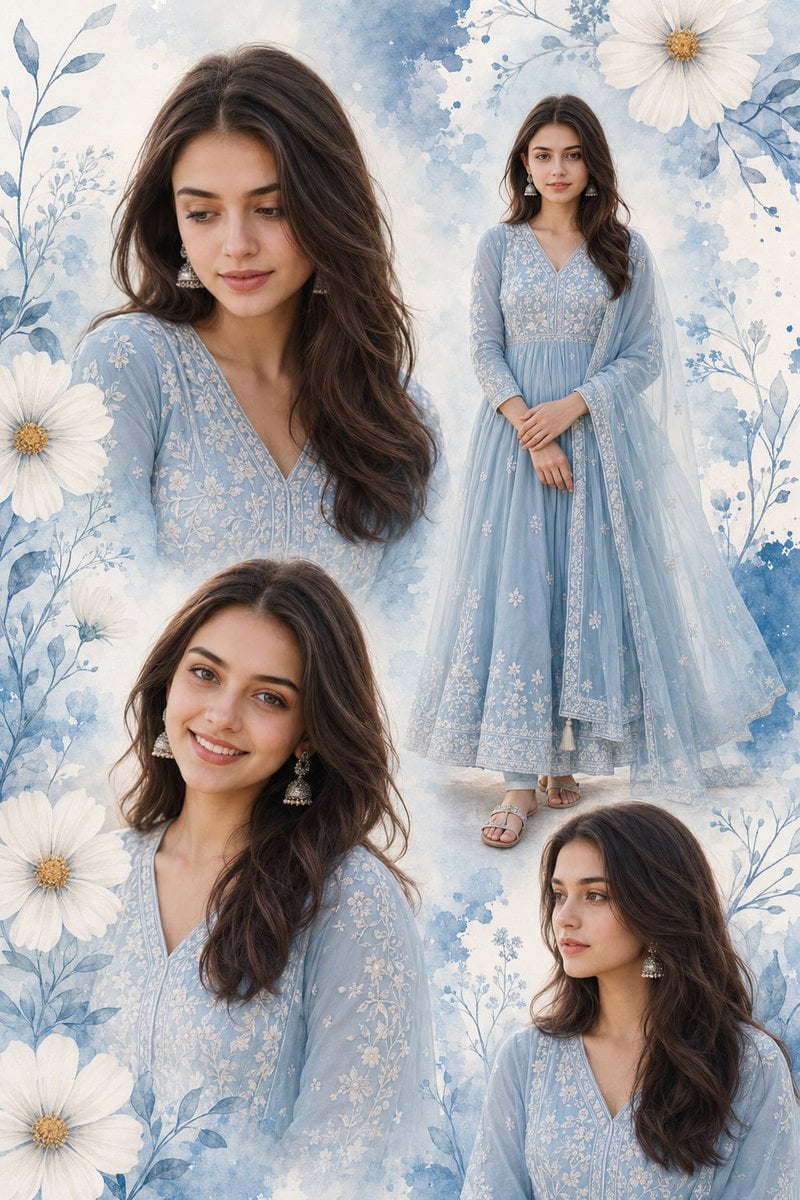
Indian Woman Anarkali Suit Collage
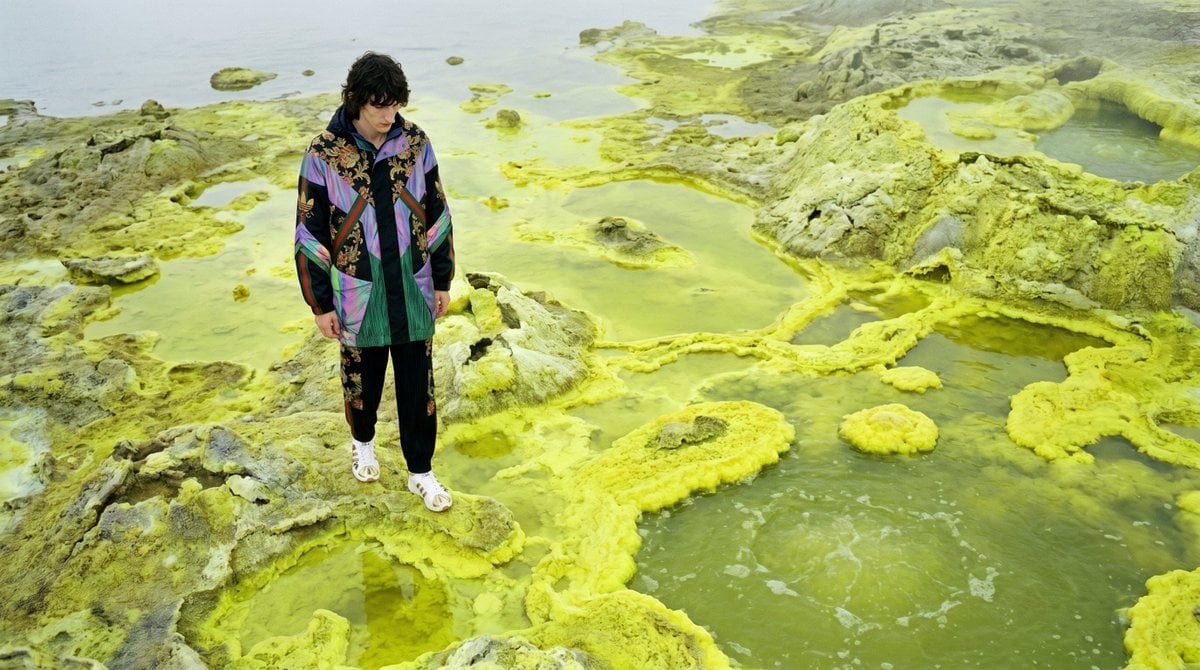
Surreal Sulfur Hot Spring Explorer
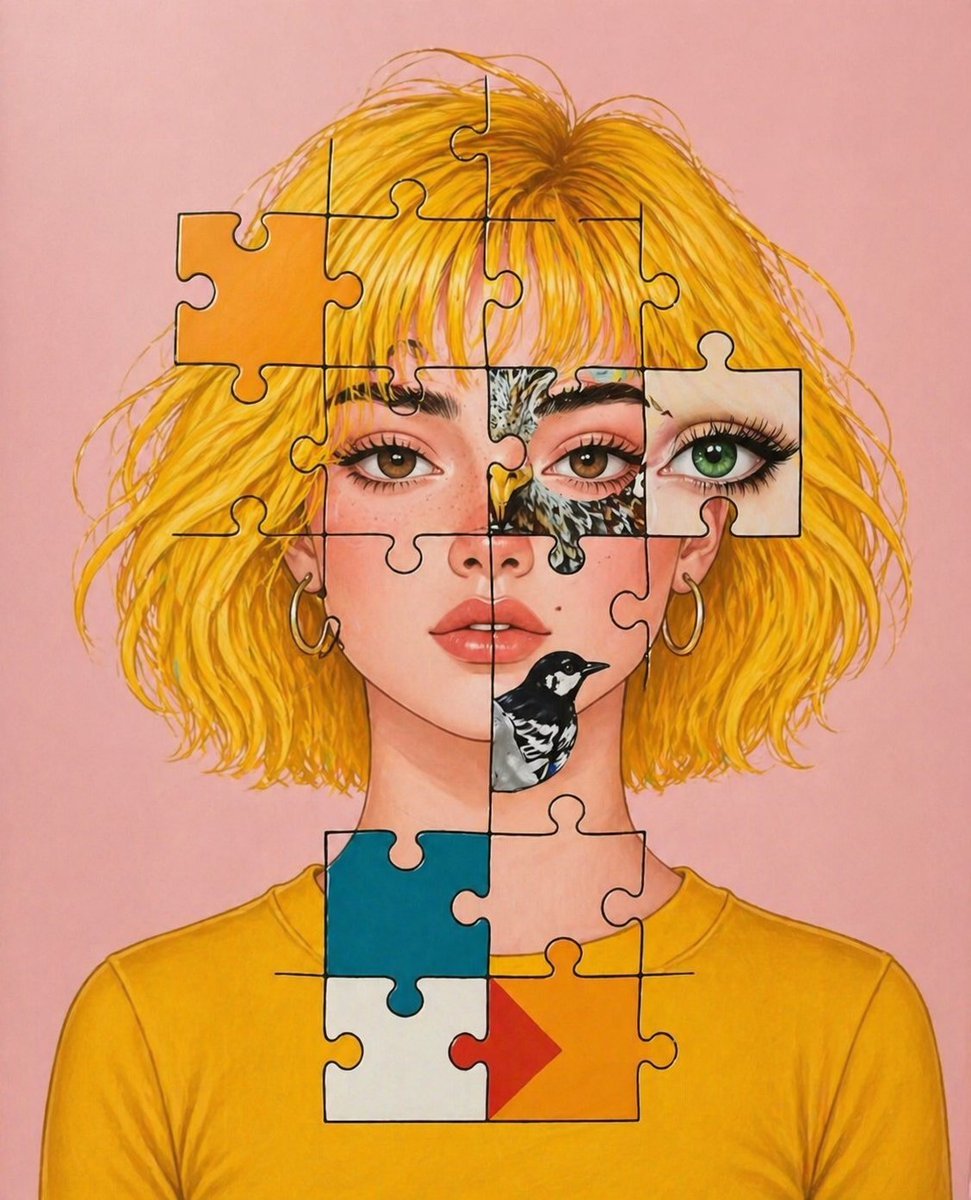
Surreal Jigsaw Portrait Illustration
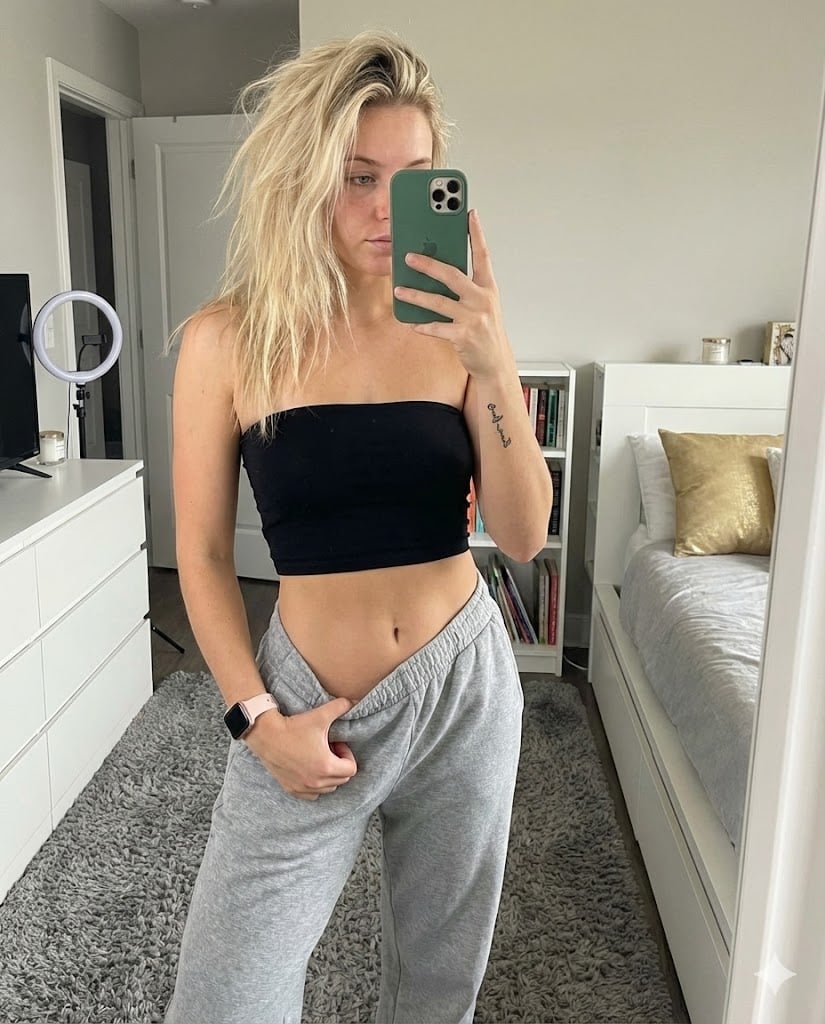
Realistic Mirror Selfie in Bandeau Top and Sweatpants
Cinematic Cosplay Romance Triptych
Browse template categories
Luxury Skincare Sunscreen Ad Campaign questions
How do I use the Luxury Skincare Sunscreen Ad Campaign template?
Add your photo if the template asks for one, edit the prompt if you like — the template's model and format are already selected — and press Generate. Your version opens in PicX Studio.
Can I customize the Luxury Skincare Sunscreen Ad Campaign template?
Yes. You can change the subject, setting, lighting, mood, format, and available model controls before creating your image.
Is the Luxury Skincare Sunscreen Ad Campaign template free?
Opening and editing this template is free. Generating uses credits, shown on the Generate button when you are signed in.
Which AI model should I use?
Start with GPT Image 2, which is the model associated with this template. You can compare another compatible model for a different finish.
Looking for something else? Browse all templates.

Your photo, any look
Thousands of ready templates for every top image and video model, from one credit balance.