
Dramatic Ino Telemann Poster
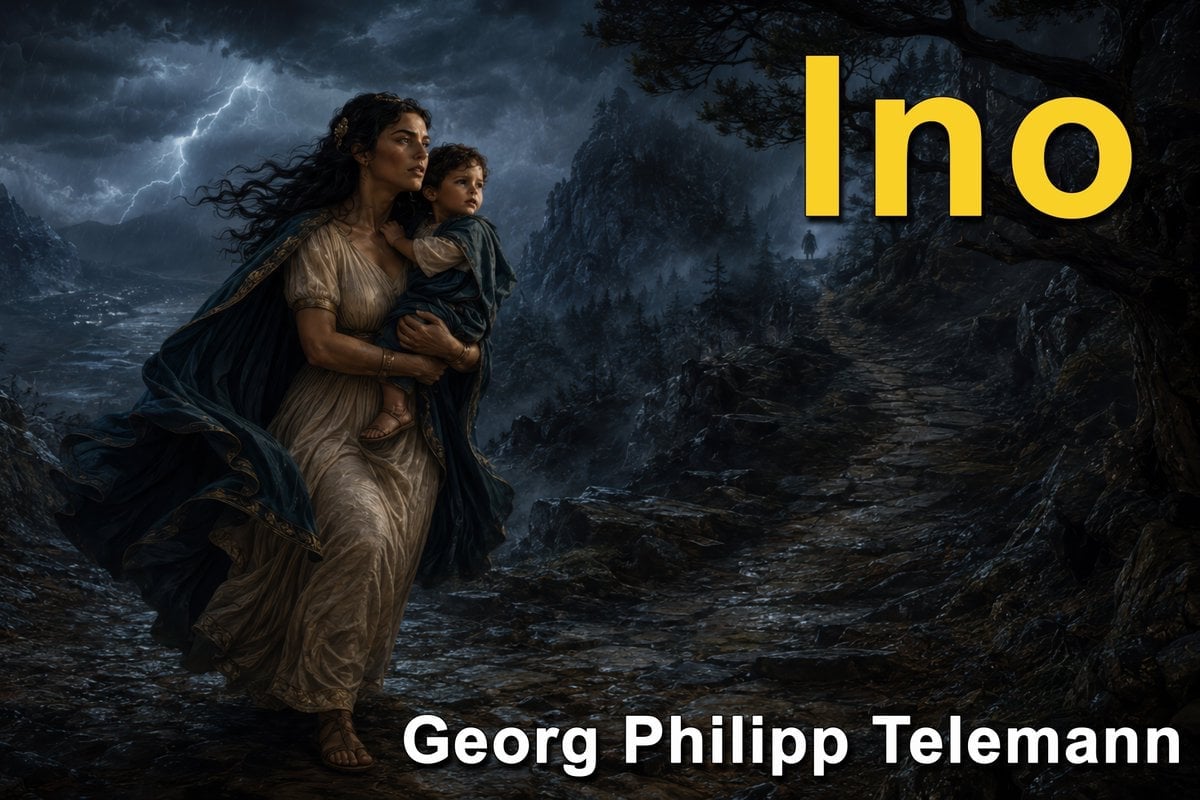
Generates a cinematic mythological storm-scene poster for Telemann’s cantata Ino, suitable for music essays, Substack posts, or classical concert promotion.
- Prompt included
- Model and format preset
- Premium template
The prompt behind this image
Copy the exact prompt behind Dramatic Ino Telemann Poster, or open it in the studio and make it yours.
Goal: Create a dramatic widescreen classical-music poster for {argument name="cantata title" default="Ino"} by {argument name="composer name" default="Georg Philipp Telemann"}, evoking a mythological Baroque opera scene. Canvas: 16:9 horizontal cinematic composition, dark stormy palette, ultra-detailed painterly realism with romantic historical drama lighting. Layout: Foreground left contains exactly 2 main human figures: 1 adult woman and 1 small child. The woman is running or striding through a wet rocky mountain path while holding the child tightly in her arms. Mid-background right contains exactly 1 tiny distant human silhouette on the path, partly obscured by mist. Large title text sits in the upper-right quadrant, and composer text sits along the lower-right edge. Subject details: The adult woman is a mythological ancient Greek figure with olive skin, long black windblown hair, anxious determined expression, wearing a pale cream draped classical dress and a dark blue cloak with gold trim billowing behind her. The child has curly dark hair, a worried face, bare legs, sandals, and is wrapped in blue-gray fabric. Both figures are illuminated by cold moonlight and lightning from the left. Environment: A treacherous rocky coastal mountain landscape at night during a violent storm. On the left, a dark sea or lake churns under heavy clouds, with a bright lightning bolt splitting the sky. On the right, a steep wet stone path climbs into misty mountains beneath twisted dark tree branches. Add fog, rain-slick rocks, deep shadows, and distant pine-covered cliffs for scale and danger. Text content: Include exactly 2 text elements. Top right: huge bold sans-serif yellow title reading {argument name="headline text" default="Ino"}, with subtle dark shadow. Bottom right: large bold white sans-serif composer name reading {argument name="bottom text" default="Georg Philipp Telemann"}, slightly overlapping the dark rocky foreground. No other text. Visual style: Epic cinematic fantasy realism, richly textured digital oil painting, high contrast chiaroscuro, atmospheric perspective, moody blue-black storm colors with yellow title contrast, sharp foreground figures, dramatic lighting, no modern objects, no watermark.
How to use Dramatic Ino Telemann Poster in 3 steps
- 1Upload ImagePNG, JPG or paste
Add your photo
Upload the photo the template builds on. The prompt, model and format are already set.
- 2…a portrait of your subject in softgolden-hour light, 85mm…
Personalize
Edit the subject and creative details for your destination.
- 3Generate
Generate
Press Generate — your image is created in PicX Studio, so you can compare it with the original and refine one variable at a time.
More like this
Templates with the same subject, style or setup. Open one to see its prompt.

Japan Travel Brochure Poster

Cartoon TV Show Poster Pack

Trendy Cafe Drink Promo Poster

Urban Fashion Editorial Collage Streetwear Poster

Premium Fashion Editorial Cover Layout System

Polo Ralph Lauren Luxury American Heritage Fashion Campaign

Monochrome Halftone Editorial Fashion Poster

Retro Mirror Luxury Fashion Campaign Poster

Luxury Fashion Campaign Typography Poster System

Premium Fashion Editorial Campaign Poster System

Ultra-Stylized High-Fashion Streetwear Poster

Urban Fashion Editorial Collage Poster
Make it yours
Dramatic Ino Telemann Poster works as-is. These are the safest ways to change it without losing the look.
Change one field
Copy a single group, rewrite it, and generate again so you can see what that field is doing.
Keep the frame, change the subject
Hold the composition and light of Dramatic Ino Telemann Poster, then swap wardrobe, props or the person for a new take.
| If the result… | Why | Fix |
|---|---|---|
| The result drifts from the preview | Too many fields changed at once. | Reuse Dramatic Ino Telemann Poster as-is first, then change one group — subject, light, or setting. |
| The model over-stylizes the scene | The prose prompt leaves finish and camera underspecified. | Add one camera or lighting sentence and stay on GPT Image 2. |
More GPT Image 2 templates
Other prompts made for GPT Image 2.

Six VTuber Japanese Logo Sheet

Realistic Portrait of Woman and Deer

The Vista Modular Condo Poster

AI Model Routing Comparison Infographic

2.5D Anime Art Board

Isometric Productivity Desk Scene

New York Double Exposure Poster

Four-Panel AI Landscape Comparison

Japanese Tatami Lifestyle Magazine Cover

NESCAFÉ Coffee Map Poster
More image prompts
Fresh picks from across the catalog.
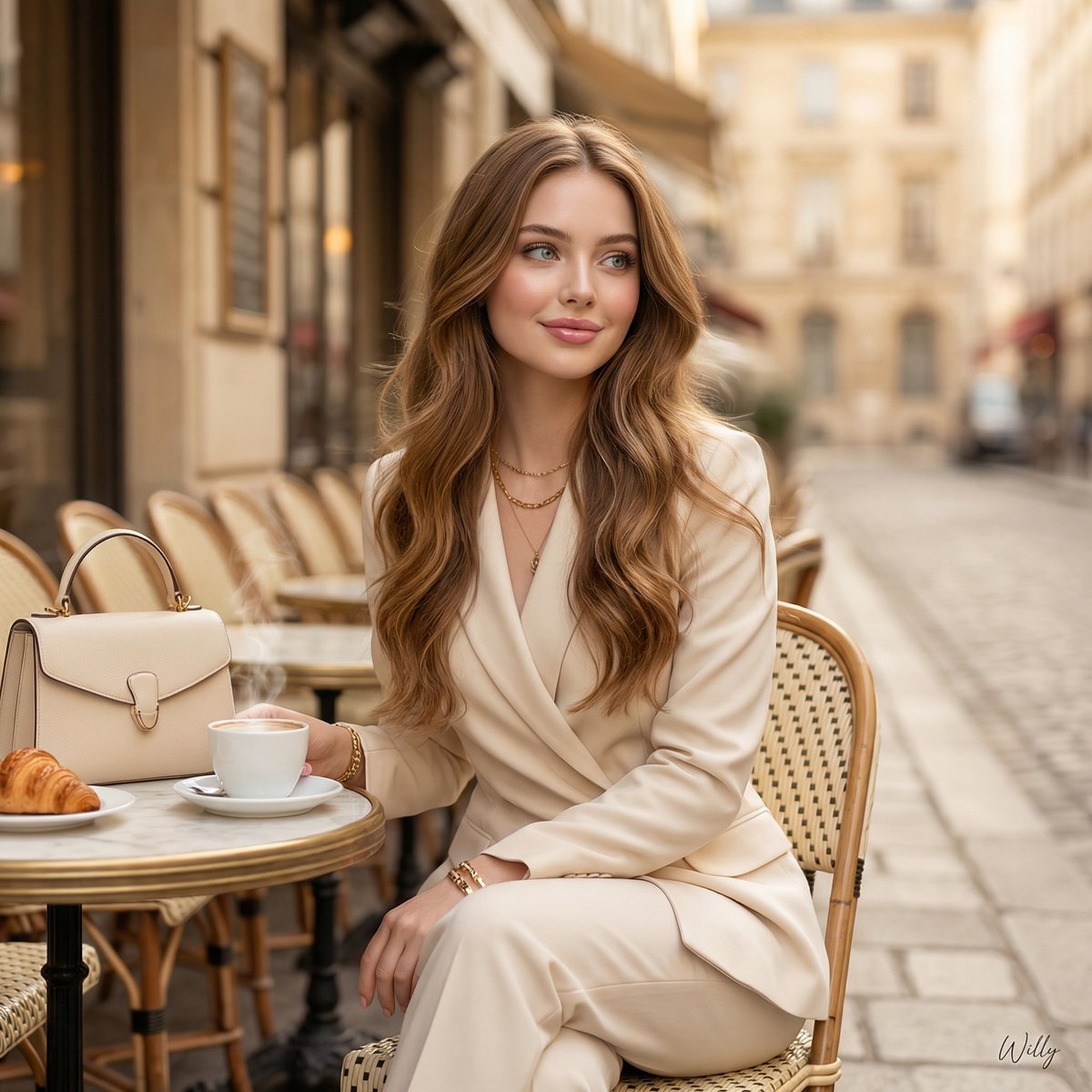
Parisian Luxury Fashion Ad at Golden Hour

Botanical Plant Dye Canvas Painting
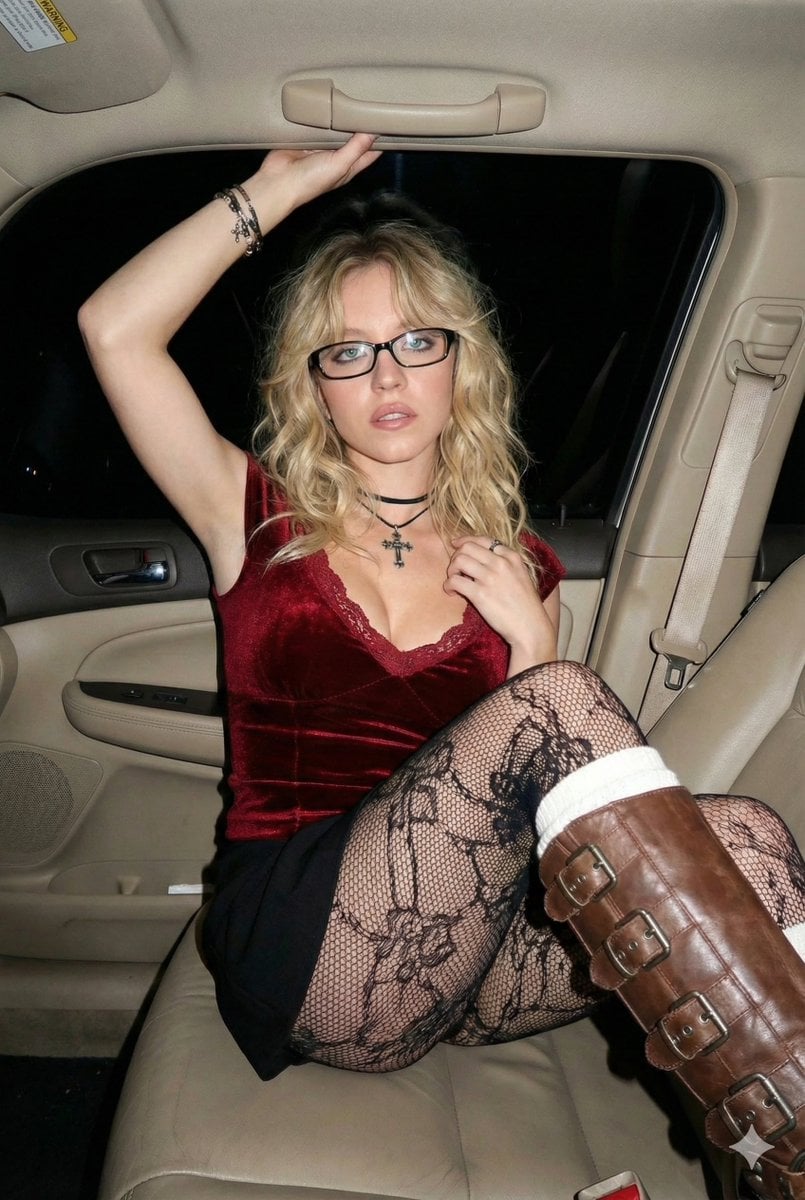
2000s Flash Photography Aesthetic Portrait

Image Editing: Background and Object Replacement

Cinematic Portrait of a Golfer
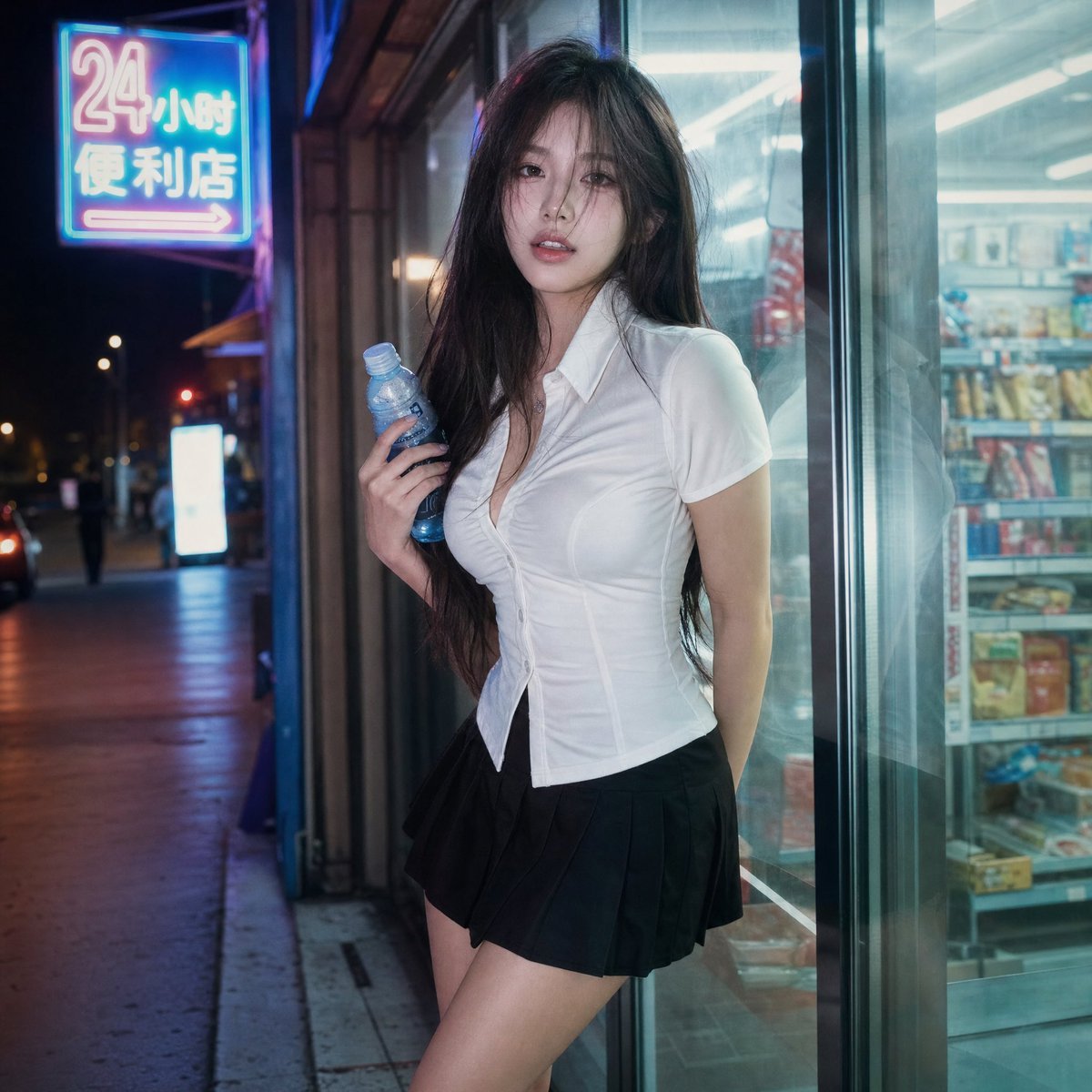
Cinematic Night Portrait Photography

Gpt2 Social Media Post Bmw Performance Social Poster

Social Media Pet Avatar Creator
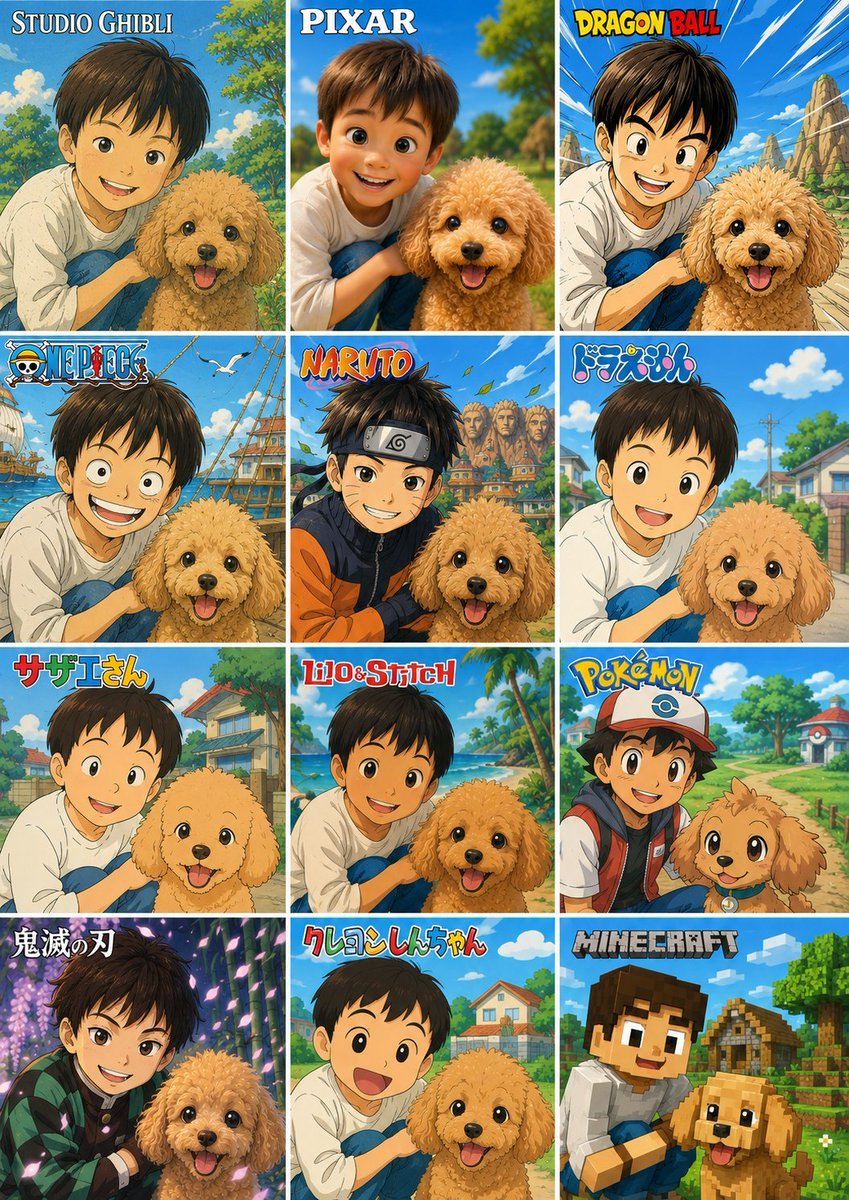
Style Anime Pet Collage
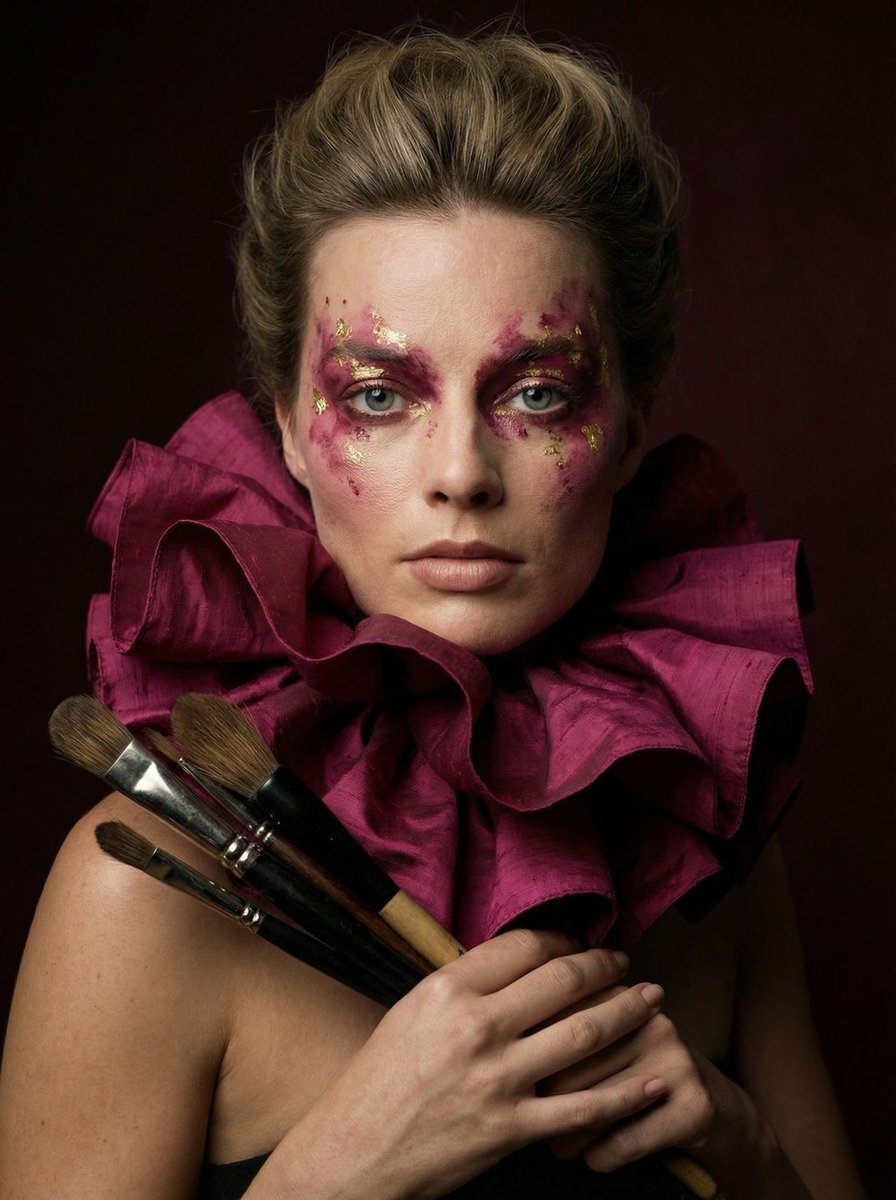
Hyper-Realistic Editorial Portrait of 'The Crimson Alchemist'
Browse template categories
Dramatic Ino Telemann Poster questions
How do I use the Dramatic Ino Telemann Poster template?
Add your photo if the template asks for one, edit the prompt if you like — the template's model and format are already selected — and press Generate. Your version opens in PicX Studio.
Can I customize the Dramatic Ino Telemann Poster template?
Yes. You can change the subject, setting, lighting, mood, format, and available model controls before creating your image.
Is the Dramatic Ino Telemann Poster template free?
Opening and editing this template is free. Generating uses credits, shown on the Generate button when you are signed in.
Which AI model should I use?
Start with GPT Image 2, which is the model associated with this template. You can compare another compatible model for a different finish.
Looking for something else? Browse all templates.

Your photo, any look
Thousands of ready templates for every top image and video model, from one credit balance.