How do I use the Dramatic Dual-Light Splash Portrait template?
Choose the primary action to open PicX Studio with the available template settings. Review the model and format, personalize the creative direction, and generate when ready.
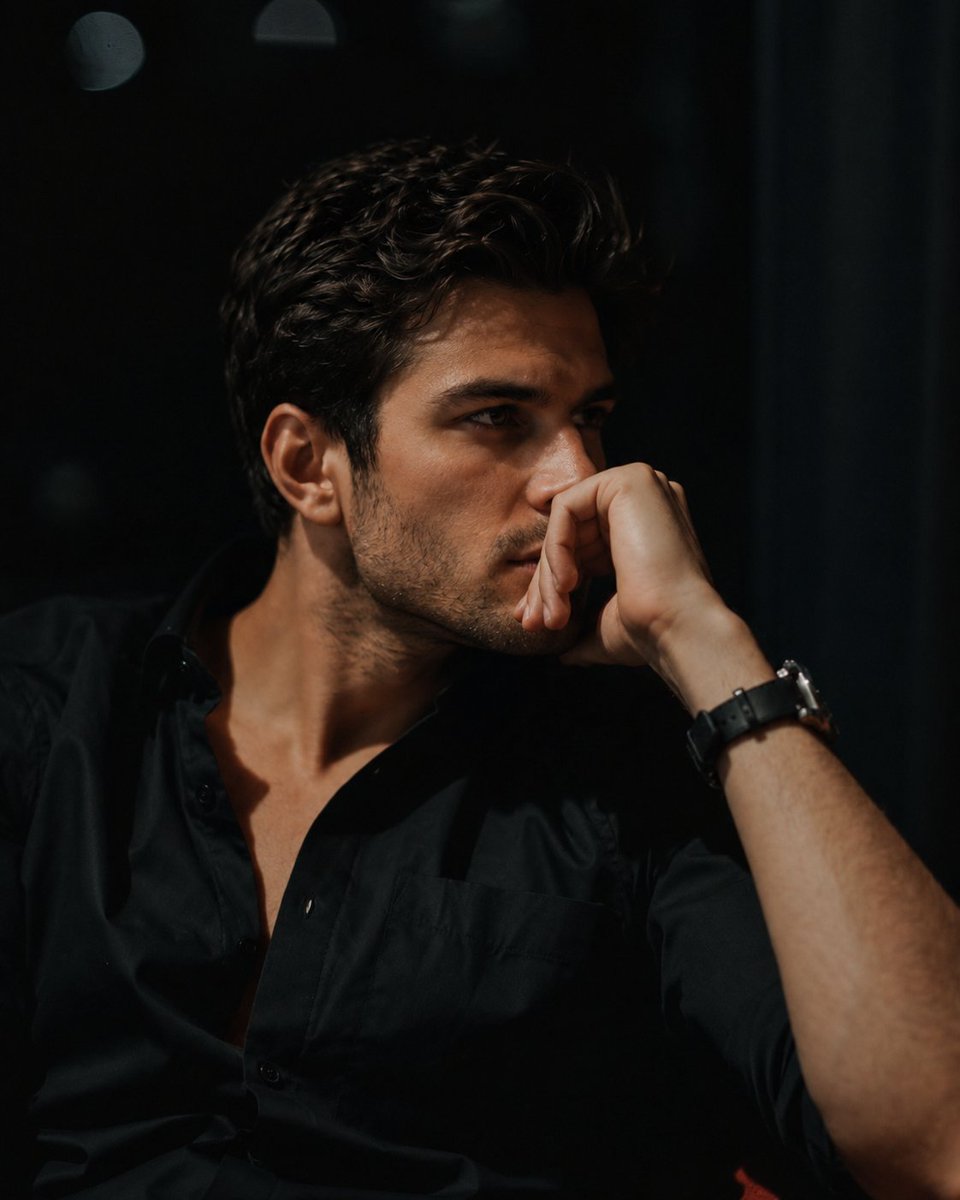
An ultra-realistic cinematic portrait of a man under falling water, using strong blue and red lighting for high contrast and drama.

Ultra-realistic cinematic portrait of a {argument name="subject" default="strong man"} standing under a {argument name="effect" default="stream of water pouring directly onto his head"}, droplets splashing dramatically around him. His skin glistens with moisture, muscles defined and illuminated by {argument name="lighting" default="powerful dual lighting — deep blue on the left and fiery red on the right"}, creating a bold contrast. He wears a sleeveless black hoodie, a heavy silver chain with a large pendant, and a crossbody strap. His expression is intense and stoic, dreadlocks hanging wet across his face. Subtle mist and water droplets enhance the atmosphere, with sharp details and high contrast.
Choose the primary action to open PicX Studio with the available template settings. Review the model and format, personalize the creative direction, and generate when ready.
Yes. You can change the subject, setting, lighting, mood, format, and available model controls before creating your image.
This template is free to open and customize. Generation usage is shown in PicX Studio before you create.
Start with Nano Banana 2, which is the model associated with this template. You can compare another compatible model for a different finish.
Follow a topic to a crawlable collection of related PicX Studio templates.