
Japanese AI Game Launch Dashboard
Generates a futuristic Japanese dark-mode dashboard mockup for visualizing an AI game startup flow and issuing automation instructions.
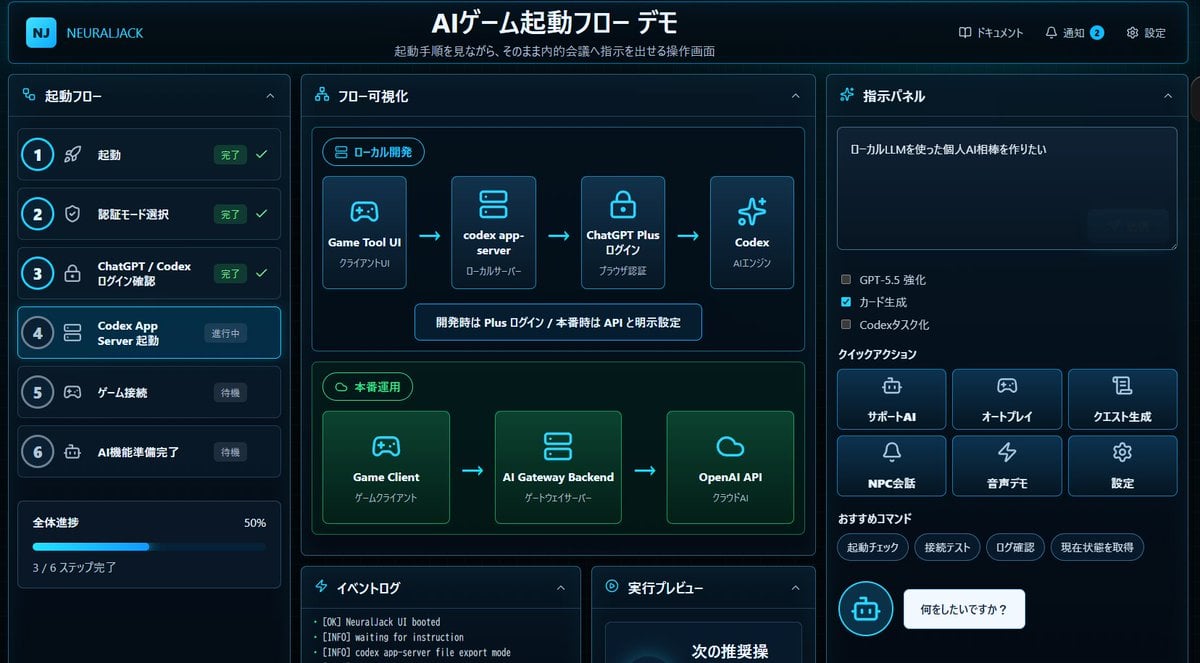
- Prompt included
- Model and format preset
- Free template
The prompt behind this image
Copy the exact prompt behind Japanese AI Game Launch Dashboard, or open it in the studio and make it yours.
- Type
- futuristic dark-mode Japanese web dashboard UI mockup
- App Brand
- {argument name="app brand" default="NEURALJACK"}
- Main Title
- {argument name="main title" default="AIゲーム起動フロー デモ"}
- Subtitle
- 起動手順を見ながら、そのまま内的会議へ指示を出せる操作画面
- Style › Theme
- cyberpunk SaaS control panel, deep navy and black background, glowing cyan borders, neon blue accents, rounded cards, subtle gradients, compact Japanese typography
- Style › Canvas
- wide 16:9 screenshot-like composition
- Style › Lighting
- soft blue glow, high contrast, polished product demo look
- Layout › Top Bar › Position
- full width top
- Layout › Top Bar › Left Logo
- rounded square cyan NJ icon plus brand text
- Layout › Top Bar › Center Title
- large bold Japanese title
- Layout › Top Bar › Right Nav Count
- 3
- Layout › Top Bar › Right Nav Items
- ドキュメント, 通知 with blue badge 2, 設定
- Layout › Left Sidebar › Title
- 起動フロー
- Layout › Left Sidebar › Position
- left column
- Layout › Left Sidebar › Step Count
- 6
- Layout › Left Sidebar › Steps › 0 › Number
- 1
- Layout › Left Sidebar › Steps › 0 › Label
- 起動
- Layout › Left Sidebar › Steps › 0 › Status
- 完了
- Layout › Left Sidebar › Steps › 0 › Icon
- rocket
- Layout › Left Sidebar › Steps › 0 › State
- completed with green check
- Layout › Left Sidebar › Steps › 1 › Number
- 2
- Layout › Left Sidebar › Steps › 1 › Label
- 認証モード選択
- Layout › Left Sidebar › Steps › 1 › Status
- 完了
- Layout › Left Sidebar › Steps › 1 › Icon
- shield
Raw JSON
{"type":"futuristic dark-mode Japanese web dashboard UI mockup","app_brand":"{argument name=\"app brand\" default=\"NEURALJACK\"}","main_title":"{argument name=\"main title\" default=\"AIゲーム起動フロー デモ\"}","subtitle":"起動手順を見ながら、そのまま内的会議へ指示を出せる操作画面","style":{"theme":"cyberpunk SaaS control panel, deep navy and black background, glowing cyan borders, neon blue accents, rounded cards, subtle gradients, compact Japanese typography","canvas":"wide 16:9 screenshot-like composition","lighting":"soft blue glow, high contrast, polished product demo look"},"layout":{"top_bar":{"position":"full width top","left_logo":"rounded square cyan NJ icon plus brand text","center_title":"large bold Japanese title","right_nav_count":3,"right_nav_items":["ドキュメント","通知 with blue badge 2","設定"]},"left_sidebar":{"title":"起動フロー","position":"left column","step_count":6,"steps":[{"number":1,"label":"起動","status":"完了","icon":"rocket","state":"completed with green check"},{"number":2,"label":"認証モード選択","status":"完了","icon":"shield","state":"completed with green check"},{"number":3,"label":"ChatGPT / Codex ログイン確認","status":"完了","icon":"lock","state":"completed with green check"},{"number":4,"label":"Codex App Server 起動","status":"進行中","icon":"server","state":"active highlighted cyan"},{"number":5,"label":"ゲーム接続","status":"待機","icon":"gamepad","state":"waiting dim"},{"number":6,"label":"AI機能準備完了","status":"待機","icon":"robot","state":"waiting dim"}],"progress_card":{"label":"全体進捗","value":"50%","detail":"3 / 6 ステップ完了","bar":"cyan progress bar halfway filled"}},"center_panel":{"title":"フロー可視化","position":"main center column","sections_count":2,"sections":[{"title":"ローカル開発","position":"upper center","node_count":4,"nodes":["Game Tool UI / クライアントUI","codex app-server / ローカルサーバー","ChatGPT Plus ログイン / ブラウザ認証","Codex / AIエンジン"],"connectors":"three cyan arrows left to right","note":"開発時は Plus ログイン / 本番時は API と明示設定"},{"title":"本番運用","position":"middle center","node_count":3,"nodes":["Game Client / ゲームクライアント","AI Gateway Backend / ゲートウェイサーバー","OpenAI API / クラウドAI"],"connectors":"two cyan arrows left to right","accent":"green glowing section border"}]},"bottom_center":{"panel_count":2,"panels":[{"title":"イベントログ","position":"bottom left of center","visible_log_lines_count":3,"visible_log_lines":["[OK] NeuralJack UI booted","[INFO] waiting for instruction","[INFO] codex app-server file export mode"]},{"title":"実行プレビュー","position":"bottom right of center","content":"dark preview card with large text 次の推奨操 visible near bottom"}]},"right_panel":{"title":"指示パネル","position":"right column","instruction_box":{"text":"{argument name=\"instruction text\" default=\"ローカルLLMを使った個人AI相棒を作りたい\"}","appearance":"large dark textarea with subtle send button area"},"checkbox_count":3,"checkboxes":[{"label":"GPT-5.5 強化","state":"unchecked"},{"label":"カード生成","state":"checked cyan"},{"label":"Codexタスク化","state":"unchecked"}],"quick_actions":{"title":"クイックアクション","button_count":6,"buttons":["サポートAI","オートプレイ","クエスト生成","NPC会話","音声デモ","設定"],"arrangement":"2 rows by 3 columns, icon above label on each button"},"recommended_commands":{"title":"おすすめコマンド","chip_count":4,"chips":["起動チェック","接続テスト","ログ確認","現在状態を取得"]},"chat_prompt":{"bot_icon":"cyan circular robot icon","speech_bubble":"{argument name=\"chat bubble text\" default=\"何をしたいですか?\"}"}}},"rendering_notes":"Make the interface look like an actual implemented browser app screenshot rather than a flat illustration. Use crisp Japanese text, thin cyan outlines, rounded rectangles, small icons, active step glow, and dense but readable spacing."}How to use Japanese AI Game Launch Dashboard in 3 steps
- 1Upload ImagePNG, JPG or paste
Add your photo
Upload the photo the template builds on. The prompt, model and format are already set.
- 2…a portrait of your subject in softgolden-hour light, 85mm…
Personalize
Edit the subject and creative details for your destination.
- 3Generate
Generate
Press Generate — your image is created in PicX Studio, so you can compare it with the original and refine one variable at a time.
More like this
Templates with the same subject, style or setup. Open one to see its prompt.

Minecraft Japanese Research Lab Exploration
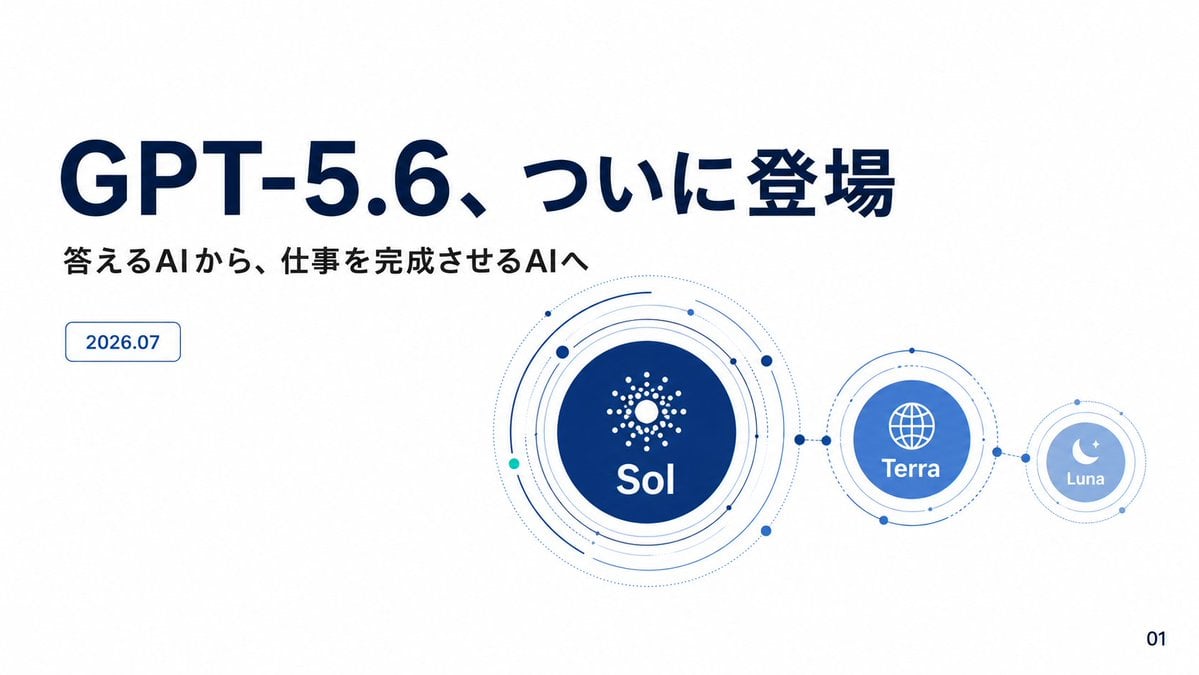
GPT-5.6 Japanese Launch Slide

Japanese Architectural Concrete Studio Fashion Campaign

Japanese Minimalist Concrete Studio Fashion Editorial

Blue Backdrop Luxury Fashion Portrait Campaign
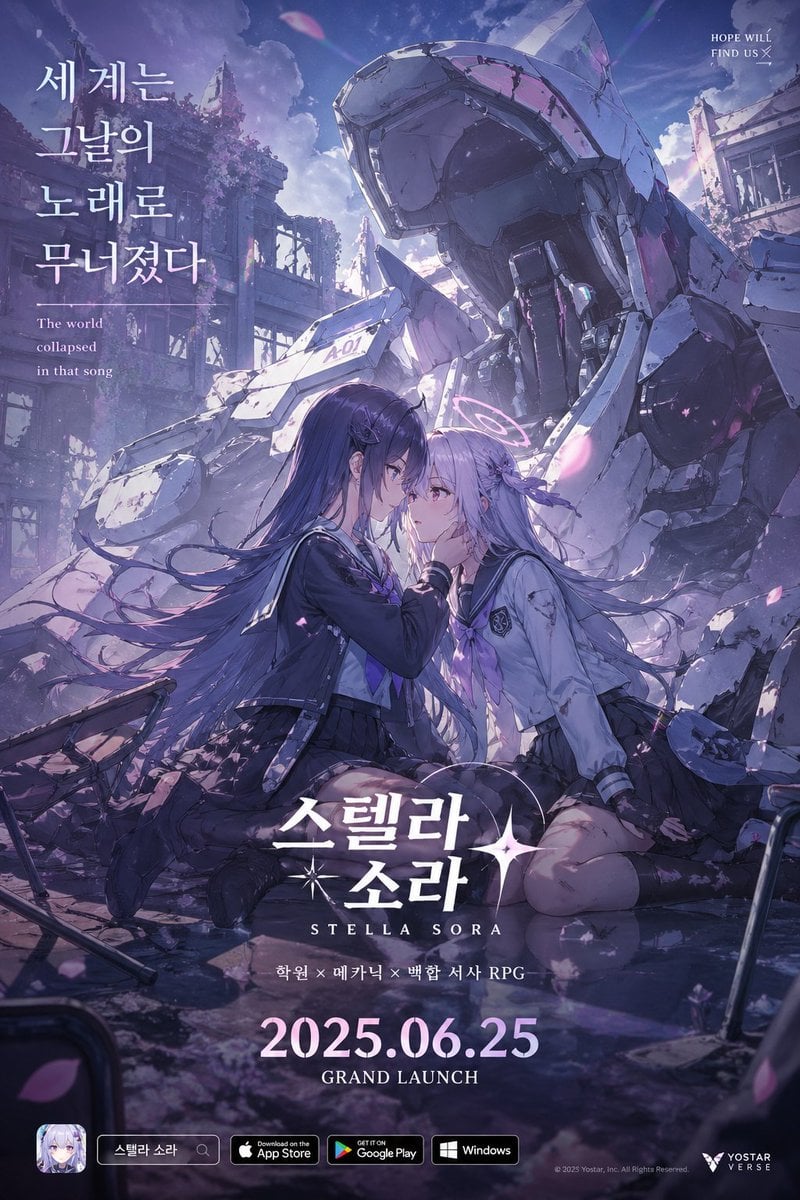
Anime Mecha Game Launch Poster
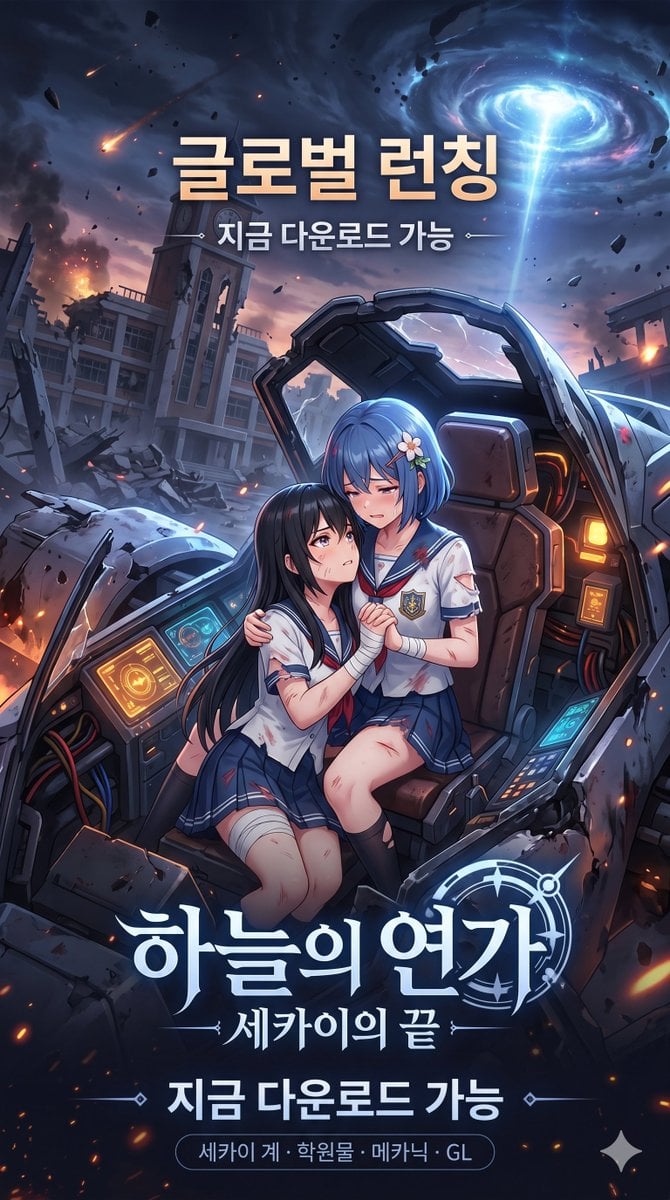
Anime Sci-Fi Game Launch Poster
Retro Japanese Game Magazine Ad
Japanese Anime AI Launch Poster
Photography Game Cinematic Capture

Japanese Film Reflection Idol
AgentBoard SaaS Landing and Dashboard UI
Make it yours
Japanese AI Game Launch Dashboard works as-is. These are the safest ways to change it without losing the look.
Swap the light
One lighting change is enough to compare takes. Current light: “soft blue glow, high contrast, polished product demo look”.
Change one field
Copy a single group, rewrite it, and generate again so you can see what that field is doing.
Keep the frame, change the subject
Hold the composition and light of Japanese AI Game Launch Dashboard, then swap wardrobe, props or the person for a new take.
| If the result… | Why | Fix |
|---|---|---|
| The result drifts from the preview | Too many fields changed at once. | Reuse Japanese AI Game Launch Dashboard as-is first, then change one group — subject, light, or setting. |
| GPT Image 2 ignores part of the JSON | Some models flatten or skip nested keys. | Keep the same values and paste them as a short paragraph instead. |
More GPT Image 2 templates
Other prompts made for GPT Image 2.

Realistic Portrait of Woman and Deer

The Vista Modular Condo Poster

AI Model Routing Comparison Infographic

2.5D Anime Art Board

Isometric Productivity Desk Scene

New York Double Exposure Poster

Four-Panel AI Landscape Comparison

Japanese Tatami Lifestyle Magazine Cover

NESCAFÉ Coffee Map Poster

Brutalist Cogito Chinese Typography Poster
More image prompts
Fresh picks from across the catalog.
Fairy Eating Sushi Image Prompt

Ad replacement and brand adaptation prompt for Nano Banana Pro

Whimsical Portrait Blending Realism with Tiny Pixar Character

Hyper-Realistic Candid Night Race Photo with iPhone Flash Aesthetic

Panel Photobooth Grid with Pink Dress and Rose
Website Homepage Screenshot Generation
WhatsApp Speech Bubble Dining Table Macro Shot
Miniature Handcrafted Object Photography

Dreamy Garden Princess Portrait
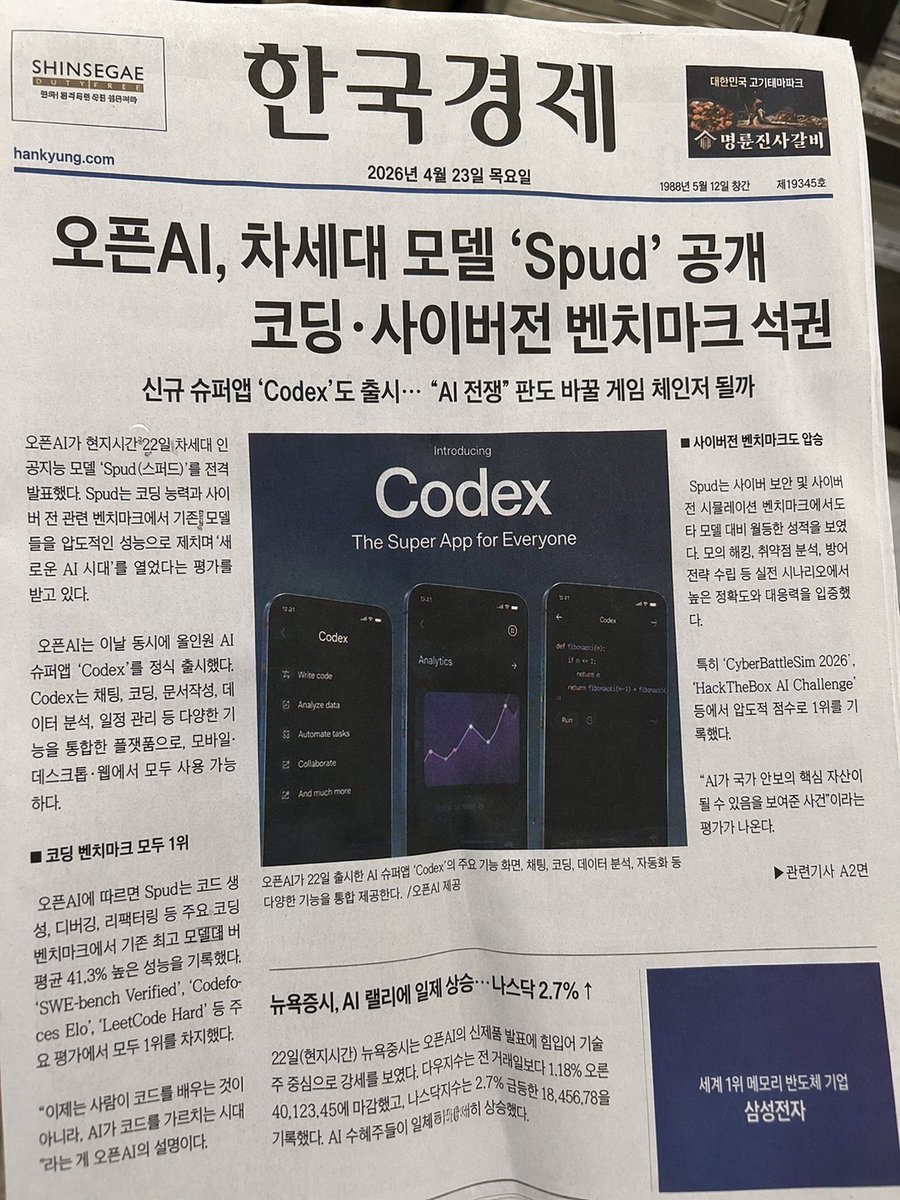
Photorealistic Korean Newspaper Front Page
Browse template categories
Japanese AI Game Launch Dashboard questions
How do I use the Japanese AI Game Launch Dashboard template?
Add your photo if the template asks for one, edit the prompt if you like — the template's model and format are already selected — and press Generate. Your version opens in PicX Studio.
Can I customize the Japanese AI Game Launch Dashboard template?
Yes. You can change the subject, setting, lighting, mood, format, and available model controls before creating your image.
Is the Japanese AI Game Launch Dashboard template free?
Opening and editing this template is free. Generating uses credits, shown on the Generate button when you are signed in.
Which AI model should I use?
Start with GPT Image 2, which is the model associated with this template. You can compare another compatible model for a different finish.
Looking for something else? Browse all templates.

Your photo, any look
Thousands of ready templates for every top image and video model, from one credit balance.