
F1 Race Results Infographic Dashboard
Generates a highly detailed, dark-themed sports broadcast infographic displaying race winners, podium finishers, highlights, and current standings.
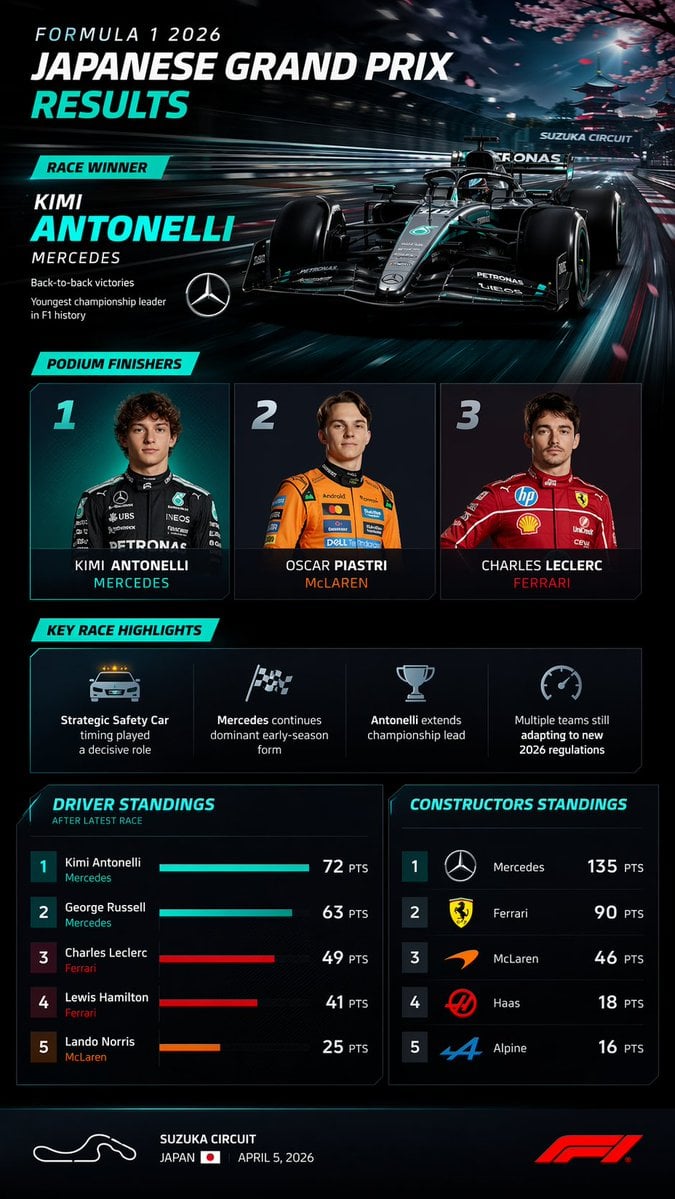
- Prompt included
- Model and format preset
- Free template
The prompt behind this image
Copy the exact prompt behind F1 Race Results Infographic Dashboard, or open it in the studio and make it yours.
- Type
- sports broadcast infographic dashboard
- Theme
- dark mode, sleek, modern, neon cyan accents, high-tech F1 graphics
- Header › Title
- FORMULA 1 {argument name="year" default="2026"} {argument name="race name" default="JAPANESE GRAND PRIX"} RESULTS
- Header › Winner Callout › Label
- RACE WINNER
- Header › Winner Callout › Driver
- {argument name="winner name" default="KIMI ANTONELLI"}
- Header › Winner Callout › Team
- {argument name="winning team" default="MERCEDES"}
- Header › Winner Callout › Stats
- Back-to-back victories, Youngest championship leader in F1 history
- Header › Winner Callout › Logo
- Mercedes star
- Header › Background Image
- Sleek black and teal F1 car speeding on a track, heavy motion blur, cherry blossoms and a Japanese pagoda in the background, 'SUZUKA CIRCUIT' text on an overhead gantry.
- Layout › Sections › 0 › Title
- PODIUM FINISHERS
- Layout › Sections › 0 › Position
- middle-top
- Layout › Sections › 0 › Count
- 3
- Layout › Sections › 0 › Labels
- 1 - Photo of young male driver in black Mercedes suit, KIMI ANTONELLI, MERCEDES, 2 - Photo of young male driver in orange McLaren suit, OSCAR PIASTRI, McLAREN, 3 - Photo of young male driver in red Ferrari suit, CHARLES LECLERC, FERRARI
- Layout › Sections › 1 › Title
- KEY RACE HIGHLIGHTS
- Layout › Sections › 1 › Position
- middle
- Layout › Sections › 1 › Count
- 4
- Layout › Sections › 1 › Labels
- Safety Car icon: Strategic Safety Car timing played a decisive role, Checkered flag icon: Mercedes continues dominant early-season form, Trophy icon: Antonelli extends championship lead, Speedometer icon: Multiple teams still adapting to new 2026 regulations
- Layout › Sections › 2 › Title
- DRIVER STANDINGS
- Layout › Sections › 2 › Position
- bottom-left
- Layout › Sections › 2 › Count
- 5
- Layout › Sections › 2 › Labels
- 1 Kimi Antonelli Mercedes 72 PTS, 2 George Russell Mercedes 63 PTS, 3 Charles Leclerc Ferrari 49 PTS, 4 Lewis Hamilton Ferrari 41 PTS, 5 Lando Norris McLaren 25 PTS
- Layout › Sections › 2 › Visuals
- Horizontal bar charts for each driver matching team colors
- Layout › Sections › 3 › Title
- CONSTRUCTORS STANDINGS
- Layout › Sections › 3 › Position
- bottom-right
Raw JSON
{
  "type": "sports broadcast infographic dashboard",
  "theme": "dark mode, sleek, modern, neon cyan accents, high-tech F1 graphics",
  "header": {
    "title": "FORMULA 1 {argument name=\"year\" default=\"2026\"} {argument name=\"race name\" default=\"JAPANESE GRAND PRIX\"} RESULTS",
    "winner_callout": {
      "label": "RACE WINNER",
      "driver": "{argument name=\"winner name\" default=\"KIMI ANTONELLI\"}",
      "team": "{argument name=\"winning team\" default=\"MERCEDES\"}",
      "stats": ["Back-to-back victories", "Youngest championship leader in F1 history"],
      "logo": "Mercedes star"
    },
    "background_image": "Sleek black and teal F1 car speeding on a track, heavy motion blur, cherry blossoms and a Japanese pagoda in the background, 'SUZUKA CIRCUIT' text on an overhead gantry."
  },
  "layout": {
    "sections": [
      {
        "title": "PODIUM FINISHERS",
        "position": "middle-top",
        "count": 3,
        "labels": [
          "1 - Photo of young male driver in black Mercedes suit, KIMI ANTONELLI, MERCEDES",
          "2 - Photo of young male driver in orange McLaren suit, OSCAR PIASTRI, McLAREN",
          "3 - Photo of young male driver in red Ferrari suit, CHARLES LECLERC, FERRARI"
        ]
      },
      {
        "title": "KEY RACE HIGHLIGHTS",
        "position": "middle",
        "count": 4,
        "labels": [
          "Safety Car icon: Strategic Safety Car timing played a decisive role",
          "Checkered flag icon: Mercedes continues dominant early-season form",
          "Trophy icon: Antonelli extends championship lead",
          "Speedometer icon: Multiple teams still adapting to new 2026 regulations"
        ]
      },
      {
        "title": "DRIVER STANDINGS",
        "position": "bottom-left",
        "count": 5,
        "labels": [
          "1 Kimi Antonelli Mercedes 72 PTS",
          "2 George Russell Mercedes 63 PTS",
          "3 Charles Leclerc Ferrari 49 PTS",
          "4 Lewis Hamilton Ferrari 41 PTS",
          "5 Lando Norris McLaren 25 PTS"
        ],
        "visuals": "Horizontal bar charts for each driver matching team colors"
      },
      {
        "title": "CONSTRUCTORS STANDINGS",
        "position": "bottom-right",
        "count": 5,
        "labels": [
          "1 Mercedes 135 PTS",
          "2 Ferrari 90 PTS",
          "3 McLaren 46 PTS",
          "4 Haas 18 PTS",
          "5 Alpine 16 PTS"
        ],
        "visuals": "Team logos next to each rank"
      }
    ]
  },
  "footer": {
    "content": "White outline of track layout, {argument name=\"circuit name\" default=\"SUZUKA CIRCUIT\"}, JAPAN with flag, APRIL 5, 2026, red F1 logo."
  }
}Reference images included
F1 Race Results Infographic Dashboard needs input media to work. They load alongside the prompt when you open it in the studio.
How to use F1 Race Results Infographic Dashboard in 3 steps
- 1Upload ImagePNG, JPG or paste
Add your photo
Upload the photo the template builds on. The prompt, model and format are already set.
- 2…a portrait of your subject in softgolden-hour light, 85mm…
Personalize
Edit the subject and creative details for your destination.
- 3Generate
Generate
Press Generate — your image is created in PicX Studio, so you can compare it with the original and refine one variable at a time.
More like this
Templates with the same subject, style or setup. Open one to see its prompt.
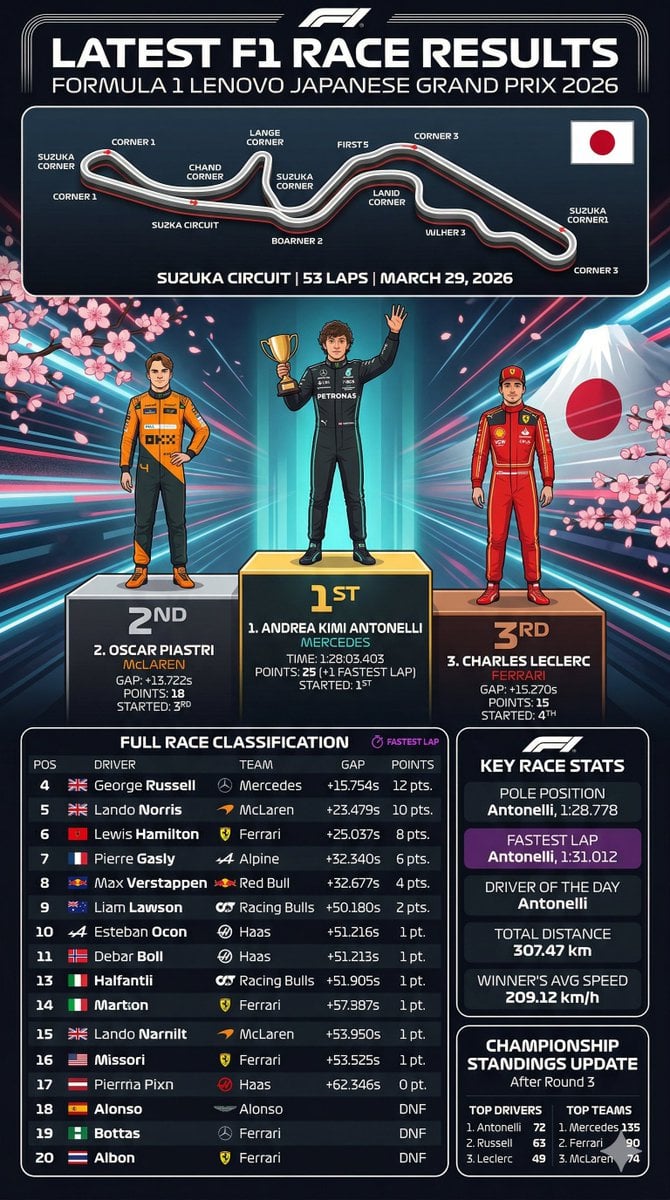
F1 Race Results Infographic

Japan Travel Brochure Poster

Isometric Process Educational Diorama

Isometric Vehicle Teardown Infographic Template

Gpt2 E Commerce Main Image Earbuds E Commerce Infographic

Gpt2 Infographic Edu Visual Alishan One Day Travel Poster

Gpt2 Infographic Edu Visual Ethnographic Plate for Tibetan Ceremonial Hat

Gpt2 Infographic Edu Visual Earth Signs Zodiac Character Poster

Gpt2 Infographic Edu Visual Water Signs Zodiac Character Poster

Gpt2 Infographic Edu Visual Ink Wash Tribute Poster for Chen Uen

Gpt2 Infographic Edu Visual Vintage Claude Shannon Infographic Poster

Gpt2 Infographic Edu Visual Taoist Three Souls Seven Po Poster
Make it yours
F1 Race Results Infographic Dashboard works as-is. These are the safest ways to change it without losing the look.
Swap the setting
Keep the rest of the prompt and replace the location block. The current setting is “Sleek black and teal F1 car speeding on a track, heavy motion blur, cherry bloss”.
Change one field
Copy a single group, rewrite it, and generate again so you can see what that field is doing.
Keep the frame, change the subject
Hold the composition and light of F1 Race Results Infographic Dashboard, then swap wardrobe, props or the person for a new take.
| If the result… | Why | Fix |
|---|---|---|
| The result drifts from the preview | Too many fields changed at once. | Reuse F1 Race Results Infographic Dashboard as-is first, then change one group — subject, light, or setting. |
| GPT Image 2 ignores part of the JSON | Some models flatten or skip nested keys. | Keep the same values and paste them as a short paragraph instead. |
More GPT Image 2 templates
Other prompts made for GPT Image 2.

Six VTuber Japanese Logo Sheet

Realistic Portrait of Woman and Deer

The Vista Modular Condo Poster

AI Model Routing Comparison Infographic

2.5D Anime Art Board

Isometric Productivity Desk Scene

New York Double Exposure Poster

Four-Panel AI Landscape Comparison

Japanese Tatami Lifestyle Magazine Cover

NESCAFÉ Coffee Map Poster
More image prompts
Fresh picks from across the catalog.
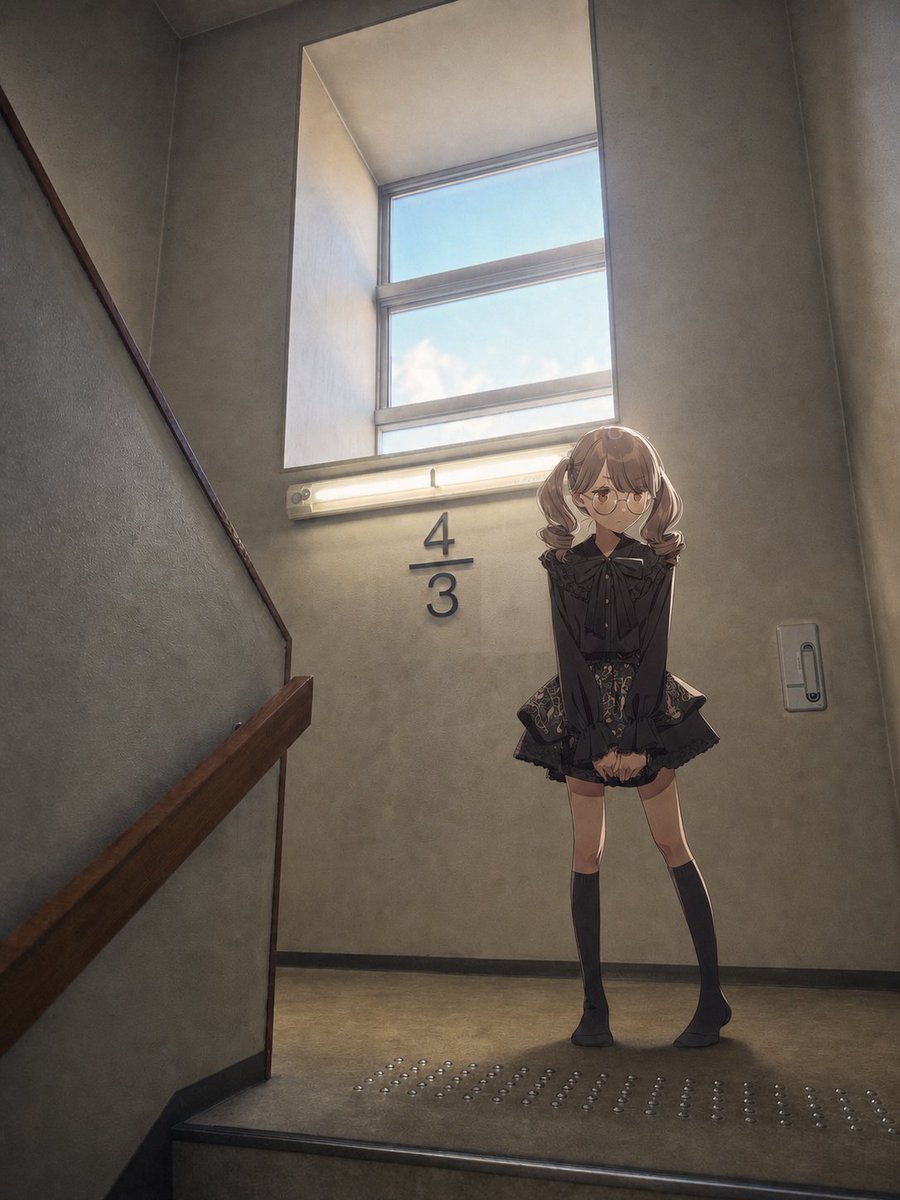
Anime Girl Stairwell Composite

Stylized Grid of Whimsical Cat Faces
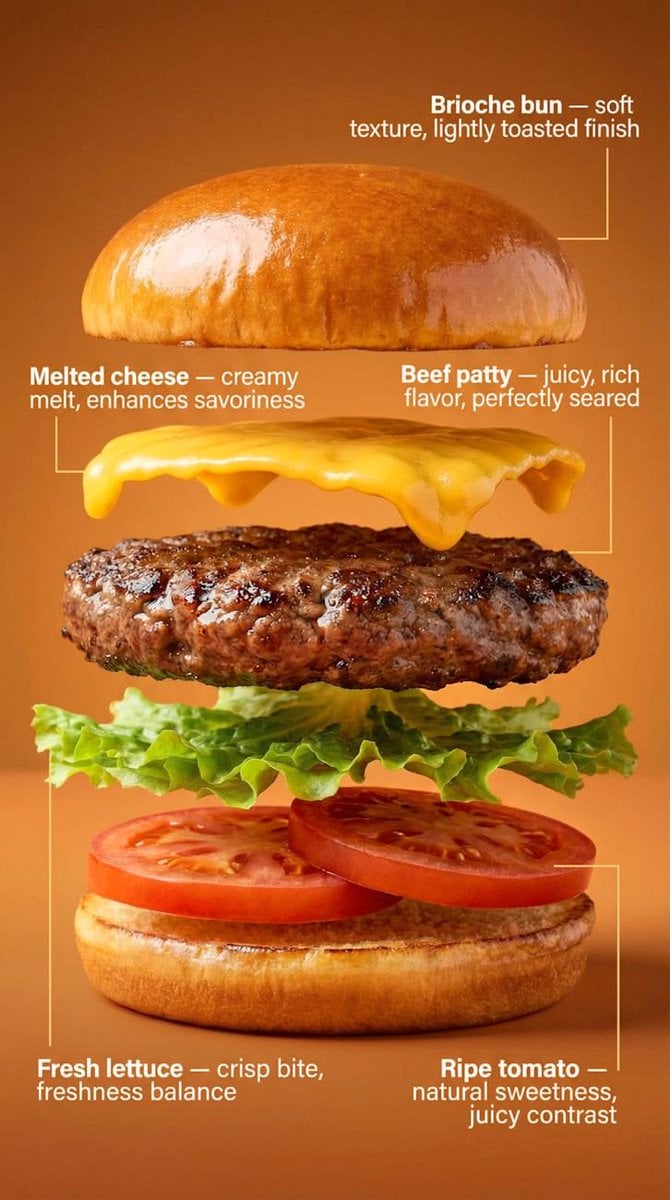
Exploded-View Burger Composition with Annotations
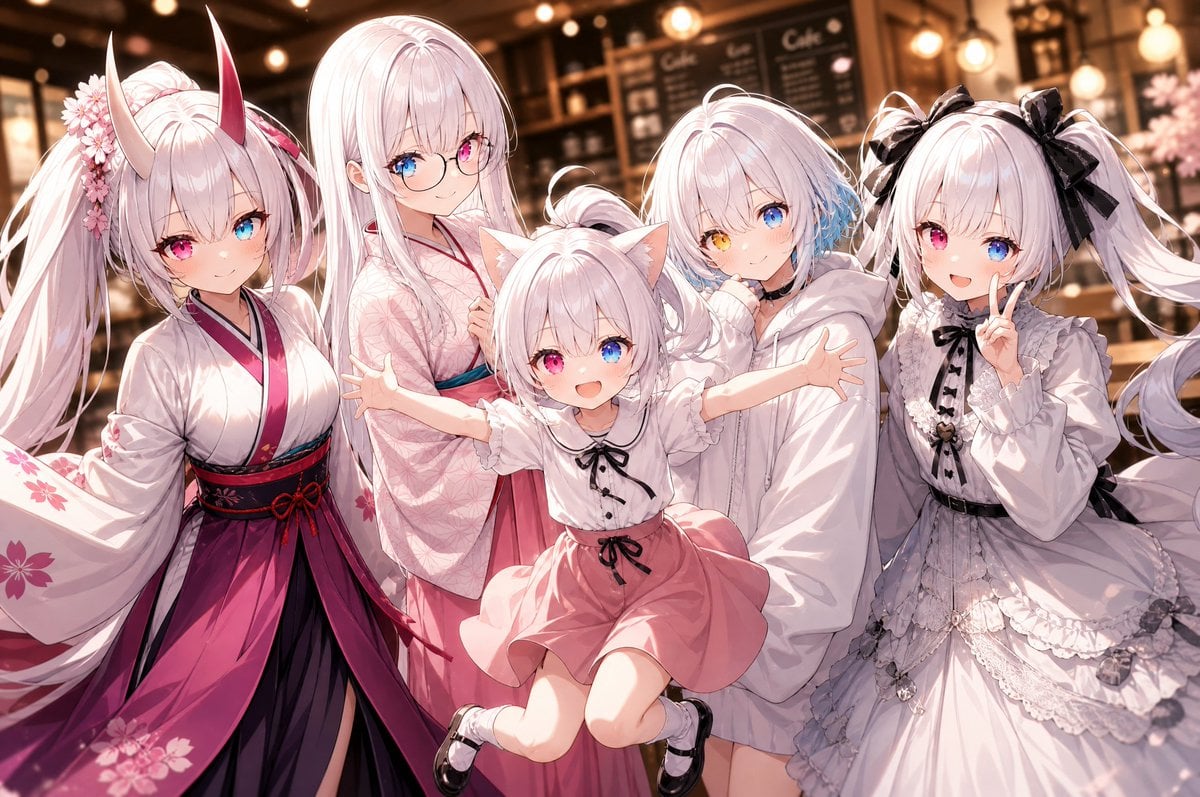
Five-Girl Anime Café Group Portrait
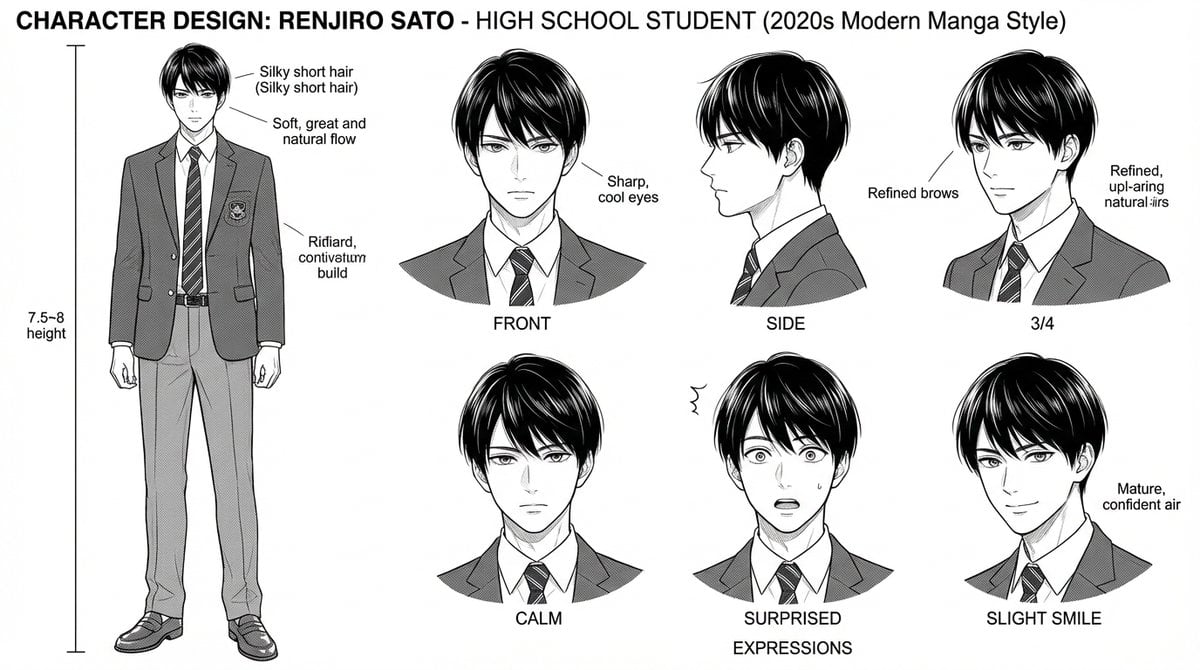
Dynamic Manga Page Layout Prompt

untitled
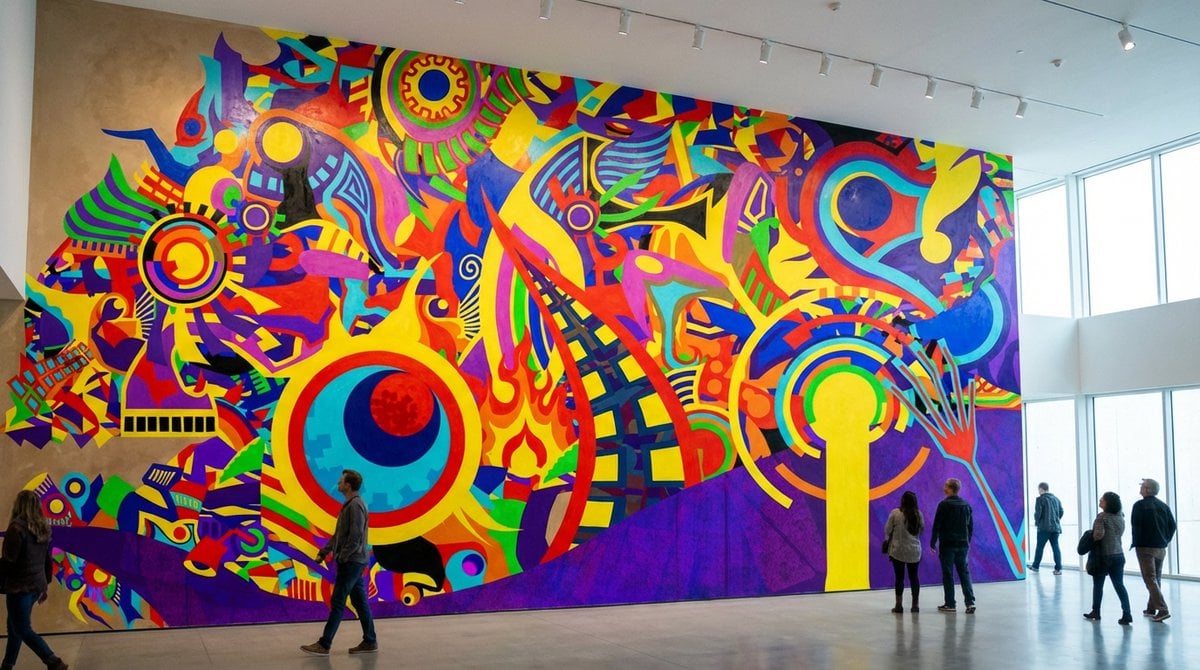
General Prompt for Visualizing Personal Desire
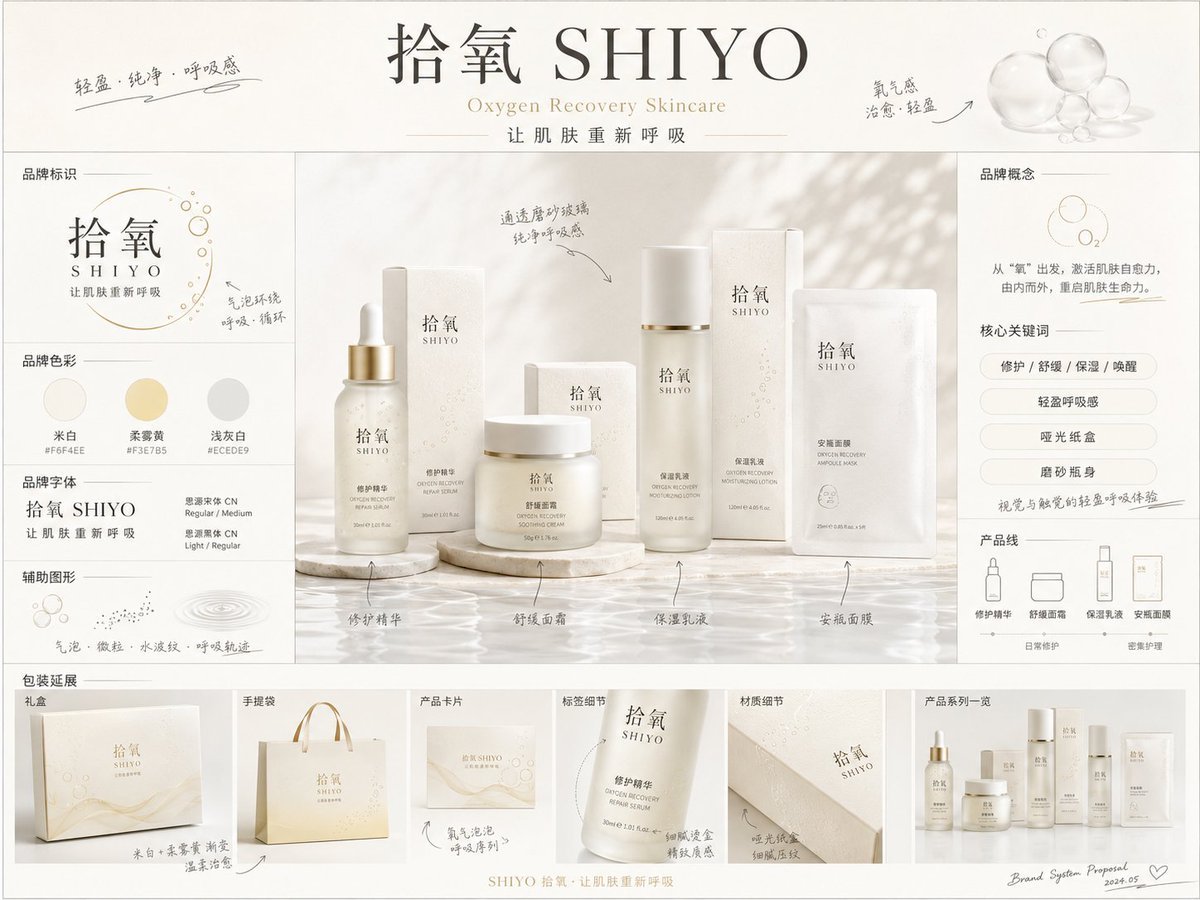
《品牌概念提案板》提示词: 请生成一张【画幅比例】的高完成度「品牌全案概念提案板 / Brand

Torn Paper Split Portrait
Finished Baby Sensory Bottle
Browse template categories
F1 Race Results Infographic Dashboard questions
How do I use the F1 Race Results Infographic Dashboard template?
Add your photo if the template asks for one, edit the prompt if you like — the template's model and format are already selected — and press Generate. Your version opens in PicX Studio.
Can I customize the F1 Race Results Infographic Dashboard template?
Yes. You can change the subject, setting, lighting, mood, format, and available model controls before creating your image.
Is the F1 Race Results Infographic Dashboard template free?
Opening and editing this template is free. Generating uses credits, shown on the Generate button when you are signed in.
Which AI model should I use?
Start with GPT Image 2, which is the model associated with this template. You can compare another compatible model for a different finish.
Looking for something else? Browse all templates.

Your photo, any look
Thousands of ready templates for every top image and video model, from one credit balance.