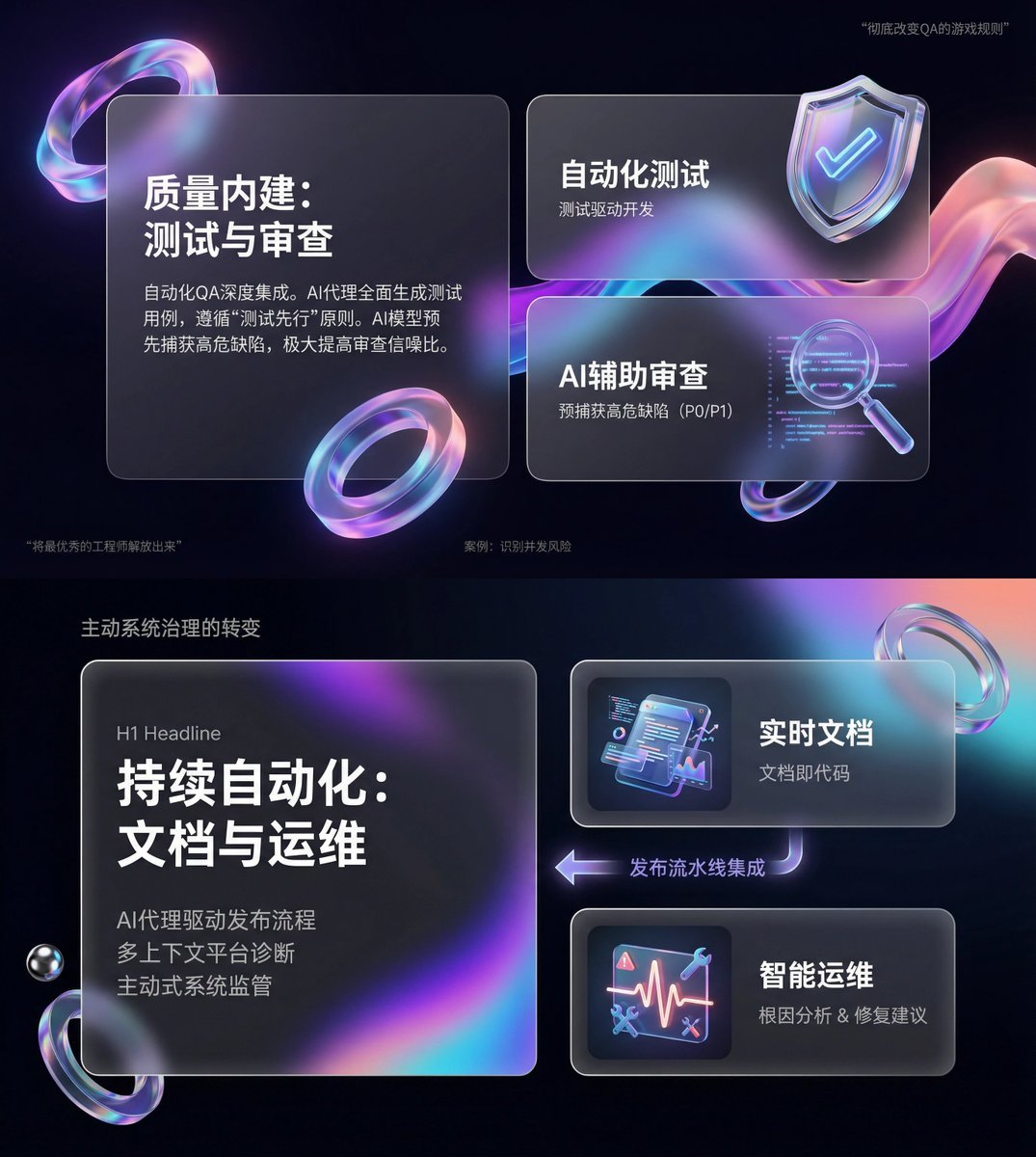
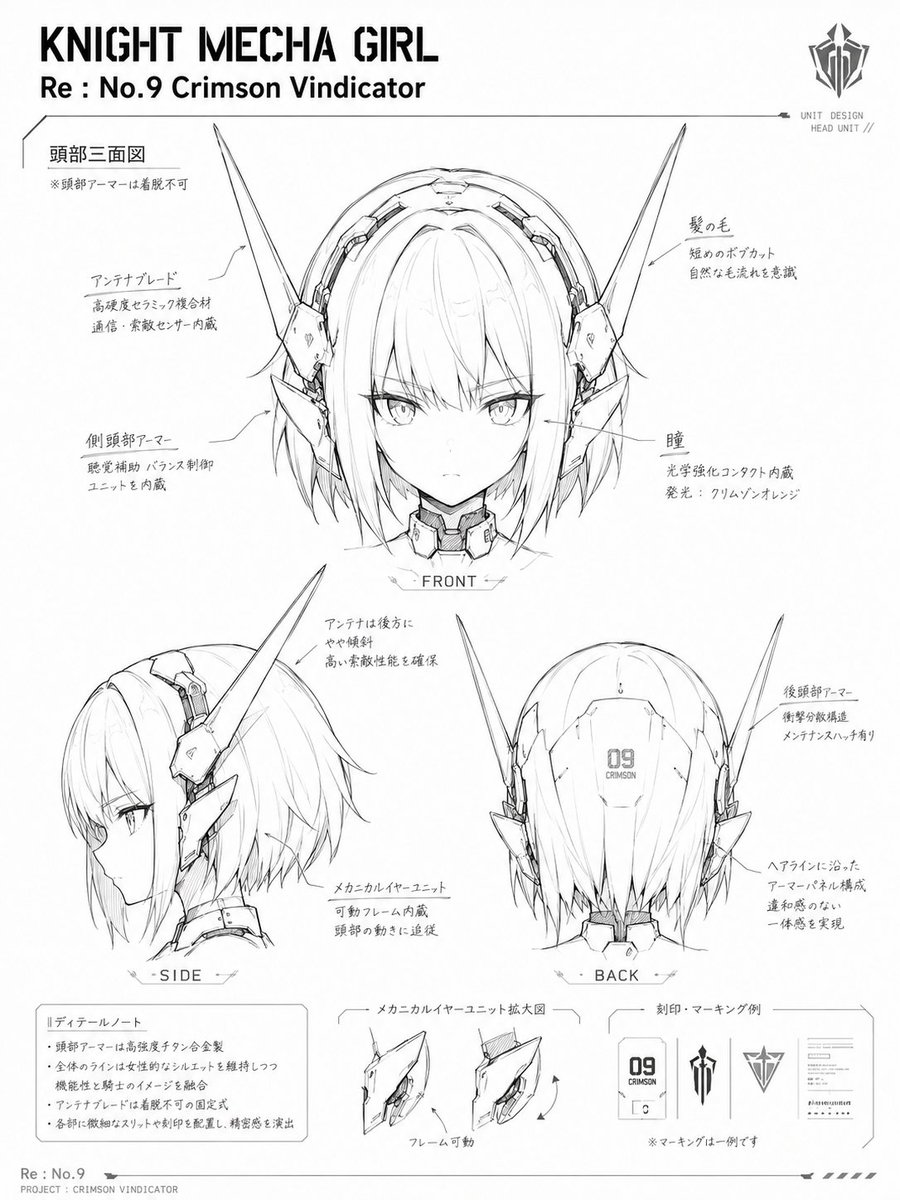
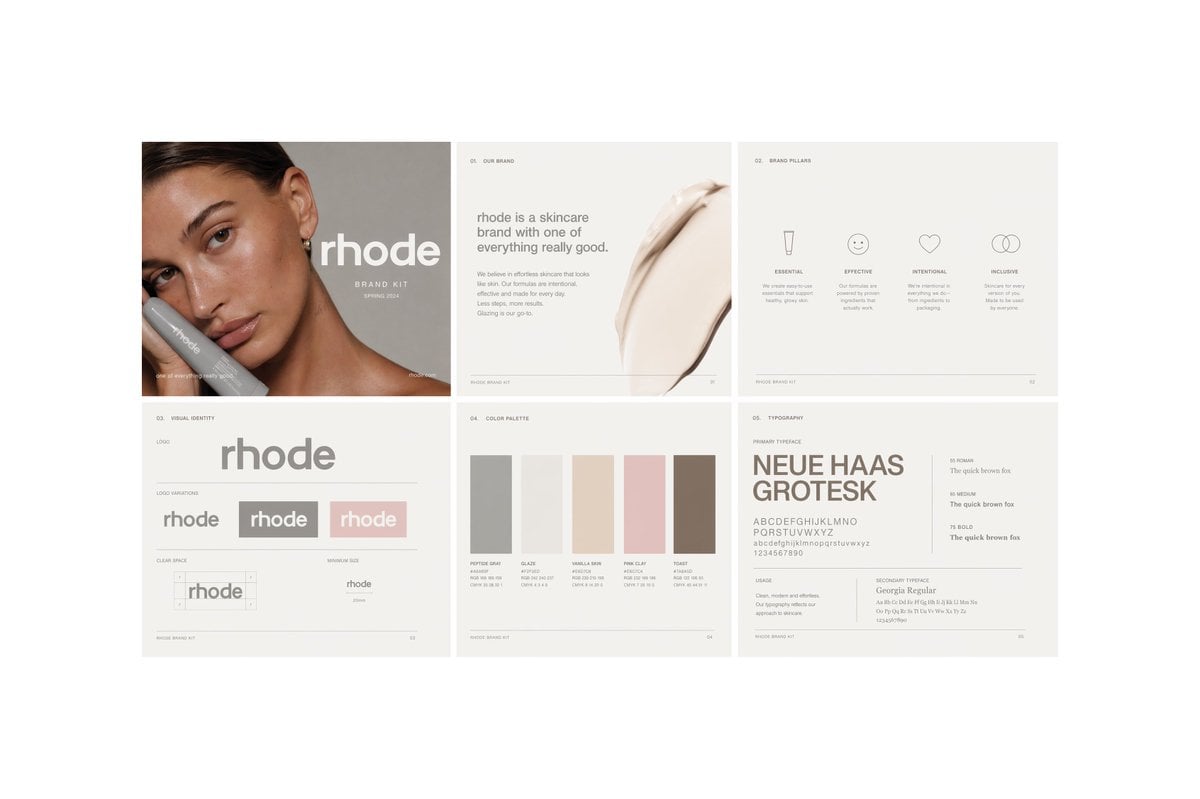
How do I use the Glassmorphism UI Component Kit template?
Edit the prompt in the box under the preview — the template's model and format are already selected — and press Generate. Your version appears right on this page.
A premium 3D glassmorphism interface board showcasing multiple futuristic UI controls, ideal for design-system mockups, product hero visuals, and app concept presentations.

This template uses your photo — add one with the + button.
{"type":"glassmorphism UI component showcase","style":"premium minimalist neumorphic interface kit, frosted translucent white acrylic, soft shadows, subtle reflections, rounded corners, clean white background, teal green and orange accent colors, ultra-detailed 3D product render, top-down view","palette":{"background":"soft light gray-white","primary":"deep teal green","secondary":"bright orange","material":"milky translucent glass with satin plastic details"},"layout":{"composition":"single canvas with evenly spaced floating UI widgets arranged in a clean design-system presentation","sections":[{"title":"large dial","position":"top left","count":1,"labels":["circular rotary knob with radial tick marks and one orange indicator"]},{"title":"direction pad","position":"upper center","count":1,"labels":["round four-way control with center button and four arrow icons"]},{"title":"play button","position":"upper center-right","count":1,"labels":["round button with teal play triangle and orange progress arc"]},{"title":"toggle switch","position":"upper right","count":1,"labels":["horizontal pill toggle switched on"]},{"title":"favorite button","position":"mid upper center-left","count":1,"labels":["rounded square tile with heart outline"]},{"title":"status dot","position":"mid upper center-right","count":1,"labels":["small circular button with orange center dot"]},{"title":"stepper","position":"mid upper right","count":1,"labels":["horizontal pill with minus and plus symbols"]},{"title":"audio slider","position":"middle left","count":1,"labels":["long horizontal volume slider with speaker icon on left and waveform emboss on right"]},{"title":"percentage gauge","position":"middle center-right","count":1,"labels":["round gauge showing 60 % with radial ticks"]},{"title":"notification tile","position":"middle right","count":1,"labels":["rounded square tile with bell outline"]},{"title":"music card","position":"lower middle-left","count":1,"labels":["media card with forest thumbnail, title {argument name=\"track title\" default=\"Forest Drive\"}, subtitle {argument name=\"track subtitle\" default=\"Ambient Journey\"}, progress bar, and circular play button"]},{"title":"utility icons","position":"lower left-center","count":4,"labels":["sliders settings icon","search icon","share icon","more menu icon"]},{"title":"compass","position":"lower center","count":1,"labels":["large circular compass with N E S W markings and teal-orange needle"]},{"title":"vertical slider","position":"lower right-center","count":1,"labels":["tall rounded slider with teal track, teal knob, orange endpoint, and small speaker icon"]},{"title":"bottom navigation","position":"bottom left","count":1,"labels":["pill navigation bar with 4 icons: home, bar chart, compass, profile"]},{"title":"call to action","position":"bottom center-right","count":1,"labels":["pill button labeled {argument name=\"button text\" default=\"Explore\"} with orange circular arrow segment"]},{"title":"biometric tile","position":"bottom right","count":1,"labels":["rounded square tile with fingerprint icon"]}]},"rendering":{"lighting":"soft studio lighting from upper left","shadow":"diffuse layered shadows for floating depth","finish":"high-end consumer electronics aesthetic, polished yet minimal","quality":"sharp, clean, realistic 3D interface mockup suitable for a design system hero image"}}
Edit the prompt in the box under the preview — the template's model and format are already selected — and press Generate. Your version appears right on this page.
Yes. You can change the subject, setting, lighting, mood, format, and available model controls before creating your image.
Opening and editing this template is free. Generating uses credits, shown on the Generate button when you are signed in.
Start with GPT Image 2, which is the model associated with this template. You can compare another compatible model for a different finish.
Follow a topic to a crawlable collection of related PicX Studio templates.