How do I use the Game UI Component Library Expansion template?
Choose the primary action to open PicX Studio with the available template settings. Review the model and format, personalize the creative direction, and generate when ready.
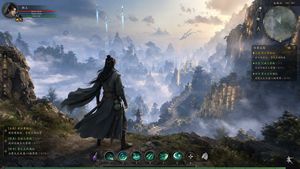
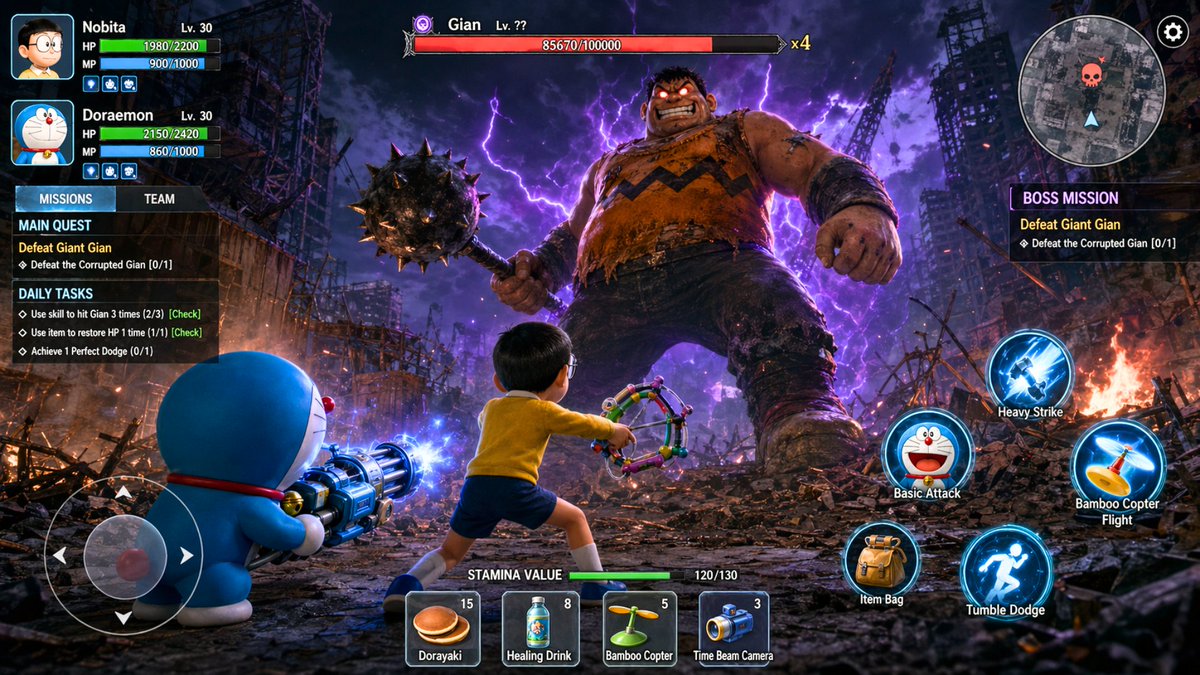
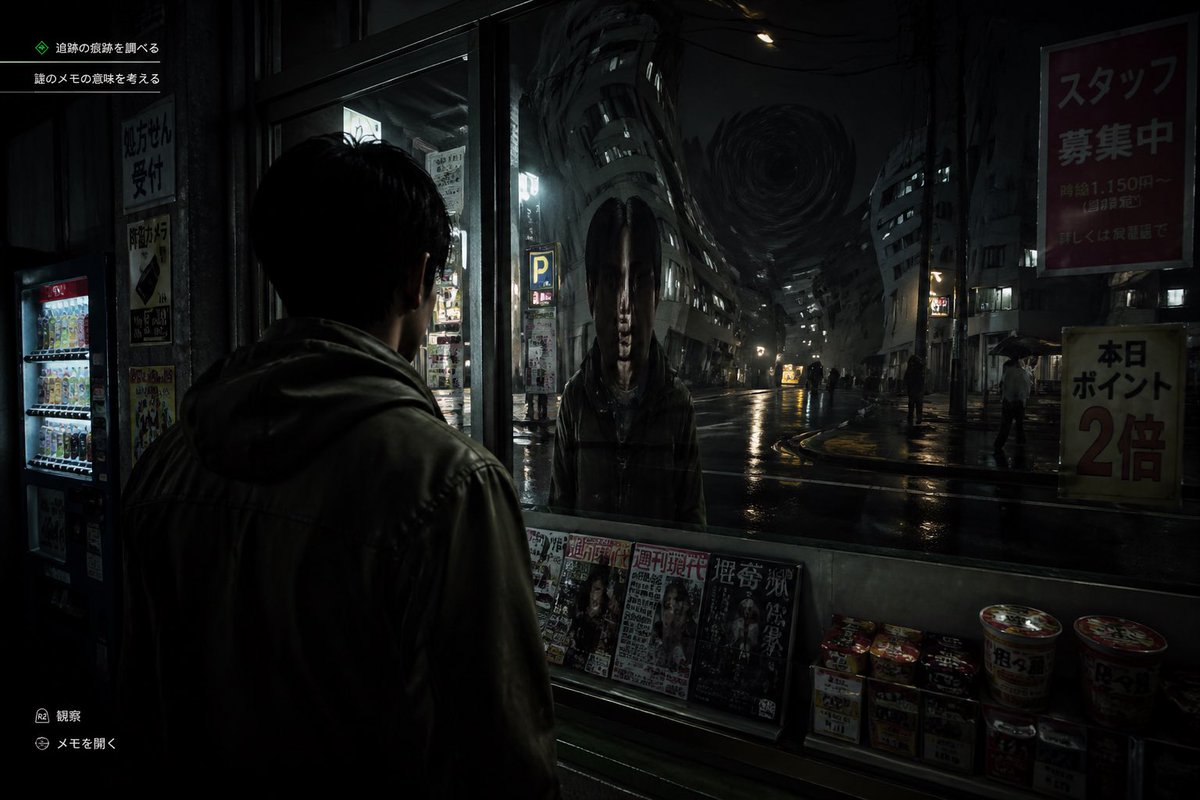
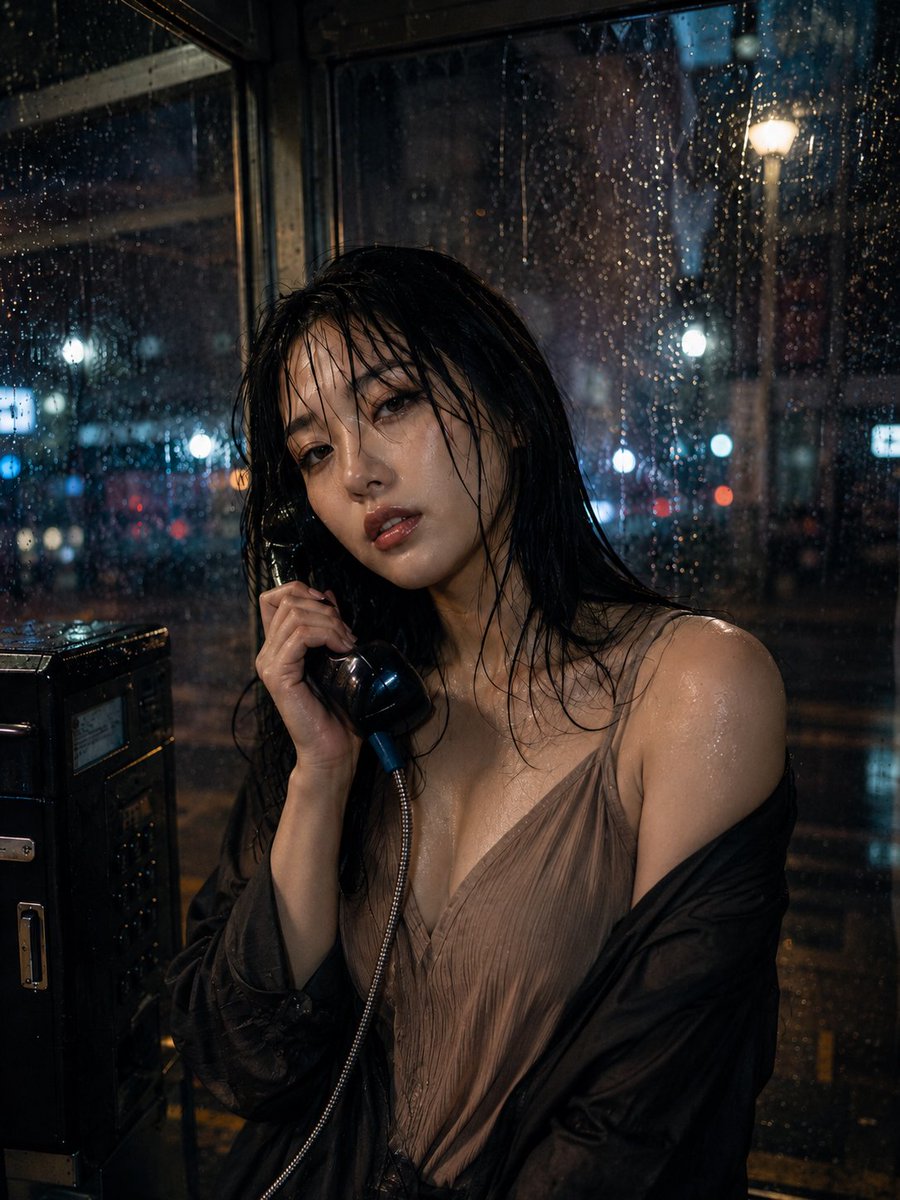
A functional prompt to deconstruct a single game interface image into a complete library of UI components like buttons, panels, and icons on a clean background.
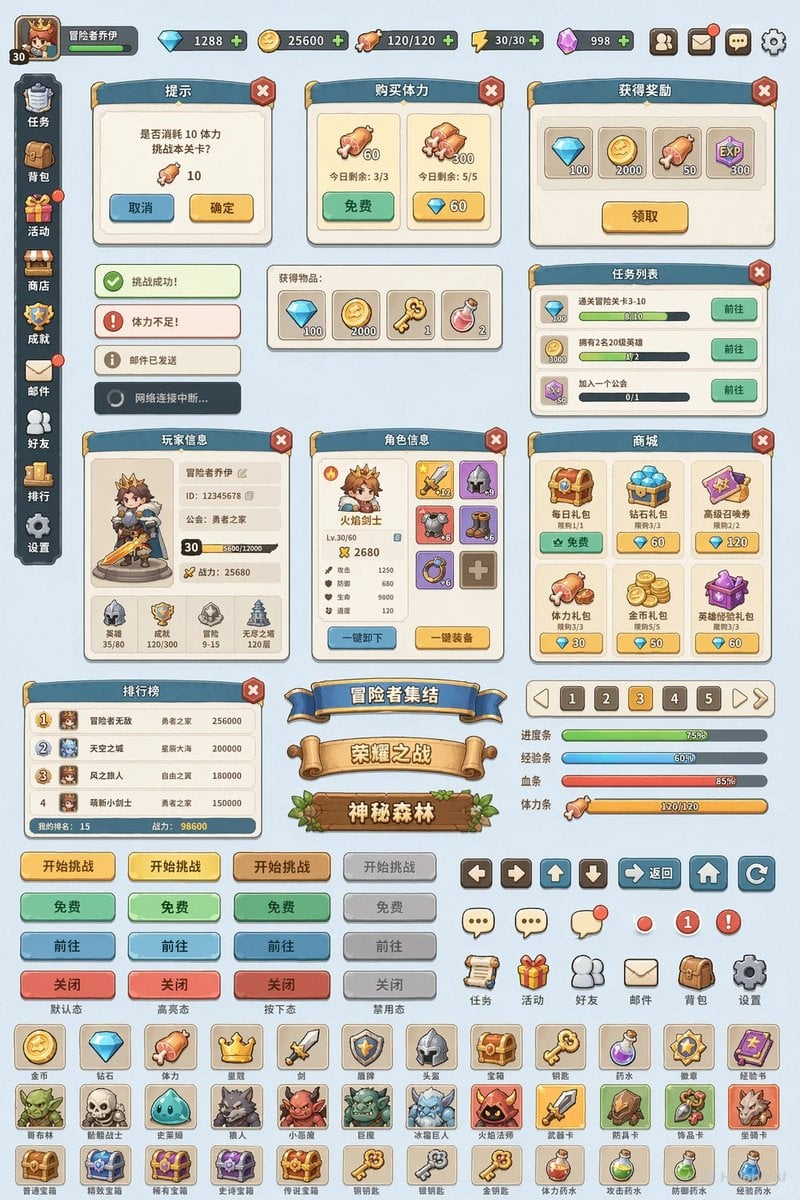
将这张游戏界面的风格和材质,扩展出一套游戏UI的组件库,包括面板、按钮、导航栏、横幅、标题、道具图标等一系列游戏UI可用的组件,平铺在纯色背景上
Choose the primary action to open PicX Studio with the available template settings. Review the model and format, personalize the creative direction, and generate when ready.
Yes. You can change the subject, setting, lighting, mood, format, and available model controls before creating your image.
This template is free to open and customize. Generation usage is shown in PicX Studio before you create.
Start with GPT Image 2, which is the model associated with this template. You can compare another compatible model for a different finish.
Follow a topic to a crawlable collection of related PicX Studio templates.