
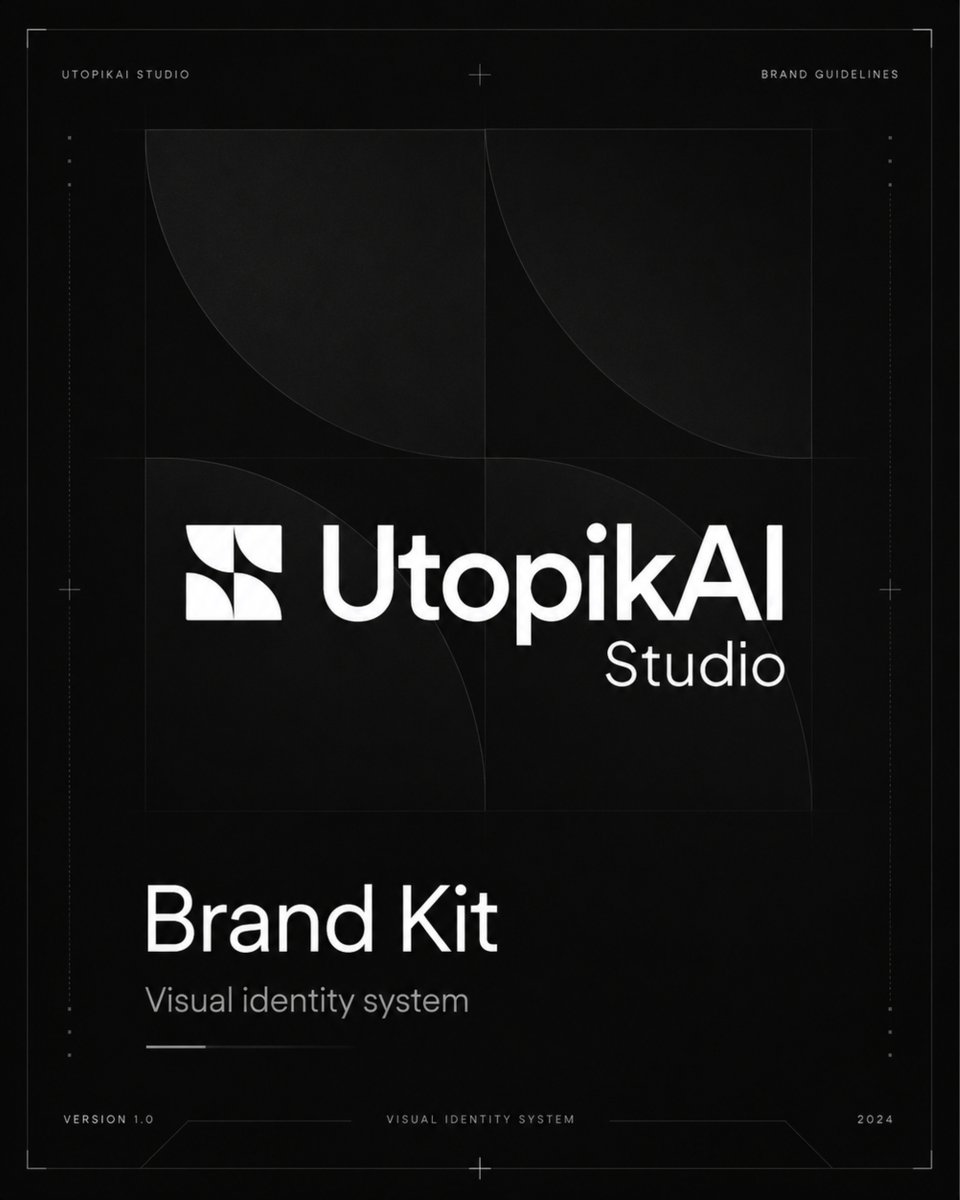
Monochrome AI Studio Brand Kit Cover
A premium black-and-white brand guidelines cover for an AI studio, useful for visual identity presentations and brand kit mockups.
- Prompt included
- Model and format preset
- Free template
The prompt behind this image
Copy the exact prompt behind Monochrome AI Studio Brand Kit Cover, or open it in the studio and make it yours.
Goal: Create a sleek monochrome brand guidelines cover for {argument name="brand name" default="UtopikAI Studio"}, presenting it as a premium AI studio visual identity system. Canvas: Square 1:1 format, black charcoal background with subtle grain, faint vignette, and thin technical drafting lines. Use a minimal futuristic editorial layout with generous negative space. Layout: Add a very thin rectangular border close to the canvas edges, with tiny corner ticks, small crosshair marks at the top center, left middle, right middle, and bottom center, and faint dotted vertical guide marks near both side edges. In the upper left, place small spaced uppercase text “UTOPIKAI STUDIO”; in the upper right, place “BRAND GUIDELINES”. In the center, build a large geometric construction grid: a 2-by-2 square grid with faint circular arc segments and quarter-circle curves, like logo construction guides. Overlay the main logo lockup across the middle-lower portion of this grid. Logo lockup: Use a white abstract icon to the left, made from four square tiles containing curved quarter-circle cutouts, forming a symmetrical modern mark. To the right, set the wordmark “UtopikAI” in bold clean geometric sans serif, bright white, with “Studio” smaller and lighter aligned under the right side of the wordmark. Count exactly 2 logo elements: 1 abstract icon and 1 two-line wordmark. Main title area: In the lower left quadrant, place the large title {argument name="document title" default="Brand Kit"} in white, set in a clean modern sans serif. Directly beneath it, add the subtitle {argument name="subtitle text" default="Visual identity system"} in smaller muted gray text. Under the subtitle, add one short thin horizontal white line and one longer very faint gray line. Footer: Along the bottom edge, add small technical footer labels: left “VERSION 1.0”, center “VISUAL IDENTITY SYSTEM”, and right {argument name="year" default="2024"}. Connect the footer area with thin angular drafting lines and subtle horizontal rules. Visual style: Premium black-and-white brand kit cover, minimalist, tech-luxury, precise Swiss grid design, high contrast white typography, subtle gray construction lines, crisp vector-like rendering, no mockup perspective. Constraints: Use exactly 5 main text groups: top-left studio label, top-right guidelines label, central logo lockup, lower-left title/subtitle block, and bottom footer metadata. Keep all text sharp and legible. Avoid extra colors, photos, people, shadows, or decorative clutter.
How to use Monochrome AI Studio Brand Kit Cover in 3 steps
- 1Upload ImagePNG, JPG or paste
Add your photo
Upload the photo the template builds on. The prompt, model and format are already set.
- 2…a portrait of your subject in softgolden-hour light, 85mm…
Personalize
Edit the subject and creative details for your destination.
- 3Generate
Generate
Press Generate — your image is created in PicX Studio, so you can compare it with the original and refine one variable at a time.
More like this
Templates with the same subject, style or setup. Open one to see its prompt.

Luxury Black-and-White Fashion Contact Sheet

Ultra-Realistic Vogue-Style Editorial Fashion Grid
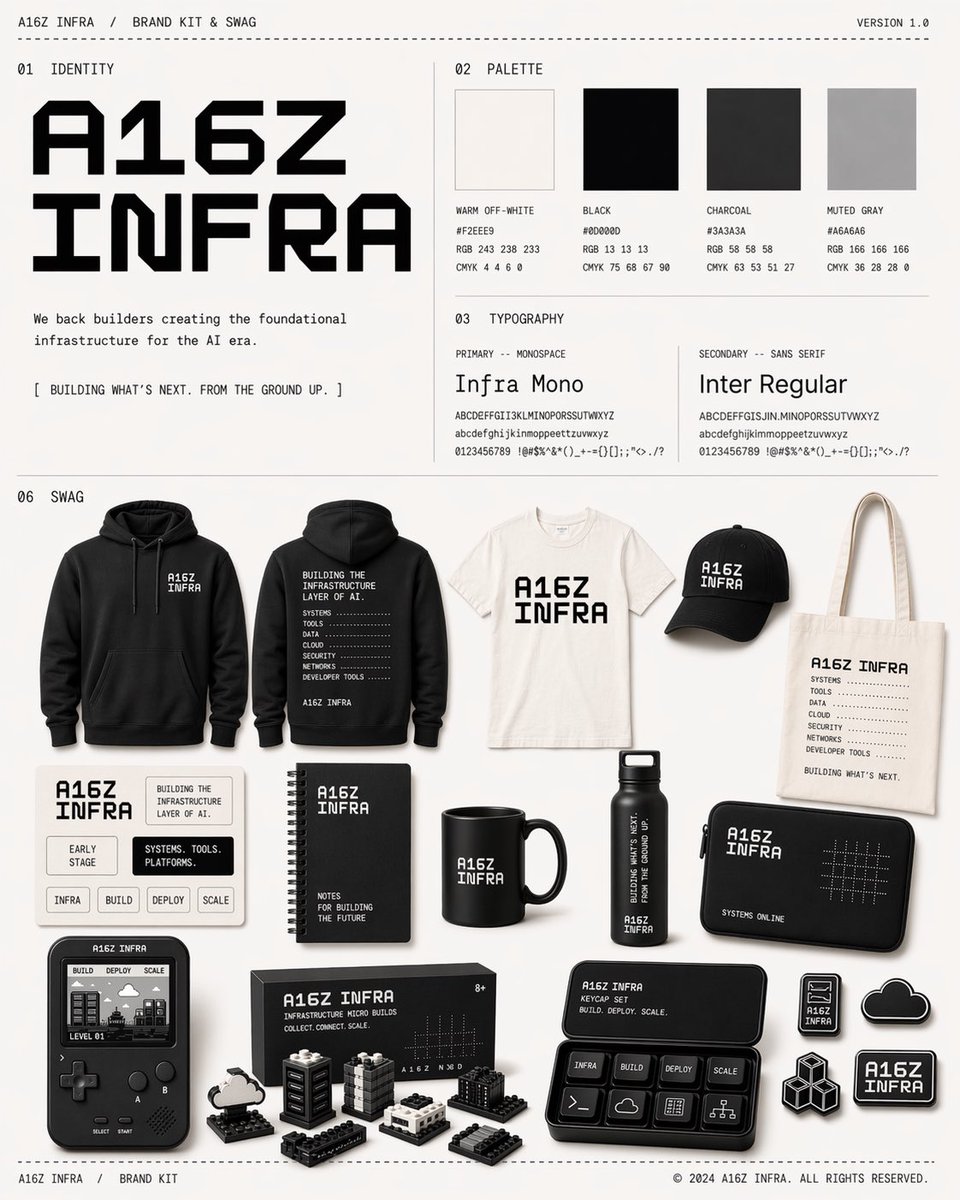
Monochrome AI Infra Brand Kit Board
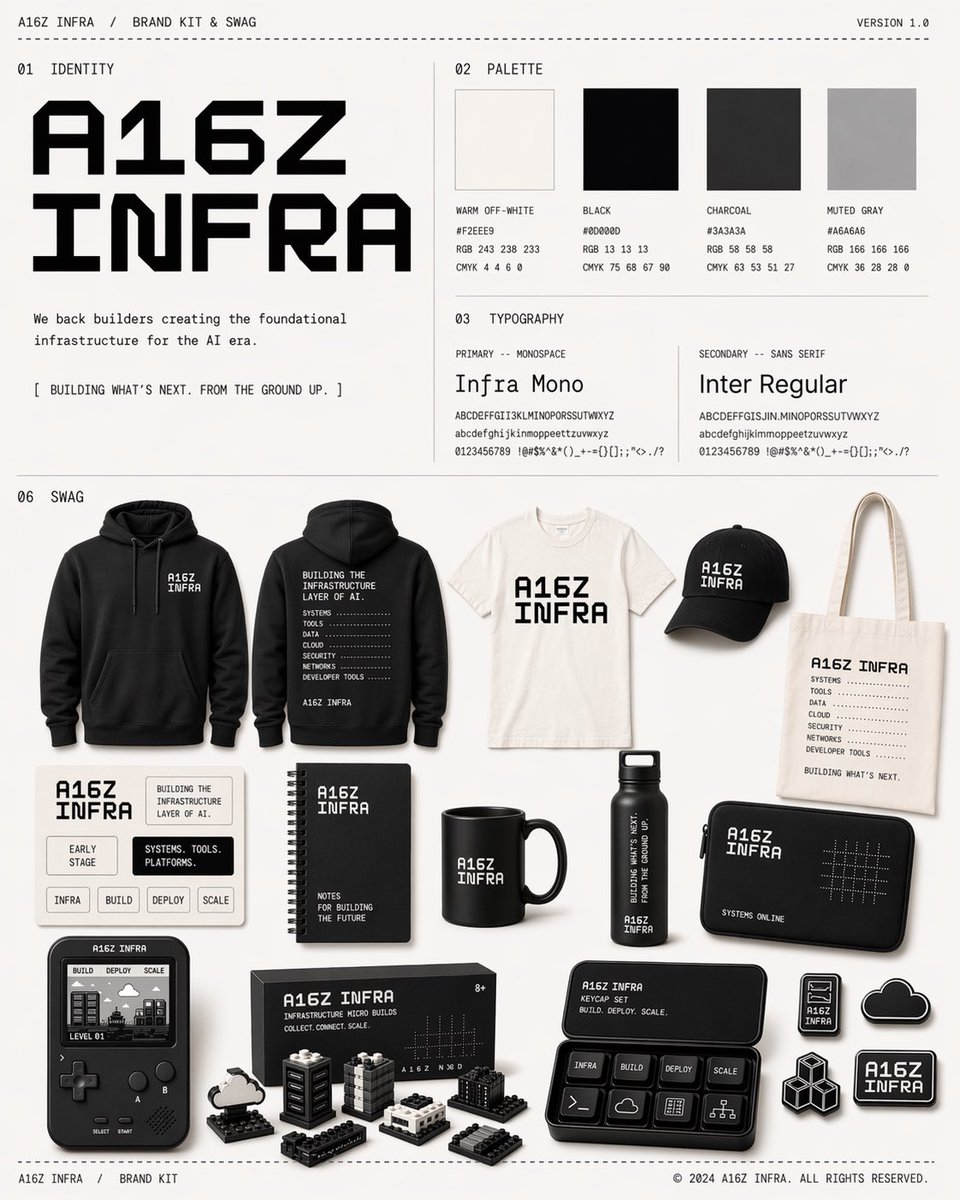
Monochrome Infra Brand Kit Board

80s Couple Studio Portrait

1985 Studio Portrait

Monochrome Studio Portrait with Colored Lens
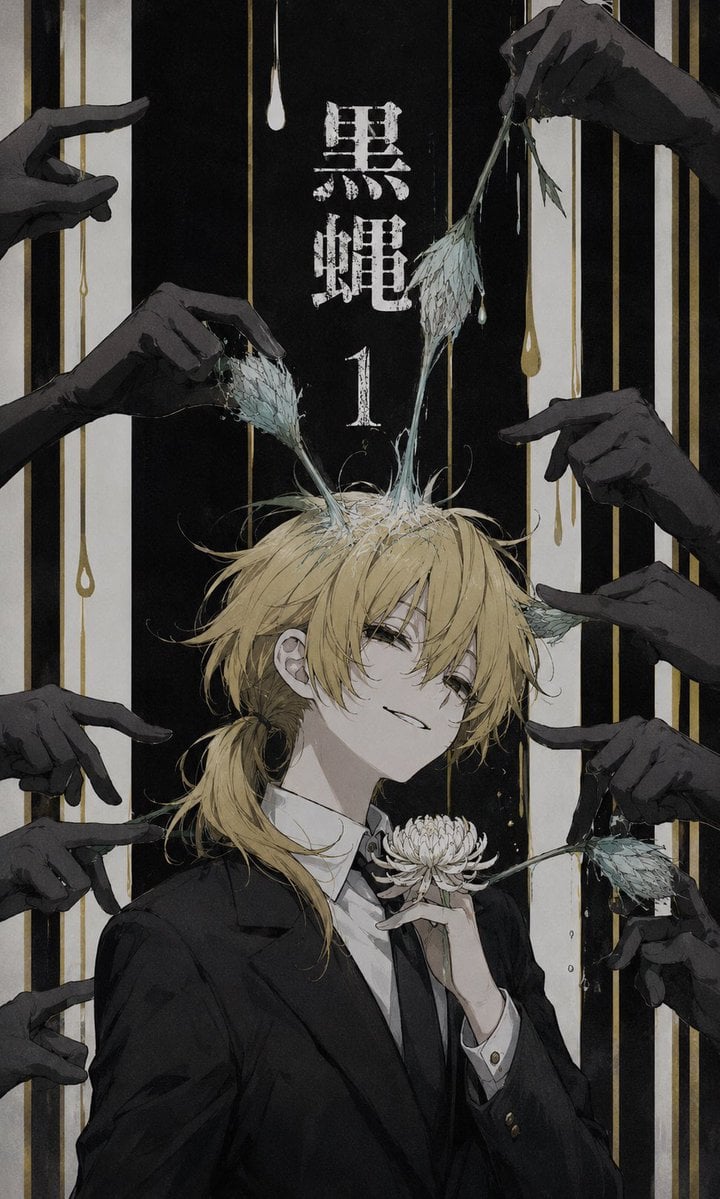
Dark Monochrome Manga Cover

Monochrome Hypebeast Street Fashion Editorial Motion

Japanese Architectural Concrete Studio Fashion Campaign

Monochrome Halftone Editorial Fashion Poster

Luxury Fashion Campaign Typography Poster System
Make it yours
Monochrome AI Studio Brand Kit Cover works as-is. These are the safest ways to change it without losing the look.
Change one field
Copy a single group, rewrite it, and generate again so you can see what that field is doing.
Keep the frame, change the subject
Hold the composition and light of Monochrome AI Studio Brand Kit Cover, then swap wardrobe, props or the person for a new take.
| If the result… | Why | Fix |
|---|---|---|
| The result drifts from the preview | Too many fields changed at once. | Reuse Monochrome AI Studio Brand Kit Cover as-is first, then change one group — subject, light, or setting. |
| The model over-stylizes the scene | The prose prompt leaves finish and camera underspecified. | Add one camera or lighting sentence and stay on GPT Image 2. |
More GPT Image 2 templates
Other prompts made for GPT Image 2.

Six VTuber Japanese Logo Sheet

Realistic Portrait of Woman and Deer

The Vista Modular Condo Poster

AI Model Routing Comparison Infographic

2.5D Anime Art Board

Isometric Productivity Desk Scene

New York Double Exposure Poster

Four-Panel AI Landscape Comparison

Japanese Tatami Lifestyle Magazine Cover

NESCAFÉ Coffee Map Poster
More image prompts
Fresh picks from across the catalog.
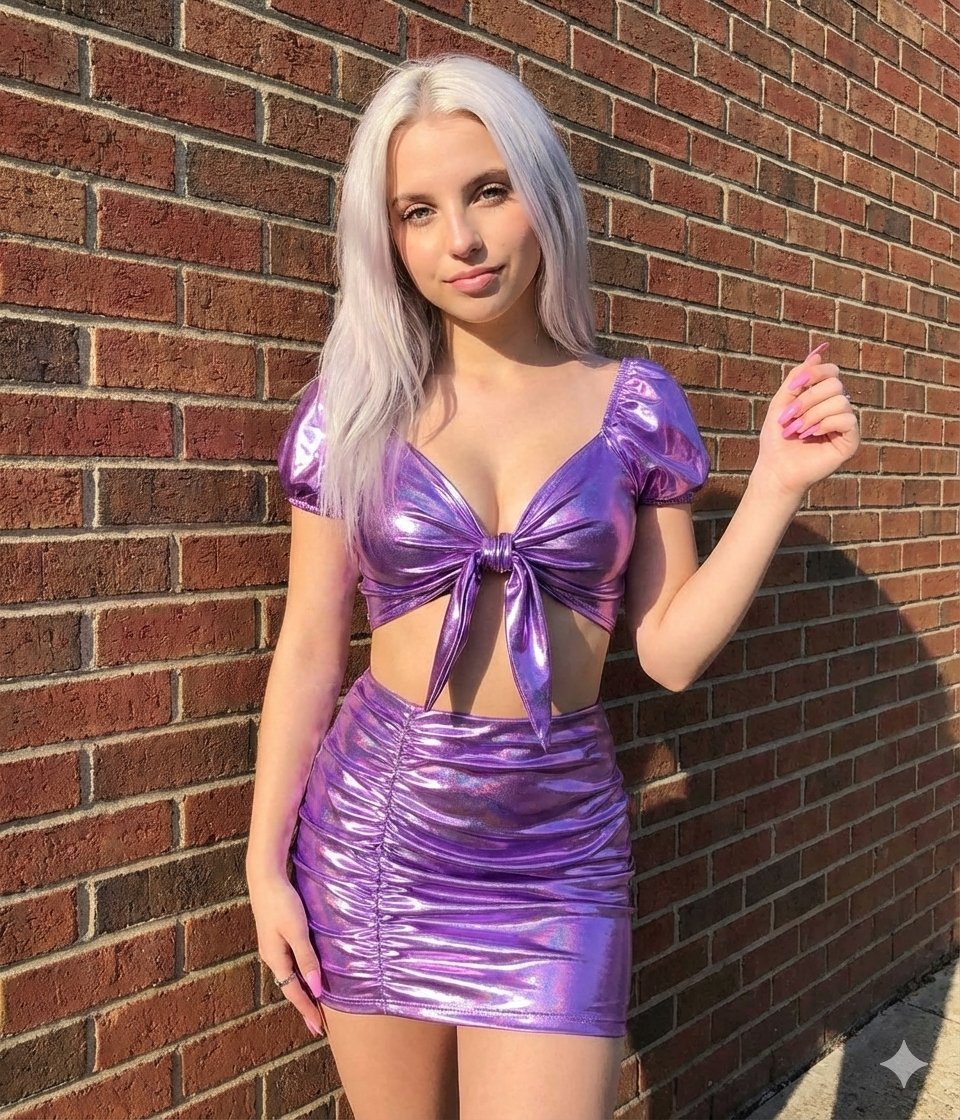
Metallic Purple Street Fashion Prompt
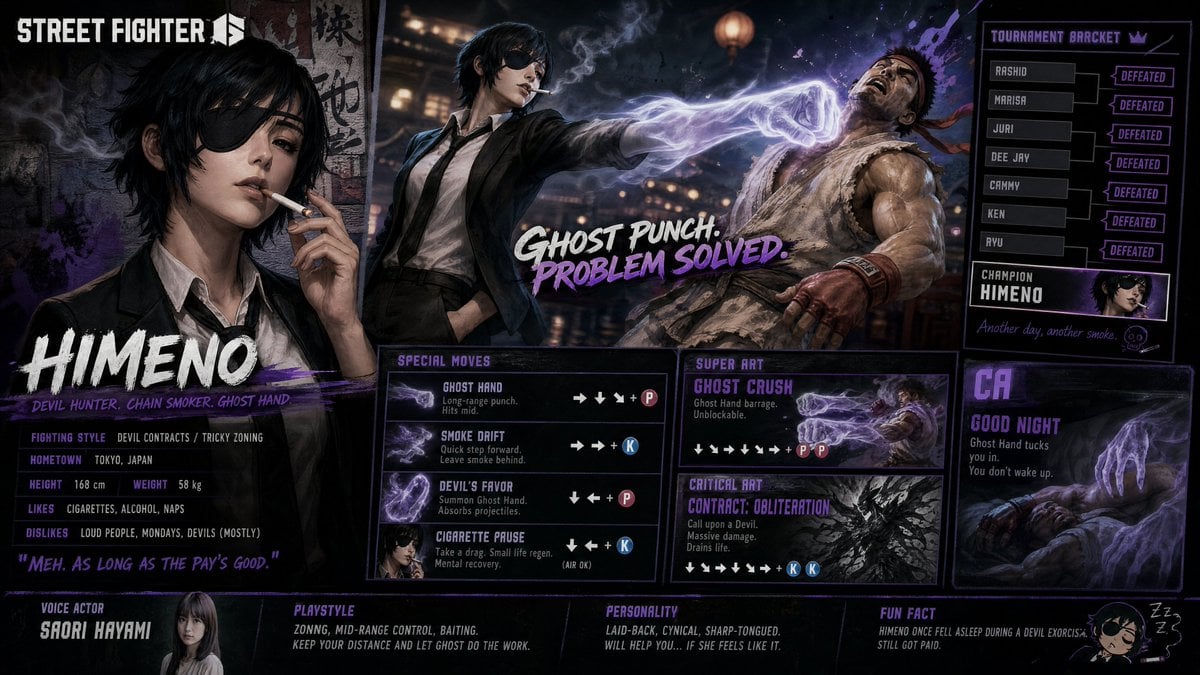
Street Fighter 6 Himeno Crossover Poster
Peaceful anime hillside landscape
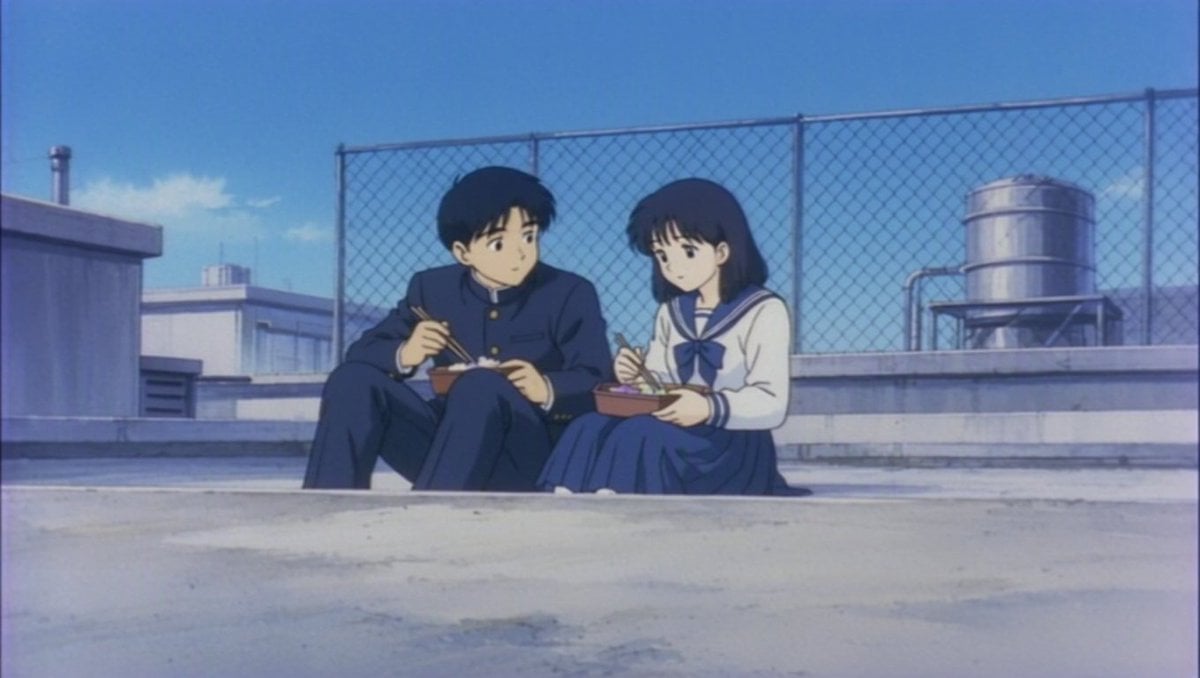
Retro Anime Rooftop Lunch Scene
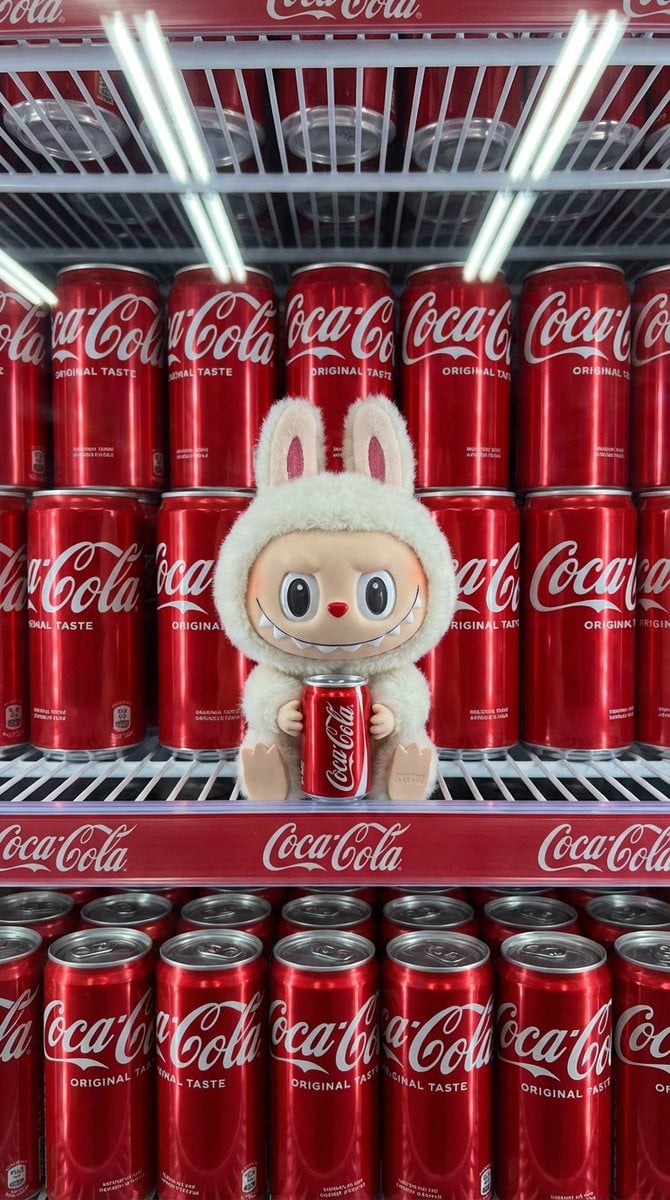
Product Shot Prompt for Nano Banana Pro: Art Toy in a Coca-Cola Cooler
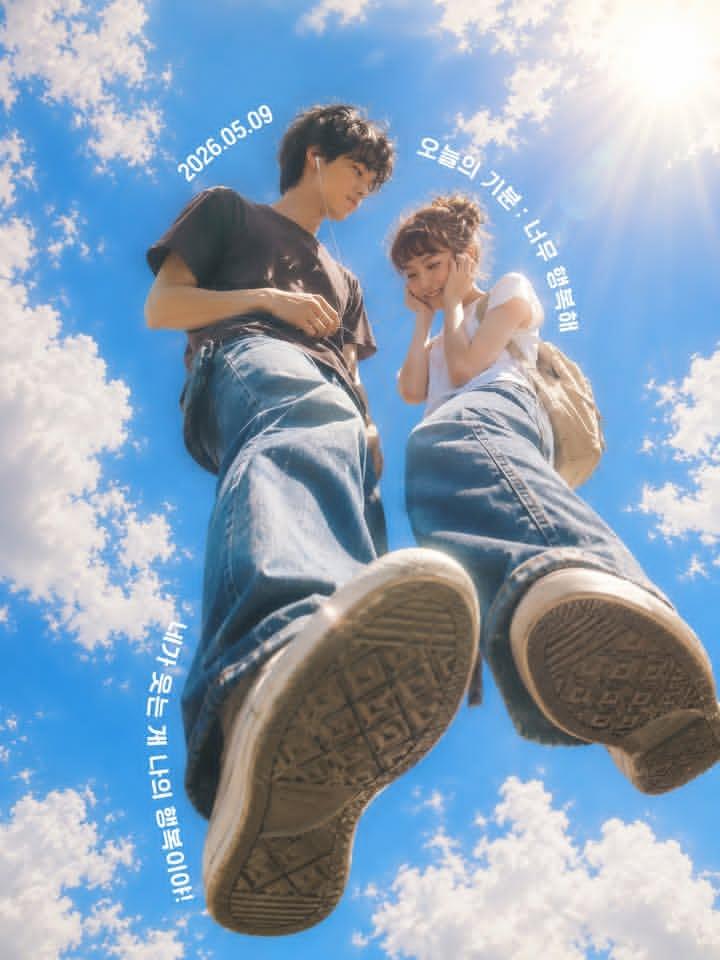
Low-Angle Sentimental Sky Poster

Four Types of CTO Infographic
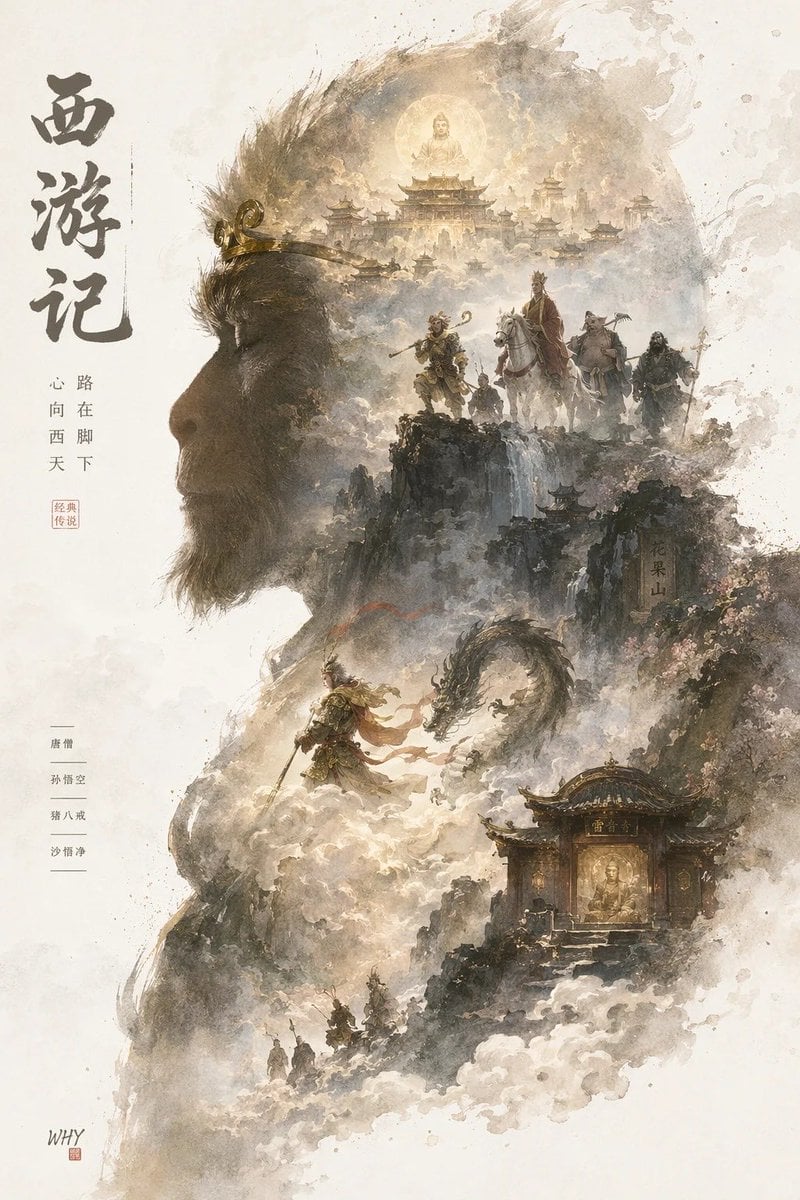
Epic Silhouetted World Poster
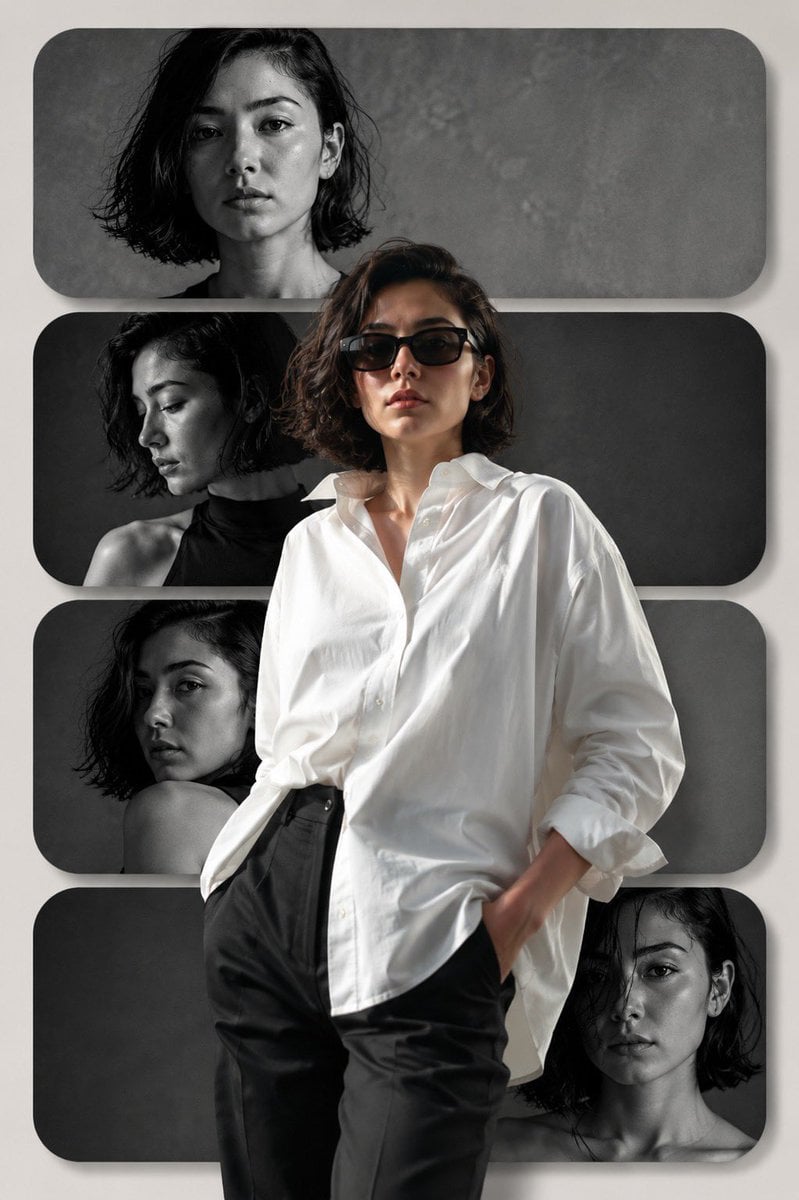
Editorial Fashion Collage Poster
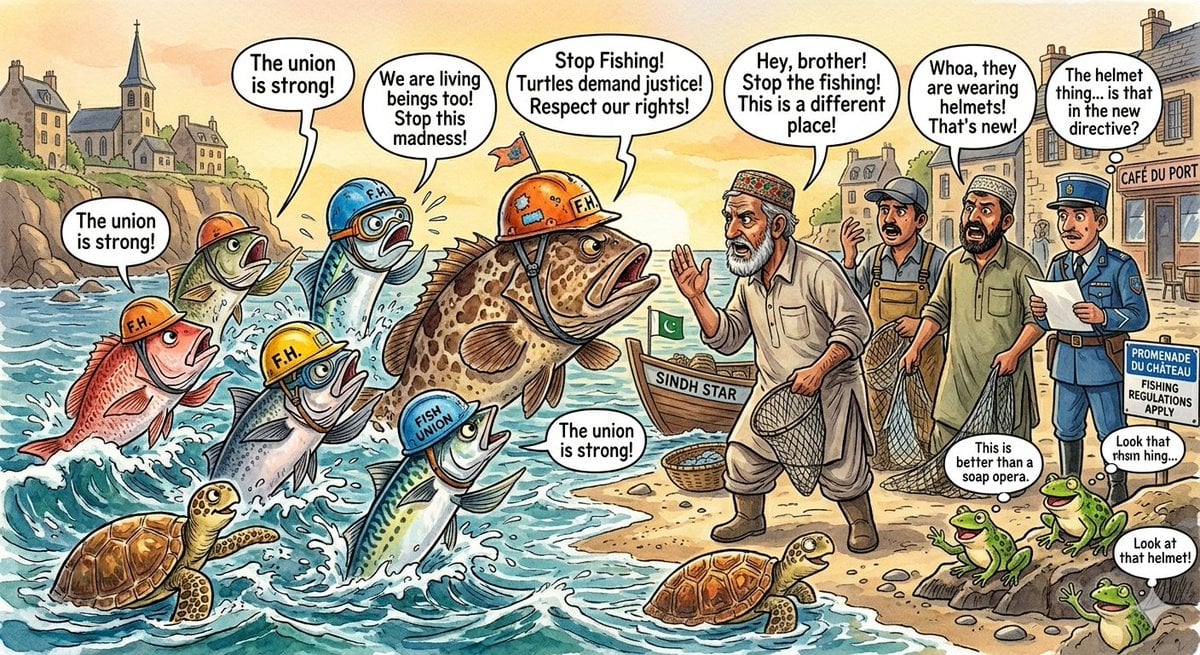
Protesting Fish on a French Seaside
Browse template categories
Monochrome AI Studio Brand Kit Cover questions
How do I use the Monochrome AI Studio Brand Kit Cover template?
Add your photo if the template asks for one, edit the prompt if you like — the template's model and format are already selected — and press Generate. Your version opens in PicX Studio.
Can I customize the Monochrome AI Studio Brand Kit Cover template?
Yes. You can change the subject, setting, lighting, mood, format, and available model controls before creating your image.
Is the Monochrome AI Studio Brand Kit Cover template free?
Opening and editing this template is free. Generating uses credits, shown on the Generate button when you are signed in.
Which AI model should I use?
Start with GPT Image 2, which is the model associated with this template. You can compare another compatible model for a different finish.
Looking for something else? Browse all templates.

Your photo, any look
Thousands of ready templates for every top image and video model, from one credit balance.