
Monochrome AI Infra Brand Kit Board
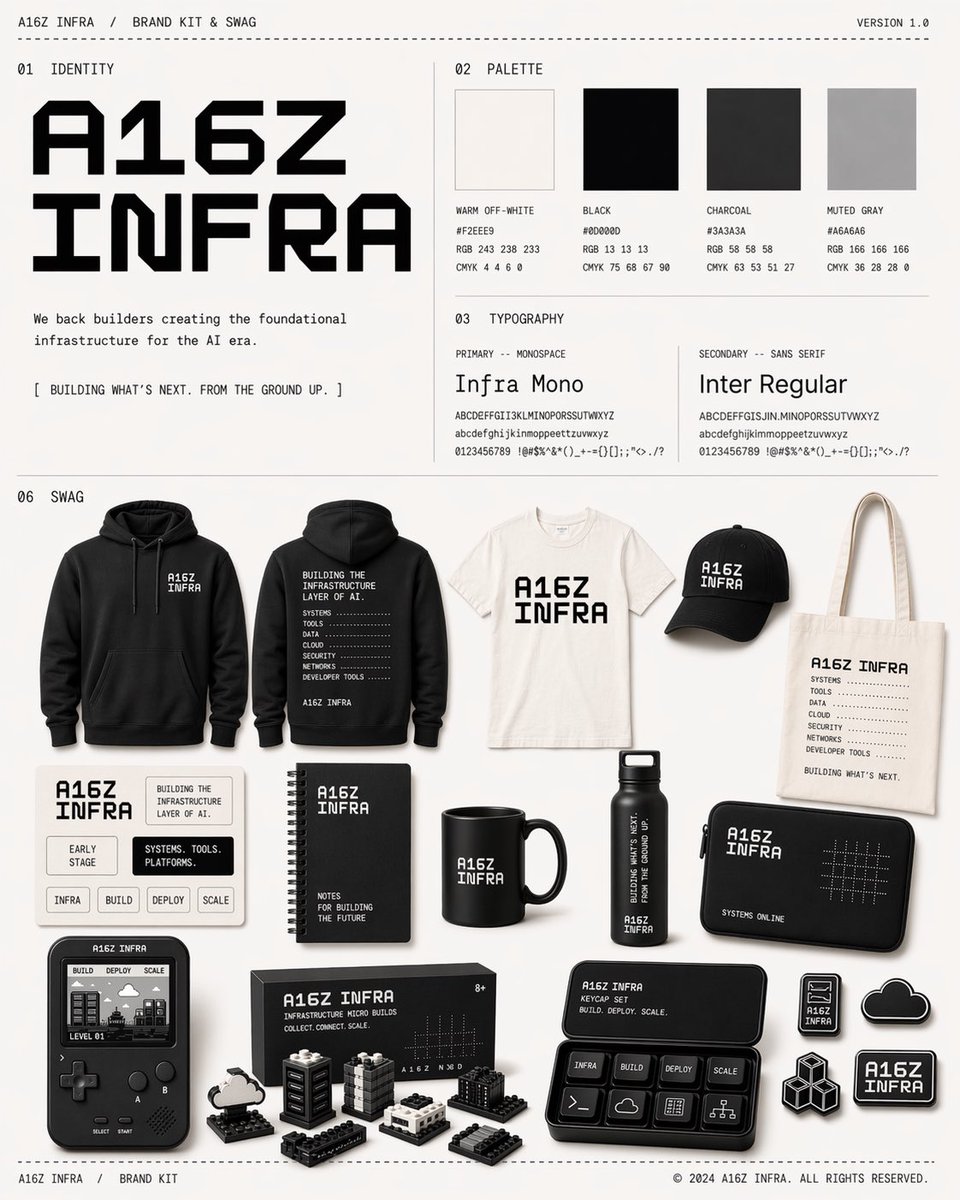
A clean, print-ready brand kit poster showcasing a monochrome AI infrastructure identity system with palette, typography, and 16 branded merchandise mockups for design blogs or internal team presentations.
- Prompt included
- Model and format preset
- Free template
The prompt behind this image
Copy the exact prompt behind Monochrome AI Infra Brand Kit Board, or open it in the studio and make it yours.
- Type
- brand kit and swag poster board
- Style
- clean minimalist design system sheet, editorial brand presentation, crisp print-ready layout, off-white background, thin divider lines, monochrome industrial tech aesthetic
- Brand › Name
- {argument name="brand name" default="A16Z INFRA"}
- Brand › Header Left
- A16Z INFRA / BRAND KIT & SWAG
- Brand › Header Right
- VERSION 1.0
- Brand › Footer Left
- A16Z INFRA / BRAND KIT
- Brand › Footer Right
- © 2024 A16Z INFRA. ALL RIGHTS RESERVED.
- Layout › Grid
- structured landscape poster with 4 labeled sections and a large swag showcase below
- Layout › Sections › 0 › Title
- 01 IDENTITY
- Layout › Sections › 0 › Position
- top left
- Layout › Sections › 0 › Count
- 3
- Layout › Sections › 0 › Labels
- main logotype, brand statement, tagline
- Layout › Sections › 1 › Title
- 02 PALETTE
- Layout › Sections › 1 › Position
- top right
- Layout › Sections › 1 › Count
- 4
- Layout › Sections › 1 › Labels
- WARM OFF-WHITE, BLACK, CHARCOAL, MUTED GRAY
- Layout › Sections › 2 › Title
- 03 TYPOGRAPHY
- Layout › Sections › 2 › Position
- upper middle-right below palette
- Layout › Sections › 2 › Count
- 2
- Layout › Sections › 2 › Labels
- PRIMARY -- MONOSPACE, SECONDARY -- SANS SERIF
- Layout › Sections › 3 › Title
- 06 SWAG
- Layout › Sections › 3 › Position
- bottom two-thirds
- Layout › Sections › 3 › Count
- 16
- Layout › Sections › 3 › Labels
- hoodie front, hoodie back, t-shirt, baseball cap, tote bag, sticker card sheet, spiral notebook, black mug, water bottle, zip pouch, handheld game device, micro build kit box, mechanical keyboard, cloud pin, cube pin, logo pin
Raw JSON
{"type":"brand kit and swag poster board","style":"clean minimalist design system sheet, editorial brand presentation, crisp print-ready layout, off-white background, thin divider lines, monochrome industrial tech aesthetic","brand":{"name":"{argument name=\"brand name\" default=\"A16Z INFRA\"}","header_left":"A16Z INFRA / BRAND KIT & SWAG","header_right":"VERSION 1.0","footer_left":"A16Z INFRA / BRAND KIT","footer_right":"© 2024 A16Z INFRA. ALL RIGHTS RESERVED."},"layout":{"grid":"structured landscape poster with 4 labeled sections and a large swag showcase below","sections":[{"title":"01 IDENTITY","position":"top left","count":3,"labels":["main logotype","brand statement","tagline"]},{"title":"02 PALETTE","position":"top right","count":4,"labels":["WARM OFF-WHITE","BLACK","CHARCOAL","MUTED GRAY"]},{"title":"03 TYPOGRAPHY","position":"upper middle-right below palette","count":2,"labels":["PRIMARY -- MONOSPACE","SECONDARY -- SANS SERIF"]},{"title":"06 SWAG","position":"bottom two-thirds","count":16,"labels":["hoodie front","hoodie back","t-shirt","baseball cap","tote bag","sticker card sheet","spiral notebook","black mug","water bottle","zip pouch","handheld game device","micro build kit box","mechanical keyboard","cloud pin","cube pin","logo pin"]}],"centerpiece":"large bold angular geometric logotype in the upper left"},"identity":{"logo_text":"{argument name=\"logo text\" default=\"A16Z INFRA\"}","logo_style":"oversized black custom angular techno wordmark with modular cut corners, stacked on two lines","body_copy":"We back builders creating the foundational infrastructure for the AI era.","tagline":"[ BUILDING WHAT'S NEXT. FROM THE GROUND UP. ]"},"palette":{"swatches":[{"name":"WARM OFF-WHITE","hex":"#F2EEE9","rgb":"243 238 233","cmyk":"4 4 6 0","appearance":"soft warm paper white"},{"name":"BLACK","hex":"#000000","rgb":"13 13 13","cmyk":"75 68 67 90","appearance":"deep near-black"},{"name":"CHARCOAL","hex":"#3A3A3A","rgb":"58 58 58","cmyk":"63 53 51 27","appearance":"dark graphite gray"},{"name":"MUTED GRAY","hex":"#A6A6A6","rgb":"166 166 166","cmyk":"36 28 28 0","appearance":"light neutral gray"}]},"typography":{"primary":{"label":"PRIMARY -- MONOSPACE","font_name":"{argument name=\"primary font\" default=\"Infra Mono\"}","sample":"ABCDEFGHIJKLMNOPQRSTUVWXYZ abcdefghijklmnopqrstuvwxyz 0123456789 !@#$%^&*()_+=-{}[]:;\"'<>.,/?"},"secondary":{"label":"SECONDARY -- SANS SERIF","font_name":"{argument name=\"secondary font\" default=\"Inter Regular\"}","sample":"ABCDEFGHIJKLMNOPQRSTUVWXYZ abcdefghijklmnopqrstuvwxyz 0123456789 !@#$%^&*()_+=-{}[]:;\"'<>.,/?"}},"swag":{"overall_style":"premium startup merchandise mockup spread photographed straight-on with soft studio shadows, mostly black items with white print and a few off-white items","items":[{"name":"hoodie front","color":"black","design":"small chest logo on left side"},{"name":"hoodie back","color":"black","design":"large stacked text block describing infrastructure layers with dotted rule lines"},{"name":"t-shirt","color":"off-white","design":"large central stacked logo text"},{"name":"baseball cap","color":"black","design":"embroidered stacked logo text on front"},{"name":"tote bag","color":"off-white","design":"logo at top, vertical list of systems tools data cloud security networks developer tools, tagline at bottom"},{"name":"sticker card sheet","color":"off-white card","design":"6 rectangular stickers arranged in a grid featuring logo and phrases including EARLY STAGE, INFRA, BUILD, DEPLOY, SCALE, and systems language"},{"name":"spiral notebook","color":"black","design":"logo at top and small subtitle near bottom"},{"name":"black mug","color":"black","design":"white stacked logo text"},{"name":"water bottle","color":"black","design":"vertical white technical text wrapping the body"},{"name":"zip pouch","color":"black","design":"logo on left, dotted grid motif on right, small text along bottom edge"},{"name":"handheld game device","color":"black and gray","design":"retro portable console with pixel screen showing tiny cityscape and buttons labeled A, B, SELECT, START"},{"name":"micro build kit box","color":"black box","design":"product package with logo, subtitle, tiny 8+ mark, image of block-built infrastructure set"},{"name":"mechanical keyboard","color":"black","design":"compact keypad in tray with labeled keys including INFRA, BUILD, DEPLOY, SCALE plus icon keys"},{"name":"cloud pin","color":"black metal with white border","design":"small cloud shape"},{"name":"cube pin","color":"black metal with white border","design":"cluster of isometric cubes"},{"name":"logo pin","color":"black metal with white border","design":"mini stacked logo badge"}]} ,"camera":"flat catalog-style composition, straight-on orthographic feel","quality":"high-resolution commercial design board, crisp legible typography, precise spacing, subtle shadows, polished brand presentation"}How to use Monochrome AI Infra Brand Kit Board in 3 steps
- 1Upload ImagePNG, JPG or paste
Add your photo
Upload the photo the template builds on. The prompt, model and format are already set.
- 2…a portrait of your subject in softgolden-hour light, 85mm…
Personalize
Edit the subject and creative details for your destination.
- 3Generate
Generate
Press Generate — your image is created in PicX Studio, so you can compare it with the original and refine one variable at a time.
More like this
Templates with the same subject, style or setup. Open one to see its prompt.
Monochrome Infra Brand Kit Board

Playful Futuristic Brand Kit Board
Monochrome AI Studio Brand Kit Cover
Minimal Skincare Brand Kit Board
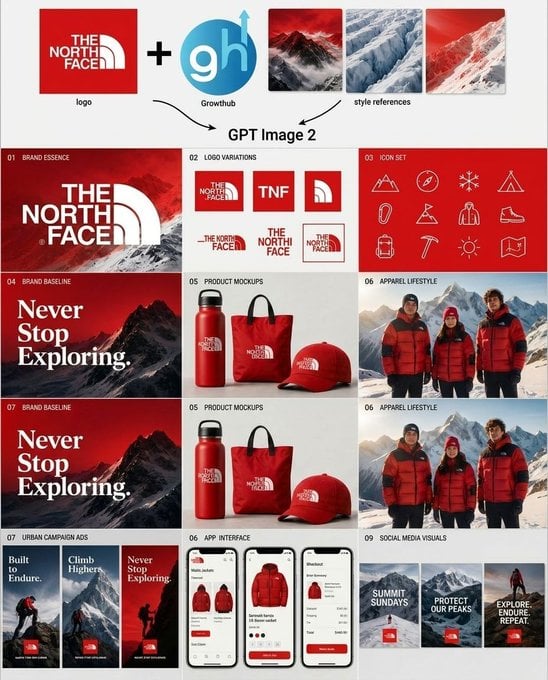
Outdoor Brand Kit Concept Board
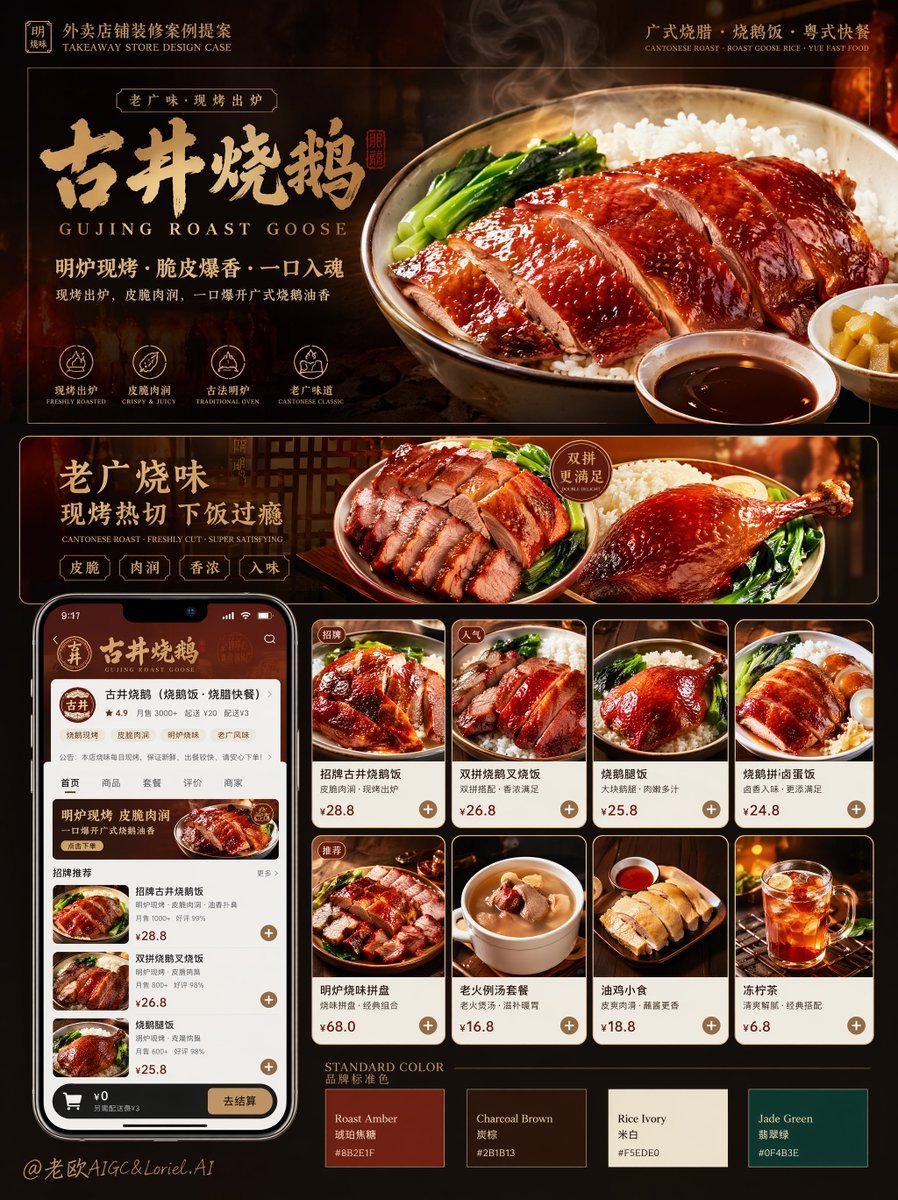
Roast Rice Branding Proposal Board
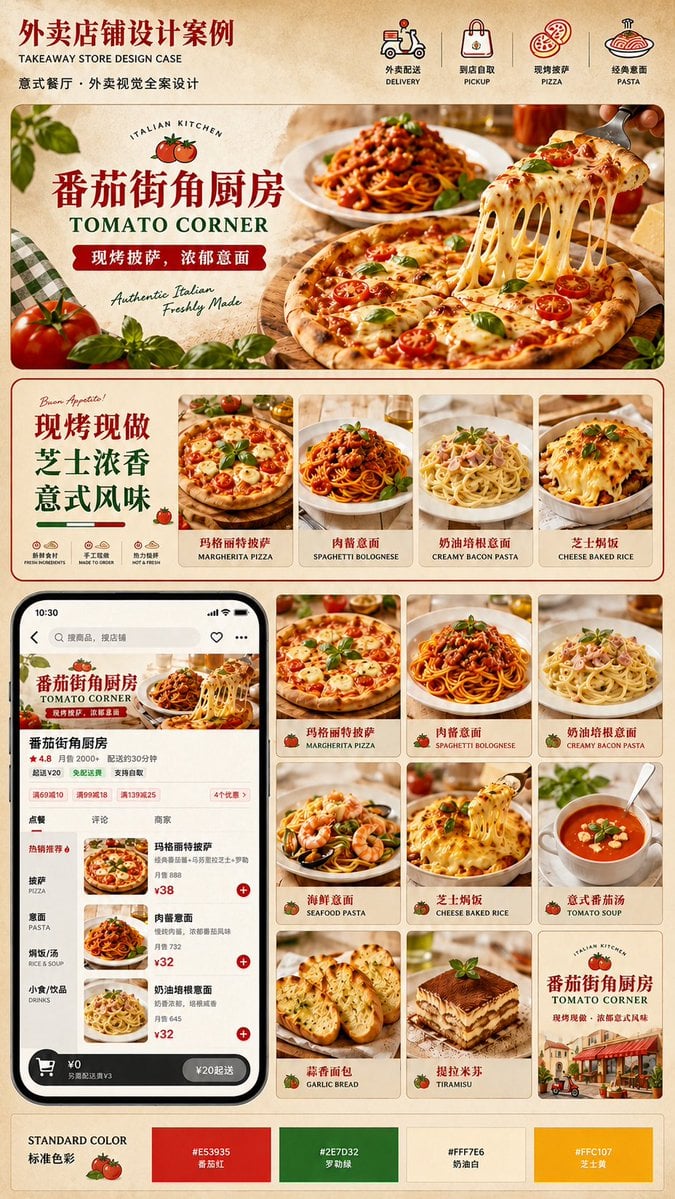
Italian Takeaway Brand Board

Monochrome Hypebeast Street Fashion Editorial Motion

Monochrome Halftone Editorial Fashion Poster

Luxury Fashion Campaign Typography Poster System

Premium Fashion Editorial Campaign Poster System

Cinematic Street Fashion Photographer Portrait
Make it yours
Monochrome AI Infra Brand Kit Board works as-is. These are the safest ways to change it without losing the look.
Change one field
Copy a single group, rewrite it, and generate again so you can see what that field is doing.
Keep the frame, change the subject
Hold the composition and light of Monochrome AI Infra Brand Kit Board, then swap wardrobe, props or the person for a new take.
| If the result… | Why | Fix |
|---|---|---|
| The result drifts from the preview | Too many fields changed at once. | Reuse Monochrome AI Infra Brand Kit Board as-is first, then change one group — subject, light, or setting. |
| GPT Image 2 ignores part of the JSON | Some models flatten or skip nested keys. | Keep the same values and paste them as a short paragraph instead. |
More GPT Image 2 templates
Other prompts made for GPT Image 2.

Six VTuber Japanese Logo Sheet

Realistic Portrait of Woman and Deer

The Vista Modular Condo Poster

AI Model Routing Comparison Infographic

2.5D Anime Art Board

Isometric Productivity Desk Scene

New York Double Exposure Poster

Four-Panel AI Landscape Comparison

Japanese Tatami Lifestyle Magazine Cover

NESCAFÉ Coffee Map Poster
More image prompts
Fresh picks from across the catalog.
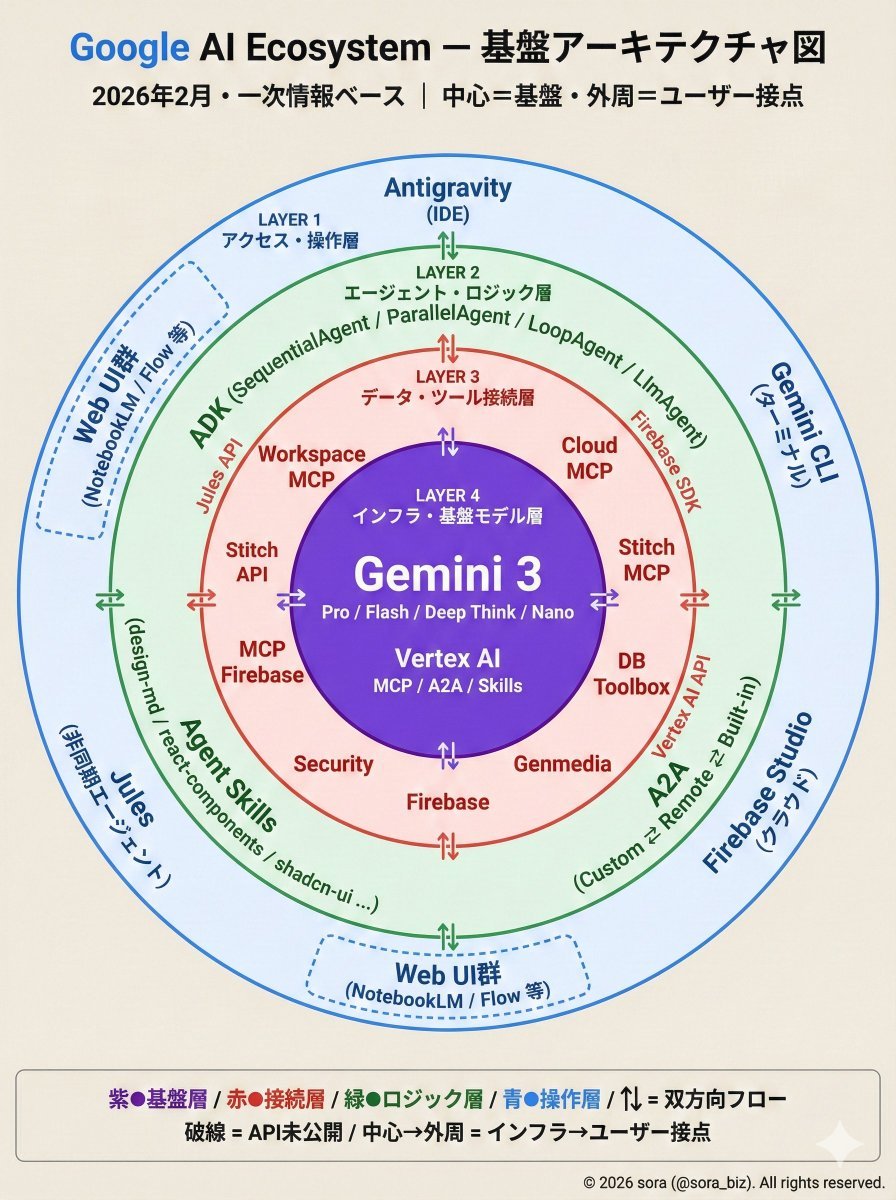
Google AI Ecosystem Diagram Generation
Branded gifts postcard illustration prompt
Night Studio Manga Two-Page Spread
Pastel Cafe Style Profile Card
Cinematic Industrial Portrait with Macro Perspective

Divine Artwork of Lord Shiva and Goddess Parvati
Xahau Panda Streetwear Poster
Character Reference Sheet for Consistency
Product Photography Prompt for Lobos Tequila Bottles
Anime Character in Real Rooftop Scene
Browse template categories
Monochrome AI Infra Brand Kit Board questions
How do I use the Monochrome AI Infra Brand Kit Board template?
Add your photo if the template asks for one, edit the prompt if you like — the template's model and format are already selected — and press Generate. Your version opens in PicX Studio.
Can I customize the Monochrome AI Infra Brand Kit Board template?
Yes. You can change the subject, setting, lighting, mood, format, and available model controls before creating your image.
Is the Monochrome AI Infra Brand Kit Board template free?
Opening and editing this template is free. Generating uses credits, shown on the Generate button when you are signed in.
Which AI model should I use?
Start with GPT Image 2, which is the model associated with this template. You can compare another compatible model for a different finish.
Looking for something else? Browse all templates.

Your photo, any look
Thousands of ready templates for every top image and video model, from one credit balance.