
Minimal Skincare Brand Kit Board
A clean editorial brand-guidelines board for a premium skincare label, useful for generating minimalist identity presentations and mood-brand decks.
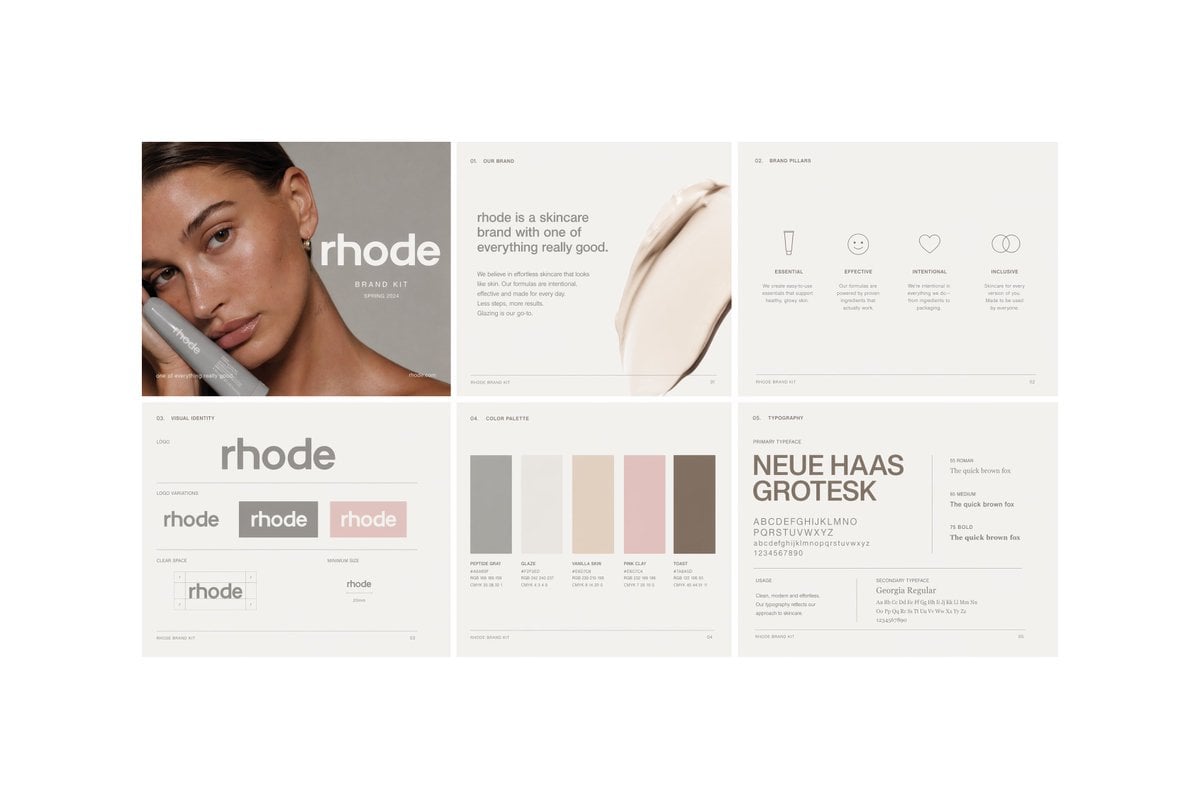
- Prompt included
- Model and format preset
- Free template
The prompt behind this image
Copy the exact prompt behind Minimal Skincare Brand Kit Board, or open it in the studio and make it yours.
- Type
- minimal skincare brand book spread
- Brand › Name
- {argument name="brand name" default="rhode"}
- Brand › Industry
- skincare
- Brand › Style
- quiet luxury, clean, editorial, minimalist, soft neutral tones
- Canvas › Background
- very light warm gray
- Canvas › Format
- wide landscape presentation board
- Canvas › Grid
- 2 rows x 3 columns
- Canvas › Count
- 6
- Canvas › Gutters
- thin white spacing between panels
- Layout › Sections › 0 › Title
- cover
- Layout › Sections › 0 › Position
- top-left
- Layout › Sections › 0 › Count
- 1
- Layout › Sections › 0 › Elements
- cropped beauty portrait of a woman with slicked-back dark hair and visible ear, neck, and shoulder, large lowercase wordmark over the portrait, small subtitle reading brand kit and a season-year line, soft taupe-gray background, a large square color block overlay obscuring the center-left of the face
- Layout › Sections › 1 › Title
- 01. OUR BRAND
- Layout › Sections › 1 › Position
- top-center
- Layout › Sections › 1 › Count
- 1
- Layout › Sections › 1 › Elements
- small section number and title at top, left-aligned paragraph block, headline stating that the brand is a skincare brand with one of everything really good, short supporting body copy in small light gray text, large creamy skincare smear image on the right side
- Layout › Sections › 2 › Title
- 02. BRAND PILLARS
- Layout › Sections › 2 › Position
- top-right
- Layout › Sections › 2 › Count
- 1
- Layout › Sections › 2 › Elements
- small section number and title at top, 4 icon-and-text columns, labels: ESSENTIAL, EFFECTIVE, INTENTIONAL, INCLUSIVE, icons: tube, smiley face, heart, interlocking circles, one short descriptor paragraph under each pillar
- Layout › Sections › 3 › Title
- 03. VISUAL IDENTITY
- Layout › Sections › 3 › Position
- bottom-left
- Layout › Sections › 3 › Count
- 1
Raw JSON
{"type":"minimal skincare brand book spread","brand":{"name":"{argument name=\"brand name\" default=\"rhode\"}","industry":"skincare","style":"quiet luxury, clean, editorial, minimalist, soft neutral tones"},"canvas":{"background":"very light warm gray","format":"wide landscape presentation board","grid":"2 rows x 3 columns","count":6,"gutters":"thin white spacing between panels"},"layout":{"sections":[{"title":"cover","position":"top-left","count":1,"elements":["cropped beauty portrait of a woman with slicked-back dark hair and visible ear, neck, and shoulder","large lowercase wordmark over the portrait","small subtitle reading brand kit and a season-year line","soft taupe-gray background","a large square color block overlay obscuring the center-left of the face"]},{"title":"01. OUR BRAND","position":"top-center","count":1,"elements":["small section number and title at top","left-aligned paragraph block","headline stating that the brand is a skincare brand with one of everything really good","short supporting body copy in small light gray text","large creamy skincare smear image on the right side"]},{"title":"02. BRAND PILLARS","position":"top-right","count":1,"elements":["small section number and title at top","4 icon-and-text columns","labels: ESSENTIAL, EFFECTIVE, INTENTIONAL, INCLUSIVE","icons: tube, smiley face, heart, interlocking circles","one short descriptor paragraph under each pillar"]},{"title":"03. VISUAL IDENTITY","position":"bottom-left","count":1,"elements":["small section number and title at top","large central lowercase wordmark","logo variations row with 3 variants","labels for supporting subareas including logo, logo variation, clear space, minimum size","clear space diagram","minimum size example"]},{"title":"04. COLOR PALETTE","position":"bottom-center","count":1,"elements":["small section number and title at top","5 vertical rectangular color swatches","labels: PEPTIDE GRAY, GLAZE, VANILLA SKIN, PINK GLAZE, TOAST","tiny specification lines under each swatch"]},{"title":"05. TYPOGRAPHY","position":"bottom-right","count":1,"elements":["small section number and title at top","large sample text for primary typeface","primary typeface name shown as {argument name=\"primary typeface\" default=\"NEUE HAAS GROTESK\"}","alphabet and numerals sample","3 weight samples labeled 55 ROMAN, 65 MEDIUM, 75 BOLD with the line 'The quick brown fox'","secondary typeface line showing Georgia Regular","small usage notes blocks"]}],"footer":"tiny page markers and brand kit captions on each panel"},"palette":{"overall":["warm off-white","light gray","taupe","beige","blush pink","soft brown"]},"typography":{"wordmark":"bold rounded lowercase sans serif","body":"small understated editorial sans serif","mood":"premium, restrained, airy"},"rendering":{"look":"high-end brand guidelines presentation mockup","lighting":"soft flat studio lighting","detail":"crisp layout, subtle contrast, lots of negative space"}}How to use Minimal Skincare Brand Kit Board in 3 steps
- 1Upload ImagePNG, JPG or paste
Add your photo
Upload the photo the template builds on. The prompt, model and format are already set.
- 2…a portrait of your subject in softgolden-hour light, 85mm…
Personalize
Edit the subject and creative details for your destination.
- 3Generate
Generate
Press Generate — your image is created in PicX Studio, so you can compare it with the original and refine one variable at a time.
More like this
Templates with the same subject, style or setup. Open one to see its prompt.

Minimalist Skincare Product Water Stone Still

Botanical Skincare Minimal Product Advertising
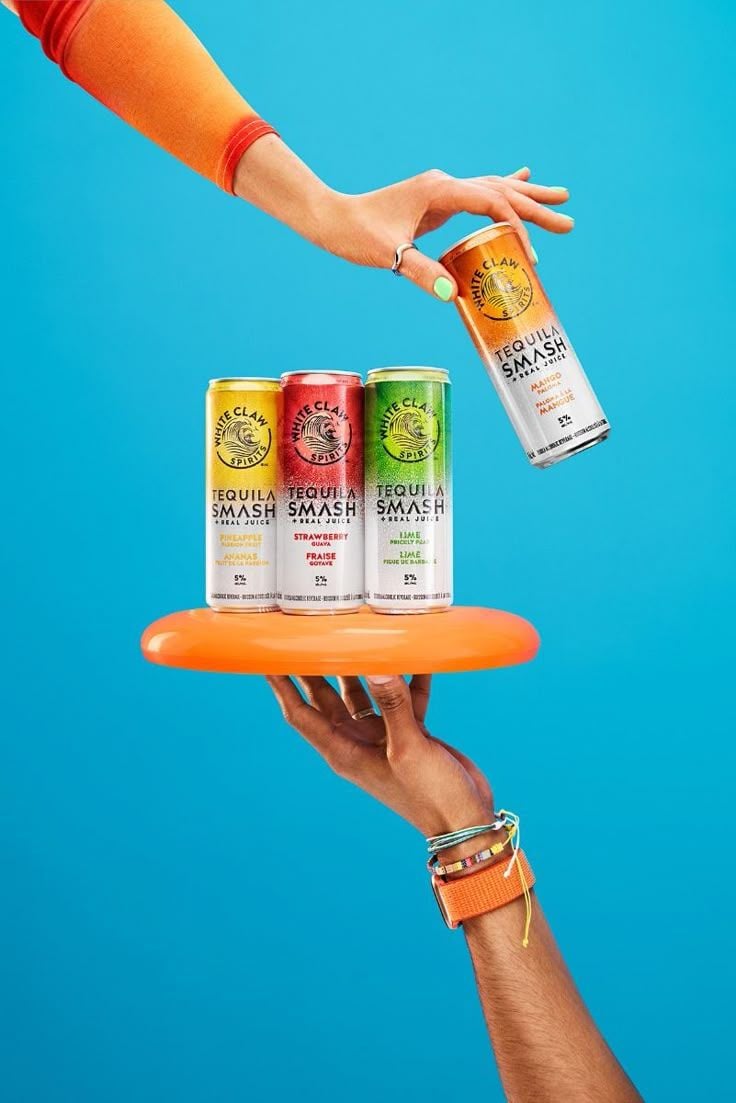
Vibrant Tequila Smash Product Showcase

Premium Editorial Branding Poster Charcoal Green
Minimalist Skincare Product Water Stone Still

Playful Futuristic Brand Kit Board

Moss Logo Minimalist Brand Flat Lay
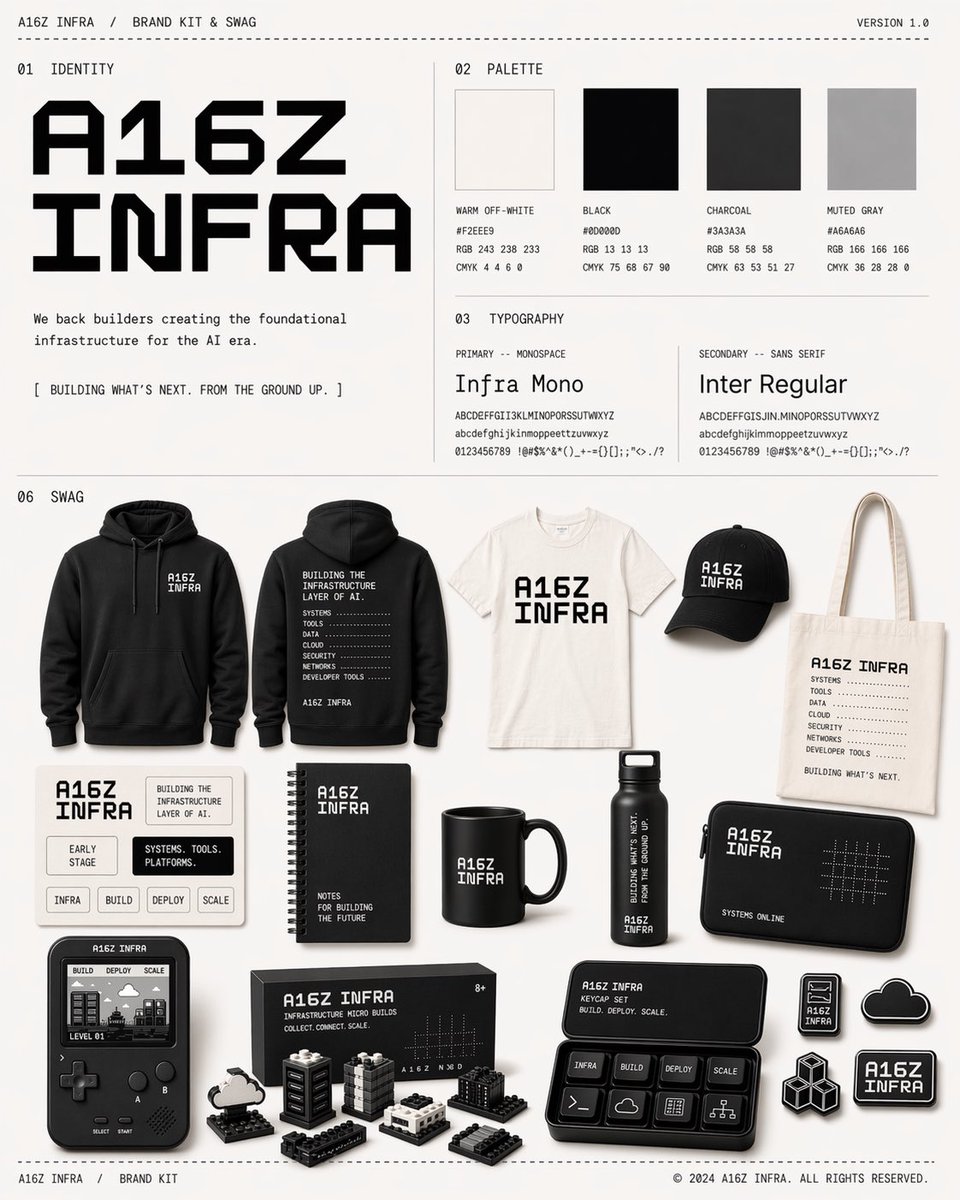
Monochrome AI Infra Brand Kit Board
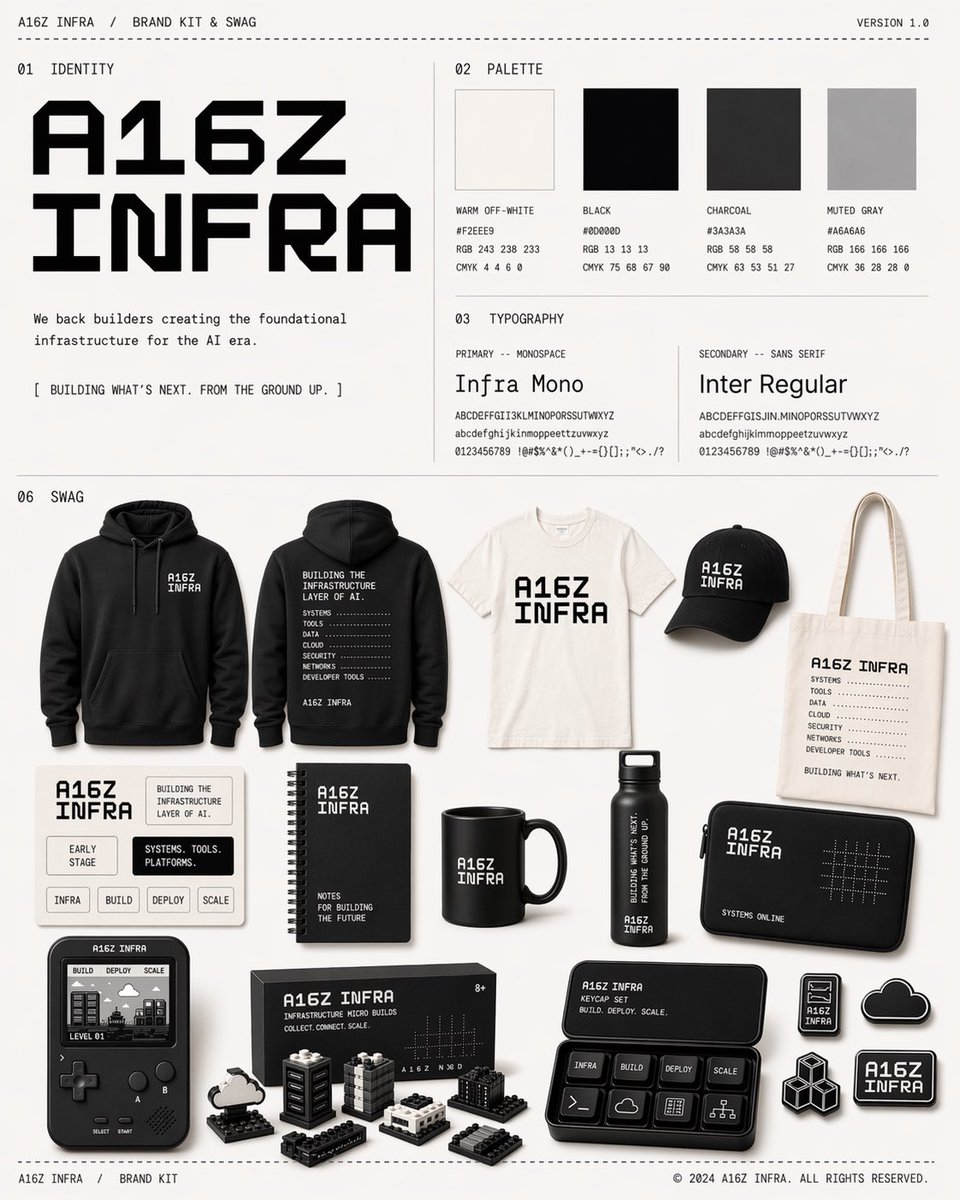
Monochrome Infra Brand Kit Board
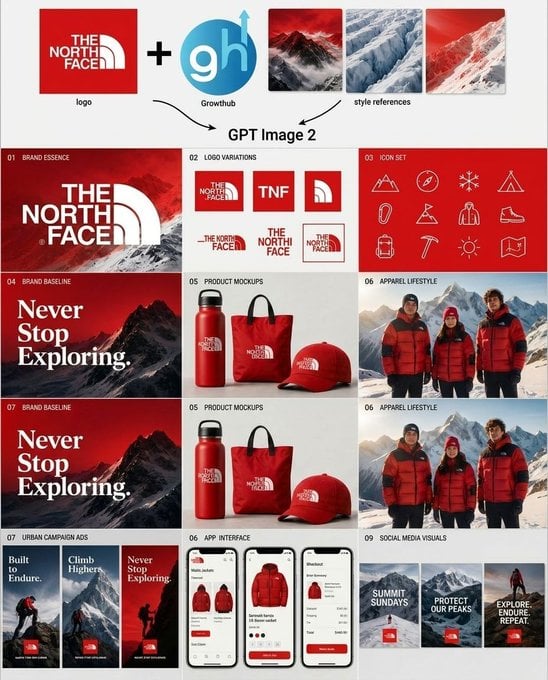
Outdoor Brand Kit Concept Board
Sun-Kissed Summer Skincare Beachfront
Oversized Minimalist Product Portrait
Make it yours
Minimal Skincare Brand Kit Board works as-is. These are the safest ways to change it without losing the look.
Swap the setting
Keep the rest of the prompt and replace the location block. The current setting is “very light warm gray”.
Swap the light
One lighting change is enough to compare takes. Current light: “soft flat studio lighting”.
Change one field
Copy a single group, rewrite it, and generate again so you can see what that field is doing.
| If the result… | Why | Fix |
|---|---|---|
| The result drifts from the preview | Too many fields changed at once. | Reuse Minimal Skincare Brand Kit Board as-is first, then change one group — subject, light, or setting. |
| GPT Image 2 ignores part of the JSON | Some models flatten or skip nested keys. | Keep the same values and paste them as a short paragraph instead. |
More GPT Image 2 templates
Other prompts made for GPT Image 2.

Six VTuber Japanese Logo Sheet

Realistic Portrait of Woman and Deer

The Vista Modular Condo Poster

AI Model Routing Comparison Infographic

2.5D Anime Art Board

Isometric Productivity Desk Scene

New York Double Exposure Poster

Four-Panel AI Landscape Comparison

Japanese Tatami Lifestyle Magazine Cover

NESCAFÉ Coffee Map Poster
More image prompts
Fresh picks from across the catalog.
Minimal Pelican Riding Bicycle
untitled
Stylish Man on Sidewalk at Sunset
LMGT3-Class Car Inspired Sea Iguana
School Uniform Portrait on White Mattress
Luxury Desert Handbag Campaign
Minimalist Melancholic Cosmic Anime
Fantasy Pop-up Book Transformation
Necromancer Pixel Art Comparison
Minimalist Art Gallery Fashion Editorial Prompt
Browse template categories
Minimal Skincare Brand Kit Board questions
How do I use the Minimal Skincare Brand Kit Board template?
Add your photo if the template asks for one, edit the prompt if you like — the template's model and format are already selected — and press Generate. Your version opens in PicX Studio.
Can I customize the Minimal Skincare Brand Kit Board template?
Yes. You can change the subject, setting, lighting, mood, format, and available model controls before creating your image.
Is the Minimal Skincare Brand Kit Board template free?
Opening and editing this template is free. Generating uses credits, shown on the Generate button when you are signed in.
Which AI model should I use?
Start with GPT Image 2, which is the model associated with this template. You can compare another compatible model for a different finish.
Looking for something else? Browse all templates.

Your photo, any look
Thousands of ready templates for every top image and video model, from one credit balance.