
Detailed Gym Selfie Portrait with Shushing Pose
A highly structured prompt for generating a photorealistic medium shot of a young woman in a gym locker room, featuring a specific pose (shushing gesture, 3/4 rear view) and detailed descriptions of her athletic…
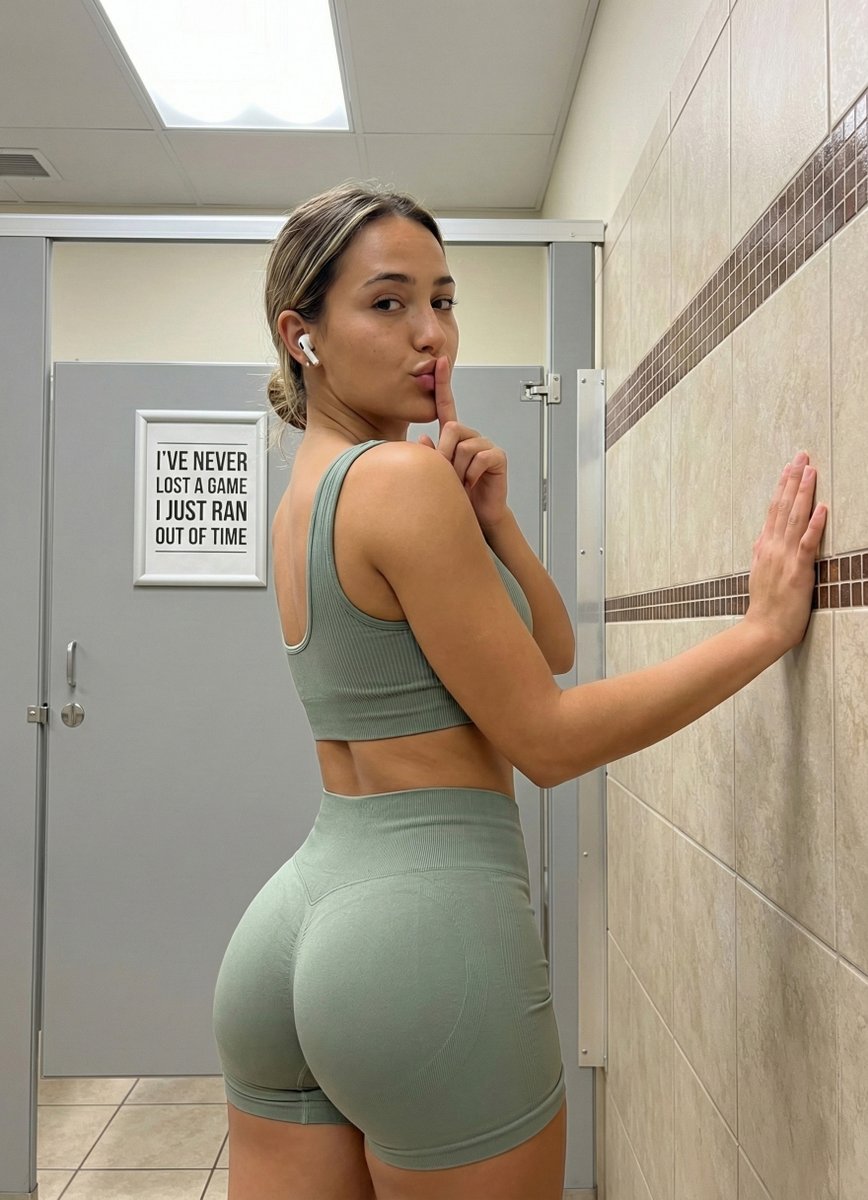
- Prompt included
- Model and format preset
- Free template
The prompt behind this image
Copy the exact prompt behind Detailed Gym Selfie Portrait with Shushing Pose, or open it in the studio and make it yours.
{ "subject": { "description": "Young woman with an athletic, curvy physique, standing in a 3/4 rear view. She has tan, olive-toned skin and dirty blonde hair with lighter highlights pulled back into a messy, casual low bun. A white wireless earbud (AirPod style) is visible in her right ear.", "apparel": { "outfit": "Matching sage green ribbed seamless activewear set.", "top": "Cropped tank-style sports bra with thick straps and a scoop back, fitting tightly against the torso.", "bottom": "High-waisted compression gym shorts, color-matched sage green, highlighting the glute curvature and thigh musculature.", "fit": "Skin-tight, showing the texture of the ribbed fabric stretching over the body curves." }, "anatomy_constraints": { "body_type": "Fit and curvy with significant glute development and defined waist.", "bust_profile": "Visible side profile of chest showing natural fullness and projection consistent with the reference; gravity-affected natural shape, not flattened.", "glutes": "Prominent, rounded glute shape emphasized by the rear-facing pose and tight fabric.", "skin_texture": "Natural skin texture, slight shine on the shoulder and face, realistic moles and skin tone variations." } }, "pose": { "orientation": "3/4 rear angle, body facing slightly right, head turned sharp left over the shoulder to face the camera directly.", "arms": { "left_arm": "Raised, elbow bent, with the left index finger pressed vertically against the lips in a 'shushing' gesture (silence sign).", "right_arm": "Extended to the right, palm placed flat against the tiled wall for support." }, "torso": "Twisted slightly to allow the face to look back; distinct arch in the lower back accentuating the hips.", "legs": "Standing straight, weight distributed evenly." }, "environment": { "setting": "Public restroom or gym locker room.", "walls": "Cream/beige square ceramic tiles with a decorative horizontal strip of small brown mosaic tiles at shoulder height.", "stall": "Grey laminate restroom stall partition and door visible to the left.", "decor": "A framed white sign on the grey stall door with black text reading: 'I'VE NEVER LOST A GAME I JUST RAN OUT OF TIME'.", "flooring": "Beige/tan square floor tiles with dark grout.", "ceiling": "Partial view of a recessed fluorescent light fixture." }, "camera": { "shot_type": "Medium shot, capturing from mid-thigh to above the head.", "angle": "Eye-level relative to the subject, slightly angled from the back left.", "perspective": "Neutral focal length (approx 35mm-50mm), minimizing distortion while maintaining depth.", "focus": "Sharp focus on the subject's face and upper body, slight depth of field falloff in the background." }, "lighting": { "source": "Overhead fluorescent artificial lighting typical of a commercial bathroom.", "quality": "Bright but slightly diffused, creating soft shadows under the jawline and defining " }
How to use Detailed Gym Selfie Portrait with Shushing Pose in 3 steps
- 1
Open
The prompt is already in the box next to the preview, with the template's model and format selected.
- 2…a portrait of your subject in softgolden-hour light, 85mm…
Personalize
Edit the subject and creative details for your destination.
- 3Generate
Generate
Press Generate — your image is created in PicX Studio, so you can compare it with the original and refine one variable at a time.
More like this
Templates with the same subject, style or setup. Open one to see its prompt.

Rooftop Fisheye — Cat-Ear Balaclava at Golden Hour
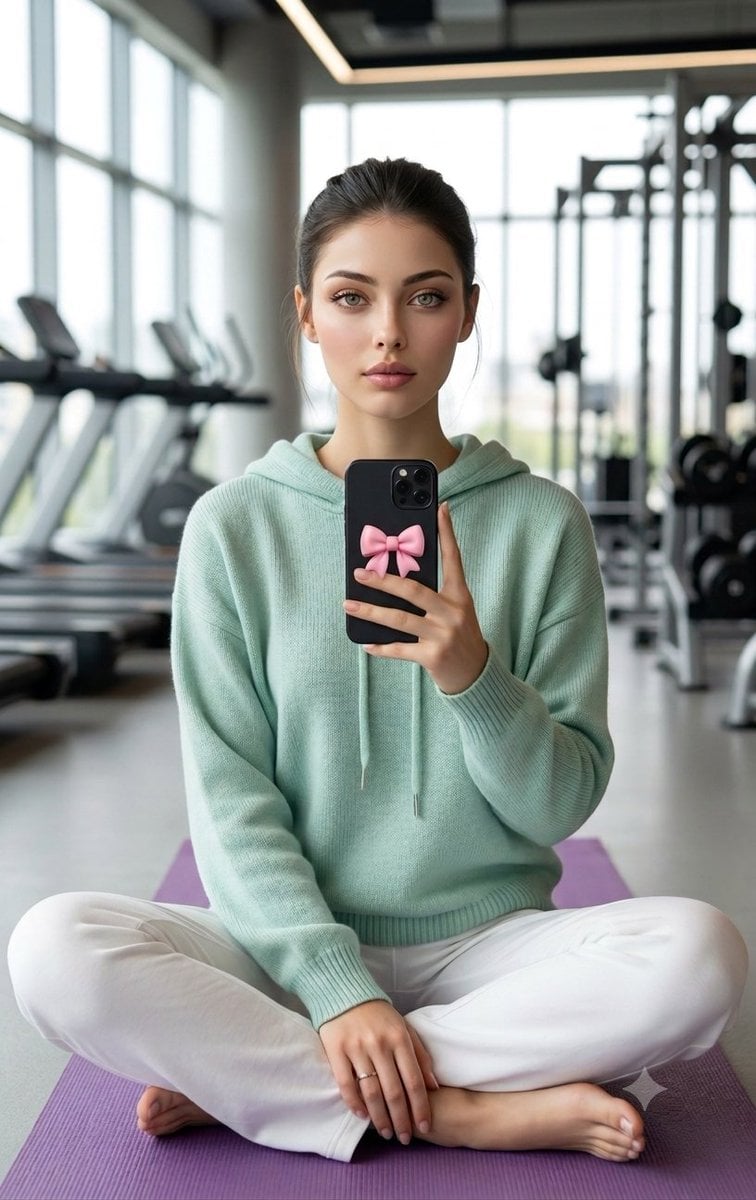
Professional Gym Mirror Selfie Portrait

Found Photograph: Us, 1970

80s Couple Studio Portrait

80s Bollywood Star

80s Golden Hour Cinema

Me in 1985

1985 Studio Portrait

Hyper-Realistic Minecraft POV Portrait

Felt & Knit 3D Character — Photo-Exact Face, Pixar-Quality Plush Figurine

Surreal Cat Astronaut — Humanoid Face Freefall
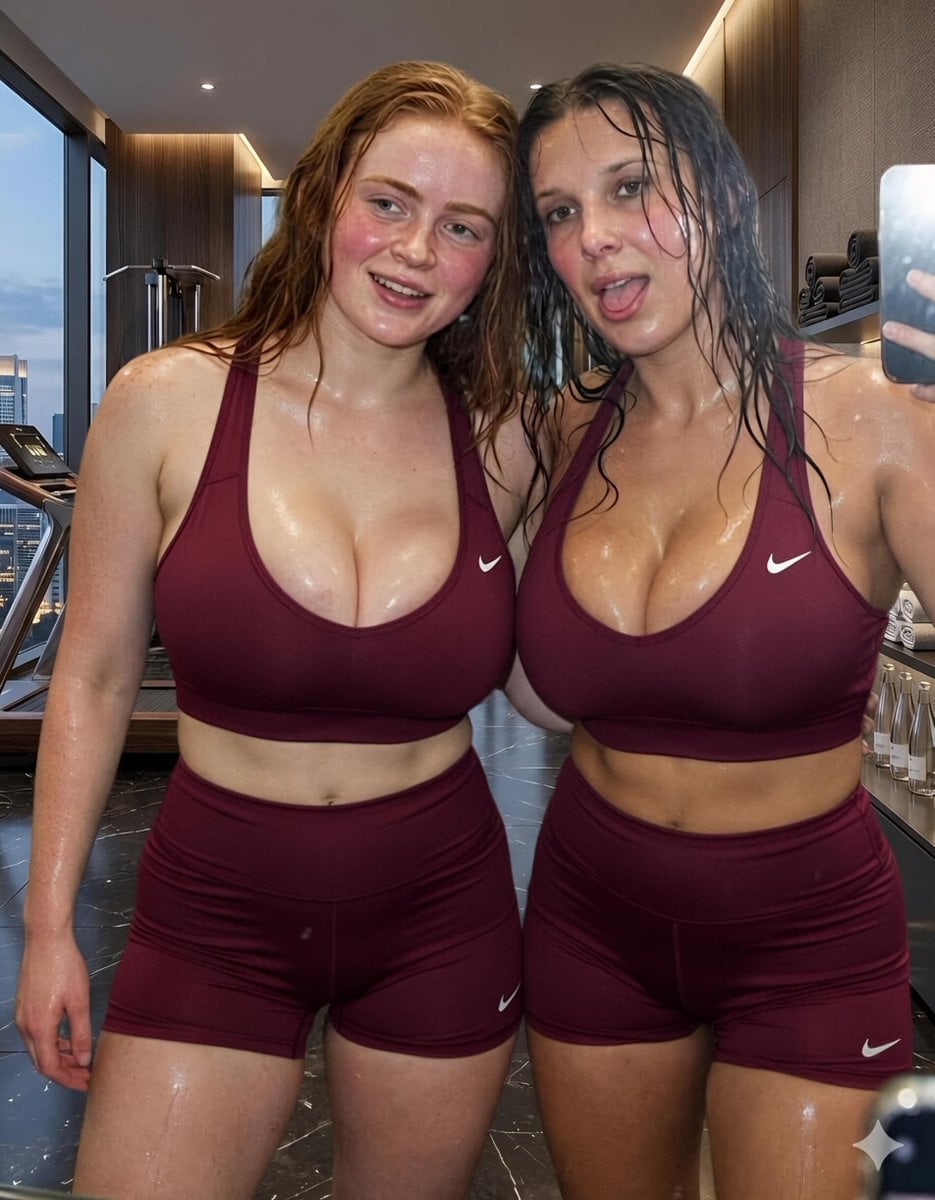
Modern Luxury Gym Mirror Selfie
Make it yours
Detailed Gym Selfie Portrait with Shushing Pose works as-is. These are the safest ways to change it without losing the look.
Change one field
Copy a single group, rewrite it, and generate again so you can see what that field is doing.
Keep the frame, change the subject
Hold the composition and light of Detailed Gym Selfie Portrait with Shushing Pose, then swap wardrobe, props or the person for a new take.
| If the result… | Why | Fix |
|---|---|---|
| The result drifts from the preview | Too many fields changed at once. | Reuse Detailed Gym Selfie Portrait with Shushing Pose as-is first, then change one group — subject, light, or setting. |
| The model over-stylizes the scene | The prose prompt leaves finish and camera underspecified. | Add one camera or lighting sentence and stay on Nano Banana 2. |
More Nano Banana 2 templates
Other prompts made for Nano Banana 2.

Photorealistic Leaf Shaped Like a Dragon

K-Pop Idol Portrait Grid for Rapid Selection

Poetic Rain Forest Portrait During Golden Hour

Urban Street Portrait with Cartoon Inner Self Duo

Candid Nighttime Photo with Cat Prompt

High-Concept 3D Diorama Generation Prompt

Cinematic Futuristic Studio Portrait Template

Skincare Editorial Photography Collage Prompt

Hyper-Realistic Commercial Product Photography (Splash Effect)

Hyper-Realistic Nightclub Portrait Prompt
More image prompts
Fresh picks from across the catalog.

Kona-Monde Okonomiyaki Ladies Poster
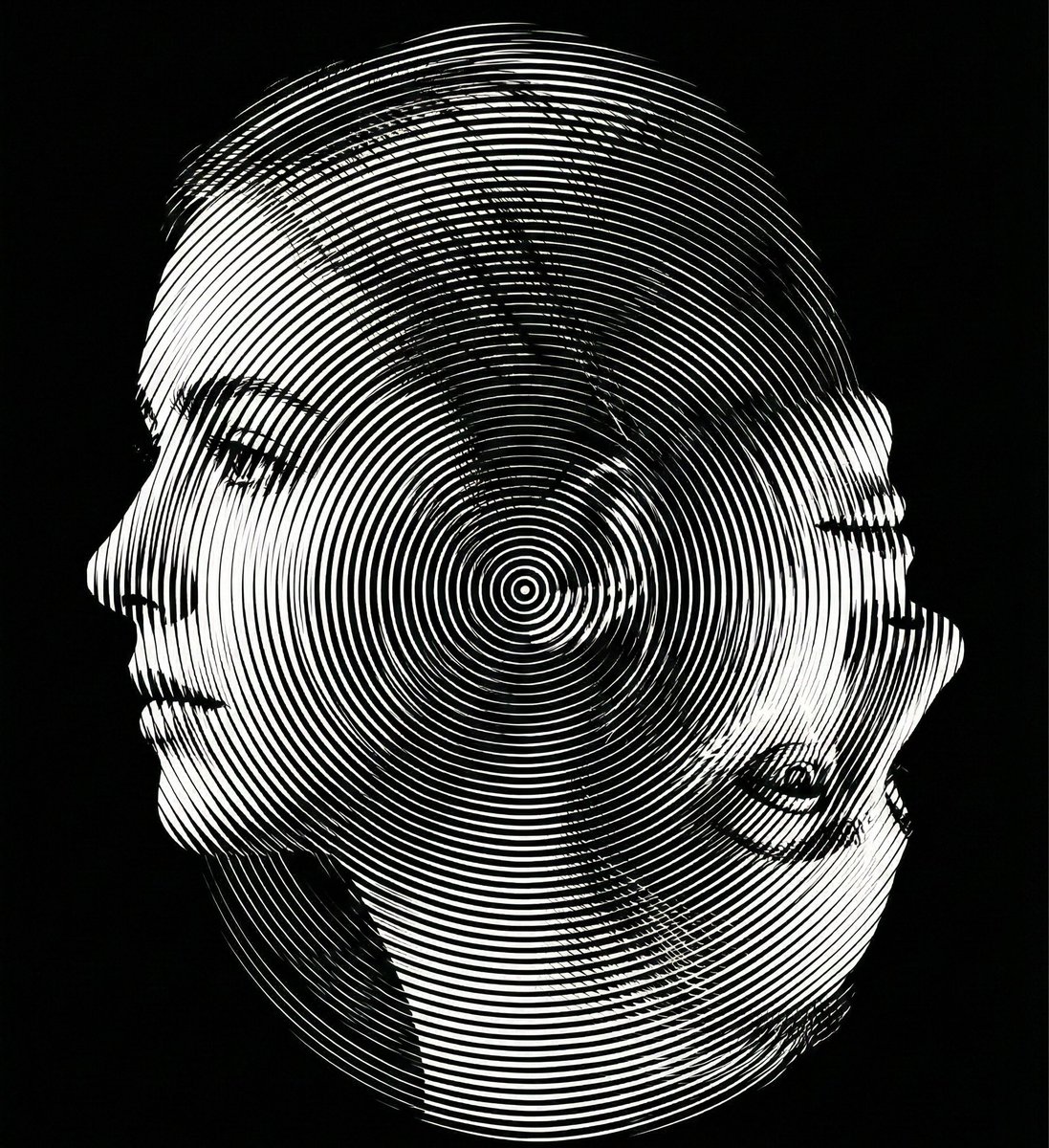
Dual-Orientation Optical Illusion Portrait
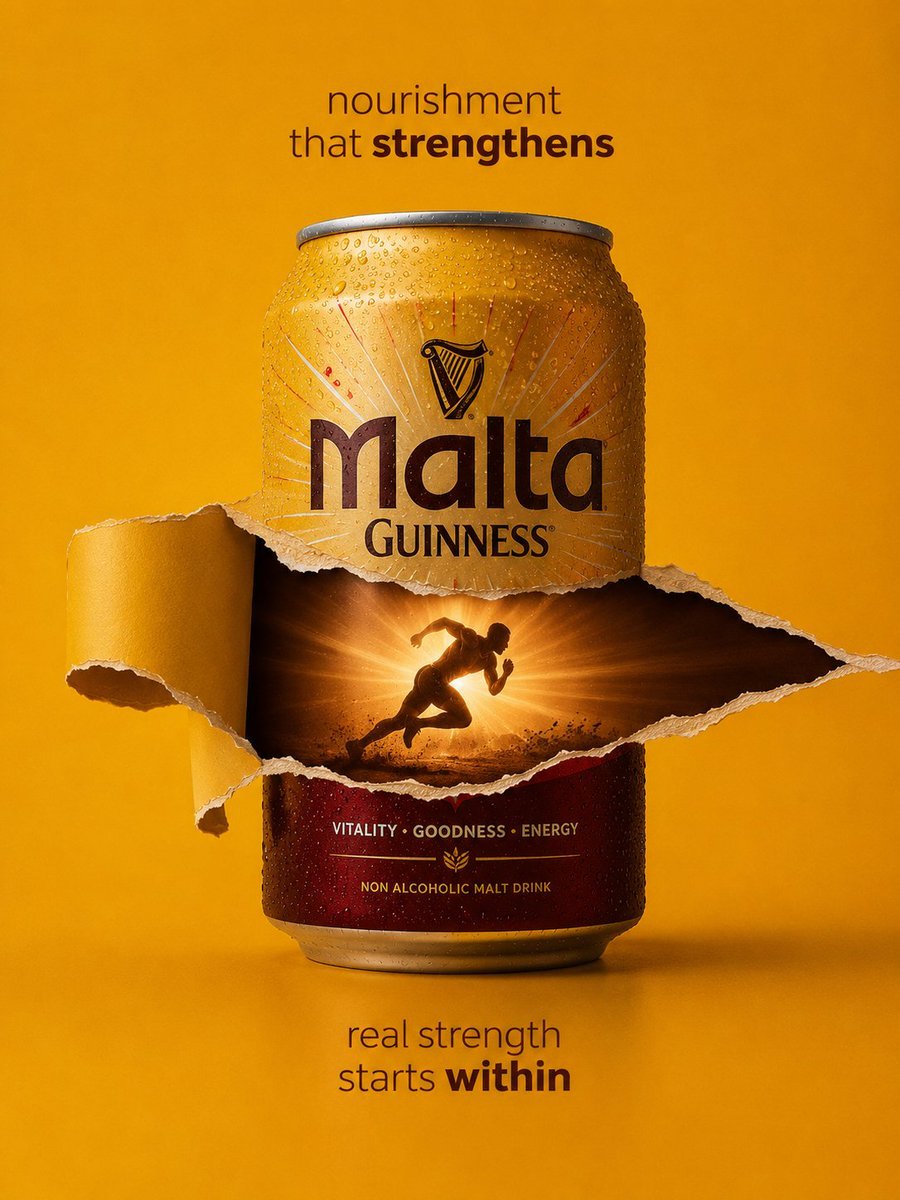
Malta Guinness Inner Strength Ad
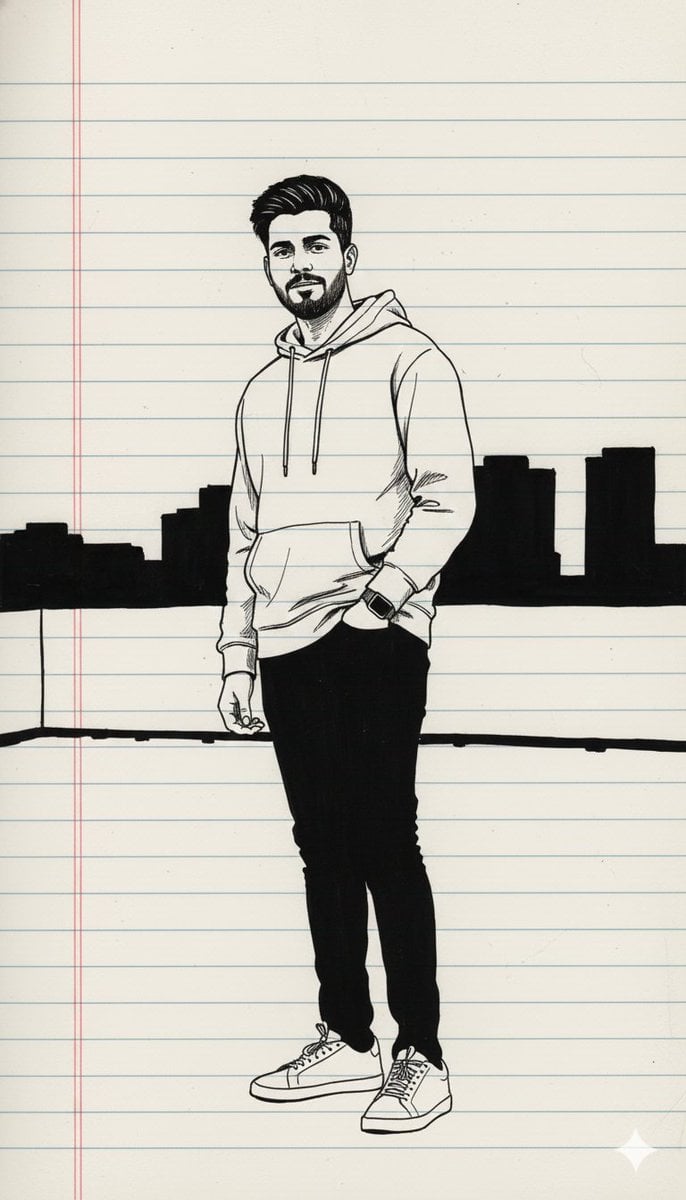
Minimal Black Ink Illustration Blueprint Prompt
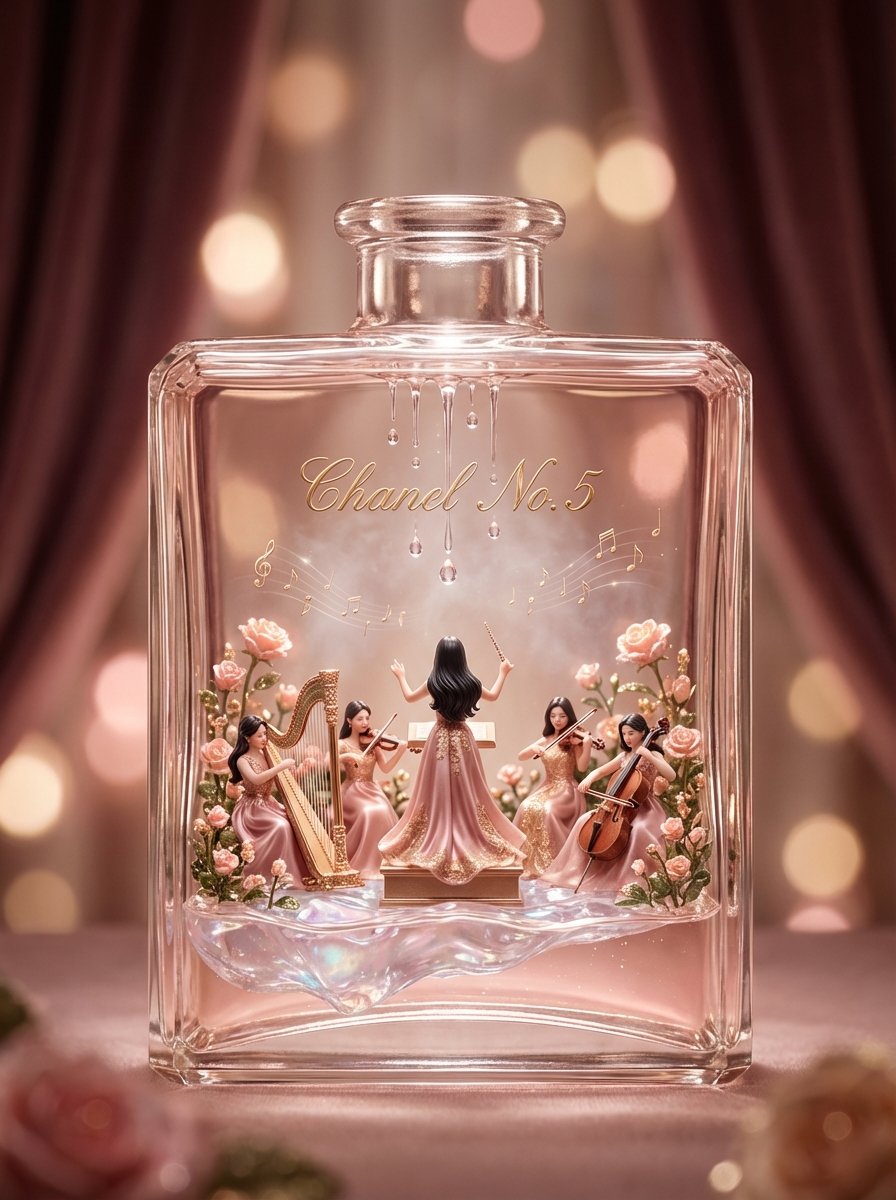
Luxury Skincare Diorama in a Perfume Bottle
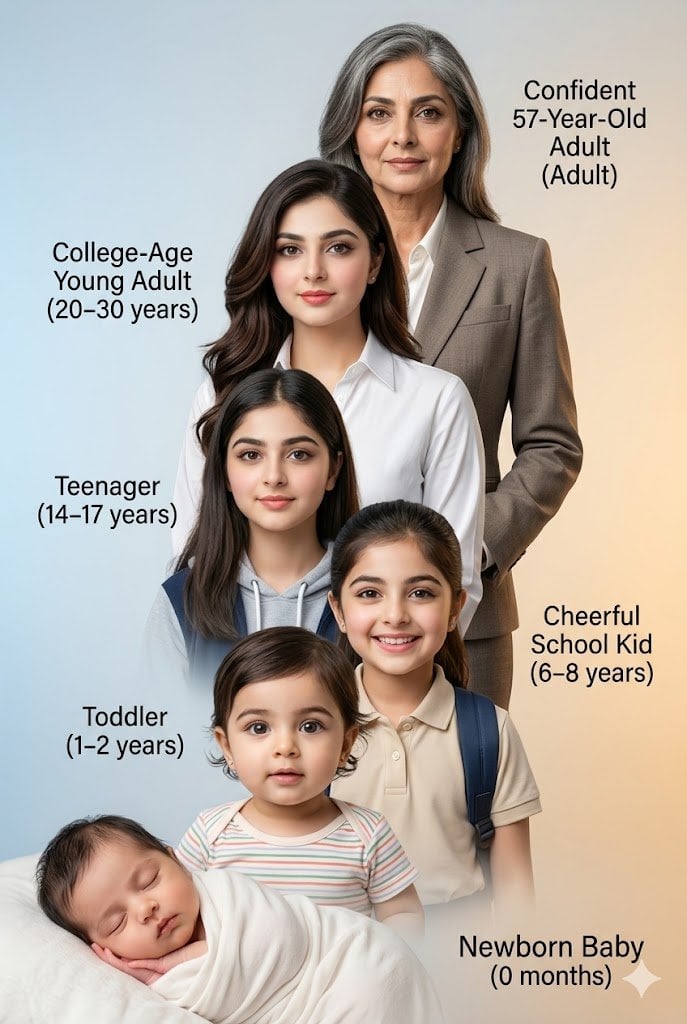
Human Life Progression Composite
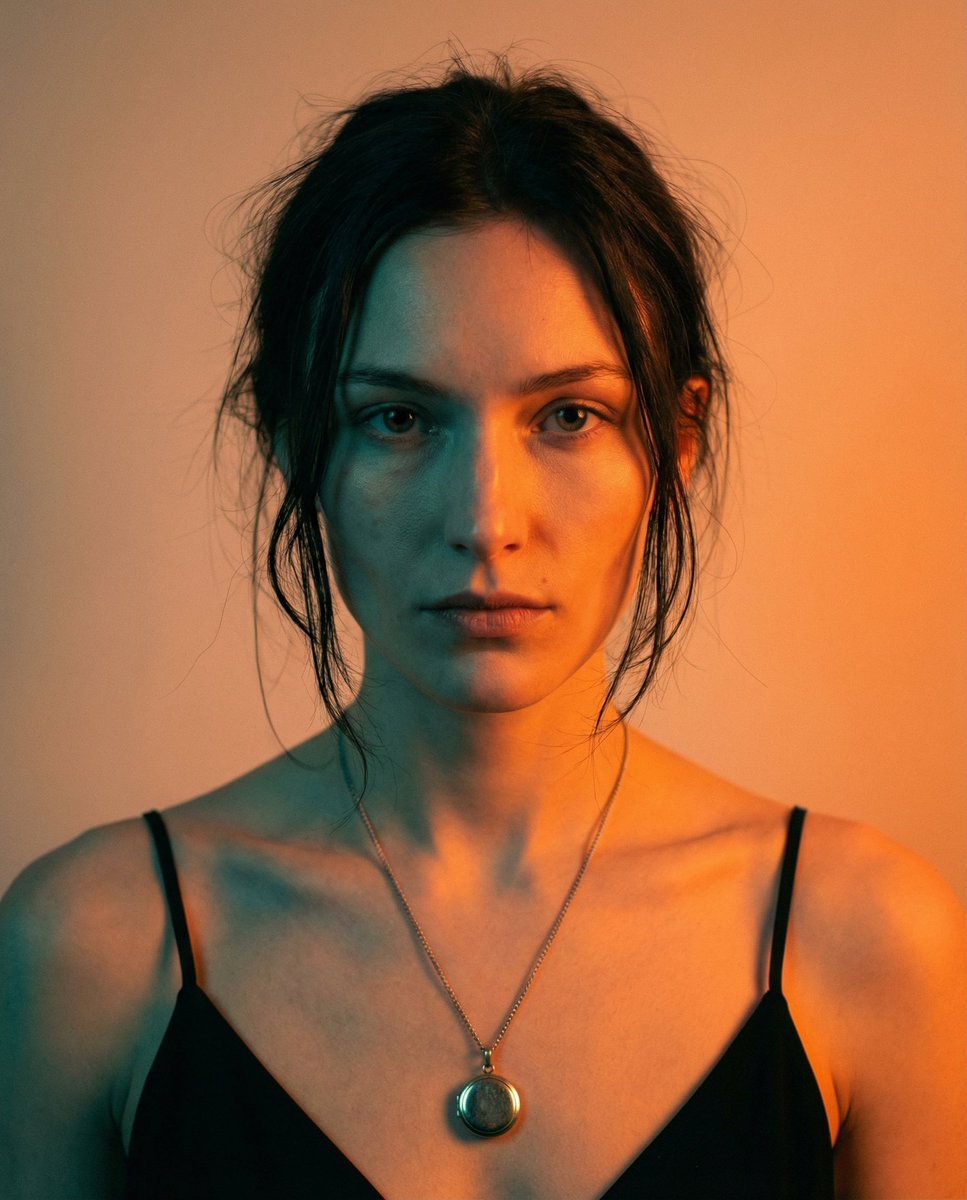
High-Contrast Cinematic Portrait Prompt
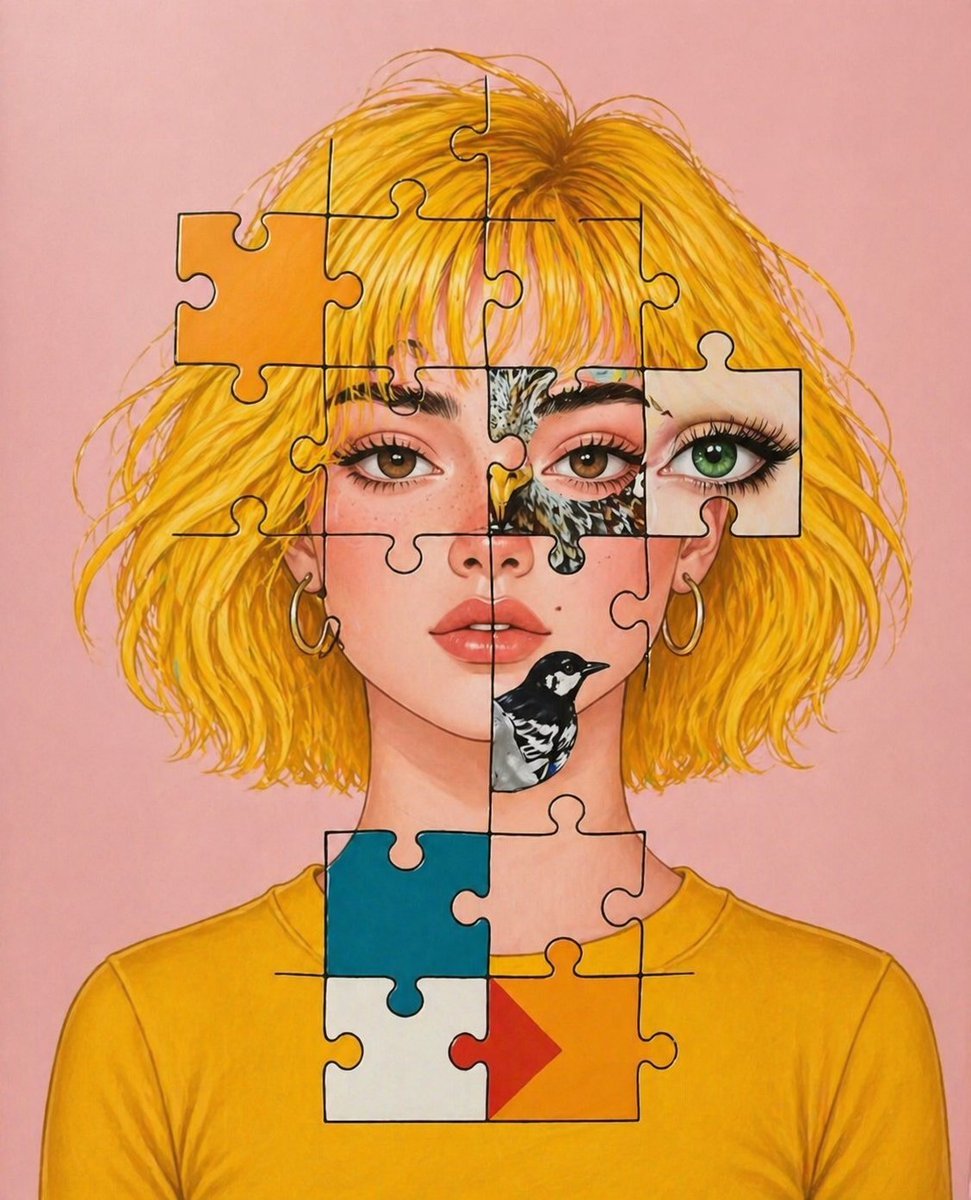
Surreal Jigsaw Portrait Illustration
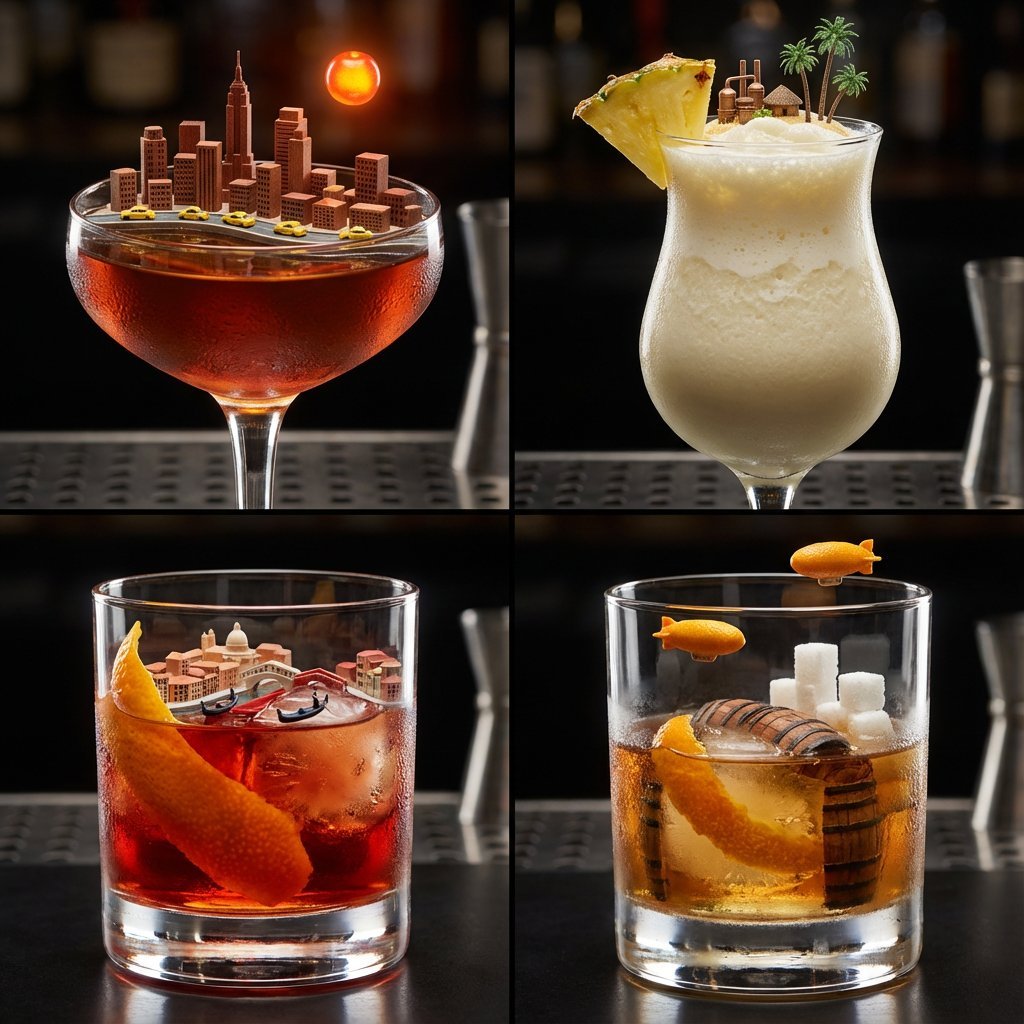
2x2 Grid of Cocktails as Tiny Living Cities
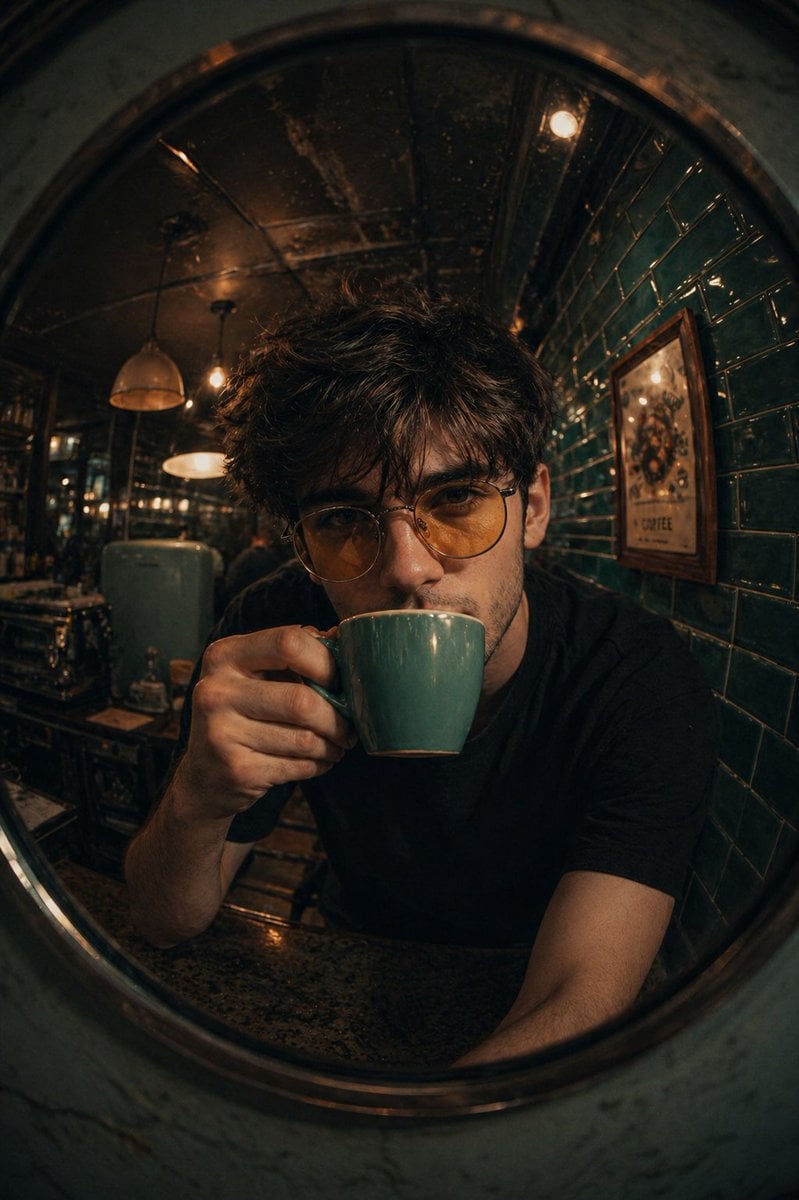
Retro Café Fish-eye Lens Portrait
Browse template categories
Detailed Gym Selfie Portrait with Shushing Pose questions
How do I use the Detailed Gym Selfie Portrait with Shushing Pose template?
Add your photo if the template asks for one, edit the prompt if you like — the template's model and format are already selected — and press Generate. Your version opens in PicX Studio.
Can I customize the Detailed Gym Selfie Portrait with Shushing Pose template?
Yes. You can change the subject, setting, lighting, mood, format, and available model controls before creating your image.
Is the Detailed Gym Selfie Portrait with Shushing Pose template free?
Opening and editing this template is free. Generating uses credits, shown on the Generate button when you are signed in.
Which AI model should I use?
Start with Nano Banana 2, which is the model associated with this template. You can compare another compatible model for a different finish.
Looking for something else? Browse all templates.

Your photo, any look
Thousands of ready templates for every top image and video model, from one credit balance.