
Elderly Couple Diner Breakfast
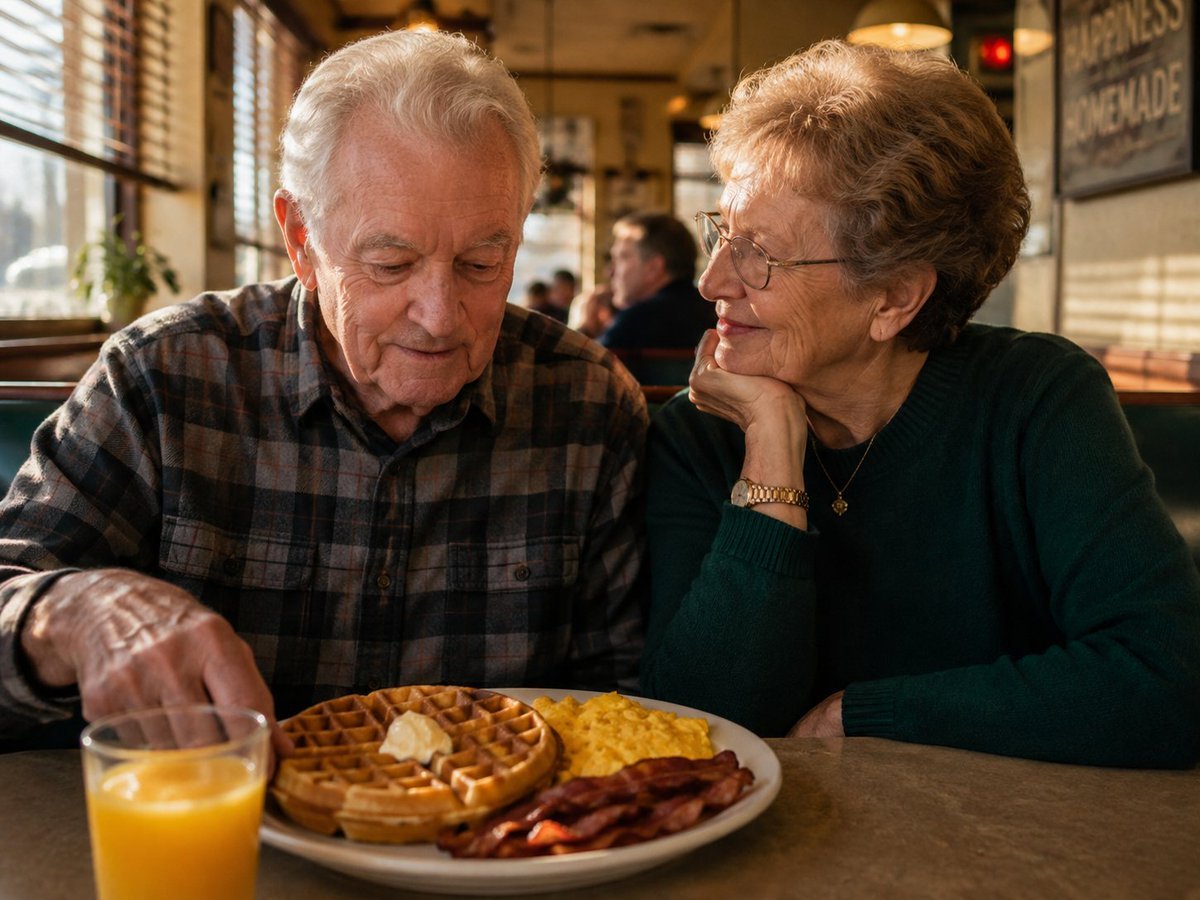
A photorealistic warm diner breakfast scene featuring an elderly couple sharing a nostalgic morning meal.
- Prompt included
- Model and format preset
- Free template
The prompt behind this image
Copy the exact prompt behind Elderly Couple Diner Breakfast, or open it in the studio and make it yours.
Create a warm photorealistic lifestyle photograph of {argument name="elderly couple" default="an elderly white couple"} sitting side by side in a cozy old-fashioned diner booth during breakfast. The scene contains exactly 2 people: an elderly man on the left with short white hair wearing a brown-gray plaid flannel shirt, looking down with a gentle focused expression as his left hand reaches toward the food; and an elderly woman on the right with short curly light-brown-gray hair, thin eyeglasses, a dark green sweater, a gold wristwatch and small necklace, resting her chin on her hand while smiling affectionately at him. In the foreground on the table, show exactly 1 white breakfast plate with exactly 4 visible food components: 1 round golden waffle with 1 pat of melting butter, 1 portion of scrambled eggs, and 4 strips of crispy bacon. Add exactly 1 glass of orange juice in the lower-left foreground, slightly out of focus. Set the diner interior with warm sunlight streaming through venetian blinds on the left, wooden window frames, teal booth seating, amber pendant lights, a softly blurred customer in the background, and a vintage wall sign on the right. Use {argument name="lighting style" default="golden morning window light"}, shallow depth of field, natural skin texture, candid composition, documentary realism, 35mm lens look, warm nostalgic color grading, and no visible artificial posing. Avoid text overlays, logos, extra people in the foreground, or cartoon styling.
How to use Elderly Couple Diner Breakfast in 3 steps
- 1Upload ImagePNG, JPG or paste
Add your photo
Upload the photo the template builds on. The prompt, model and format are already set.
- 2…a portrait of your subject in softgolden-hour light, 85mm…
Personalize
Edit the subject and creative details for your destination.
- 3Generate
Generate
Press Generate — your image is created in PicX Studio, so you can compare it with the original and refine one variable at a time.
More like this
Templates with the same subject, style or setup. Open one to see its prompt.












Make it yours
Elderly Couple Diner Breakfast works as-is. These are the safest ways to change it without losing the look.
Change one field
Copy a single group, rewrite it, and generate again so you can see what that field is doing.
Keep the frame, change the subject
Hold the composition and light of Elderly Couple Diner Breakfast, then swap wardrobe, props or the person for a new take.
| If the result… | Why | Fix |
|---|---|---|
| The result drifts from the preview | Too many fields changed at once. | Reuse Elderly Couple Diner Breakfast as-is first, then change one group — subject, light, or setting. |
| The model over-stylizes the scene | The prose prompt leaves finish and camera underspecified. | Add one camera or lighting sentence and stay on GPT Image 2. |
More GPT Image 2 templates
Other prompts made for GPT Image 2.

Six VTuber Japanese Logo Sheet

Realistic Portrait of Woman and Deer

The Vista Modular Condo Poster

AI Model Routing Comparison Infographic

2.5D Anime Art Board

Isometric Productivity Desk Scene

New York Double Exposure Poster

Four-Panel AI Landscape Comparison

Japanese Tatami Lifestyle Magazine Cover

NESCAFÉ Coffee Map Poster
More image prompts
Fresh picks from across the catalog.
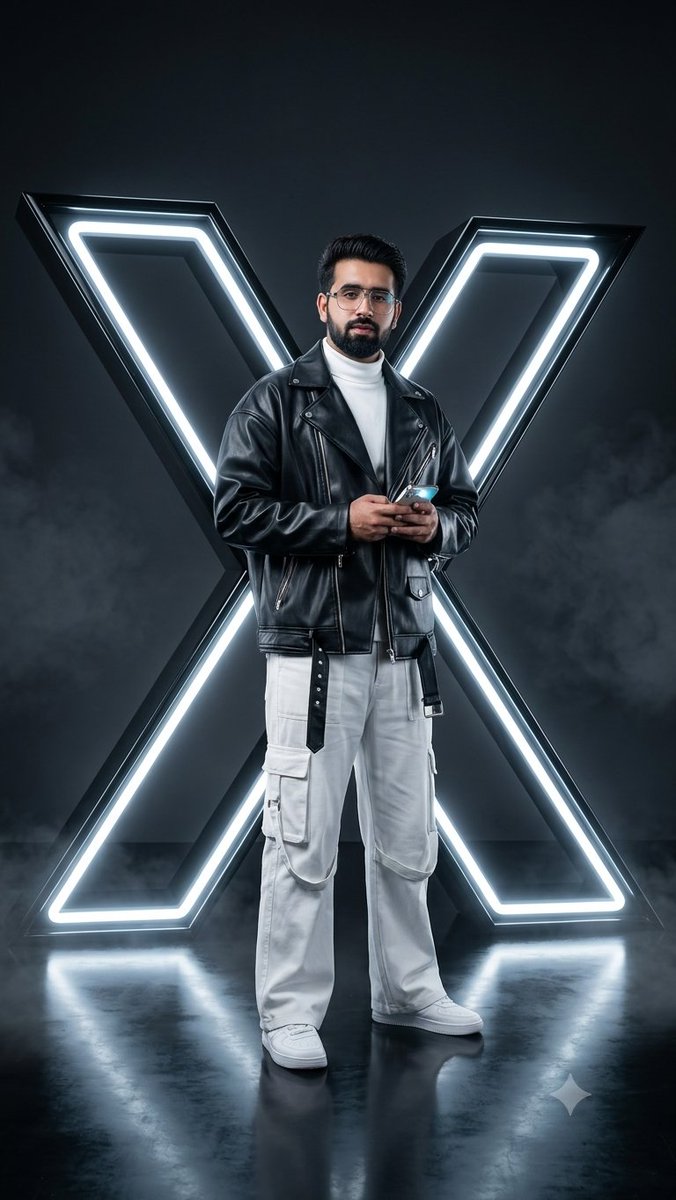
Cyberpunk Neon Twitter Logo Portrait
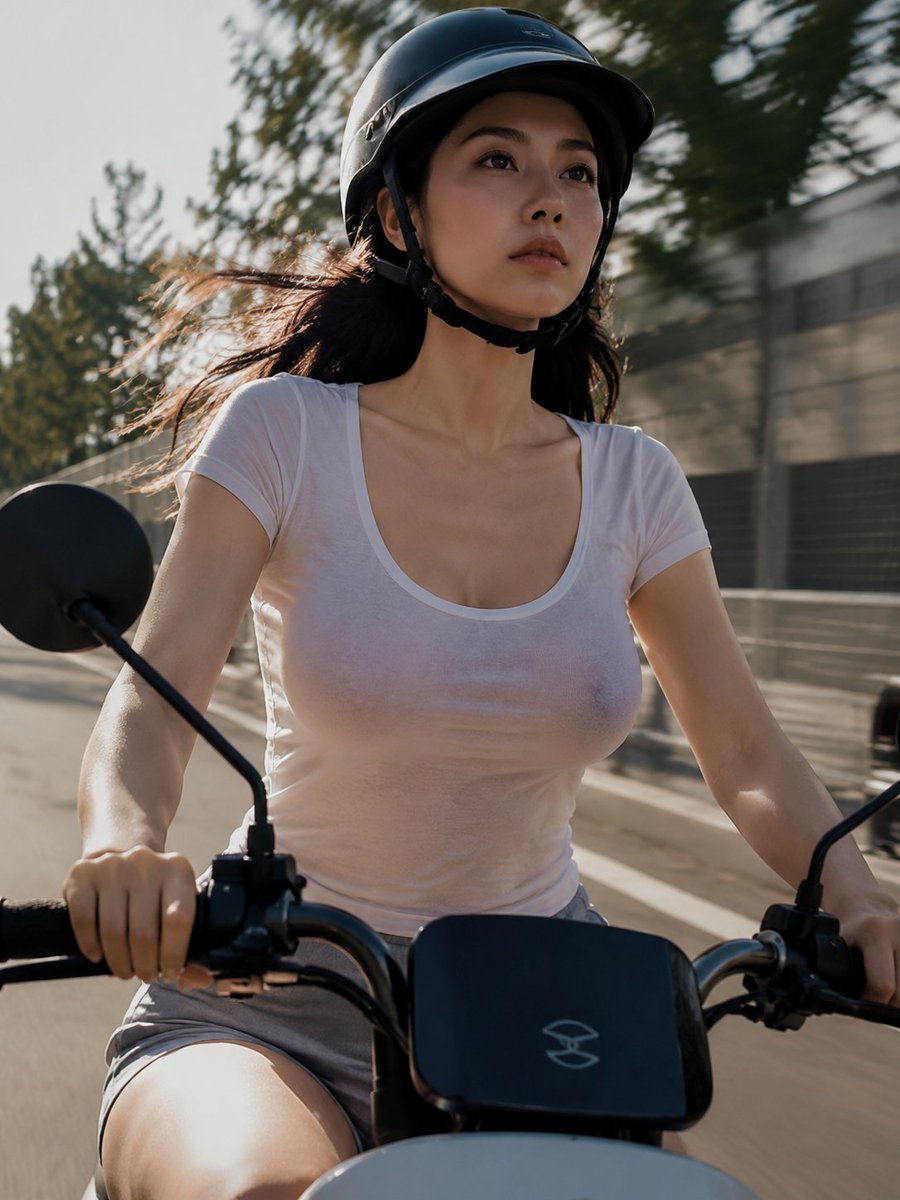
Helmeted Scooter Rider With Face Block
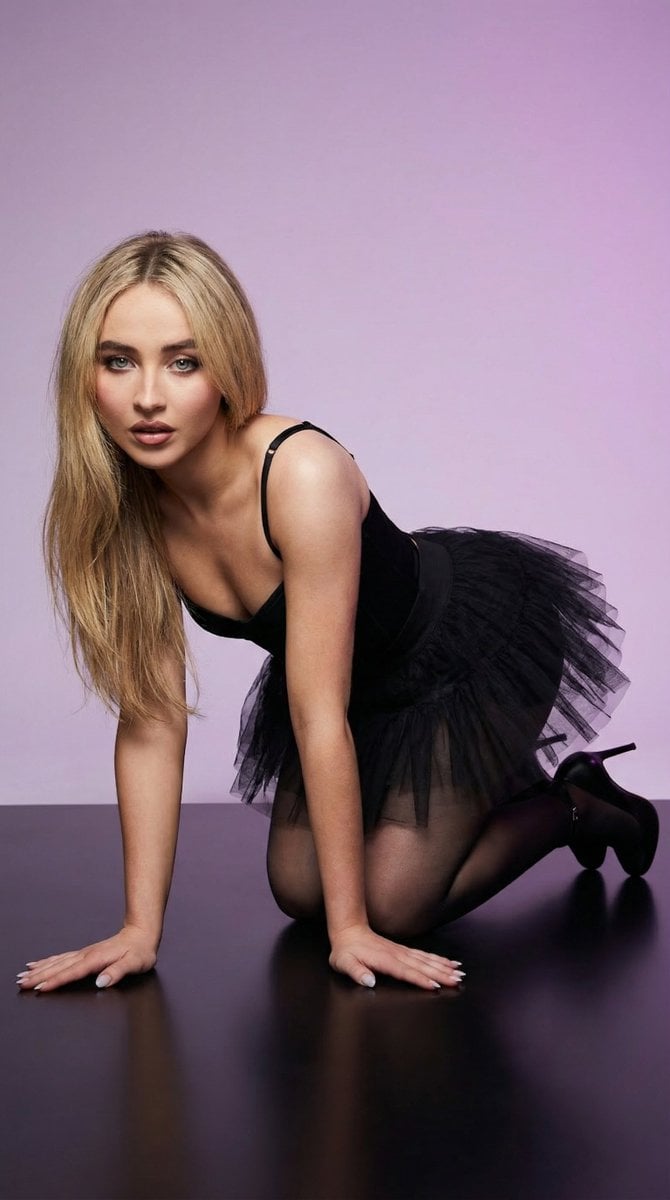
High-Fashion Studio Pose Prompt (Absolute Identity Lock)
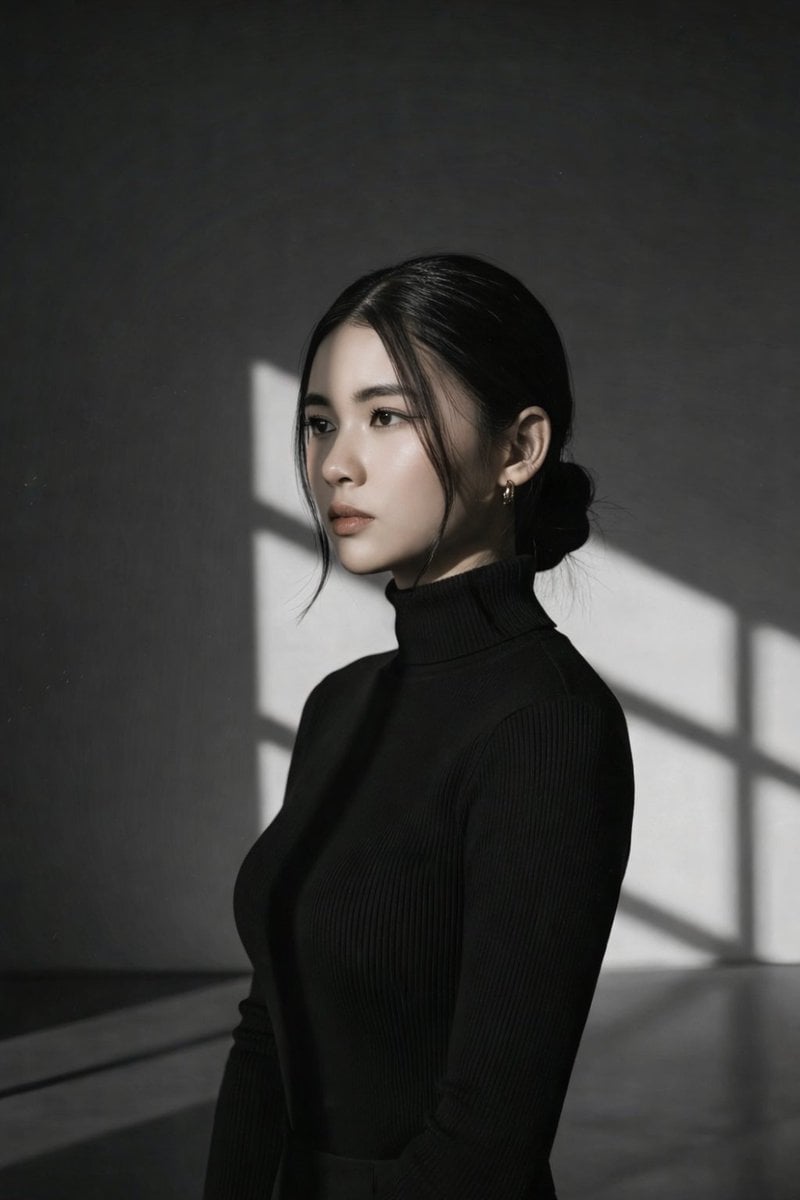
Minimalist Window Light Black and White Portrait Prompt
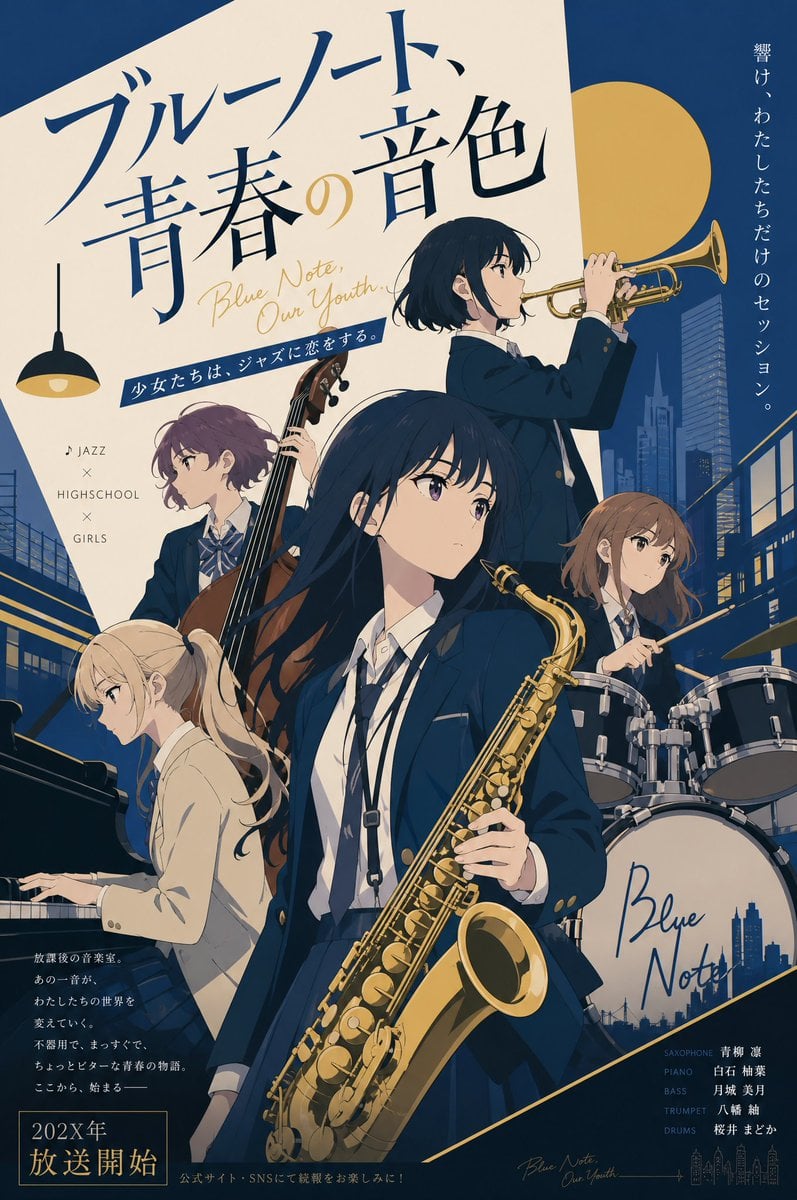
Jazz Theme Anime Key Visual

Bali Rice Field Photography
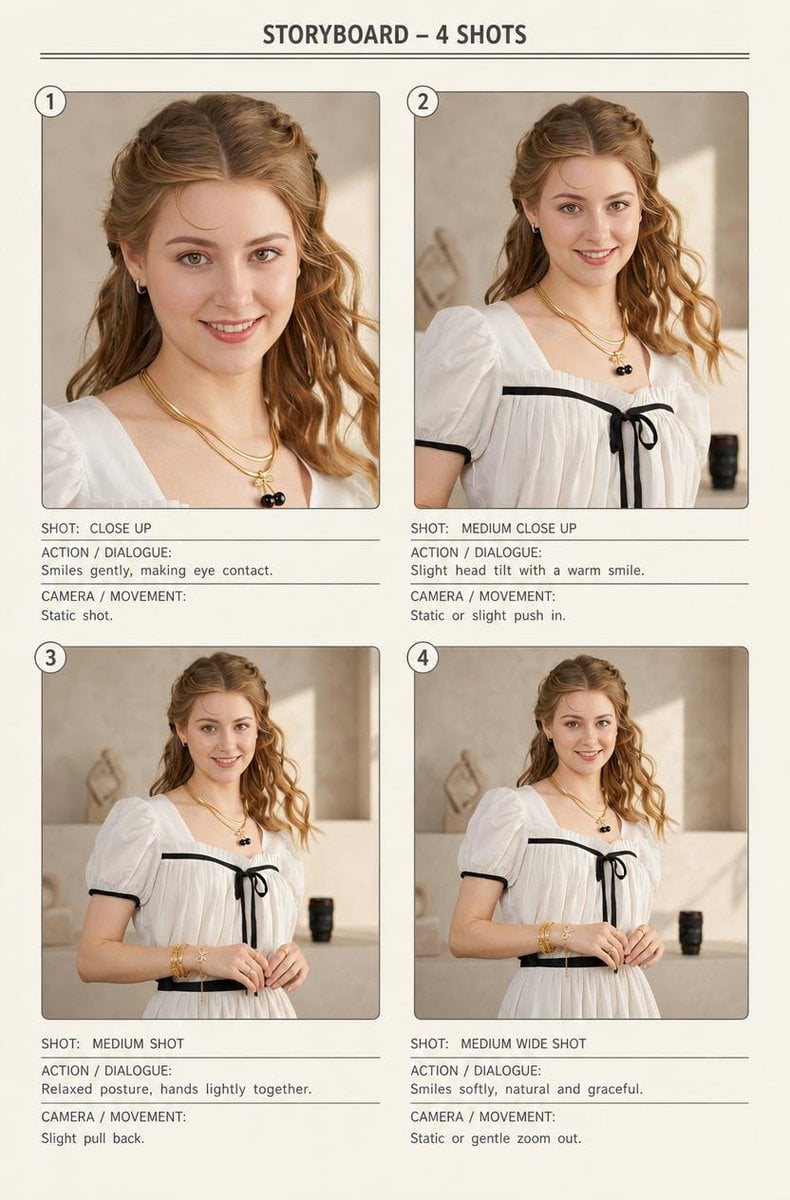
Four-Shot Fashion Storyboard

Product Render Config: Chocolate Wafer Hazelnut Edition
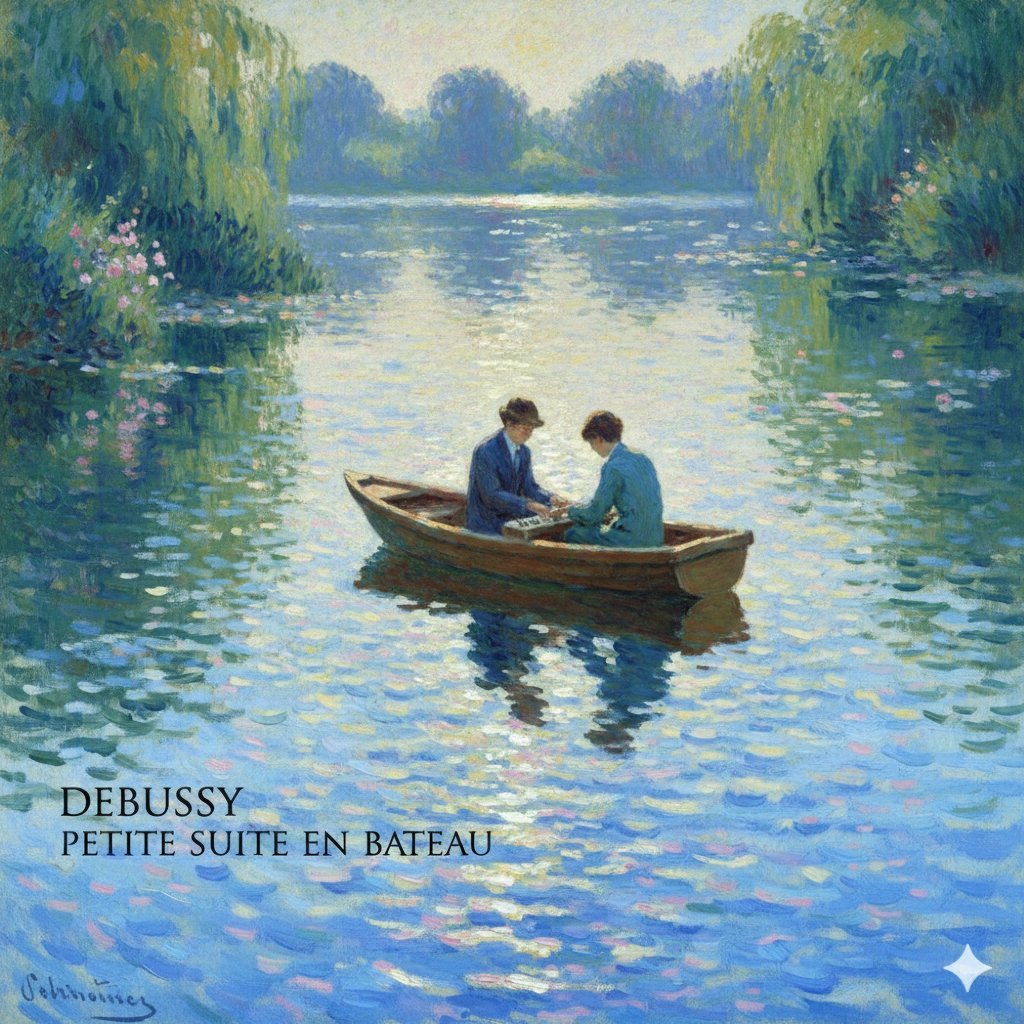
Generate Debussy's 'Petit Suite: En Bateau' in Monet's Style with Color Modification
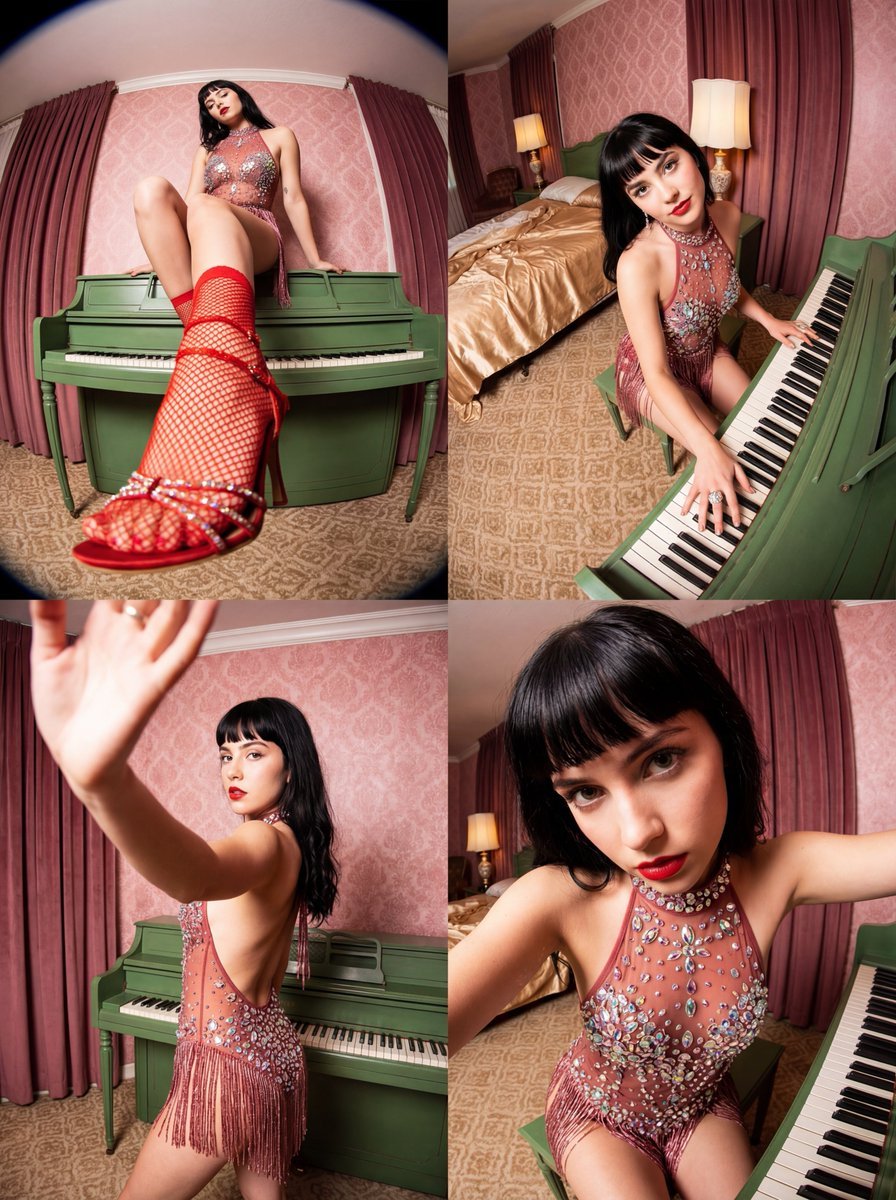
Vintage Glamour Piano Series Collage Prompt
Browse template categories
Elderly Couple Diner Breakfast questions
How do I use the Elderly Couple Diner Breakfast template?
Add your photo if the template asks for one, edit the prompt if you like — the template's model and format are already selected — and press Generate. Your version opens in PicX Studio.
Can I customize the Elderly Couple Diner Breakfast template?
Yes. You can change the subject, setting, lighting, mood, format, and available model controls before creating your image.
Is the Elderly Couple Diner Breakfast template free?
Opening and editing this template is free. Generating uses credits, shown on the Generate button when you are signed in.
Which AI model should I use?
Start with GPT Image 2, which is the model associated with this template. You can compare another compatible model for a different finish.
Looking for something else? Browse all templates.

Your photo, any look
Thousands of ready templates for every top image and video model, from one credit balance.