
Chic Valentine Editorial Portrait
Chic Valentine Editorial Portrait is a ready photo look.
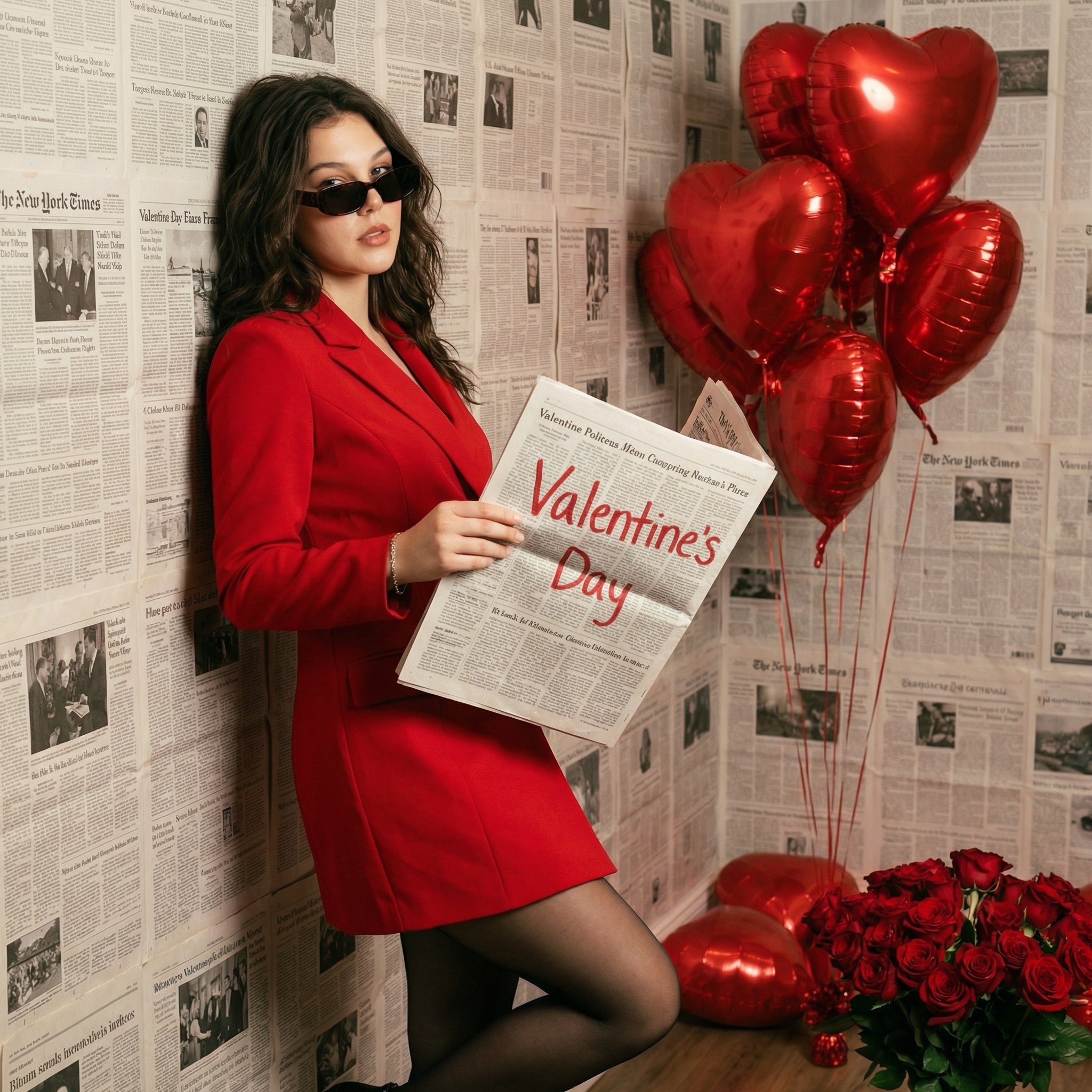
- Prompt included
- Model and format preset
- Premium template
The prompt behind this image
Copy the exact prompt behind Chic Valentine Editorial Portrait, or open it in the studio and make it yours.
PROMPT: Ultra-realistic fashion editorial photograph, taking reference from the uploaded image (exact facial features, skin tone, hairstyle, body proportions, pose, and attitude). A confident woman standing against a wall fully covered in vintage newspaper pages, holding an unfolded newspaper with the handwritten words “Valentine’s Day” in bold red marker. She wears a structured red blazer dress with sharp tailoring, black sheer tights, and minimal accessories, paired with dark sunglasses. Red heart-shaped helium balloons clustered beside her, some floating, some resting on the floor, with a bouquet of red roses placed naturally at the base. Clean studio-style lighting with soft shadows, neutral white balance, accurate reds without oversaturation. True-to-life skin texture, natural makeup, realistic fabric folds, crisp newspaper print, authentic balloon reflections and wrinkles. High-fashion editorial look, shot on a full-frame DSLR, 50mm lens, f/2.8, RAW photo realism. Bold, modern, confident — looks like a real magazine shoot, not stylized or artificial. NEGATIVE PROMPT: AI-generated look, CGI, illustration, painterly style, plastic skin, over-retouching, fake reflections, warped text, unreadable typography, distorted hands, symmetry artifacts, HDR glow, cinematic grading, oversaturated reds, uncanny valley.
How to use Chic Valentine Editorial Portrait in 3 steps
- 1Upload ImagePNG, JPG or paste
Add your photo
Upload the photo the template builds on. The prompt, model and format are already set.
- 2…a portrait of your subject in softgolden-hour light, 85mm…
Personalize
Edit the subject and creative details for your destination.
- 3Generate
Generate
Press Generate — your image is created in PicX Studio, so you can compare it with the original and refine one variable at a time.
More like this
Templates with the same subject, style or setup. Open one to see its prompt.

untitled

Gpt Image 2 Fashion Portrait

Caution Tape Fashion — Industrial Editorial
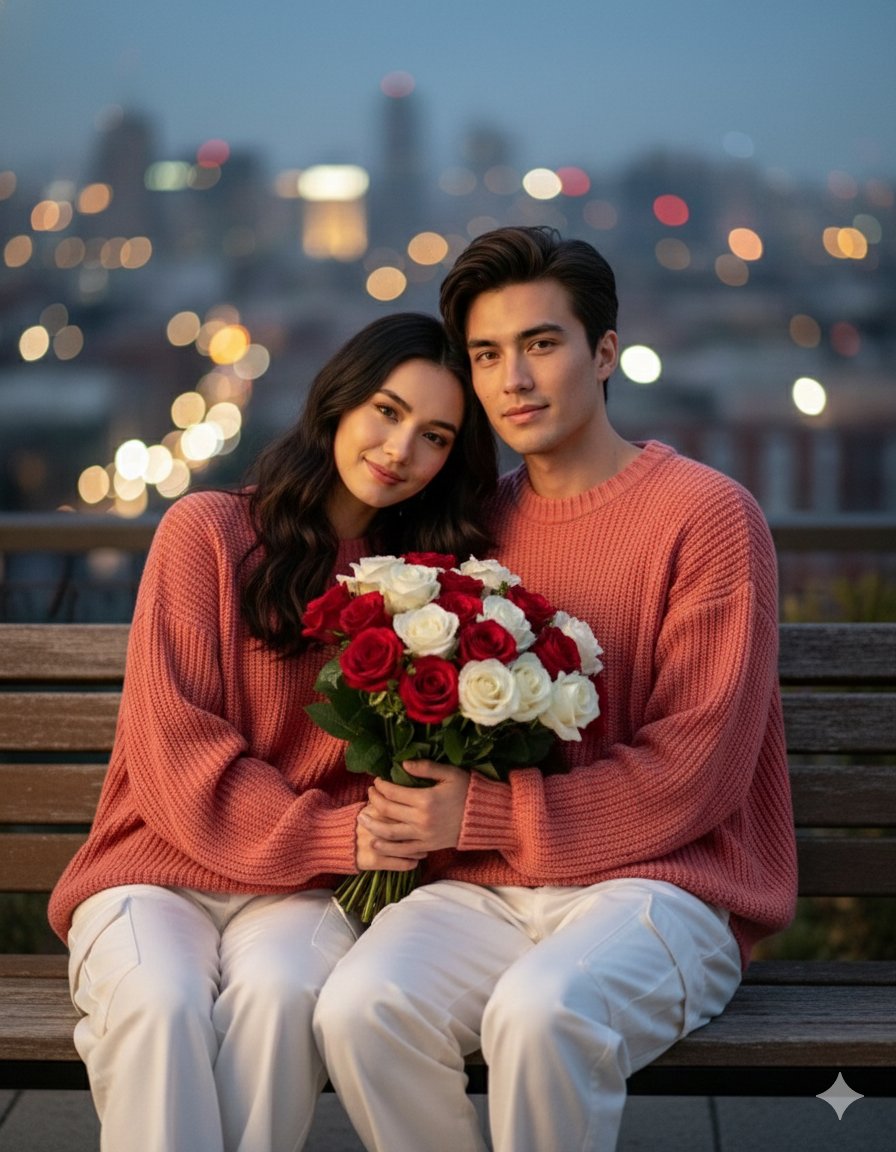
Valentine S Day Couple Portraits

Couture Fashion Editorial Woman and Drag

Nano Banana 2 Editorial Fashion Portrait
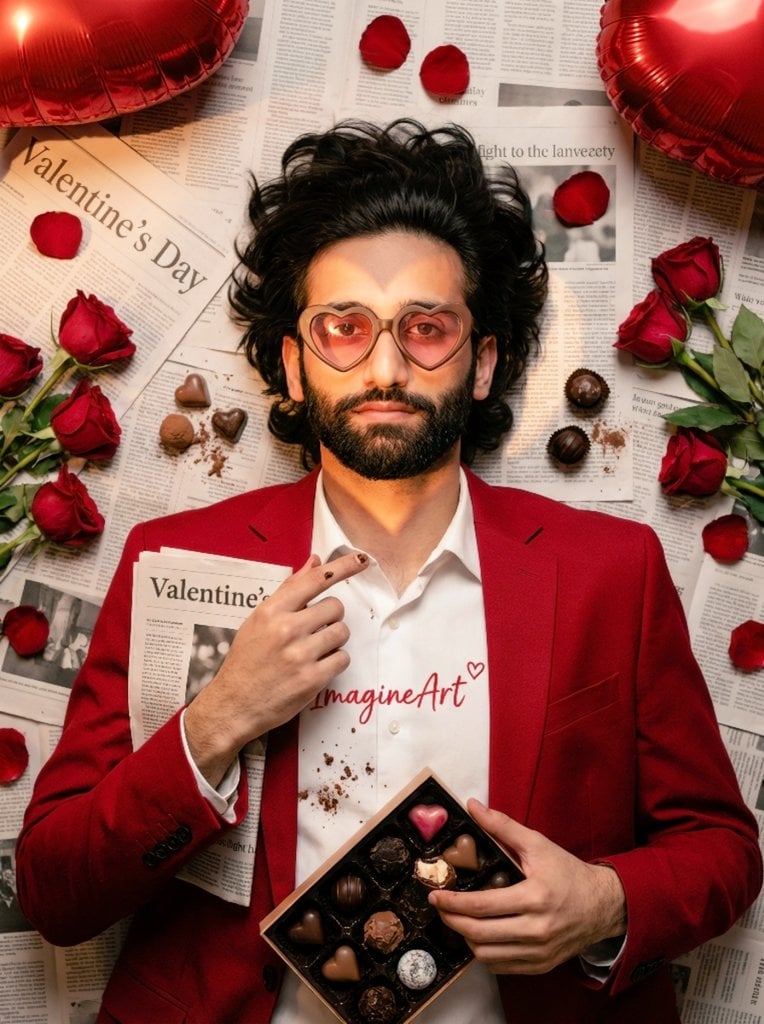
Valentine's Day Chocolate and Roses Editorial Portrait
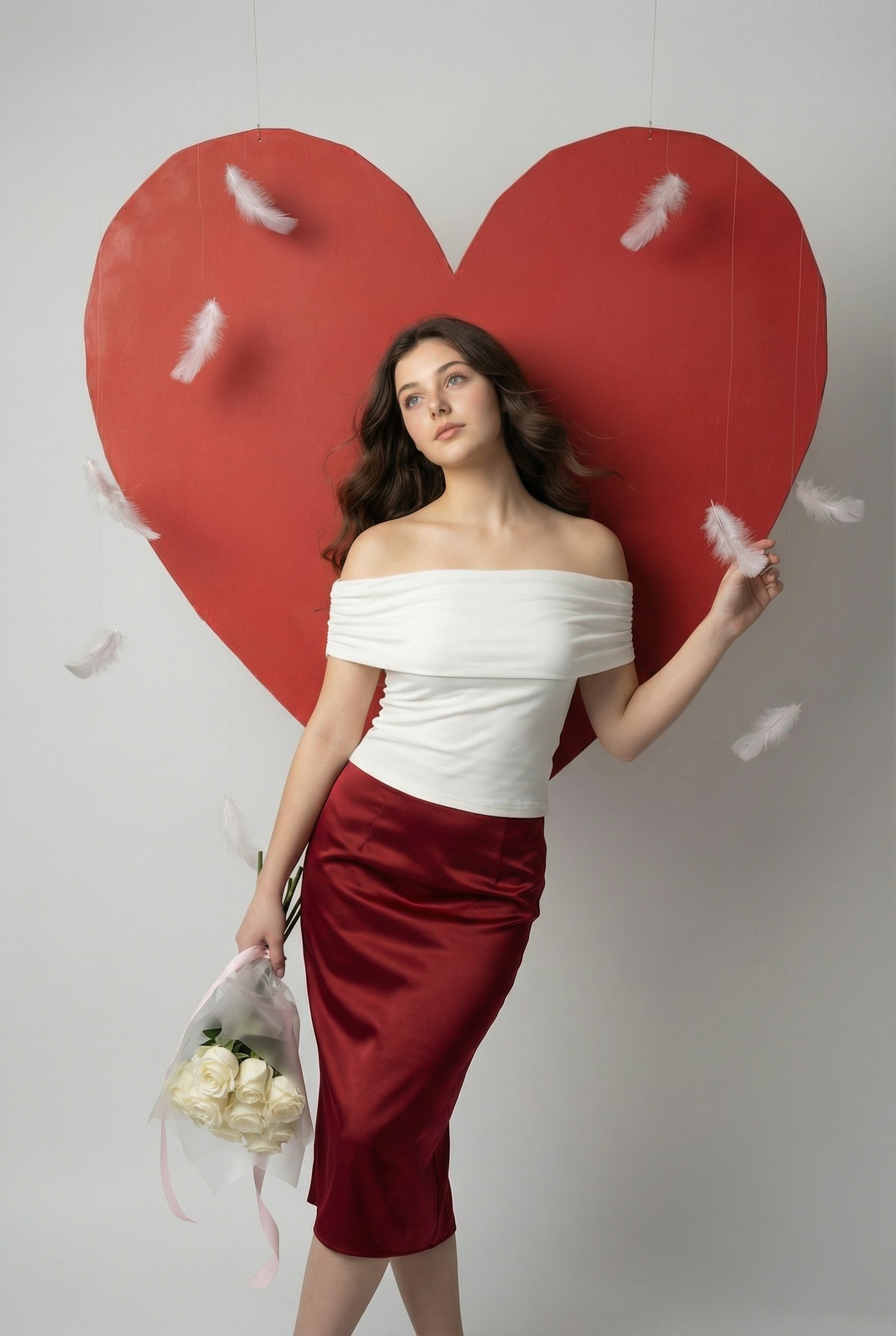
Serene Valentine Editorial Portrait

Found Photograph: Us, 1970

80s Couple Studio Portrait

80s Bollywood Star

80s Golden Hour Cinema
Make it yours
Chic Valentine Editorial Portrait works as-is. These are the safest ways to change it without losing the look.
Change one field
Copy a single group, rewrite it, and generate again so you can see what that field is doing.
Keep the frame, change the subject
Hold the composition and light of Chic Valentine Editorial Portrait, then swap wardrobe, props or the person for a new take.
| If the result… | Why | Fix |
|---|---|---|
| The result drifts from the preview | Too many fields changed at once. | Reuse Chic Valentine Editorial Portrait as-is first, then change one group — subject, light, or setting. |
| The model over-stylizes the scene | The prose prompt leaves finish and camera underspecified. | Add one camera or lighting sentence and stay on PicX Studio. |
More image prompts
Fresh picks from across the catalog.
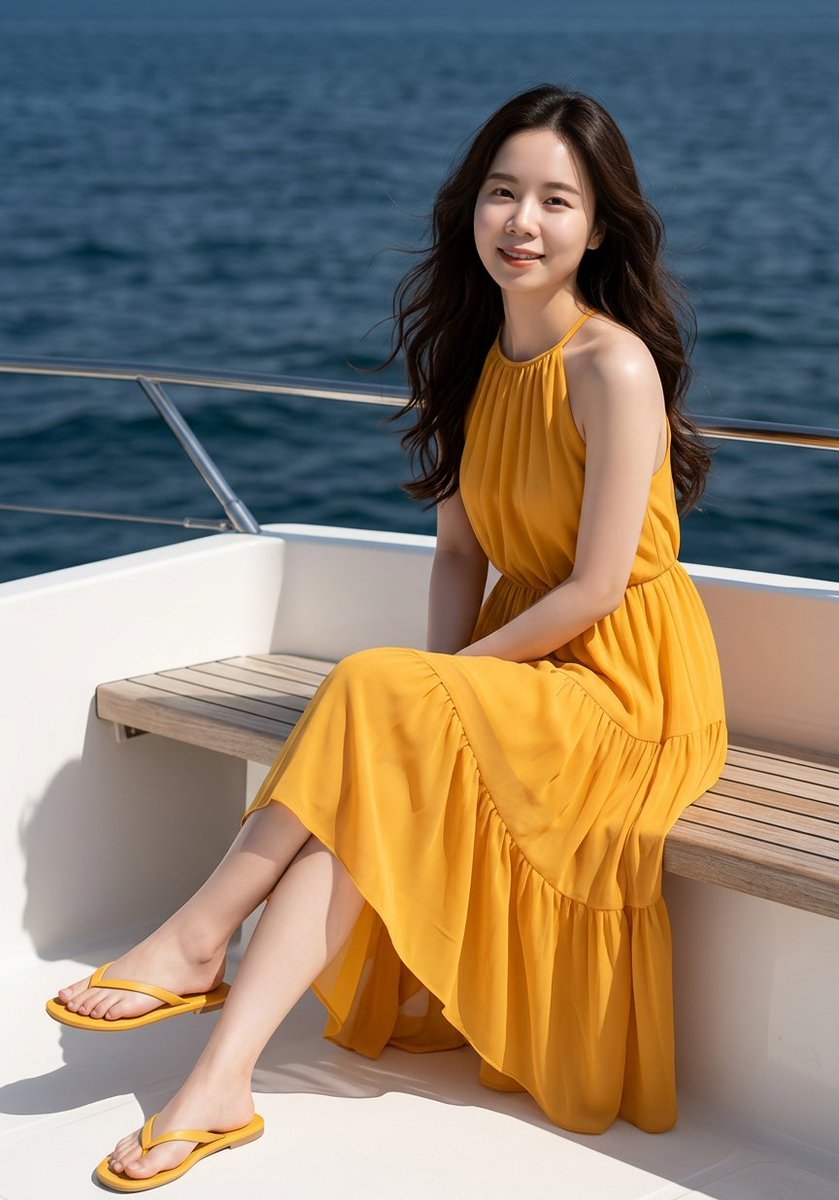
Professional Fashion Shot on Yacht Deck
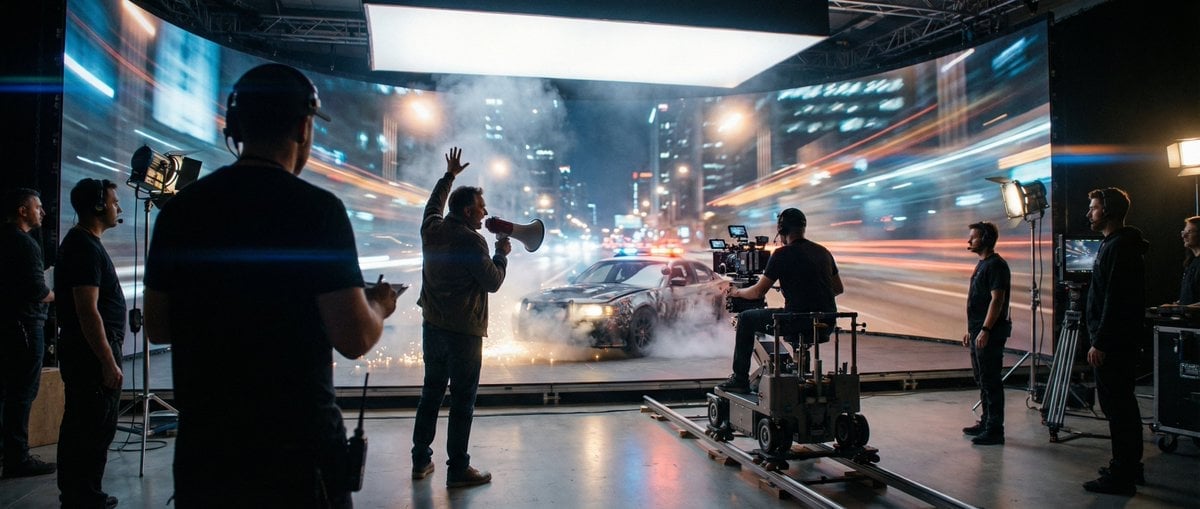
Cinematic Studio Shot of a Soccer Commercial Set
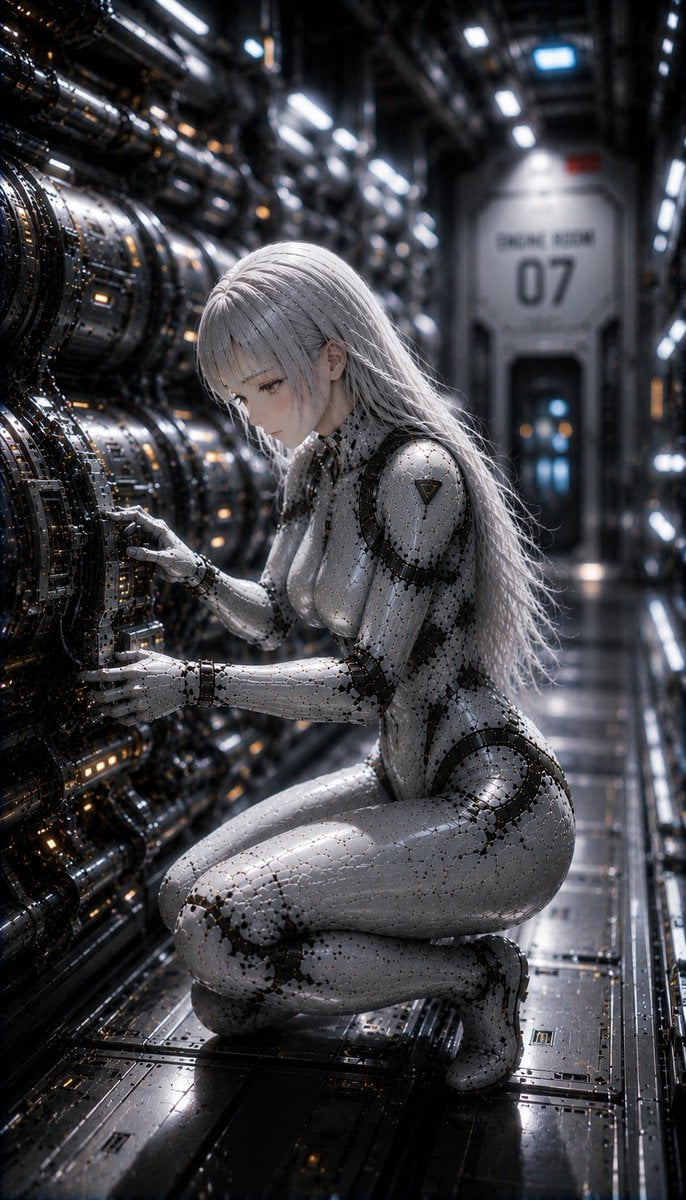
Female Android on a Spaceship
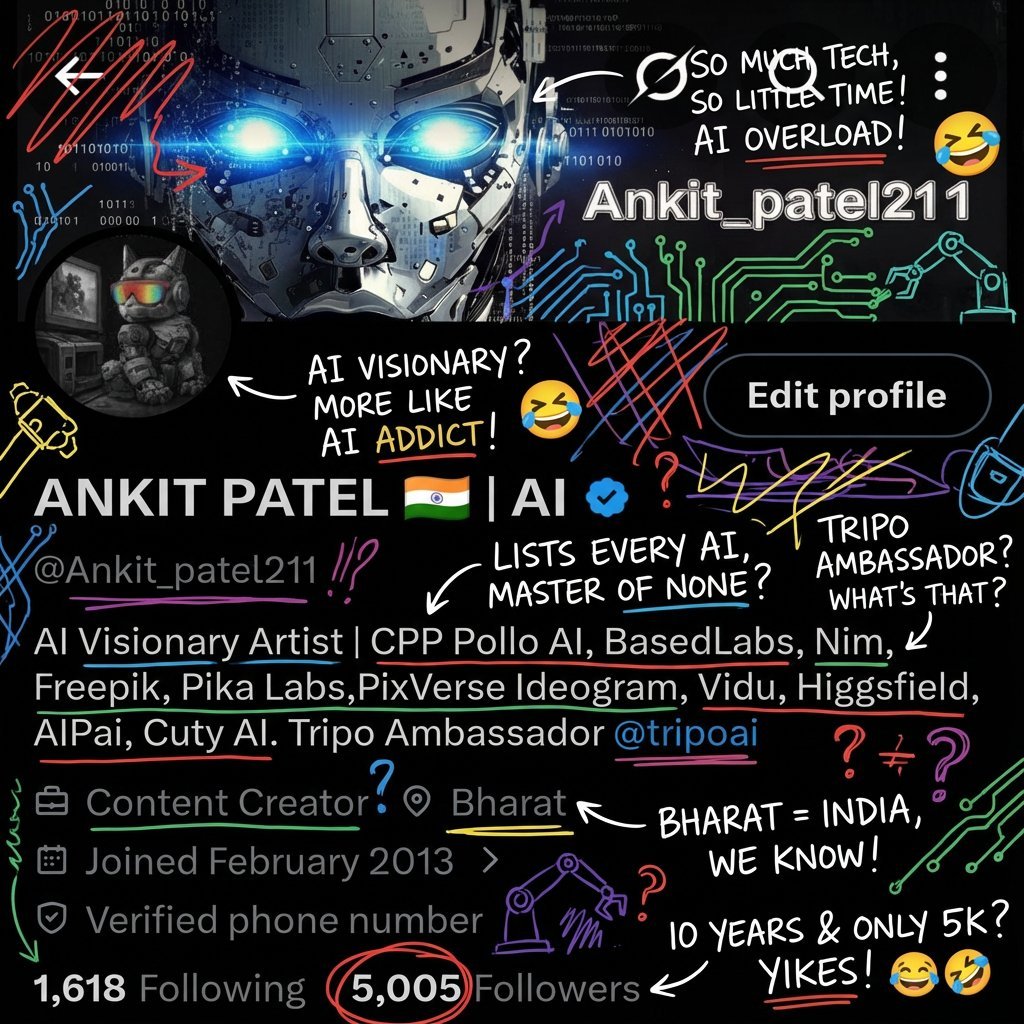
Image Transformation into Energetic Roast Scribbles
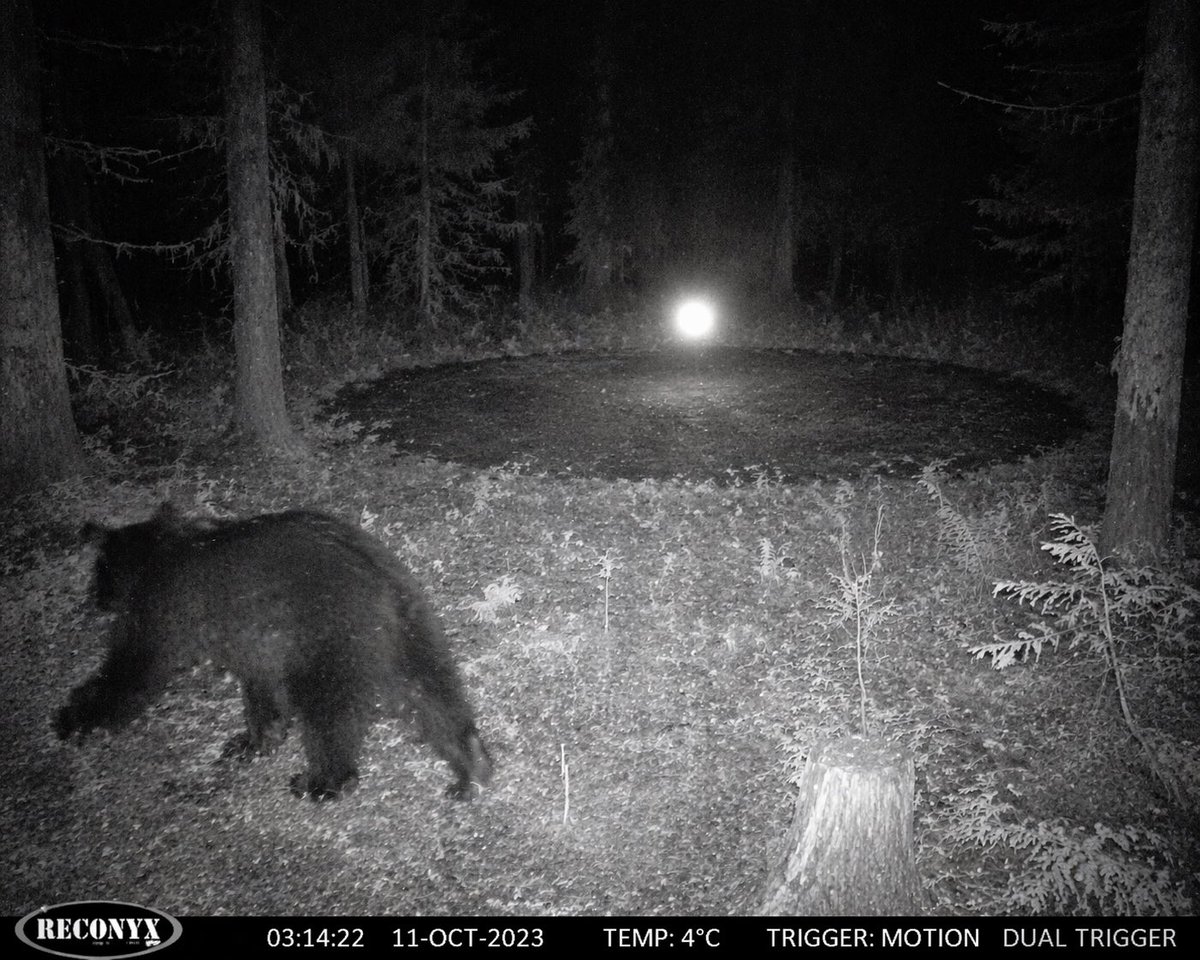
Paranormal Trail Camera Encounter
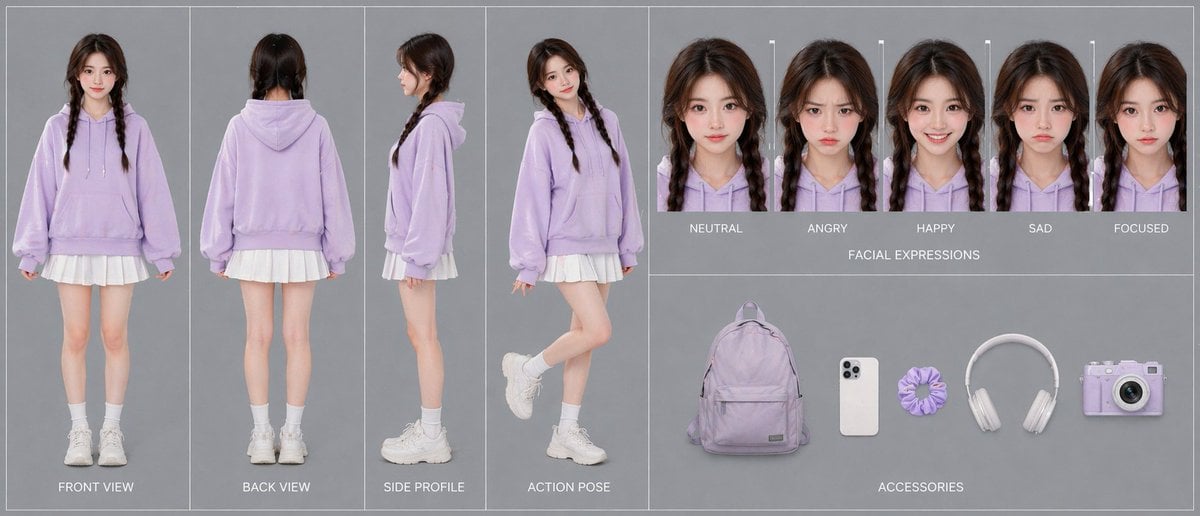
Lavender Hoodie Character Reference Sheet
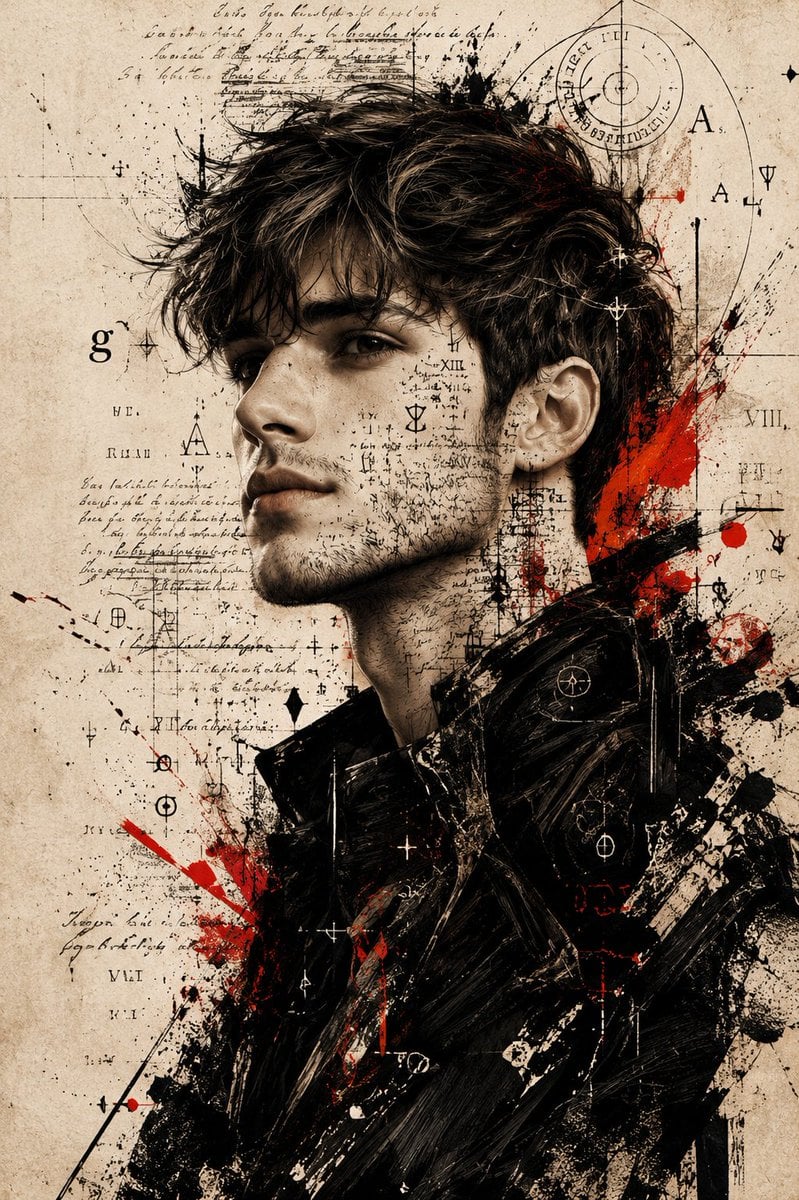
Expressive Mixed-Media Ink Portrait
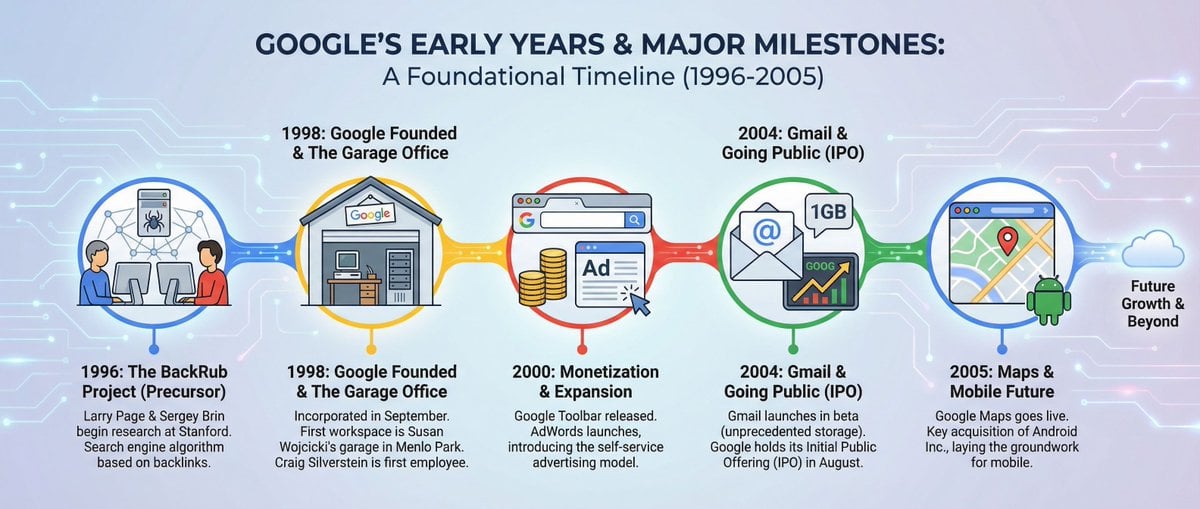
Infographic about Google’s early years
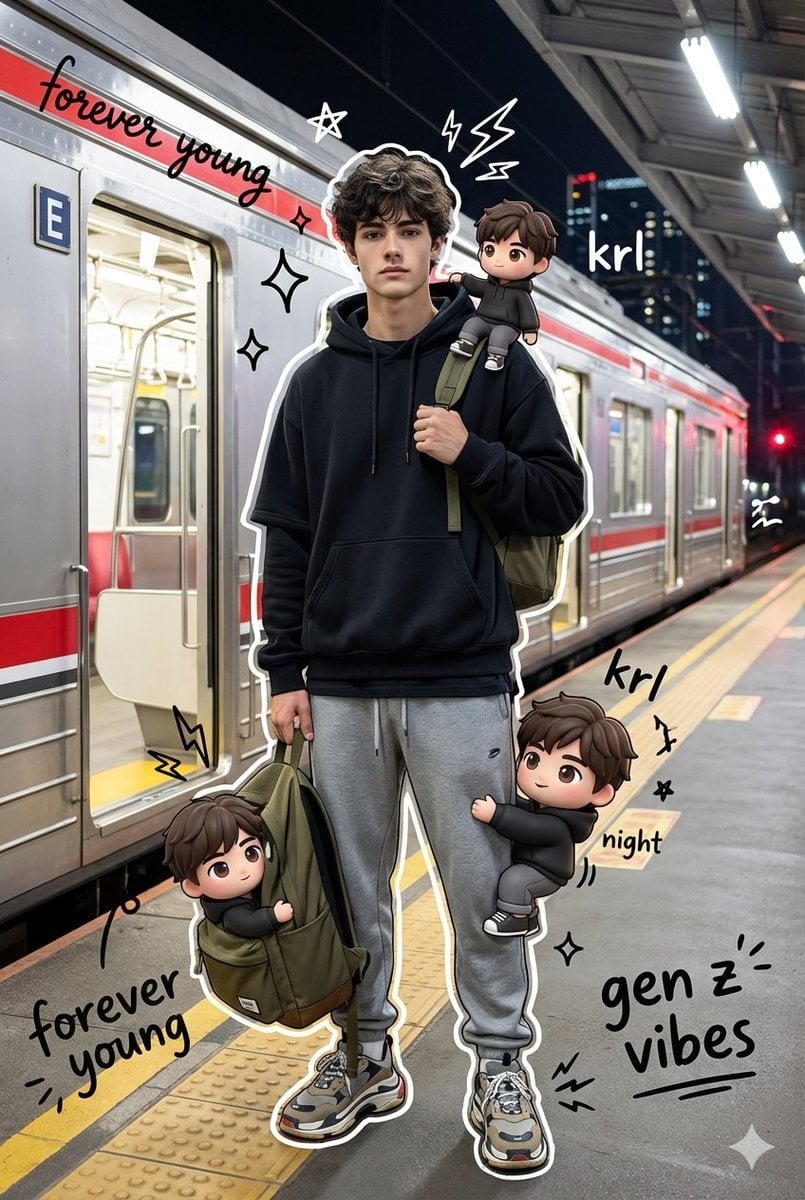
Mixed Media Chibi Streetwear Portrait
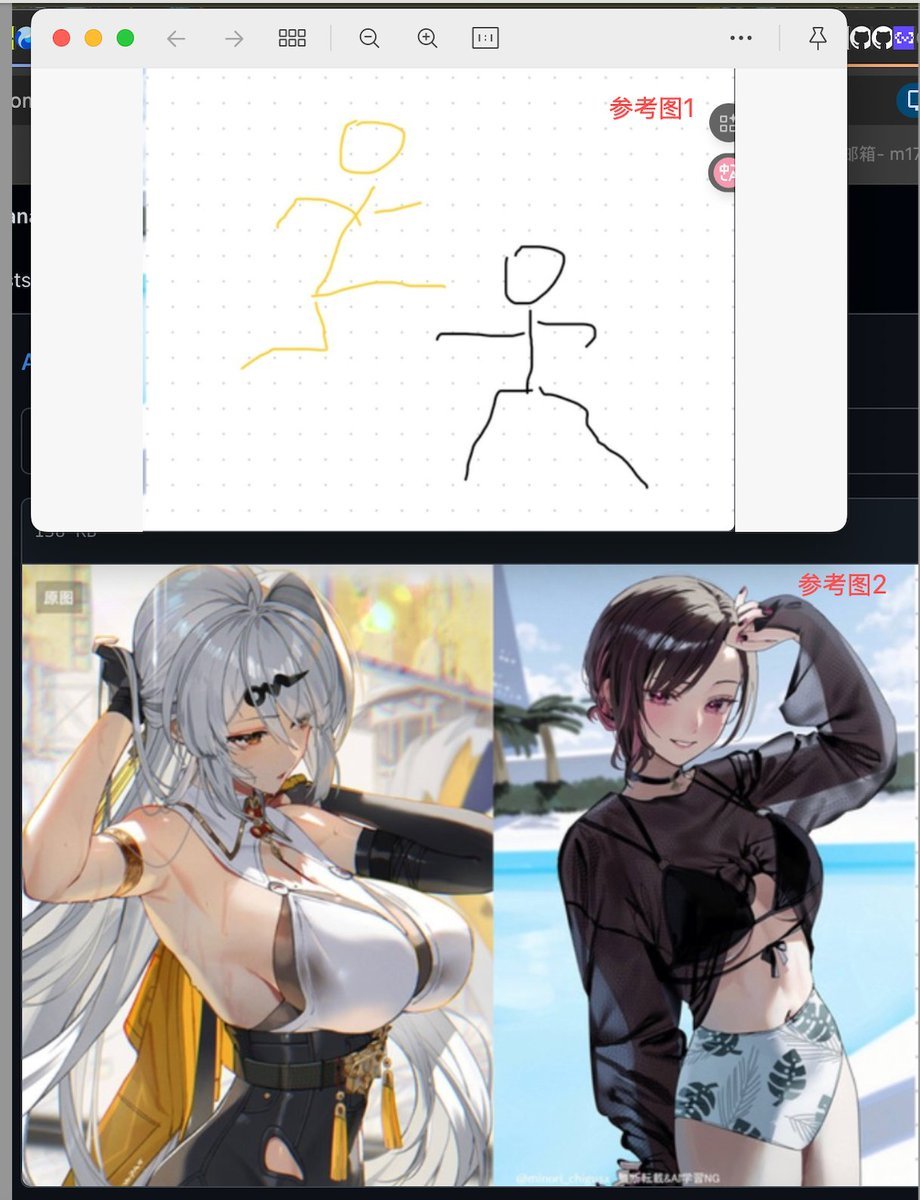
Image Fusion Prompt Using Multiple References
Browse template categories
Chic Valentine Editorial Portrait questions
How do I use the Chic Valentine Editorial Portrait template?
Add your photo if the template asks for one, edit the prompt if you like — the template's model and format are already selected — and press Generate. Your version opens in PicX Studio.
Can I customize the Chic Valentine Editorial Portrait template?
Yes. You can change the subject, setting, lighting, mood, format, and available model controls before creating your image.
Is the Chic Valentine Editorial Portrait template free?
Opening and editing this template is free. Generating uses credits, shown on the Generate button when you are signed in.
Which AI model should I use?
Choose a compatible model in PicX Studio based on the style, speed, and output controls your project needs.
Looking for something else? Browse all templates.

Your photo, any look
Thousands of ready templates for every top image and video model, from one credit balance.