
Detailed Social Media Mirror Selfie Portrait
An extremely detailed, structured JSON prompt for generating a photorealistic social media mirror selfie.
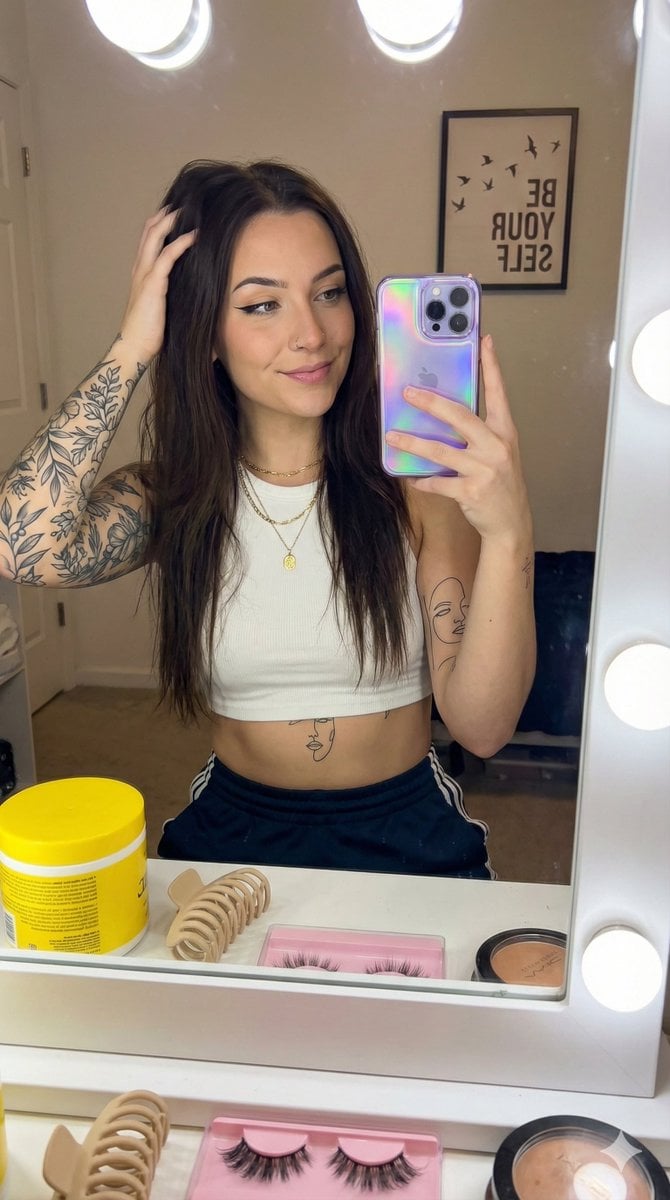
- Prompt included
- Model and format preset
- Premium template
The prompt behind this image
Copy the exact prompt behind Detailed Social Media Mirror Selfie Portrait, or open it in the studio and make it yours.
- Prompt Configuration › Type
- photorealistic
- Prompt Configuration › Style
- social_media_mirror_selfie
- Prompt Configuration › Viewpoint
- eye_level_reflection
- Subject Details › Demographics
- Young adult female, light skin tone, slender build
- Subject Details › Hair › Color
- Dark brown/black
- Subject Details › Hair › Style
- Long, straight, layered
- Subject Details › Hair › Action
- Left hand raised, fingers running through hair on the left side, lifting it slightly away from the face
- Subject Details › Face › Expression
- Calm, confident, soft smile, eyes looking at phone screen in reflection
- Subject Details › Face › Makeup › Eyes
- Sharp black winged eyeliner, defined lashes
- Subject Details › Face › Makeup › Brows
- Sculpted and defined arches
- Subject Details › Face › Makeup › Lips
- Natural pink tone, soft matte finish
- Subject Details › Face › Piercings
- Small silver stud in right nostril
- Subject Details › Body Art › Left Arm
- Full sleeve tattoo featuring botanical elements, leaves, and floral shading in black and grey ink
- Subject Details › Body Art › Right Forearm
- Stylized fine-line illustration of a woman's face/portrait
- Subject Details › Body Art › Torso
- Minimalist fine-line tattoo of a face located centrally on the upper stomach/ribcage
- Attire And Accessories › Clothing › Top
- White cropped tank top, ribbed cotton texture, high neck, racerback cut
- Attire And Accessories › Clothing › Bottom
- Dark athletic pants or sweatpants with white vertical stripes on the waistband
- Attire And Accessories › Clothing › Fit
- Form-fitting, revealing midriff
- Attire And Accessories › Jewelry › Necklaces
- Gold chain with a small circular pendant (shorter length), Gold chain with a heart-shaped pendant (longer length)
- Attire And Accessories › Tech › Device
- iPhone Pro model
- Attire And Accessories › Tech › Case
- Holographic purple/blue iridescent case with wavy/psychedelic liquid pattern
- Attire And Accessories › Tech › Held By
- Right hand, fingers gripping the bottom and side
- Environment And Clutter › Setting
- Personal vanity area/bedroom
- Environment And Clutter › Foreground Objects On Counter › Left
- Large yellow cylindrical tub (hair mask or cream)
Raw JSON
{
  "prompt_configuration": {
    "type": "photorealistic",
    "style": "social_media_mirror_selfie",
    "viewpoint": "eye_level_reflection"
  },
  "subject_details": {
    "demographics": "Young adult female, light skin tone, slender build",
    "hair": {
      "color": "Dark brown/black",
      "style": "Long, straight, layered",
      "action": "Left hand raised, fingers running through hair on the left side, lifting it slightly away from the face"
    },
    "face": {
      "expression": "Calm, confident, soft smile, eyes looking at phone screen in reflection",
      "makeup": {
        "eyes": "Sharp black winged eyeliner, defined lashes",
        "brows": "Sculpted and defined arches",
        "lips": "Natural pink tone, soft matte finish"
      },
      "piercings": "Small silver stud in right nostril"
    },
    "body_art": {
      "left_arm": "Full sleeve tattoo featuring botanical elements, leaves, and floral shading in black and grey ink",
      "right_forearm": "Stylized fine-line illustration of a woman's face/portrait",
      "torso": "Minimalist fine-line tattoo of a face located centrally on the upper stomach/ribcage"
    }
  },
  "attire_and_accessories": {
    "clothing": {
      "top": "White cropped tank top, ribbed cotton texture, high neck, racerback cut",
      "bottom": "Dark athletic pants or sweatpants with white vertical stripes on the waistband",
      "fit": "Form-fitting, revealing midriff"
    },
    "jewelry": {
      "necklaces": [
        "Gold chain with a small circular pendant (shorter length)",
        "Gold chain with a heart-shaped pendant (longer length)"
      ]
    },
    "tech": {
      "device": "iPhone Pro model",
      "case": "Holographic purple/blue iridescent case with wavy/psychedelic liquid pattern",
      "held_by": "Right hand, fingers gripping the bottom and side"
    }
  },
  "environment_and_clutter": {
    "setting": "Personal vanity area/bedroom",
    "foreground_objects_on_counter": {
      "left": "Large yellow cylindrical tub (hair mask or cream)",
      "center": "Beige matte rectangular hair claw clip",
      "bottom_center": "Pink plastic organizer tray filled with multiple pairs of false eyelashes",
      "right": "Stack of makeup compacts and a white bottle with red cap"
    },
    "background_reflection": {
      "wall_decor": "Framed square print featuring bird silhouettes on a branch and text reading 'BE YOUR SELF' (text is reversed in mirror)",
      "hanging_items": "Blue electrical cord for a hair tool hanging on the left side"
    },
    "mirror_frame": "Vanity mirror with large exposed round bulbs visible on the left and right edges"

  },
  "lighting_and_atmosphere": {
    "lighting_source": "Vanity bulbs creating a bright, frontal illumination",
    "contrast": "Soft shadows, highlighted face and chest",
    "visual_quality": "Slightly hazy/grainy texture typical of indoor low-light phone photography",
    "color_palette": "Muted neutral"
  }
}How to use Detailed Social Media Mirror Selfie Portrait in 3 steps
- 1
Open
The prompt is already in the box next to the preview, with the template's model and format selected.
- 2…a portrait of your subject in softgolden-hour light, 85mm…
Personalize
Edit the subject and creative details for your destination.
- 3Generate
Generate
Press Generate — your image is created in PicX Studio, so you can compare it with the original and refine one variable at a time.
More like this
Templates with the same subject, style or setup. Open one to see its prompt.

Rooftop Fisheye — Cat-Ear Balaclava at Golden Hour

Felt & Knit 3D Character — Photo-Exact Face, Pixar-Quality Plush Figurine

Surreal Cat Astronaut — Humanoid Face Freefall
Candid Mirror Selfie Beauty Portrait
Floral Mirror Selfie Portrait
Selfie with Sydney Sweeney and Ana De Ar
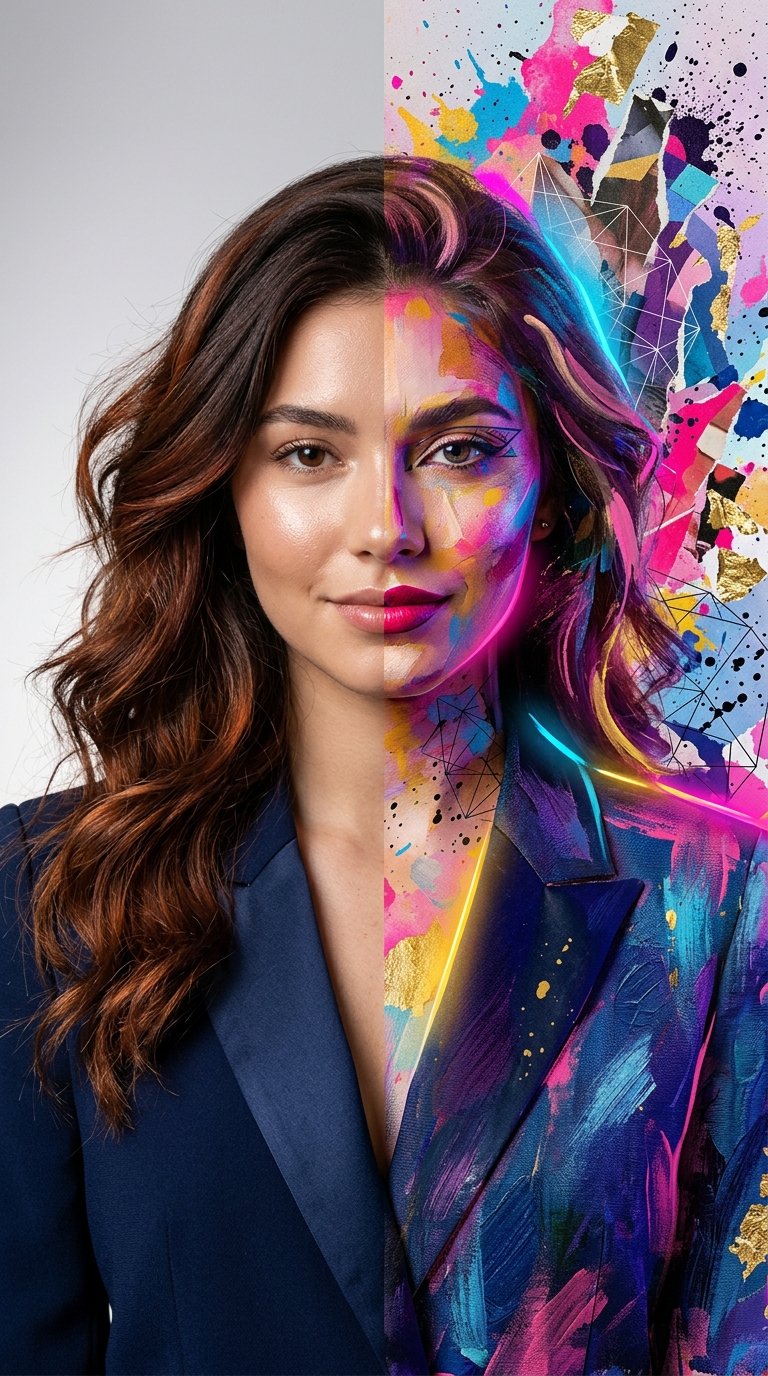
Split Portrait - Mixed Media

Found Photograph: Us, 1970

80s Couple Studio Portrait

80s Bollywood Star

80s Golden Hour Cinema

Me in 1985
Make it yours
Detailed Social Media Mirror Selfie Portrait works as-is. These are the safest ways to change it without losing the look.
Swap the setting
Keep the rest of the prompt and replace the location block. The current setting is “Personal vanity area/bedroom”.
Swap the light
One lighting change is enough to compare takes. Current light: “Vanity bulbs creating a bright, frontal illumination”.
Change one field
Copy a single group, rewrite it, and generate again so you can see what that field is doing.
| If the result… | Why | Fix |
|---|---|---|
| The result drifts from the preview | Too many fields changed at once. | Reuse Detailed Social Media Mirror Selfie Portrait as-is first, then change one group — subject, light, or setting. |
| Nano Banana 2 ignores part of the JSON | Some models flatten or skip nested keys. | Keep the same values and paste them as a short paragraph instead. |
More Nano Banana 2 templates
Other prompts made for Nano Banana 2.

Photorealistic Leaf Shaped Like a Dragon

K-Pop Idol Portrait Grid for Rapid Selection

Poetic Rain Forest Portrait During Golden Hour

Urban Street Portrait with Cartoon Inner Self Duo

Candid Nighttime Photo with Cat Prompt

High-Concept 3D Diorama Generation Prompt

Cinematic Futuristic Studio Portrait Template

Skincare Editorial Photography Collage Prompt

Hyper-Realistic Commercial Product Photography (Splash Effect)

Hyper-Realistic Nightclub Portrait Prompt
More image prompts
Fresh picks from across the catalog.
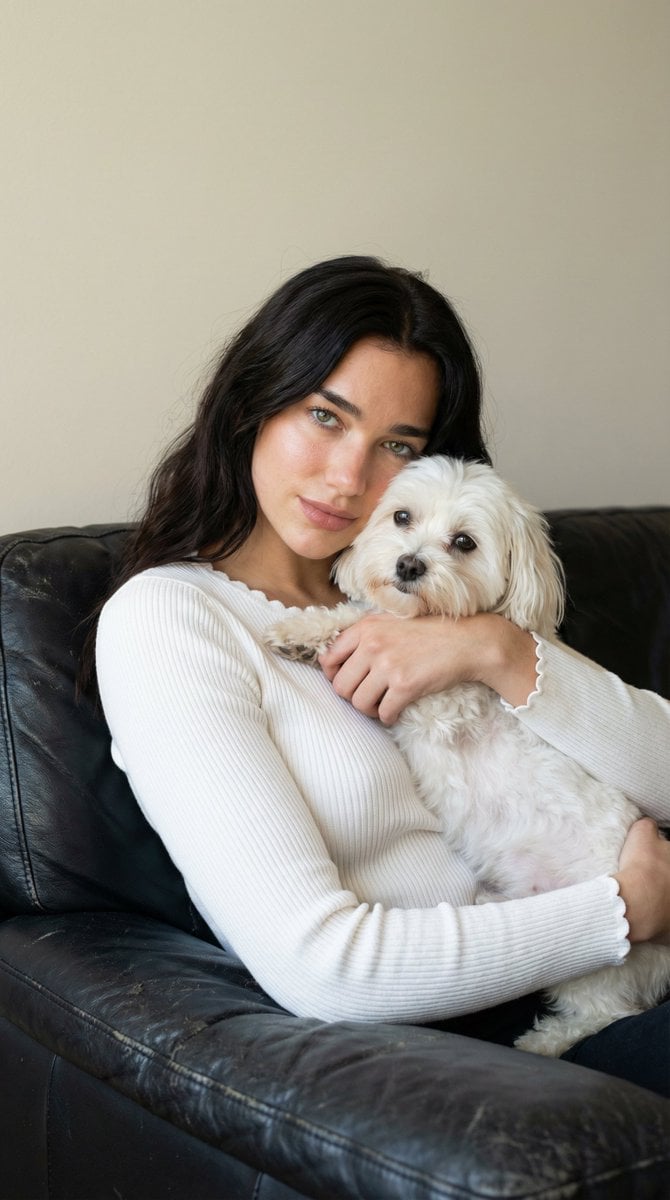
Ultra-Realistic Portrait of Woman Hugging a Maltese Dog
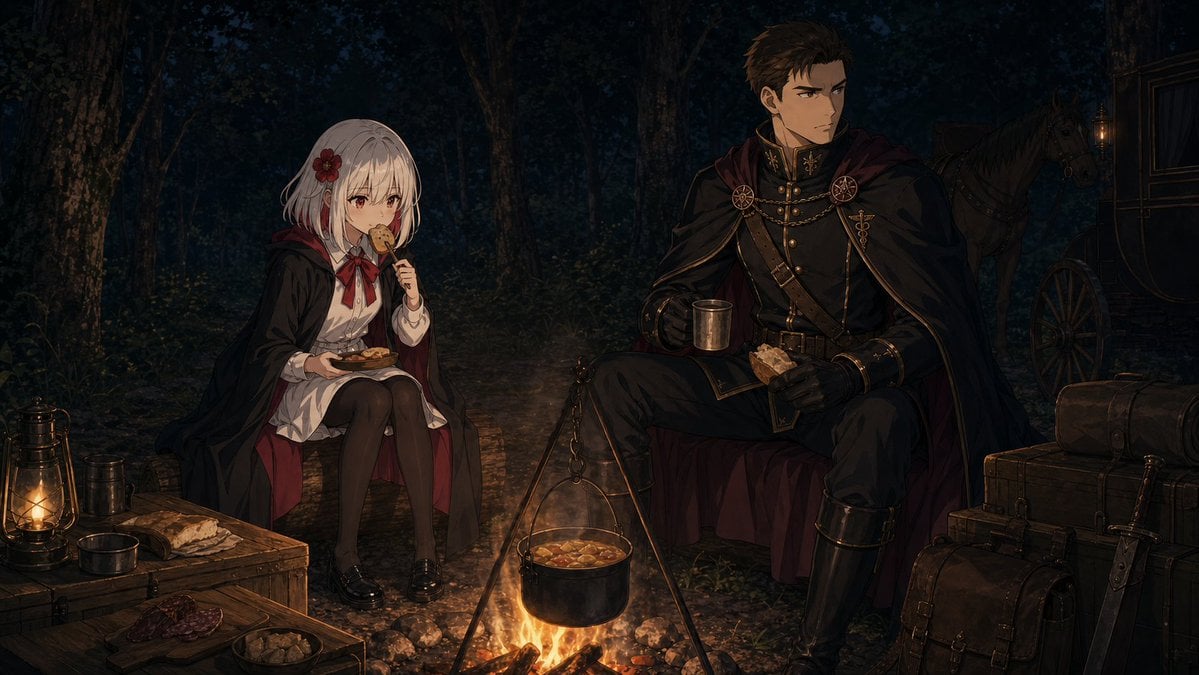
Night Forest Fantasy Camp
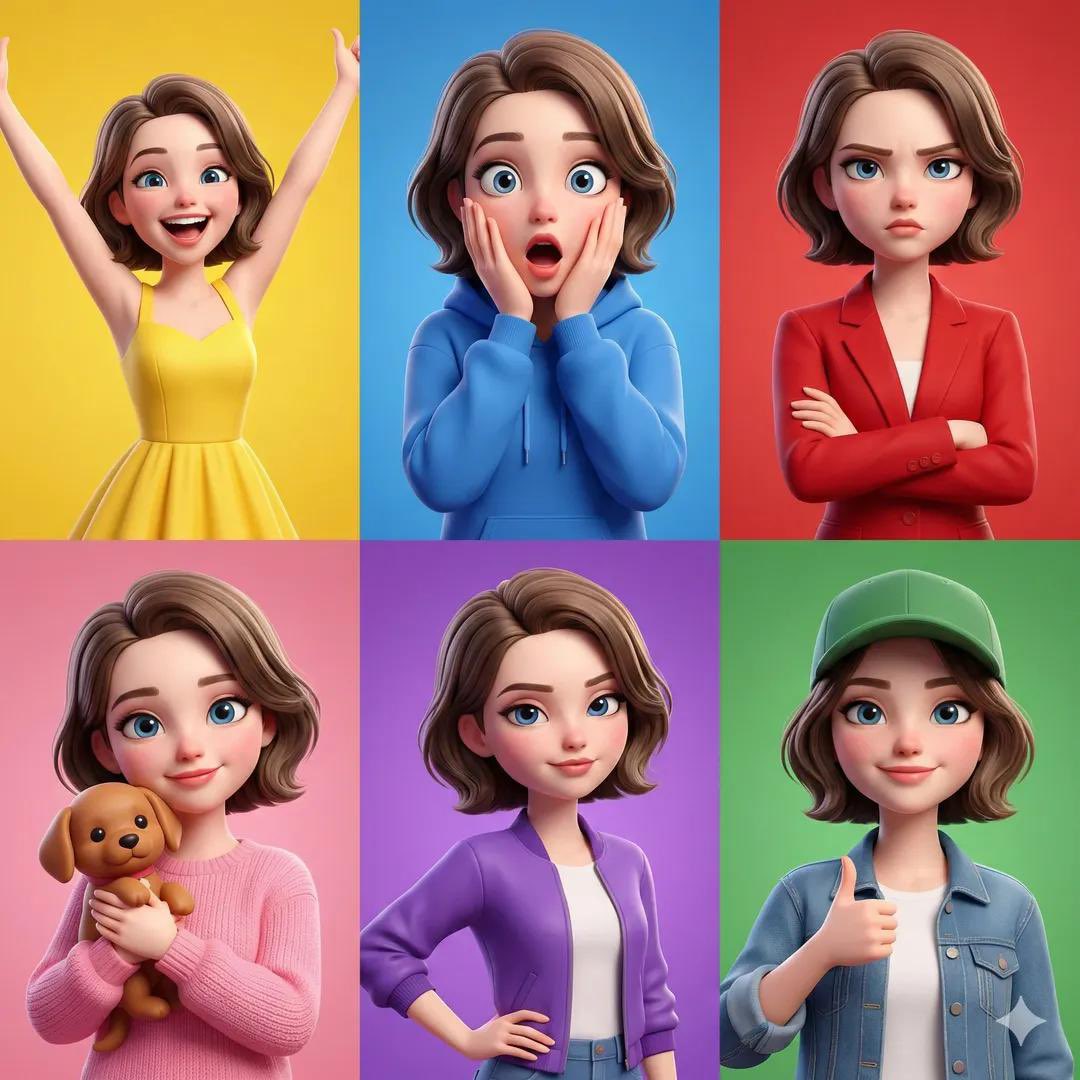
Pixar Style Character Expression Grid
Photoreal ML Developer Desktop
Next-Gen Mobile App UI Showcase

Christmas Skincare Set Promotion Card
Minimalist Continuous Line Art Illustration
Sunset Seaside Rose Portrait
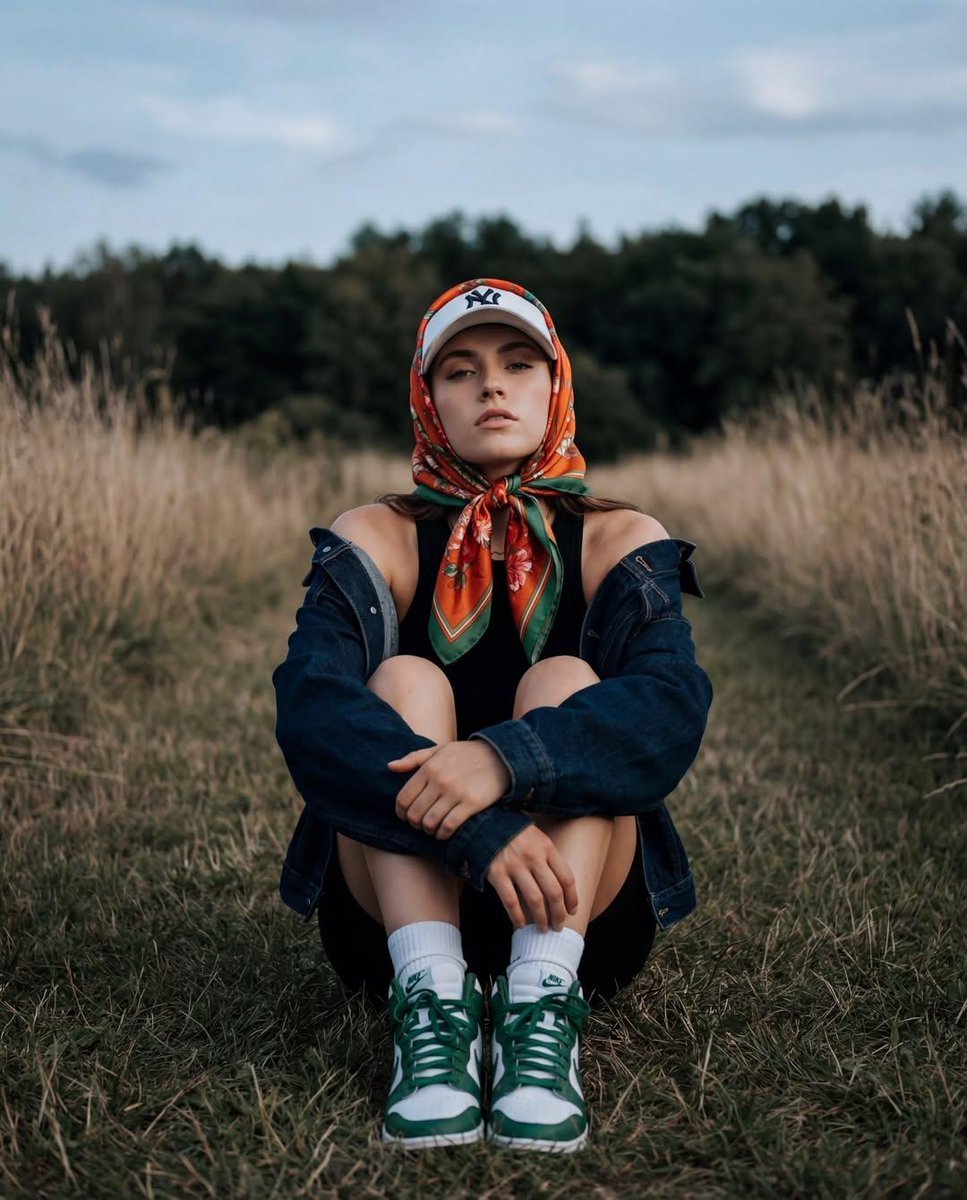
Keyword List for Cinematic AI Photography
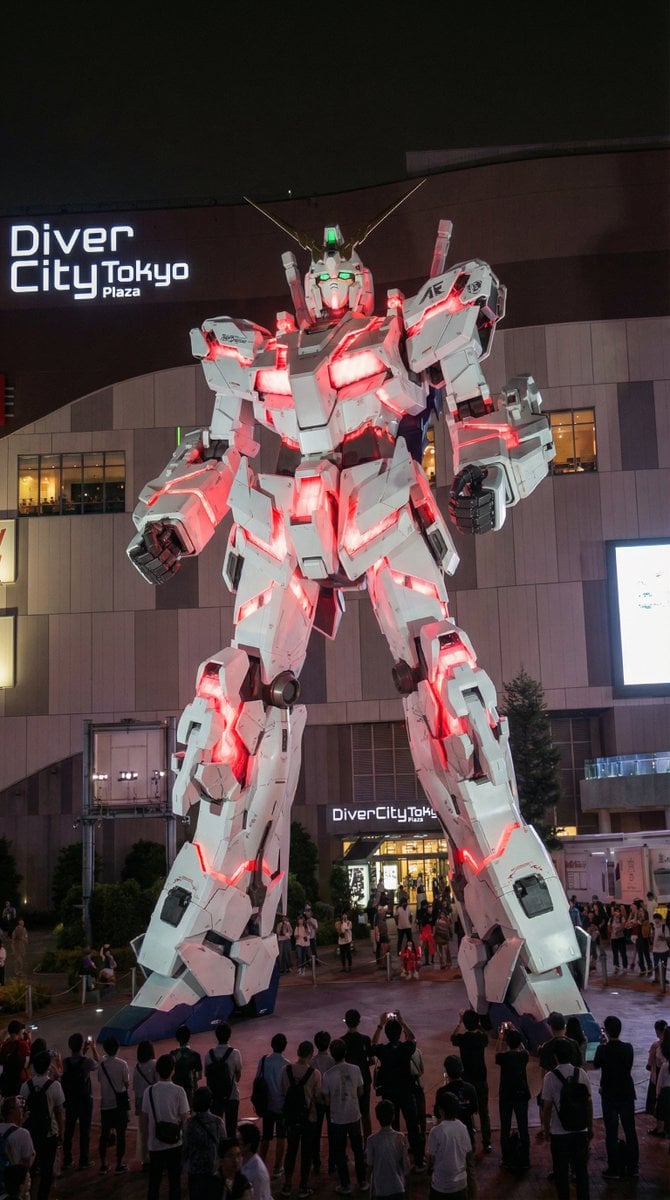
Odaiba Gundam Construction Process Visualization
Browse template categories
Detailed Social Media Mirror Selfie Portrait questions
How do I use the Detailed Social Media Mirror Selfie Portrait template?
Add your photo if the template asks for one, edit the prompt if you like — the template's model and format are already selected — and press Generate. Your version opens in PicX Studio.
Can I customize the Detailed Social Media Mirror Selfie Portrait template?
Yes. You can change the subject, setting, lighting, mood, format, and available model controls before creating your image.
Is the Detailed Social Media Mirror Selfie Portrait template free?
Opening and editing this template is free. Generating uses credits, shown on the Generate button when you are signed in.
Which AI model should I use?
Start with Nano Banana 2, which is the model associated with this template. You can compare another compatible model for a different finish.
Looking for something else? Browse all templates.

Your photo, any look
Thousands of ready templates for every top image and video model, from one credit balance.