How do I use the Moody Direct Flash Club Portrait template?
Edit the prompt in the box under the preview — the template's model and format are already selected — and press Generate. Your version appears right on this page.
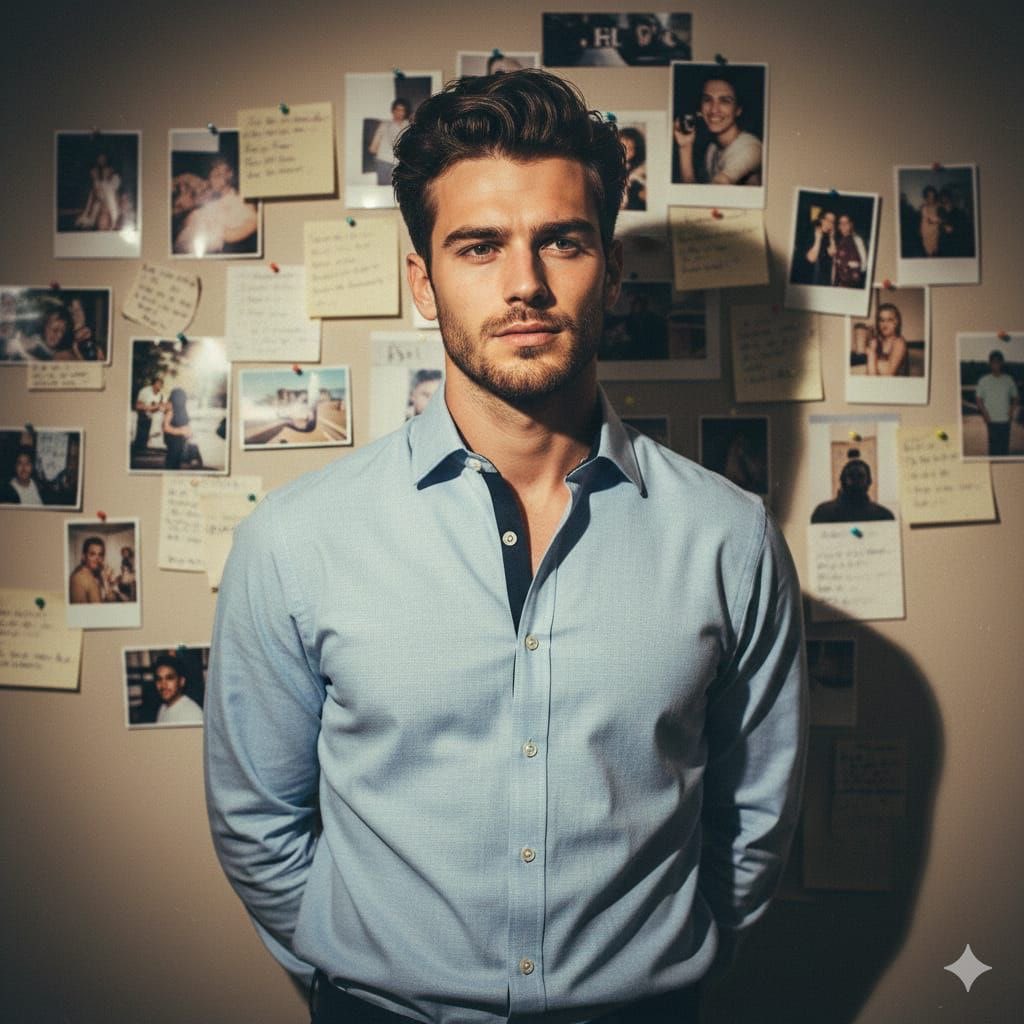
A sophisticated club atmosphere portrait featuring a man against a Renaissance mural, with a 35mm film aesthetic and sharp frontal flash.

A {argument name="subject" default="handsome young man with subtly wavy, matte brown hair"}, light stubble, and a calm, observant gaze looks off-camera to the right. He wears a {argument name="outfit" default="tailored black blazer over a light beige knit polo"}, his posture relaxed with his right hand resting near a gold watch on his wrist. In the foreground, a glossy table holds a gold-rimmed coffee cup, leading to a midground of dark seating and warm, pleated table lamps. The background is defined by a {argument name="background" default="large classical Renaissance mural of draped figures"} and a glowing amber wall sconce. The scene features moody, low-key lighting with a direct frontal flash that casts sharp shadows behind him and bright highlights on his skin and watch, dominated by deep blacks and warm ambers for a sophisticated, exclusive club atmosphere. The image is captured with a raw 35mm direct-flash aesthetic, exhibiting high contrast, deep shadows, natural film grain, and rich saturation, framed in a 3:4 aspect ratio.
A {argument name="subject" default="handsome young man with subtly wavy, matte brown hair"}, light stubble, and a calm, observant gaze looks off-camera to the right. He wears a {argument name="outfit" default="tailored black blazer over a light beige knit polo"}, his posture relaxed with his right hand resting near a gold watch on his wrist. In the foreground, a glossy table holds a gold-rimmed coffee cup, leading to a midground of dark seating and warm, pleated table lamps. The background is defined by a {argument name="background" default="large classical Renaissance mural of draped figures"} and a glowing amber wall sconce. The scene features moody, low-key lighting with a direct frontal flash that casts sharp shadows behind him and bright highlights on his skin and watch, dominated by deep blacks and warm ambers for a sophisticated, exclusive club atmosphere. The image is captured with a raw 35mm direct-flash aesthetic, exhibiting high contrast, deep shadows, natural film grain, and rich saturation, framed in a 3:4 aspect ratio.
Edit the prompt in the box under the preview — the template's model and format are already selected — and press Generate. Your version appears right on this page.
Yes. You can change the subject, setting, lighting, mood, format, and available model controls before creating your image.
Opening and editing this template is free. Generating uses credits, shown on the Generate button when you are signed in.
Start with Nano Banana 2, which is the model associated with this template. You can compare another compatible model for a different finish.
Follow a topic to a crawlable collection of related PicX Studio templates.