
Chinese Ink Swordsman and Calligraphy
This prompt generates a dramatic wuxia-style ink painting poster with a lone swordsman, frontier landscape, and bold Chinese calligraphy, suitable for literary or historical art prints.
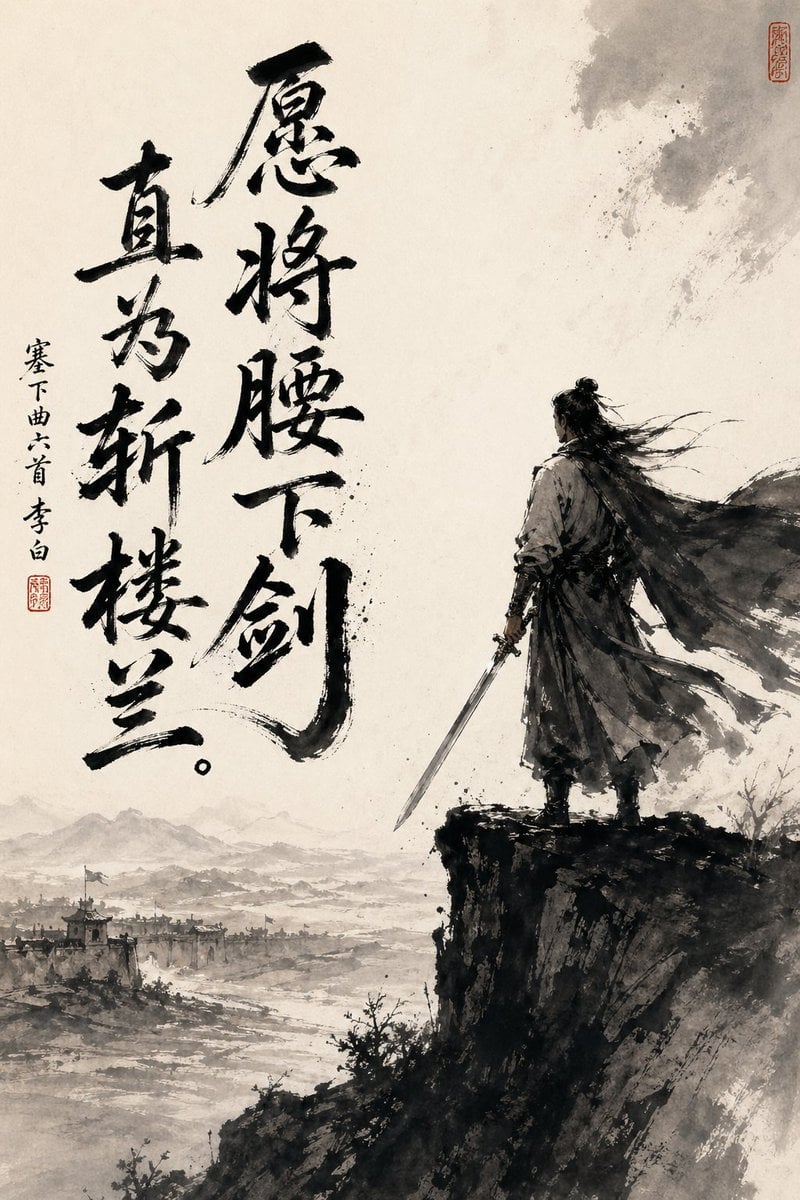
- Prompt included
- Model and format preset
- Free template
The prompt behind this image
Copy the exact prompt behind Chinese Ink Swordsman and Calligraphy, or open it in the studio and make it yours.
A dramatic vertical Chinese ink-wash painting on aged rice paper, minimalist monochrome with soft warm parchment tones, showing a lone ancient swordsman standing on the edge of a steep dark cliff at the right side of the composition, seen mostly from behind in three-quarter back view. He wears flowing historical robes and a long wind-whipped cloak, with long dark hair tied in a topknot and loose strands streaming sideways in the wind, and he holds a straight sword lowered in his right hand. Below and to the left stretches a vast misty landscape with 1 distant walled frontier city, faint watchtowers and rooftops, a winding river or plain, and layered mountain silhouettes fading into haze. Use expressive black brushwork, splattered ink textures, dry-brush edges, atmospheric empty space, and a powerful contrast between the dense dark figure and cliff and the pale open background. Add 2 large vertical columns of bold black calligraphy on the left half, reading “愿将腰下剑” and “直为斩楼兰。”, plus 1 smaller vertical inscription to the far left reading “塞下曲六首 李白”, and include 2 small red seal stamps, one near the small inscription and one near the upper right corner. The mood is heroic, lonely, contemplative, and defiant, like a Tang-dynasty poet-warrior poster rendered as traditional sumi-e.
How to use Chinese Ink Swordsman and Calligraphy in 3 steps
- 1Upload ImagePNG, JPG or paste
Add your photo
Upload the photo the template builds on. The prompt, model and format are already set.
- 2…a portrait of your subject in softgolden-hour light, 85mm…
Personalize
Edit the subject and creative details for your destination.
- 3Generate
Generate
Press Generate — your image is created in PicX Studio, so you can compare it with the original and refine one variable at a time.
More like this
Templates with the same subject, style or setup. Open one to see its prompt.
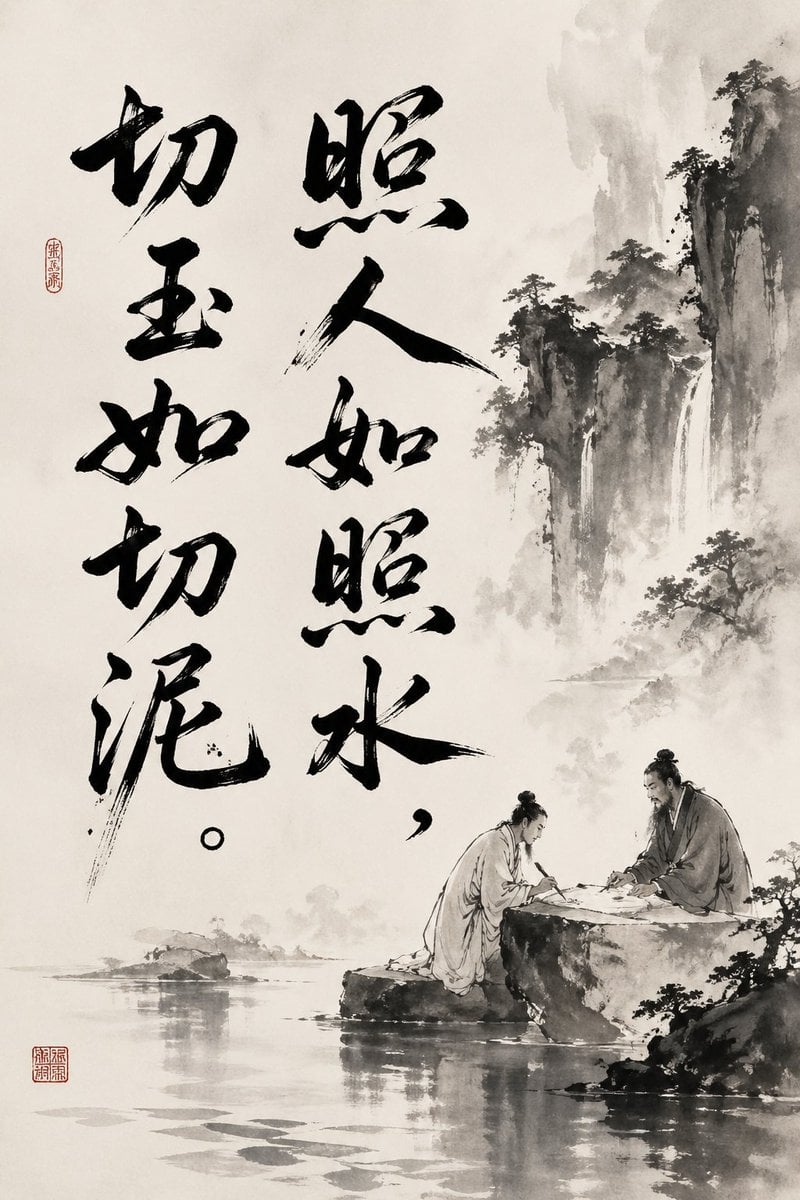
Chinese Ink Painting with Calligraphy
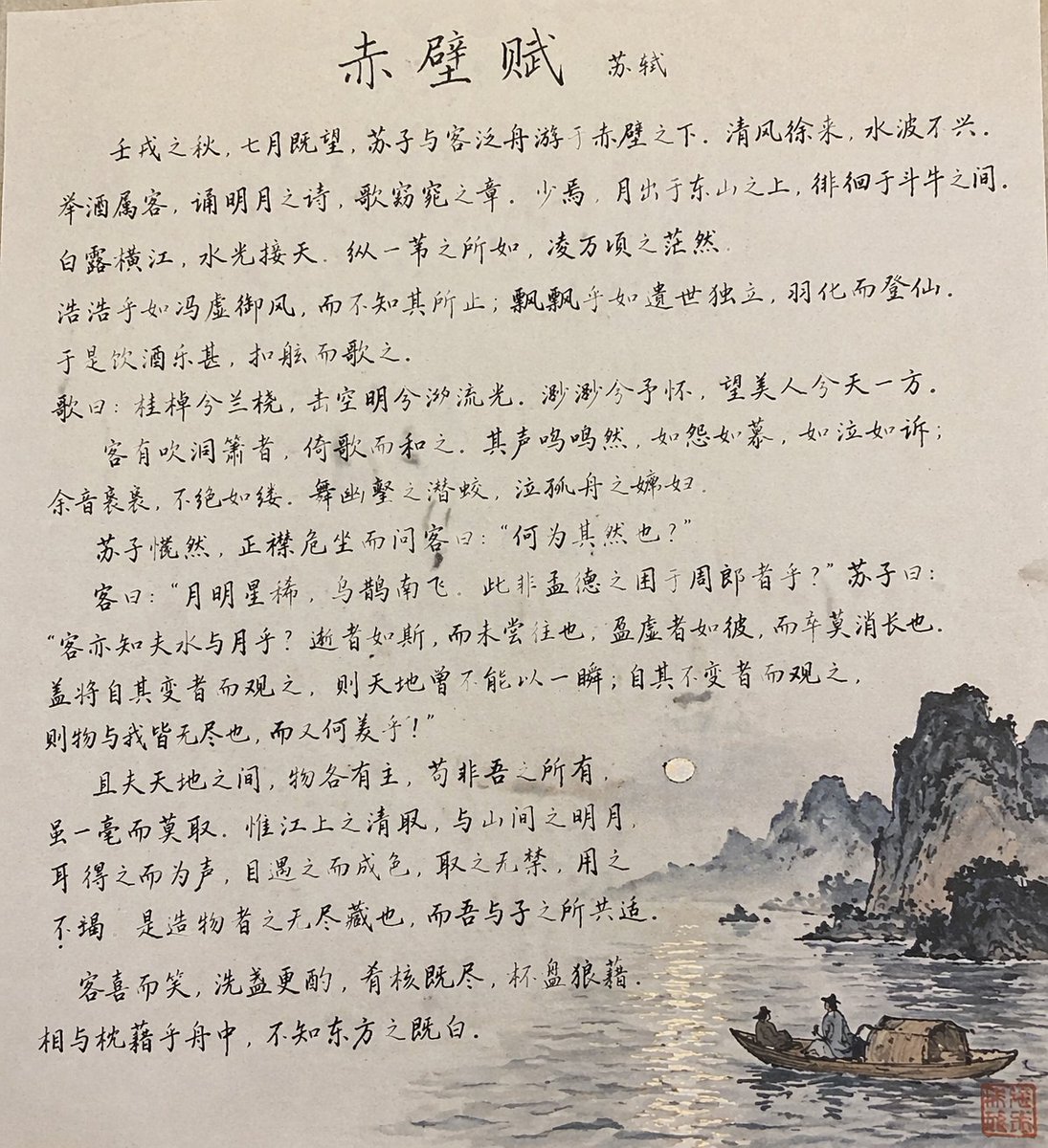
Traditional Chinese Calligraphy and Ink Painting

Anime Catgirl in Chinese Ink Landscape
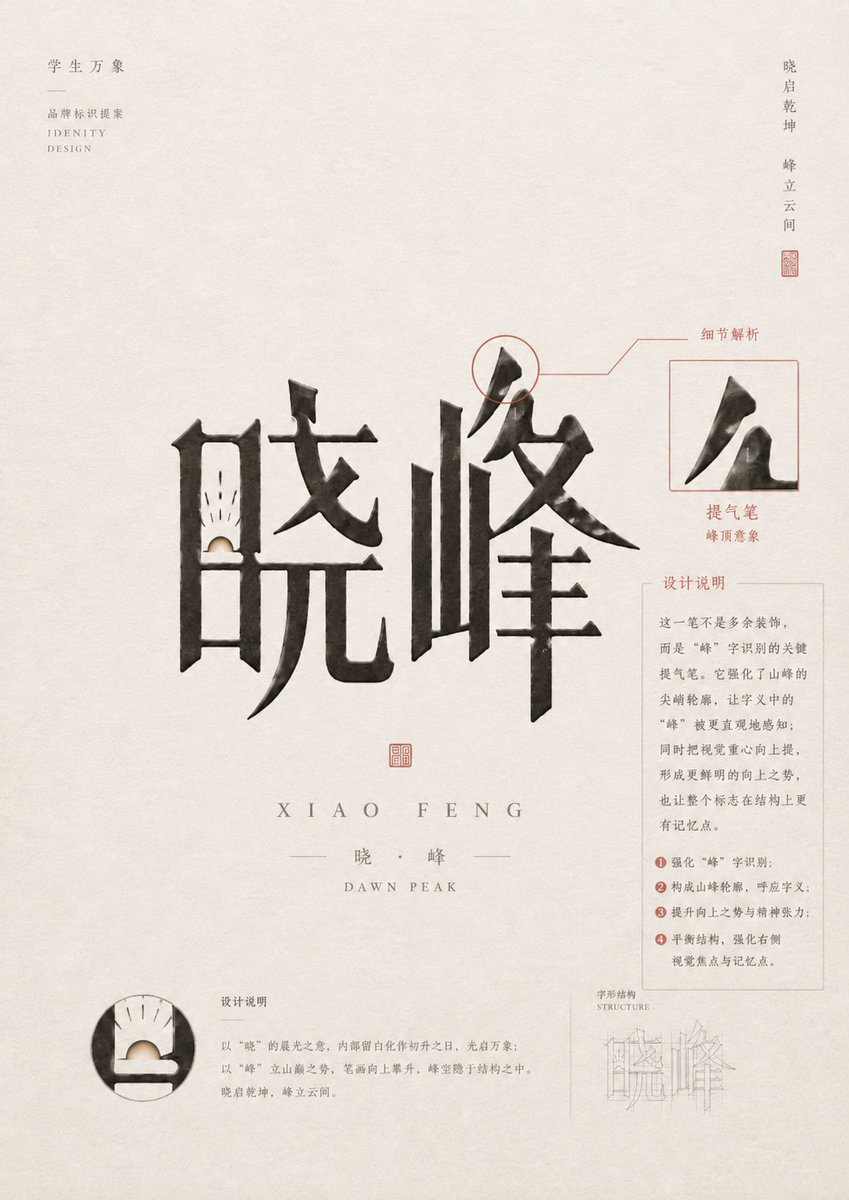
Chinese Calligraphy Identity Poster

Vintage Lithograph Retro World Cup Poster
Vintage Lithograph Retro World Cup Poster
Chinese Co-Branded Summer Drink Poster
Chinese Ink Warrior on Horseback
Chinese Calligraphy Poem Scroll
Chinese Ink Fury Character Poster
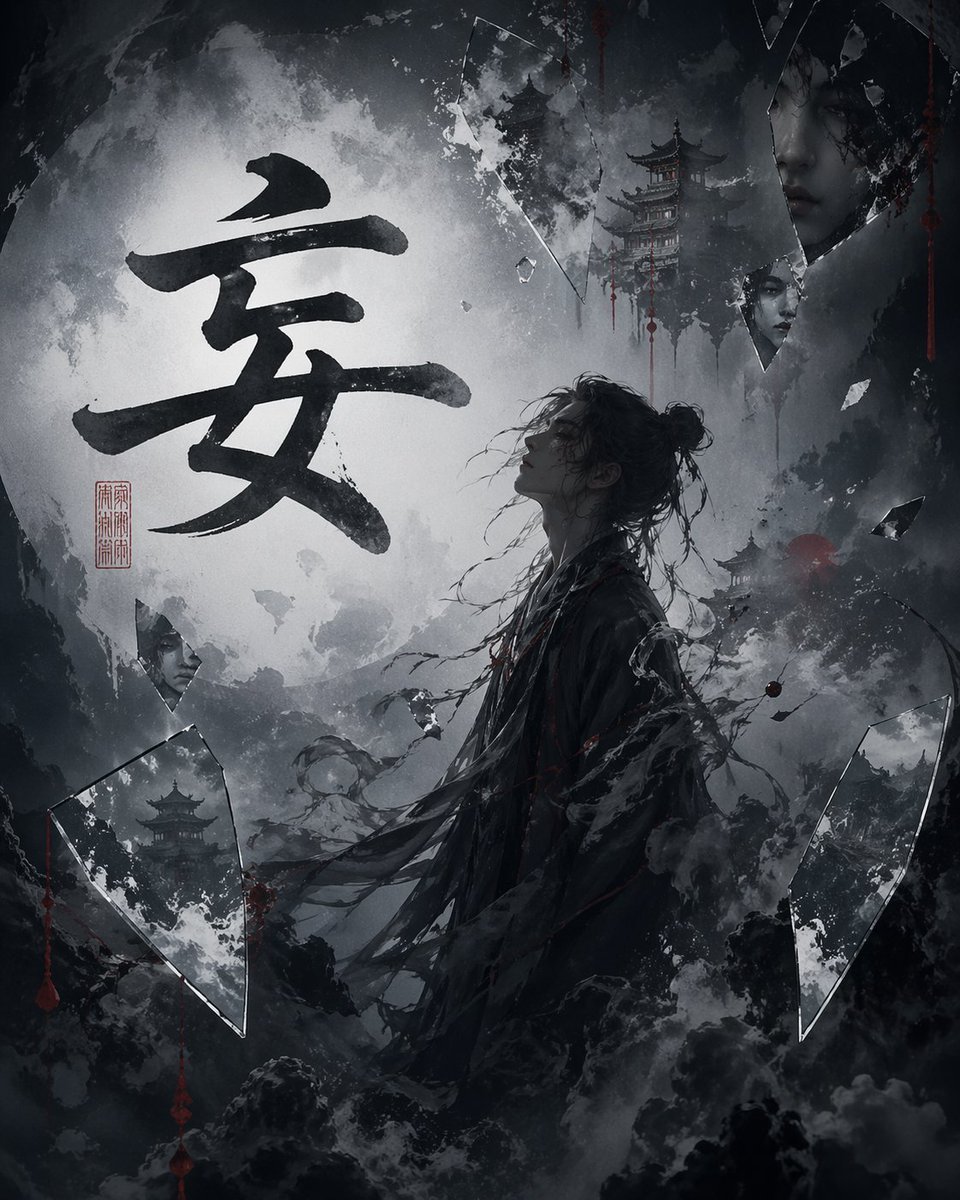
Chinese Calligraphy Dark Fantasy Poster
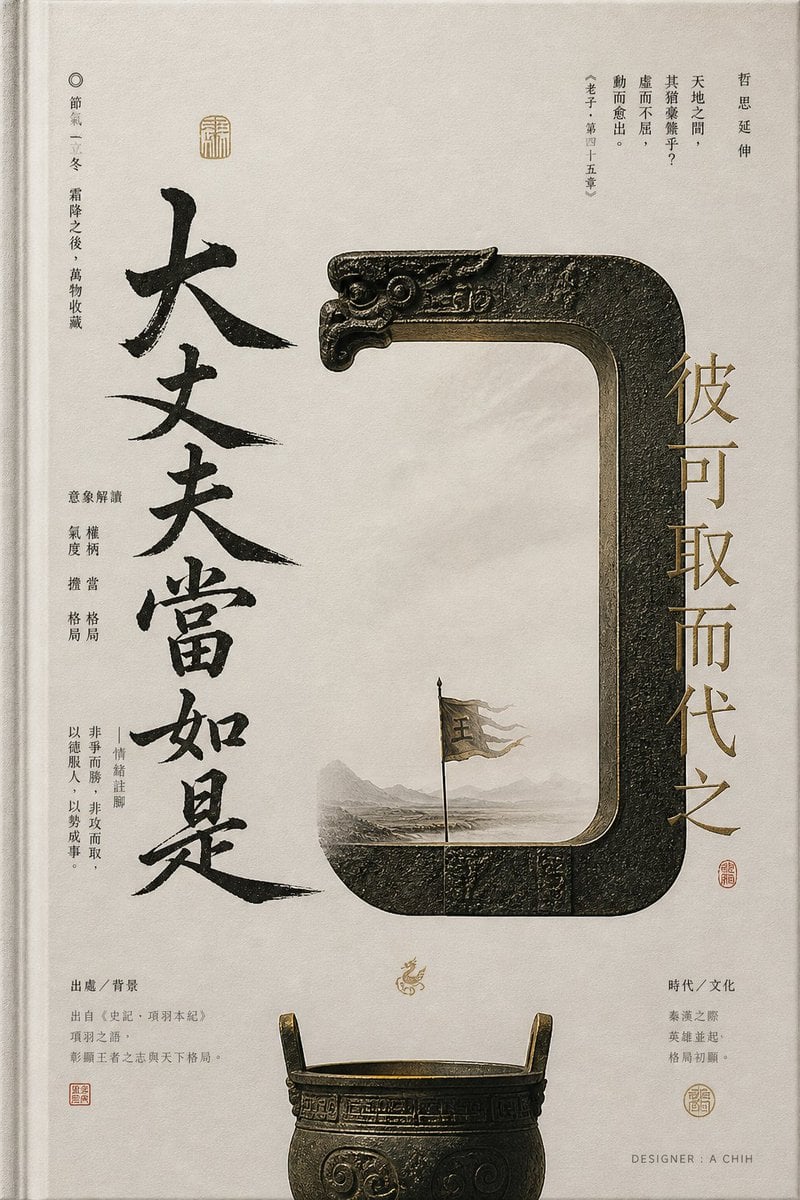
Ancient Chinese Bronze Calligraphy Poster
Make it yours
Chinese Ink Swordsman and Calligraphy works as-is. These are the safest ways to change it without losing the look.
Change one field
Copy a single group, rewrite it, and generate again so you can see what that field is doing.
Keep the frame, change the subject
Hold the composition and light of Chinese Ink Swordsman and Calligraphy, then swap wardrobe, props or the person for a new take.
| If the result… | Why | Fix |
|---|---|---|
| The result drifts from the preview | Too many fields changed at once. | Reuse Chinese Ink Swordsman and Calligraphy as-is first, then change one group — subject, light, or setting. |
| The model over-stylizes the scene | The prose prompt leaves finish and camera underspecified. | Add one camera or lighting sentence and stay on GPT Image 2. |
More GPT Image 2 templates
Other prompts made for GPT Image 2.

Six VTuber Japanese Logo Sheet

Realistic Portrait of Woman and Deer

The Vista Modular Condo Poster

AI Model Routing Comparison Infographic

2.5D Anime Art Board

Isometric Productivity Desk Scene

New York Double Exposure Poster

Four-Panel AI Landscape Comparison

Japanese Tatami Lifestyle Magazine Cover

NESCAFÉ Coffee Map Poster
More image prompts
Fresh picks from across the catalog.
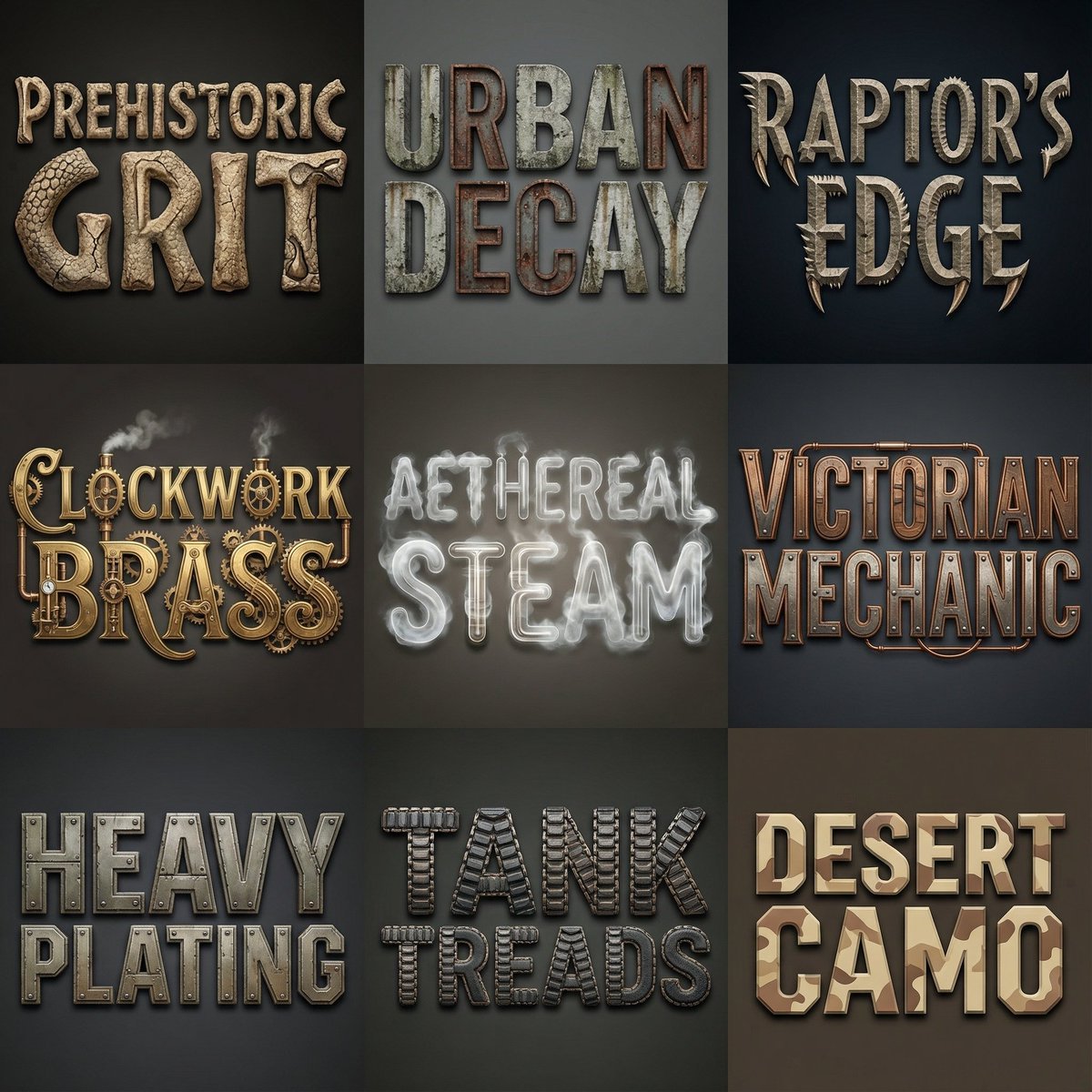
Font Generation Inspired by Uploaded Images
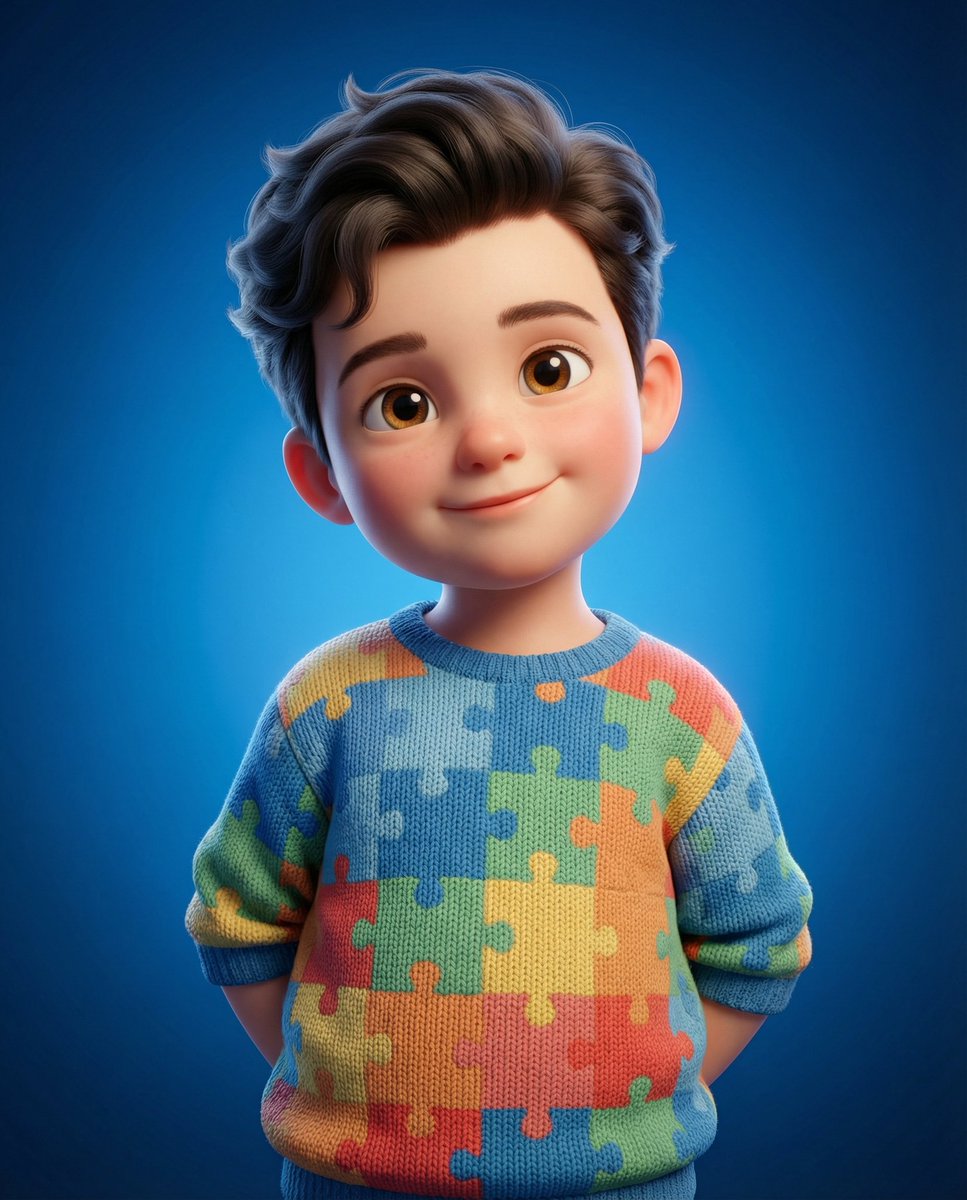
3D Render of Childlike Character in Puzzle Sweater
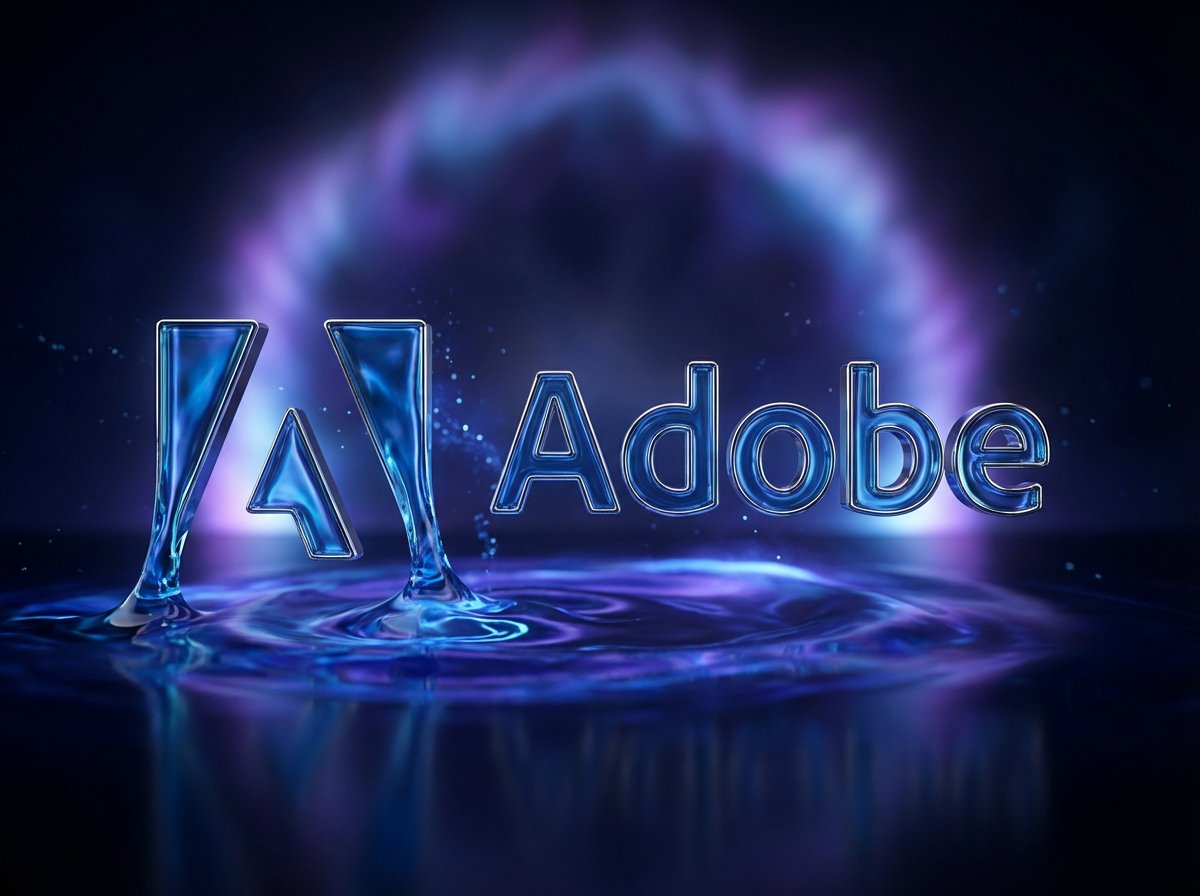
Cinematic 3D logo with auto-assigned texture
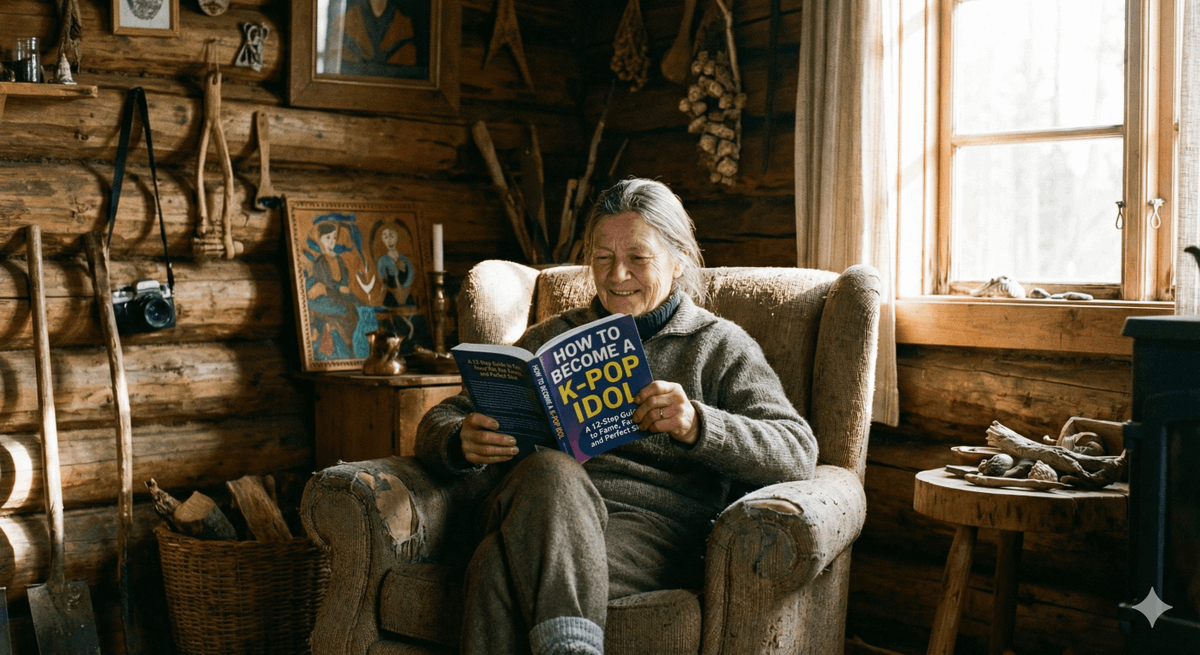
Absurd Book Title Image Generation
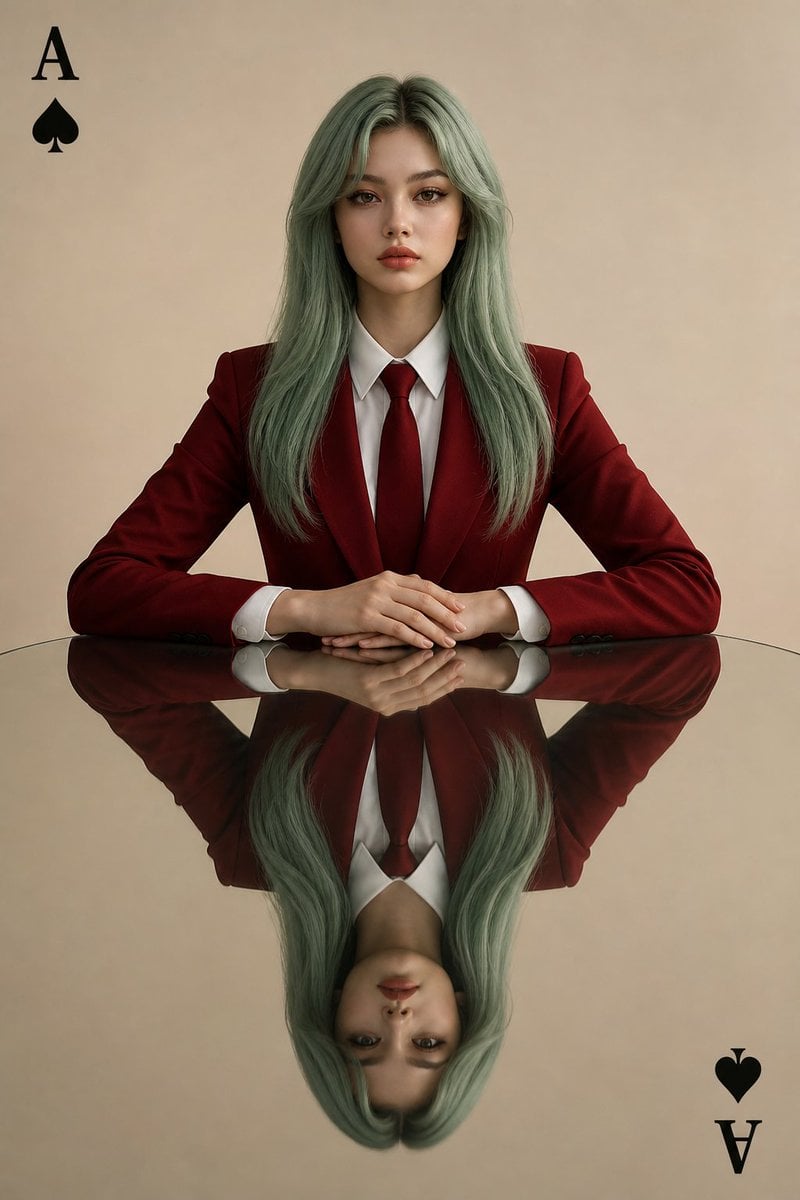
Symmetrical Playing Card Mirror Portrait
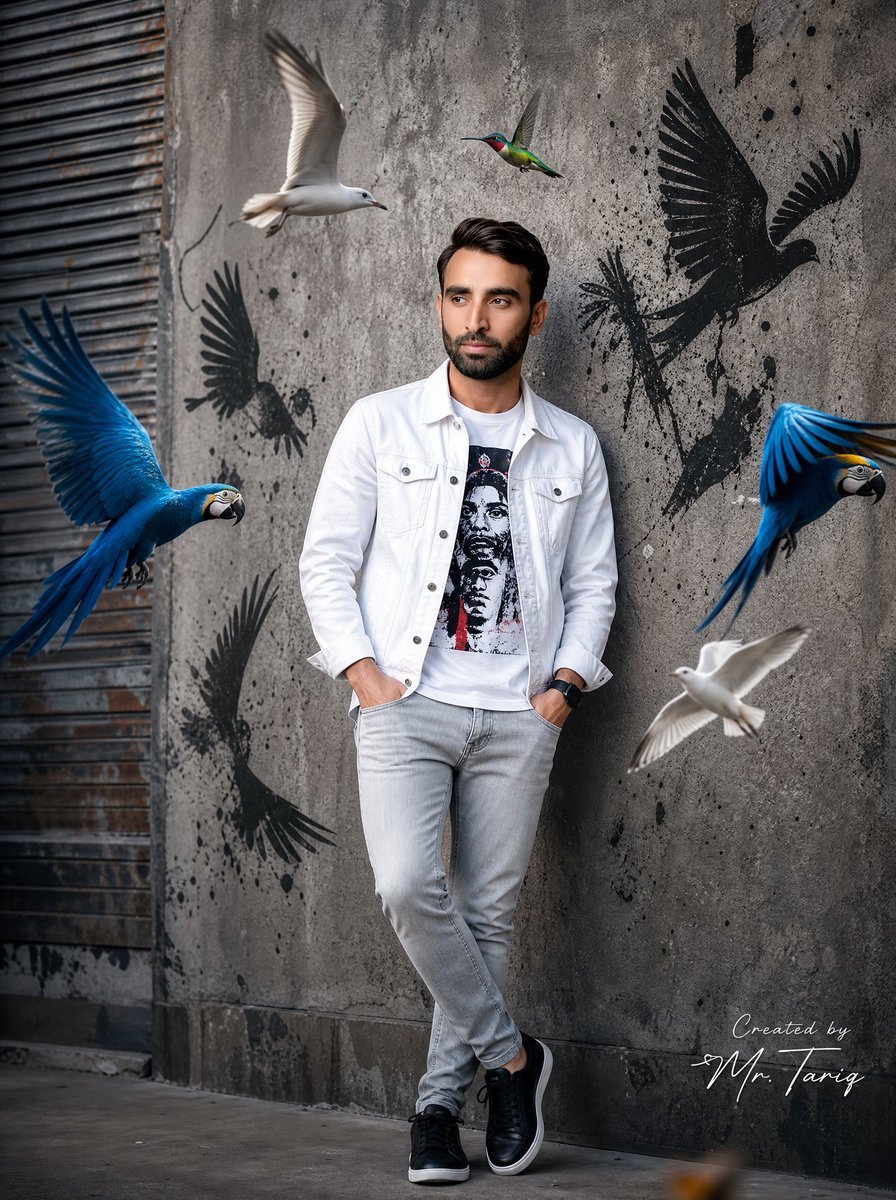
Urban Street Fashion Portrait
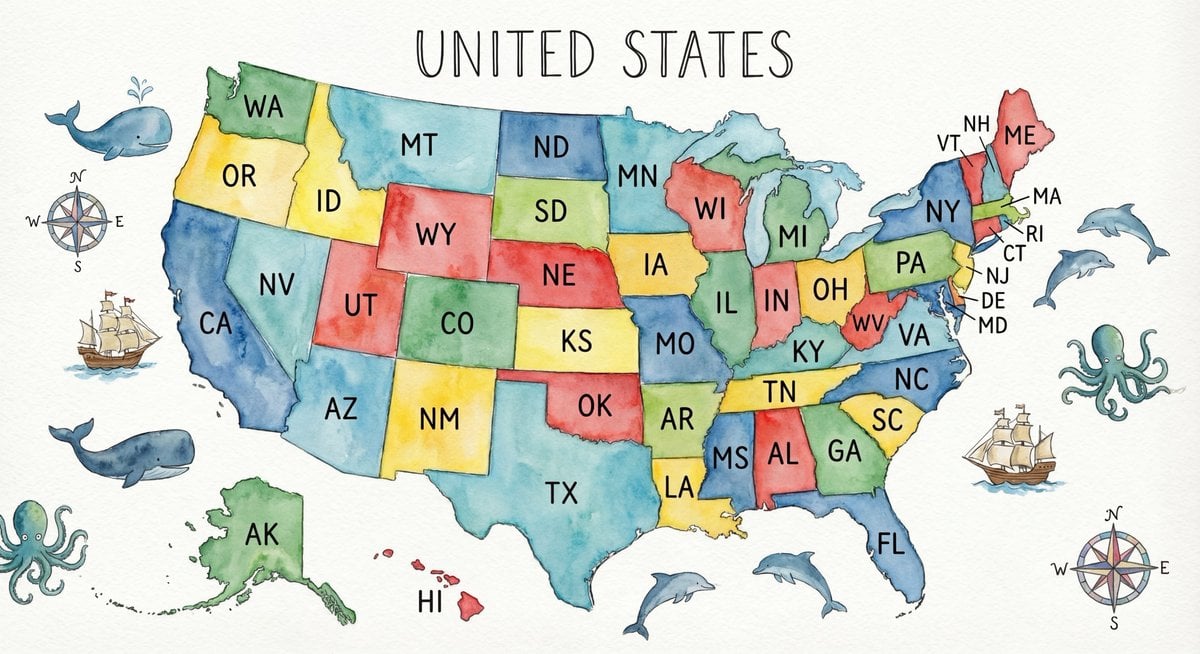
Watercolor US map with state abbreviations
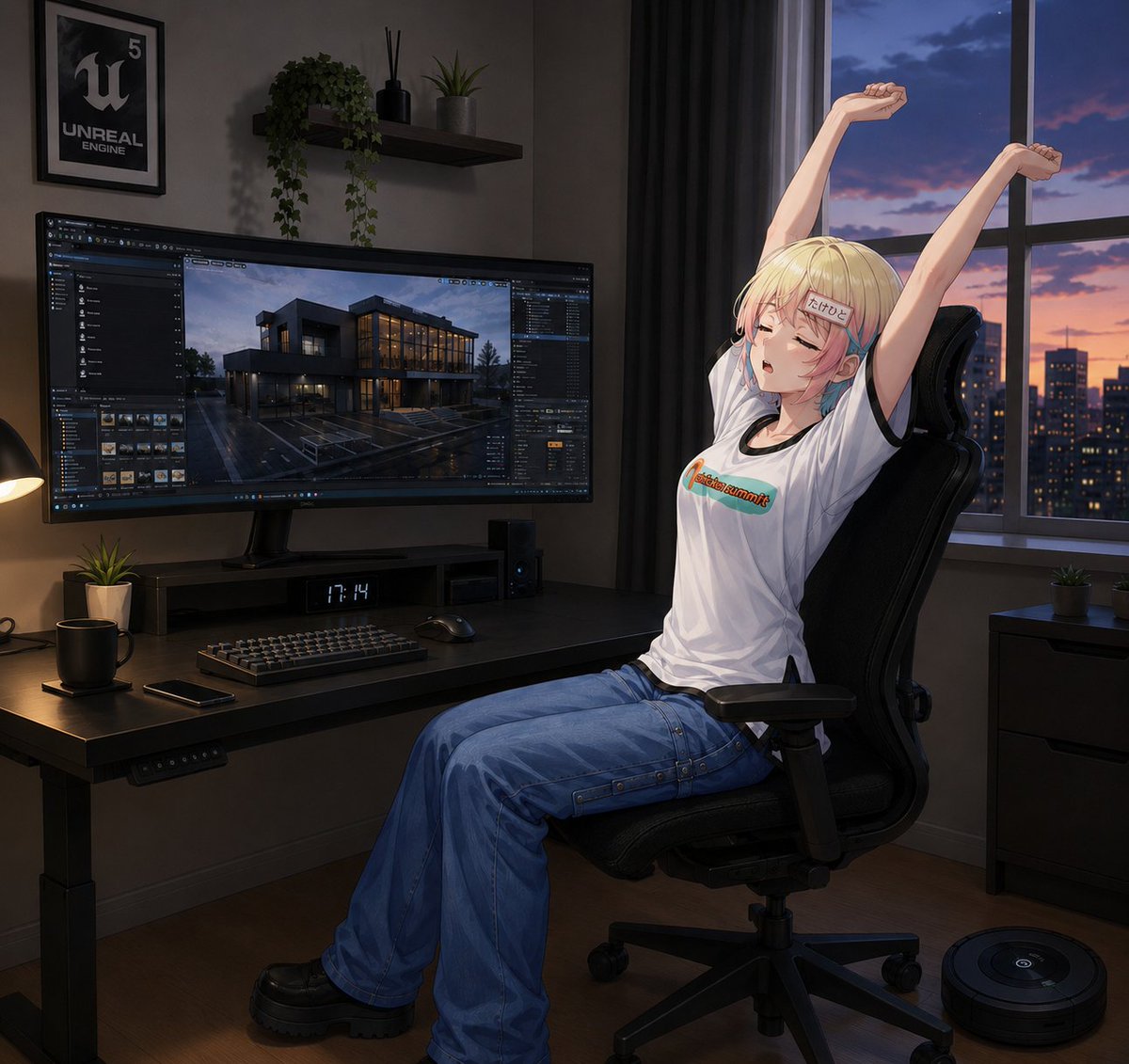
Anime Developer Room Stretching Pose
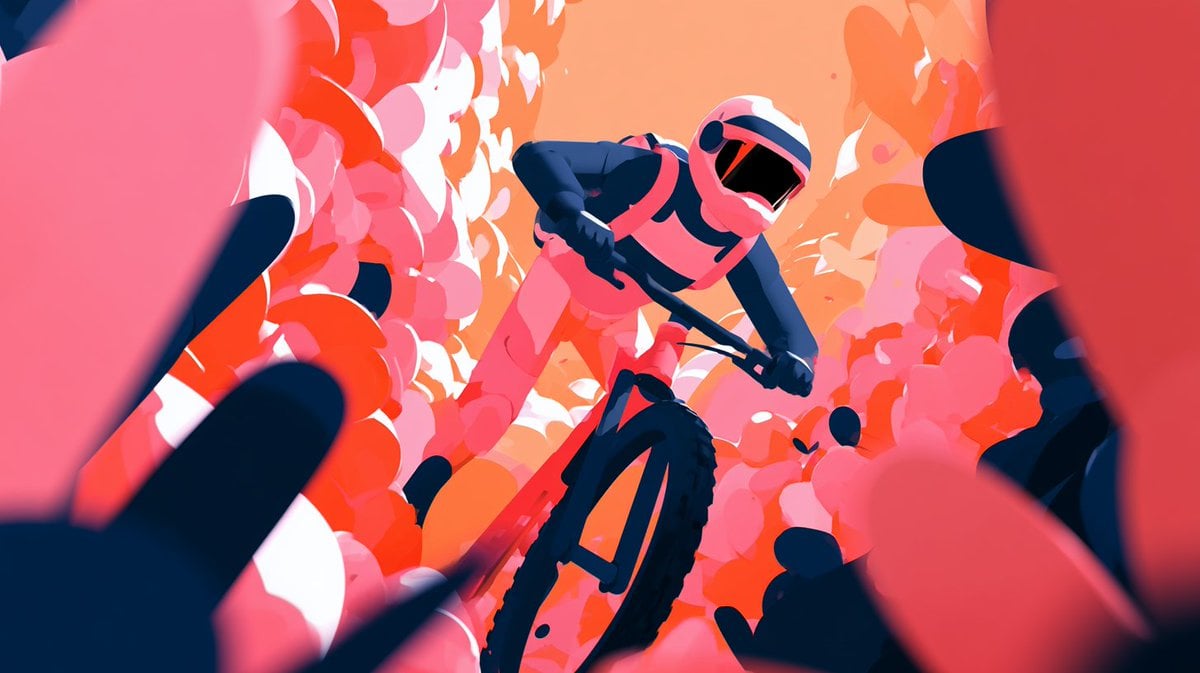
Cinematic Floral Mountain Biker
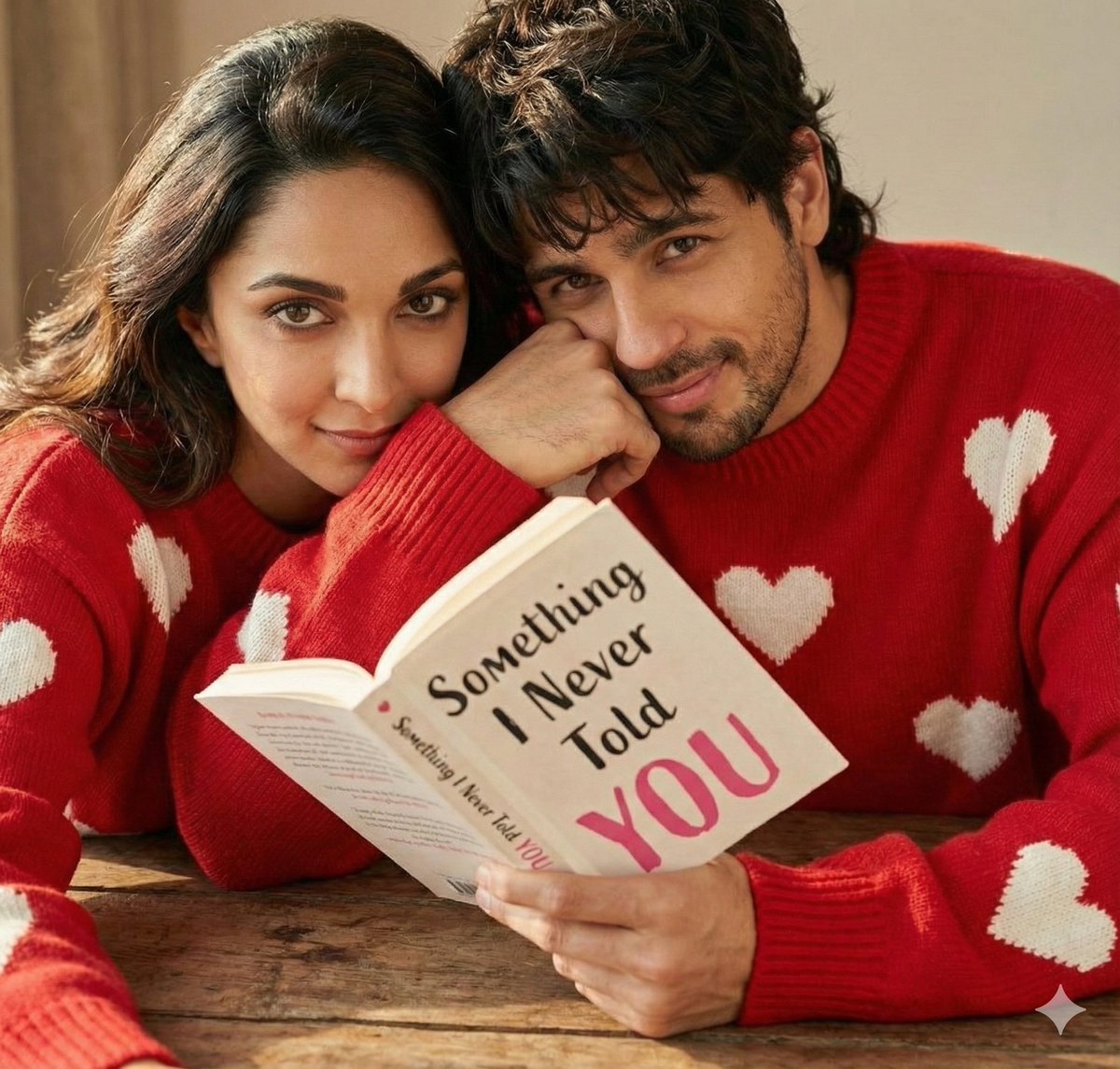
Hyper-Realistic Romantic Couple Portraits (3 Prompts)
Browse template categories
Chinese Ink Swordsman and Calligraphy questions
How do I use the Chinese Ink Swordsman and Calligraphy template?
Add your photo if the template asks for one, edit the prompt if you like — the template's model and format are already selected — and press Generate. Your version opens in PicX Studio.
Can I customize the Chinese Ink Swordsman and Calligraphy template?
Yes. You can change the subject, setting, lighting, mood, format, and available model controls before creating your image.
Is the Chinese Ink Swordsman and Calligraphy template free?
Opening and editing this template is free. Generating uses credits, shown on the Generate button when you are signed in.
Which AI model should I use?
Start with GPT Image 2, which is the model associated with this template. You can compare another compatible model for a different finish.
Looking for something else? Browse all templates.

Your photo, any look
Thousands of ready templates for every top image and video model, from one credit balance.