PicX Studio

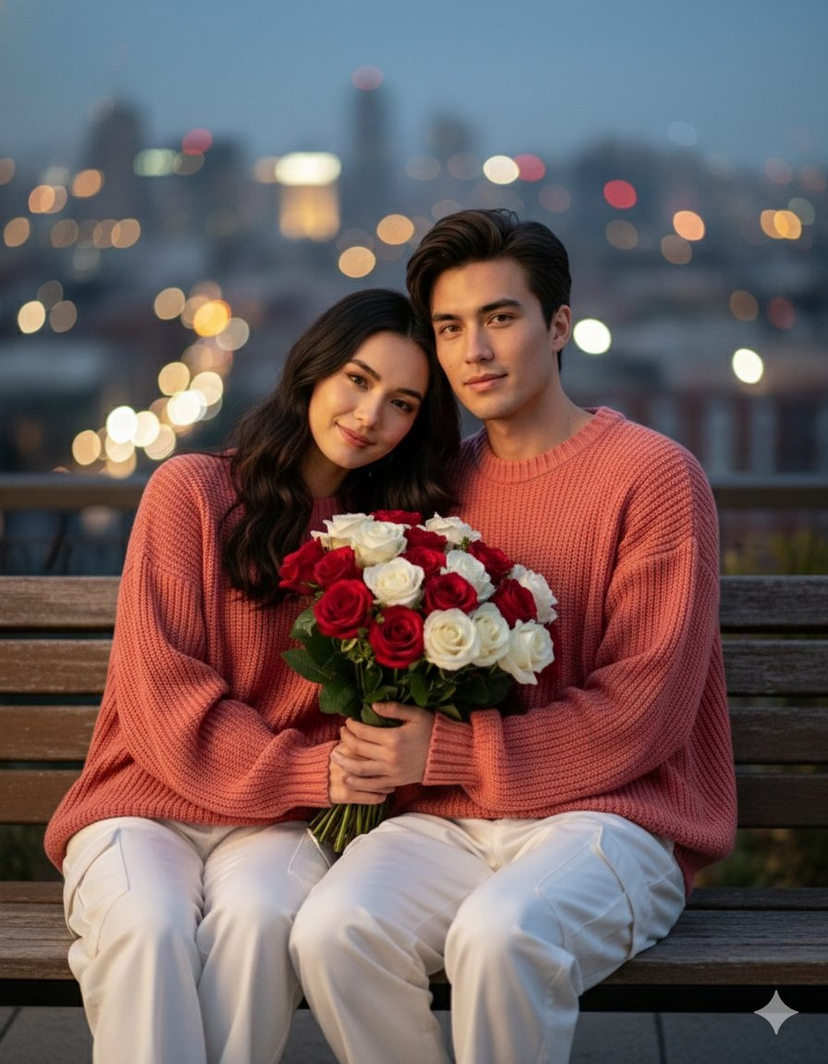
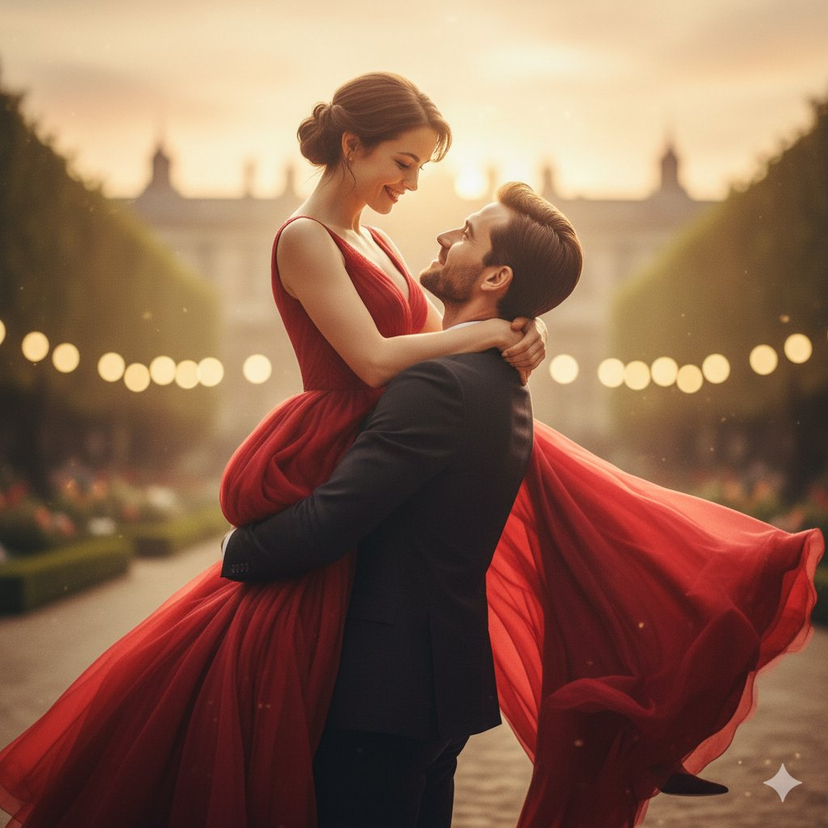
Hyper-Realistic Romantic Couple Portraits (3 Prompts)
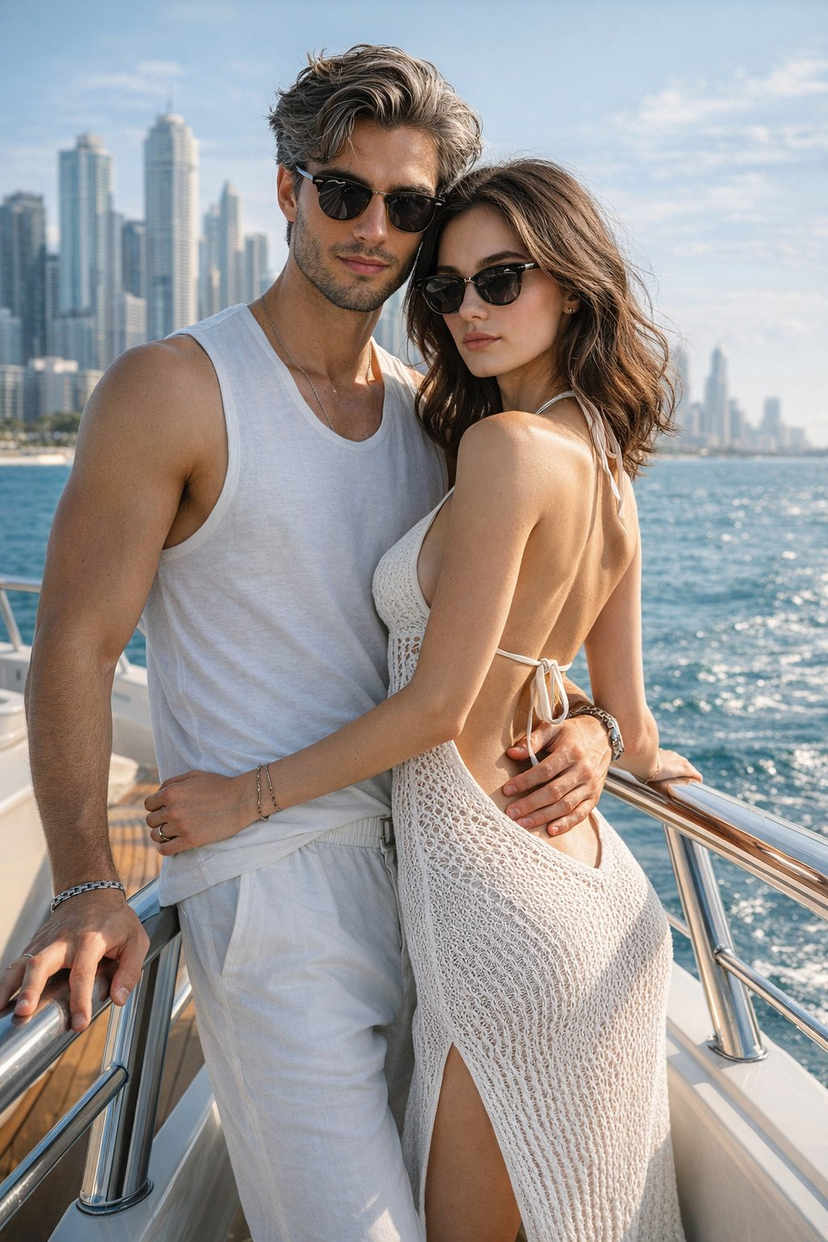
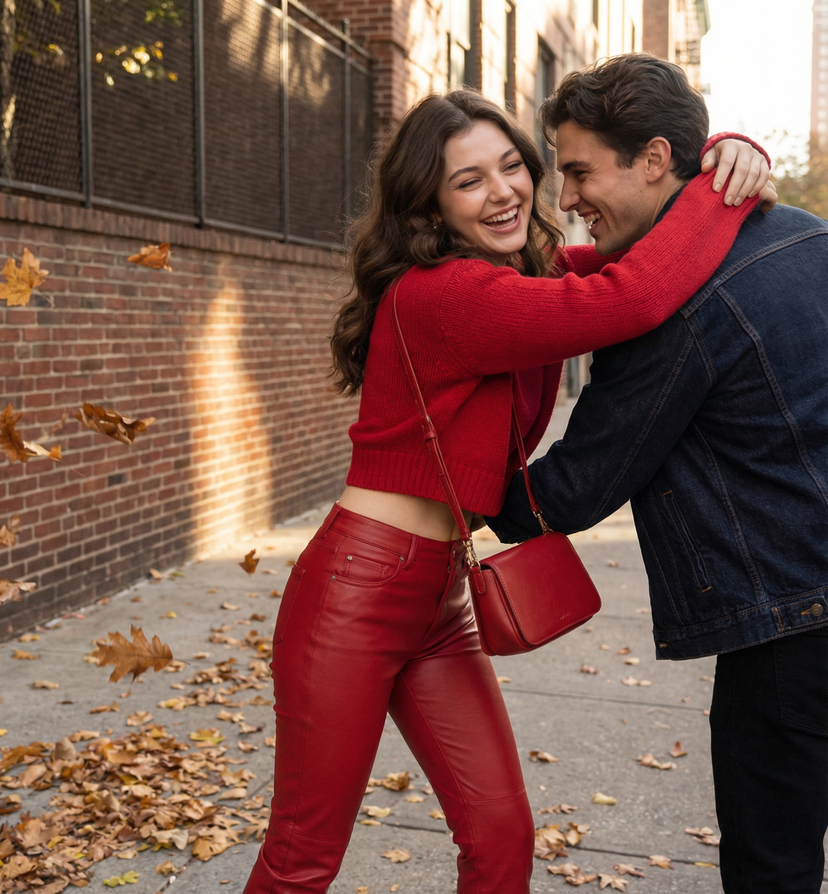
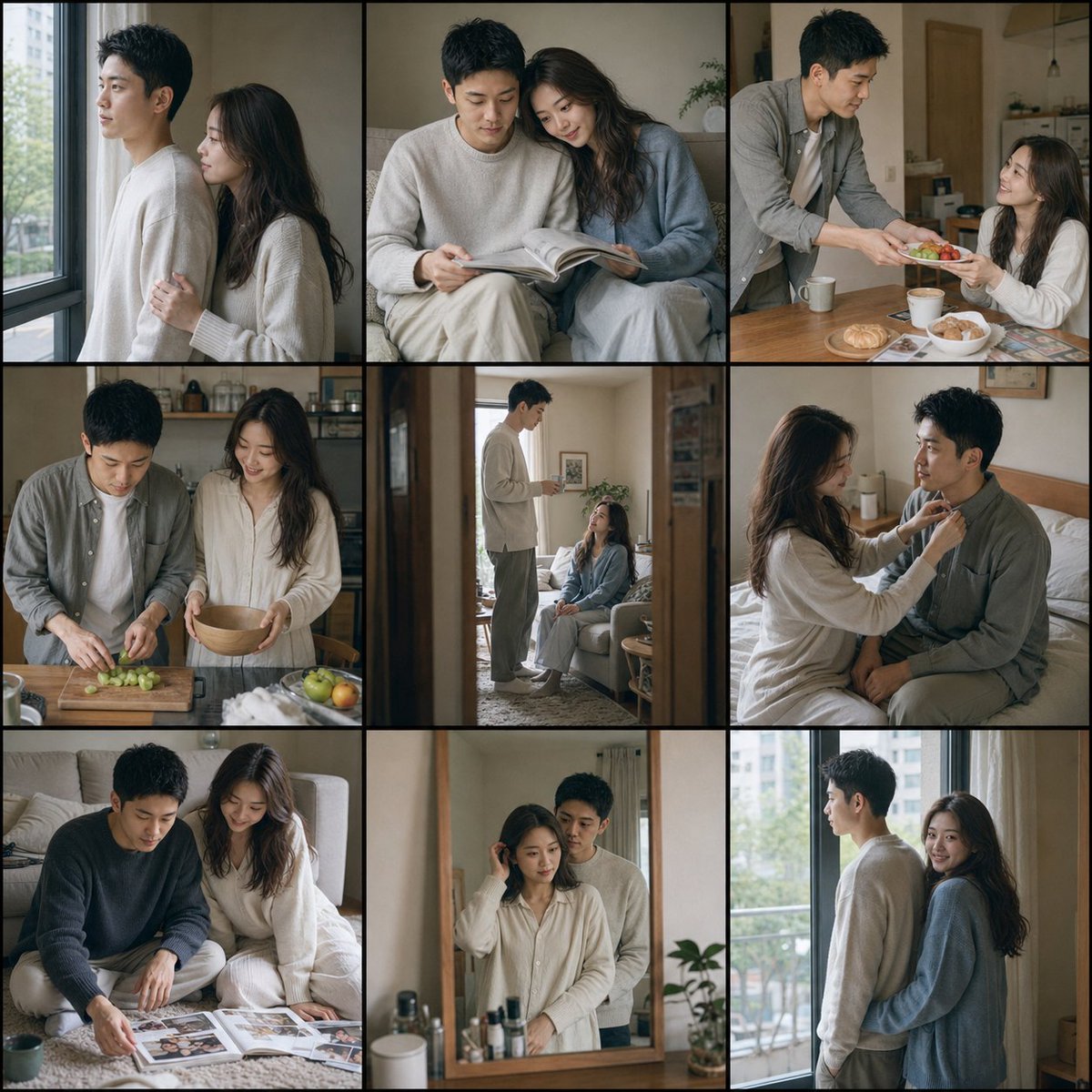
Three distinct prompts for generating hyper-realistic romantic couple portraits, all requiring strict face matching from a reference image.

Hyper-Realistic Romantic Couple Portraits (3 Prompts) — AI image template example
Nano Banana 2Free
ExampleHyper-Realistic Romantic Couple Portraits (3 Prompts)
Prompt
Settings
Nano Banana 21:1
  • Prompt included
  • Model and format preset
  • Free template

The prompt behind this image

Copy the exact prompt behind Hyper-Realistic Romantic Couple Portraits (3 Prompts), or open it in the studio and make it yours.

Prompt

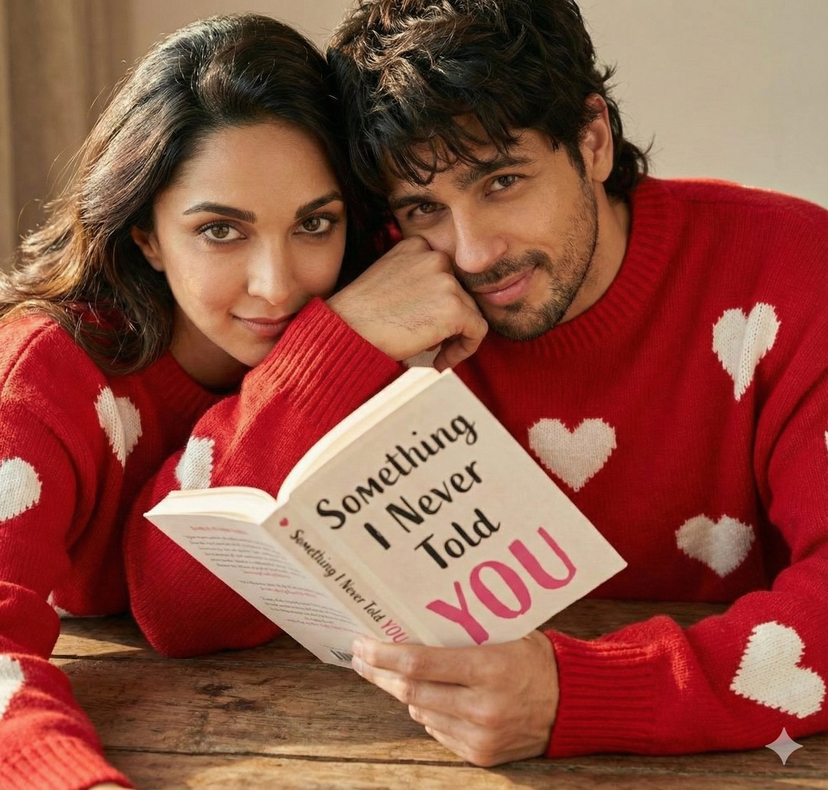
Prompt 1: "Create a hyper-realistic close-up portrait of a couple (use uploaded face 100%, don't alter). Boy has a mash shaggy with mullet textured hairstyle. The framing is messy, croppeu too close so only hold book. Both she and he wears an oversized {argument name="sweater color" default="red"} knit sweater with white hearts. His left hand leans on the wooden table and covers part of his cheek, and small smile slightly against his lips. other hand book holding book name is " {argument name="book title" default="Something I Never Told You"}", YOU written in pink colour." Prompt 2: "Use the uploaded reference image as the main base.Ultra-realistic romantic couple portrait, top view, lying together on a lush green meadow filled with bright yellow sunflowers, orange and purple wildflowers. A young man in a light blue button-down shirt (sleeves rolled) and beige shorts lies barefoot, leaning toward a young woman. The woman wears a flowing golden-yellow summer dress, strappy sandals, and holds a small floral clutch. Their faces are close, eyes closed, radiating peace and love." Prompt 3: "Create a hyper-realistic, intimate romantic portrait of a young adult couple(match face from the reference image) seated closely together at a wooden table in a warm, candlelit setting. The environment feels cozy, private, and timeless, resembling a rustic stone-walled room or an old-world dining space. The woman sits in front, relaxed and serene, with her eyes gently closed and a soft, contented smile on her face. Her long, dark hair flows naturally over her shoulders. Her expression conveys comfort, trust, and quiet happiness. She wears a simple, elegant outfit in dark or neutral tones, with minimal accessories and natural makeup. The man sits closely behind her, leaning in with affection. He wraps his arms gently around her shoulders and upper chest in a protective, tender embrace. His face is close to her cheek and neck, conveying intimacy and warmth. He has well-groomed hair and light facial hair, wearing a dark, understated outfit that complements the low-light atmosphere. Multiple lit candles are placed on the wooden table in the foreground and background, casting a soft golden glow across their faces and bodies. Candle flames create gentle highlights, warm shadows, and subtle reflections on the table surface. The lighting is low-key, warm, and cinematic, emphasizing skin texture, facial contours, and emotional connection. The background is softly blurred, with stone or textured walls and additional candles enhancing depth and mood. No modern elements are visible. The focus remains on the couple and their emotional bond. Composition is close and intimate, slightly off-center, with shallow depth of field. Ultra-high resolution, realistic skin tones, natural shadows, cinematic color grading, professional portrait photography quality. The final image should feel romantic, emotional, warm, and deeply intimate, capturing a quiet moment of love and closeness without exaggeration or arti

How to use Hyper-Realistic Romantic Couple Portraits (3 Prompts) in 3 steps

  1. 1
    Upload ImagePNG, JPG or paste

    Add your photo

    Upload the photo the template builds on. The prompt, model and format are already set.

  2. 2
    …a portrait of your subject in softgolden-hour light, 85mm…

    Personalize

    Edit the subject and creative details for your destination.

  3. 3
    Generate

    Generate

    Press Generate — your image is created in PicX Studio, so you can compare it with the original and refine one variable at a time.

Make it yours

Hyper-Realistic Romantic Couple Portraits (3 Prompts) works as-is. These are the safest ways to change it without losing the look.

  • Change one field

    Copy a single group, rewrite it, and generate again so you can see what that field is doing.

  • Keep the frame, change the subject

    Hold the composition and light of Hyper-Realistic Romantic Couple Portraits (3 Prompts), then swap wardrobe, props or the person for a new take.

Troubleshooting Hyper-Realistic Romantic Couple Portraits (3 Prompts)
If the result…WhyFix
The result drifts from the previewToo many fields changed at once.Reuse Hyper-Realistic Romantic Couple Portraits (3 Prompts) as-is first, then change one group — subject, light, or setting.
The model over-stylizes the sceneThe prose prompt leaves finish and camera underspecified.Add one camera or lighting sentence and stay on Nano Banana 2.

Hyper-Realistic Romantic Couple Portraits (3 Prompts) questions

How do I use the Hyper-Realistic Romantic Couple Portraits (3 Prompts) template?

Add your photo if the template asks for one, edit the prompt if you like — the template's model and format are already selected — and press Generate. Your version opens in PicX Studio.

Can I customize the Hyper-Realistic Romantic Couple Portraits (3 Prompts) template?

Yes. You can change the subject, setting, lighting, mood, format, and available model controls before creating your image.

Is the Hyper-Realistic Romantic Couple Portraits (3 Prompts) template free?

Opening and editing this template is free. Generating uses credits, shown on the Generate button when you are signed in.

Which AI model should I use?

Start with Nano Banana 2, which is the model associated with this template. You can compare another compatible model for a different finish.

Looking for something else? Browse all templates.

Your photo, any look

Thousands of ready templates for every top image and video model, from one credit balance.

FREEClaim Free Image Generation