
Gourmet Product Commercial Storyboard Template
A layout instruction for a single-page premium commercial advertising storyboard displaying structural product scenes.
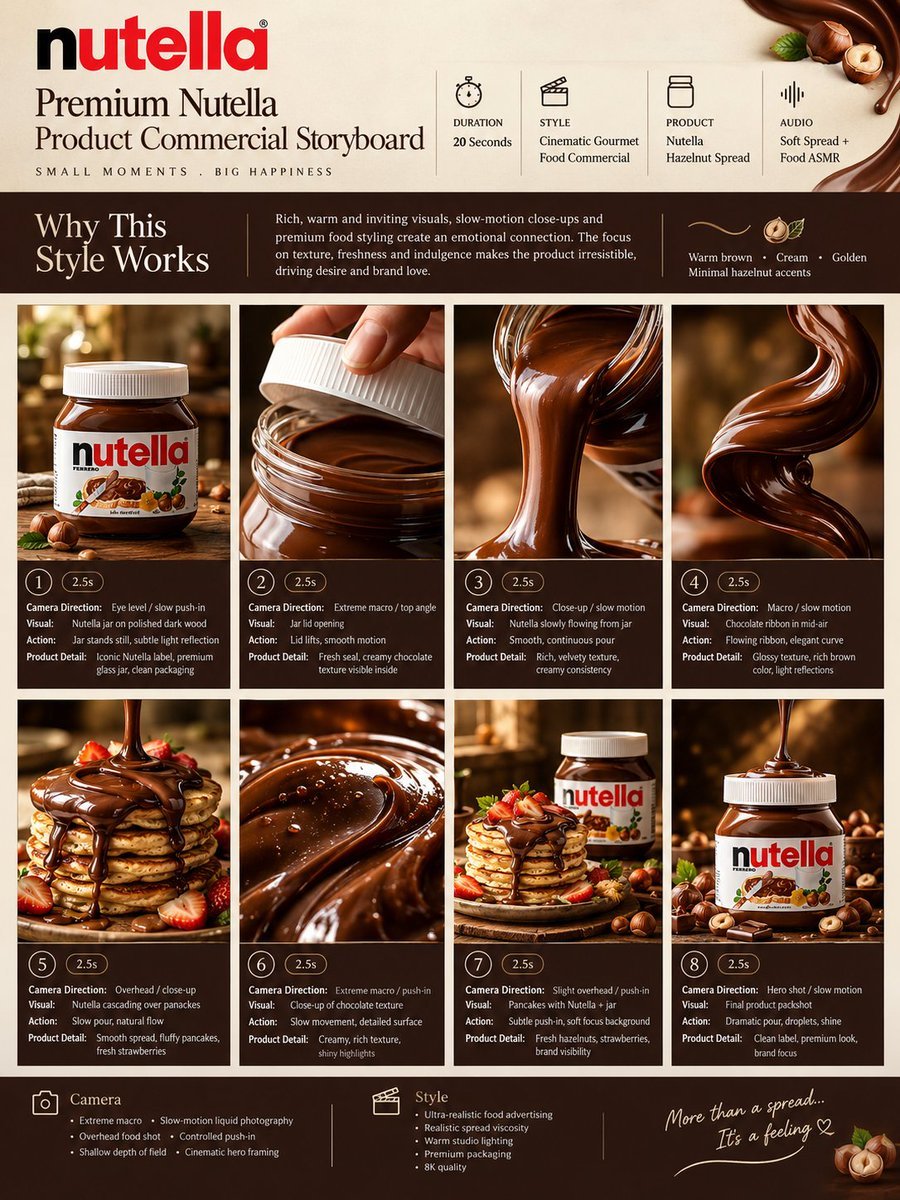
- Prompt included
- Model and format preset
- Free template
The prompt behind this image
Copy the exact prompt behind Gourmet Product Commercial Storyboard Template, or open it in the studio and make it yours.
TITLE: Premium {argument name="brand name" default="Nutella"} Product Commercial Storyboard FORMAT: • Single-page premium storyboard • 3:4 Portrait ratio • Luxury food product advertising • 8 cinematic product-focused scenes • Product remains the main hero • High-end advertising agency presentation HEADER: • Elegant serif typography • Information cards: - Duration: 20 Seconds - Style: Cinematic Gourmet Food Commercial - Product: {argument name="product name" default="Nutella Hazelnut Spread"} - Audio: Soft Spread + Food ASMR • Why This Style Works section • Warm brown, cream and golden aesthetic • Minimal hazelnut decorative accents STORYBOARD: 1. Premium Nutella jar standing on polished dark wood 2. Jar lid opening in extreme macro 3. Creamy Nutella slowly spreading from the jar 4. Chocolate spread forming a glossy ribbon in mid-air 5. Nutella cascading over fluffy pancakes 6. Extreme macro showing rich chocolate texture and tiny reflections 7. Pancake stack surrounded by the hero jar and hazelnuts 8. Final luxury product packshot with dramatic Nutella spread EVERY PANEL: • Scene number • Duration badge • Camera direction • Visual • Action • Product detail CAMERA: Extreme macro, slow-motion spread photography, overhead food shot, controlled push-in, shallow depth of field, cinematic hero framing. STYLE: Ultra-realistic food advertising, realistic spread viscosity, glossy chocolate texture, warm studio lighting, premium glass packaging, sophisticated gourmet presentation, 8K.
How to use Gourmet Product Commercial Storyboard Template in 3 steps
- 1
Open
The prompt is already in the box next to the preview, with the template's model and format selected.
- 2…a portrait of your subject in softgolden-hour light, 85mm…
Personalize
Edit the subject and creative details for your destination.
- 3Generate
Generate
Press Generate — your image is created in PicX Studio, so you can compare it with the original and refine one variable at a time.
More like this
Templates with the same subject, style or setup. Open one to see its prompt.

Headphones Lifestyle Nine Panel Grid

Cappuccino Bottle Splash Product Ad

Luxury Toothpaste Commercial Storyboard

Product Shot - T-Shirt Mockup
Seedance - Brand Commercial

Soft Shadow Studio Minimalist Product Shot
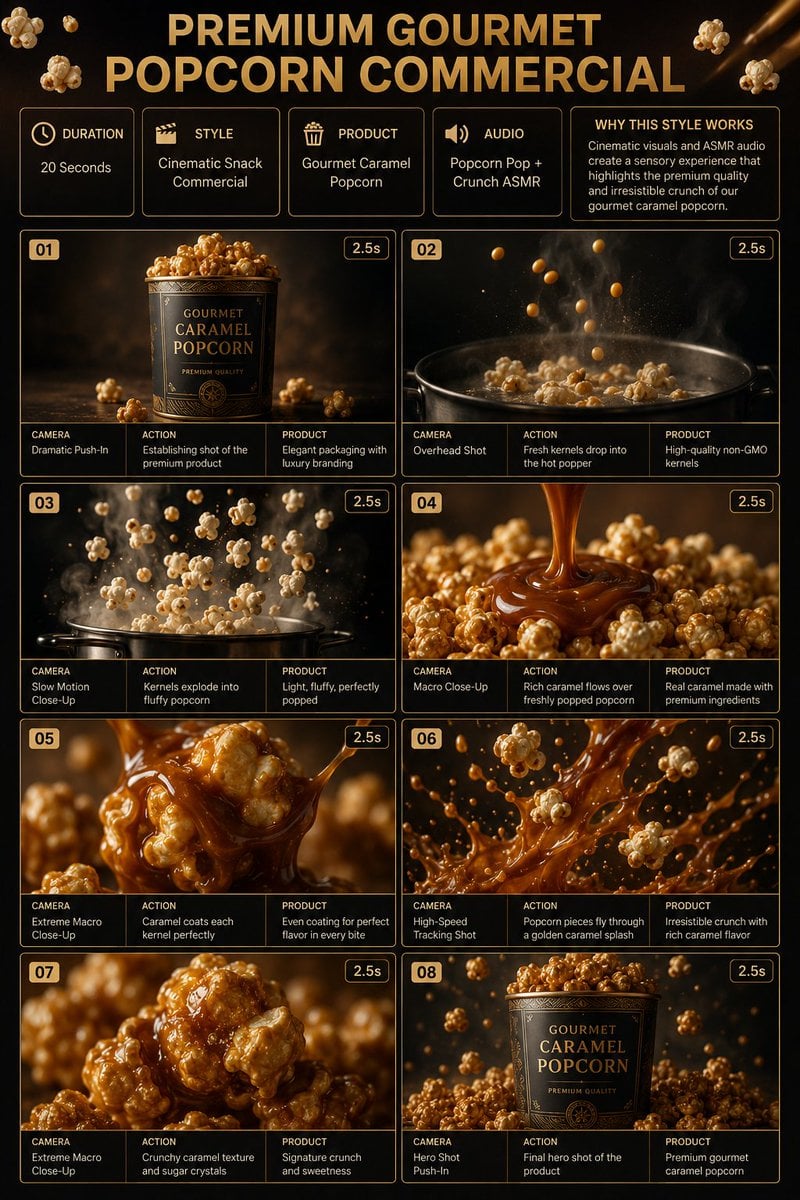
Gourmet Popcorn Storyboard
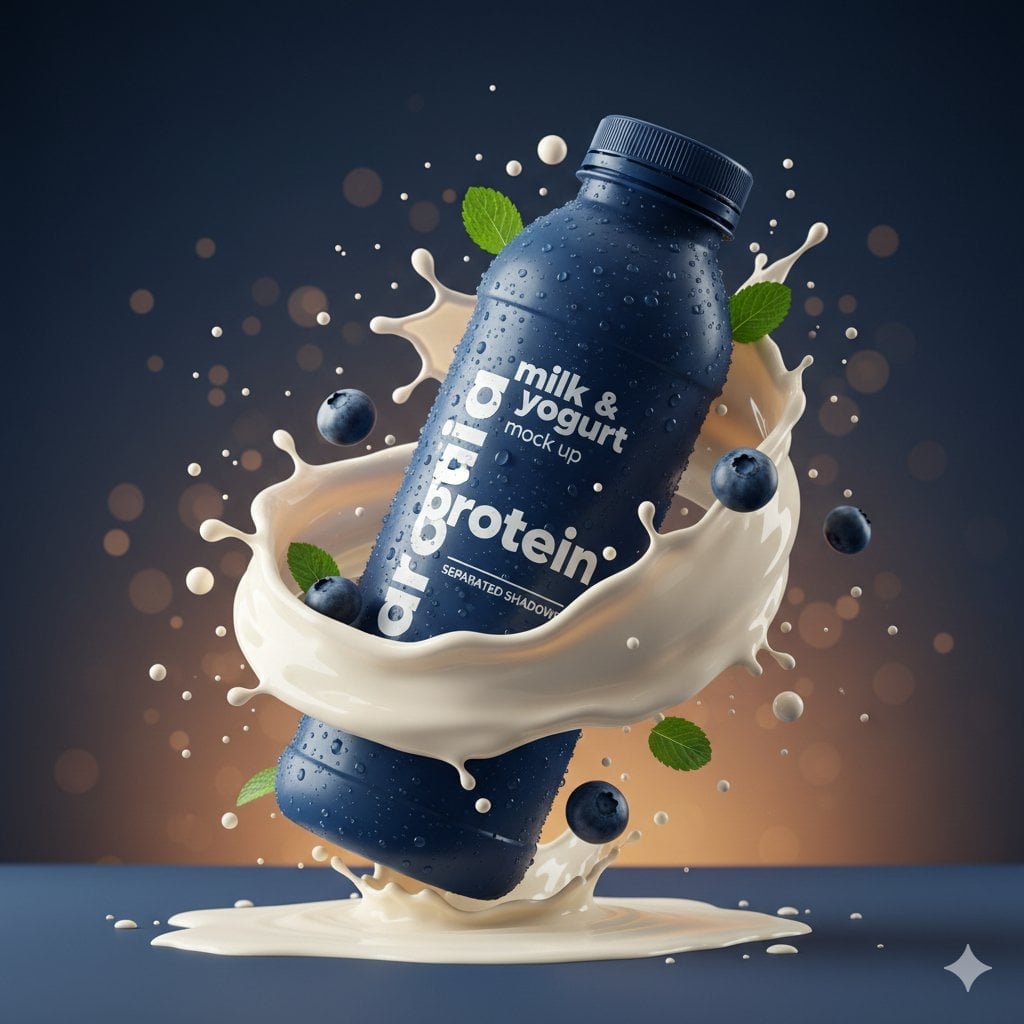
Commercial Product Splash Photography
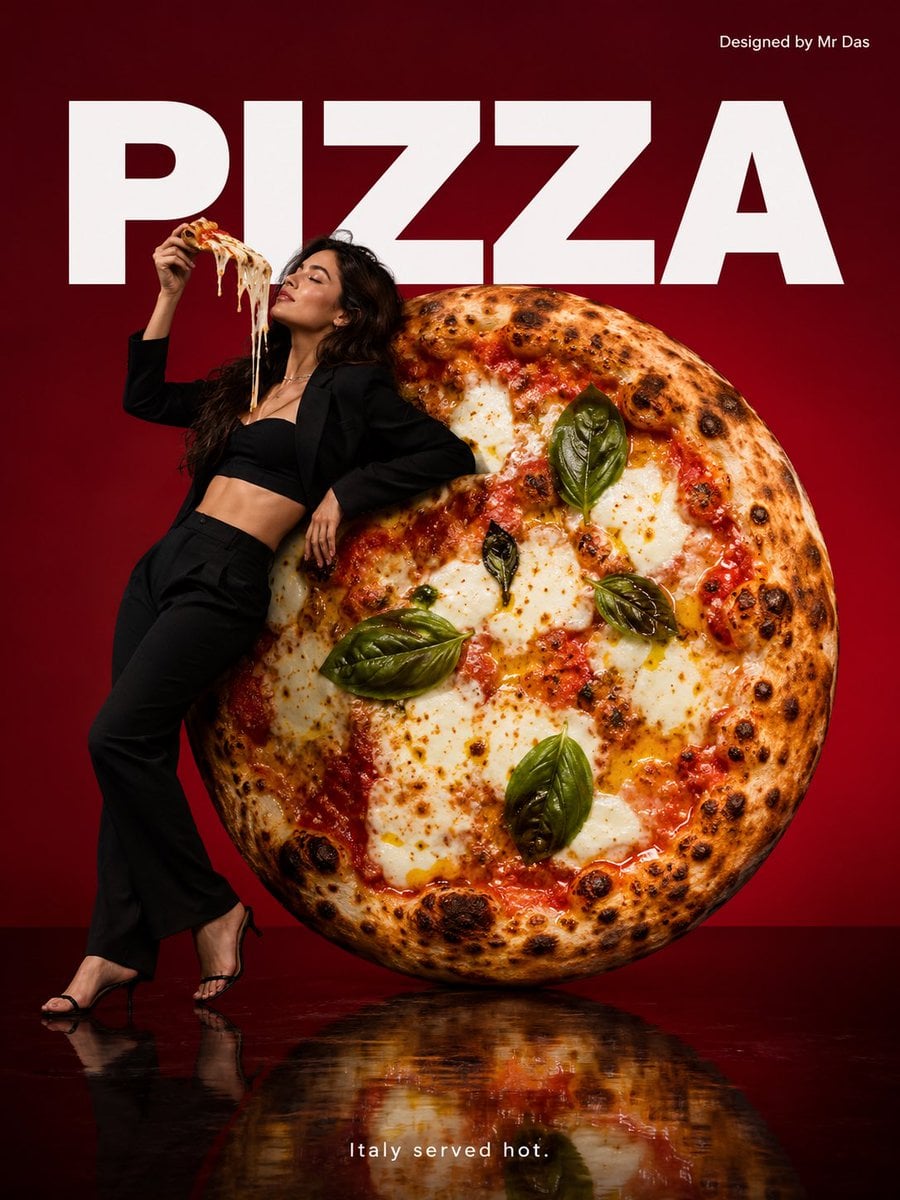
Minimalist Gourmet Pizza Commercial
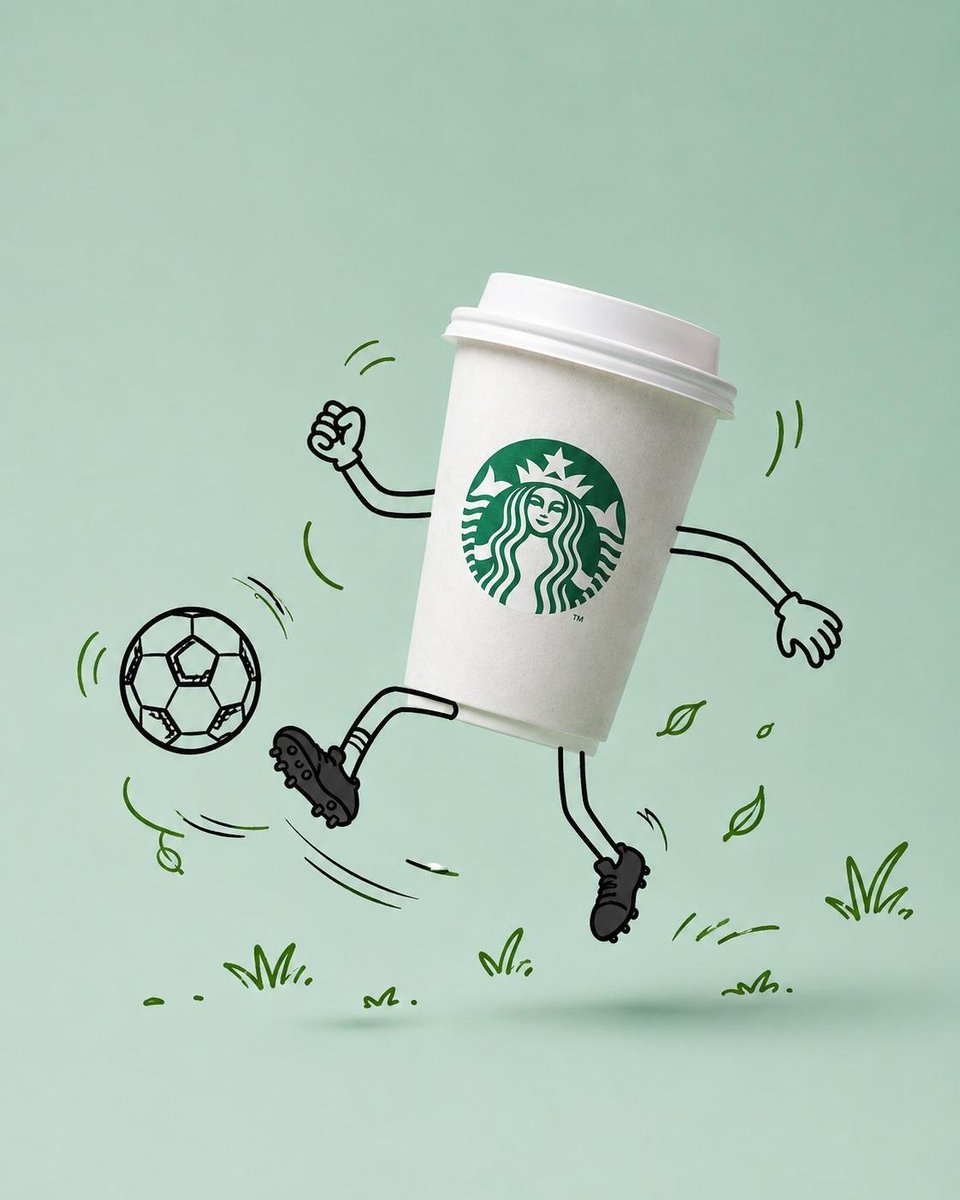
Commercial Product Advertising with Doodles

A k.pop idol on the stage with mic

Trendy Cafe Drink Promo Poster
Make it yours
Gourmet Product Commercial Storyboard Template works as-is. These are the safest ways to change it without losing the look.
Change one field
Copy a single group, rewrite it, and generate again so you can see what that field is doing.
Keep the frame, change the subject
Hold the composition and light of Gourmet Product Commercial Storyboard Template, then swap wardrobe, props or the person for a new take.
| If the result… | Why | Fix |
|---|---|---|
| The result drifts from the preview | Too many fields changed at once. | Reuse Gourmet Product Commercial Storyboard Template as-is first, then change one group — subject, light, or setting. |
| The model over-stylizes the scene | The prose prompt leaves finish and camera underspecified. | Add one camera or lighting sentence and stay on GPT Image 2. |
More GPT Image 2 templates
Other prompts made for GPT Image 2.

Six VTuber Japanese Logo Sheet

Realistic Portrait of Woman and Deer

The Vista Modular Condo Poster

AI Model Routing Comparison Infographic

2.5D Anime Art Board

Isometric Productivity Desk Scene

New York Double Exposure Poster

Four-Panel AI Landscape Comparison

Japanese Tatami Lifestyle Magazine Cover

NESCAFÉ Coffee Map Poster
More image prompts
Fresh picks from across the catalog.
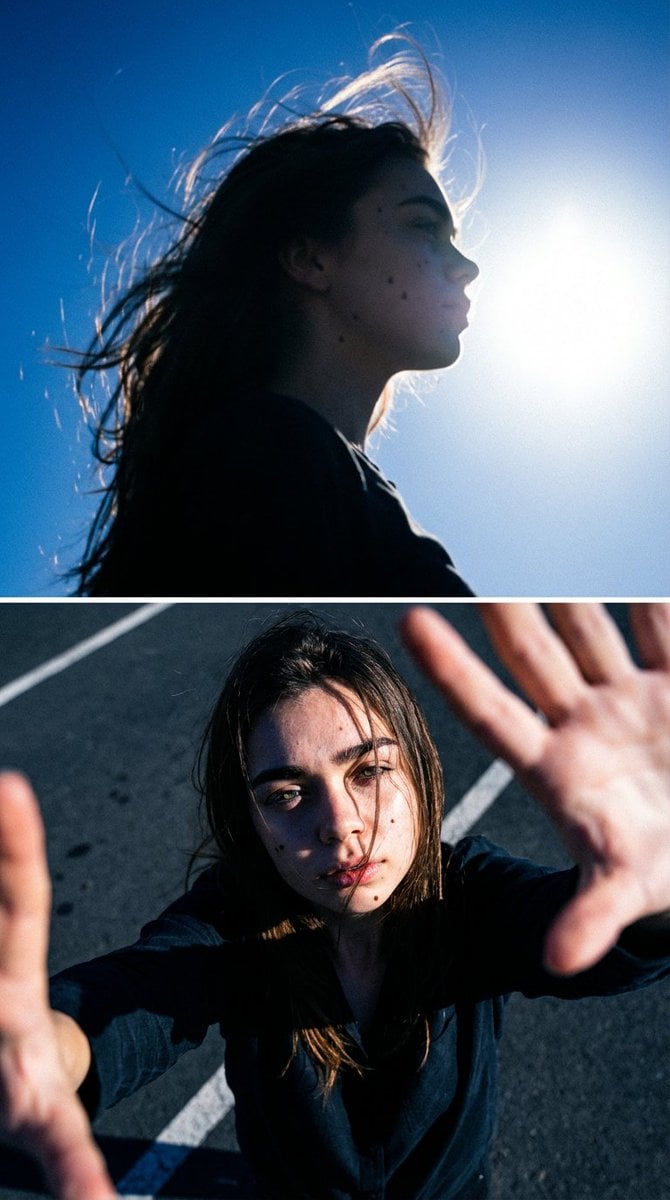
Cinematic Diptych with Identity Lock and Blue Tones
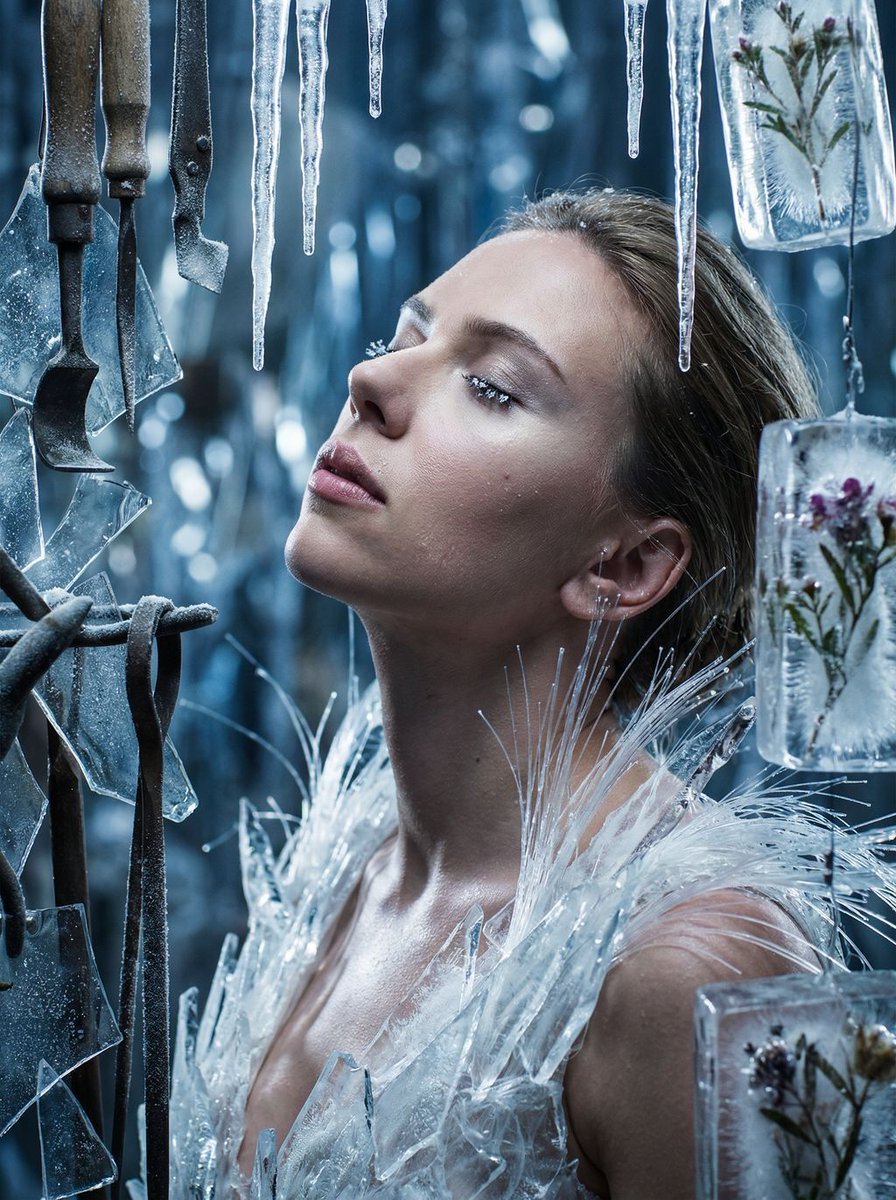
Cinematic Surreal Portrait: Crystallized Melancholy
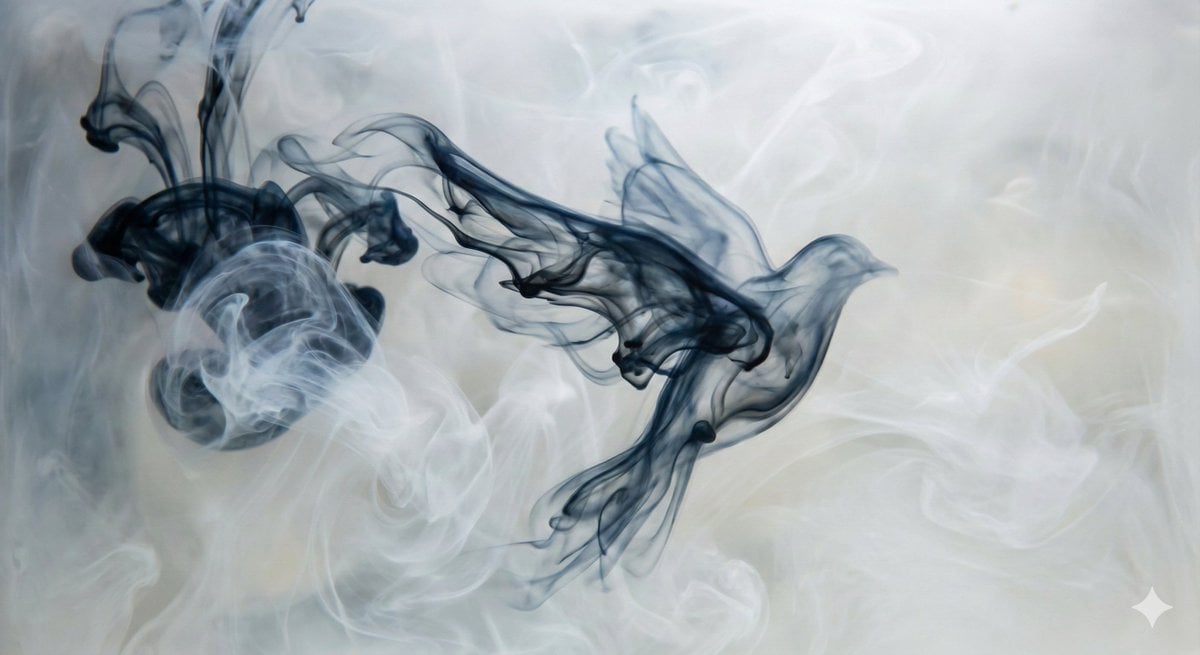
Abstract Subject Emerging from Ink and Water
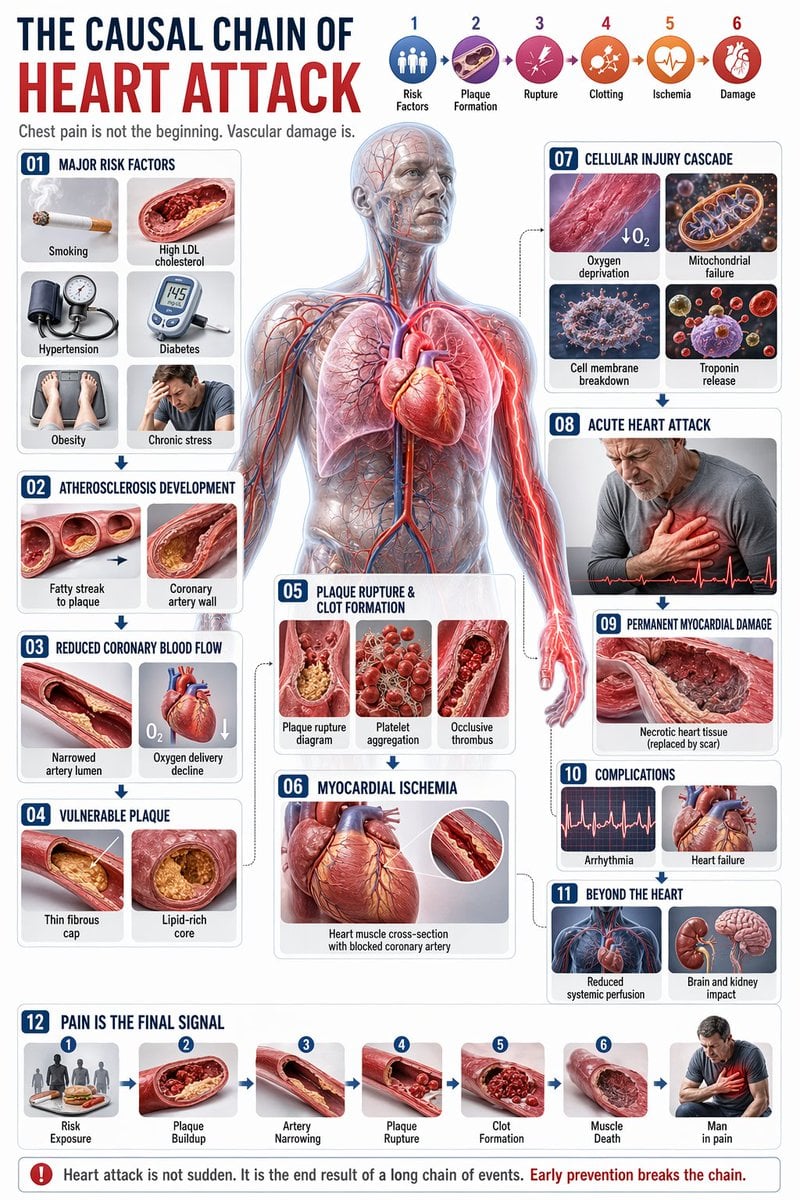
Medical Infographic JSON Prompt
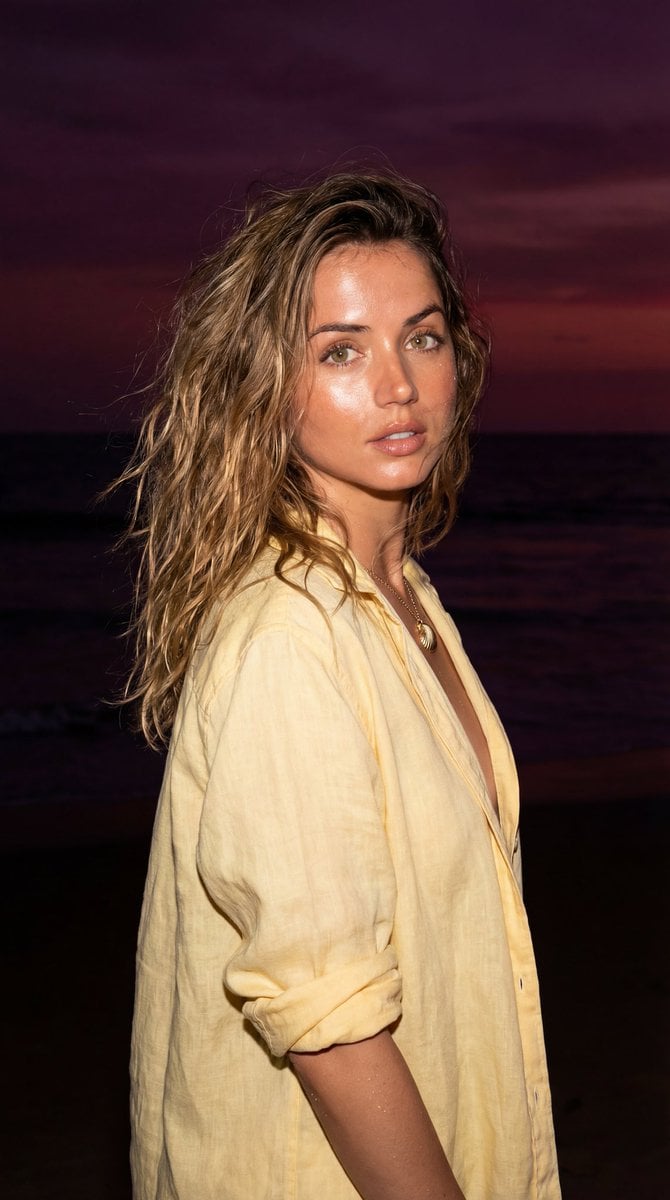
Late-Night Coastal Portrait with Flash and Sunset Glow

Image Editing Prompt for Accessory Background Replacement
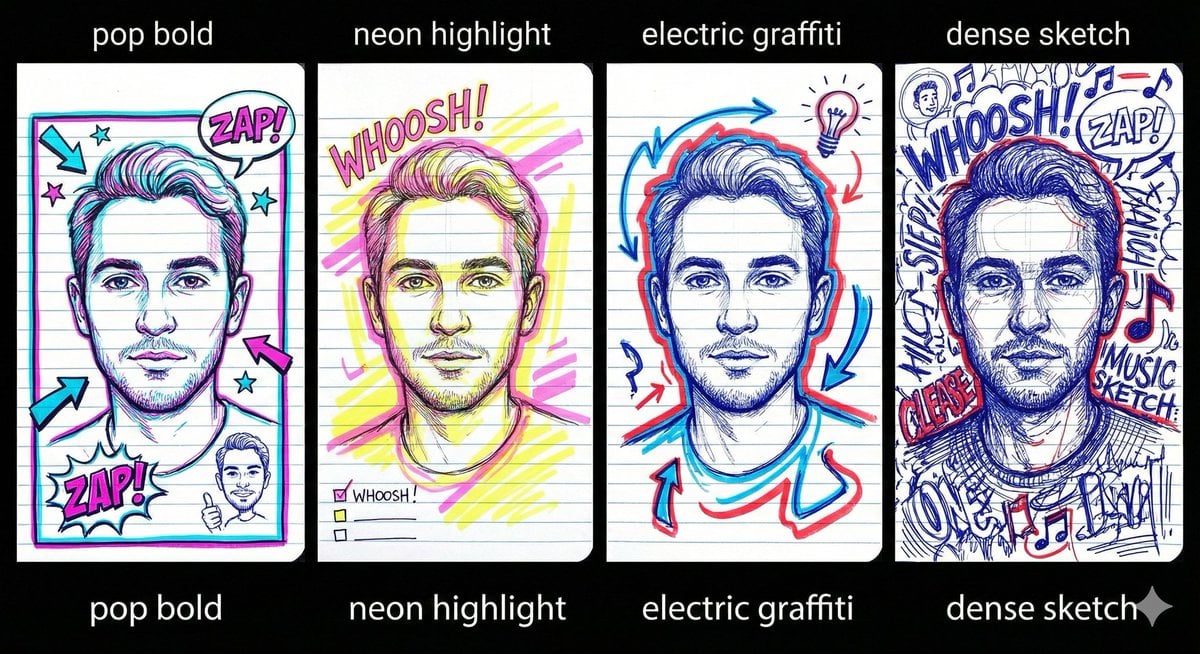
Chaotic Student Doodle Sketch Prompt
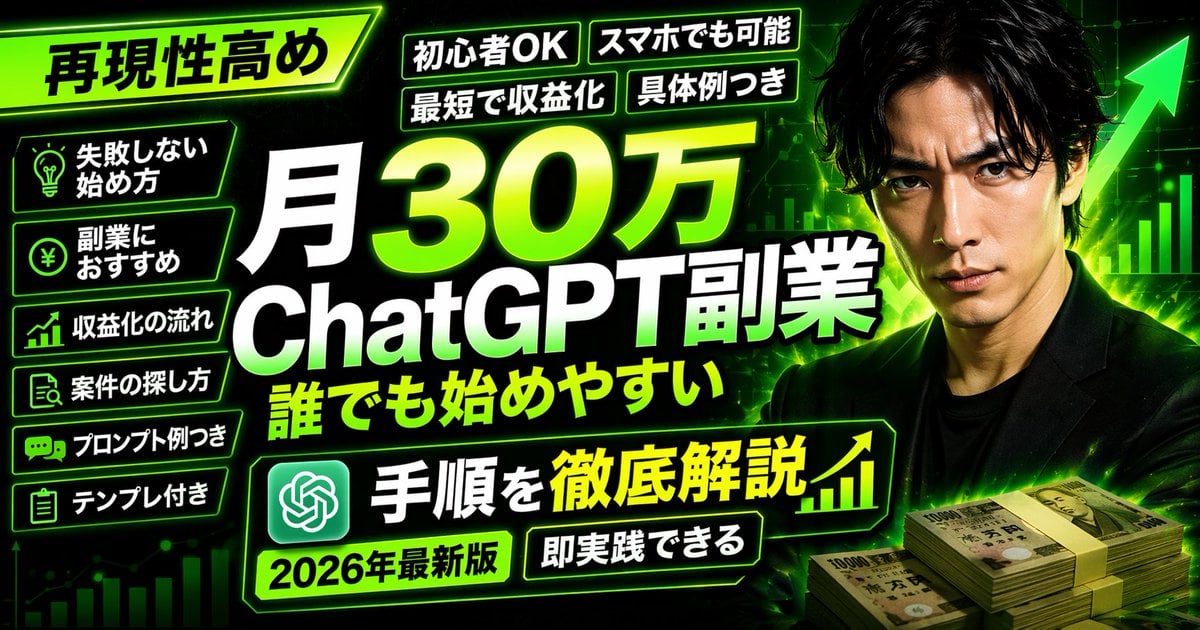
Neon Business Info-Product Thumbnail
Luxury Commercial Shot of Floating Grapefruit Sparkling Can
Explosive Chili Peppers Food Photography Prompt for Nano Banana 2
Browse template categories
Gourmet Product Commercial Storyboard Template questions
How do I use the Gourmet Product Commercial Storyboard Template template?
Add your photo if the template asks for one, edit the prompt if you like — the template's model and format are already selected — and press Generate. Your version opens in PicX Studio.
Can I customize the Gourmet Product Commercial Storyboard Template template?
Yes. You can change the subject, setting, lighting, mood, format, and available model controls before creating your image.
Is the Gourmet Product Commercial Storyboard Template template free?
Opening and editing this template is free. Generating uses credits, shown on the Generate button when you are signed in.
Which AI model should I use?
Start with GPT Image 2, which is the model associated with this template. You can compare another compatible model for a different finish.
Looking for something else? Browse all templates.

Your photo, any look
Thousands of ready templates for every top image and video model, from one credit balance.