
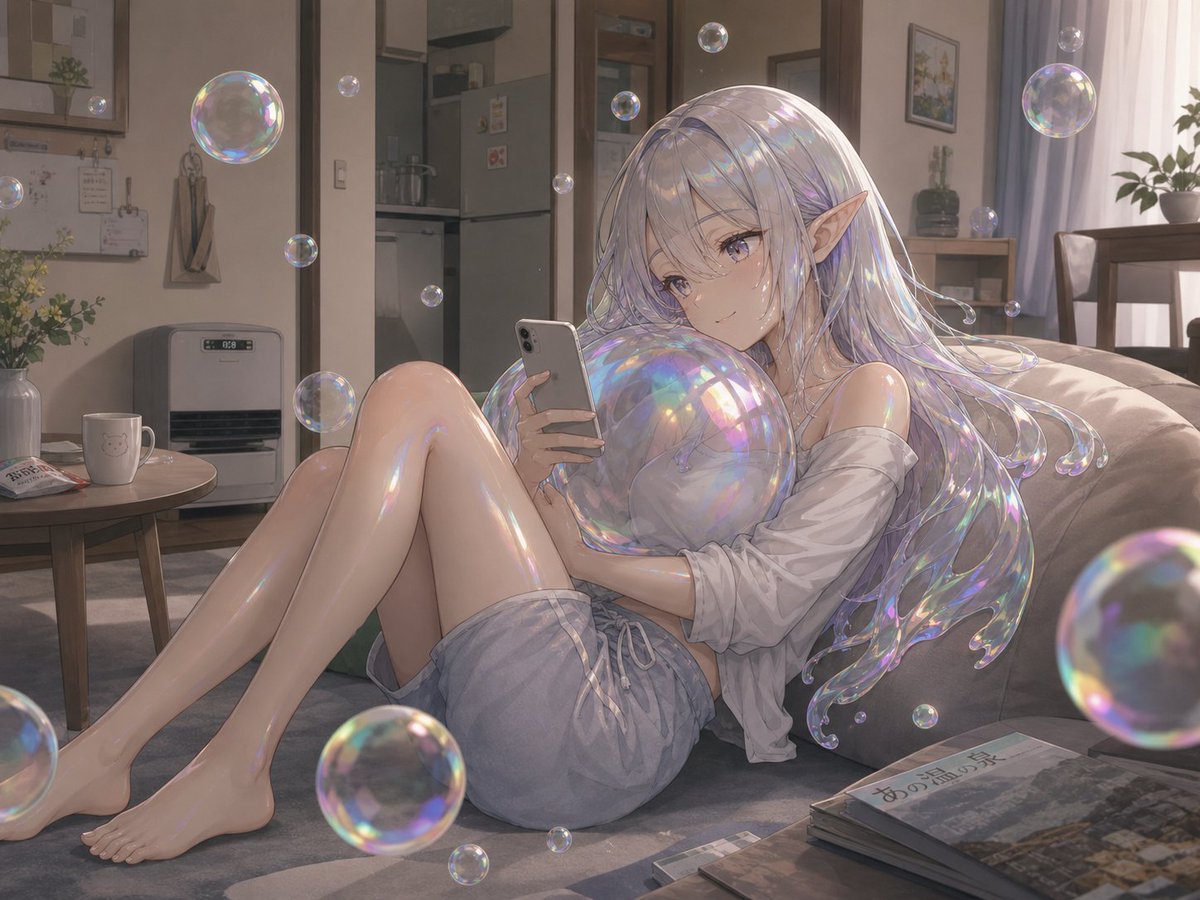
Soap Bubble Elf in Cozy Apartment
Generates a dreamy anime illustration of an iridescent soap-bubble elf relaxing with a phone in a warm Japanese living room.
- Prompt included
- Model and format preset
- Free template
The prompt behind this image
Copy the exact prompt behind Soap Bubble Elf in Cozy Apartment, or open it in the studio and make it yours.
Create a soft, highly detailed anime-style illustration of {argument name="character description" default="a young soap-bubble elf woman with long shimmering silver-lavender hair and pointed ears"} lounging sideways on a beige sofa in a cozy Japanese apartment living room. She is barefoot with her knees bent, wearing {argument name="outfit" default="a loose off-shoulder white shirt and pale blue drawstring shorts"}, holding a silver smartphone in one hand and looking down at it, while a flat opaque taupe square deliberately obscures her face. Her exposed skin and hair are covered in a glossy transparent soap-film sheen, with rainbow iridescent highlights like thin bubbles stretched over her body, especially across her shoulders, arms, legs, chest, and flowing hair. Surround her with exactly 18 floating soap bubbles of different sizes, including one large bubble near the upper left, one large partial bubble in the lower right foreground, one large bubble near the bottom center foreground, several small bubbles around her hair and the room, and a few partial bubbles at the image edges; every bubble should have prismatic reflections. The setting is {argument name="location mood" default="a warm late-afternoon domestic living room in Jozankei, Japan"}, with a low round table holding a white mug and a folded newspaper or magazine, a floor heater against the wall, a small kitchen visible through an open doorway, wooden trim, framed wall art, potted plants, pale curtains, a dining table in the background, and travel magazines or books stacked on the floor in the foreground with subtle Japanese text. Use gentle sunlight from the right, muted beige and gray tones, realistic room perspective, delicate painterly rendering, luminous iridescence, dreamy atmosphere, shallow depth of field, and a polished GPT-image-2 anime art finish.
How to use Soap Bubble Elf in Cozy Apartment in 3 steps
- 1Upload ImagePNG, JPG or paste
Add your photo
Upload the photo the template builds on. The prompt, model and format are already set.
- 2…a portrait of your subject in softgolden-hour light, 85mm…
Personalize
Edit the subject and creative details for your destination.
- 3Generate
Generate
Press Generate — your image is created in PicX Studio, so you can compare it with the original and refine one variable at a time.
More like this
Templates with the same subject, style or setup. Open one to see its prompt.

Low Angle Floor Selfie With Upside Down Cat
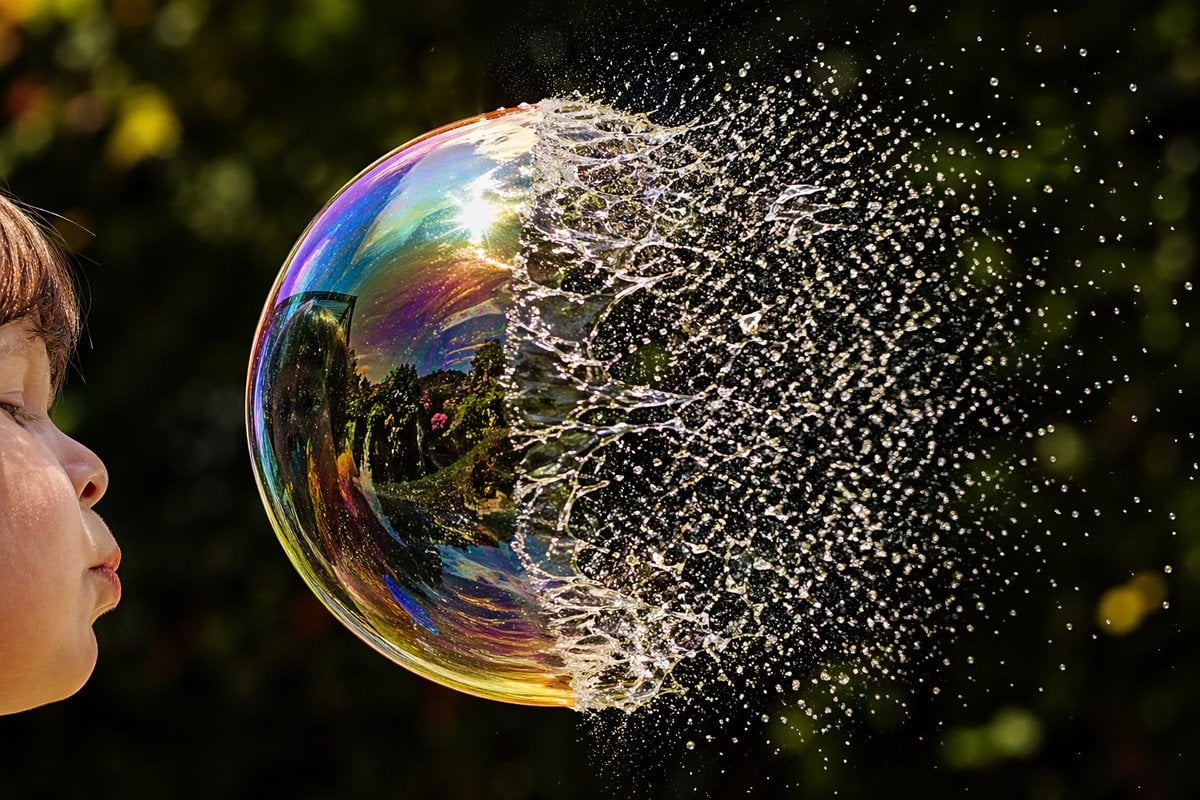
Bursting Soap Bubble Macro Photo
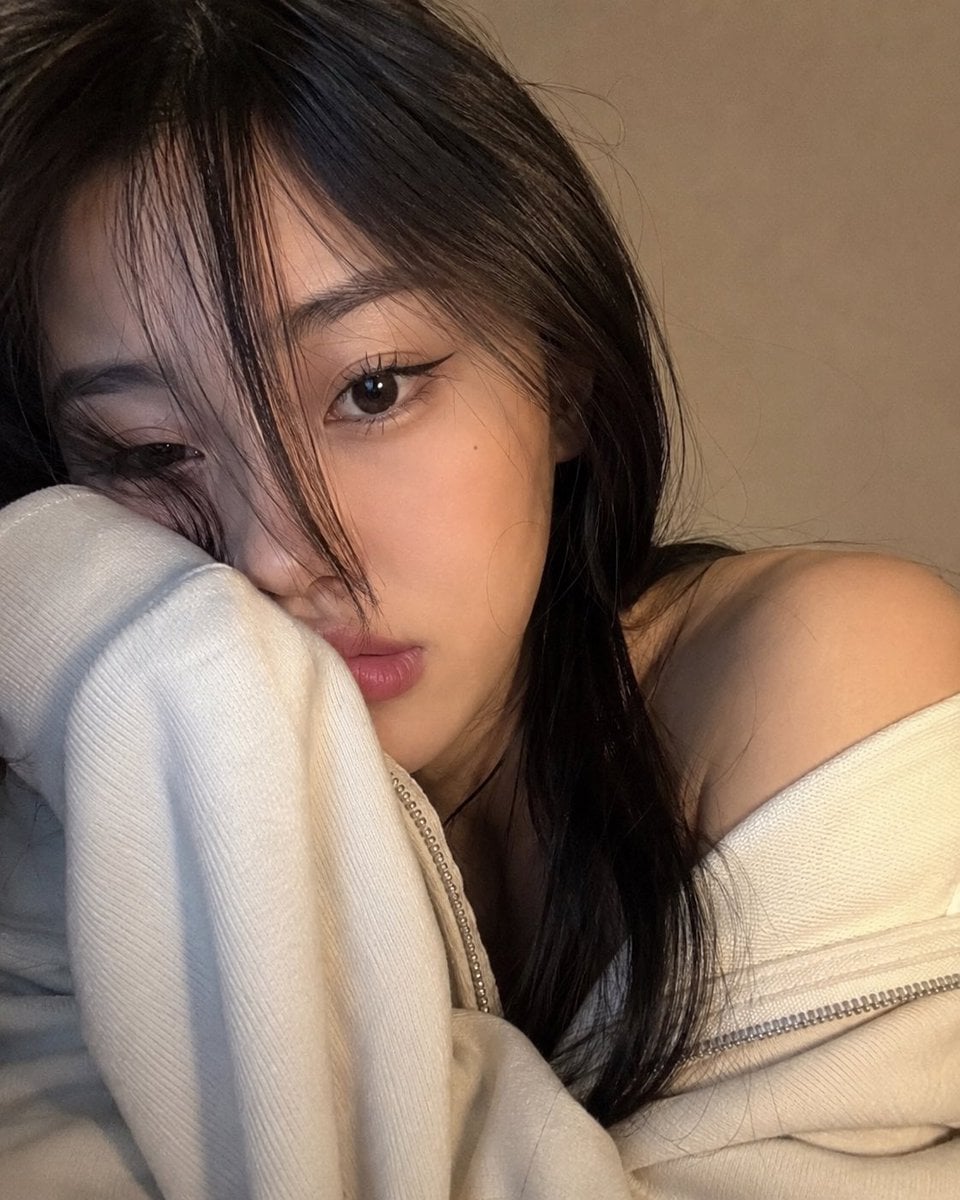
Cozy Close-up Selfie Portrait
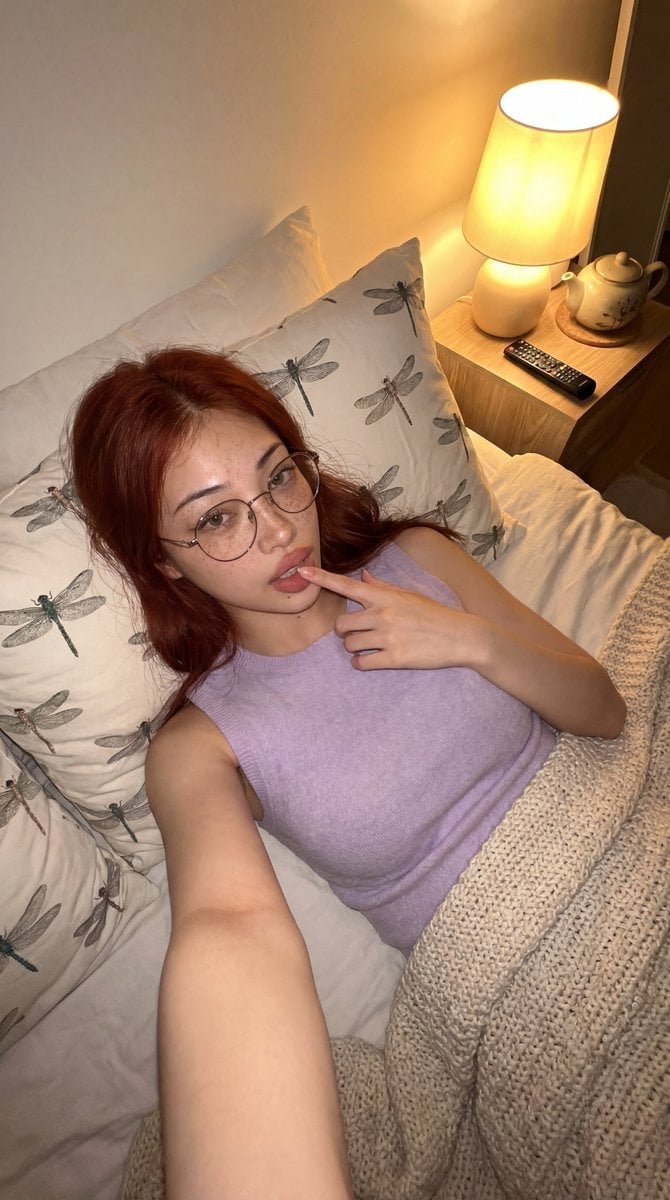
Cozy Bedroom Lifestyle Selfie

Nostalgic Digicam Café Afternoon Portrait

Pixar-Style Chibi Café Morning Scene

Japanese Café Sketch Duo Illustration

Delicate Japanese Café Lifestyle Illustration

Parisian Outdoor Café Silver-Hair Portrait
Pixar-Style Chibi Café Morning Scene
Japanese Café Sketch Duo Illustration
Delicate Japanese Café Lifestyle Illustration
Make it yours
Soap Bubble Elf in Cozy Apartment works as-is. These are the safest ways to change it without losing the look.
Change one field
Copy a single group, rewrite it, and generate again so you can see what that field is doing.
Keep the frame, change the subject
Hold the composition and light of Soap Bubble Elf in Cozy Apartment, then swap wardrobe, props or the person for a new take.
| If the result… | Why | Fix |
|---|---|---|
| The result drifts from the preview | Too many fields changed at once. | Reuse Soap Bubble Elf in Cozy Apartment as-is first, then change one group — subject, light, or setting. |
| The model over-stylizes the scene | The prose prompt leaves finish and camera underspecified. | Add one camera or lighting sentence and stay on GPT Image 2. |
More GPT Image 2 templates
Other prompts made for GPT Image 2.

Six VTuber Japanese Logo Sheet

Realistic Portrait of Woman and Deer

The Vista Modular Condo Poster

AI Model Routing Comparison Infographic

2.5D Anime Art Board

Isometric Productivity Desk Scene

New York Double Exposure Poster

Four-Panel AI Landscape Comparison

Japanese Tatami Lifestyle Magazine Cover

NESCAFÉ Coffee Map Poster
More image prompts
Fresh picks from across the catalog.
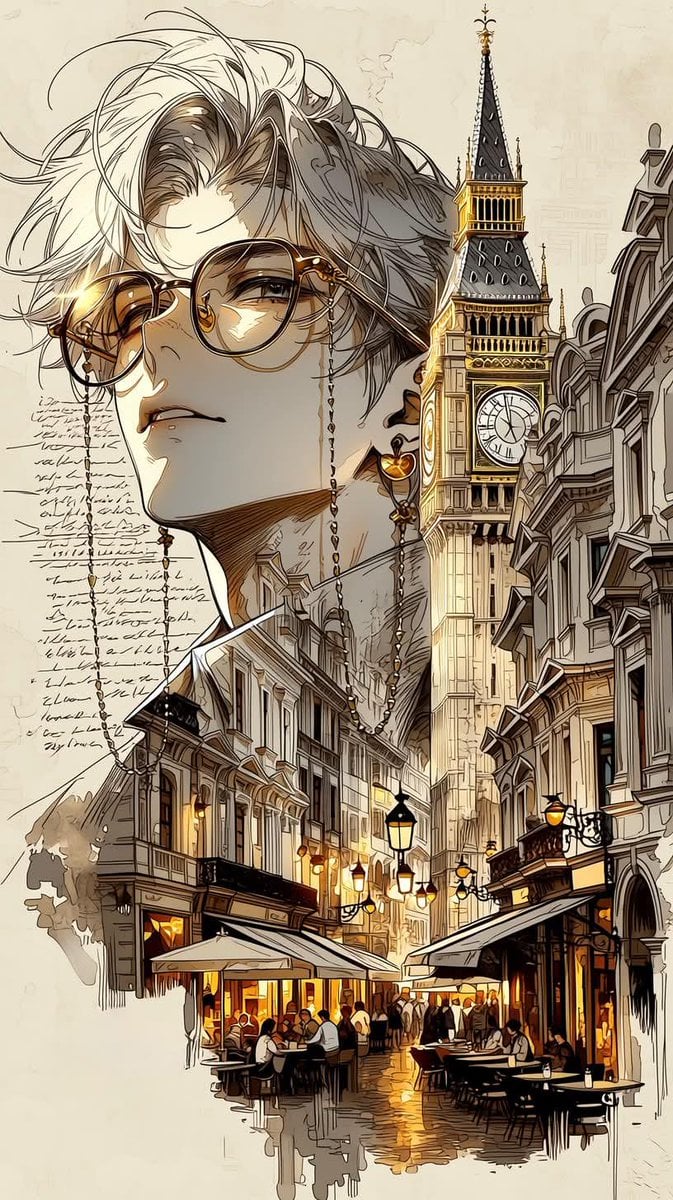
European City Travel Illustration

Sticker Art Style - Rainbow Girl v2
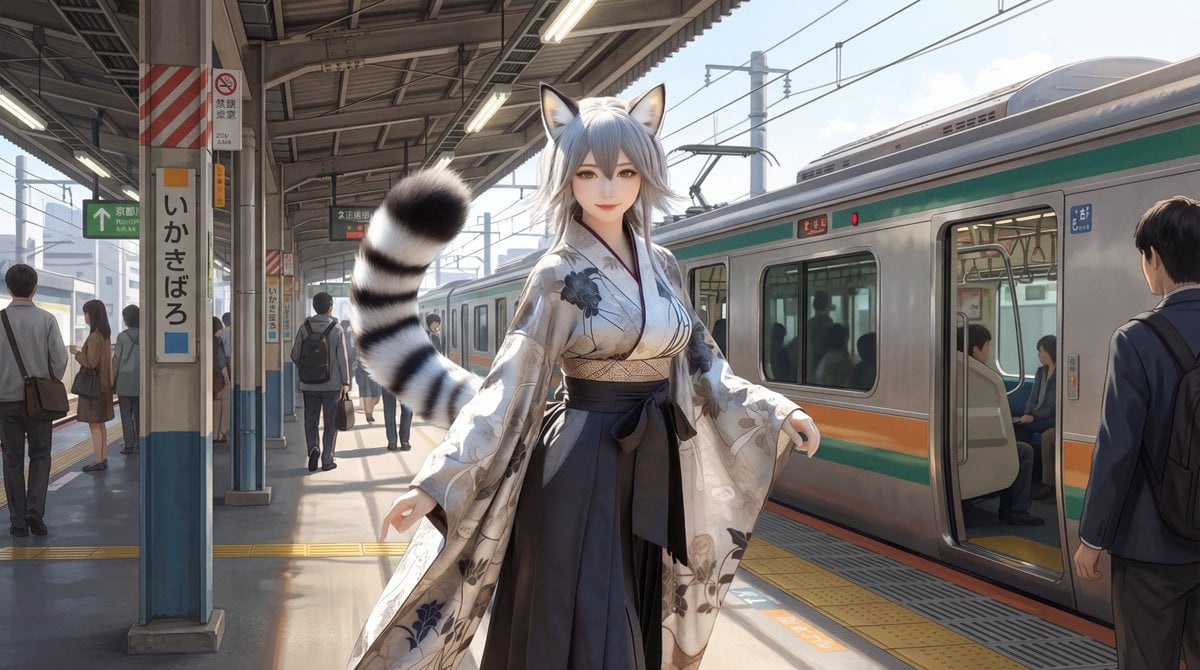
Character on Japanese train platform with matched lighting
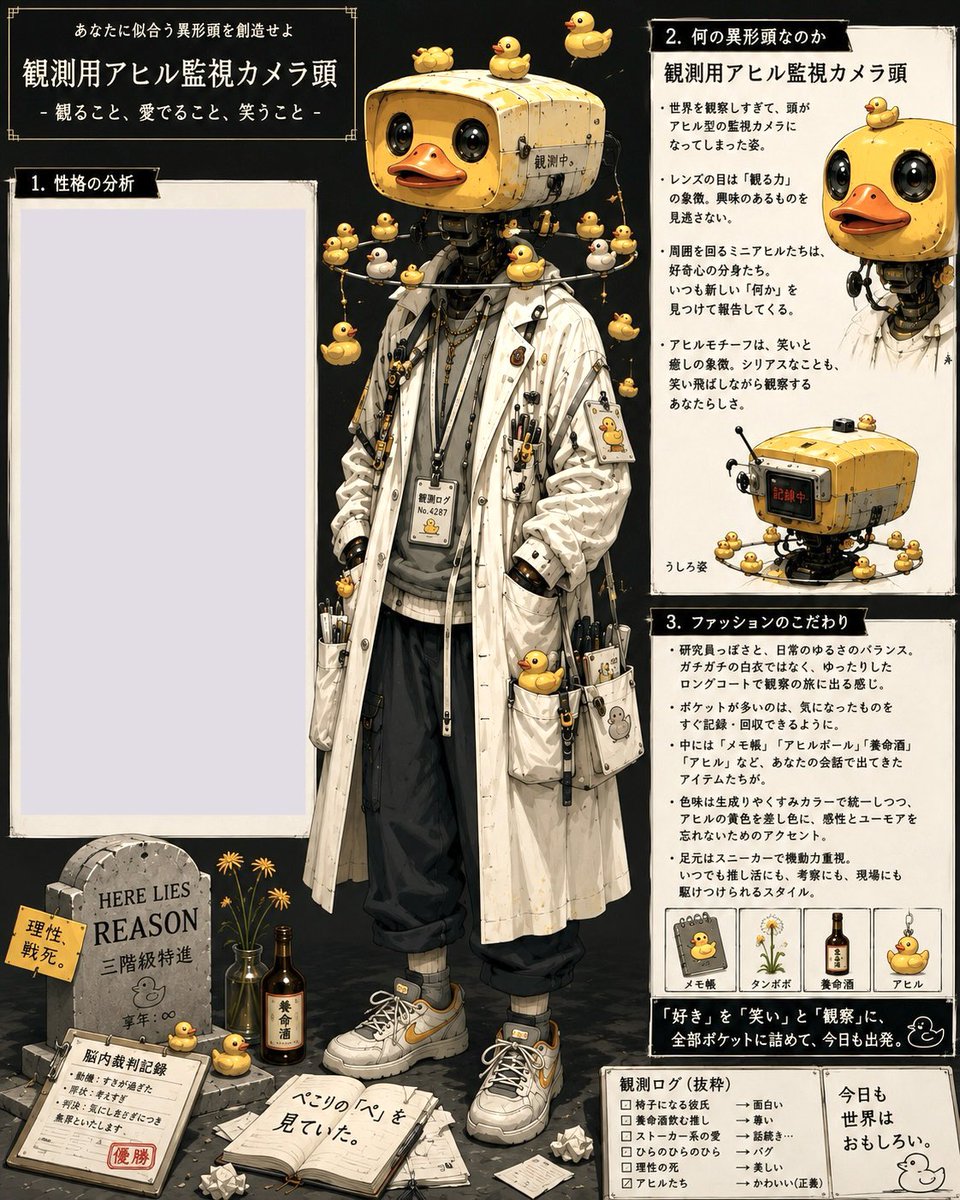
Rubber Duck Camera Head Character Sheet
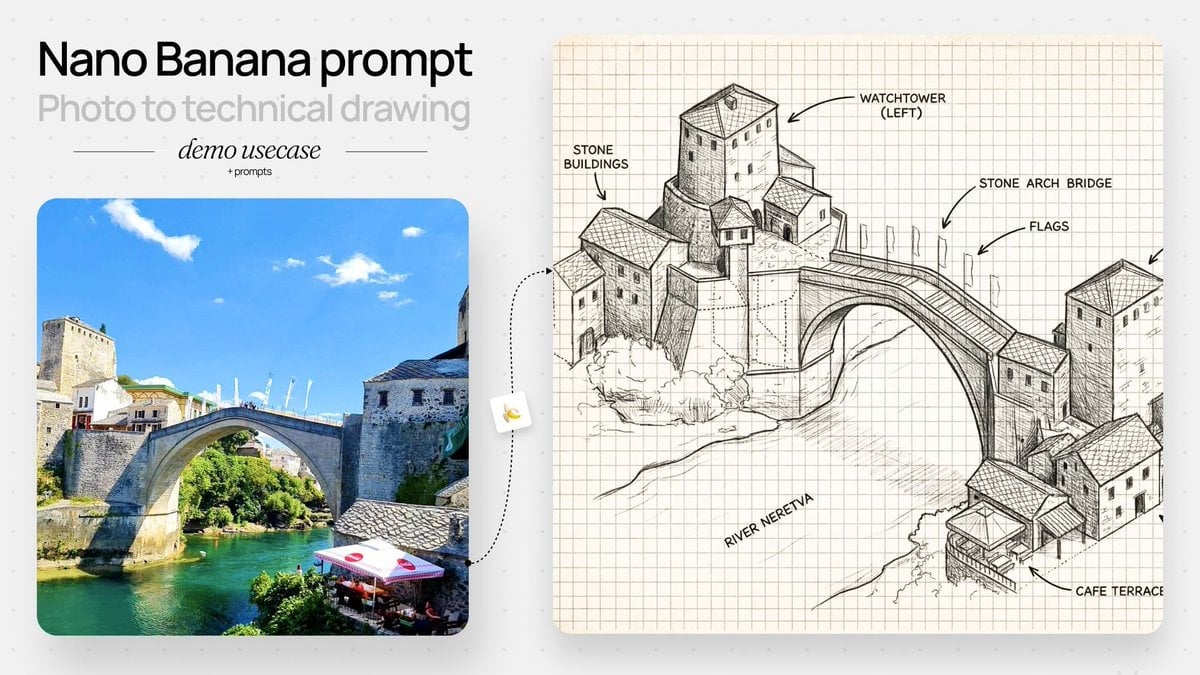
Isometric Schematic Architectural Redraw
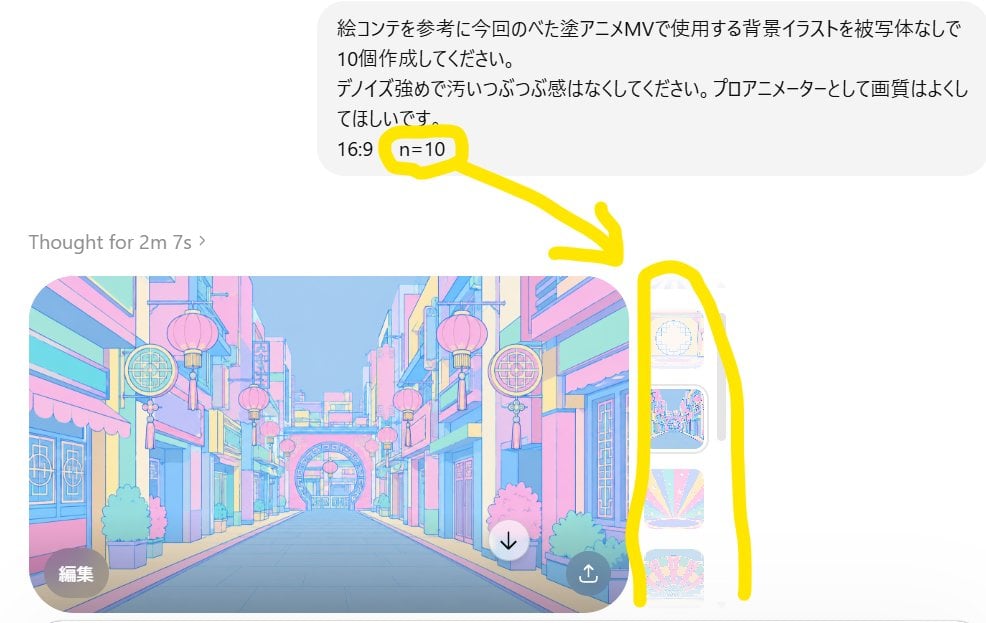
Annotated ChatGPT Multiple Image Outputs
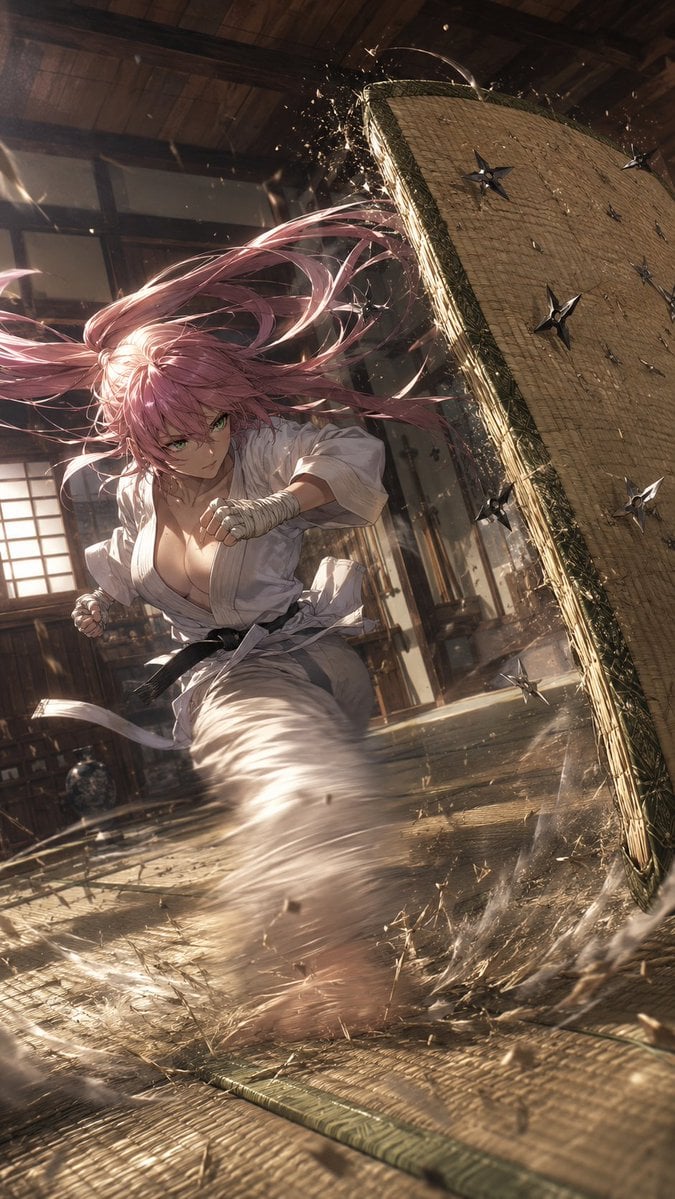
Anime Dojo Shuriken Kick
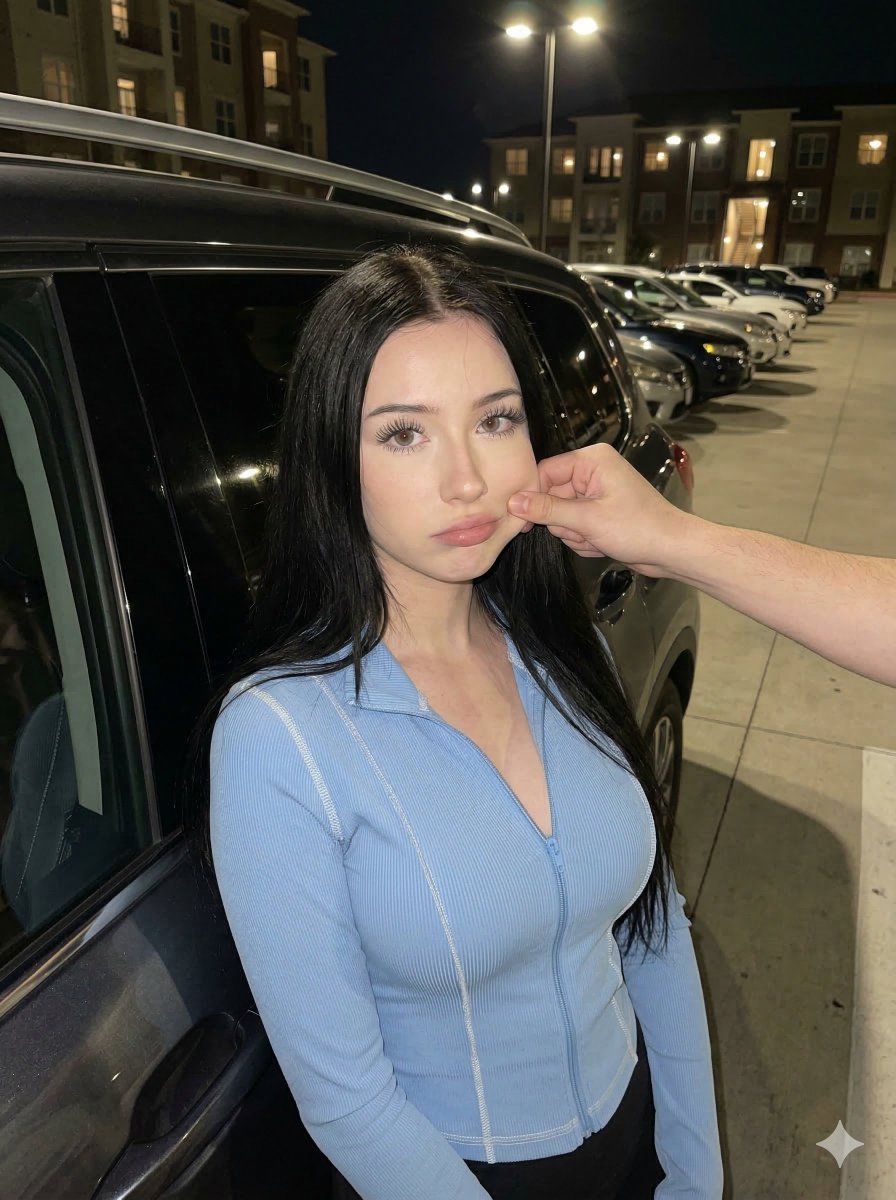
Candid Nighttime Urban Portrait
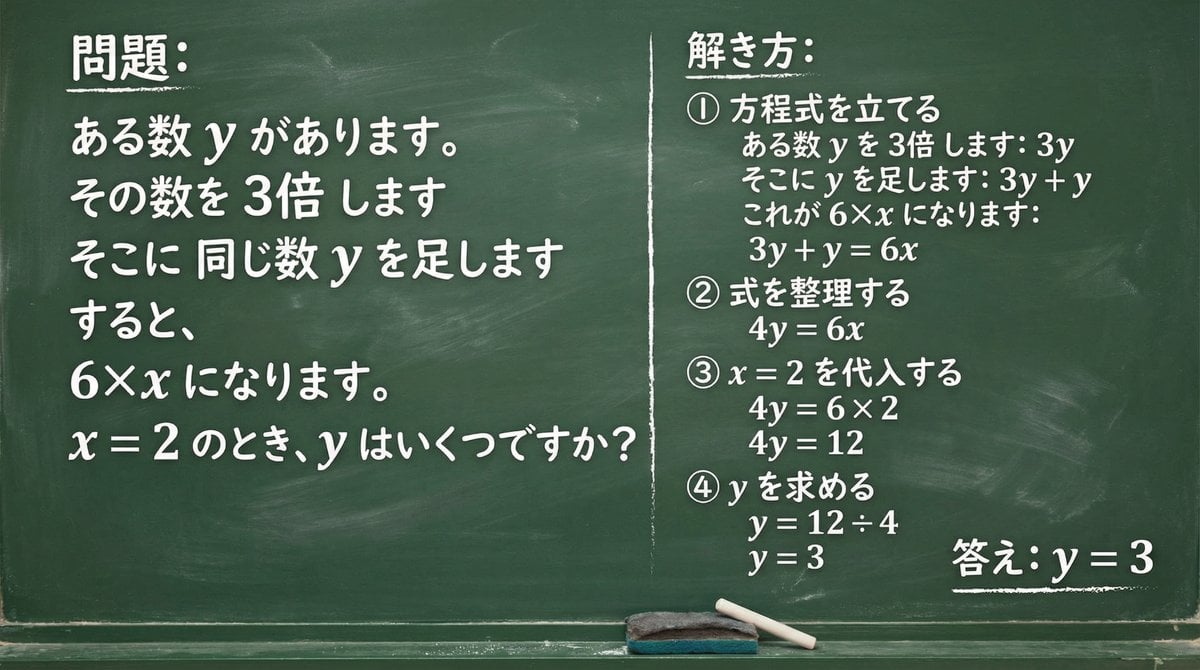
Chalkboard Math Problem Image Generation
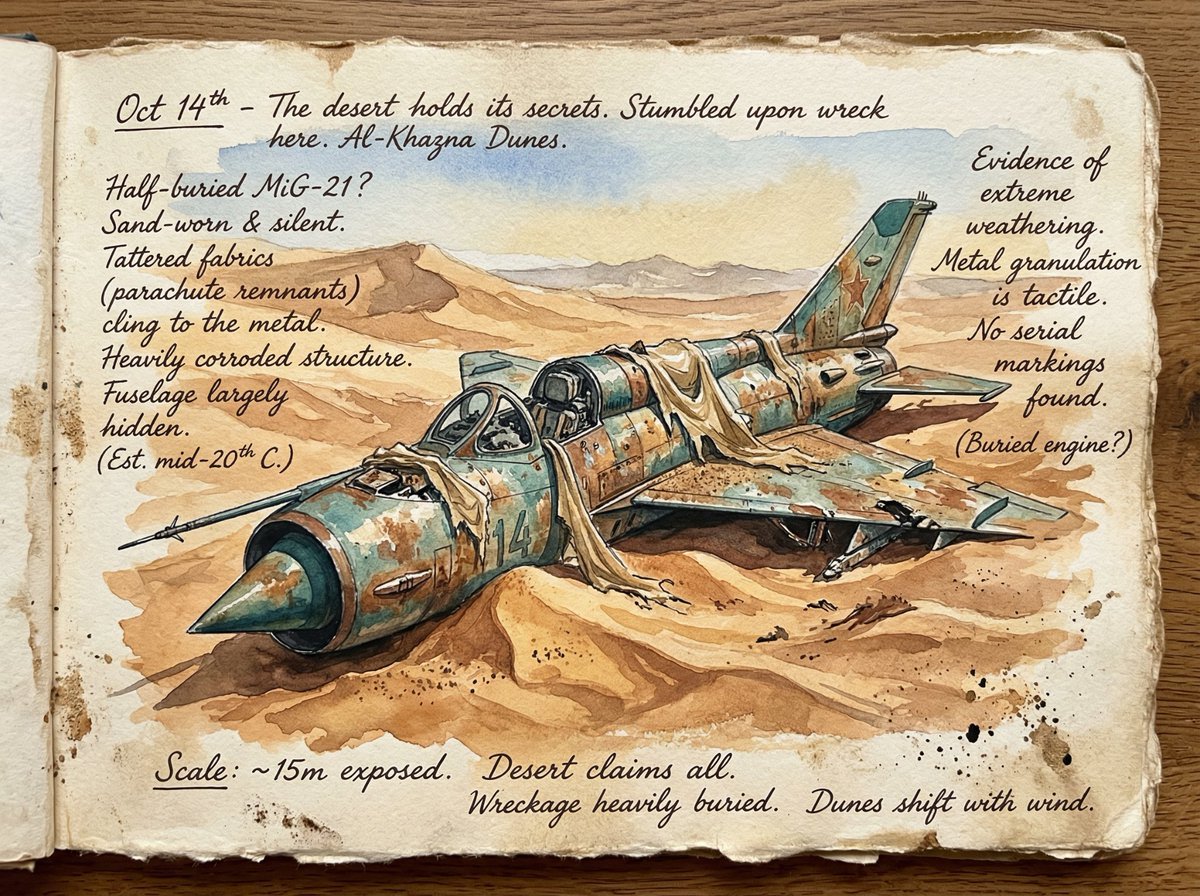
Loose Watercolor of a Half-Buried Fighter Jet in Desert Dunes
Browse template categories
Soap Bubble Elf in Cozy Apartment questions
How do I use the Soap Bubble Elf in Cozy Apartment template?
Add your photo if the template asks for one, edit the prompt if you like — the template's model and format are already selected — and press Generate. Your version opens in PicX Studio.
Can I customize the Soap Bubble Elf in Cozy Apartment template?
Yes. You can change the subject, setting, lighting, mood, format, and available model controls before creating your image.
Is the Soap Bubble Elf in Cozy Apartment template free?
Opening and editing this template is free. Generating uses credits, shown on the Generate button when you are signed in.
Which AI model should I use?
Start with GPT Image 2, which is the model associated with this template. You can compare another compatible model for a different finish.
Looking for something else? Browse all templates.

Your photo, any look
Thousands of ready templates for every top image and video model, from one credit balance.