
Japanese Travel Photo Prompts (Tokyo & Theme Park)
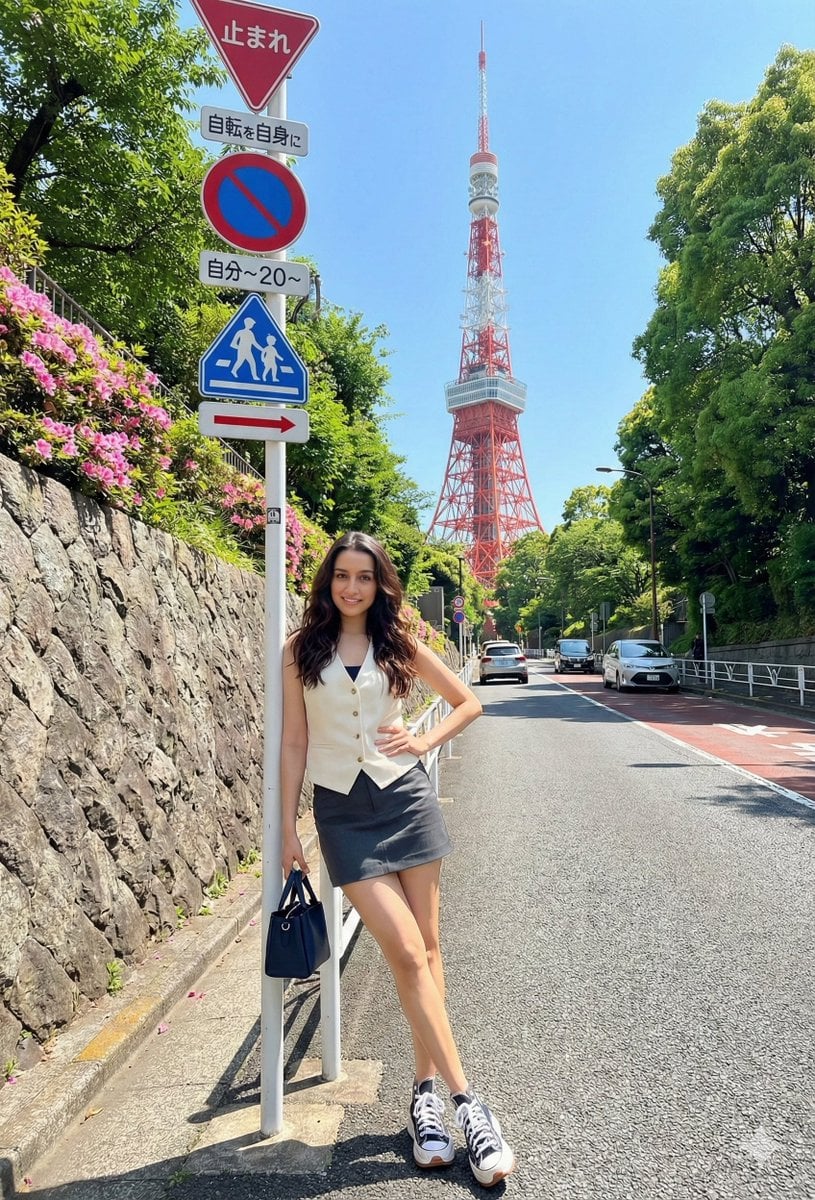
Three separate ultra-realistic 8K image generation prompts for Gemini Nano Banana Pro, focusing on Japanese travel photography scenes—one near Tokyo Tower, one in Super Nintendo World, and one at a Disney theme park—all…
- Prompt included
- Model and format preset
- Free template
The prompt behind this image
Copy the exact prompt behind Japanese Travel Photo Prompts (Tokyo & Theme Park), or open it in the studio and make it yours.
Edit my photo using it as a reference and create an ultra-realistic 8K photo set near Tokyo Tower, Japan. The scene shows an uphill paved road leading toward the red-and-white Tokyo Tower, with Japanese traffic signs in the foreground, lush green trees, flowering bushes, and a stone retaining wall topped with pink flowers. A few cars are visible in the distance. Lighting is bright and sunny with clear skies. The subject is a young woman standing casually by the signpost, leaning slightly with her left hand resting on her hip, facing the camera with a relaxed smile and legs slightly apart. She has long, dark, softly wavy hair worn down. She wears a light-colored sleeveless V-neck vest with buttons layered over a darker inner top, paired with a dark gray or charcoal mini skirt or shorts, and white chunky Chuck Taylor sneakers with dark accents. She carries a small dark-colored handbag in her right hand. Makeup is subtle and natural, with true-to-life colors and no heavy filter. Do not change or alter my face." Prompt 2: "Edit my photo using it as a reference and create an ultra-realistic 8K photo of a young woman in a vibrant pink puffer jacket at a theme park on a sunny day. She wears a white crew-neck top with dark pants or a skirt, her hair styled in two low braids, with a small brown furry character accessory on her head. She carries a bright yellow star-shaped bag with a colorful beaded strap and a red shoulder bag decorated with themed keychains, including a Hello Kitty charm, and wears a belt with a metallic buckle. Her makeup is natural and glowing, and she faces the camera with a wide, joyful smile, holding the strap of the star bag and resting her elbow on a low barrier. The background is Super Nintendo World at Universal Studios, featuring colorful Mario-style landscapes with layered hills, green round trees, blocks, pipes, a visible “ADVENTURE” sign, and a red-and-white Piranha Plant prop. People and a decorated Christmas tree appear in the distance. The sky is bright blue with scattered clouds. Colors are vibrant, high-contrast, and cheerful, with a bright travel-photo aesthetic. Do not change or alter my face." Prompt 3: "Edit my photo using it as a reference and create an ultra-realistic 8K photo of a young woman posing cheerfully in front of a fairytale castle at a Disney theme park. The scene is brightly lit on a sunny day, with clear architectural details and a warm, polished look. She wears a light pink cable-knit tie-front cardigan over a light top, paired with light-wash wide-leg denim jeans. Her hair is dark brown, worn down with a natural straight or softly wavy style. She has natural, fresh makeup with defined brows and a soft rosy lip, and wears a Minnie Mouse ear headband with black ears and a red-and-white polka dot bow. She stands facing the camera, smiling warmly, with her right arm raised in a welcoming, enthusiastic gesture. The background fe
How to use Japanese Travel Photo Prompts (Tokyo & Theme Park) in 3 steps
- 1Upload ImagePNG, JPG or paste
Add your photo
Upload the photo the template builds on. The prompt, model and format are already set.
- 2…a portrait of your subject in softgolden-hour light, 85mm…
Personalize
Edit the subject and creative details for your destination.
- 3Generate
Generate
Press Generate — your image is created in PicX Studio, so you can compare it with the original and refine one variable at a time.
More like this
Templates with the same subject, style or setup. Open one to see its prompt.
Japanese Jungle Theme Park Parody Poster

Minecraft Japanese Research Lab Exploration

Japan Travel Brochure Poster

Miniature Travel Diorama Postcard

Boardwalk Fashion Portrait
Japanese NEWT Travel App Poster
Fairy-Tale Park Travel Photo

Theme Park Anime Selfie

Japanese Architectural Concrete Studio Fashion Campaign

Japanese Minimalist Concrete Studio Fashion Editorial

Blue Backdrop Luxury Fashion Portrait Campaign

Clay Miniature Landmark Travel Diorama
Make it yours
Japanese Travel Photo Prompts (Tokyo & Theme Park) works as-is. These are the safest ways to change it without losing the look.
Change one field
Copy a single group, rewrite it, and generate again so you can see what that field is doing.
Keep the frame, change the subject
Hold the composition and light of Japanese Travel Photo Prompts (Tokyo & Theme Park), then swap wardrobe, props or the person for a new take.
| If the result… | Why | Fix |
|---|---|---|
| The result drifts from the preview | Too many fields changed at once. | Reuse Japanese Travel Photo Prompts (Tokyo & Theme Park) as-is first, then change one group — subject, light, or setting. |
| The model over-stylizes the scene | The prose prompt leaves finish and camera underspecified. | Add one camera or lighting sentence and stay on Nano Banana 2. |
More Nano Banana 2 templates
Other prompts made for Nano Banana 2.

Photorealistic Leaf Shaped Like a Dragon

K-Pop Idol Portrait Grid for Rapid Selection

Poetic Rain Forest Portrait During Golden Hour

Urban Street Portrait with Cartoon Inner Self Duo

Candid Nighttime Photo with Cat Prompt

High-Concept 3D Diorama Generation Prompt

Cinematic Futuristic Studio Portrait Template

Skincare Editorial Photography Collage Prompt

Hyper-Realistic Commercial Product Photography (Splash Effect)

Hyper-Realistic Nightclub Portrait Prompt
More image prompts
Fresh picks from across the catalog.
Professional Logo VI Design Manual
Candid series of Indonesian president photos
Product hero shot with charred black branches framing
Ultra-Photoreal Candid Street Romance Film Still

Hygge Winter Family Photo Prompt

Surreal Skincare Product Ad
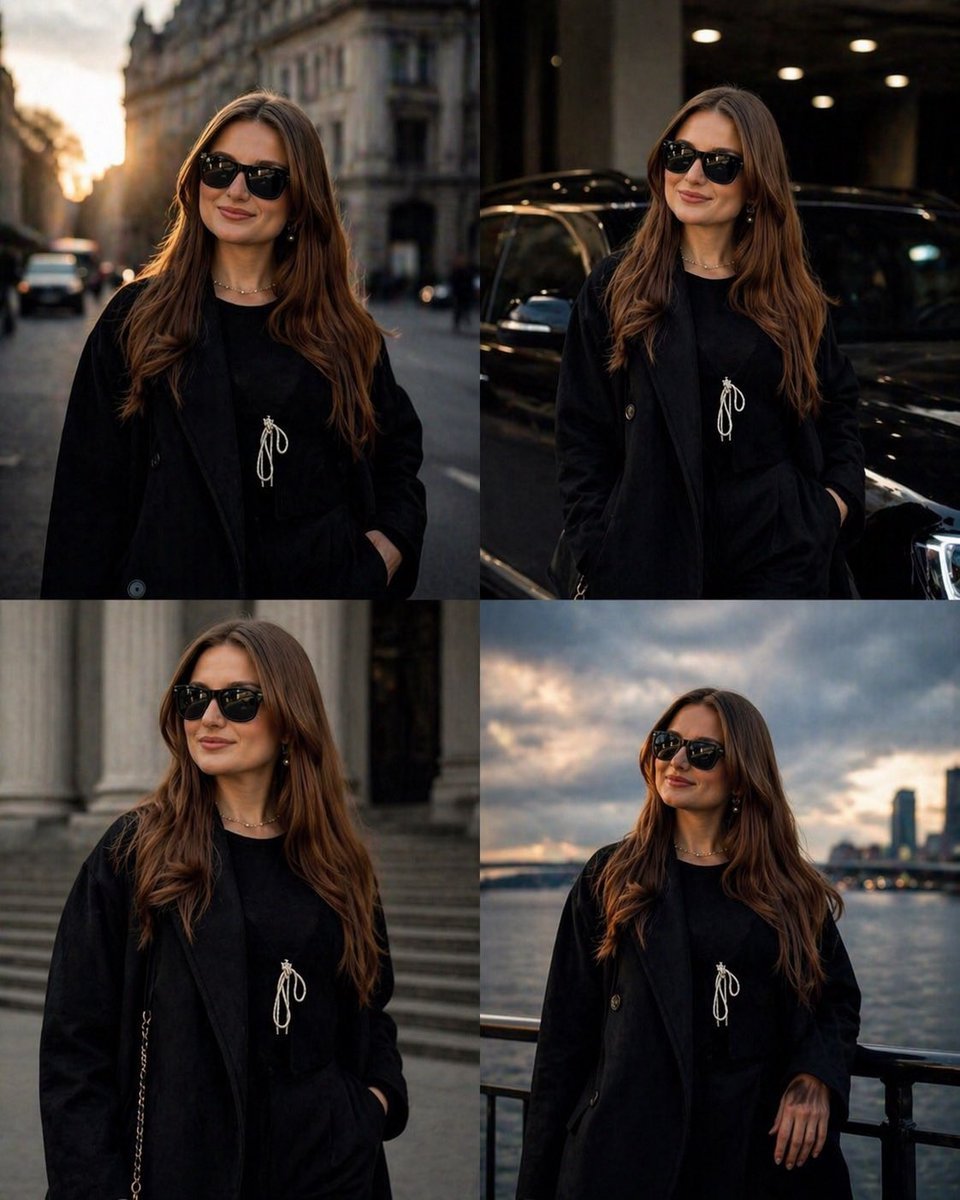
Luxury Urban Street Portrait
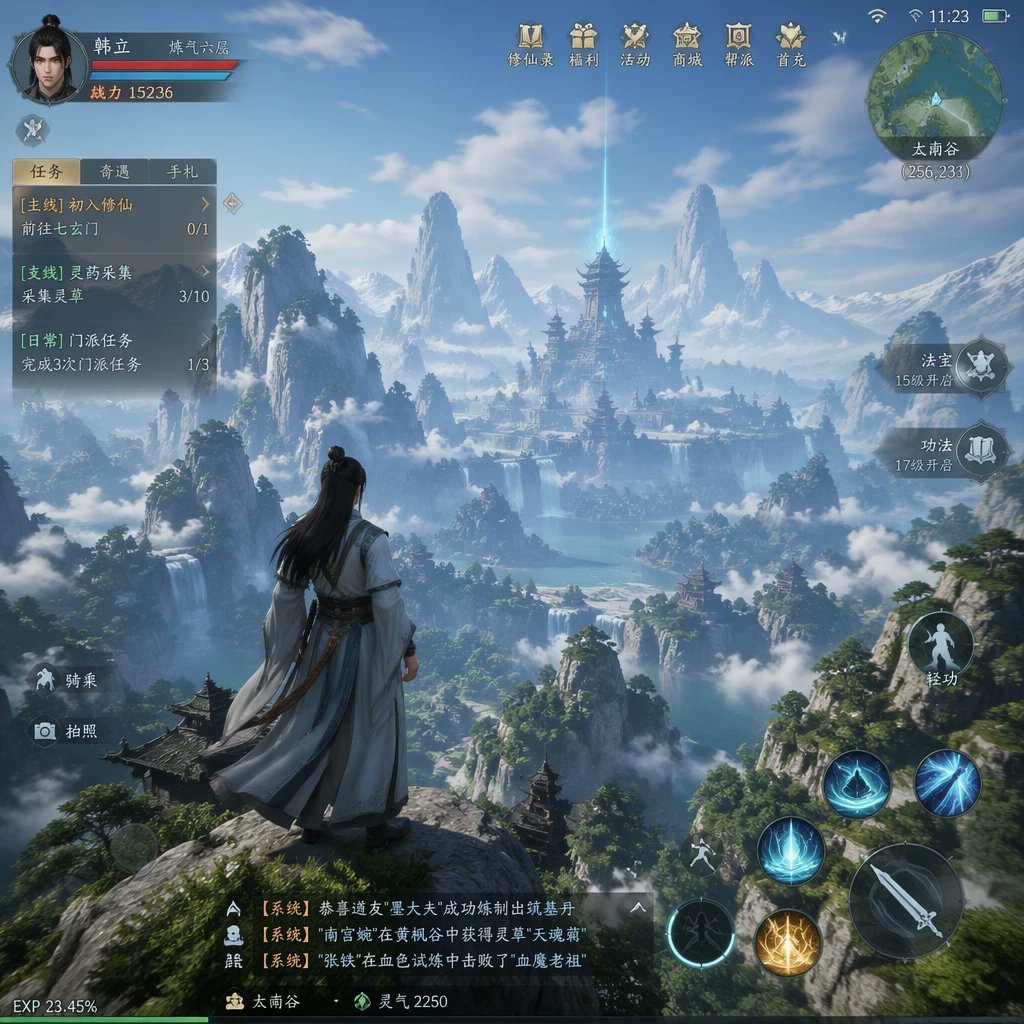
MMO Game World Screenshot
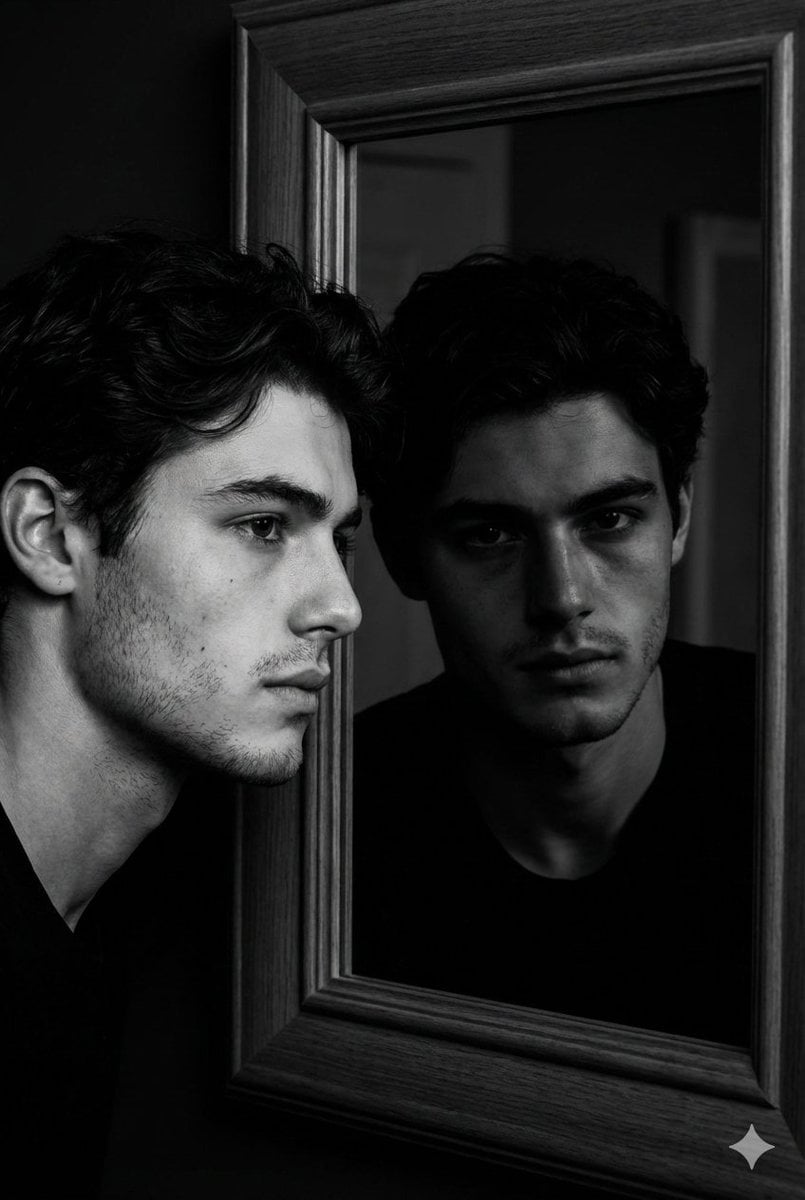
Noir Mirror Reflection Portrait
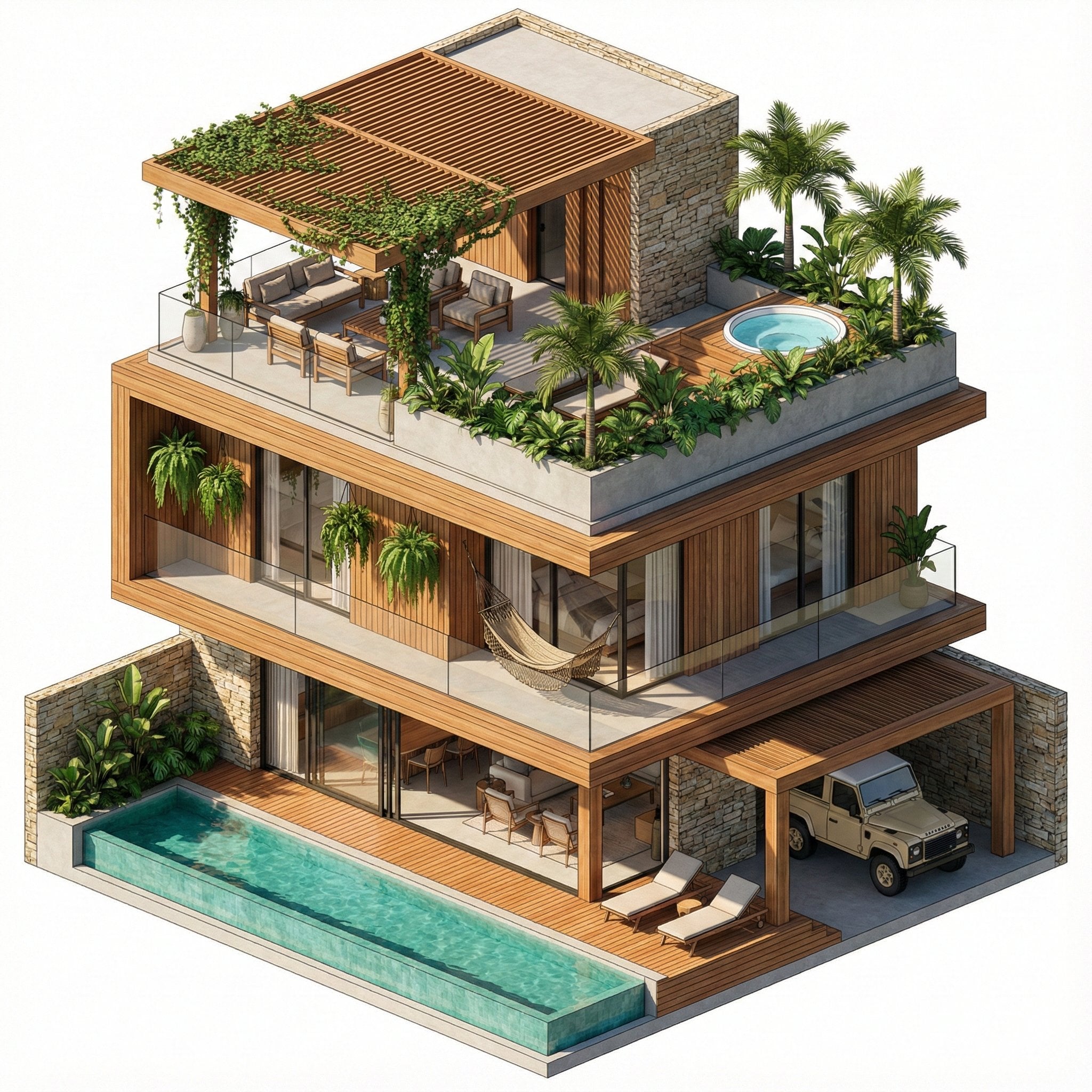
Nano Banana Pro in Geminiapp
Browse template categories
Japanese Travel Photo Prompts (Tokyo & Theme Park) questions
How do I use the Japanese Travel Photo Prompts (Tokyo & Theme Park) template?
Add your photo if the template asks for one, edit the prompt if you like — the template's model and format are already selected — and press Generate. Your version opens in PicX Studio.
Can I customize the Japanese Travel Photo Prompts (Tokyo & Theme Park) template?
Yes. You can change the subject, setting, lighting, mood, format, and available model controls before creating your image.
Is the Japanese Travel Photo Prompts (Tokyo & Theme Park) template free?
Opening and editing this template is free. Generating uses credits, shown on the Generate button when you are signed in.
Which AI model should I use?
Start with Nano Banana 2, which is the model associated with this template. You can compare another compatible model for a different finish.
Looking for something else? Browse all templates.

Your photo, any look
Thousands of ready templates for every top image and video model, from one credit balance.