
Gritty Naruto Poster Illustration
Generates a dark, painterly anime poster of Naruto in a wind-torn cloak for character art or IP style exploration.
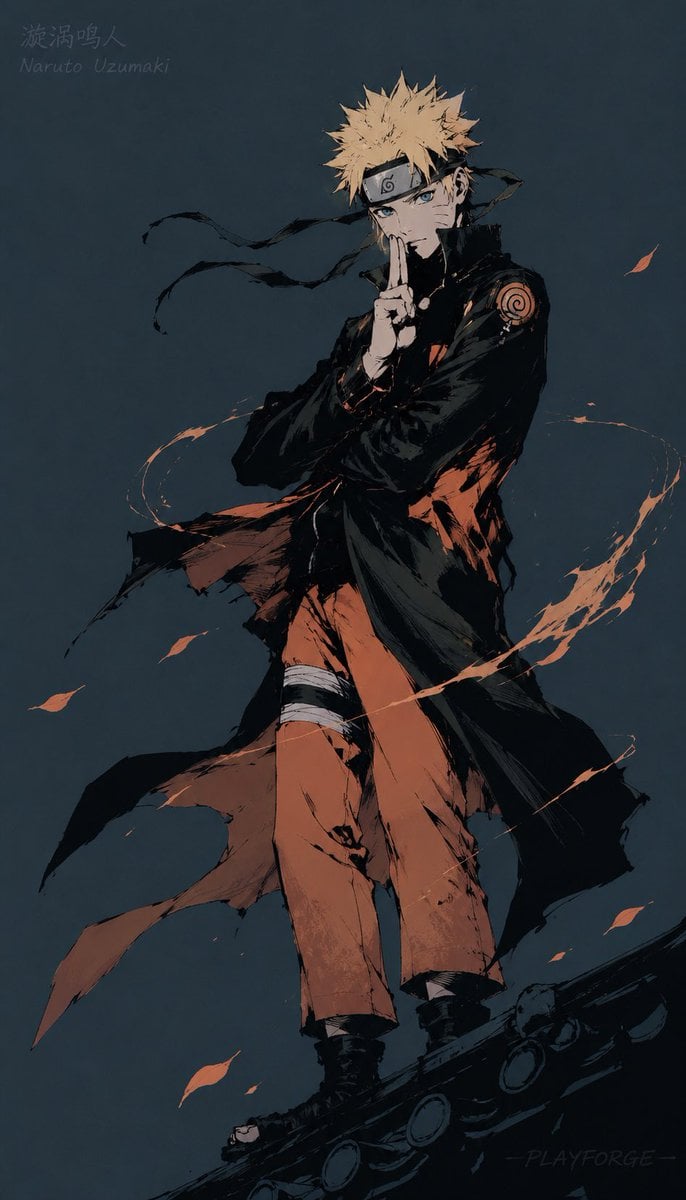
- Prompt included
- Model and format preset
- Free template
The prompt behind this image
Copy the exact prompt behind Gritty Naruto Poster Illustration, or open it in the studio and make it yours.
Create a dramatic full-body anime character illustration of {argument name="character name" default="Naruto Uzumaki"} standing on a dark curved rooftop or giant pipe, facing forward with a calm, intense expression and blue eyes. He has spiky {argument name="hair color" default="blond"} hair, a black forehead protector with a metal plate and spiral leaf symbol, and three whisker-like marks on each cheek. Pose him with one hand raised in a vertical ninja hand sign in front of his mouth while the other arm crosses his body. Dress him in an orange shinobi jumpsuit partly covered by a long black, ragged, wind-torn cloak with a high collar, loose black scarf ribbons streaming leftward, black boots, and bandage wraps around one thigh; include a circular red-orange spiral patch on the upper sleeve. Use a dark desaturated blue-gray background with no scenery except atmospheric texture. Surround the character with exactly 1 orange chakra-like spiral streak wrapping around his body and exactly 8 small orange leaf or ember fragments scattered in the air. Render in a gritty high-contrast ink-and-gouache anime style: rough black brush strokes, scratched dry-brush edges, painterly orange highlights, deep shadows, limited palette of charcoal black, muted navy, tan skin, and burnt orange. Composition is vertical poster format, character centered slightly right, viewed from a low angle so the legs and cloak feel imposing. Add faint handwritten text in the upper left reading {argument name="upper left text" default="漩涡鸣人\nNaruto Uzumaki"} and a subtle signature-like mark near the lower right reading {argument name="signature text" default="- PLAYFORGE -"}.
How to use Gritty Naruto Poster Illustration in 3 steps
- 1Upload ImagePNG, JPG or paste
Add your photo
Upload the photo the template builds on. The prompt, model and format are already set.
- 2…a portrait of your subject in softgolden-hour light, 85mm…
Personalize
Edit the subject and creative details for your destination.
- 3Generate
Generate
Press Generate — your image is created in PicX Studio, so you can compare it with the original and refine one variable at a time.
More like this
Templates with the same subject, style or setup. Open one to see its prompt.

Hero Portrait Comic Multi-Panel Poster

Spider-Verse Painterly Portrait Poster

Captain Tsubasa Anime World Cup Poster
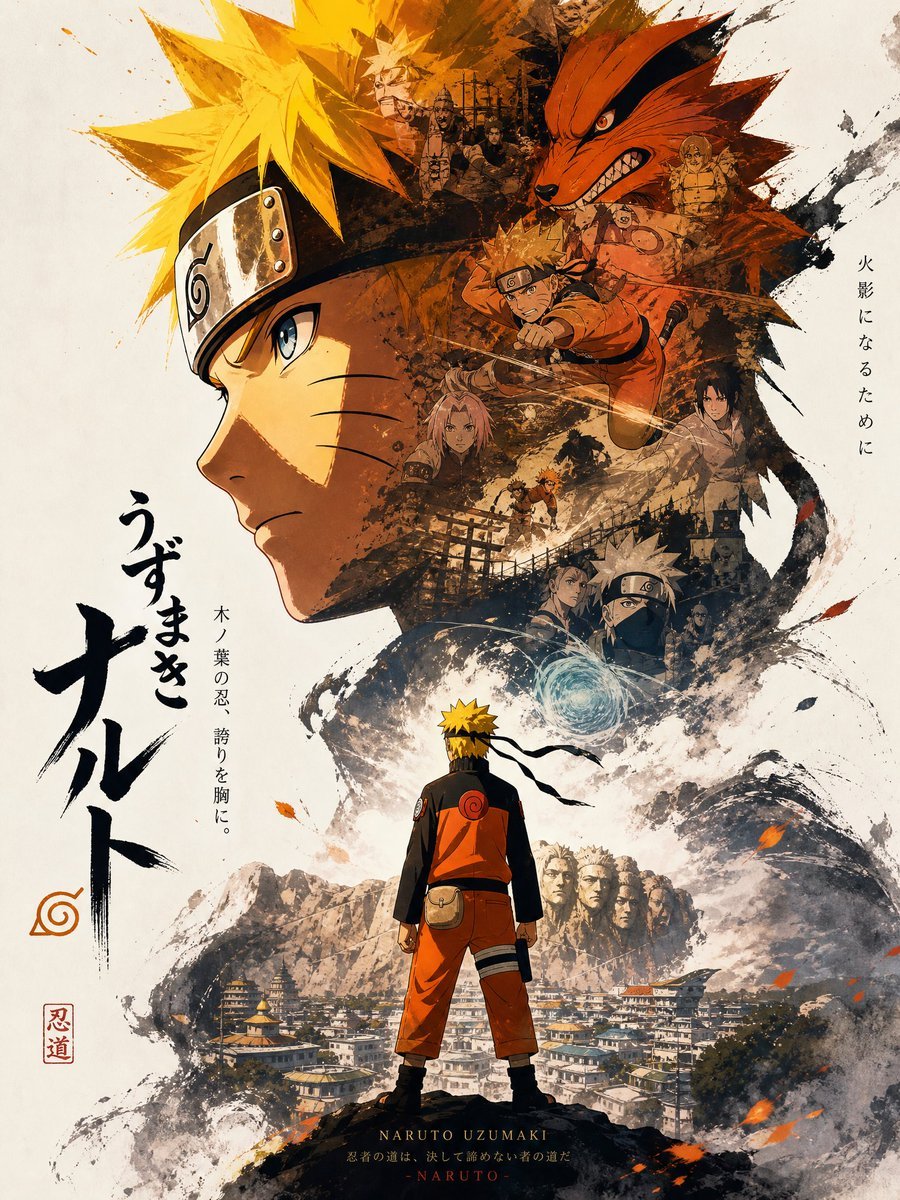
Gritty Naruto Anime Poster

City Posters by Nano Banana Pro

Japan Travel Brochure Poster

Cartoon TV Show Poster Pack

Trendy Cafe Drink Promo Poster

Urban Fashion Editorial Collage Streetwear Poster

Premium Fashion Editorial Cover Layout System

Polo Ralph Lauren Luxury American Heritage Fashion Campaign

Monochrome Halftone Editorial Fashion Poster
Make it yours
Gritty Naruto Poster Illustration works as-is. These are the safest ways to change it without losing the look.
Change one field
Copy a single group, rewrite it, and generate again so you can see what that field is doing.
Keep the frame, change the subject
Hold the composition and light of Gritty Naruto Poster Illustration, then swap wardrobe, props or the person for a new take.
| If the result… | Why | Fix |
|---|---|---|
| The result drifts from the preview | Too many fields changed at once. | Reuse Gritty Naruto Poster Illustration as-is first, then change one group — subject, light, or setting. |
| The model over-stylizes the scene | The prose prompt leaves finish and camera underspecified. | Add one camera or lighting sentence and stay on GPT Image 2. |
More GPT Image 2 templates
Other prompts made for GPT Image 2.

Six VTuber Japanese Logo Sheet

Realistic Portrait of Woman and Deer

The Vista Modular Condo Poster

AI Model Routing Comparison Infographic

2.5D Anime Art Board

Isometric Productivity Desk Scene

New York Double Exposure Poster

Four-Panel AI Landscape Comparison

Japanese Tatami Lifestyle Magazine Cover

NESCAFÉ Coffee Map Poster
More image prompts
Fresh picks from across the catalog.
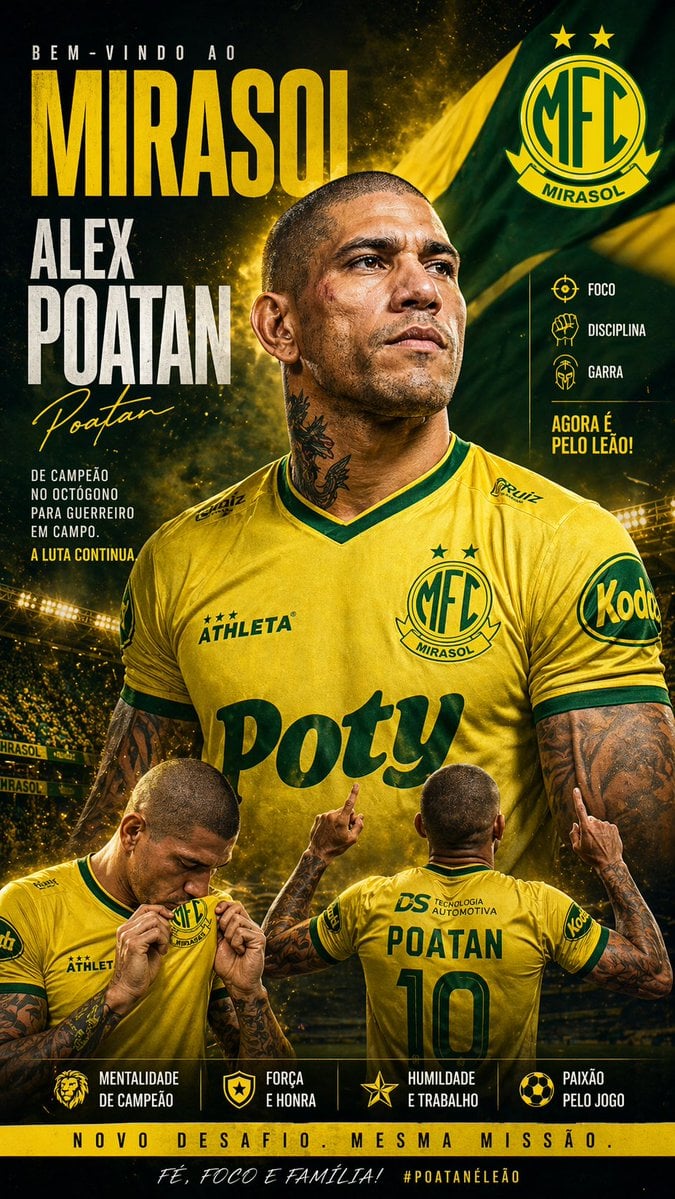
Mirassol FC Signing Announcement Poster
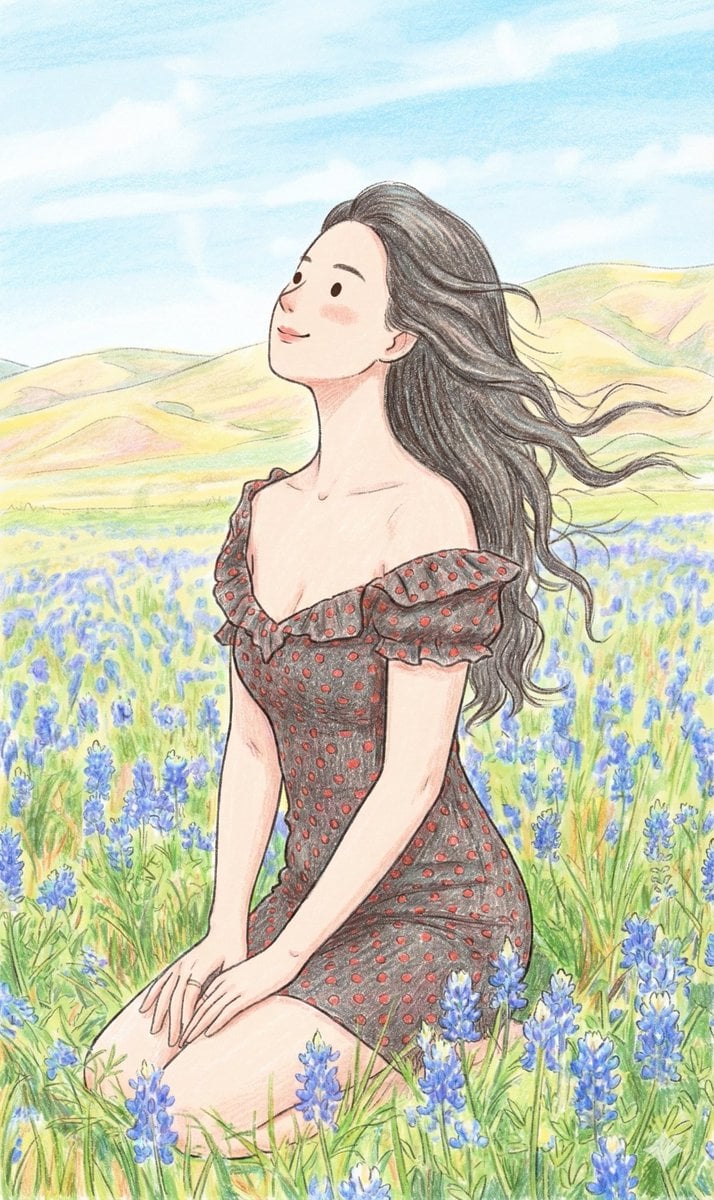
Nano Banana Prompt: Cozy Storybook Illustration Style
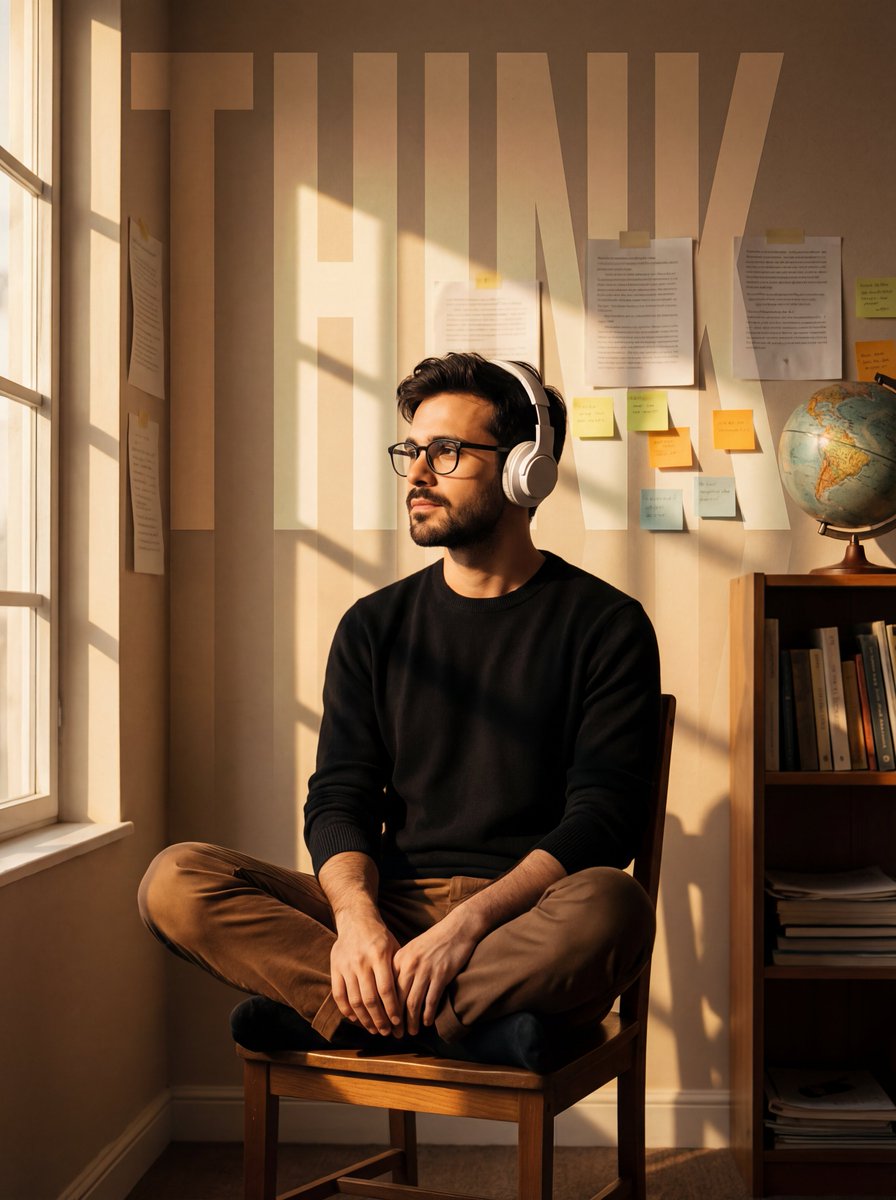
Cinematic Portrait with Window Shadows and Typography Overlay
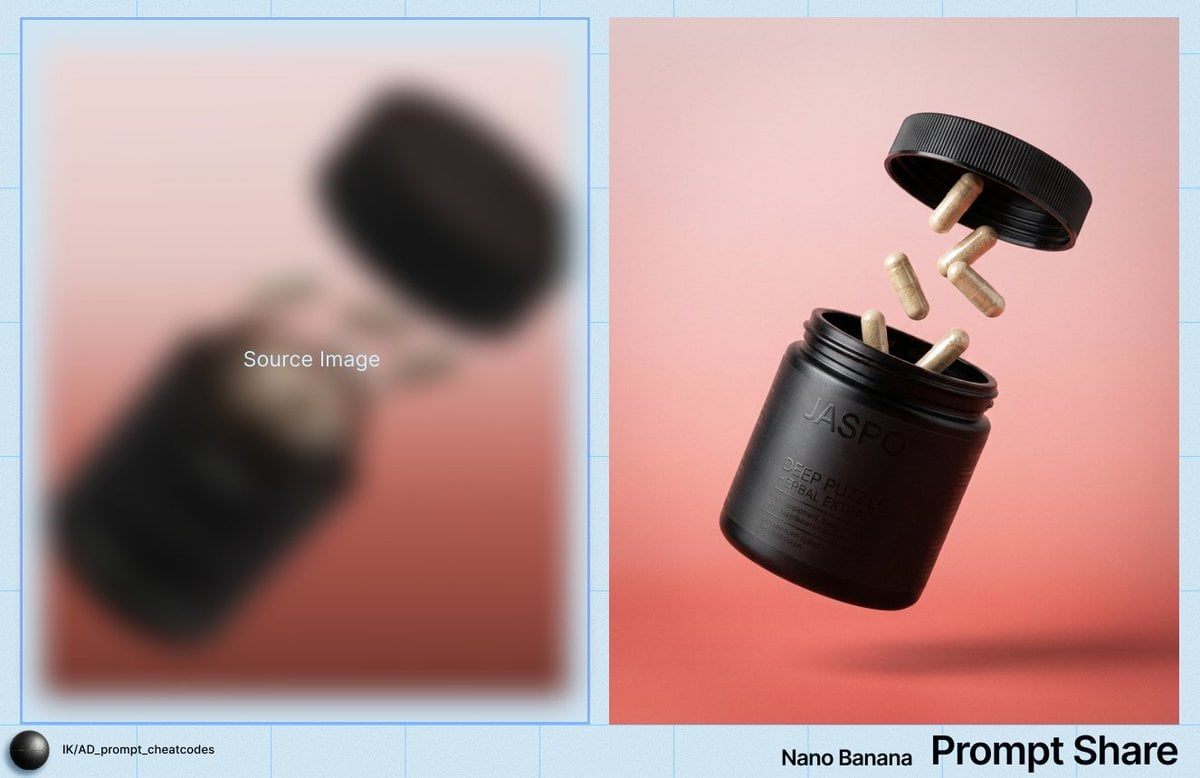
Commercial Product Shot of Levitating Supplement Jar and Capsules
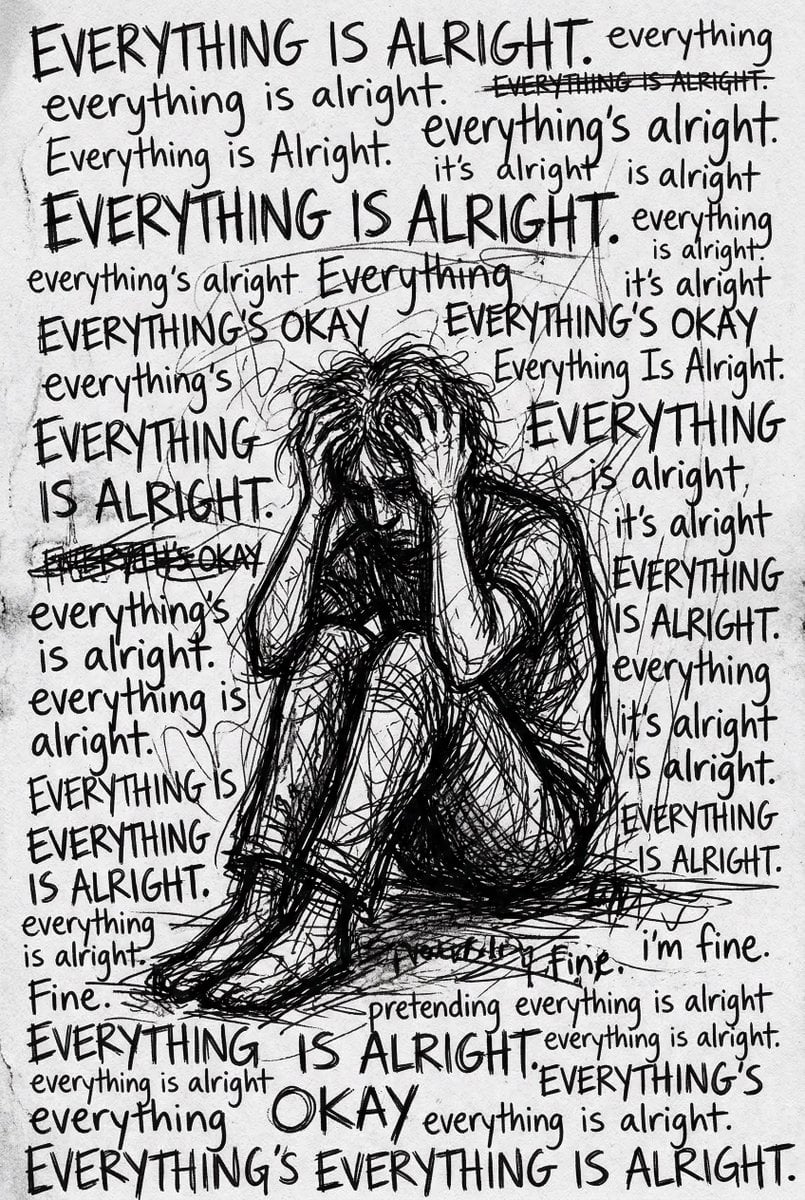
Depression Patient's Inner Monologue
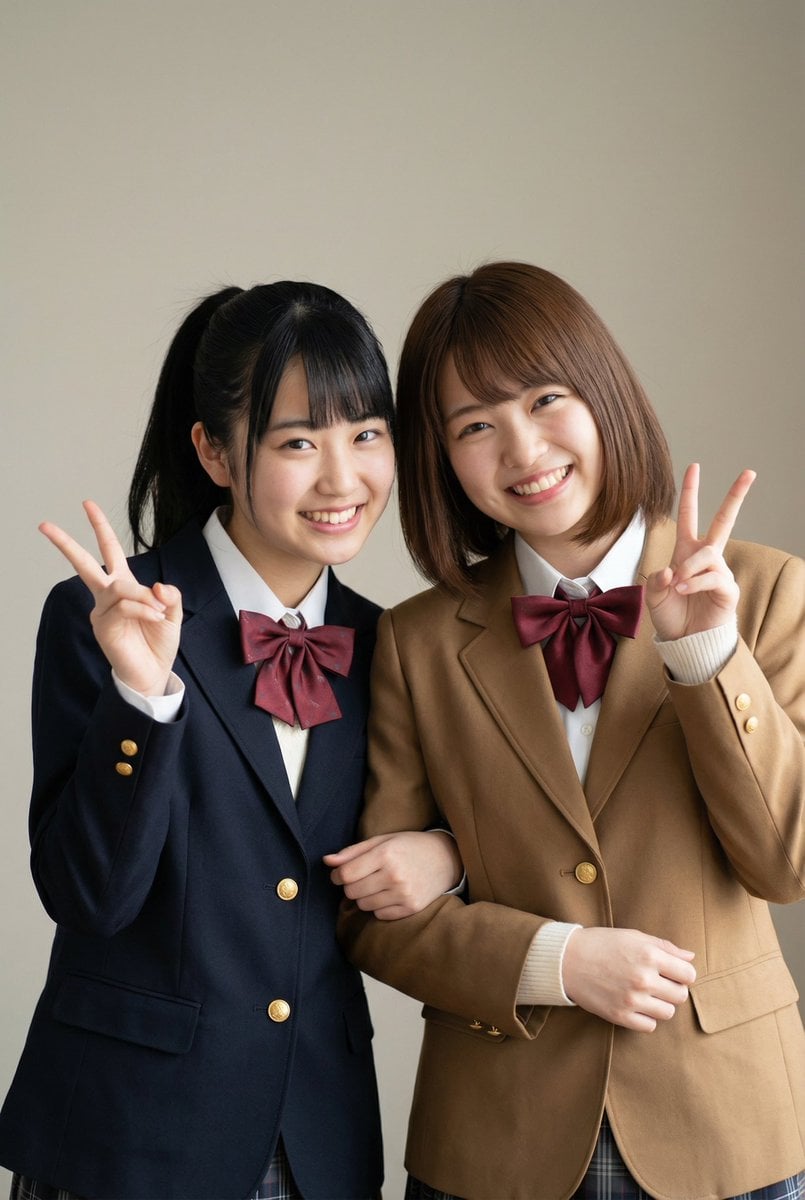
Purikura Style Text and Arrow Overlay Prompt
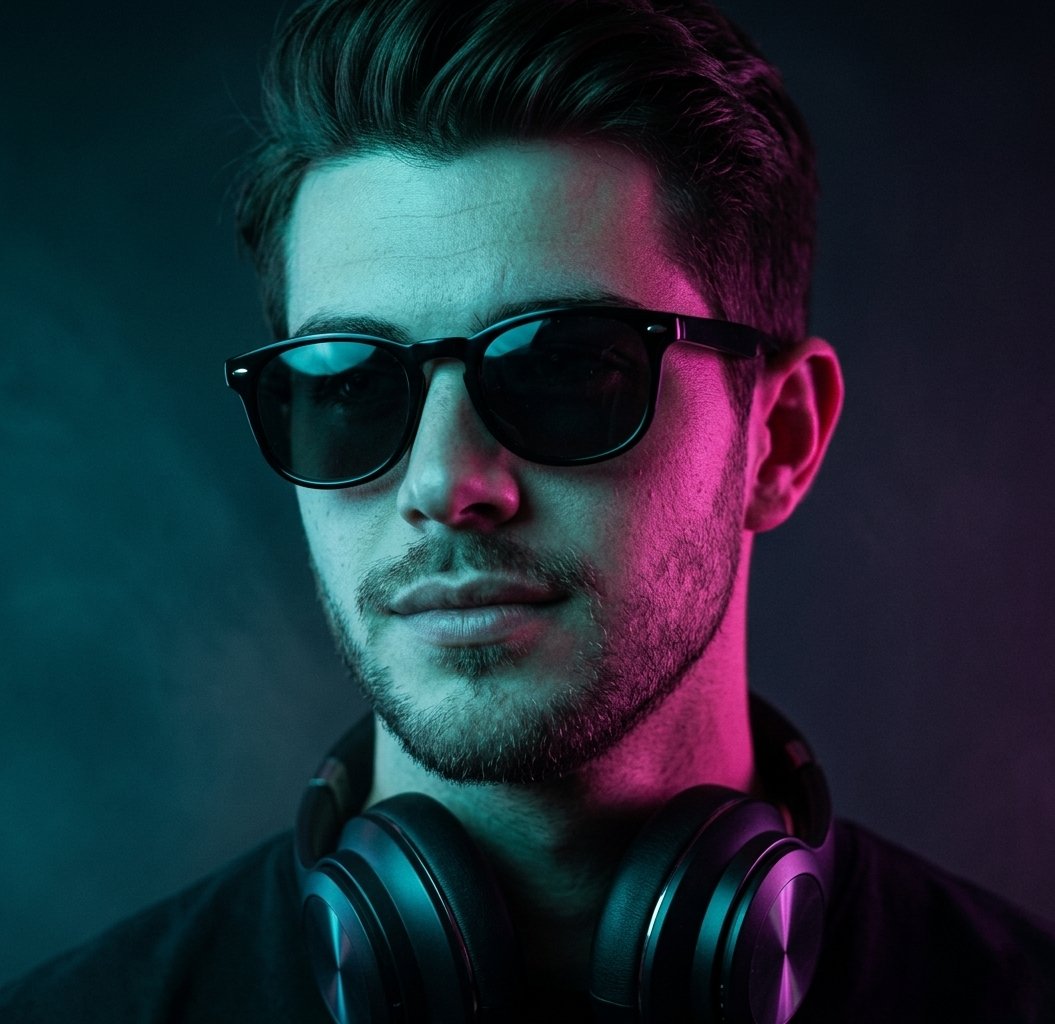
Neon Cyberpunk Portrait
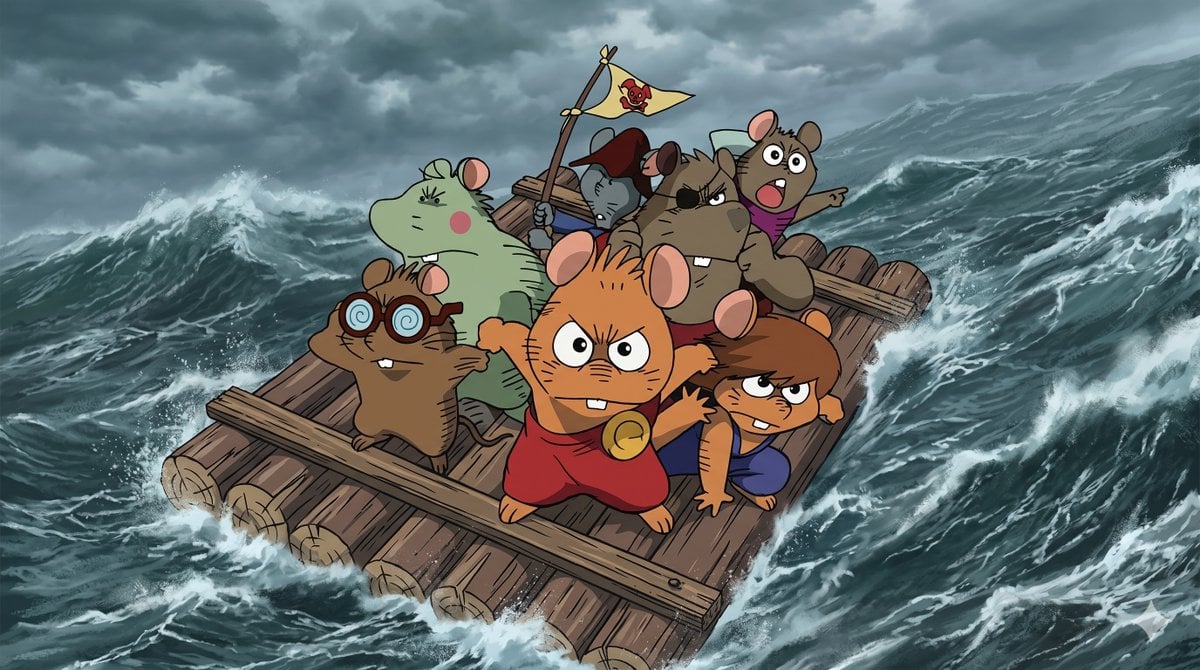
Anime Scene Reconstruction and Expansion
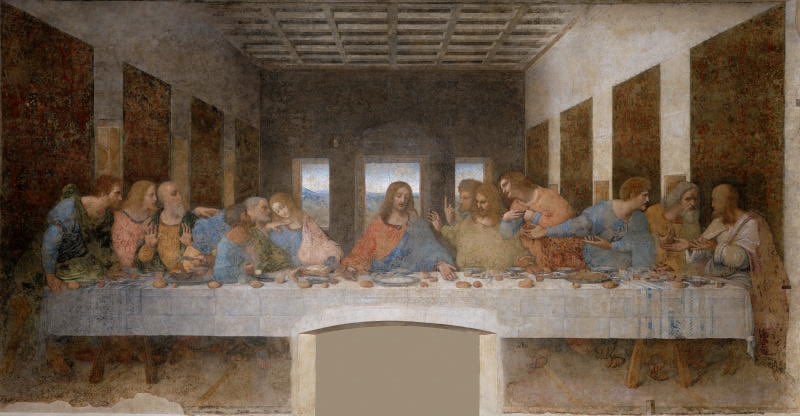
Clean Photo of The Last Supper Fresco
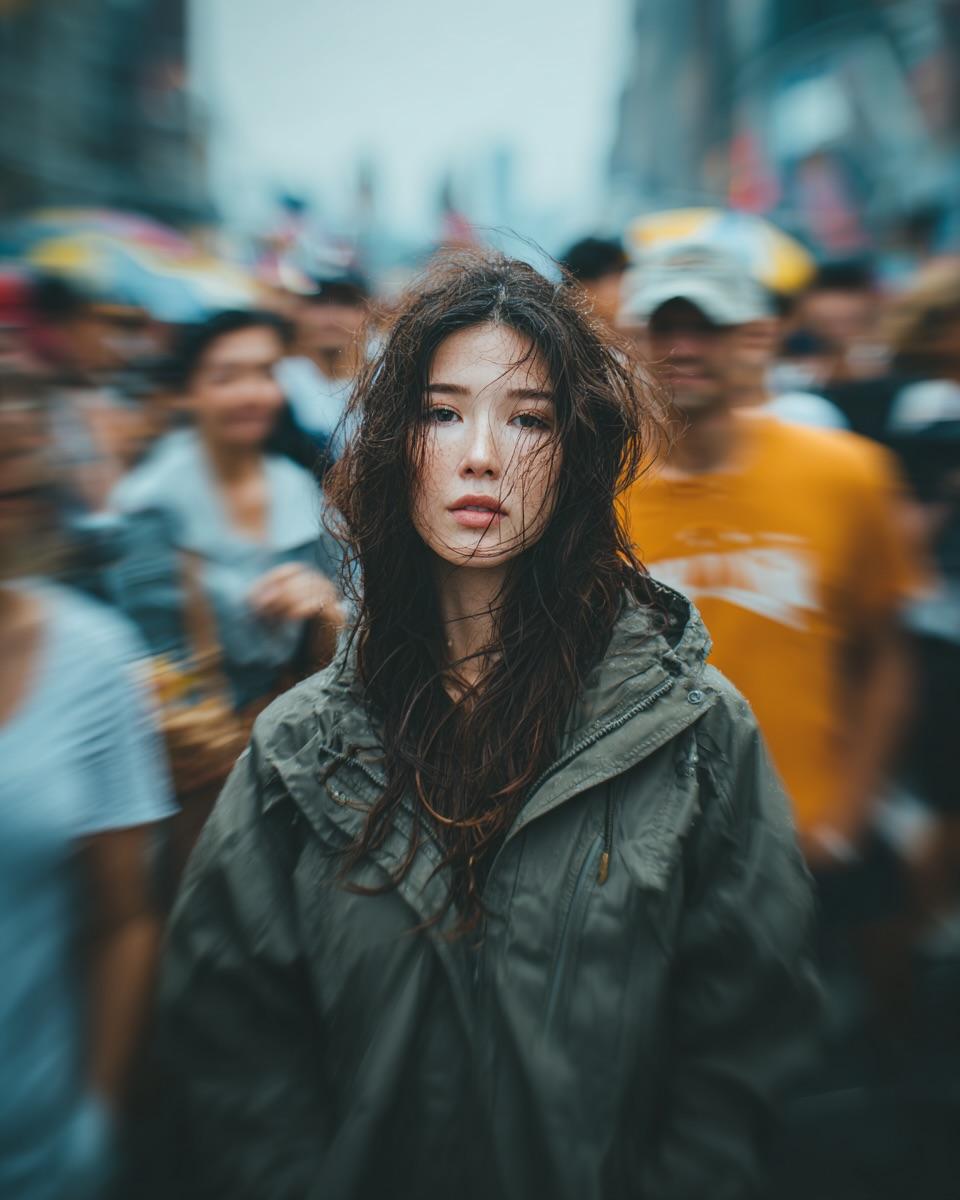
Candid Street Portrait with Motion Blur
Browse template categories
Gritty Naruto Poster Illustration questions
How do I use the Gritty Naruto Poster Illustration template?
Add your photo if the template asks for one, edit the prompt if you like — the template's model and format are already selected — and press Generate. Your version opens in PicX Studio.
Can I customize the Gritty Naruto Poster Illustration template?
Yes. You can change the subject, setting, lighting, mood, format, and available model controls before creating your image.
Is the Gritty Naruto Poster Illustration template free?
Opening and editing this template is free. Generating uses credits, shown on the Generate button when you are signed in.
Which AI model should I use?
Start with GPT Image 2, which is the model associated with this template. You can compare another compatible model for a different finish.
Looking for something else? Browse all templates.

Your photo, any look
Thousands of ready templates for every top image and video model, from one credit balance.