
Gritty Naruto Anime Poster
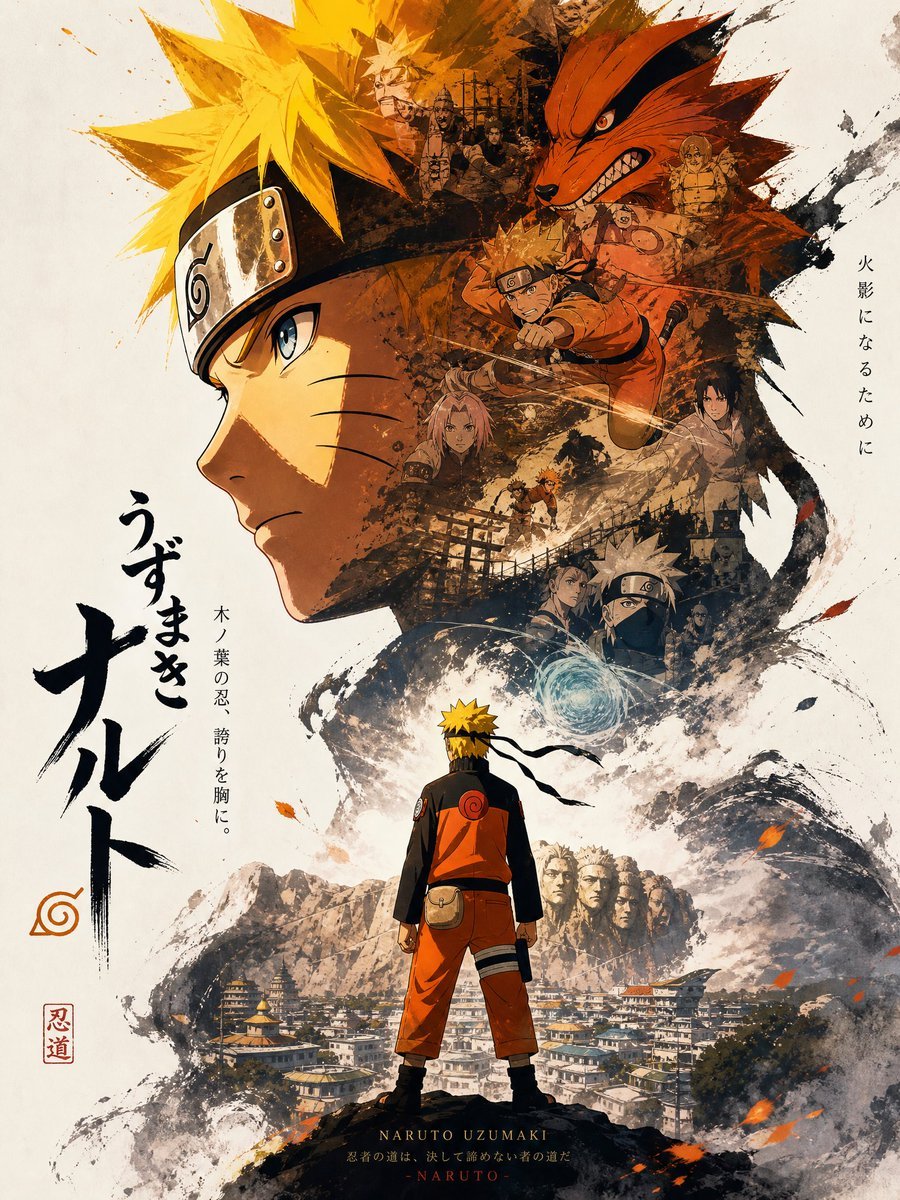
Generates a vertical ink-wash anime movie poster with Naruto, Kurama, action montage elements, Japanese calligraphy, and Hidden Leaf Village scenery.
- Prompt included
- Model and format preset
- Free template
The prompt behind this image
Copy the exact prompt behind Gritty Naruto Anime Poster, or open it in the studio and make it yours.
Create a dramatic vertical anime movie poster in a gritty ink-and-watercolor collage style for {argument name="character name" default="Naruto Uzumaki"}. The composition centers on a huge left-facing side profile of a teenage ninja with spiky {argument name="hair color" default="bright blond"} hair, blue eye, three whisker marks on his cheek, and a black forehead protector with a metal plate engraved with the leaf spiral symbol. Inside and around the silhouette of his head, blend a sepia-orange montage of exactly 8 story elements: a snarling red nine-tailed fox head at the upper right, a charging orange-clad ninja with a kunai at mid-right, a masked silver-haired ninja holding a glowing blue energy sphere at lower right, a small team of dark shinobi figures near the upper center, two blurred small character portraits in the middle, one tiny battle scene near the lower center, and black village gates and ruins layered through the background. At the bottom foreground, show the same blond ninja from behind, standing on a dark rock ledge in an orange-and-black jumpsuit with a pouch, headband tails fluttering, looking over a detailed hidden village below a rugged mountain range carved with faces. Surround the scene with expressive black ink splashes, rough brush strokes, smoky grunge textures, flying orange leaves and embers, warm burnt orange and deep black shadows against an off-white paper background. Add large vertical Japanese brush-calligraphy title text on the left reading {argument name="main title text" default="うずまき ナルト"}, a small orange leaf spiral emblem below it, a red square seal stamp near the lower left reading {argument name="seal text" default="忍道"}, thin vertical Japanese tagline text on the right reading {argument name="right tagline" default="火影になるために"}, and smaller vertical Japanese text near the title reading {argument name="side tagline" default="木ノ葉の忍、誇りを胸に。"}. At the bottom center, add small serif roman text reading “NARUTO UZUMAKI” with a tiny subtitle line beneath it. Use cinematic poster lighting, high detail, dynamic asymmetrical layout, traditional Japanese ink painting texture, anime accuracy, no photorealism.
How to use Gritty Naruto Anime Poster in 3 steps
- 1Upload ImagePNG, JPG or paste
Add your photo
Upload the photo the template builds on. The prompt, model and format are already set.
- 2…a portrait of your subject in softgolden-hour light, 85mm…
Personalize
Edit the subject and creative details for your destination.
- 3Generate
Generate
Press Generate — your image is created in PicX Studio, so you can compare it with the original and refine one variable at a time.
More like this
Templates with the same subject, style or setup. Open one to see its prompt.

Captain Tsubasa Anime World Cup Poster
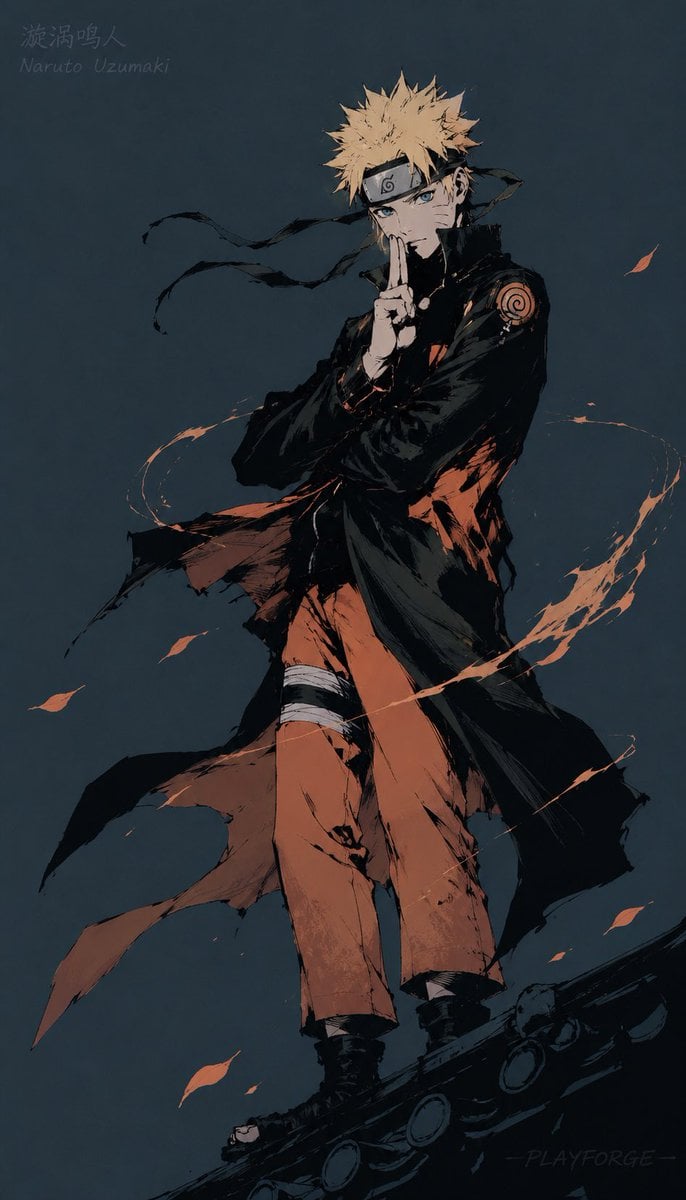
Gritty Naruto Poster Illustration
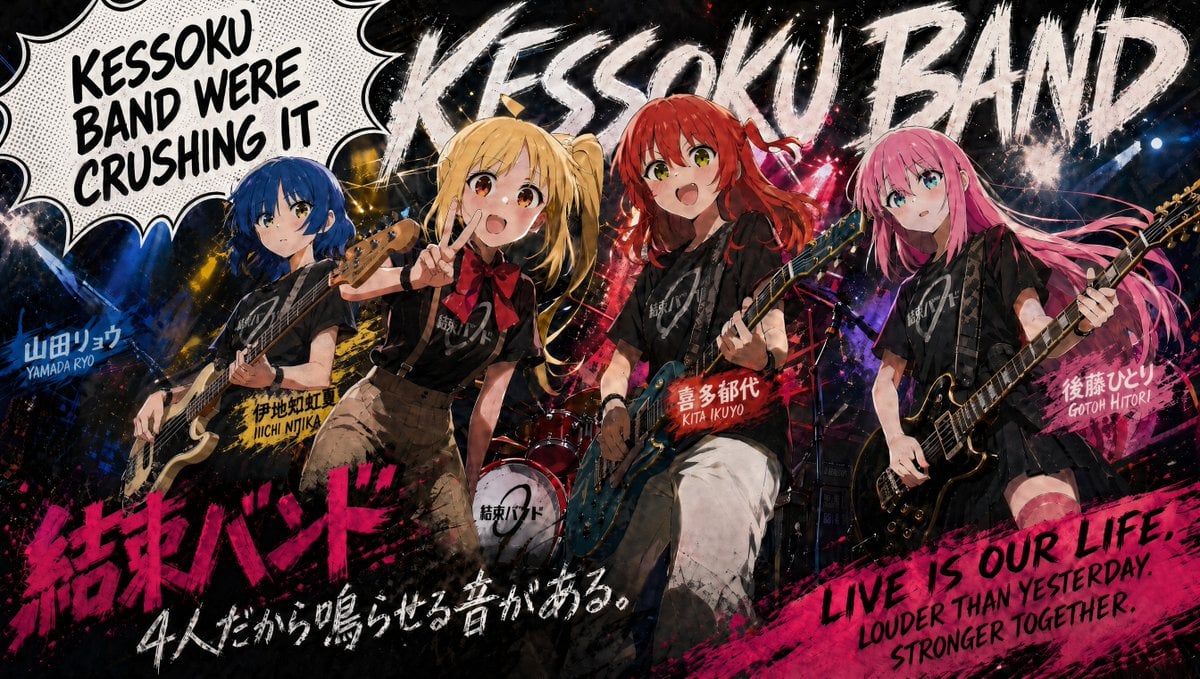
Kessoku Band Gritty Anime Poster

Gpt2 Youtube Thumbnail Anime Music Bootcamp Promo Poster
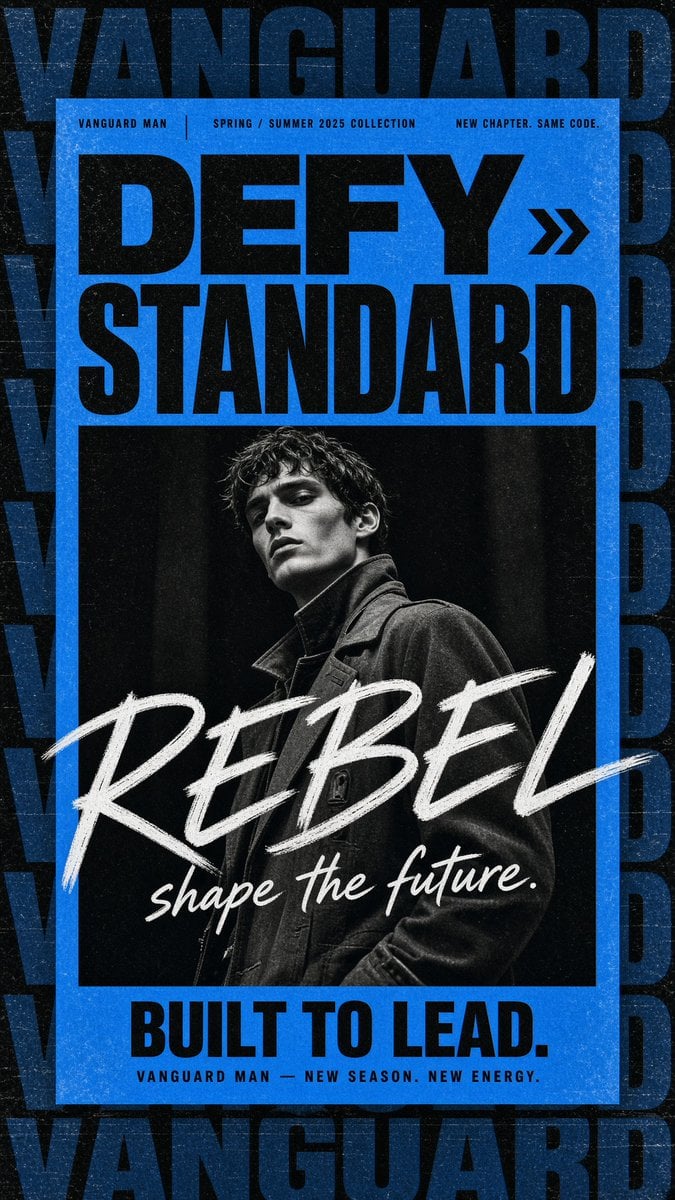
Gritty Vanguard Menswear Poster

Japan Travel Brochure Poster
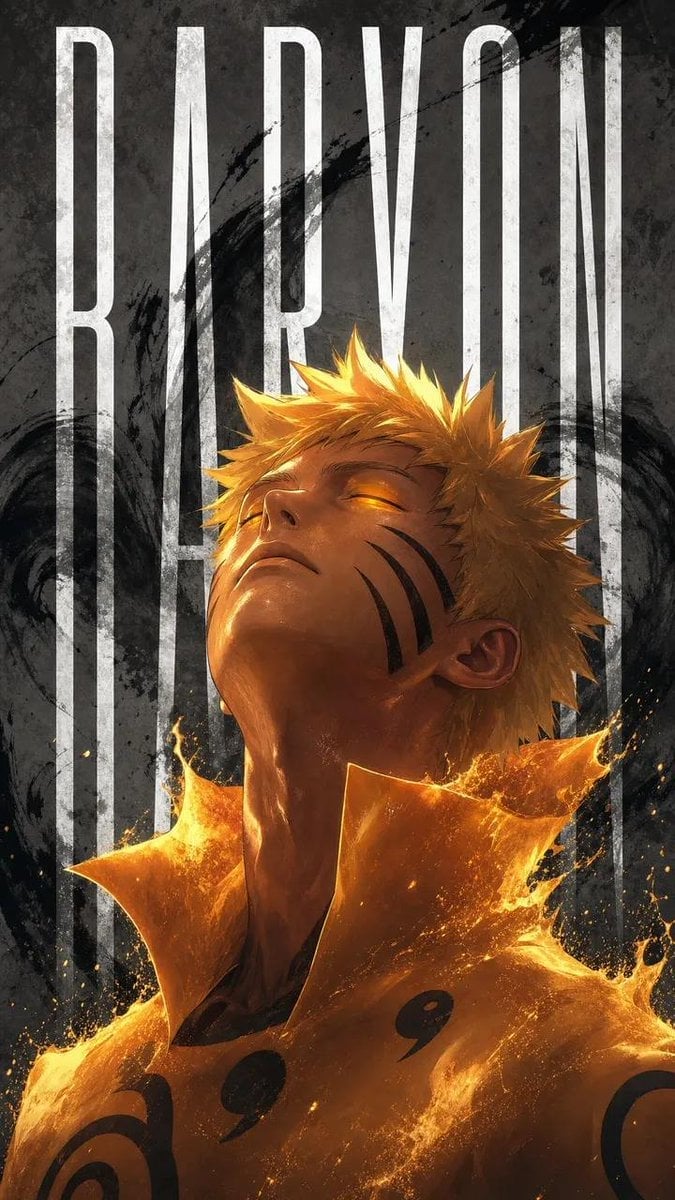
Naruto Uzumaki Baryon Mode Poster
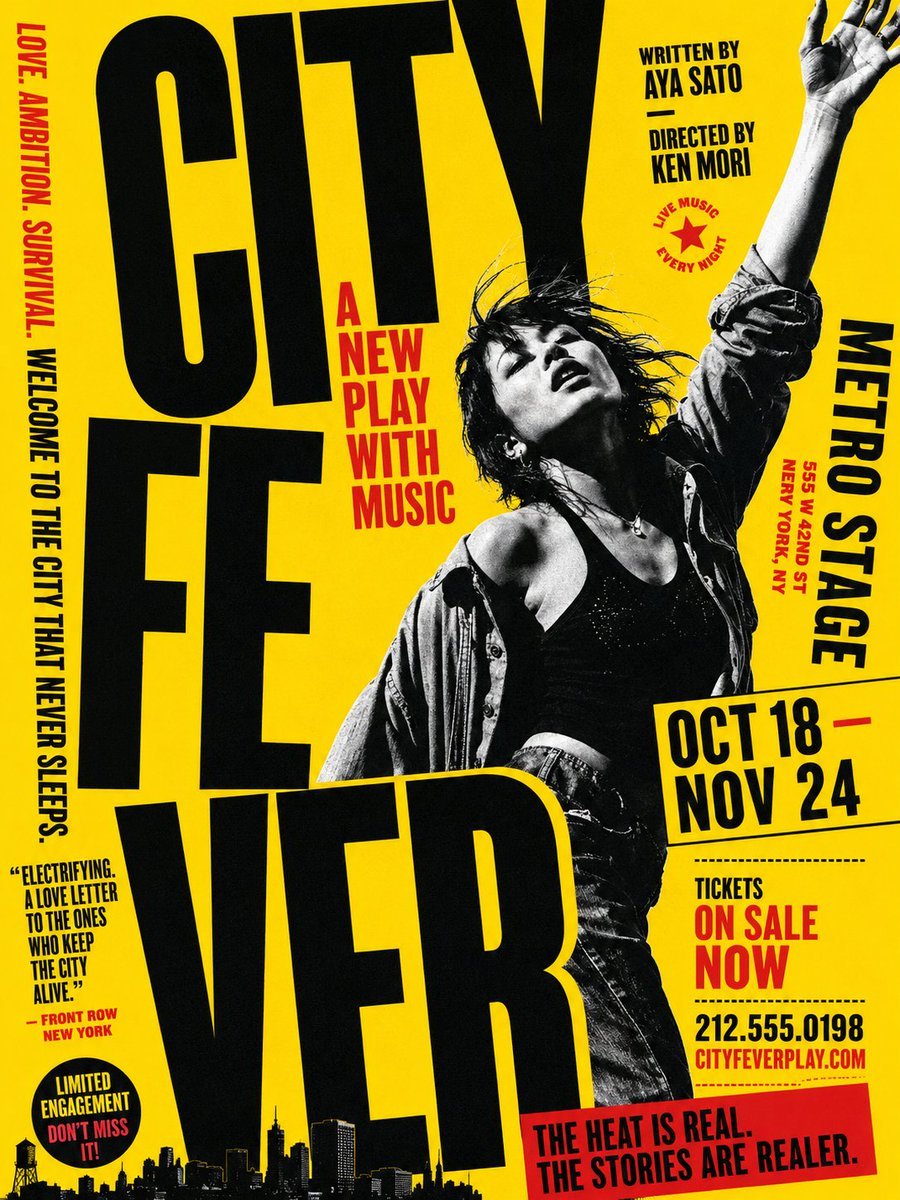
Gritty City Fever Theater Poster

Nice Day Anime Poster

Cel 2D Finale Fireworks

Cel 2D Garden Maze

Cel 2D Rooftop Concert
Make it yours
Gritty Naruto Anime Poster works as-is. These are the safest ways to change it without losing the look.
Change one field
Copy a single group, rewrite it, and generate again so you can see what that field is doing.
Keep the frame, change the subject
Hold the composition and light of Gritty Naruto Anime Poster, then swap wardrobe, props or the person for a new take.
| If the result… | Why | Fix |
|---|---|---|
| The result drifts from the preview | Too many fields changed at once. | Reuse Gritty Naruto Anime Poster as-is first, then change one group — subject, light, or setting. |
| The model over-stylizes the scene | The prose prompt leaves finish and camera underspecified. | Add one camera or lighting sentence and stay on GPT Image 2. |
More GPT Image 2 templates
Other prompts made for GPT Image 2.

Six VTuber Japanese Logo Sheet

Realistic Portrait of Woman and Deer

The Vista Modular Condo Poster

AI Model Routing Comparison Infographic

2.5D Anime Art Board

Isometric Productivity Desk Scene

New York Double Exposure Poster

Four-Panel AI Landscape Comparison

Japanese Tatami Lifestyle Magazine Cover

NESCAFÉ Coffee Map Poster
More image prompts
Fresh picks from across the catalog.
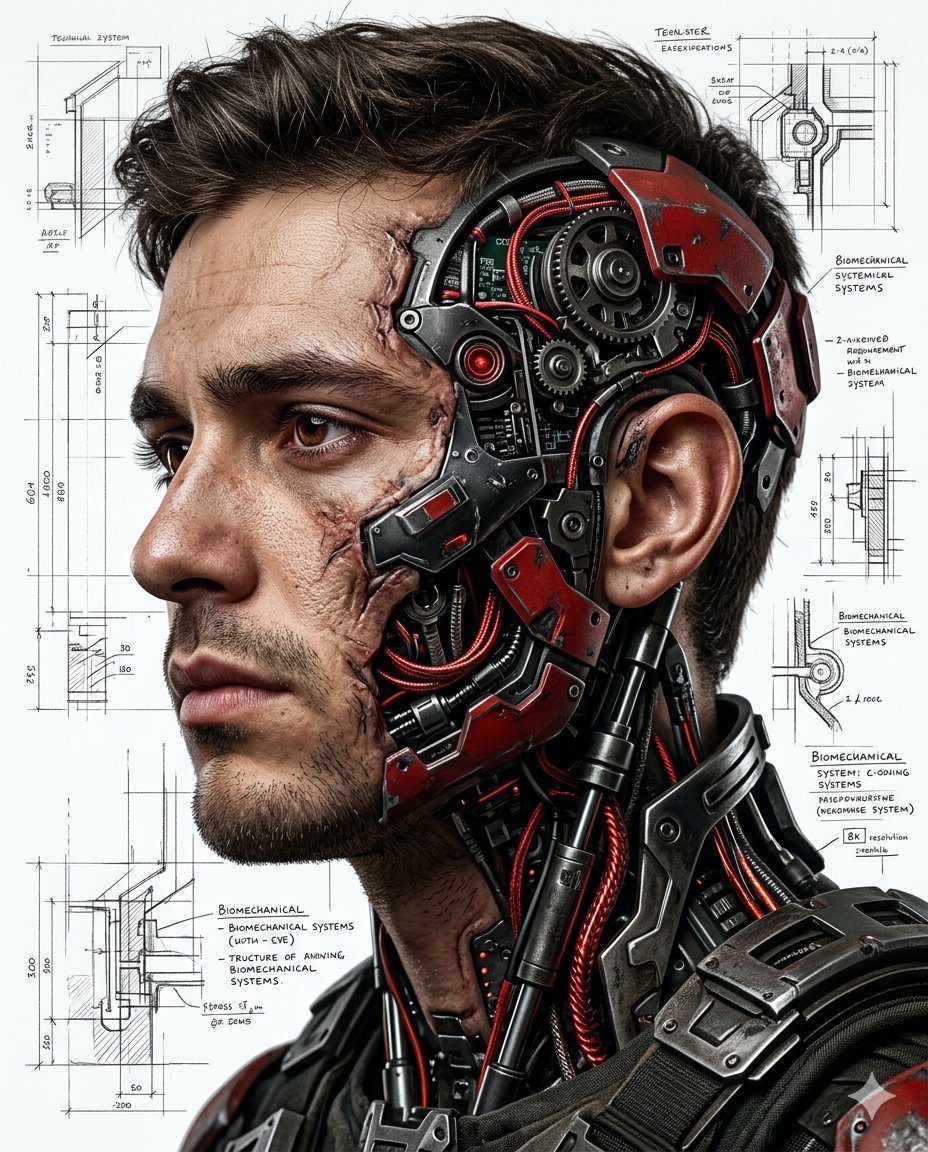
Hyper-realistic Cyborg Side Profile
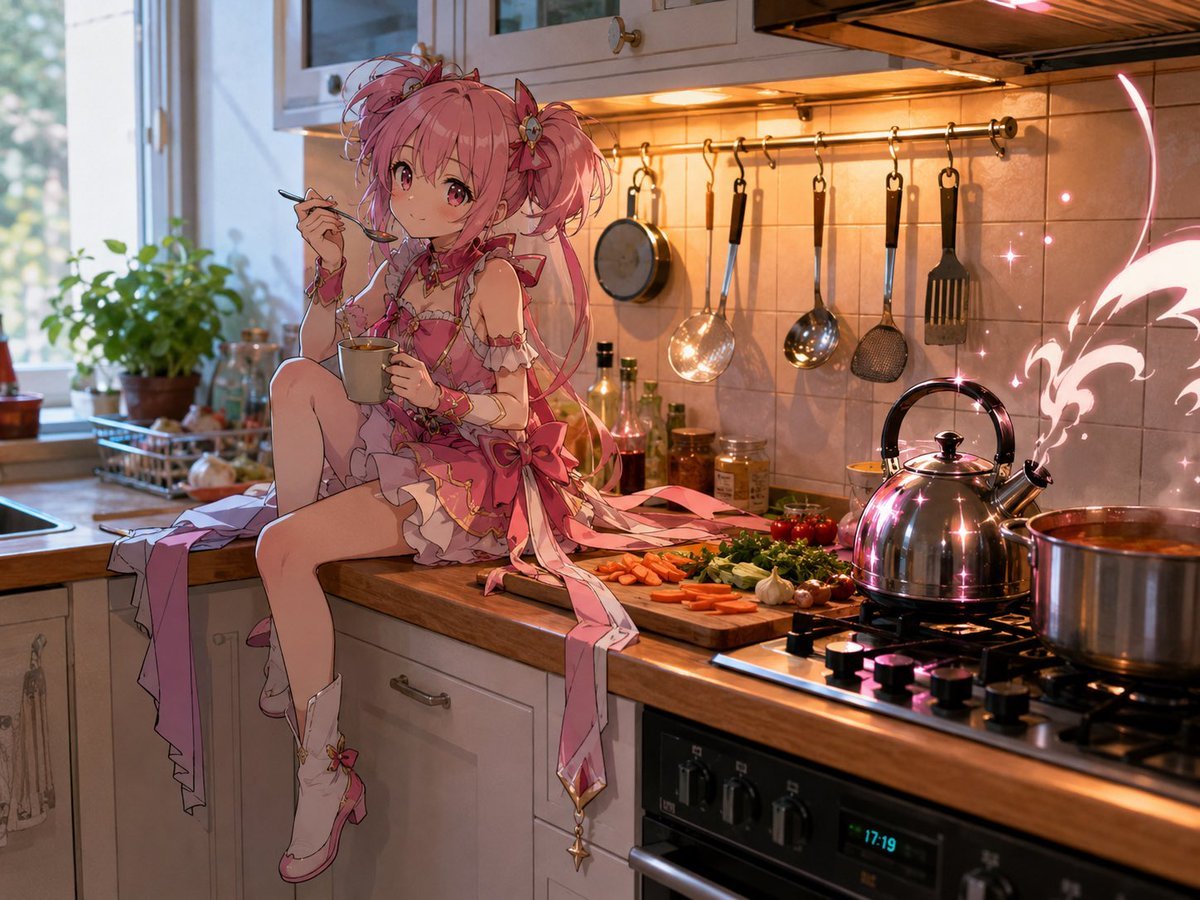
Magical Girl in Cozy Kitchen
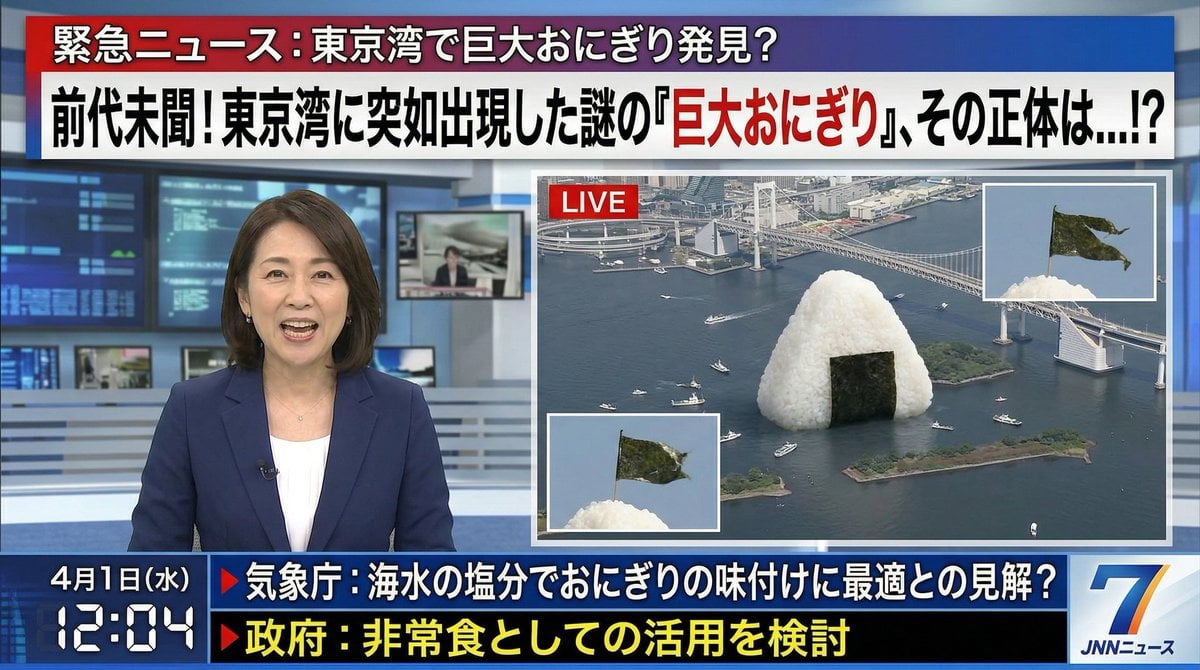
April Fool's Fake News Image Generation Prompt
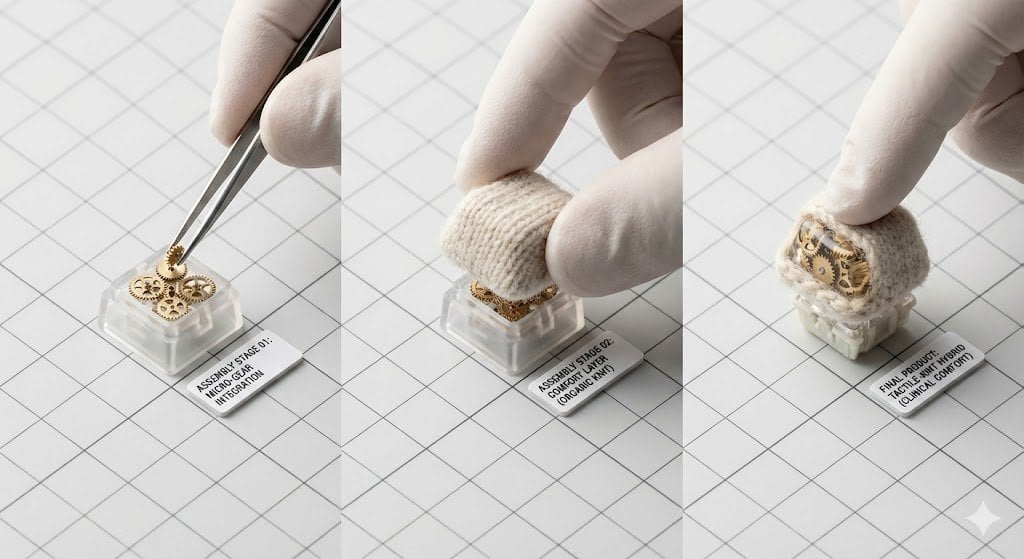
Mechanical Keyboard Keycap Product Photography Prompt
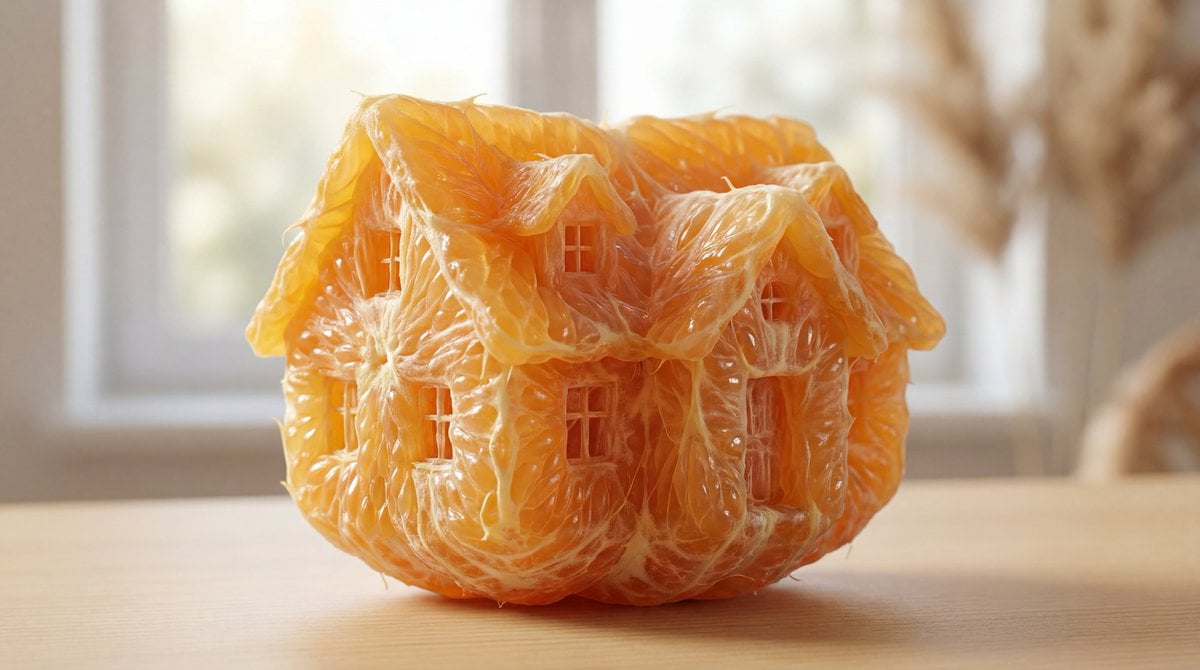
Orange Pulp Sculpture Prompt

Dark Mode Marketing Case Study UI
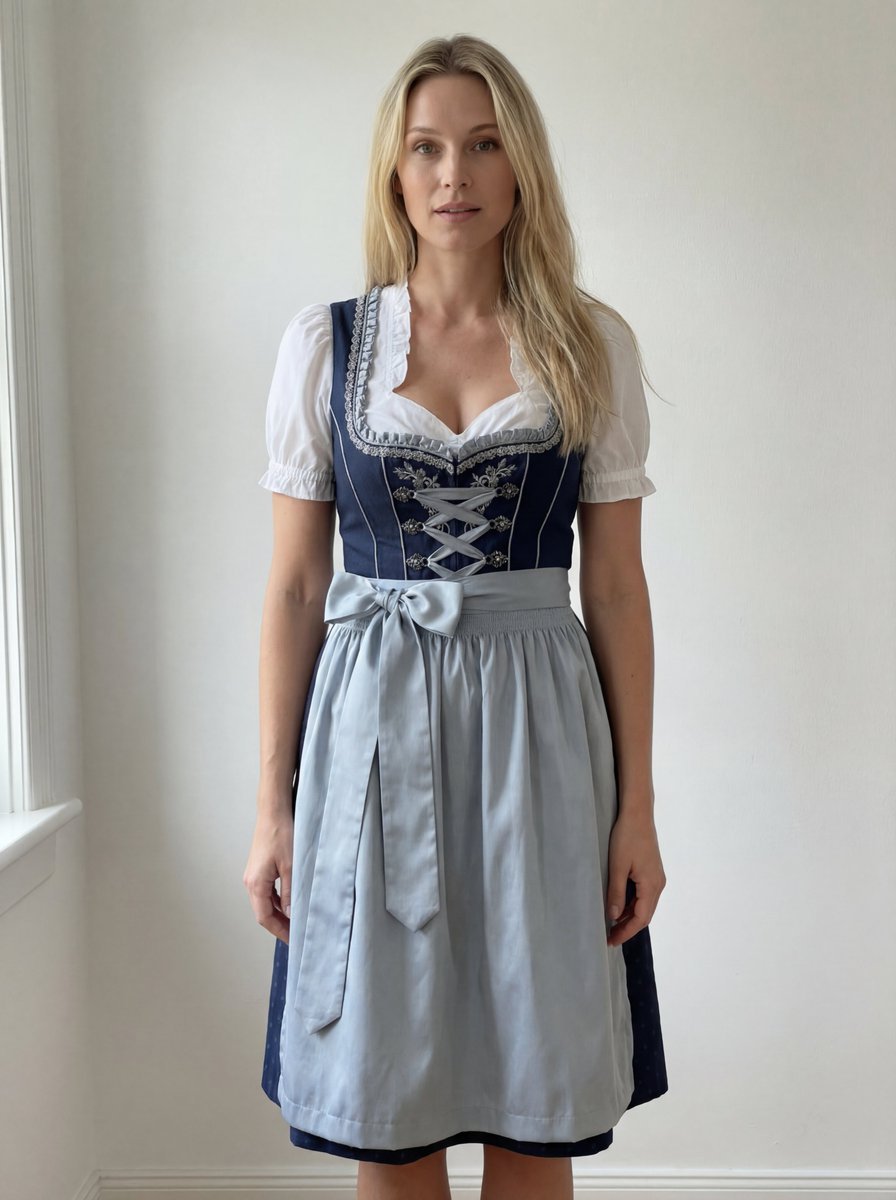
Edit Prompt: Woman in Bavarian Dirndl (Strict Background Preservation)
Mystical Witch Apothecary Portrait
Rugged Urban Portrait
Inpainting/Adding a Person to an Image
Browse template categories
Gritty Naruto Anime Poster questions
How do I use the Gritty Naruto Anime Poster template?
Add your photo if the template asks for one, edit the prompt if you like — the template's model and format are already selected — and press Generate. Your version opens in PicX Studio.
Can I customize the Gritty Naruto Anime Poster template?
Yes. You can change the subject, setting, lighting, mood, format, and available model controls before creating your image.
Is the Gritty Naruto Anime Poster template free?
Opening and editing this template is free. Generating uses credits, shown on the Generate button when you are signed in.
Which AI model should I use?
Start with GPT Image 2, which is the model associated with this template. You can compare another compatible model for a different finish.
Looking for something else? Browse all templates.

Your photo, any look
Thousands of ready templates for every top image and video model, from one credit balance.